Add A Person To A Photo
Seamlessly insert people into any photo with AI-powered editing that matches lighting, shadows, and backgrounds perfectly
Upload and edit
Your generated content will appear here
Add A Person To A Photo Examples
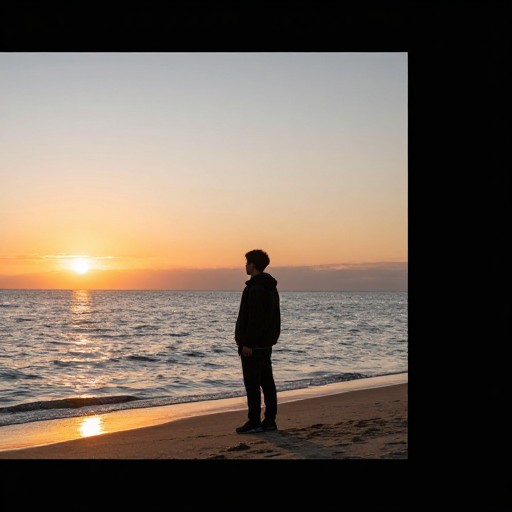
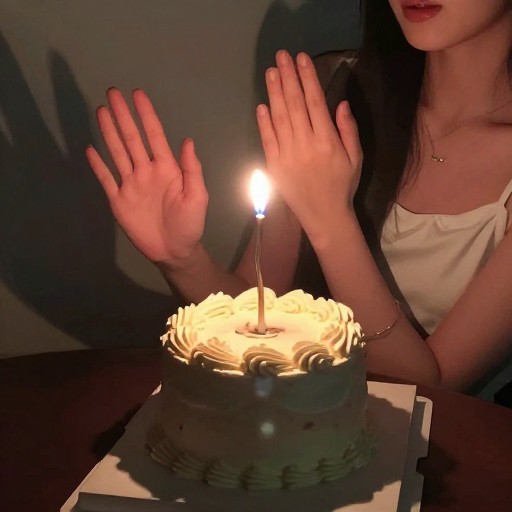
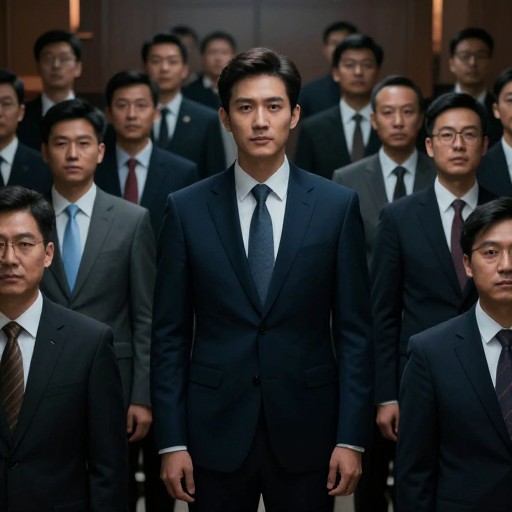
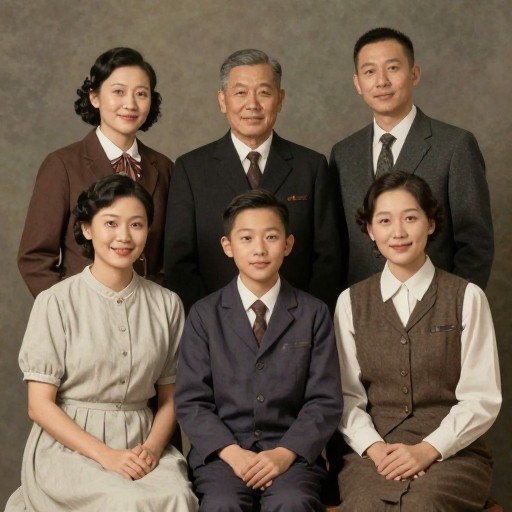
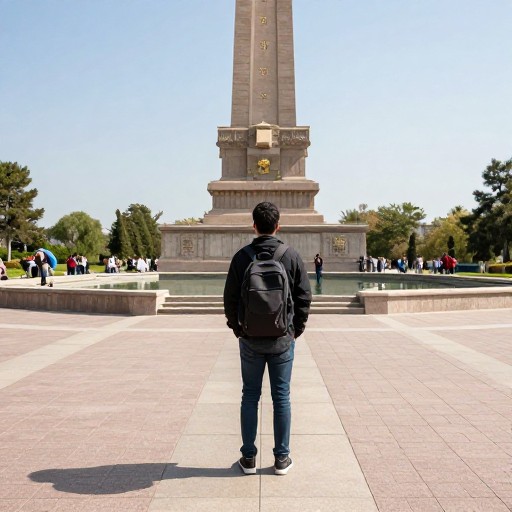
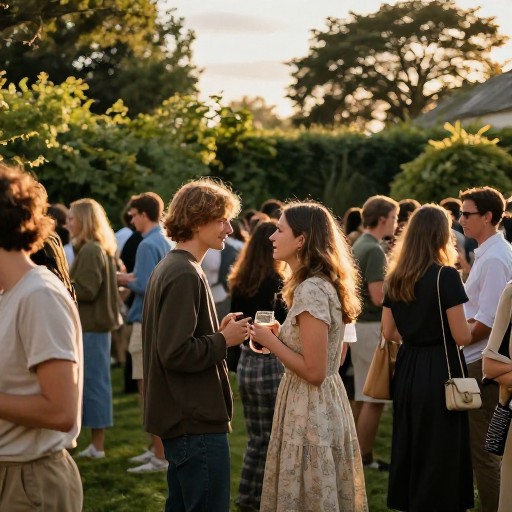
See what others have created


How to Get Started
Simple steps to create amazing results
Upload Your Photos
Upload the base photo where you want to add someone, plus the photo of the person you want to insert. Our AI accepts all common image formats.
Position and Adjust
Specify where you want the person placed—center, left, right, or next to existing subjects. Our AI automatically matches lighting, shadows, and color tones for seamless blending.
Download Your Photo
Preview your edited image to ensure it looks natural and realistic. Once satisfied, download your professional-quality photo instantly.
Main Features
Powerful capabilities at your fingertips
Automatic Blending
Our AI intelligently matches lighting, shadows, and color tones to make the added person look naturally part of the original photo.
Precise Placement Control
Specify exact positioning—bottom right, center, next to a group, or anywhere you choose—with custom instructions for perfect composition.
No Photoshop Required
Skip complicated software and expensive subscriptions. Our intuitive AI-powered editor delivers professional results without technical skills.
Instant High-Quality Output
Generate and download photo-realistic results in seconds. Perfect for family photos, group shots, professional headshots, and social media.
Frequently Asked Questions
Everything you need to know
Can I add a person to a photo for free?
How do I make the added person look natural in the photo?
Do I need Photoshop to add someone into a photo?
Can I specify where the person should be placed in the photo?
Ready to Get Started?
Add anyone to any photo in seconds. Create perfect group shots, reunite loved ones, and bring your vision to life with AI-powered photo editing.