Add Censor Bar To Photo
Protect privacy by adding censor bars, blurs, or pixelation to sensitive areas in your photos
Upload and censor
Your censored image will appear here
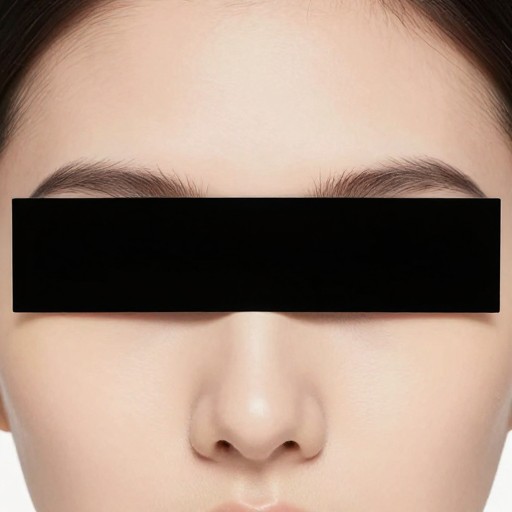
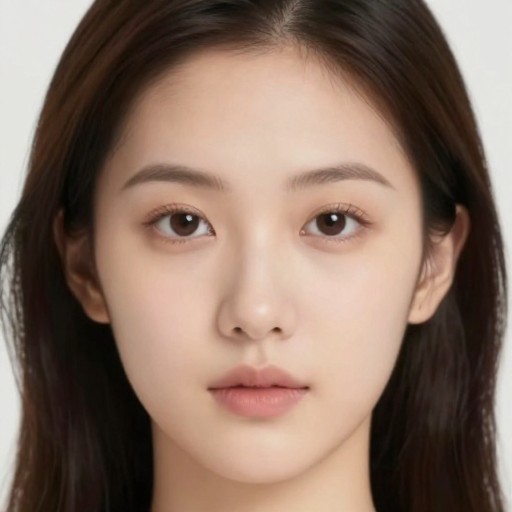
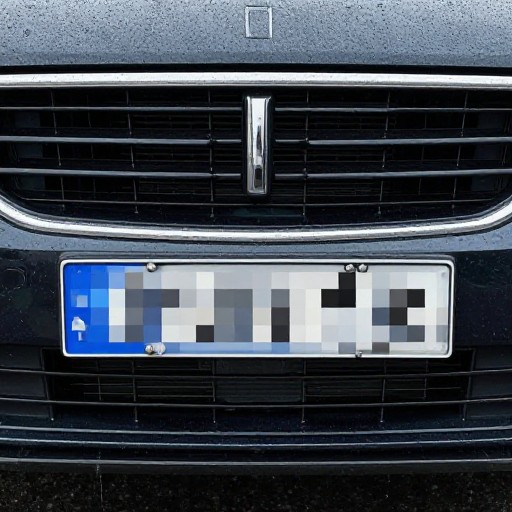
Add Censor Bar To Photo Examples
See what others have created
Related Portrait & Caricature Tools
How to Get Started
Simple steps to create amazing results
Upload Your Photo
Select and upload the image you want to censor. Our tool supports all common image formats including JPG, PNG, and HEIC.
Specify Censor Details
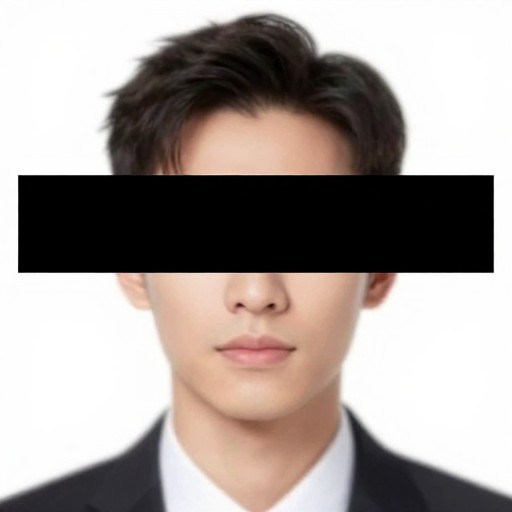
Choose the area to censor (eyes, face, text, etc.), select your preferred censor effect (black bar, blur, pixelate), and add any additional instructions.
Download Your Censored Image
Submit your request and download your professionally censored photo instantly, ready to share or publish with privacy intact.
Main Features
Powerful capabilities at your fingertips
Multiple Censor Styles
Choose from black bars, blur effects, pixelation, or custom shapes to match your specific censoring needs and aesthetic preferences.
Precise Area Selection
Target specific areas like eyes, faces, text, logos, or license plates with accurate placement and sizing for effective censorship.
Privacy-First Processing
Your uploaded photos are processed securely and never stored or shared. Complete confidentiality for sensitive image editing.
Instant High-Quality Output
Download your censored images immediately in full resolution, maintaining original image quality while protecting privacy.
Smart Auto-Detection
Our intelligent system can automatically identify and censor common sensitive areas, making the process even faster and easier.
Unlimited Censoring
Process as many photos as you need with no limits. Censor multiple areas in one image or batch process multiple photos.
Frequently Asked Questions
Everything you need to know
How do I add a black censor bar over eyes?
Can I blur or pixelate parts of my photo instead of using a black bar?
Is the image censoring process secure and private?
Can I censor multiple areas in one photo?
Ready to Get Started?
Protect privacy and censor sensitive content in your photos instantly with professional-quality results.