Convert Photo To Screen Print App
Transform your photos into professional screen print-ready designs with halftones, color separations, and high-contrast effects
Screen print design
Your generated content will appear here
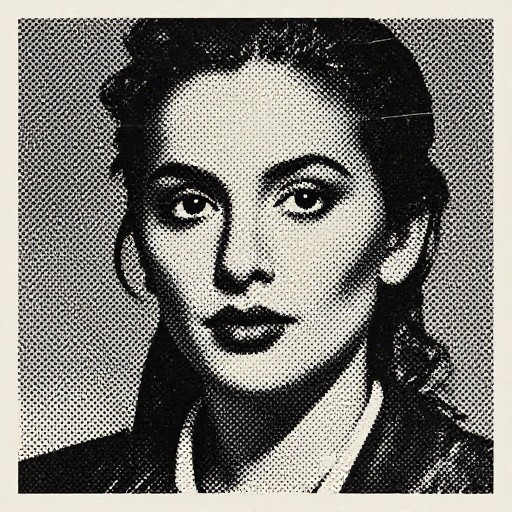
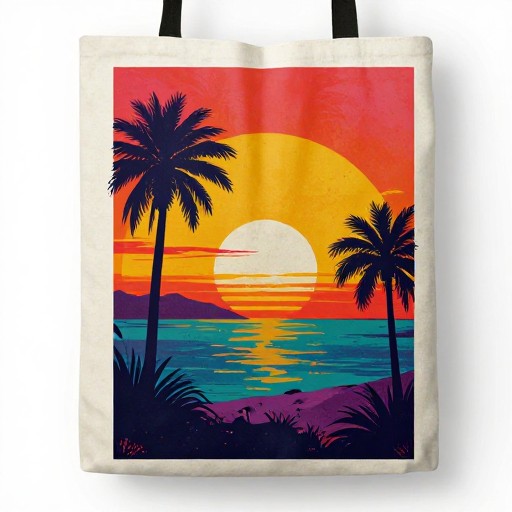
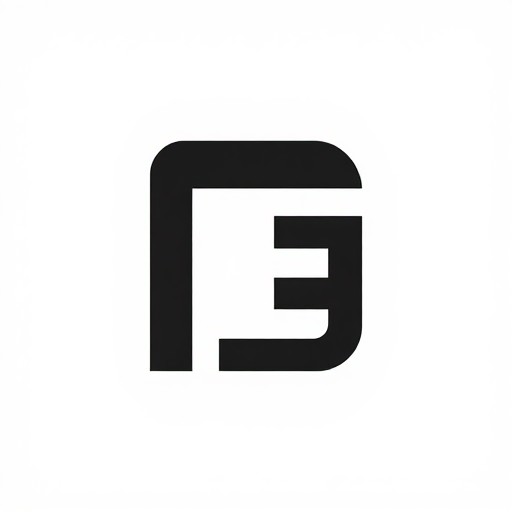
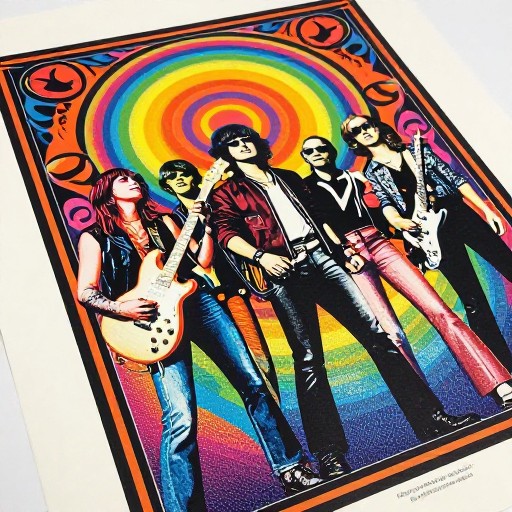
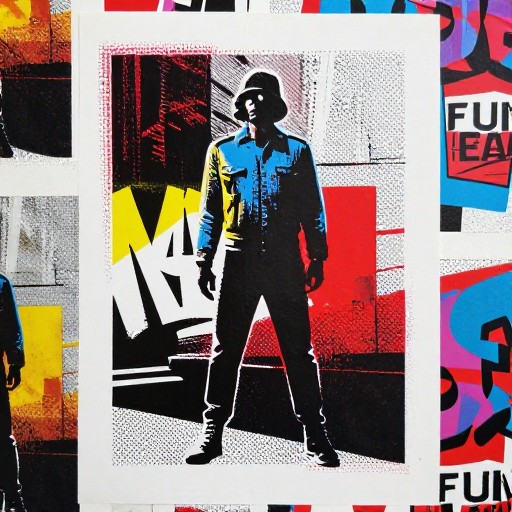
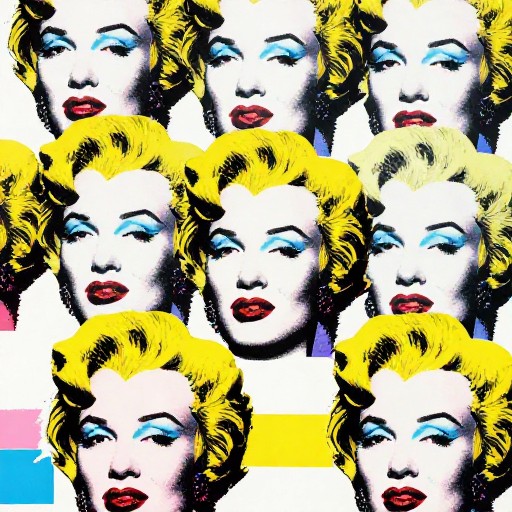
Convert Photo To Screen Print App Examples
See what others have created

How to Get Started
Simple steps to create amazing results
Upload Your Photo
Choose any photo, portrait, landscape, logo, or artwork. Simply paste an image URL or describe the photo you want to convert into a screen print design.
Customize Your Design
Select your preferred style—vintage, halftone, or high contrast. Adjust color separations, specify the number of colors, and highlight specific areas to match your vision.
Download & Print
Get your screen print-ready design instantly. Download the optimized file compatible with silk screen and screen printing software, ready for production.
Main Features
Powerful capabilities at your fingertips
Color Separation Tools
Automatically separate your image into distinct color layers perfect for multi-color screen printing. Control the number of colors and adjust separations for optimal print results.
Halftone & Style Effects
Apply professional halftone patterns, high contrast adjustments, and vintage effects. Transform any photo into a print-ready design with authentic screen printing aesthetics.
Any Image Supported
Convert portraits, landscapes, logos, or artwork into screen print designs. Works with any photo type to create stunning silk screen compatible graphics.
Print-Ready Export
Download designs optimized for screen printing software and production. Get files formatted for professional printing with clear layer separations and proper resolution.
Frequently Asked Questions
Everything you need to know
What types of photos can I convert with this app?
How does the app help with screen printing design?
Can I customize the style and colors of my screen print design?
Is this app suitable for beginners?
Ready to Get Started?
Transform your photos into professional screen print designs in seconds. Start creating stunning print-ready artwork now.