Cross Stitch Name Generator
Create personalized cross stitch patterns for names and text with beautiful fonts and styles
Cross stitch pattern
Your generated content will appear here
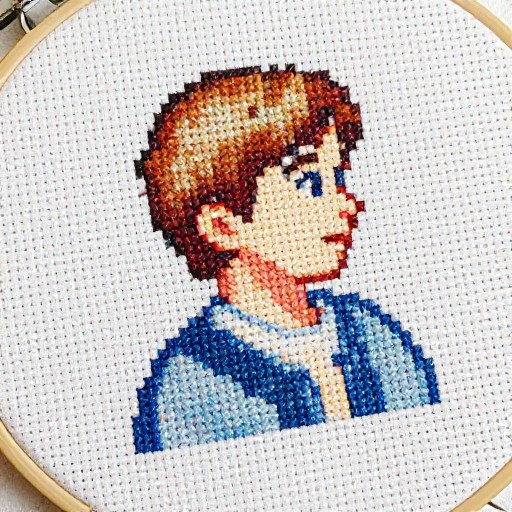
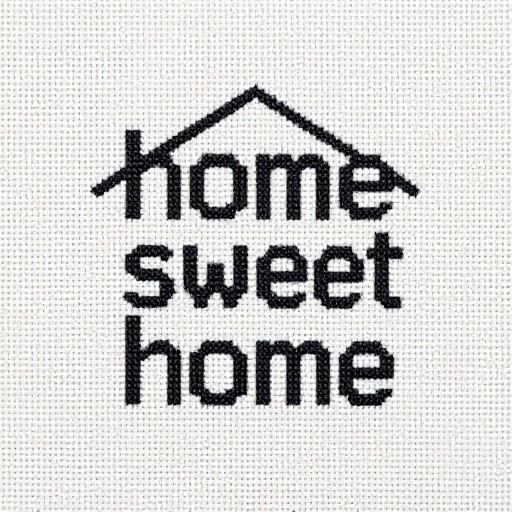
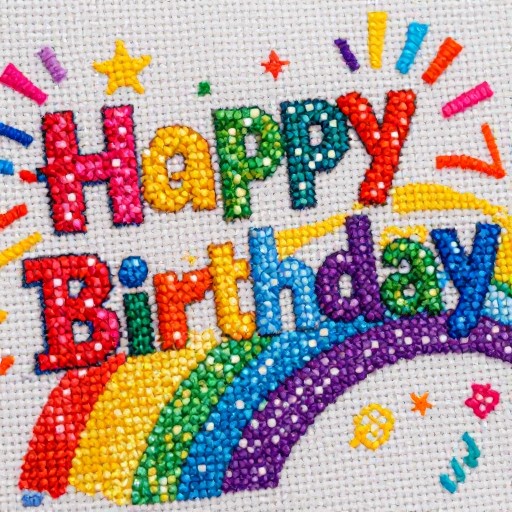
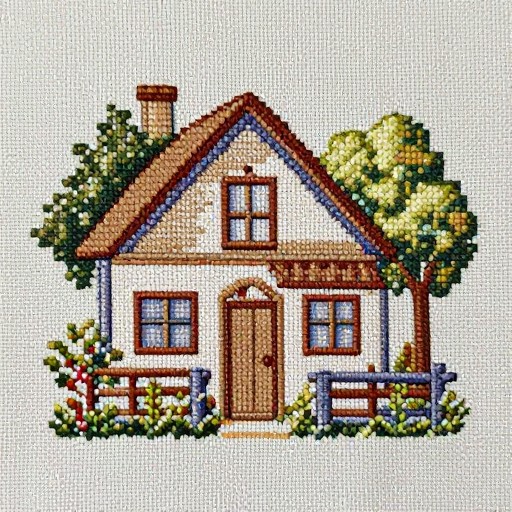
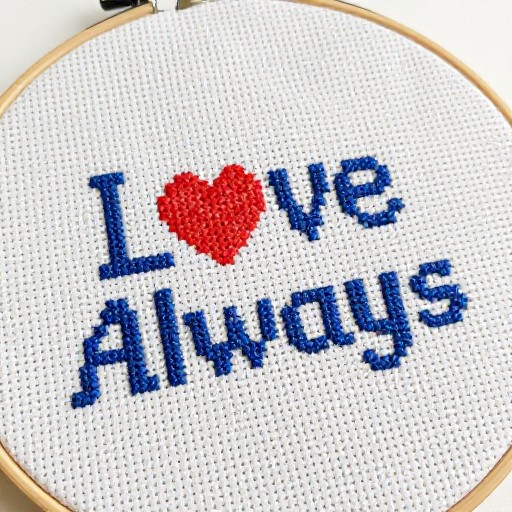
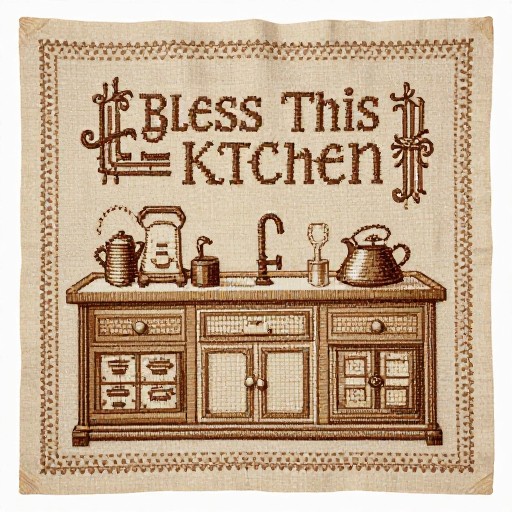
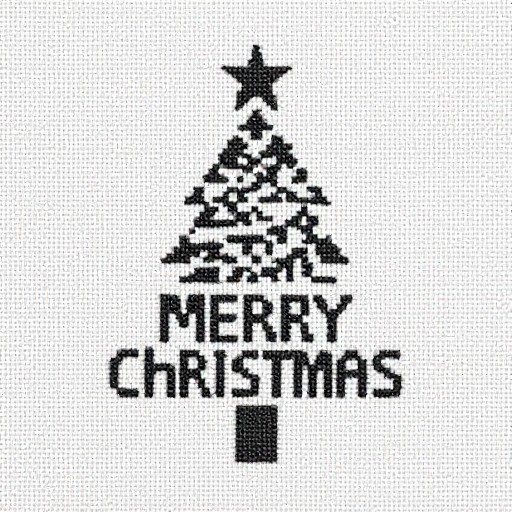
Cross Stitch Name Generator Examples
See what others have created

How to Get Started
Simple steps to create amazing results
Enter Your Text
Type the name or text you want to convert into a cross stitch pattern. Choose from various beautiful fonts to match your project style.
Customize Your Pattern
Select your preferred pattern size (small, medium, or large) and adjust colors to create the perfect design for your embroidery project.
Generate & Download
Click generate to create your custom cross stitch pattern instantly. Download the high-quality image and start stitching right away.
Main Features
Powerful capabilities at your fingertips
Multiple Font Styles
Choose from a curated collection of cross stitch fonts, from classic serif to modern script styles, perfect for any project.
Customizable Patterns
Adjust pattern sizes, colors, and layouts to create personalized designs that match your creative vision and skill level.
Instant Download
Generate and download your cross stitch patterns immediately in high-quality format, ready for printing or digital viewing.
Professional Quality
Get crisp, clear patterns with precise stitch counts and grid layouts that make your embroidery projects easier and more enjoyable.
Frequently Asked Questions
Everything you need to know
How do I use the cross stitch name generator?
Are there free cross stitch fonts available?
Can I customize the pattern size?
What format are the patterns downloaded in?
Ready to Get Started?
Create beautiful custom cross stitch patterns in seconds. Start designing your personalized embroidery project today!