Email Screenshot Template
Create realistic fake email conversations for pranks or demonstrations in seconds
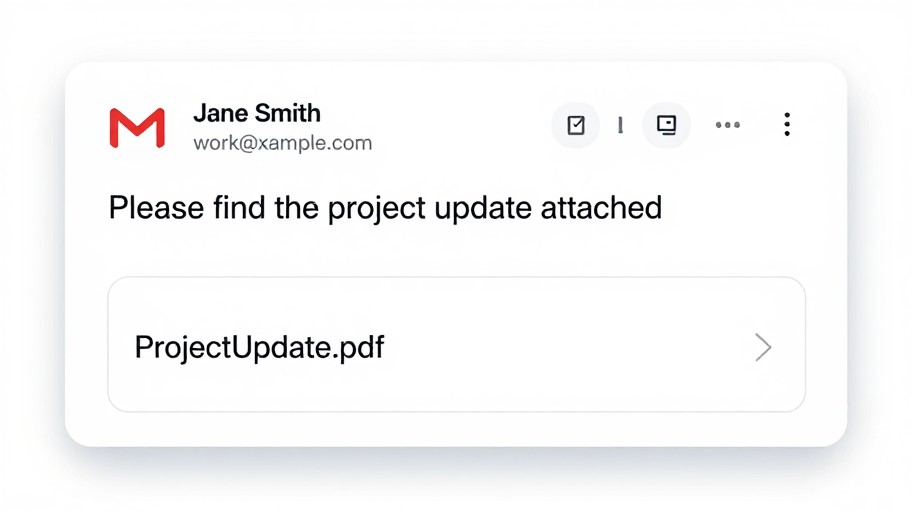
Email Screenshot Template Examples
See what others have created
How to Get Started
Simple steps to create amazing results
Enter Email Details
Fill in the sender's name, email address, subject line, and message body. Customize timestamps and recipient information as needed.
Customize Appearance
Choose your email client style, adjust colors, select dark or light mode, and fine-tune the layout to match your desired look.
Generate & Download
Click generate to create your email screenshot instantly. Download in high-resolution PNG format ready to use anywhere.
Main Features
Powerful capabilities at your fingertips
Multiple Email Clients
Generate screenshots for Gmail, Outlook, Apple Mail, and more. Perfect replica designs that look authentic and professional.
Full Customization
Control every detail including sender info, timestamps, attachments, read/unread status, and conversation threads for complete flexibility.
Realistic Screenshots
High-quality, pixel-perfect email screenshots that capture every detail. Supports both mobile and desktop email client layouts.
Instant Download
Generate and download your email screenshots immediately in PNG or JPG format. No waiting, no processing delays.
Clean Interface
Simple, intuitive design that makes creating professional email screenshots effortless. No technical skills required.
Unlimited Creations
Create as many email screenshots as you need with no limits. Perfect for portfolios, presentations, and documentation.
Frequently Asked Questions
Everything you need to know
Ready to Get Started?
Create professional, realistic email screenshots in seconds. No sign-up required.