Group Portrait Generator
Transform your photos into stunning AI portraits with custom styles for individuals and groups
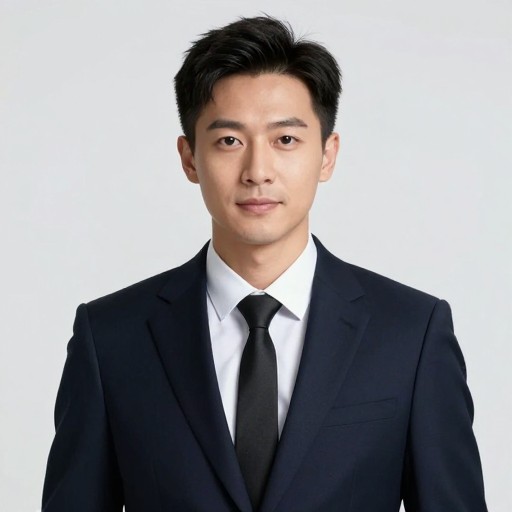
Group Portrait Generator Examples
See what others have created
How to Get Started
Simple steps to create amazing results
Upload Your Photos
Select and upload individual photos of each person you want in your group portrait. Our AI accepts multiple formats and handles different photo qualities.
Choose Your Style
Pick from artistic styles, layouts, and backgrounds. Adjust positioning and arrangement to create the perfect composition for your group.
Generate & Download
Click generate and watch as AI merges your photos into a cohesive group portrait in seconds. Download your high-resolution image instantly.
Main Features
Powerful capabilities at your fingertips
Multi-Person Composition
Seamlessly combine photos of different people taken at different times and places into one unified group portrait with consistent lighting and style.
Artistic Style Options
Transform your group portraits with professional styles—from classic painted looks to modern digital art, all while maintaining facial accuracy and detail.
Smart Face Detection
Advanced AI automatically detects and optimizes each face, ensuring everyone looks their best with balanced exposure, natural skin tones, and perfect alignment.
Instant High-Res Export
Download your finished group portraits in high resolution, ready for printing, framing, or sharing. Perfect for family keepsakes and special occasions.
Frequently Asked Questions
Everything you need to know
Ready to Get Started?
Create stunning group portraits in seconds. Bring your family and friends together in one beautiful image, no matter where or when the photos were taken.