Photo To Laser Engraving
Transform your photos into optimized laser engraving files for wood, metal, and more
Laser engraving preview
Your generated content will appear here
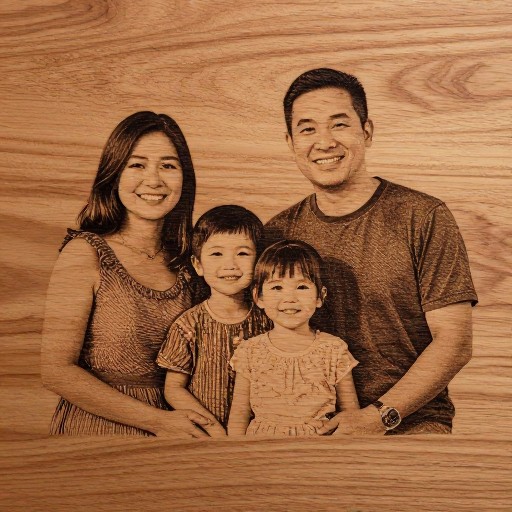
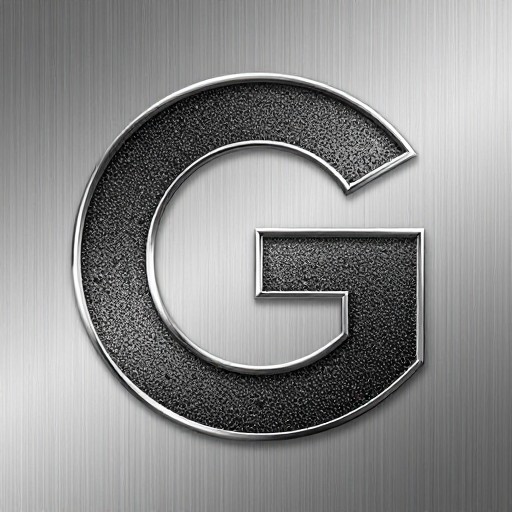
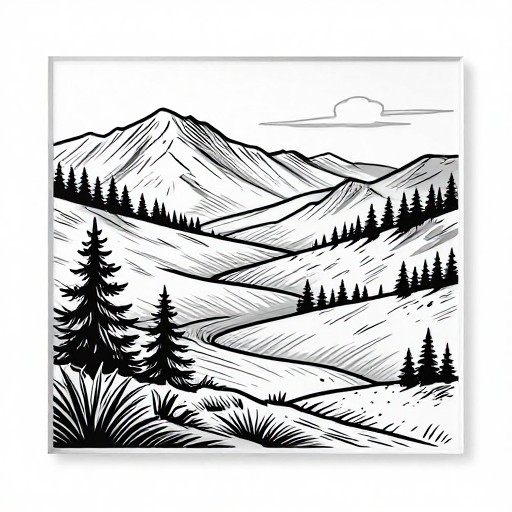
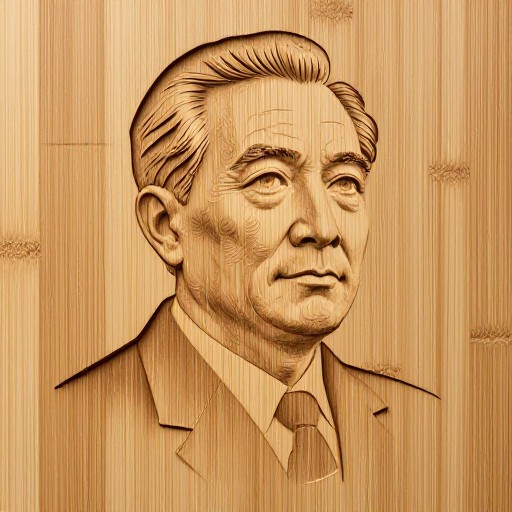
Photo To Laser Engraving Examples
See what others have created
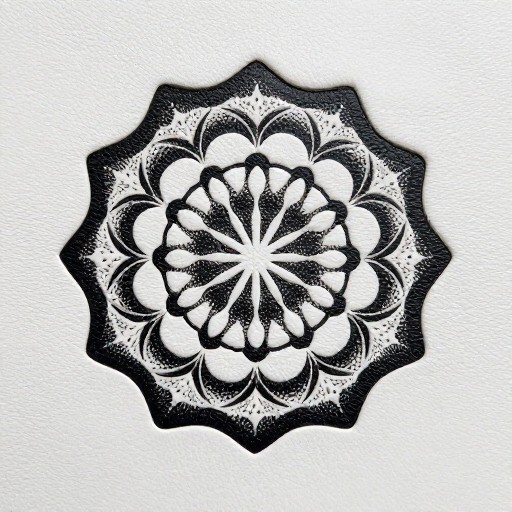
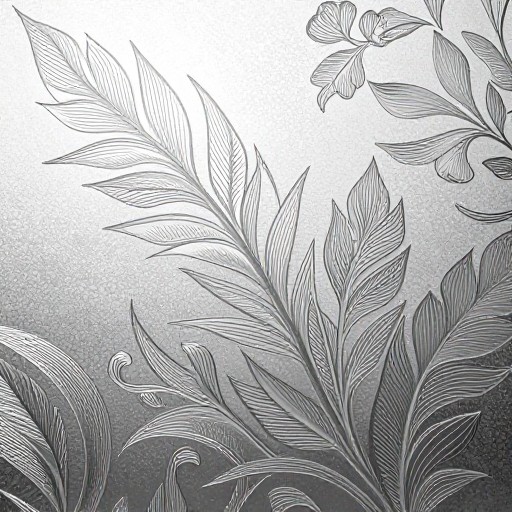
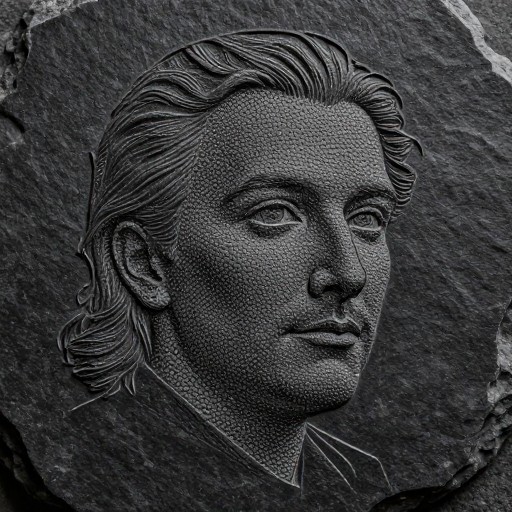
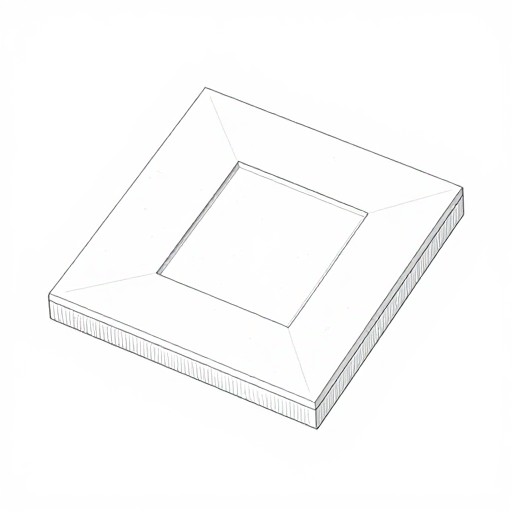
How to Get Started
Simple steps to create amazing results
Upload Your Photo
Select the photo you want to convert for laser engraving. Our AI accepts JPEG, PNG, and other common image formats.
Optimize for Engraving
Choose your material type and engraving style. Our AI automatically adjusts contrast, converts to grayscale, and optimizes resolution for perfect results.
Download & Engrave
Download your optimized engraving file ready for your laser machine. Compatible with all major laser engraving software and hardware.
Main Features
Powerful capabilities at your fingertips
Smart Photo Conversion
Automatically converts any photo into laser-ready format with optimized contrast, dithering, and resolution for crisp engravings.
Material-Specific Optimization
Tailored presets for wood, metal, acrylic, leather, and more. Each material gets custom processing for the best engraving results.
Advanced Editing Tools
Fine-tune brightness, contrast, and detail levels. Remove backgrounds, enhance edges, and preview how your engraving will look.
Multiple Export Formats
Download in formats compatible with all laser engraving software including LightBurn, RDWorks, and LaserGRBL.
Instant Processing
Get your engraving-ready images in seconds. No waiting, no complicated software installation required.
Grayscale & Dithering Options
Choose from various dithering algorithms and grayscale conversion methods to achieve the perfect engraving style for your project.
Frequently Asked Questions
Everything you need to know
What types of photos work best for laser engraving?
Can I engrave photos on different materials?
Do I need special software to convert images for laser engraving?
How do I improve the quality of my laser engraved photo?
What file formats can I upload and download?
How does the material selection affect my photo conversion?
Ready to Transform Your Photos?
Convert any photo into stunning laser engraving artwork in seconds. No software installation, no learning curve—just perfect results.