Photo To Stencil Maker
Transform your photos into precise stencils and line drawings for tattoos, graffiti, and crafts
Upload an image to begin
Your generated stencil will appear here
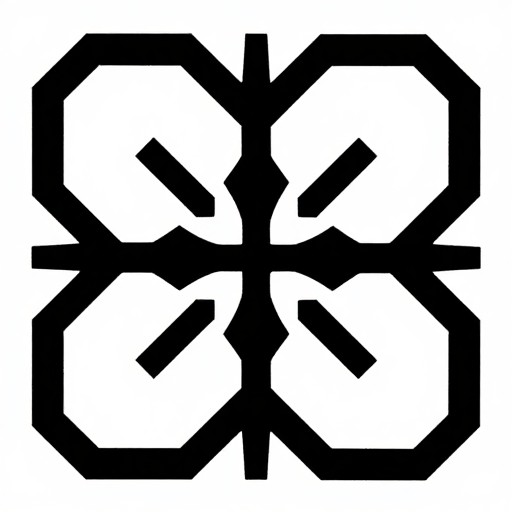
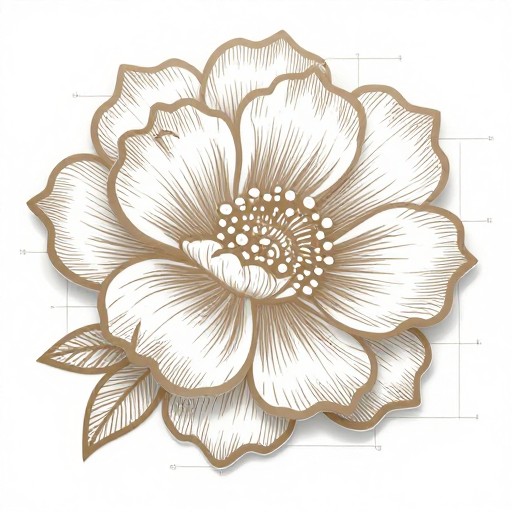
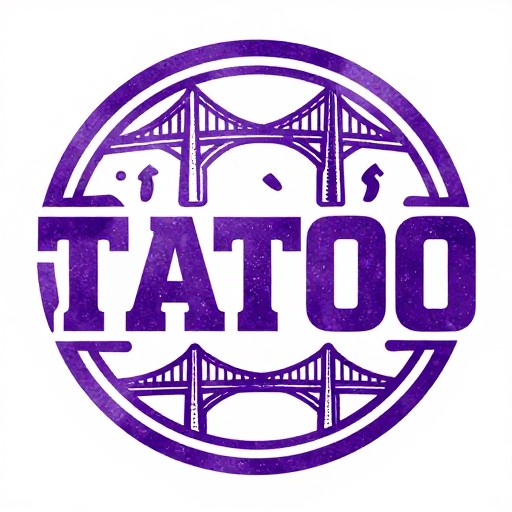
Photo To Stencil Maker Examples
See what others have created

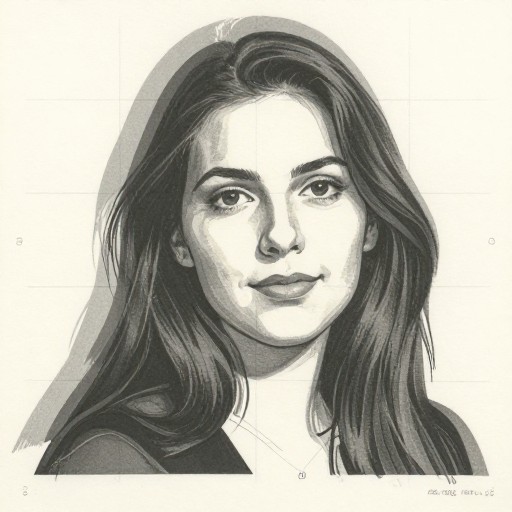
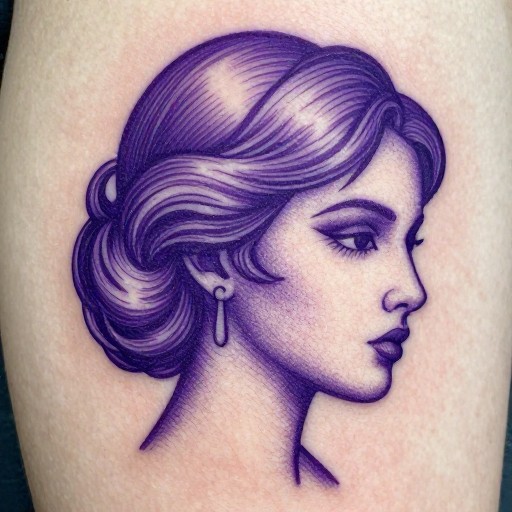
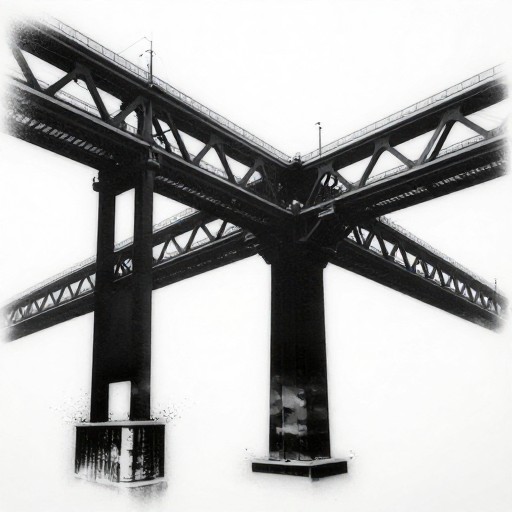
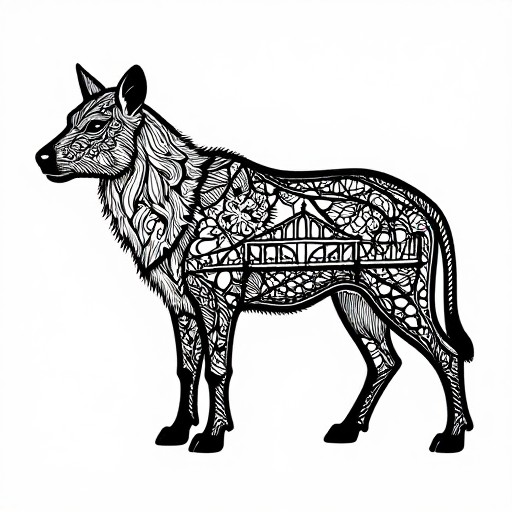
How to Get Started
Simple steps to create amazing results
Upload Your Photo
Select any clear photo, portrait, logo, or design from your device. High-contrast images work best for crisp stencil results.
Choose Stencil Style
Pick from single-layer, multi-layer, tattoo, or graffiti stencil styles. Adjust contrast, detail levels, and threshold settings to perfect your design.
Download & Create
Export your stencil in PNG, SVG, or PDF format. Print it out or use it digitally for spray painting, crafts, tattoos, or any creative project.
Main Features
Powerful capabilities at your fingertips
Smart Photo Processing
Advanced AI automatically detects edges and optimizes contrast to transform any photo into a clean, usable stencil design in seconds.
Multiple Stencil Styles
Choose from single-layer for simple designs, multi-layer for complex artwork, tattoo stencils for body art, or graffiti stencils for street art projects.
Precision Controls
Fine-tune detail levels, adjust threshold settings, invert colors, and control line thickness to achieve exactly the stencil quality you need.
Flexible Export Options
Download in PNG for digital use, SVG for scalable vector editing, or PDF for perfect printing at any size without quality loss.
Instant Preview
See real-time previews as you adjust settings, ensuring your stencil looks perfect before downloading. No guesswork required.
Unlimited Creations
Create as many stencils as you need with no limits. Perfect for artists, crafters, educators, and DIY enthusiasts working on multiple projects.
Frequently Asked Questions
Everything you need to know
What types of images can I upload to create a stencil?
What stencil styles are available?
Which output formats can I choose?
Is the stencil maker free to use?
How do I get the best stencil results?
Can I use the stencils for commercial projects?
Ready to Get Started?
Transform your photos into professional stencils in seconds. No design skills required.