How to Use Sora AI: Complete Video Tutorial
Learn how to use Sora AI to create high-quality videos from text prompts. This step-by-step tutorial covers everything beginners need to know about OpenAI's powerful AI video generator, including prompting techniques, camera movements, and practical workflow examples.
 by Rohit DasJan 15, 202610 min read
What is Sora AI?
Sora AI is OpenAI's groundbreaking text-to-video AI model that generates high-quality videos from text prompts. Built by the same team behind ChatGPT and GPT, Sora 2 represents a major leap in artificial intelligence video generation. Unlike traditional video tools that require footage and editing, this AI video generator creates entirely new video content from your descriptions.
OpenAI Sora excels at understanding complex prompts and translating them into cinematic video sequences. Whether you're creating content for filmmaking, social media, product commercials, or animation projects, Sora AI delivers professional results that would traditionally require expensive equipment and crews.
This tutorial will teach you how to use Sora effectively. We'll cover the basics, walk through prompting techniques, and show real workflow examples you can apply immediately. For a comprehensive comparison of all AI video generators including Sora 2 vs Veo, check our video model guides.
Sora 2 Basics: Understanding the Video Model
Before diving into prompting, let's understand what makes Sora 2 different from other video AI tools. OpenAI's video model uses a diffusion transformer architecture that understands both the visual world and natural language, making it exceptionally good at following detailed instructions.
What Sora Does Well
- Complex camera movements and transitions
- Consistent character animation across shots
- Cinematic lighting and atmosphere
- Multiple aspect ratios (16:9, 9:16, 1:1)
- Up to 20 seconds of video per generation
Key Parameters
- Duration: 5-20 seconds (10s recommended)
- Aspect Ratios: 16:9, 9:16, 1:1
- Resolution: Up to 1080p
- Generation Time: ~90-180 seconds
- Prompt Length: Up to 500 characters recommended
Accessing Sora AI
While OpenAI's Sora app requires a ChatGPT Plus subscription, you can access Sora 2 directly through Vondy's Creative Playground. This gives you the same powerful AI model without needing separate subscriptions. Many creators on the Sora subreddit community share their prompts and techniques that you can try on Vondy.
Try Sora 2 on Vondy →Sora AI Prompting Tutorial
The key to getting great results from Sora AI is writing effective prompts. Unlike image generation, video AI needs information about movement, timing, and camera work. Here's a step-by-step guide to crafting prompts that produce high-quality videos.
Prompt Structure Formula
Follow this preset structure for consistent results
Subject/Action
What is happening? "A woman walking through a garden"
Camera Movement
How does the camera move? "Tracking shot following from behind"
Environment/Lighting
Where and when? "Japanese garden at golden hour, soft diffused light"
Style/Quality
What aesthetic? "Cinematic, film grain, documentary style"
Camera Movements Reference
Dolly
Camera moves forward/backward
"Slow dolly toward subject"
Pan
Camera rotates left/right
"Pan across the landscape"
Tilt
Camera tilts up/down
"Tilt up from ground to sky"
Tracking
Camera follows subject
"Tracking shot following person"
Crane/Aerial
Camera rises or descends
"Crane shot rising above city"
Zoom
Lens zooms in/out
"Slow zoom into face"
Pro Prompting Tips
- • Be specific about movement speed: "slow," "gradual," "quick"
- • Mention real people or characters only by description, not names
- • Include atmosphere words: "misty," "dramatic," "serene"
- • Specify if you want sound effects or music integration
- • For lip-sync content, keep dialogue simple and clear
Sora AI Workflow Examples
Let's look at real examples of using Sora AI for different use cases. Each workflow shows the thinking process, prompt construction, and final output you can achieve.
Text-to-Video Examples
Cinematic B-Roll
FilmmakingSlow dolly shot through a misty forest at dawn. Volumetric light rays pierce through the canopy. Camera glides forward smoothly, revealing a hidden waterfall in the distance. Cinematic, anamorphic lens flare, 24fps film look.
Duration: ~10s • 16:9
Product Hero Video
CommercialSleek matte-black wireless earbuds rotate slowly on a reflective dark surface. Studio lighting creates sharp highlights on edges. Subtle particle dust floats in the air. Premium product video feel, 4K quality.
Duration: ~10s • 16:9
Character Animation
AnimationA young woman with short red hair and green eyes walks through a busy Tokyo street at night. Neon signs reflect on her leather jacket. She stops, looks at camera, and smiles. Maintain exact appearance throughout.
Duration: ~10s • 16:9
Action Sequence
Social MediaA professional dancer performs a spinning leap in a sunlit studio. Flowing fabric of her dress trails behind her. Slow-motion capture of the spin, showing the fabric unfurling. Motion blur on the dress edges, sharp focus on her face.
Duration: ~10s • 16:9
Image-to-Video Workflows
Sora can also animate existing images. Upload a photo or illustration and describe how you want it to move. Here are step-by-step examples:
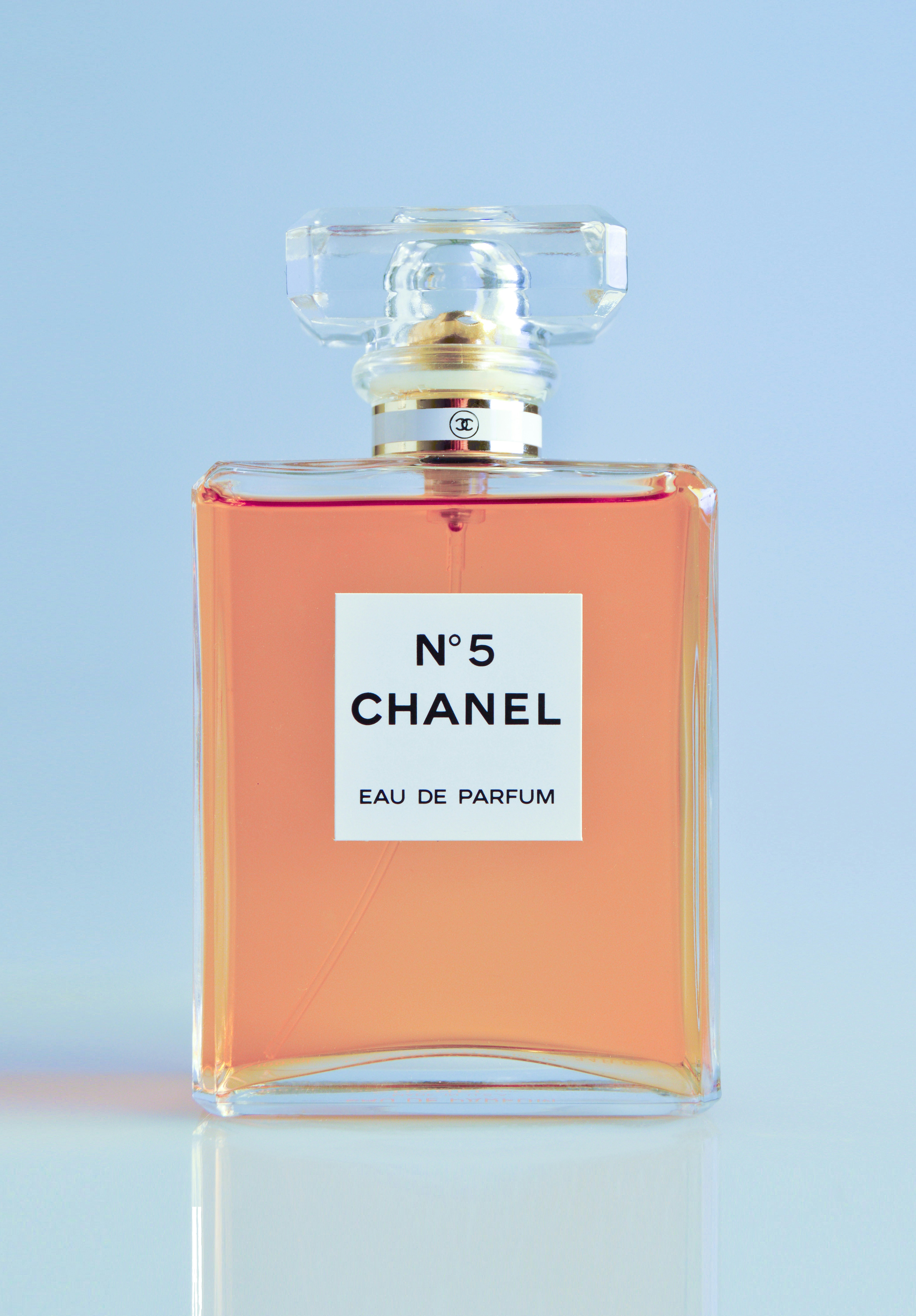
Product Video: 360° Showcase
Input
Prompt
Rotate this product image smoothly 360 degrees. Maintain lighting consistency throughout the rotation. Add subtle shadow movement. Professional product video quality.
✓ E-commerce ready product video from a single photo
Sora 2 Output
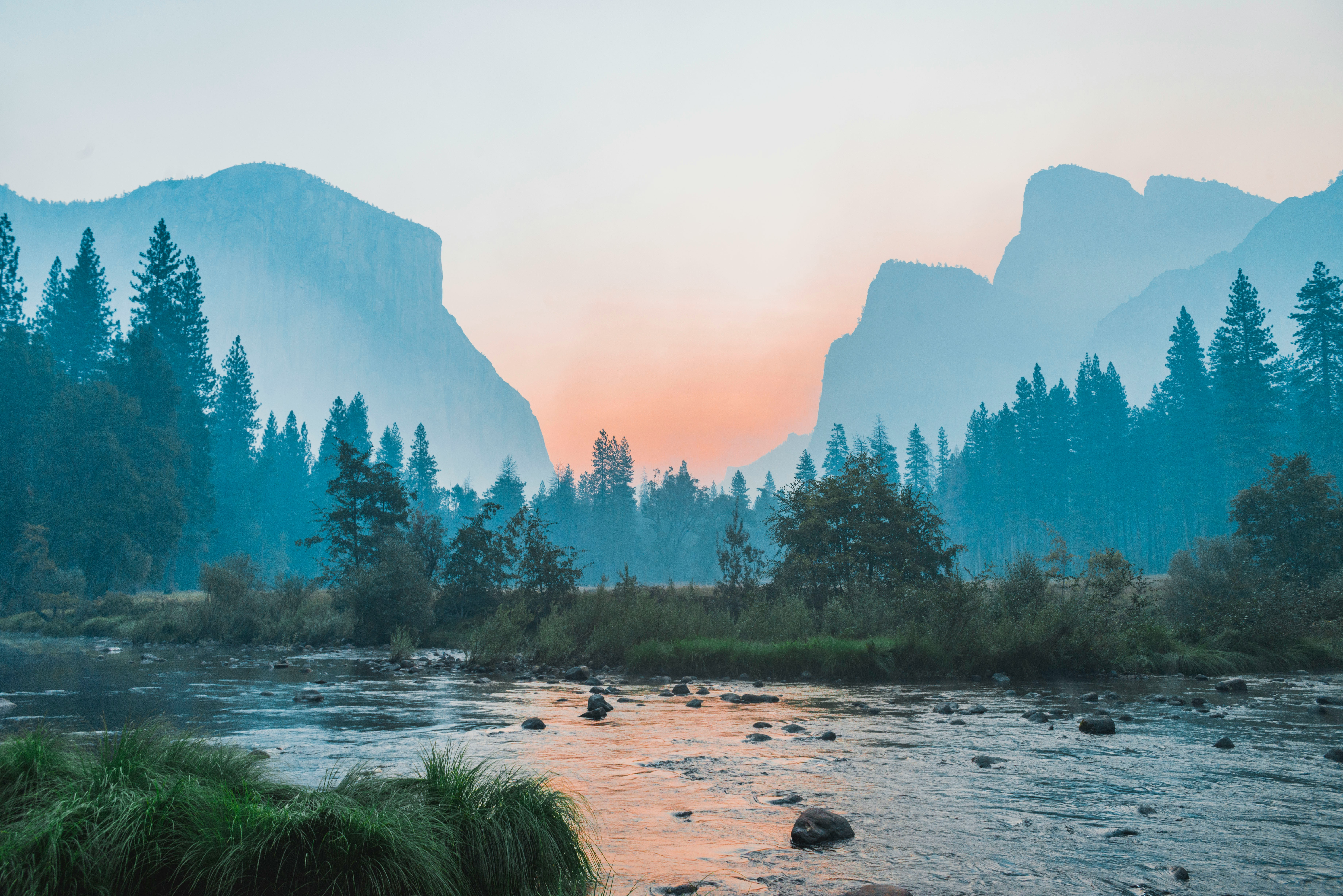
Landscape Animation: Parallax Effect
Input
Prompt
Animate this landscape image with gentle wind moving through trees, clouds drifting slowly, water rippling in the lake. Create depth with parallax motion. Foreground moves more than background.
✓ Living photo with cinematic depth for presentations or social media
Sora 2 Output
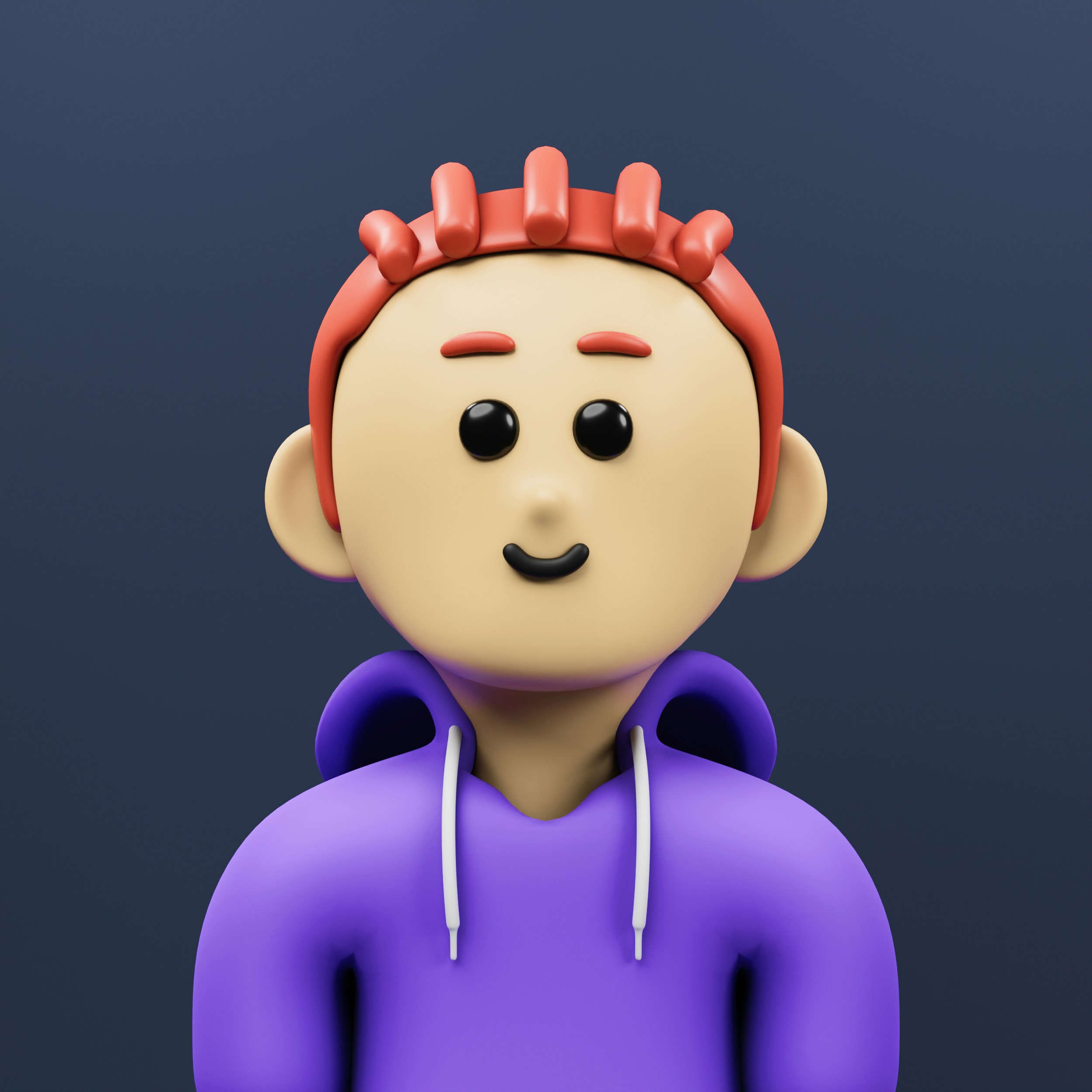
Character Animation: Bring Art to Life
Input
Prompt
Bring this character illustration to life. Have them wave at the camera, then perform a thinking gesture. Maintain exact design style and colors. Suitable for content creator intro sequence.
✓ Animated avatar for YouTube intros, Twitch, or brand mascot videos
Sora 2 Output
Pro Tips for Sora AI Video Maker
1. Use Storyboard Planning
Before generating, sketch out your storyboard. Break complex scenes into multiple shorter generations, then combine them in a video editor. This automation approach gives you more control over the final narrative with smooth transitions between clips.
2. Iterate on Your Prompts
Don't expect perfection on the first try. Generate multiple variations, note what works, and tweak your prompt. The Sora AI function responds differently to subtle wording changes, so experimentation is key.
3. Match Aspect Ratio to Platform
For social media content, always set the correct aspect ratio upfront. Instagram Reels need 9:16, YouTube needs 16:9. Generating at the target dimensions produces better results than cropping later.
4. Add Sound in Post-Production
While Sora 2 generates video only, you can add sound effects and background music using Vondy's audio AI tools. This complete workflow produces professional, polished content.
Sora 2 vs Other Video AI Tools
How does OpenAI Sora compare to other AI video generators? Here's a quick comparison to help you choose the right video tool for your needs:
Sora 2 (OpenAI)
Best for creative filmmaking, complex camera movements, and cinematic content. Excellent prompt understanding from the ChatGPT team.
Best for: Filmmaking, Animation, Commercials
Veo 3 (Google)
Excels at realistic scenes with real people and natural motion. Includes automatic audio generation for some content.
Best for: Realistic scenes, Product videos
Kling (Kuaishou)
Strong at character animation and longer video generation. Popular for its consistency across extended clips.
Best for: Character animation, Longer videos
Seedance (ByteDance)
Fast generation with good image generation to video capability. Great for quick social media content.
Best for: Fast iterations, Social media
For a detailed comparison with real video examples, read our best AI video generator guide.
Try Sora AI with Vondy
Ready to start creating with Sora AI? Vondy gives you direct access to Sora 2 alongside other top video AI tools like Veo. No separate subscriptions needed. Just write your prompt and generate high-quality videos instantly.
For more video creation tutorials, check out our complete guide on how to make AI videos or explore AI for content creation for broader automation strategies.
Start Using Sora 2
Create cinematic AI videos with OpenAI's most powerful video model.
FAQs About Sora AI
Is Sora AI free to use?
Through Vondy, you can access Sora 2 with credits. The cost varies based on video duration and resolution. It's more affordable than a ChatGPT Plus subscription for occasional video generation.
Can Sora generate videos with real people?
Sora can generate realistic-looking humans, but avoid requesting specific real people by name. Describe characters by their attributes instead. For realistic human content, Veo 3 may produce better results.
How long does Sora take to generate a video?
Sora 2 typically takes 90-180 seconds to generate a video, depending on duration and complexity. Shorter clips (5-8 seconds) generate faster than maximum length videos.
Can I use Sora videos commercially?
Yes, videos generated through Vondy can be used for commercial purposes. You own the output and can use it for marketing, products, or client work.