How to Make AI Videos: Complete Guide for 2026
Learn how to use AI to create high-quality videos from text prompts, transform images into engaging video content, and produce professional video clips for social media.
 by Rohit DasJan 15, 202612 min read
What is AI Video Generation?
AI video generators use artificial intelligence to create video content from text prompts or images. Unlike traditional video editing where you manually assemble footage, AI-powered video creation lets you describe what you want and the AI generates it automatically. This streamlines video production for content creators, marketers, and businesses who need engaging videos without expensive equipment or editing tools.
The best AI video generators in 2026 include models like Veo from Google and Sora from OpenAI (which also powers video generation in ChatGPT). These AI video models can produce high-quality videos with realistic motion, natural lighting, and even AI voiceovers. You can create talking head videos with AI avatars, cinematic B-roll, or product commercials. Whether you need video content for social media, explainer videos for your business, or professional video production, AI video makers have become an essential tool in modern content creation.
This guide covers everything you need to know about how to use AI for video creation, including pricing options and how to edit videos efficiently. We'll walk through text to video generation, image to video workflows, and practical use cases for different platforms. You'll learn prompting techniques, discover useful video template options, and see real examples of AI-generated videos. For a comprehensive comparison of all available models, check our best AI video generator guide.
Text to Video: Creating Videos from Prompts
Text to video is the most common way to use AI video generators. You write a text prompt describing the scene you want, and the AI text-to-video generator creates a video clip matching your description. The key to high-quality videos is writing detailed text prompts that specify camera movement, lighting, style, and subject matter.
Here are real examples of AI-generated videos created using different AI video models. Click any video to see the full prompt used:
Cinematic Drone Shot
High-quality cinematic content with natural audio generation
Prompt: Cinematic drone shot over a modern coastal city at golden hour, waves crashing against the shore, skyscrapers reflecting the sunset, smooth camera movement forward, professional 4K quality
Tokyo Night Street
Immersive POV content with realistic ambient audio
Prompt: POV walking through a bustling Tokyo street at night, neon signs reflecting on wet pavement, crowds of people, steam rising from food stalls, handheld camera movement, vibrant nightlife atmosphere
Product Commercial
Professional product showcase with premium lighting
Prompt: Sleek wireless earbuds rotating on a dark reflective surface, soft product lighting, dramatic highlights on the glossy surface, premium tech product commercial style, smooth 360 degree rotation
Prompting Tips for Text to Video
- Describe camera movement: "drone shot", "tracking shot", "slow zoom"
- Specify lighting: "golden hour", "soft lighting", "dramatic shadows"
- Include style references: "cinematic", "commercial style", "documentary"
- Add quality keywords: "professional", "4K", "high-quality"
Image to Video: Animating Still Images
Image to video generation lets you transform a still image into an animated video clip. This workflow is perfect for product photography, creating video content from existing images, or adding subtle motion to static visuals. You can use AI to generate the starting image first, then animate it into video. For more on this technique, see our best image to video AI guide.
Product Video Workflow
Generate an image, then animate it into a video
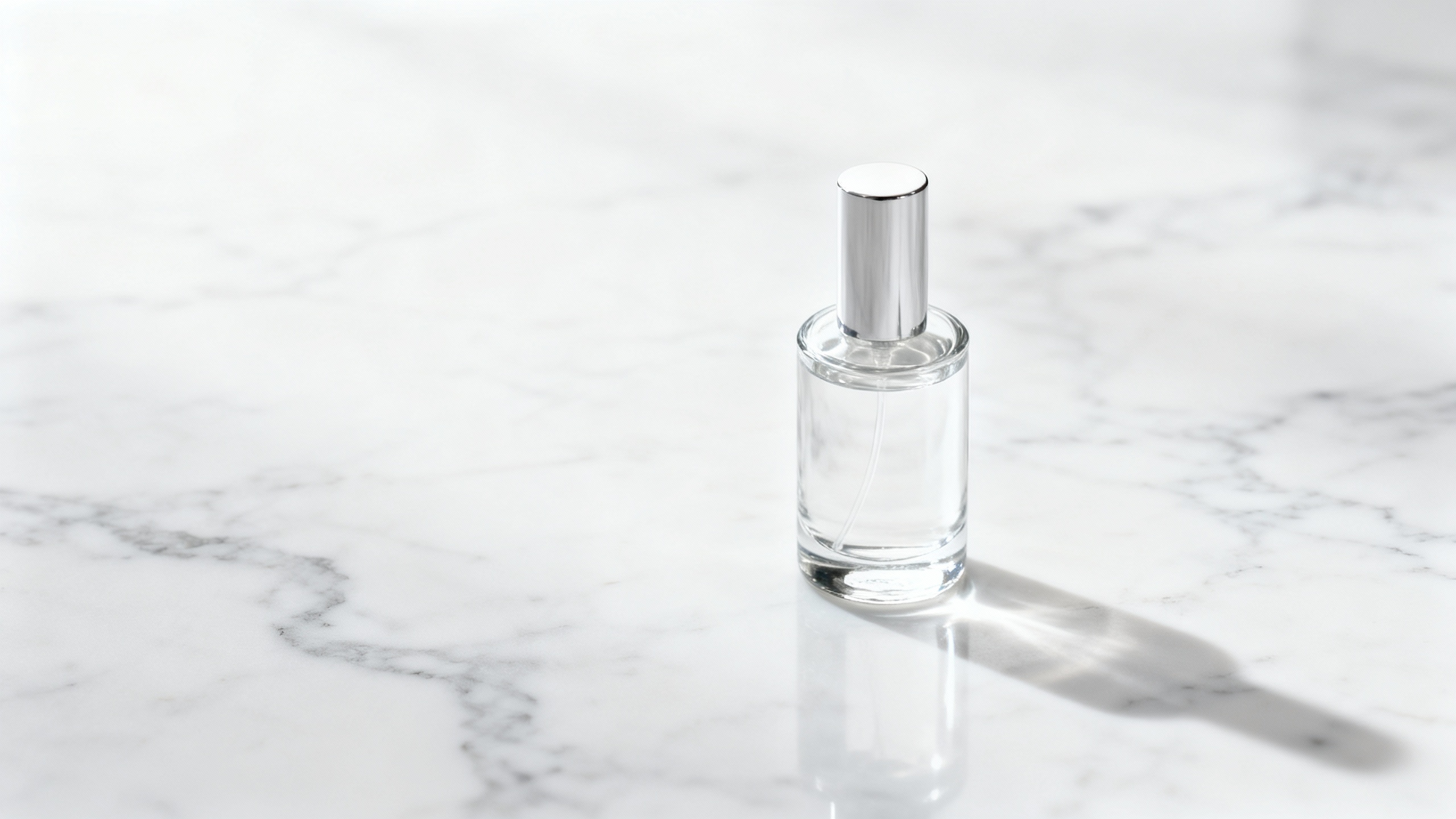
Generated with Seedream 4
Animated with Veo 3.1 (8s)
Animation Prompt: Camera slowly zooming in on the perfume bottle, soft light catching the glass facets, elegant product reveal, luxury commercial style
When to Use Image to Video
- • Product showcases with controlled camera movement
- • Adding subtle animations to marketing images
- • Creating video clips from existing brand photography
- • Storyboard visualization with reference images
Creating Videos for Social Media
Social media platforms have different requirements for video content. Instagram Reels and TikTok prefer vertical 9:16 videos, while YouTube uses 16:9 landscape format. AI video generators let you specify the aspect ratio to match your target platform. This automation makes it easy to create engaging videos for multiple platforms without manual video editing.
For comprehensive social media strategies using AI, check our guide on AI for social media.
Food Reel (Vertical)
Veo 3.1Instagram Reels / TikTok
Coffee Commercial
Sora 2YouTube / Website
Explainer Style
Veo 3.1 FastYouTube / LinkedIn
For Instagram/TikTok
- • Use 9:16 aspect ratio
- • Keep videos 8-15 seconds
- • Focus on eye-catching visuals
- • Add subtitles for silent viewing
For YouTube
- • Use 16:9 aspect ratio
- • Higher resolution (1080p+)
- • Can be longer format
- • Include background music
Best AI Video Models on Vondy
Different AI video models excel at different tasks. Choosing the right video creator depends on your specific needs: speed, quality, or creative flexibility. Here's a breakdown of the AI video models available through Vondy's video tools. For a detailed comparison of Sora and Veo, see our Sora 2 vs Veo 3 analysis.
Veo 3.1
Google's advanced AI video generator produces high-quality videos with natural audio. Best for cinematic content and professional video production.
Best for:
Sora 2
OpenAI
OpenAI's Sora creates imaginative video content with excellent prompt understanding. Great for creative concepts and engaging videos.
Best for:
Veo 3.1 Fast
Faster version of Veo for quick iterations and real-time video creation. Perfect for beginners testing ideas or rapid content creation.
Best for:
Seedance Pro
ByteDance
ByteDance's video model specialized for smooth animations and fluid motion. Great for product shots and scenes requiring natural movement.
Best for:
Pro Tips for AI Video Creation
1. Start with Templates and Iterate
Don't try to perfect your video in one generation. Use templates as starting points, generate multiple versions, and refine your text prompts based on what works. Each iteration teaches you what the AI video generator responds to best.
2. Combine AI Tools for Complete Workflow
Use an AI image generator to create starting frames, animate with video AI, add AI voiceovers with text-to-speech, and generate background music with AI music tools. This workflow produces professional video content without a video editor.
3. Optimize for Your Platform
Always set the correct aspect ratio before generating. Creating a 16:9 video then cropping to 9:16 loses quality. Generate at the target dimensions from the start for the best output quality with no watermark issues.
4. Add Post-Production Elements
AI-generated videos work best as B-roll, background footage, or product shots. Add subtitles, transitions, and voiceovers in a traditional video editor for polished final output. This hybrid approach produces the most engaging videos.
Common Use Cases
For Marketing:
- • Product showcase videos
- • Social media content
- • Ad creative variations
For Content Creators:
- • B-roll footage
- • Explainer videos
- • Tutorials backgrounds
For Business:
- • Training videos
- • Presentation visuals
- • Internal communications
For Startups:
- • Pitch deck videos
- • Product demos
- • Landing page content
Try AI Video Generation with Vondy
Ready to create your own AI-generated videos? Vondy's Creative Playground gives you access to all the best AI video generator models in one place. No complex setup, no watermarks on paid plans, just write your prompt and generate. You can also explore our free AI video generator tool to get started.
For businesses looking to integrate AI video into their workflow, see our guides on AI for marketing and AI for content creation.
Start Creating AI Videos
Access Veo, Sora, Seedance and more AI video models in one place.
FAQs: Frequently Asked Questions
What is the best AI video generator?
For high-quality cinematic content, Veo 3.1 produces the best results. For creative flexibility, Sora 2 excels. For quick iterations, Veo 3.1 Fast is ideal. The best choice depends on your specific use case.
Is there a free AI video generator?
Vondy offers a free plan with limited credits to try AI video generation. For regular use, paid plans provide more credits and remove watermarks from generated videos.
How long can AI-generated videos be?
Most AI video models generate clips between 4-12 seconds. For longer videos, generate multiple clips and combine them in a video editor, or create a storyboard of connected scenes.
Can I add voiceovers to AI videos?
Yes! Use Vondy's text-to-speech tool to generate AI voiceovers, then combine with your video in editing software. Some models like Veo 3.1 can also generate ambient audio automatically.
Continue Learning