How to Make AI Pictures: Complete Guide for 2026
Learn how to use AI to create stunning visuals from text prompts. This step-by-step guide covers text-to-image generation, artistic styles, photo editing, and practical use cases for creating high-quality AI-generated images.
 by David LaubJan 15, 202614 min read
What is AI Image Generation?
An AI image generator uses artificial intelligence to create new images from text descriptions. This generative AI technology, also called text-to-image generation, allows anyone to produce photorealistic photos, anime illustrations, watercolor paintings, and countless other artistic styles simply by writing a text prompt. Whether you need quality images for social media, product mockups for commercial use, or eye-catching art for creative projects, AI-powered image tools have revolutionized how we create visual content.
Modern AI models like Nano Banana Pro, GPT from OpenAI, and Seedream have made it possible to generate high-resolution images that rival professional photography. These text-to-image generators understand natural language, so you can describe exactly what you want and fine-tune the output until it matches your vision. The best part? You don't need any design skills to create masterpieces.
This guide will teach you how to use AI image generators effectively. We'll cover text-to-image basics, explore different artistic styles, show you how to edit images with AI, and walk through practical use cases. For a detailed comparison of all available AI models, check our best AI image generators guide.
Text to Image: Creating Pictures from Prompts
The foundation of AI image generation is the text prompt. A well-written text description tells the AI exactly what to create. The more specific your image prompts, the better your results. Include details about subject, style, lighting, colors, and composition to get higher quality output.
Here are examples of AI-generated images created with different prompts. Click any image to see the full prompt and tweak it for your own creations:
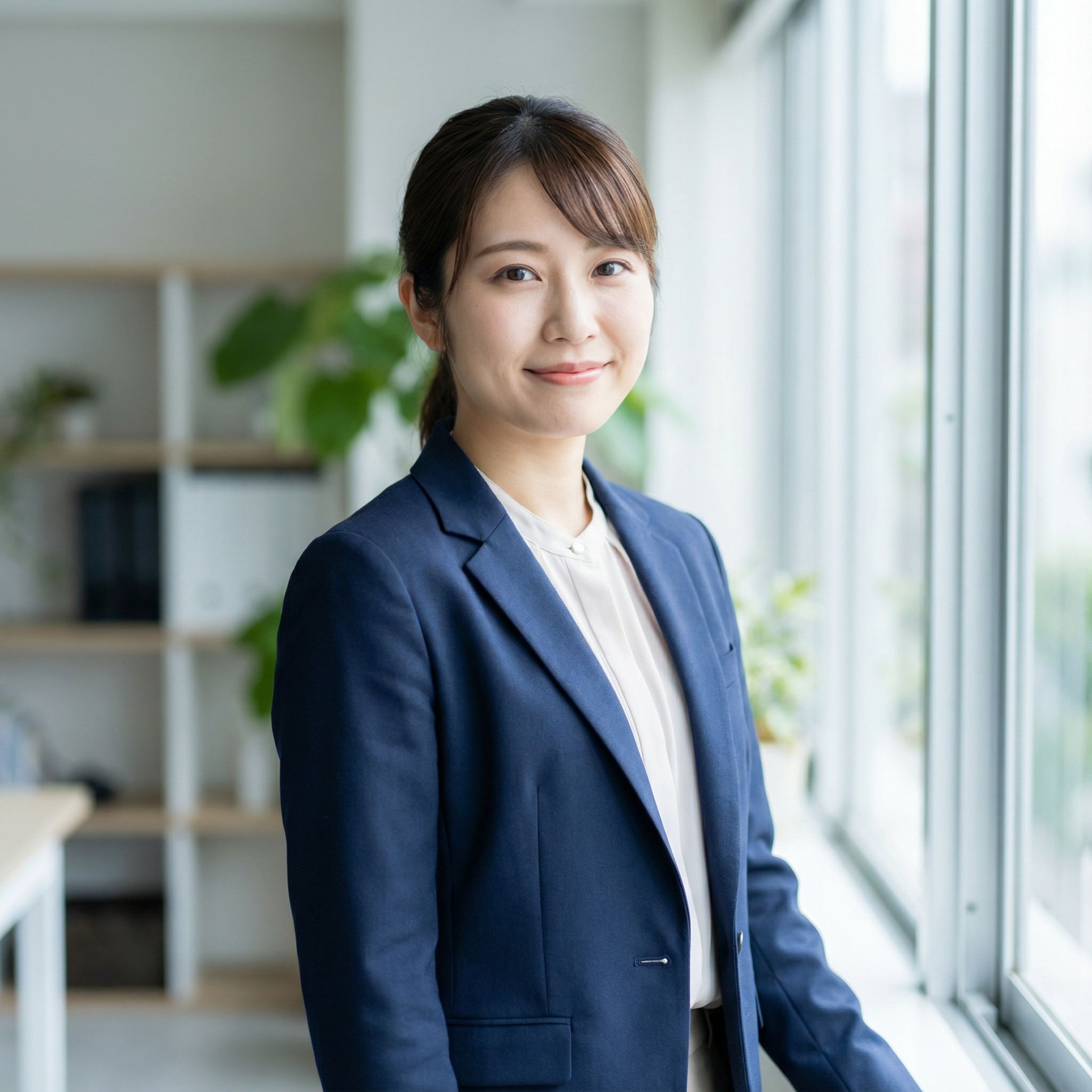
Photorealistic Portrait
PhotorealisticNano Banana Pro • ~25s
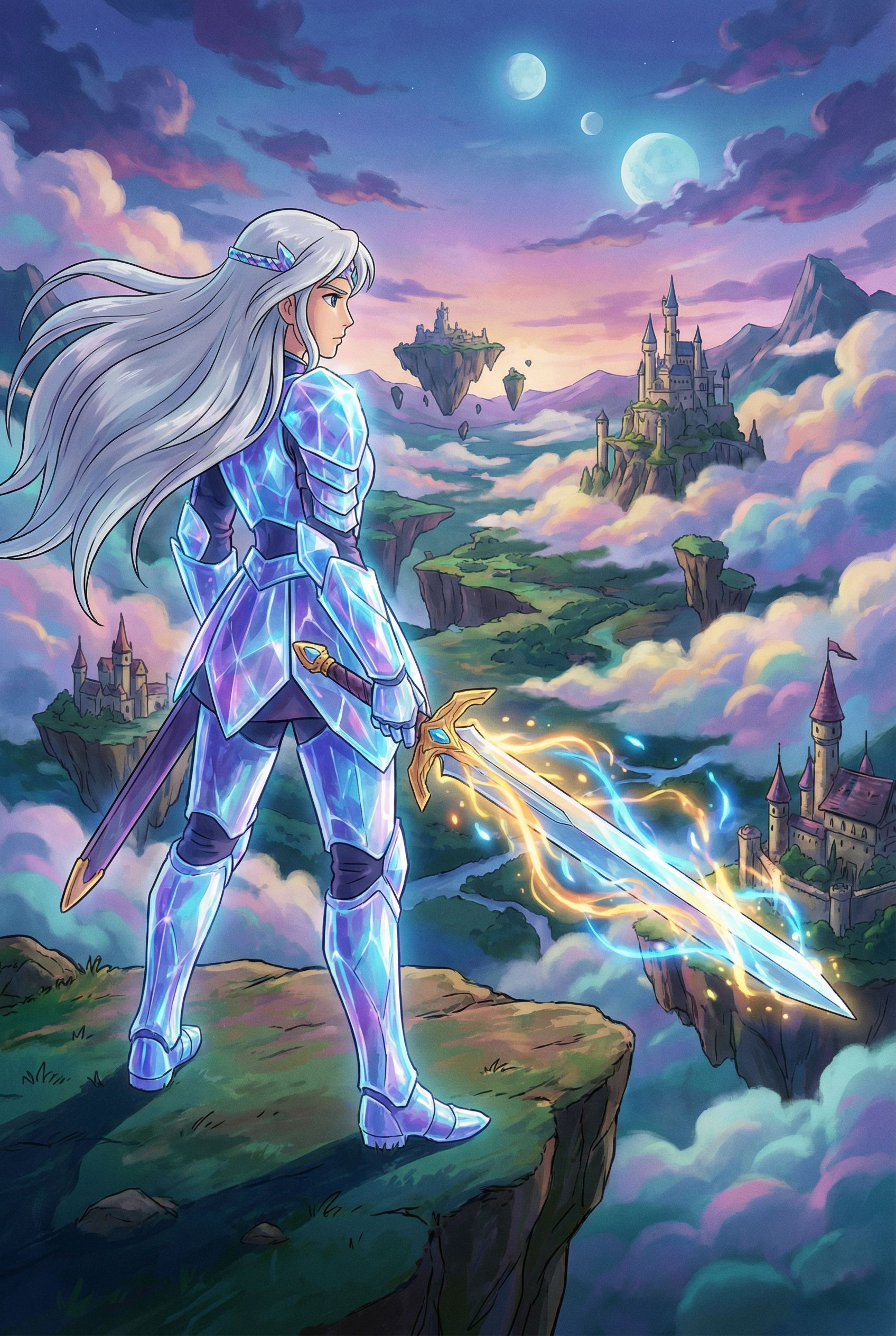
Anime Warrior
AnimeNano Banana Pro • ~28s
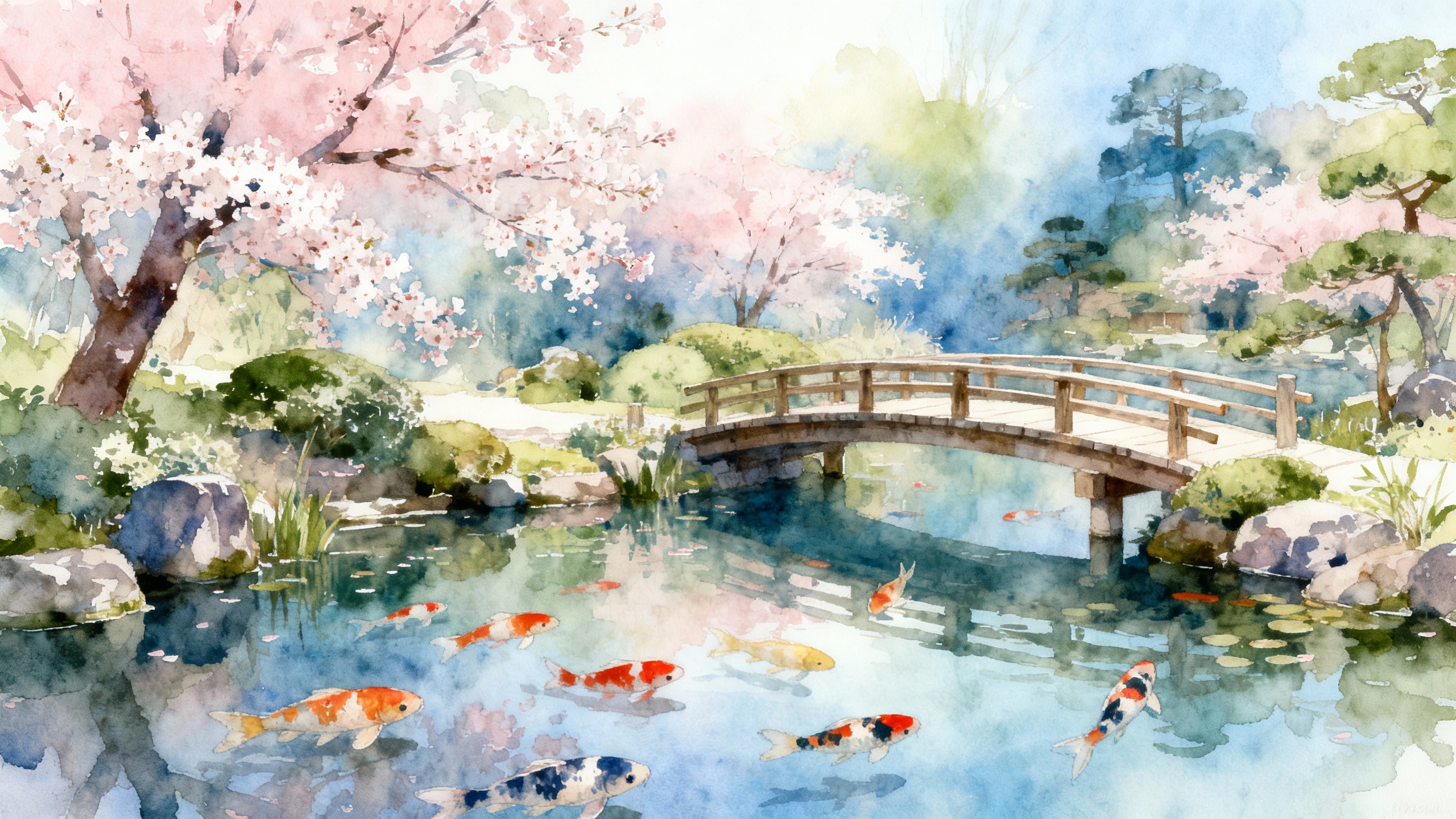
Watercolor Garden
WatercolorSeedream 4 • ~30s
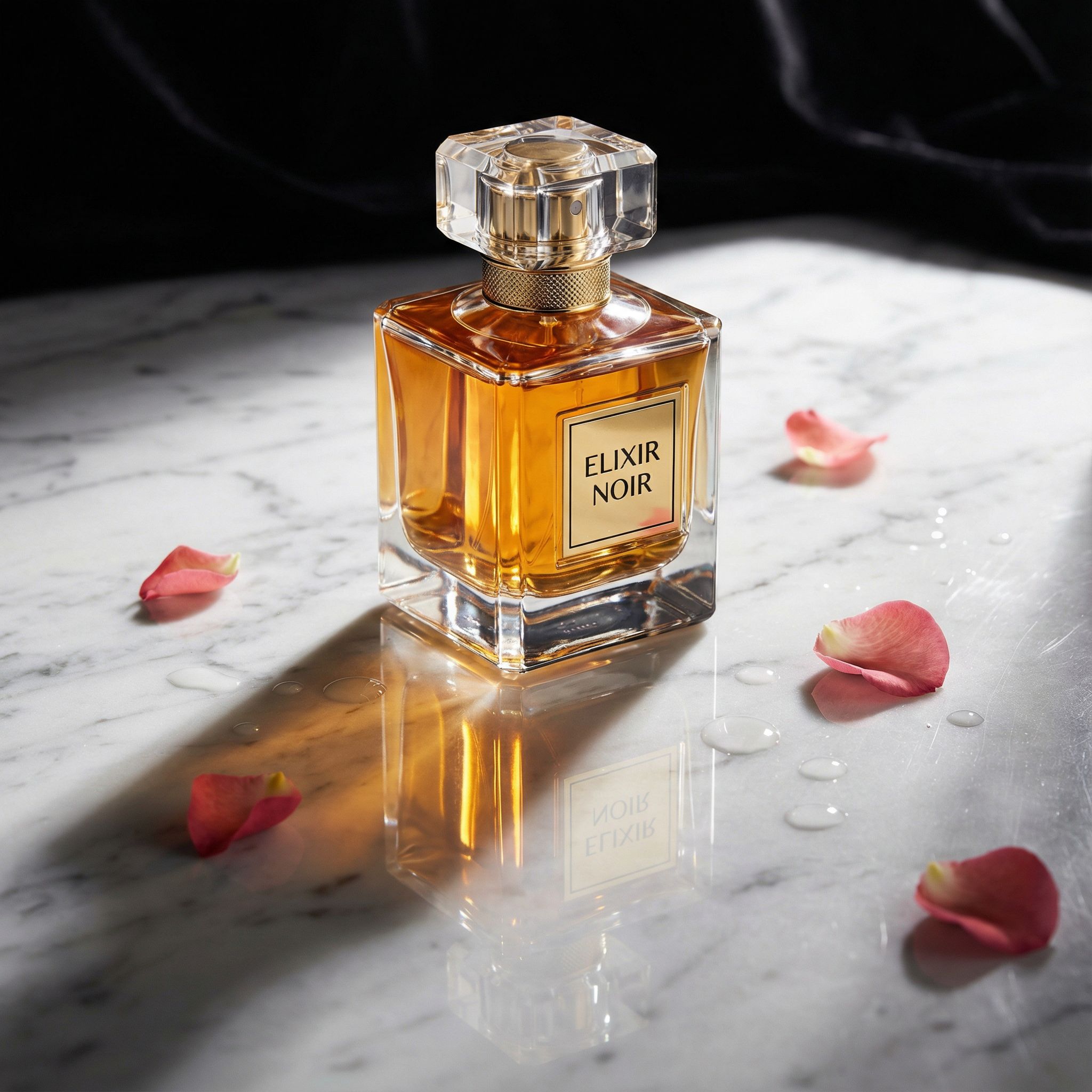
Product Photography
CommercialNano Banana Pro • ~26s
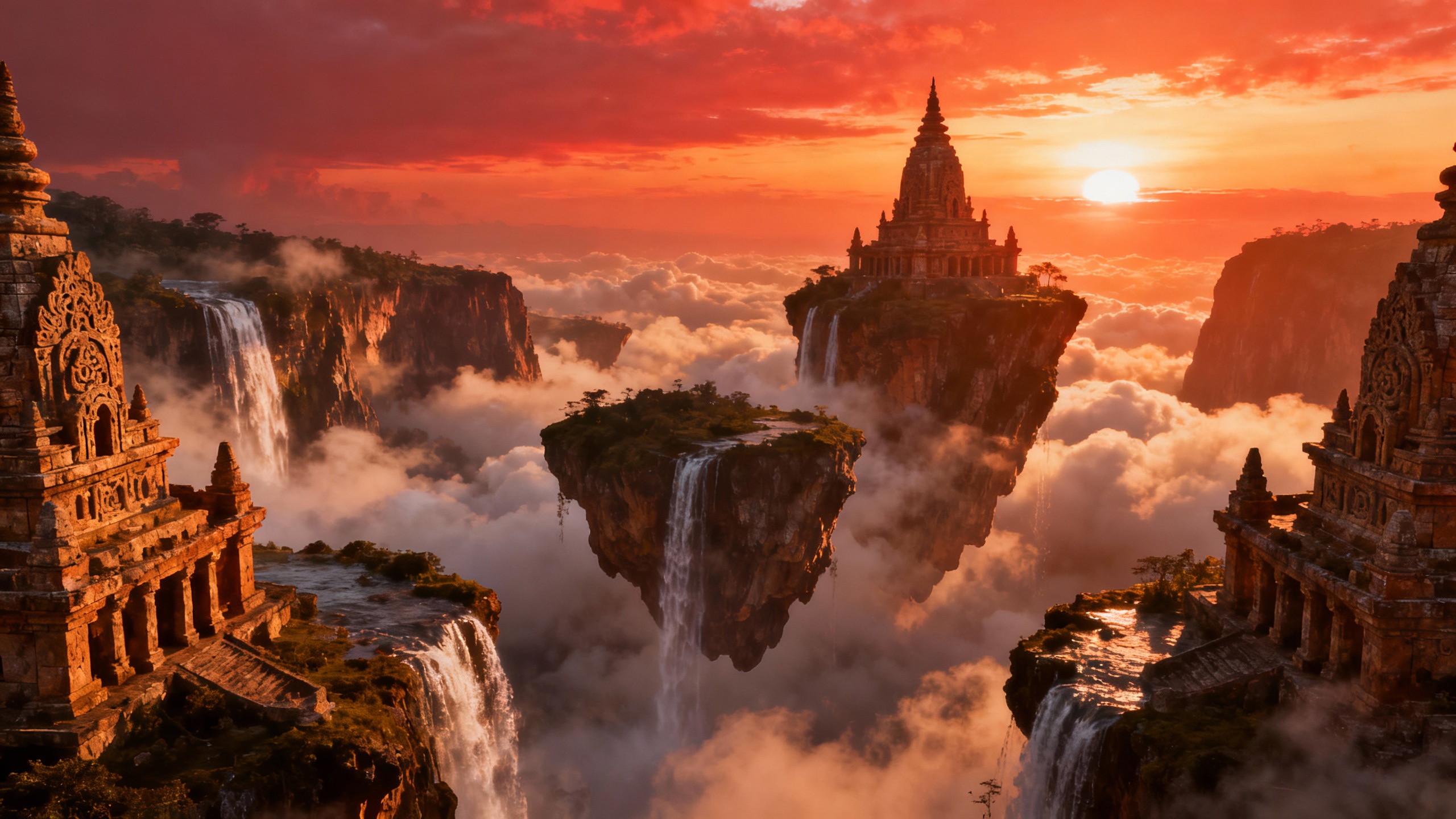
Fantasy Landscape
Fantasy ArtSeedream 4 • ~32s
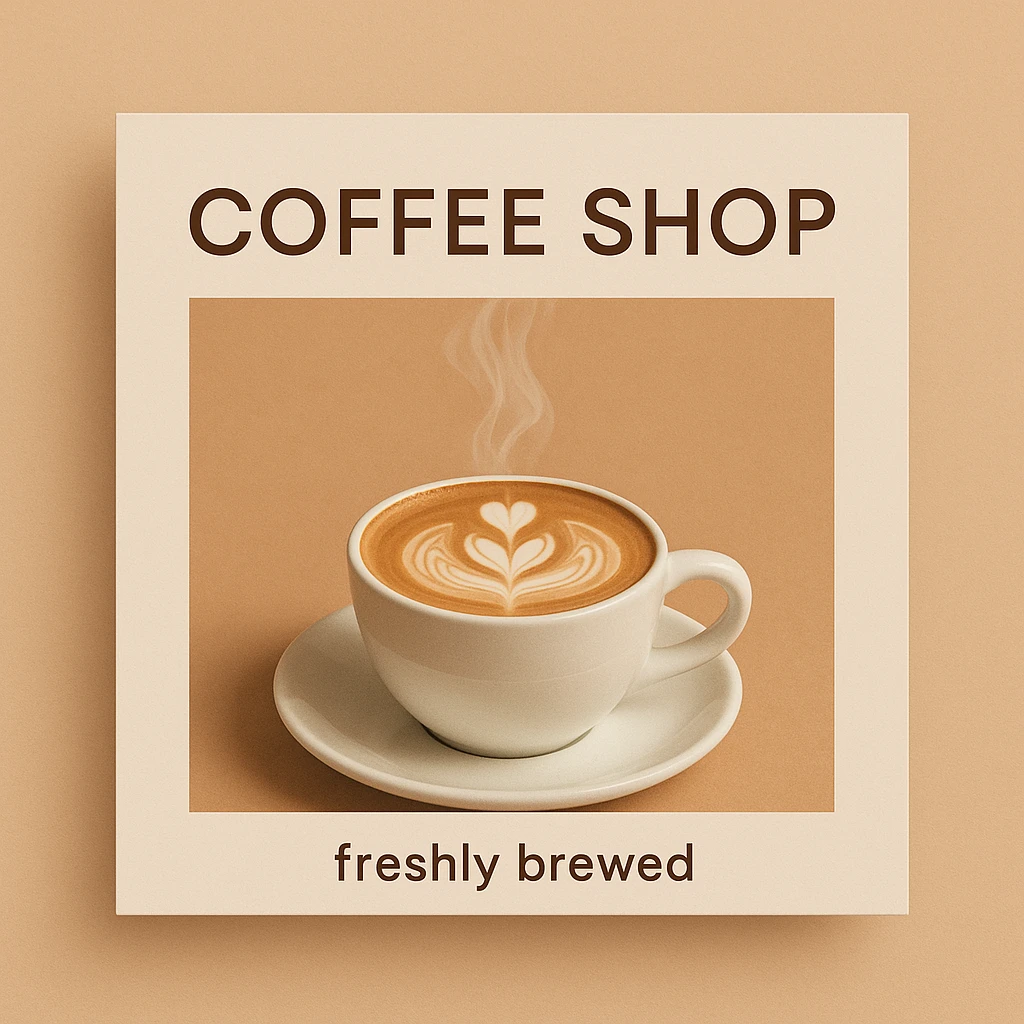
Social Media Graphic
Graphic DesignGPT Image 1 • ~35s
Writing Better Prompts for Better Results
- Be specific: Instead of "a dog," try "golden retriever puppy playing in autumn leaves, soft morning light"
- Include art style: Add "watercolor," "oil painting," "anime," or "photorealistic" to guide the aesthetic
- Specify quality: Terms like "high-resolution," "4K," "professional" help produce quality images
- Set the aspect ratio: Choose portrait (2:3), landscape (16:9), or square (1:1) based on your needs
Exploring Artistic Styles
One of the most powerful features of AI art generators is their ability to create images in any art style imaginable. From classical oil paintings to modern anime, from watercolor illustrations to photorealistic renders, you can specify exactly the aesthetic you want. This makes AI tools perfect for creating everything from book covers to character designs. For more on creating AI art, see our best AI art generator guide.
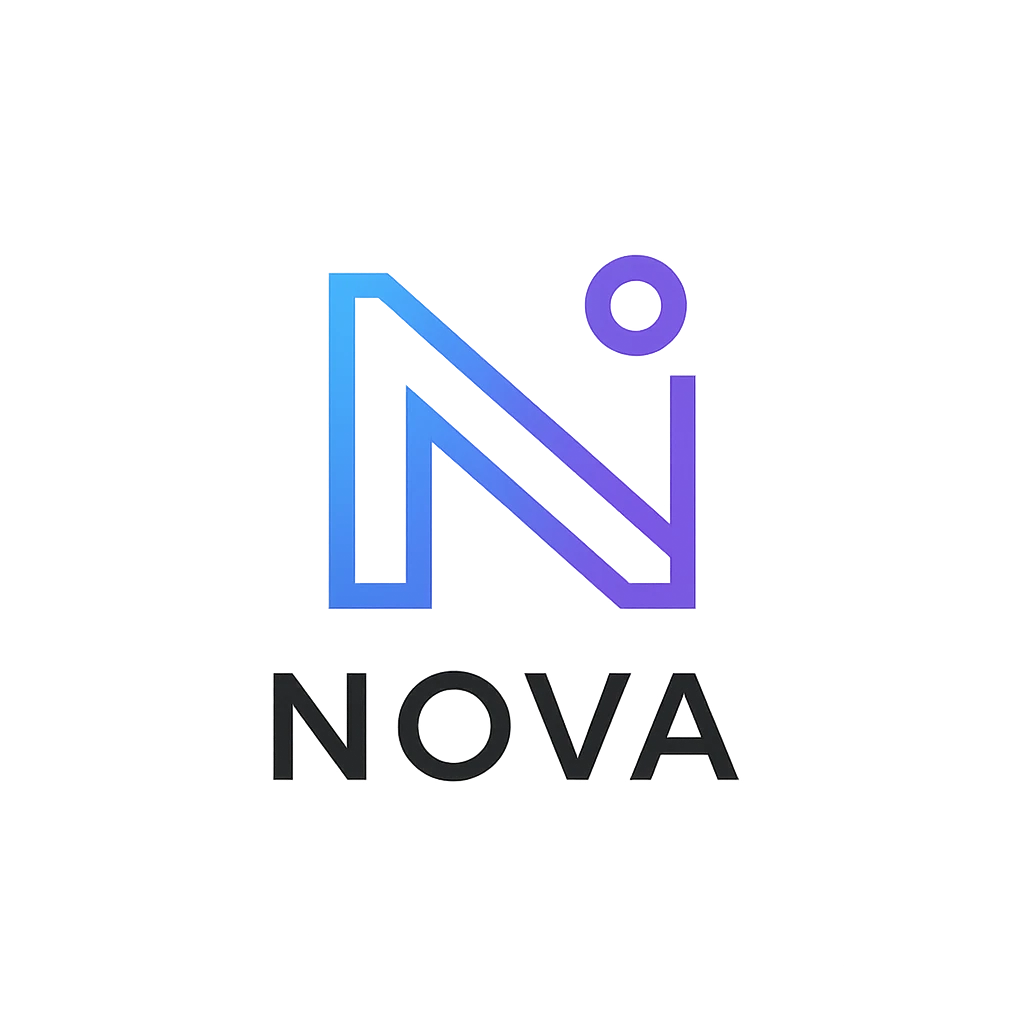
Logo Design
MinimalistModern minimalist logo design for a tech startup called NOVA, geometric shapes, clean lines, gradient blue to purple, professional, commercial use ready
GPT Image 1 • ~38s
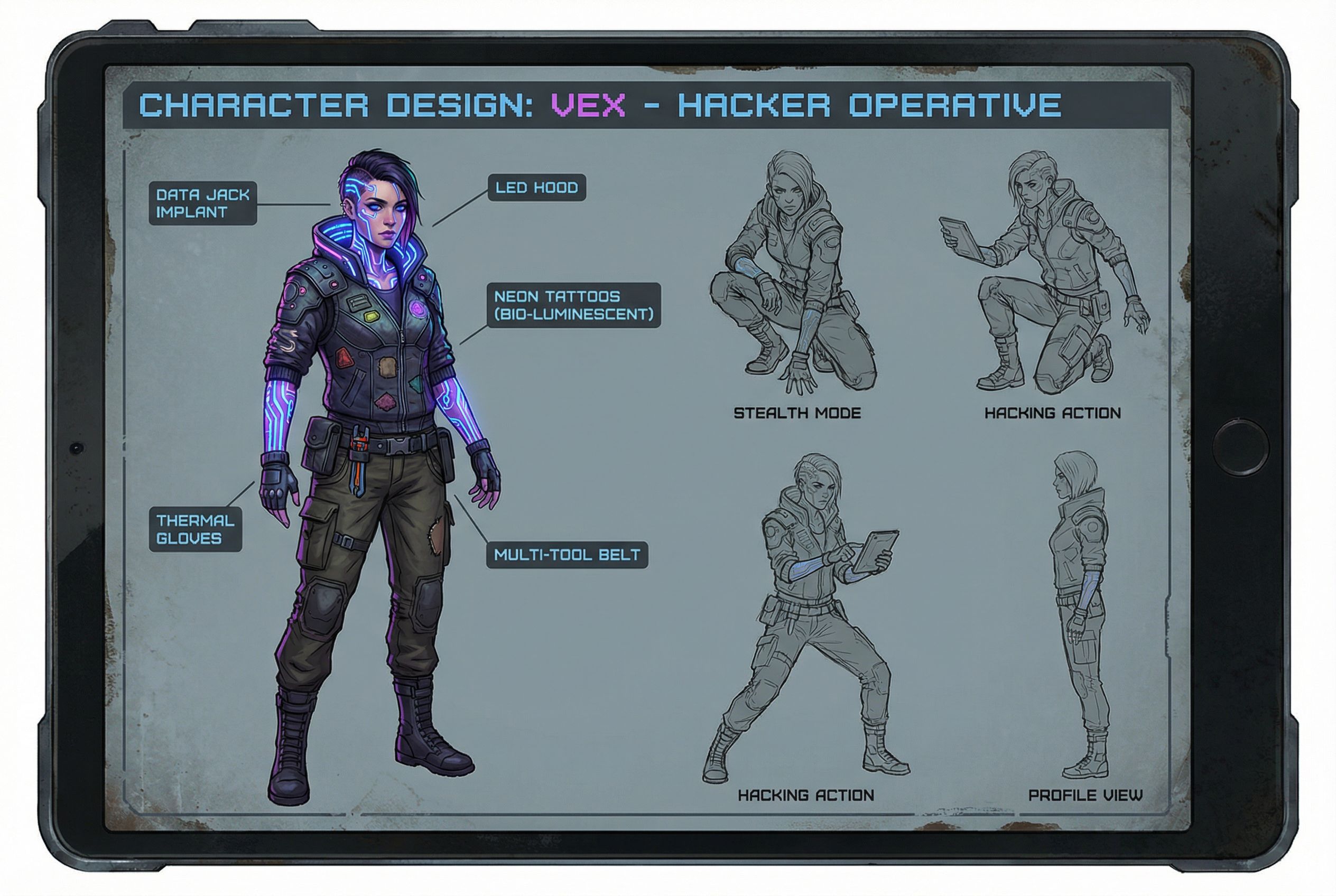
Character Design
Concept ArtGame character design concept art, female cyberpunk hacker with neon tattoos, futuristic outfit, detailed character sheet, multiple poses, high quality
Nano Banana Pro • ~30s
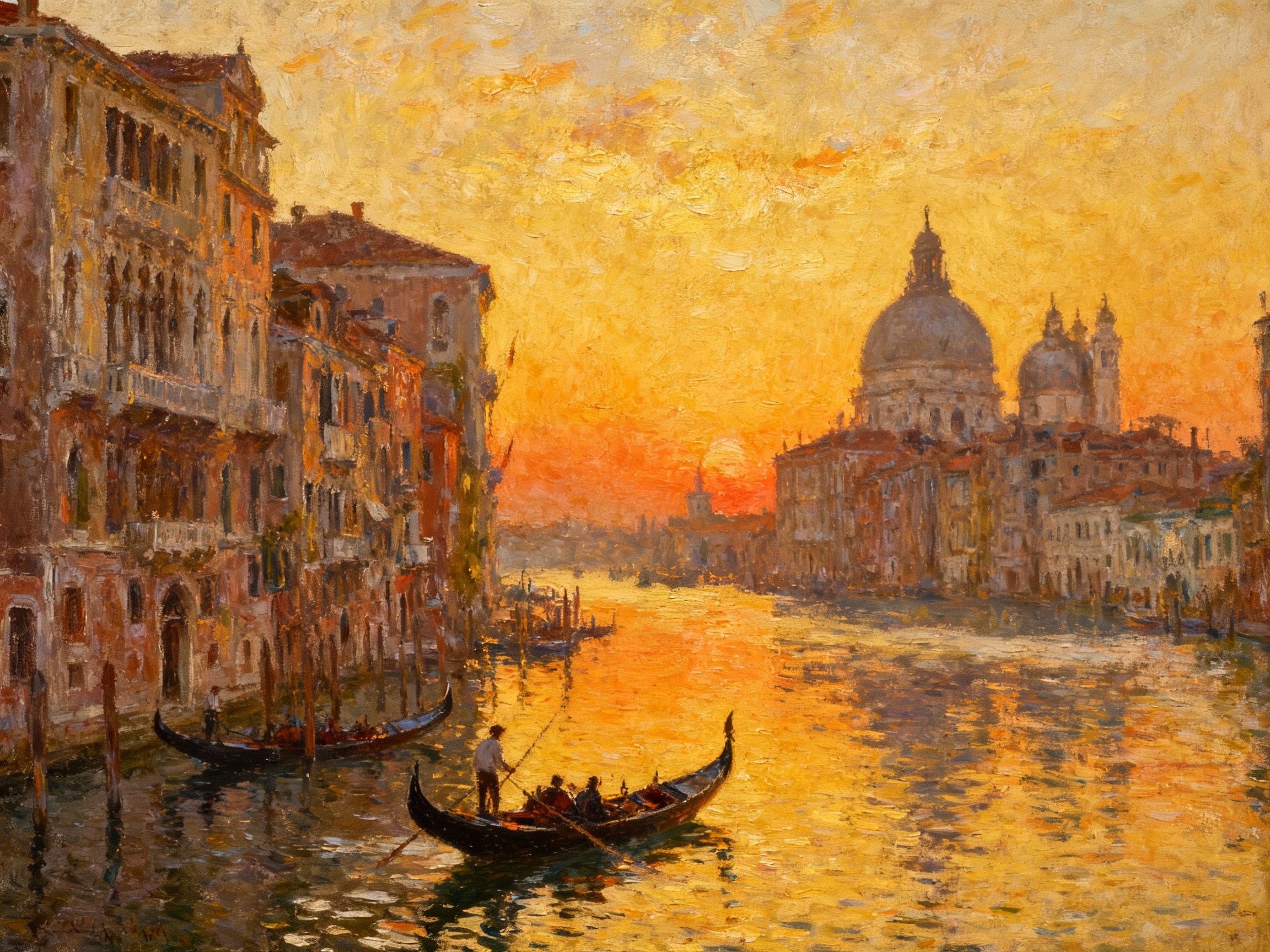
Oil Painting
ClassicalClassical oil painting of a Venetian canal at sunset, gondolas, historic architecture, impressionist brush strokes, warm golden light, fine art masterpiece
Seedream 4 • ~34s
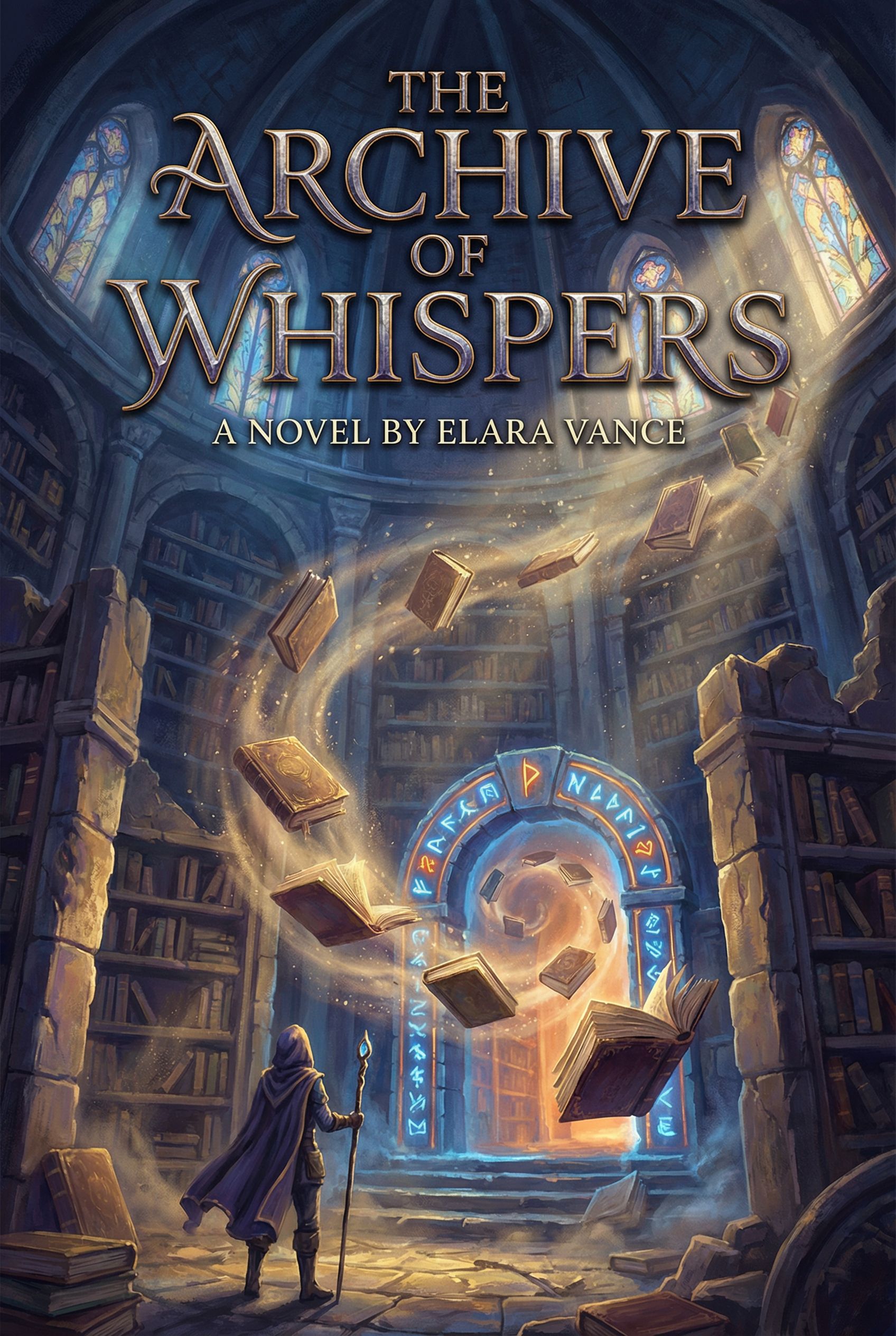
Book Cover
IllustrationFantasy book cover illustration, mysterious ancient library with floating books, magical glowing runes, dramatic lighting, epic fantasy art style
Nano Banana Pro • ~28s
Popular Art Styles to Try
Traditional
- • Oil painting
- • Watercolor
- • Charcoal sketch
- • Impressionist
Digital
- • Anime / Manga
- • 3D render
- • Pixel art
- • Concept art
Photography
- • Photorealistic
- • Product shot
- • Portrait
- • Architectural
AI Image Editing: Transform Existing Photos
Beyond creating new images from scratch, AI image generators can transform your uploaded image into something completely different. This photo editing workflow lets you apply style transfers, change environments, swap elements, and upscale low-resolution images. Simply upload your photo and describe the changes you want. For comprehensive photo editing tools, check our best AI photo editor guide.
Style Transfer Workflow
Upload an image, then transform it into different styles
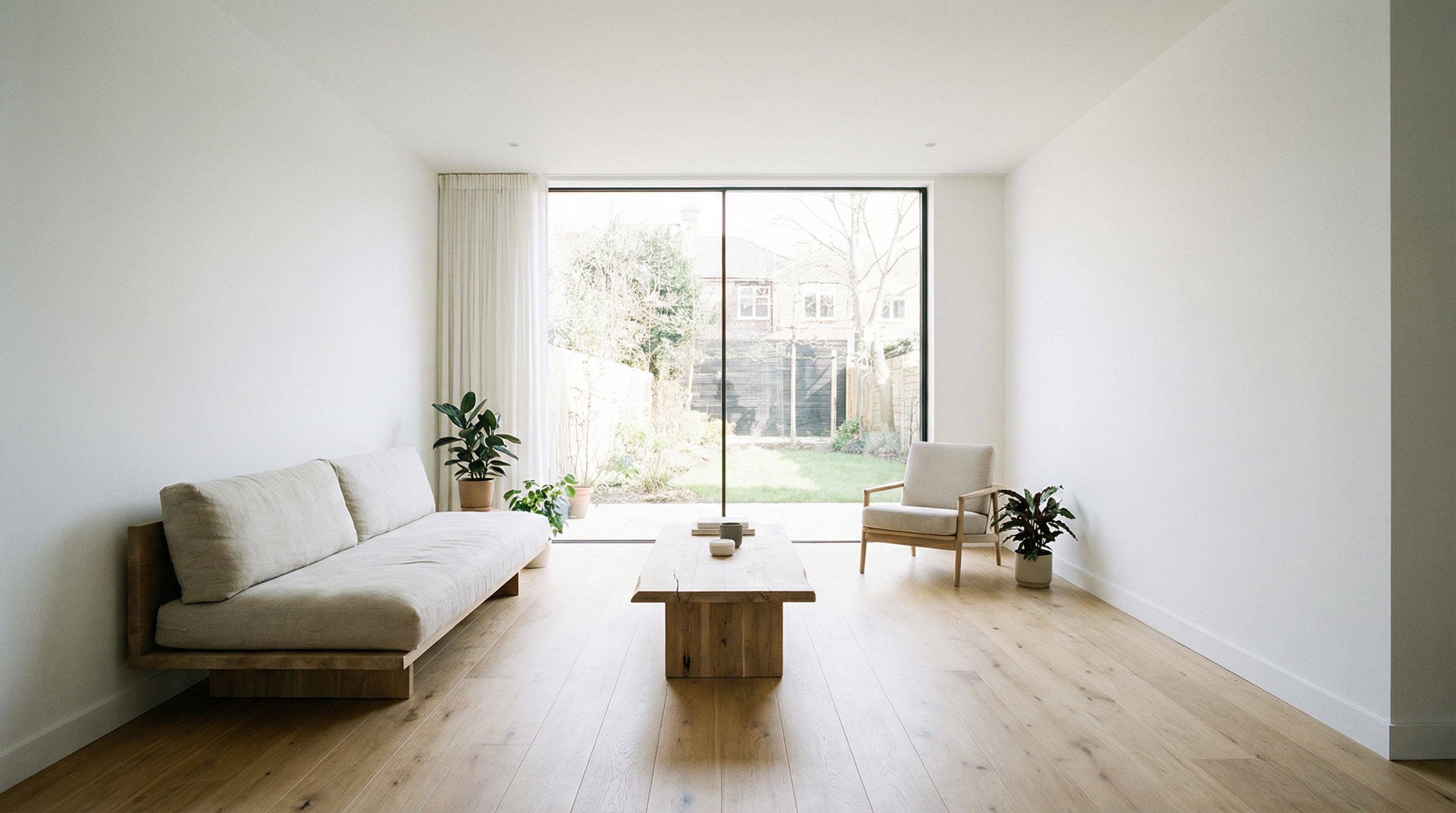
Simple photo of a modern living room interior, white walls, wooden floor, large window, minimalist furniture, clean and bright, professional photography
Nano Banana Pro • ~26s
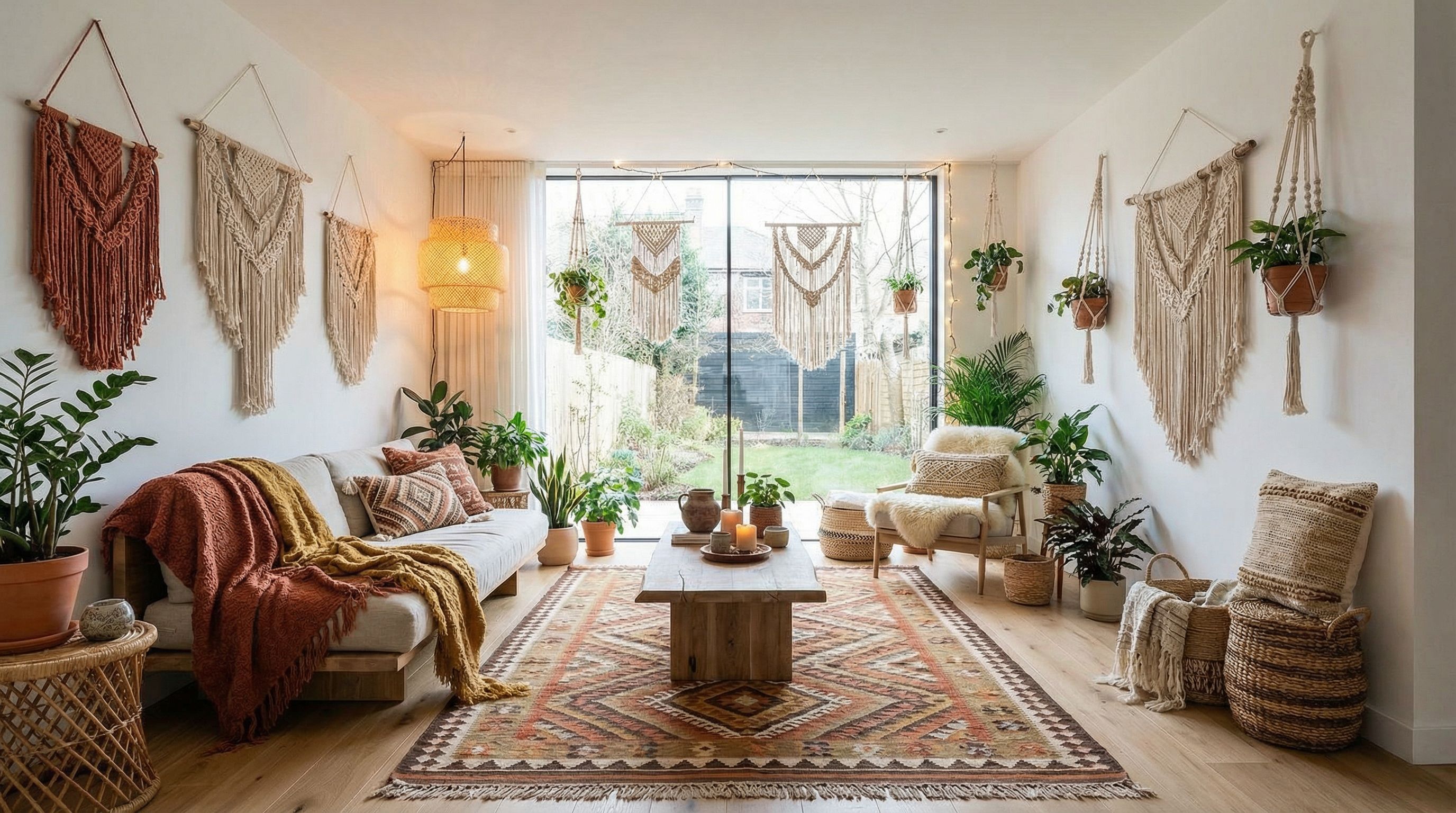
Bohemian Style
~32s
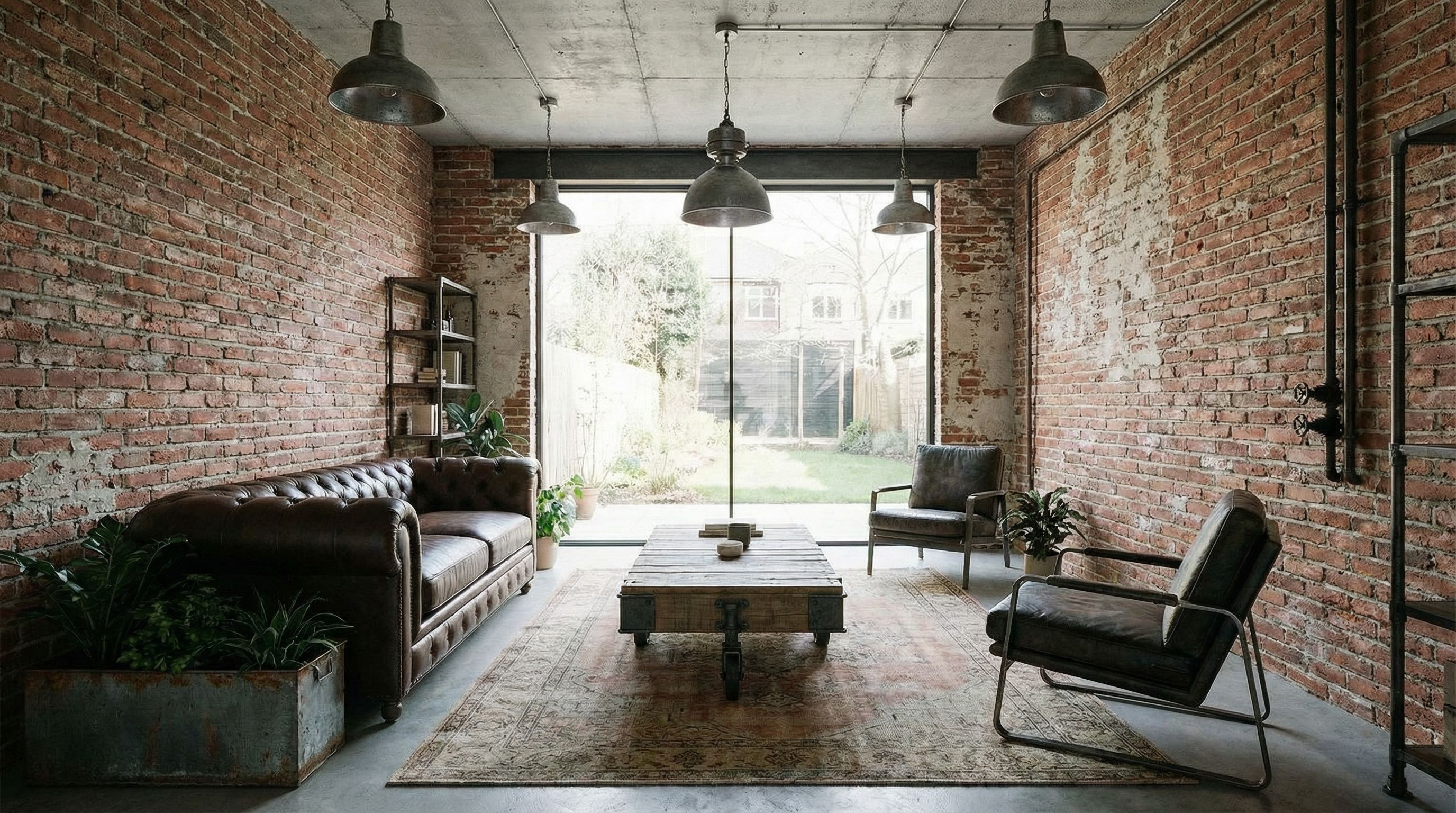
Industrial Loft
~30s
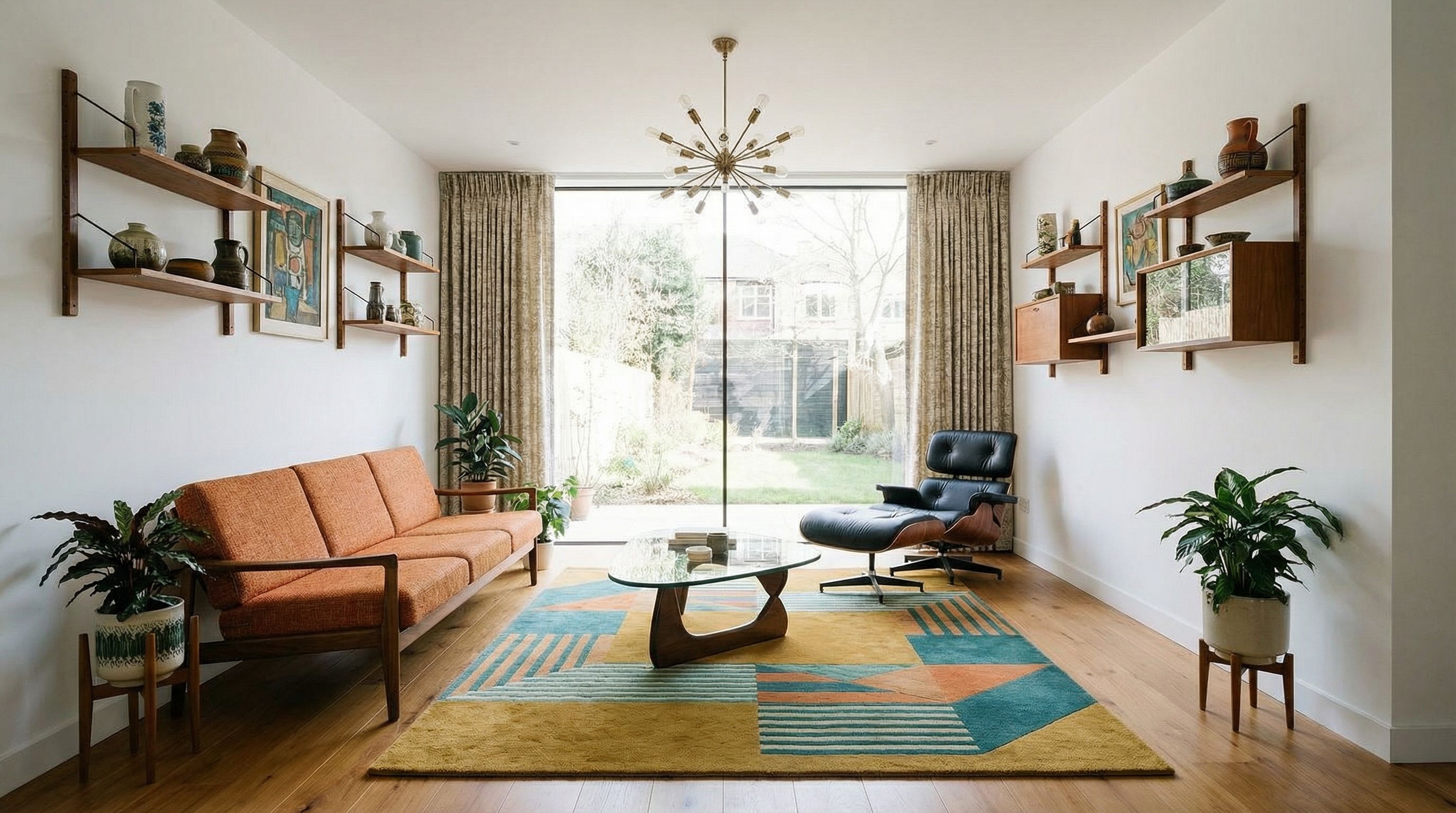
Mid-Century Modern
~31s
Common Image Editing Tasks
- • Style Transfer: Apply artistic styles to photographs
- • Background Swap: Replace backgrounds while keeping subjects
- • Object Addition/Removal: Add or remove elements from scenes
- • Upscale: Increase resolution of low-quality images
- • Color Correction: Adjust lighting, colors, and mood
Practical Use Cases
AI image generators have countless practical applications. Whether you're creating marketing materials, designing products, or building visual content for your business, these AI tools can dramatically speed up your workflow. Here are some common use cases with real examples:
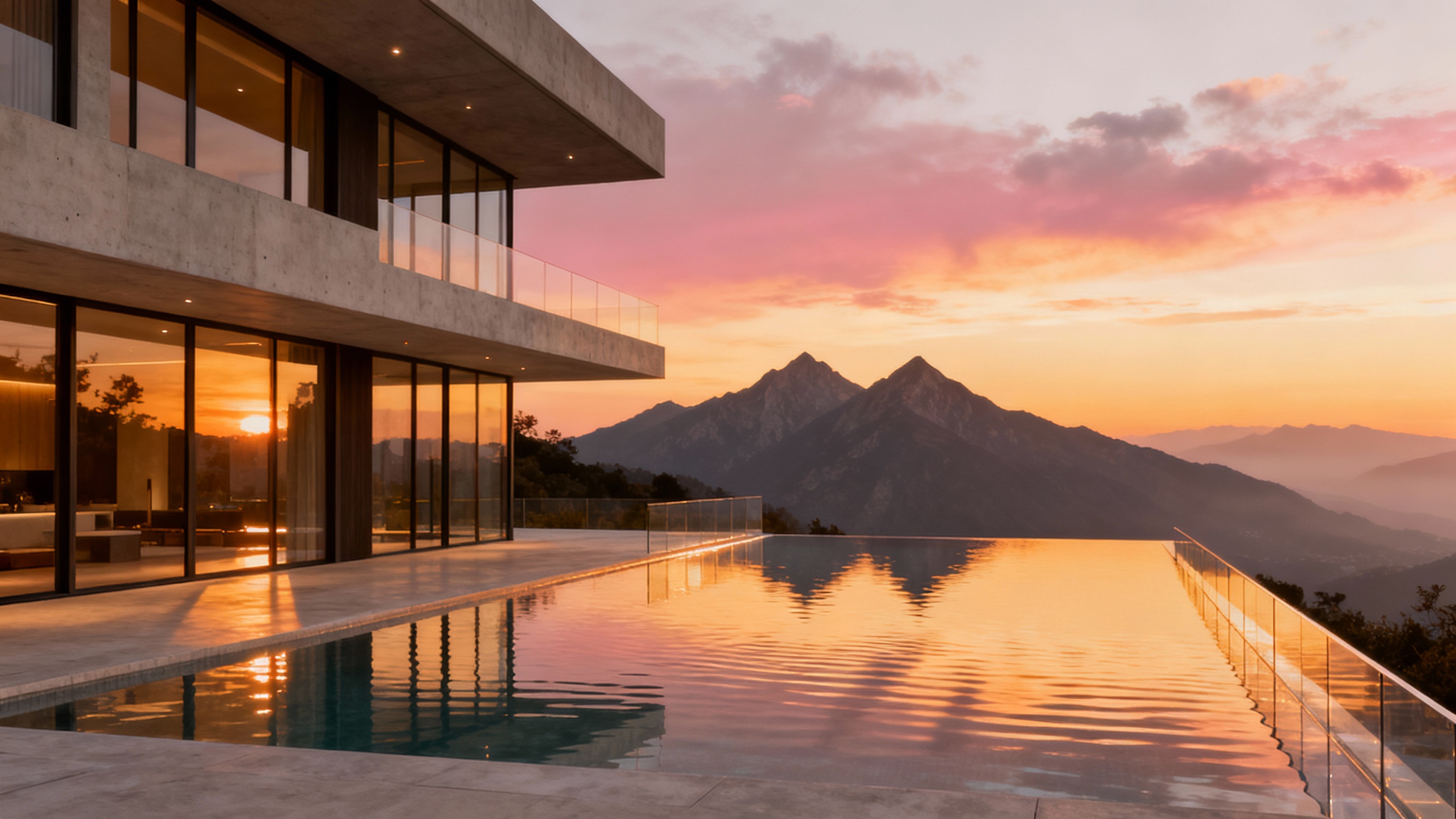
Architecture Render
Modern architectural visualization of a glass and concrete house, infinity pool overlooking mountains, sunset lighting, photorealistic render, high resolution
Seedream 4 • ~35s
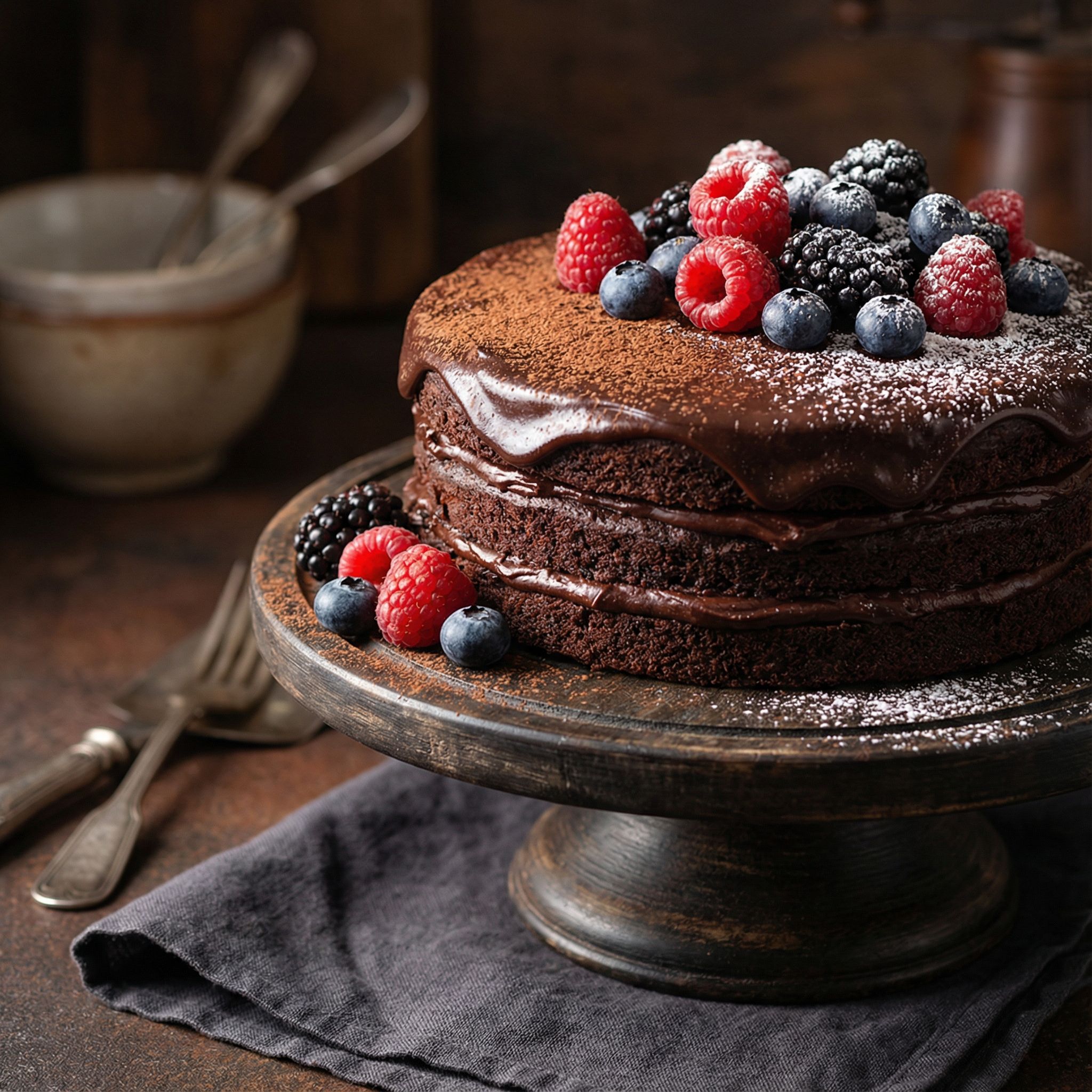
Food Photography
Stunning food photography of artisan chocolate cake with berries, professional lighting, shallow depth of field, dark moody background, commercial quality
Nano Banana Pro • ~26s
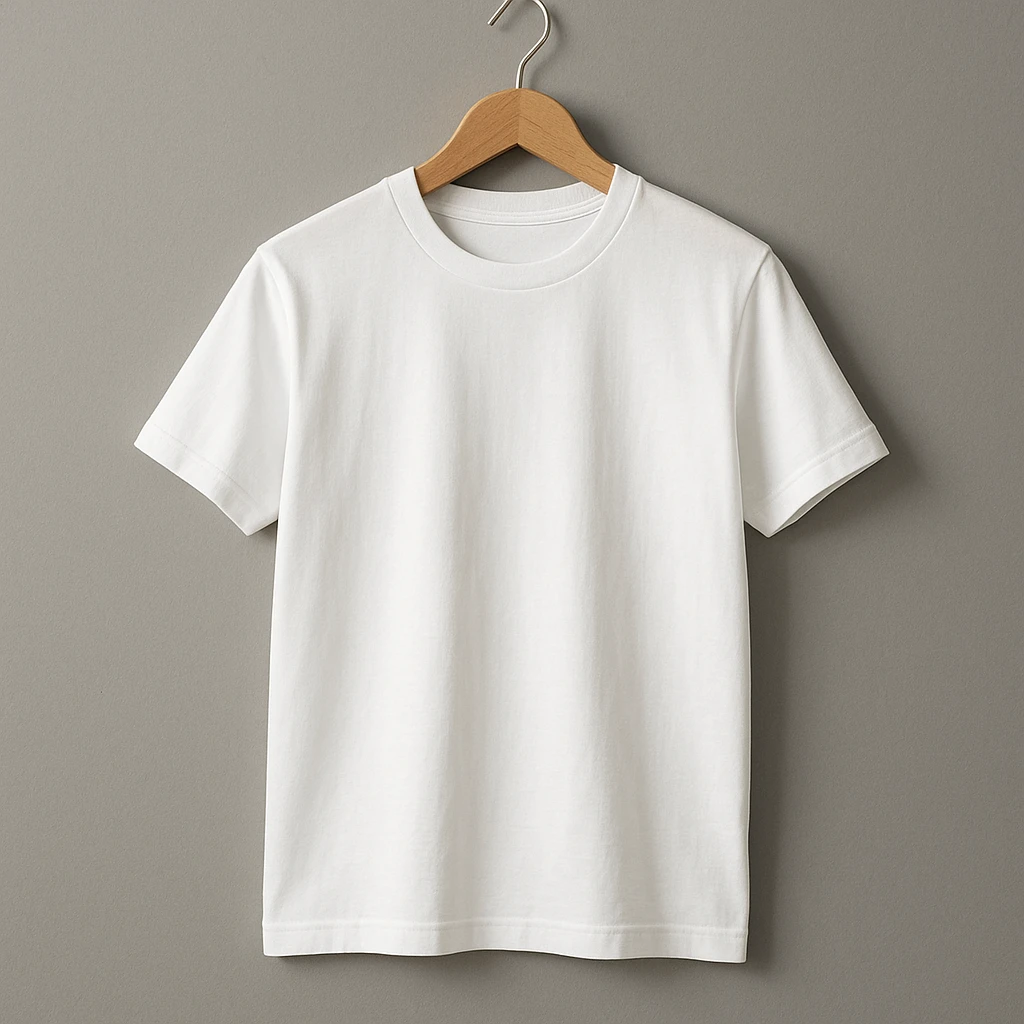
Product Mockup
Professional t-shirt mockup template, blank white t-shirt on wooden hanger against neutral gray background, perfect for design overlay, commercial product photography
GPT Image 1 • ~32s
For Marketing Teams
- • Social media posts and ads
- • Blog illustrations
- • Email campaign visuals
- • Presentation graphics
For Content Creators
- • YouTube thumbnails
- • Book covers and illustrations
- • Character designs
- • Story visualizations
Best AI Image Models on Vondy
Different AI models excel at different tasks. Vondy provides access to multiple text-to-image generators through our API and Creative Playground, so you can choose the right image tool for your specific needs. Here's a breakdown of available models and their strengths:
Nano Banana Pro
The most versatile AI image generator with excellent prompt understanding. Produces photorealistic images and supports multiple artistic styles. Great for image editing with uploaded image inputs.
Best for:
GPT Image 1
OpenAI
OpenAI's GPT-powered image generator excels at understanding complex text descriptions and rendering text within images. Perfect for logos, graphics, and designs requiring typography.
Best for:
Seedream 4
ByteDance
Seedream produces stunning visuals with excellent color harmony and artistic styles. Particularly strong for landscapes, watercolor effects, and fine art masterpieces.
Best for:
Flux Schnell
The fastest text-to-image generator for quick iterations. Perfect when you need to generate many variations quickly or test different image prompts.
Best for:
Pro Tips for Creating Quality Images
1. Start with a Template, Then Fine-Tune
Don't try to perfect your image in one generation. Start with a basic prompt, see what the AI produces, then tweak your text description based on the output. This iterative approach leads to better results than trying to write the perfect prompt upfront.
2. Use Reference Images When Possible
Many AI image generators accept reference images. Upload an image you like and ask the AI to create something similar, or use it as a starting point for style transfer. This gives you much more control over the final output.
3. Specify Aspect Ratio for Your Use Case
Always set the correct aspect ratio before generating. Instagram posts work best at 1:1, Pinterest pins at 2:3, YouTube thumbnails at 16:9. Generating at the target dimensions produces higher quality than cropping later.
4. Combine AI Tools for Complete Workflows
Use a logo generator for branding, then create matching social media templates. Generate product photos, then animate them into video with AI video tools. The most powerful workflows combine multiple AI capabilities.
5. Understand Pricing and Credits
Different models have different credit costs. Flux Schnell is cheapest for quick iterations, while Nano Banana Pro costs more but produces higher quality. Use fast models for brainstorming, then switch to premium models for final output.
Try Free AI Image Generator with Vondy
Ready to create your own AI-generated content? Vondy's Creative Playground gives you access to all the best AI image generators in one place. Start with a free account to test different models, then upgrade for more credits and API access. No watermark on generated images, and full commercial use rights.
For specific creative needs, explore our specialized AI tools like the character image generator for game assets, or the book illustration generator for publishing projects.
Start Creating AI Pictures
Access Nano Banana Pro, GPT Image, Seedream, and more AI models in one place.
FAQs: Frequently Asked Questions
What is the best AI image generator?
For most use cases, Nano Banana Pro offers the best balance of quality and versatility. GPT Image 1 excels at text rendering and logos. Seedream 4 produces the most artistic results. The best choice depends on your specific needs.
Is there a free AI image generator?
Yes! Vondy offers a free account with limited credits to try AI image generation. You can create several high-quality images for free before deciding to upgrade.
Can I use AI-generated images commercially?
Yes, images generated through Vondy can be used for commercial use. You own the output and can use it for marketing, products, or any business purpose.
How do I get high-resolution images?
Use models like Nano Banana Pro or Seedream 4 which support high-resolution output. Include quality terms in your prompt like "high resolution," "8K," or "detailed." You can also upscale generated images using AI editing tools.
Continue Learning