We Tested the 10 Best AI Image Generators in 2026
Hands. Typography. Product shots. Portrait edits. We put 10 AI image generators through identical prompts and recorded everything. Some results surprised us. Some disappointed. Here's what actually works.
 by Rohit DasJan 15, 202620 min read

Why We Did This
You're a designer, marketer, or freelancer who needs to generate new images fast for social media, client work, or commercial use. Whether you're handling AI-powered marketing campaigns or building assets for a small business, you don't have time to test every AI image generator yourself. Finding the best AI image generator matters when you need high-quality images consistently.
Every AI image generator from ChatGPT to Midjourney claims to be "state of the art." Adobe Firefly promises seamless Creative Cloud integration. Leonardo.AI offers a free AI image generator tier. Google's Gemini handles multimodal tasks. Ideogram dominates text-to-image typography. Stable Diffusion powers countless open source projects. The artificial intelligence landscape is overwhelming. So we ran the tests: ten leading text-to-image models, identical prompts, documented results. No cherry-picking.
Skip to the Bottom Line
 Nano Banana Pro
Want to know why? Keep reading. We answer common FAQs throughout.
How We Tested
Each text description targeted a specific capability: hands, typography, motion blur, material rendering. We tested different styles including photorealism, anime art style, and product photography. Our goal was finding the best AI image generator for real-world creative workflows.
Unlike Midjourney (the popular Discord-based AI image generator), Stable Diffusion, DALL-E, Adobe Firefly, Ideogram, or Google's Gemini, we focused on newer image models available via API. For more on our evaluation methodology, see how to test AI models. Midjourney requires a subscription and Discord access. Adobe Firefly integrates with Creative Cloud but limits commercial use. Ideogram excels at typography but costs extra for high volume. Leonardo.AI offers a free plan but watermarks output. Canva includes AI tools but uses a single model. The ten AI image generators below are all accessible through Vondy's platform. Generate AI images from all of them using generative credits, starting with a free plan.
The Contenders
GPT Image 1.5
OpenAI
Flux 2 Pro
Black Forest Labs
Flux 2 Max
Black Forest Labs
Flux 2 Flex
Black Forest Labs
Seedream 4
ByteDance
Seedream 4.5
ByteDance
Nano Banana
Nano Banana Pro
P-Image Edit
Pruna AI
Z-Image Turbo
Pruna AI
Text-to-Image Generation
Can these AI image generators turn a text description into convincing AI-generated images? We tested photoreal portraits, typography, anime art style, and complex illustrations. Each text prompt exposed specific weaknesses in how these AI tools handle different creative tasks.
Photoreal Human (Hands + Skin + Lens Realism)
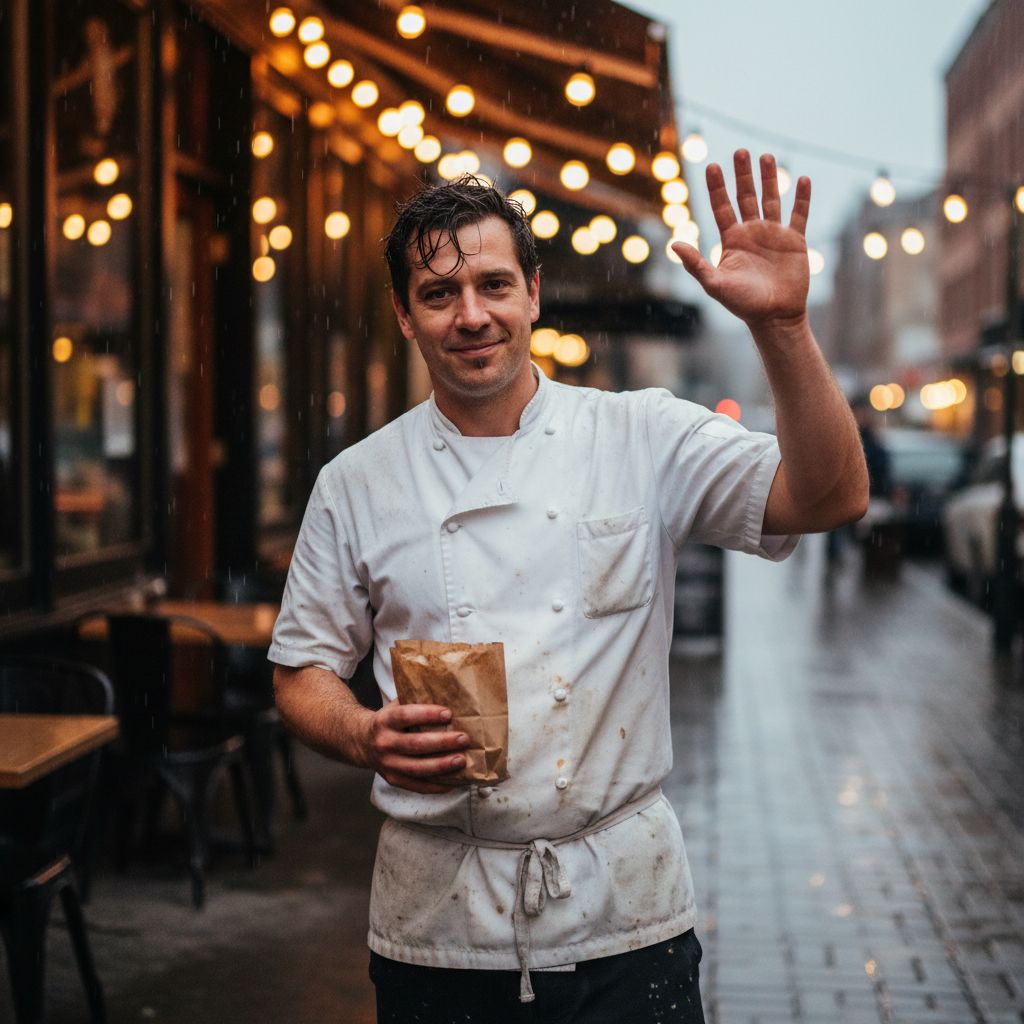
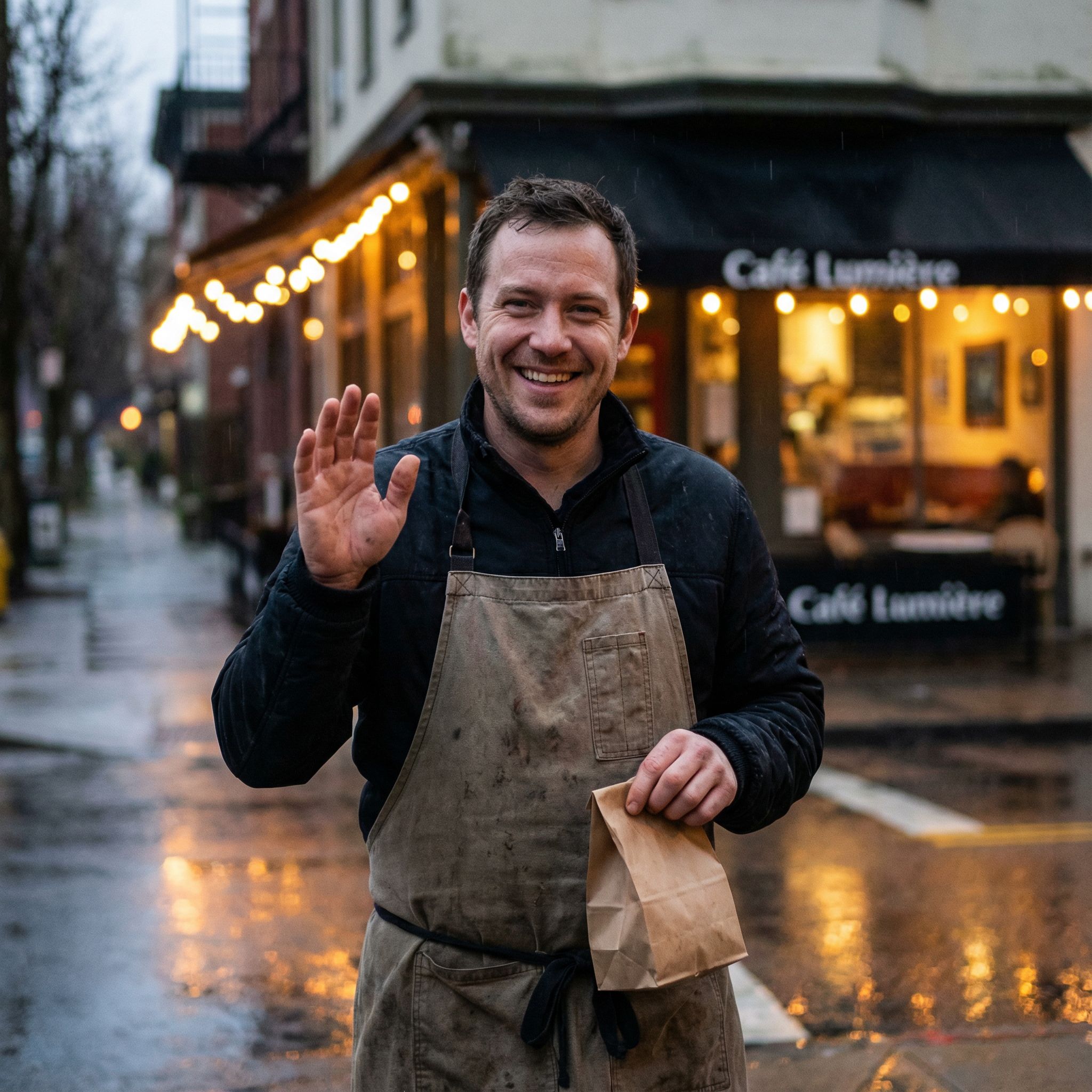
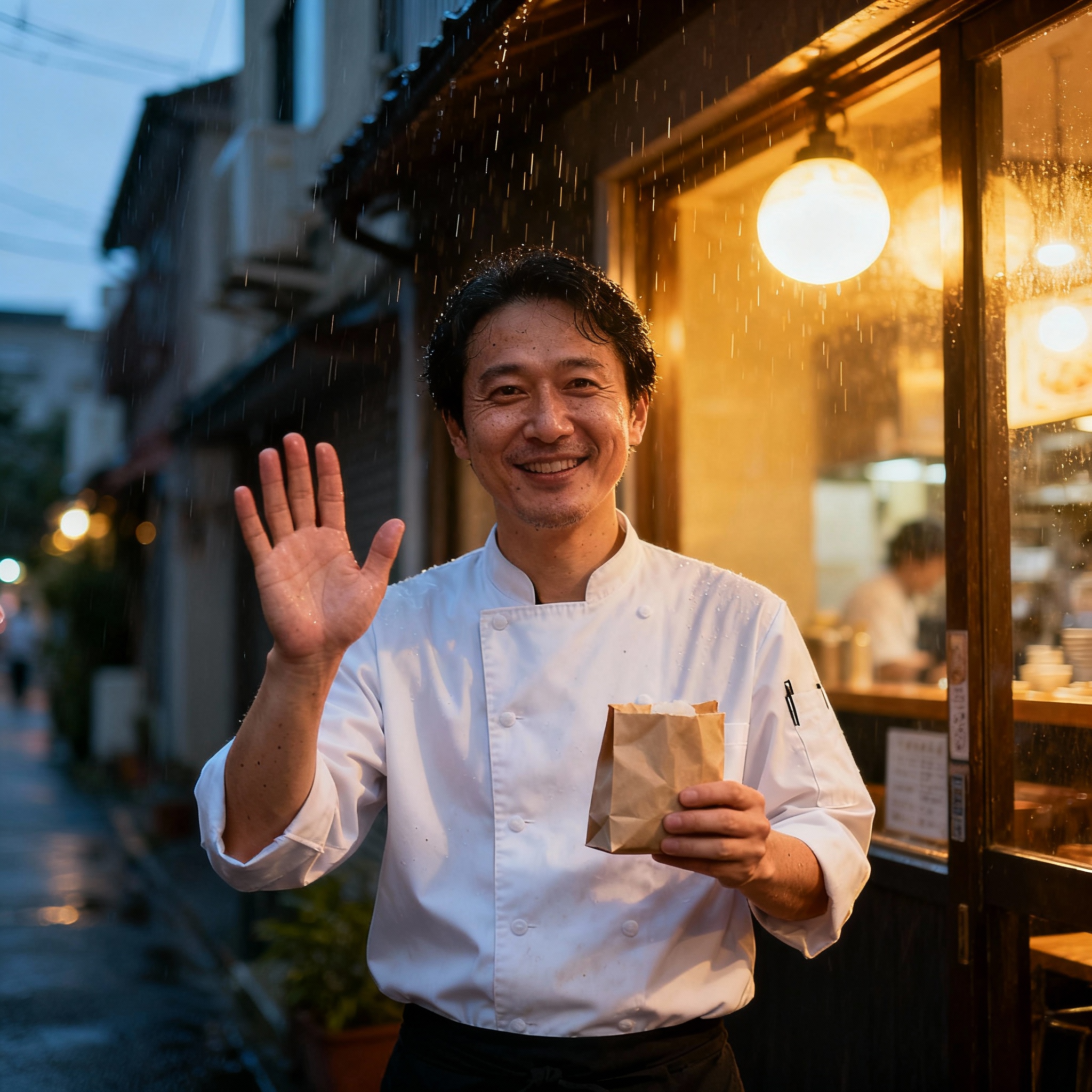
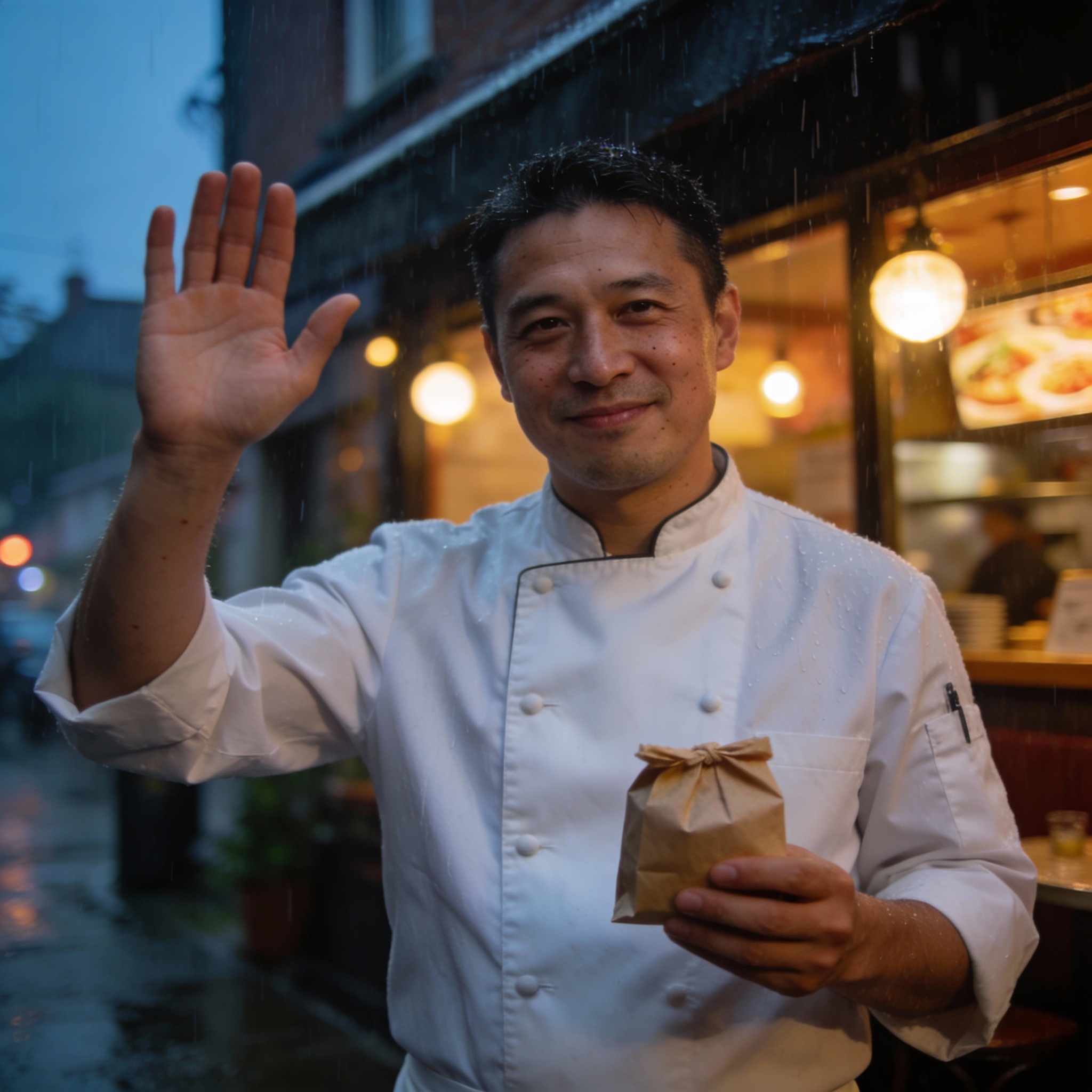
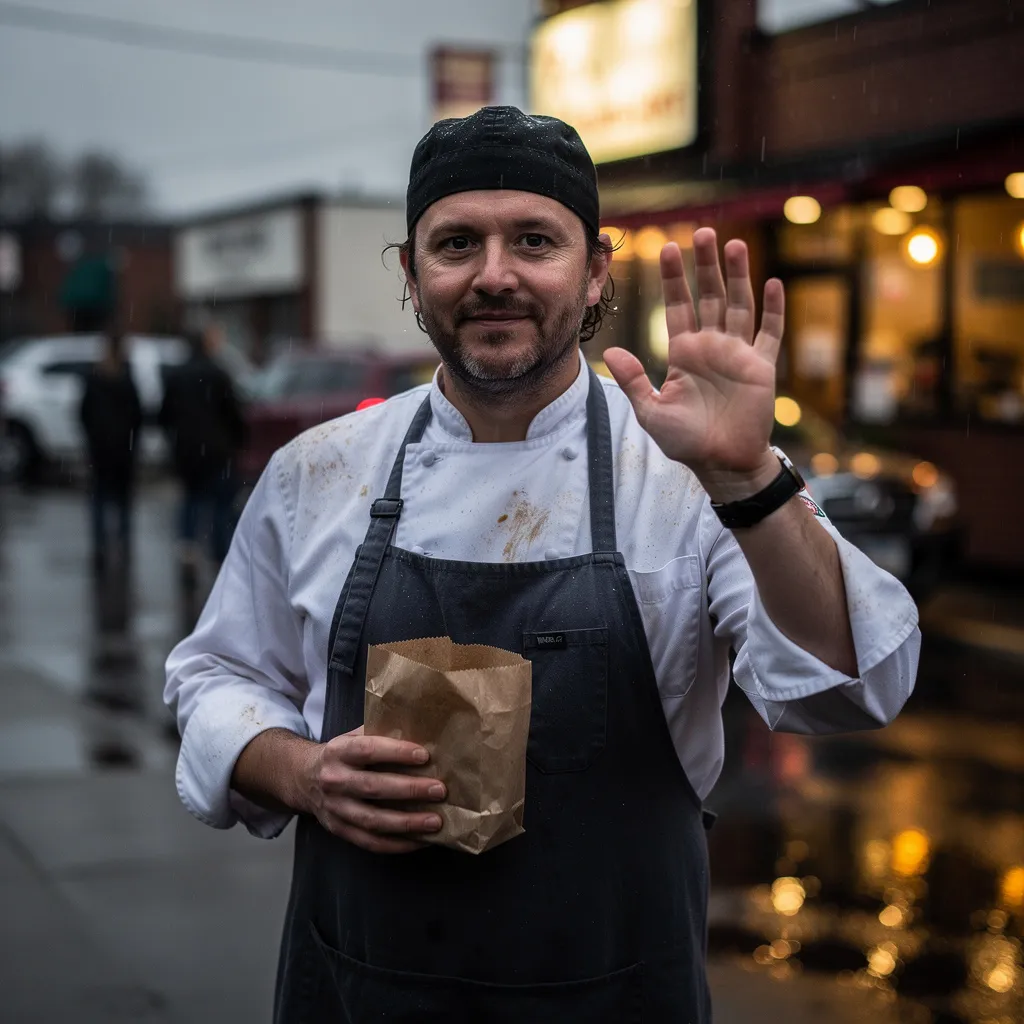
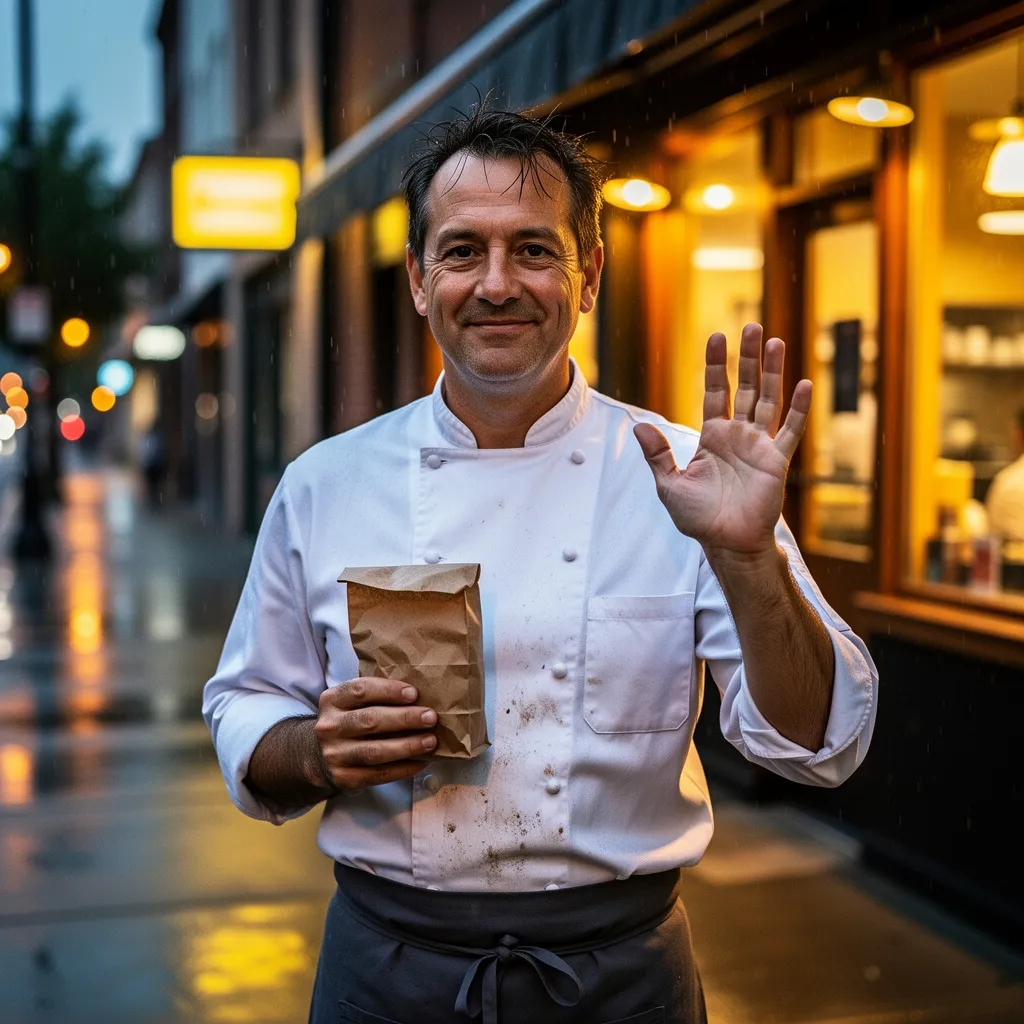
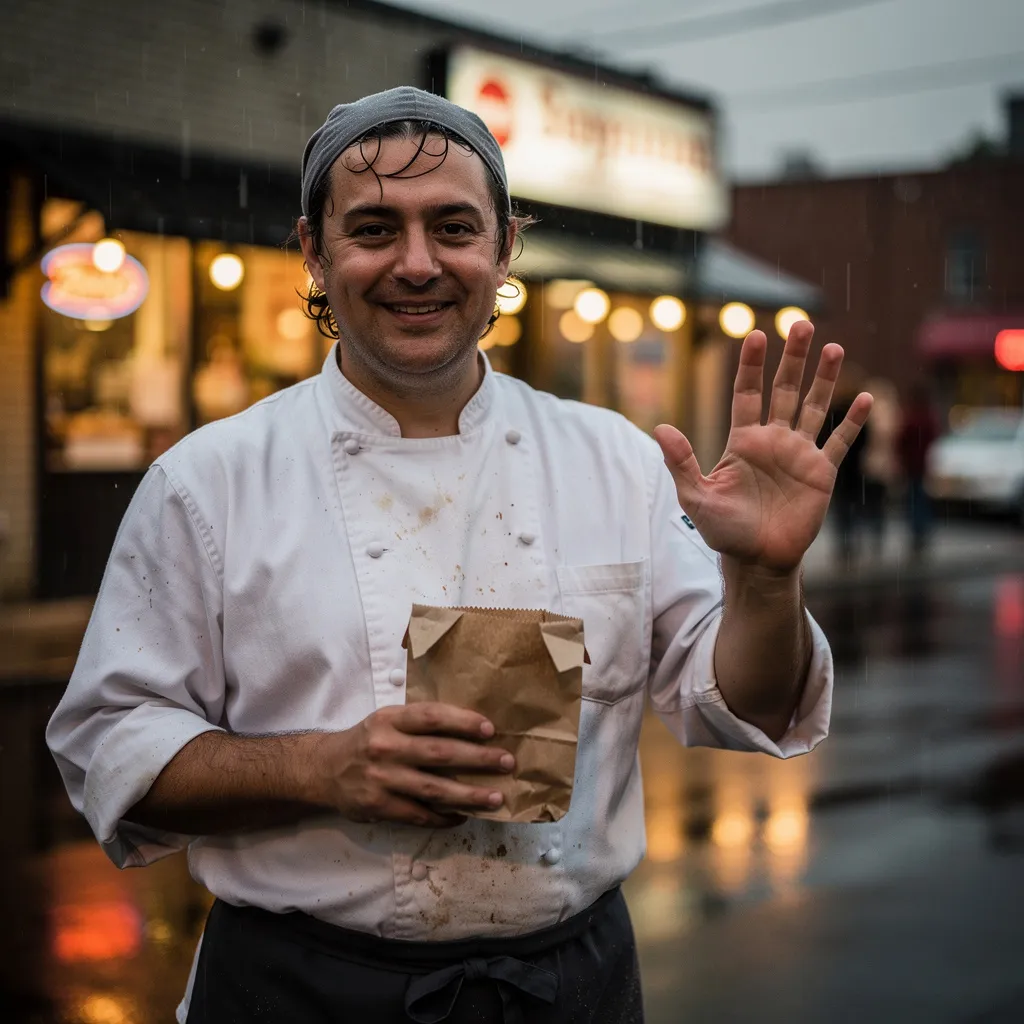
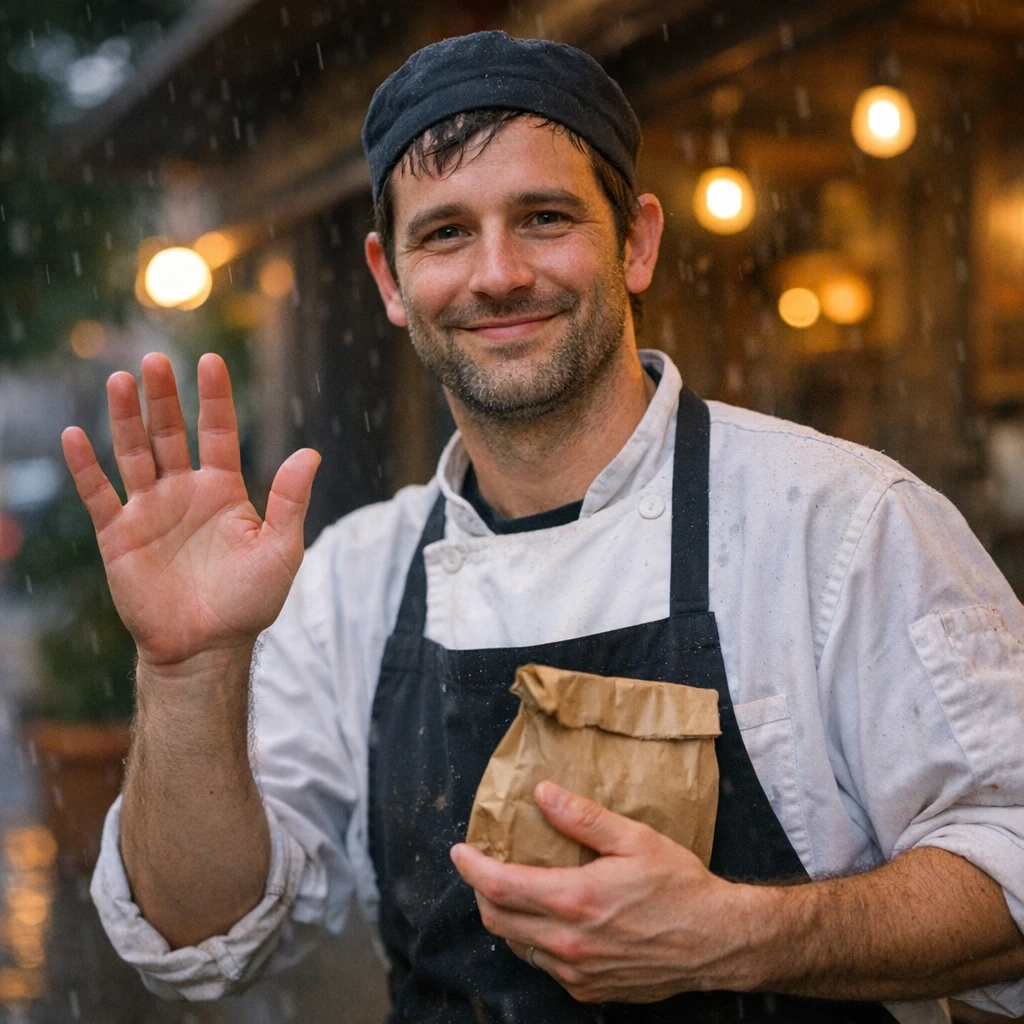
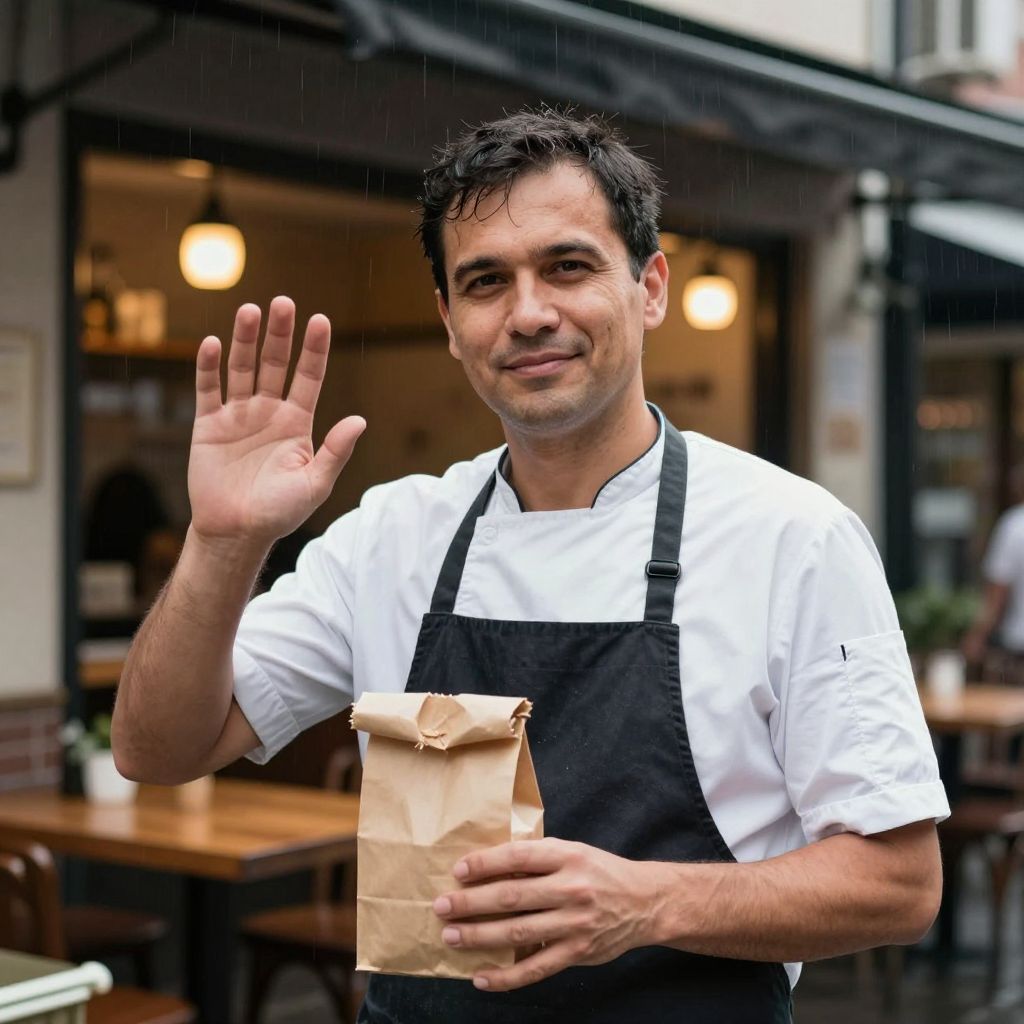
"A candid street portrait of a 34-year-old chef standing outside a small neighborhood restaurant at dusk, light rain in the air. Natural skin texture, subtle imperfections, wearing a white chef's coat with some wear marks. Shooting with a 50mm f/1.4 lens at ISO 1600, natural ambient light from the warm glow of the restaurant behind him mixing with the blue hour sky. Shallow depth of field, slight motion blur on passing traffic in the background."
What we looked for: hands, skin realism, believable optics, face artifacts
 Key Findings
The Nano Banana models stood out immediately. The smile creases in Nano Banana Pro looked real. Not "AI trying to do skin" real. Actually real. The pores, the natural luminosity, the way rain reflections on the pavement matched the ambient lighting.
Seedream 4 did something different. It rendered actual rain droplets on the chef's hair. Small detail, but most models forgot the rain existed once they created a "rainy atmosphere."
Every model got the fingers right. Five on each hand, correct joints. We've come a long way from the six-fingered nightmares of 2023. 🙌
"The Nano Banana models stood out immediately. The smile creases in Nano Banana Pro looked real. Not "AI trying to do skin" real. Actually real."
Nano Banana ProState-of-the-art image generation and editing.
Product Hero (Materials + Reflections)
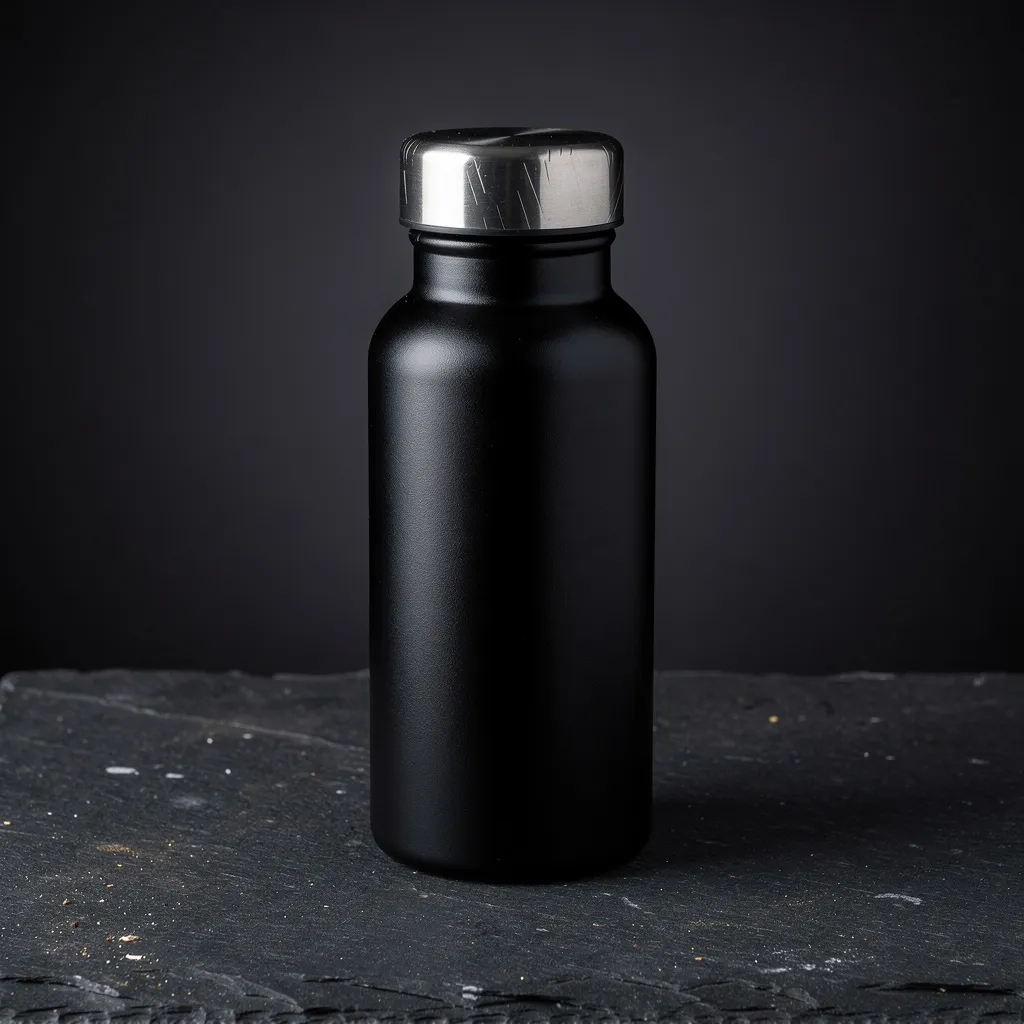
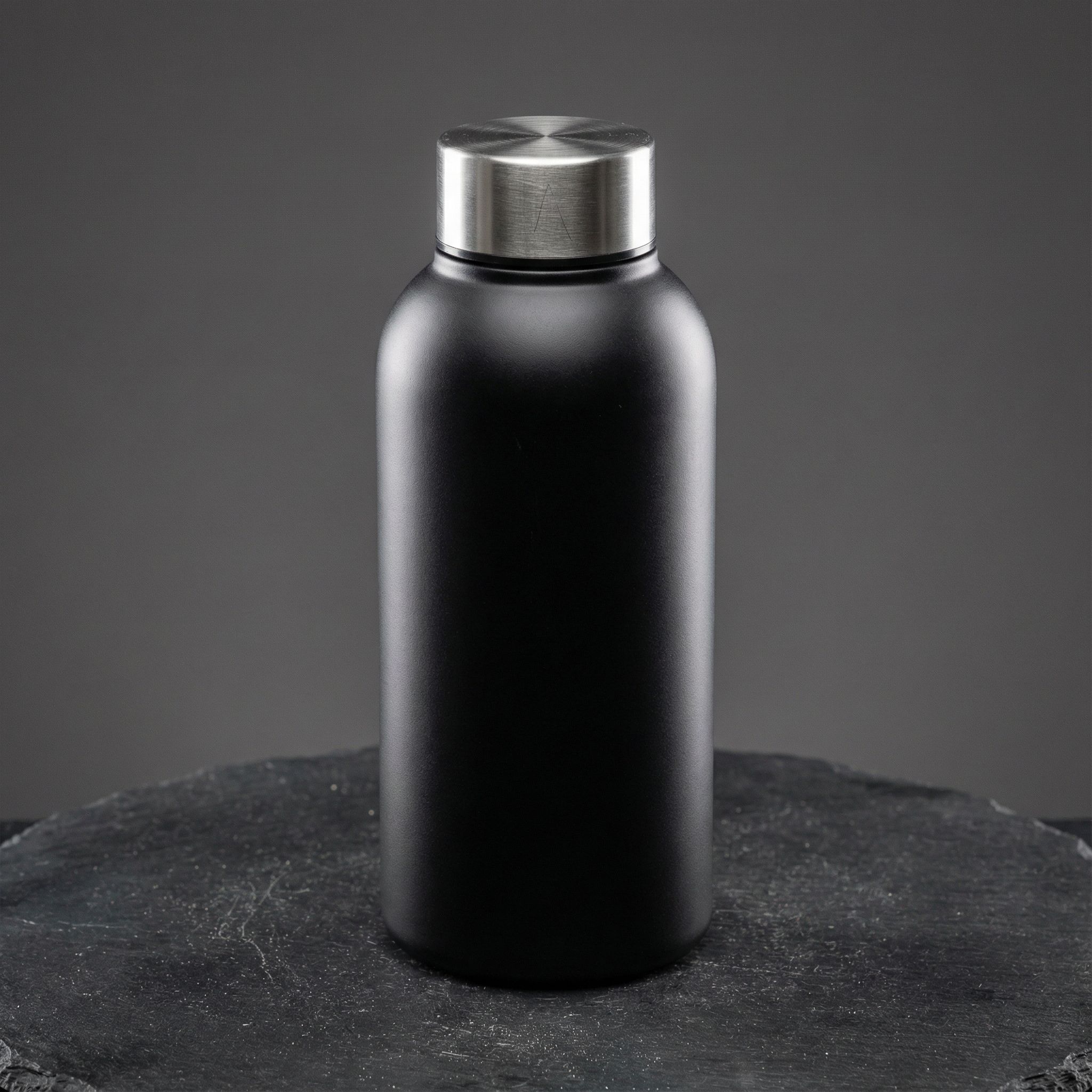
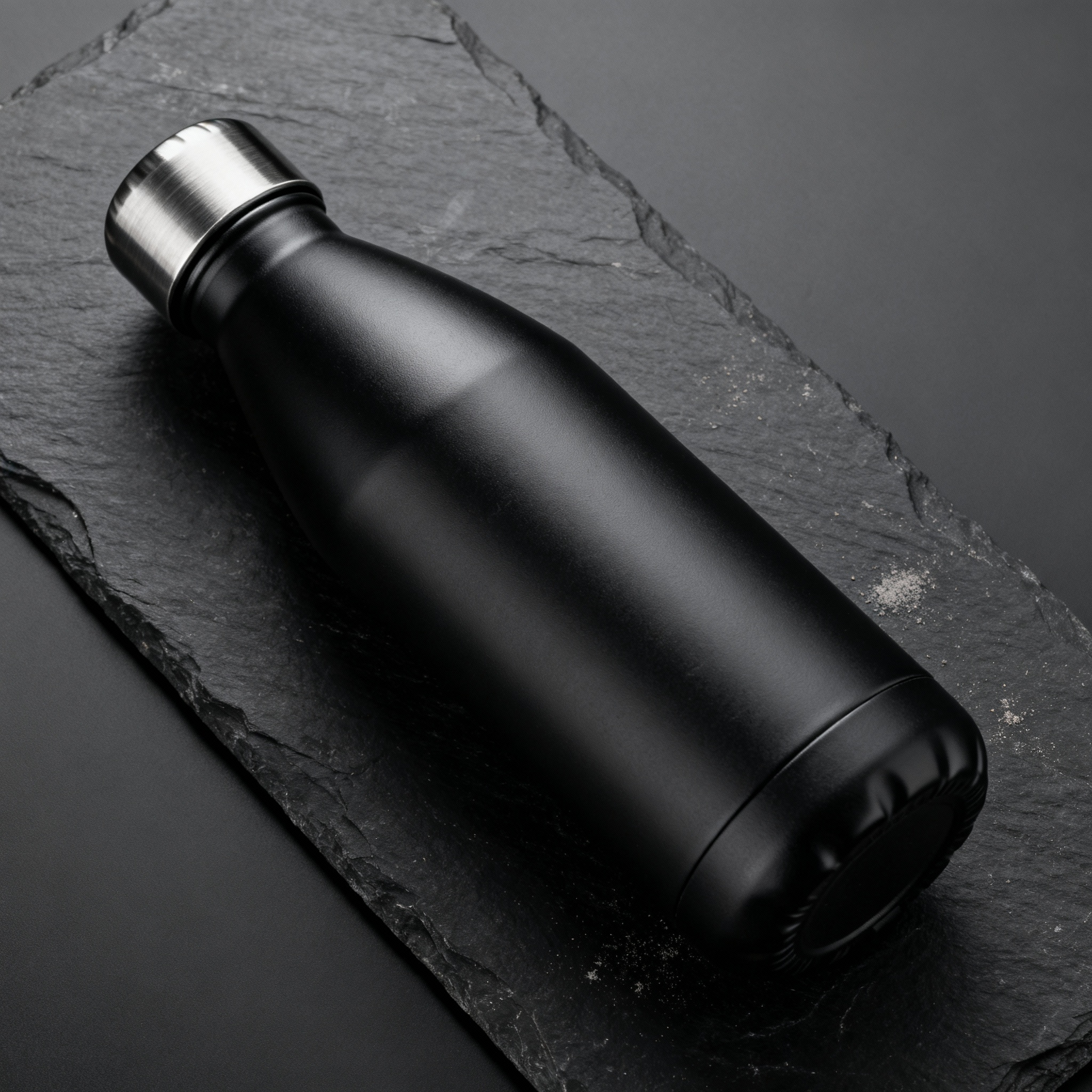
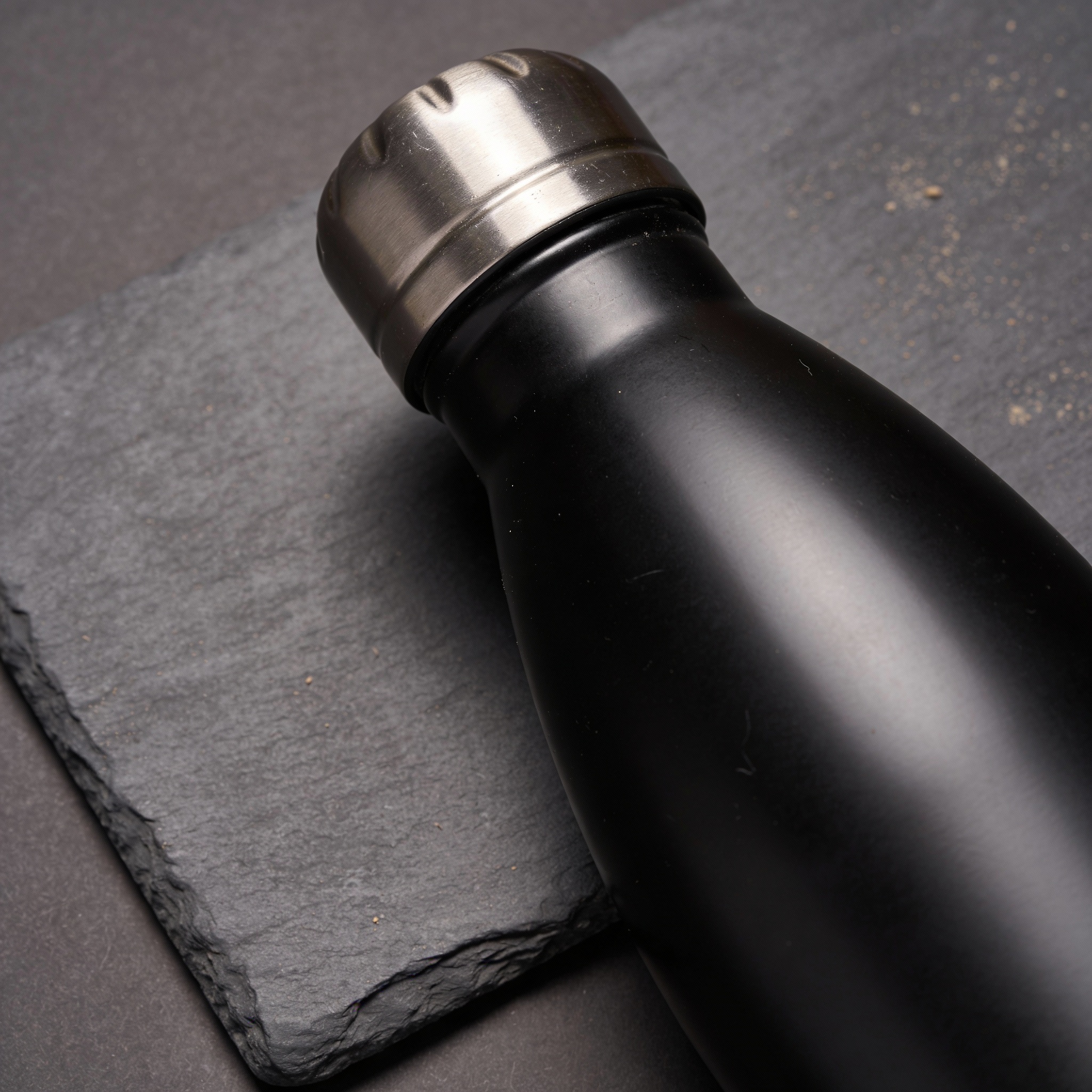
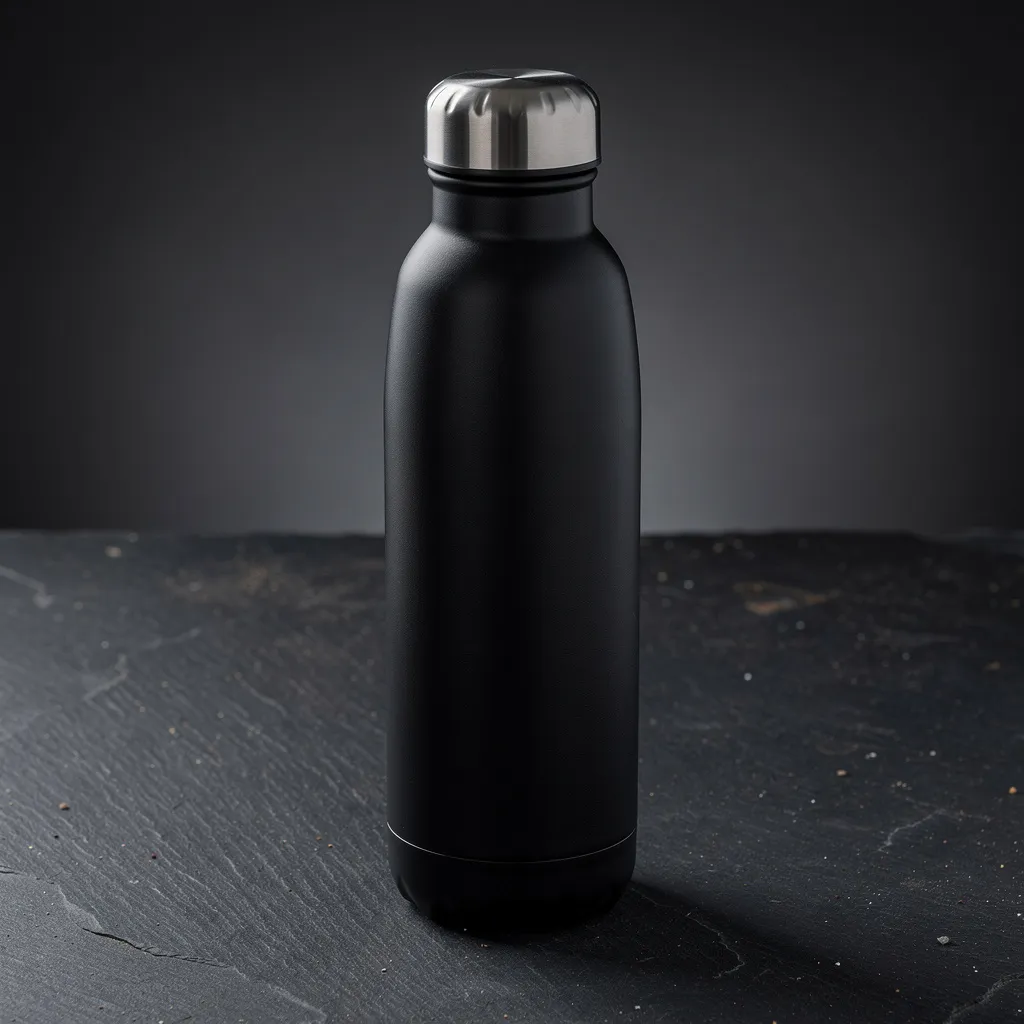
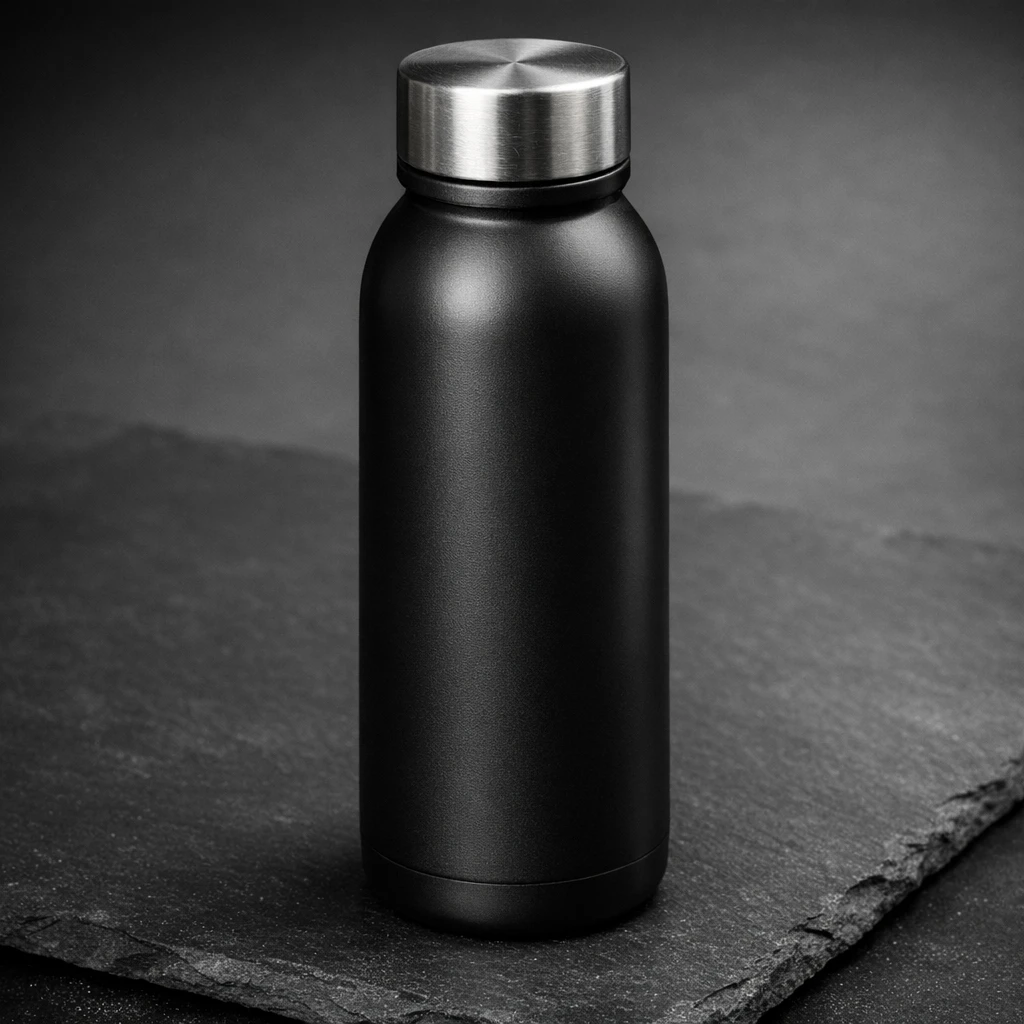
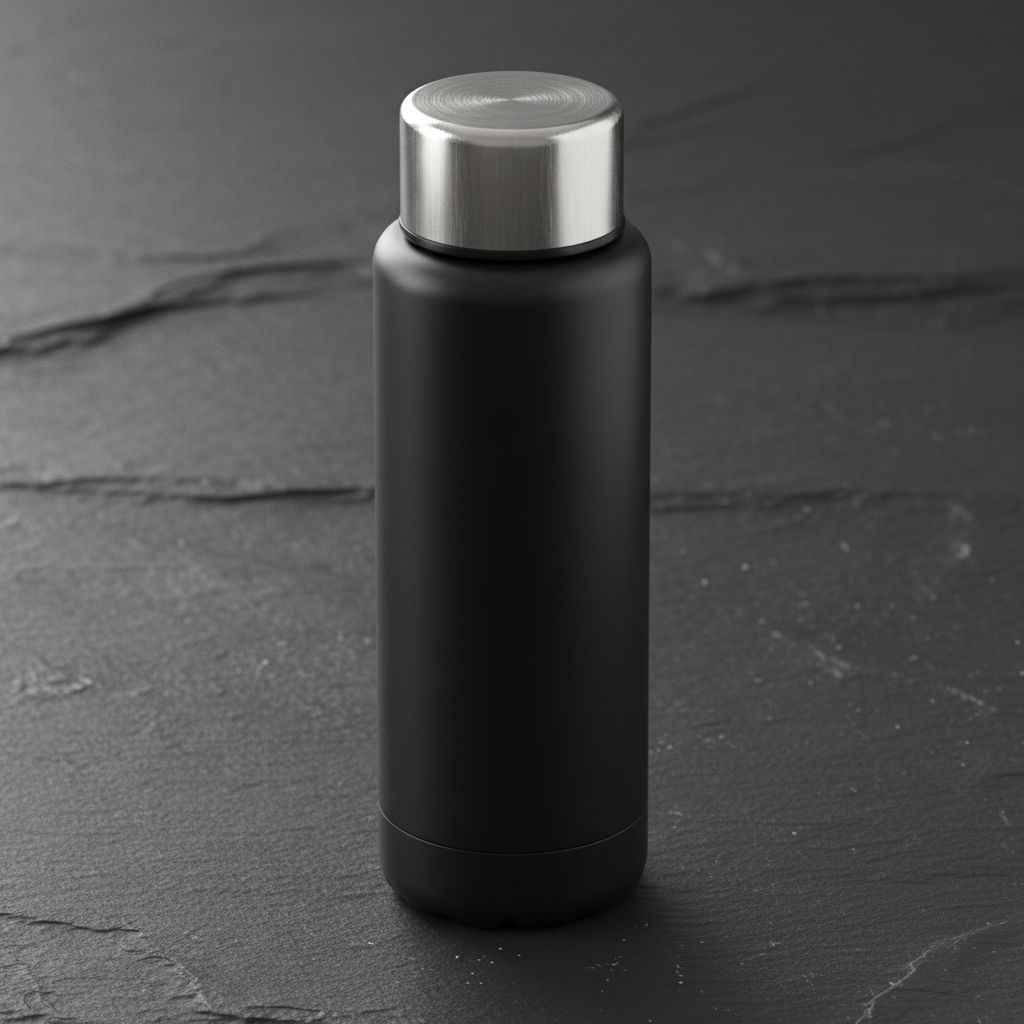
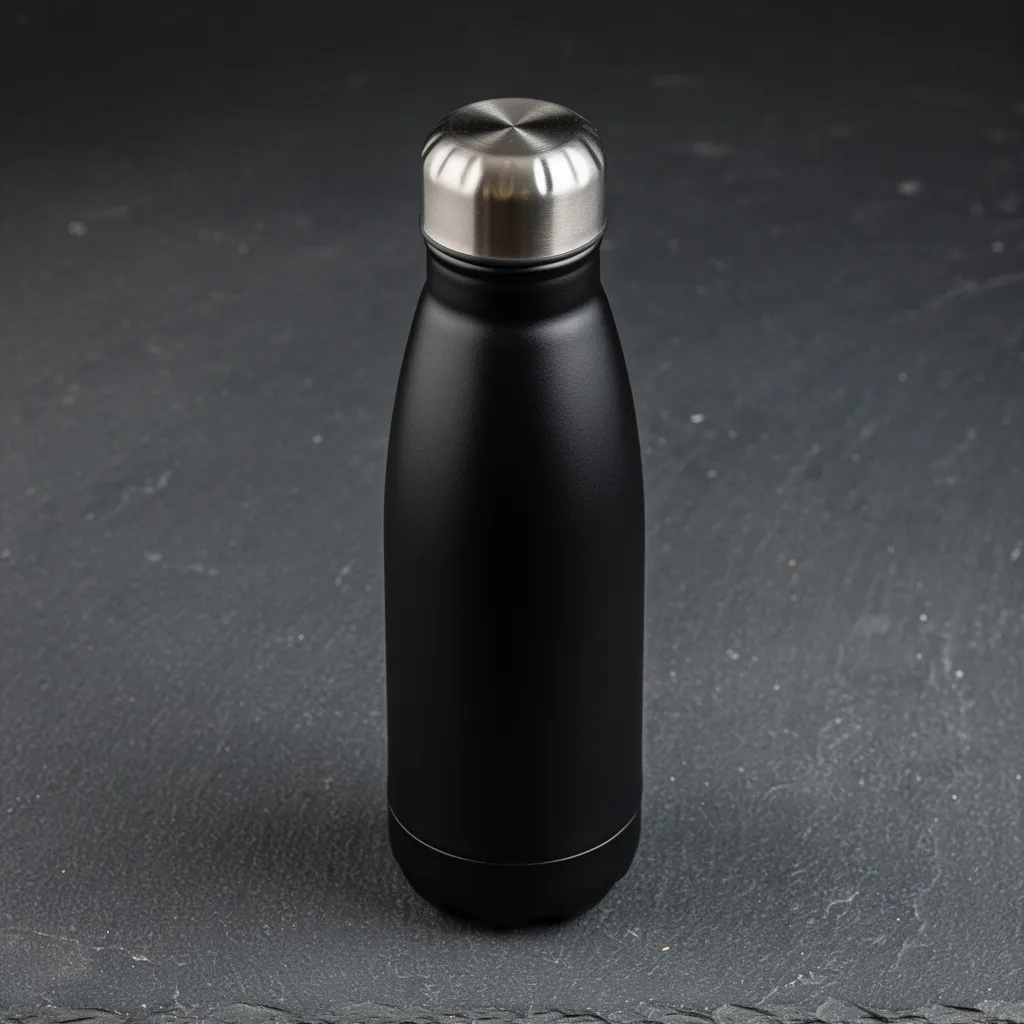
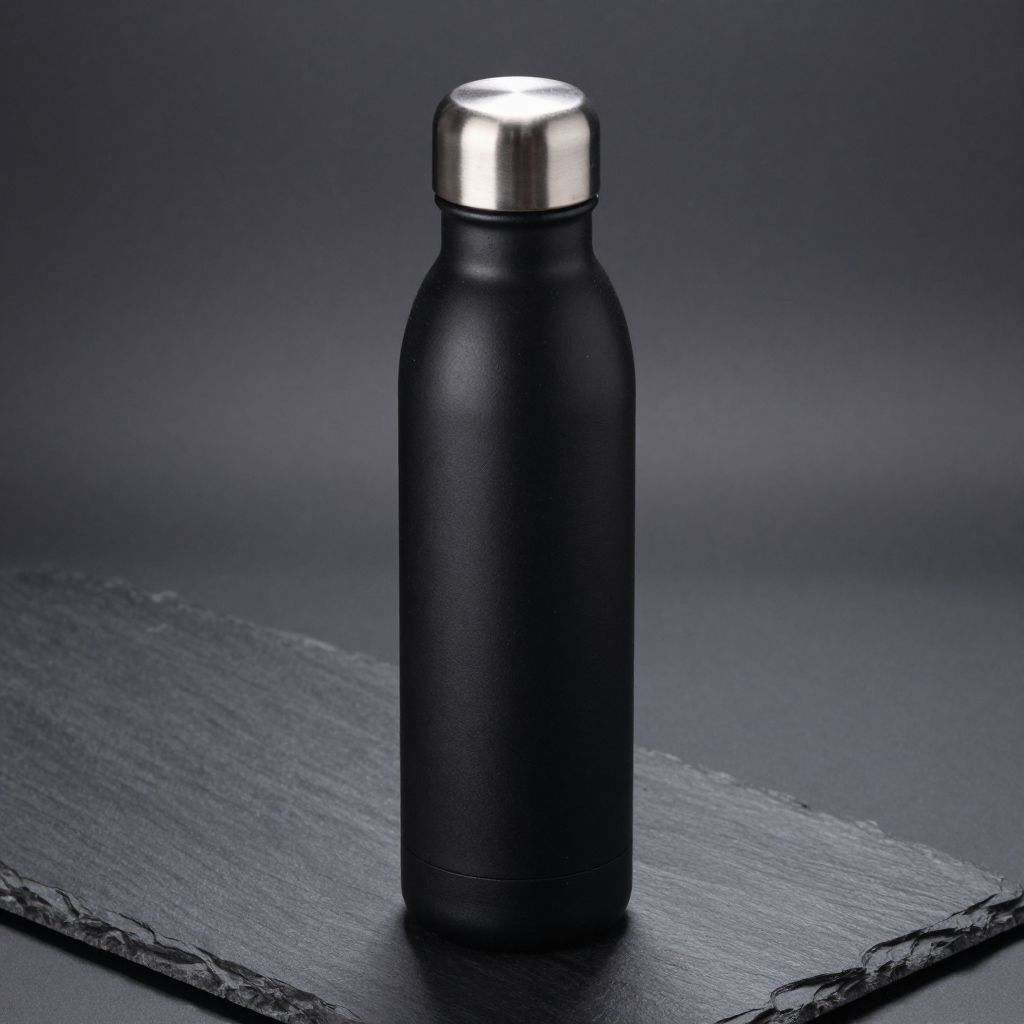
"A premium product hero photo of a matte-black insulated water bottle with a brushed metal cap, placed on a dark slate surface. Clean softbox lighting..."
What we looked for: material fidelity, reflections, edge sharpness, real studio feel
 Key Findings
Flux 2 Pro nailed it. Zoom in and you see micro-scratches on the cap. Dust particles on slate. The imperfections make it feel like an actual product shoot, not a render.
Nano Banana Pro captured the matte finish accurately. Light falls off the surface the way matte materials actually behave.
The Seedream models went for a cleaner catalog look. Good if that's what you need. Less authentic if you want photorealistic images.
Food Macro (Texture + Steam)
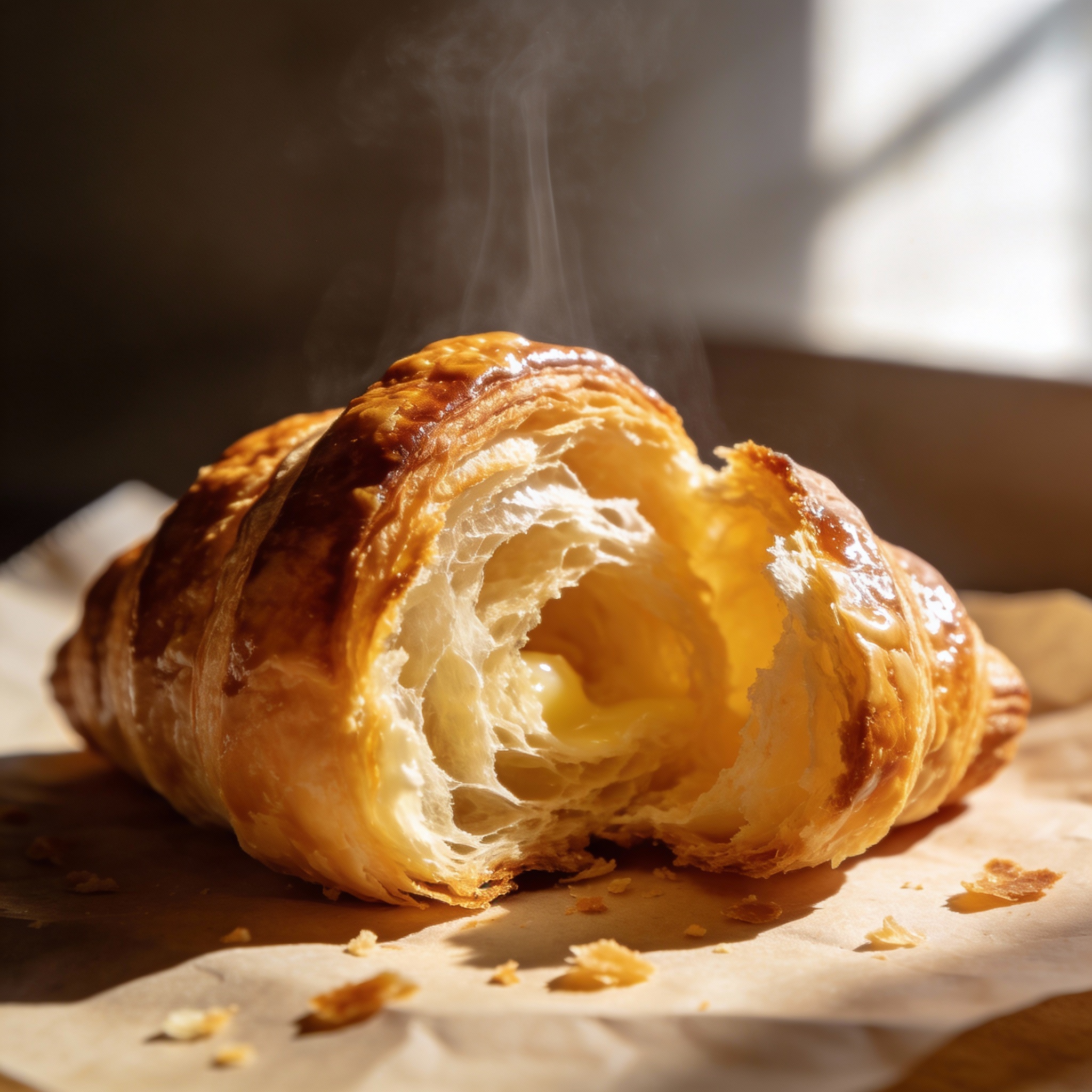
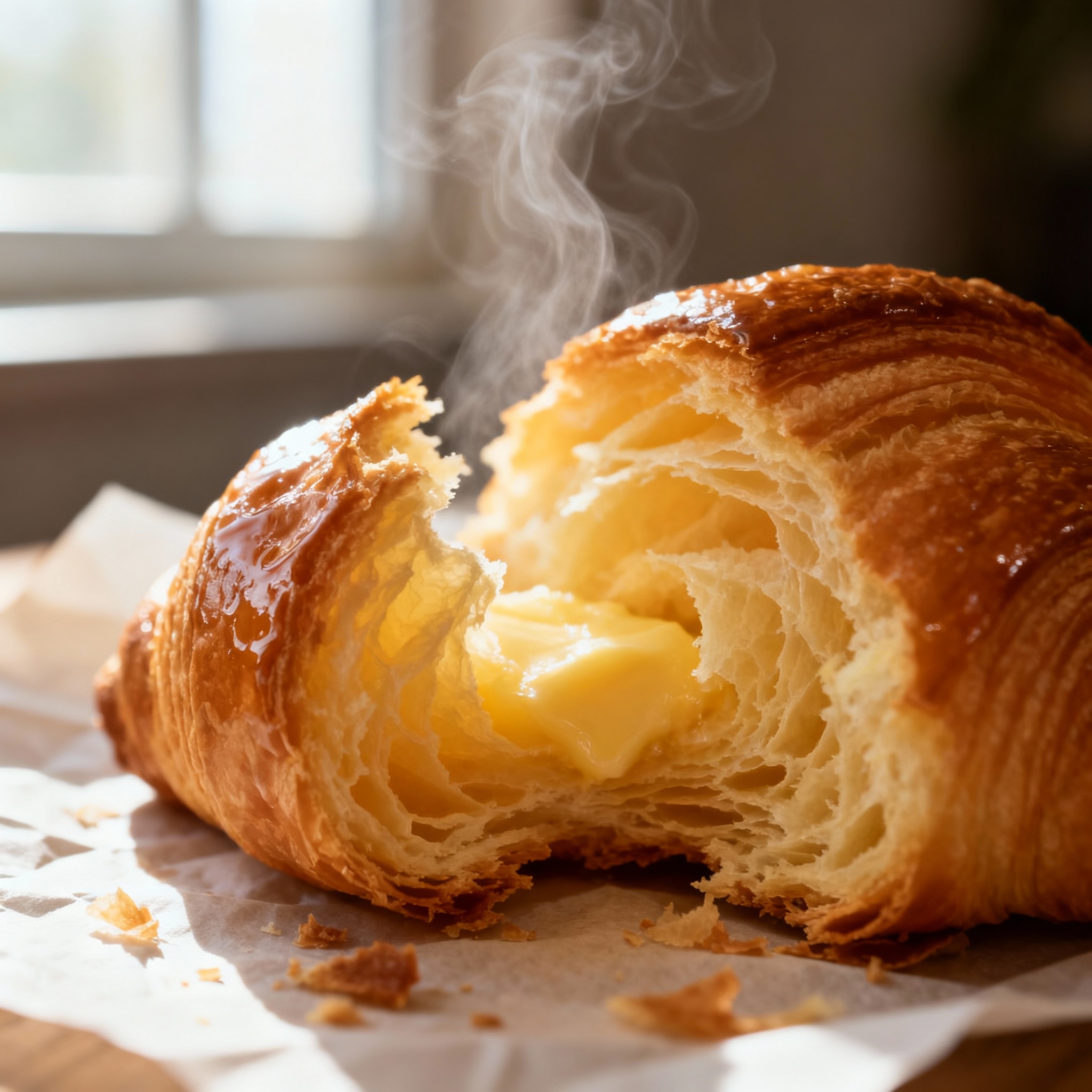
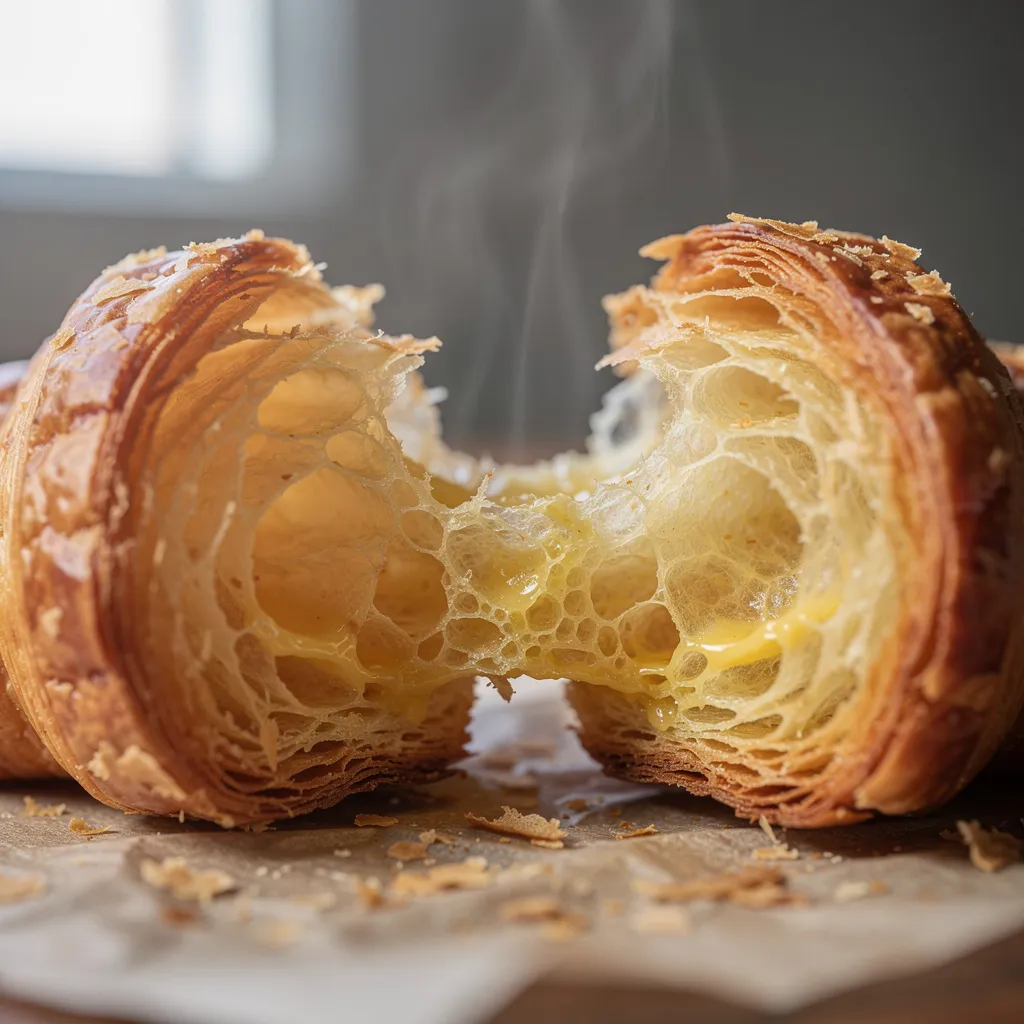
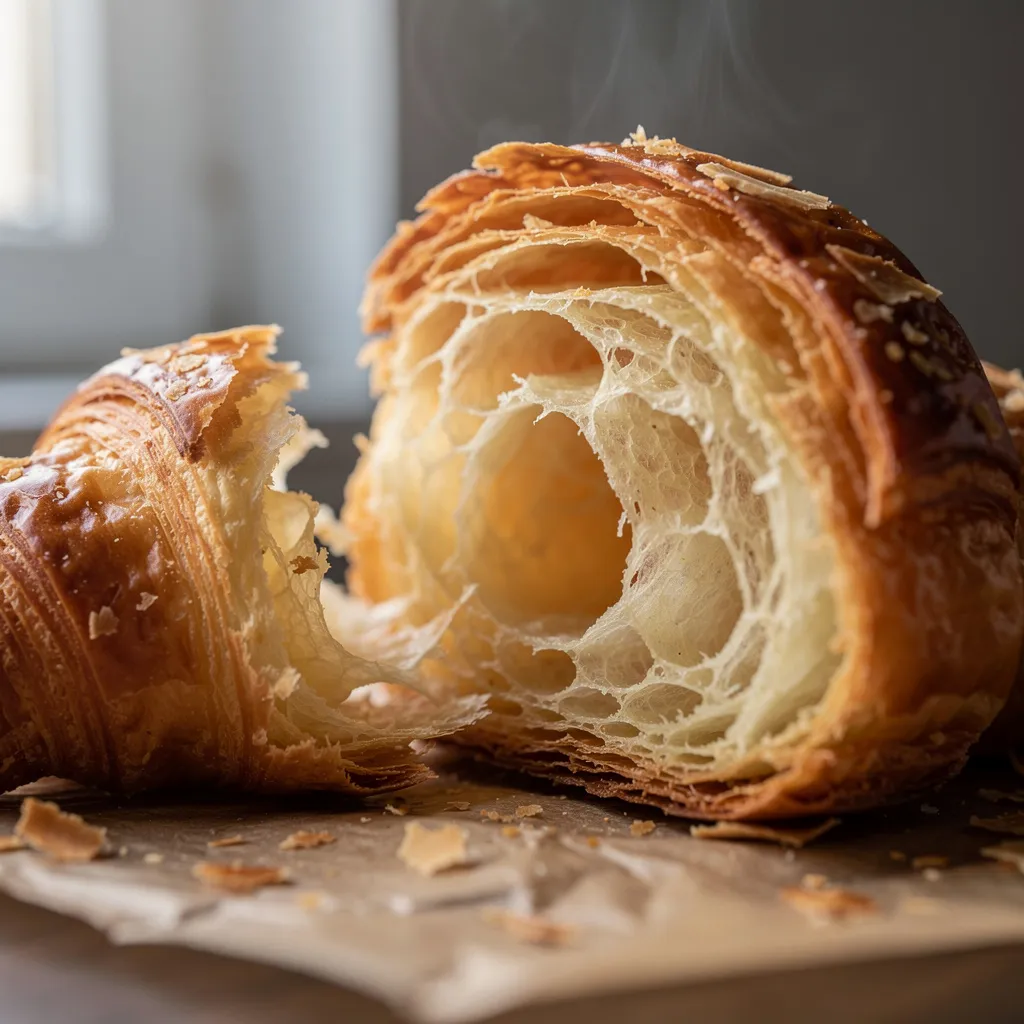
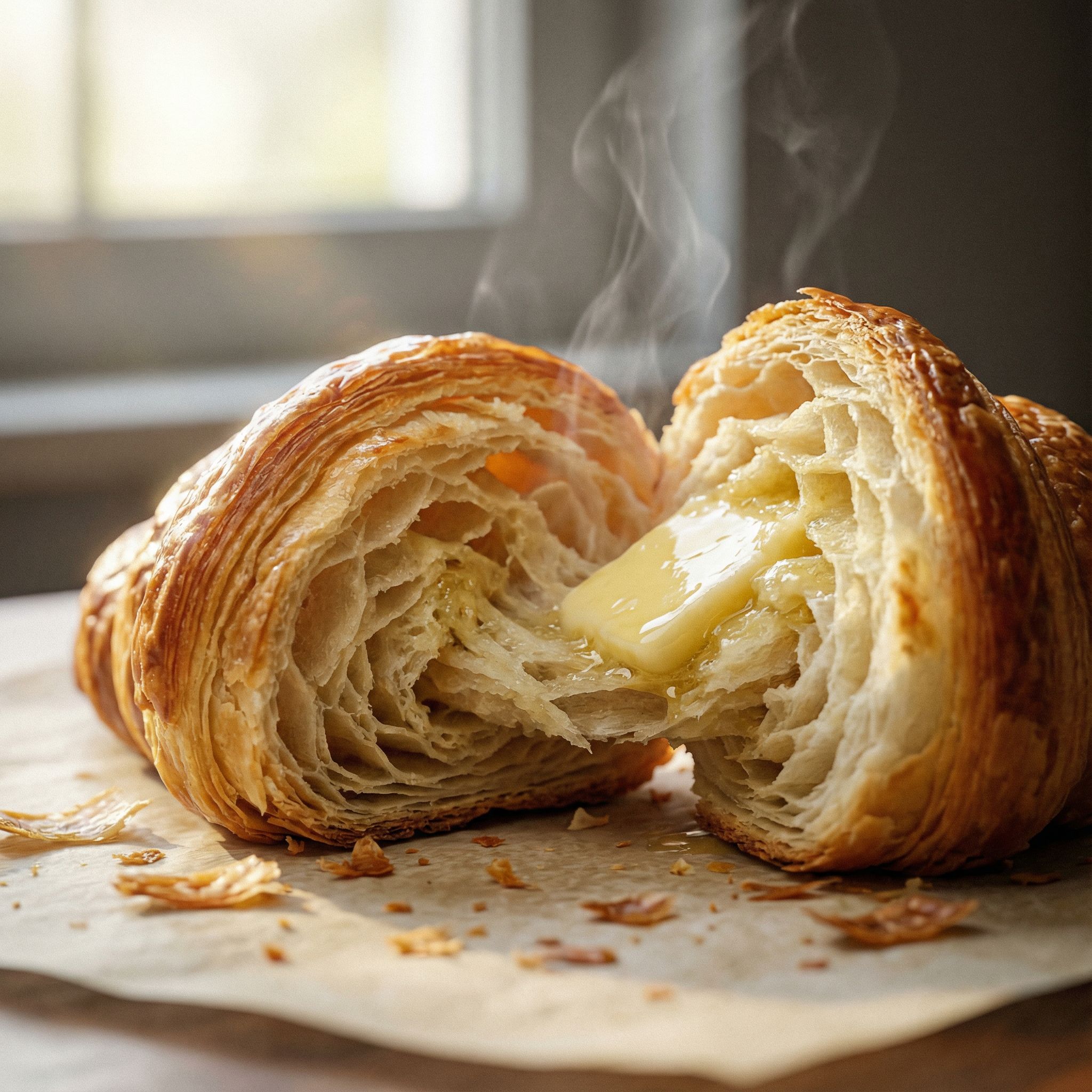
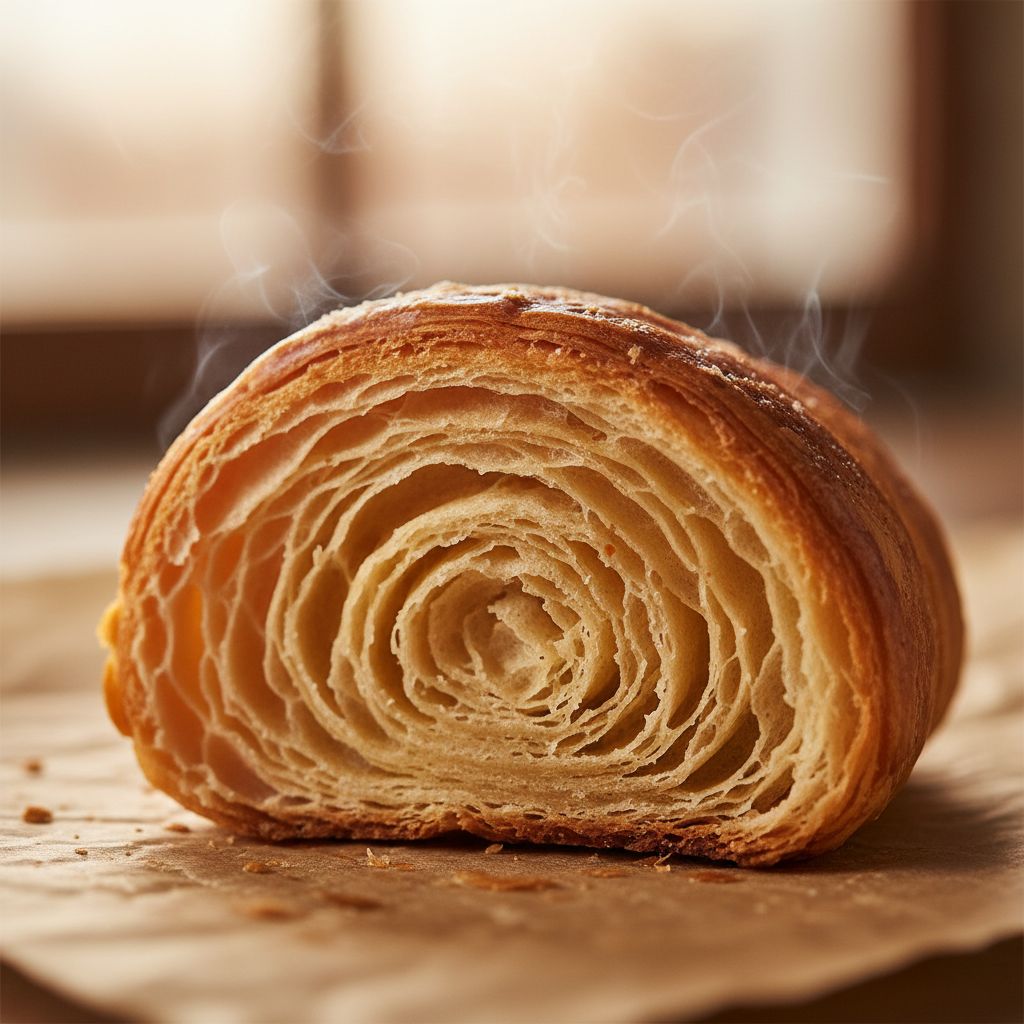
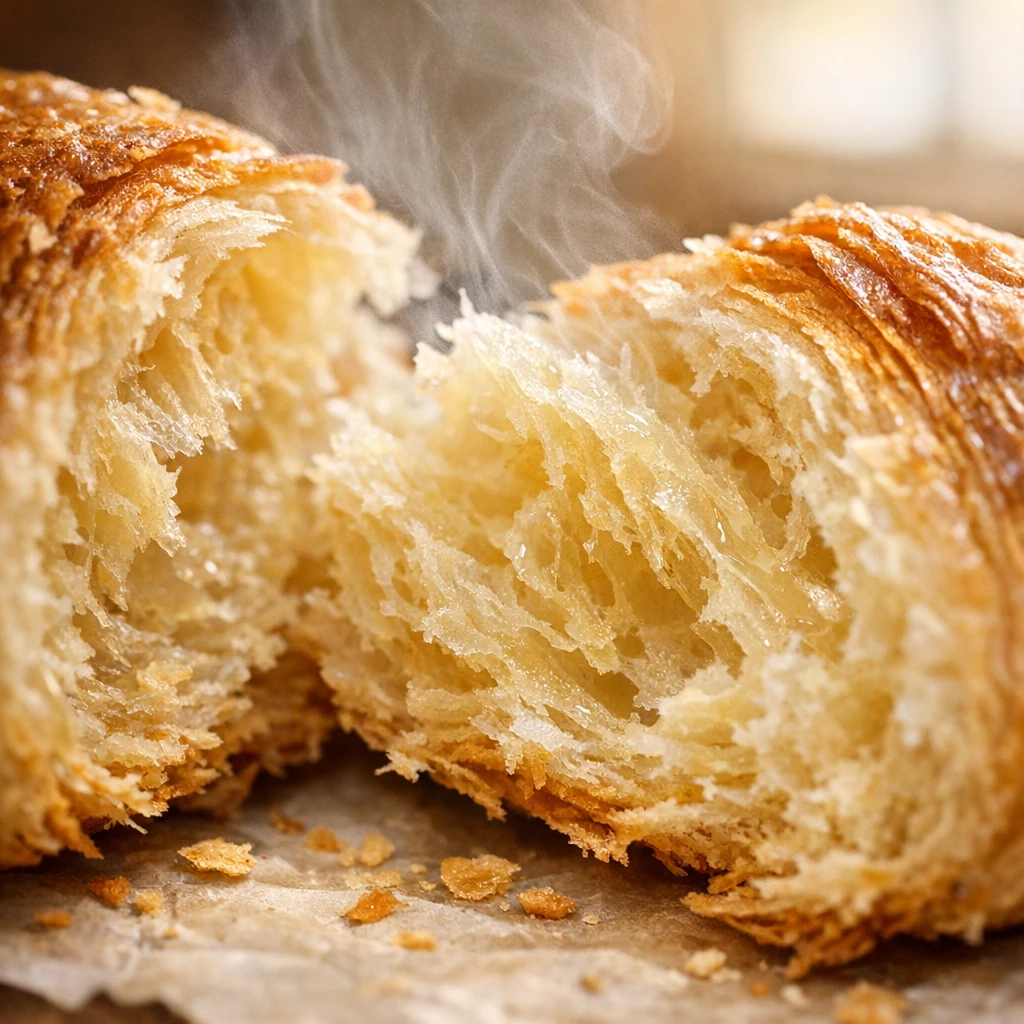
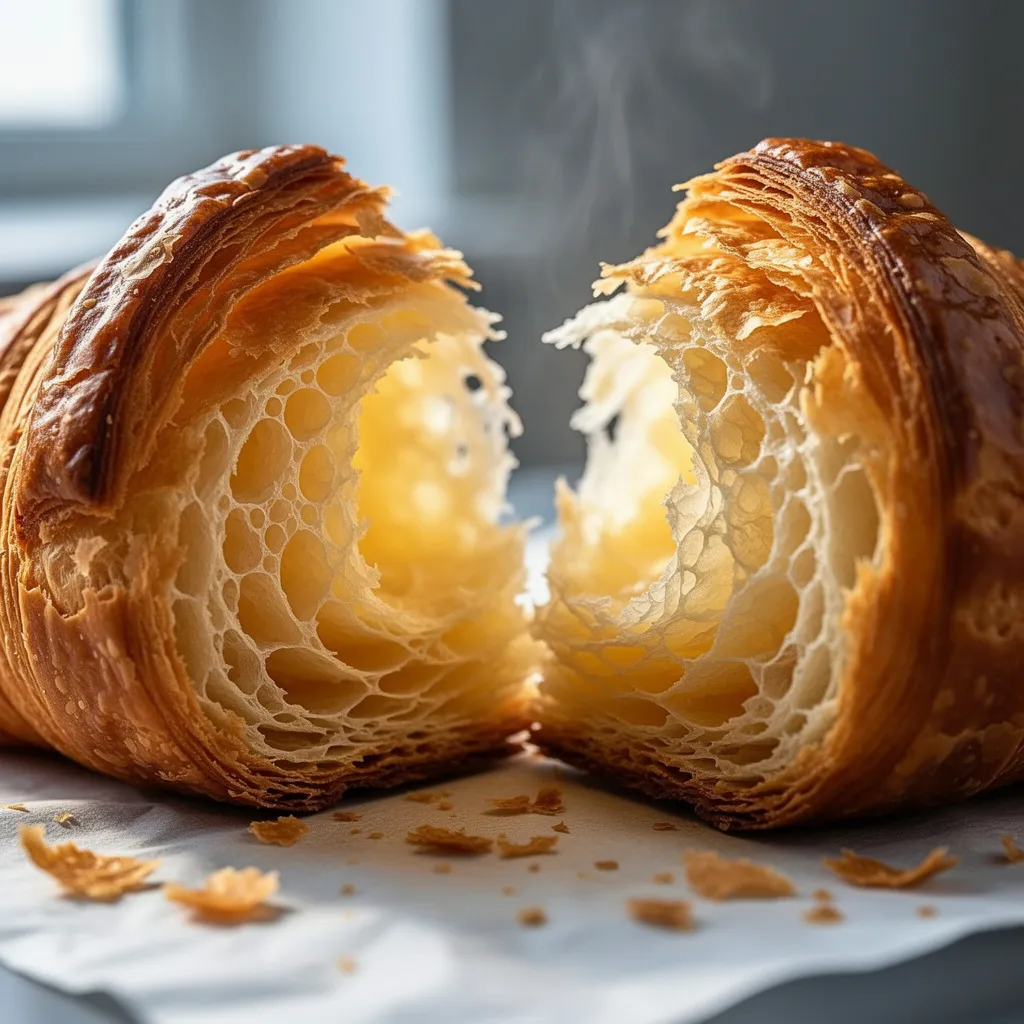
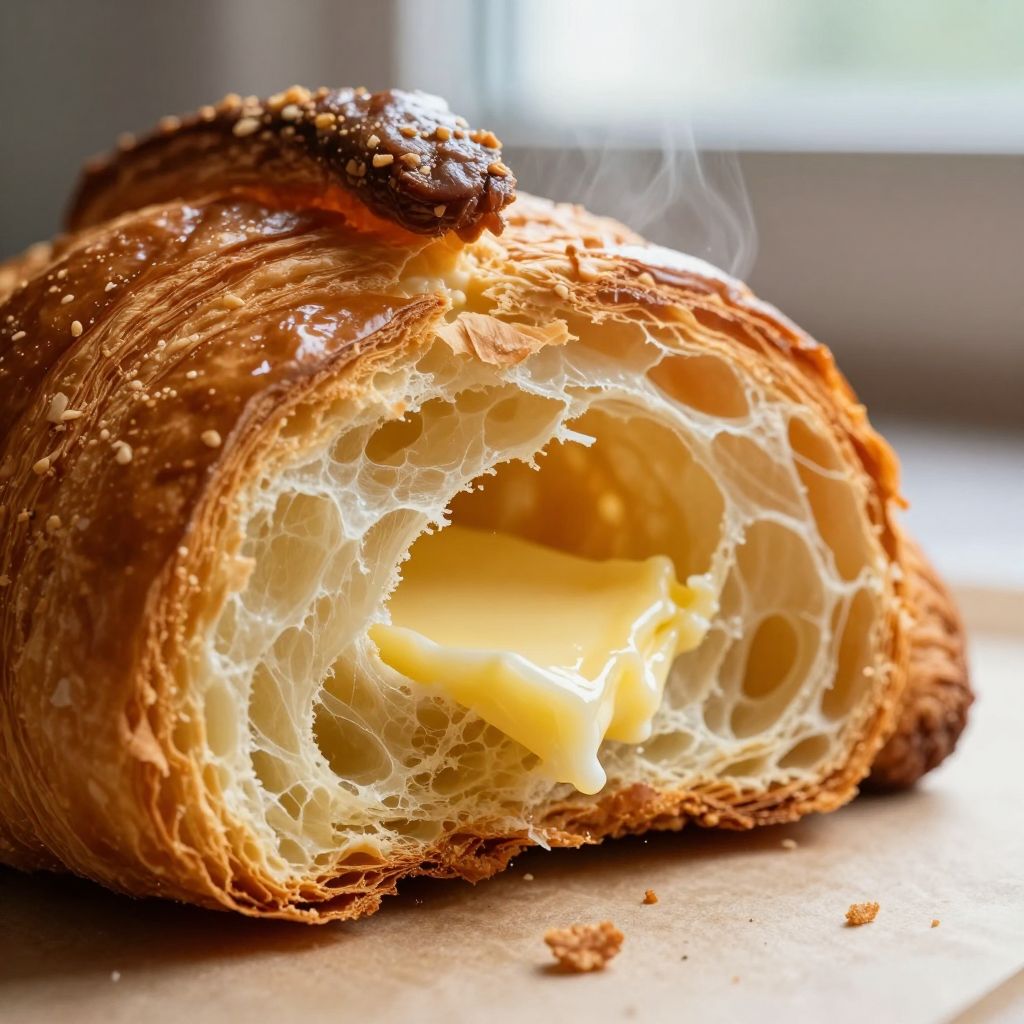
"Extreme close-up macro photo of a flaky croissant torn open, visible layered crumb structure, butter sheen, steam gently rising..."
What we looked for: micro-texture, steam realism, appetizing lighting
 Key Findings
Seedream 4.5 won this one. The laminated croissant layers are distinct. Butter sheen catches light correctly. And there's actual steam, not just "warm pastry vibes."
Action Scene (Motion + Composition)
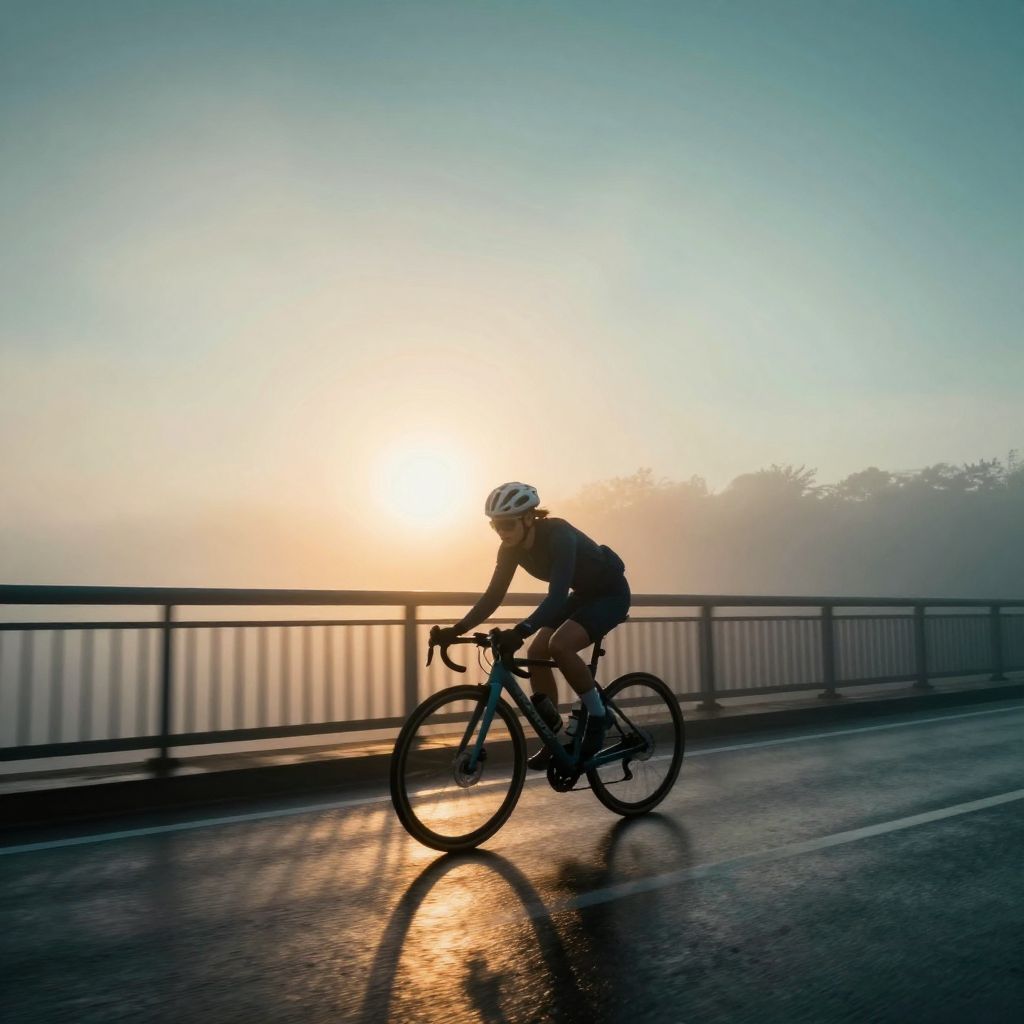
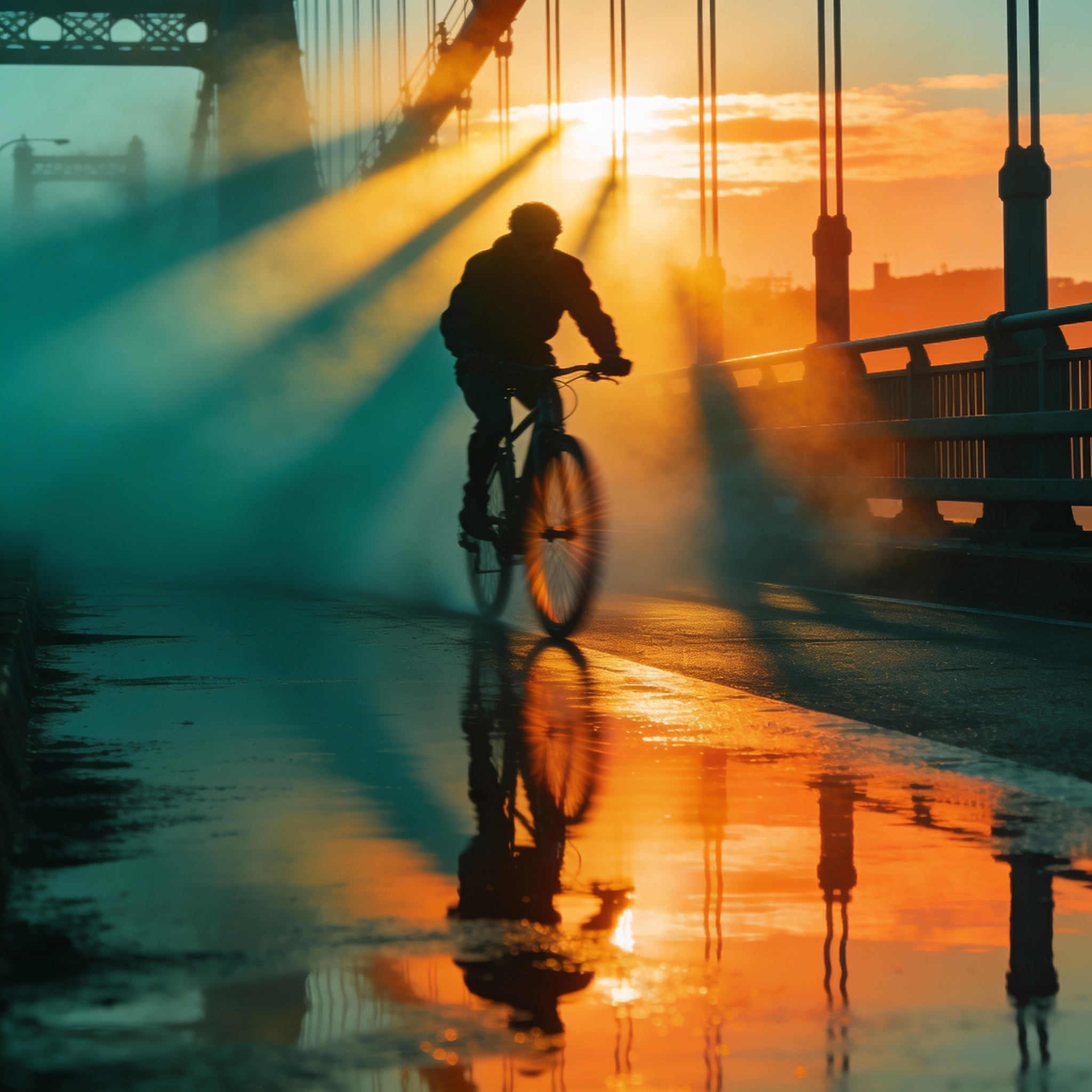
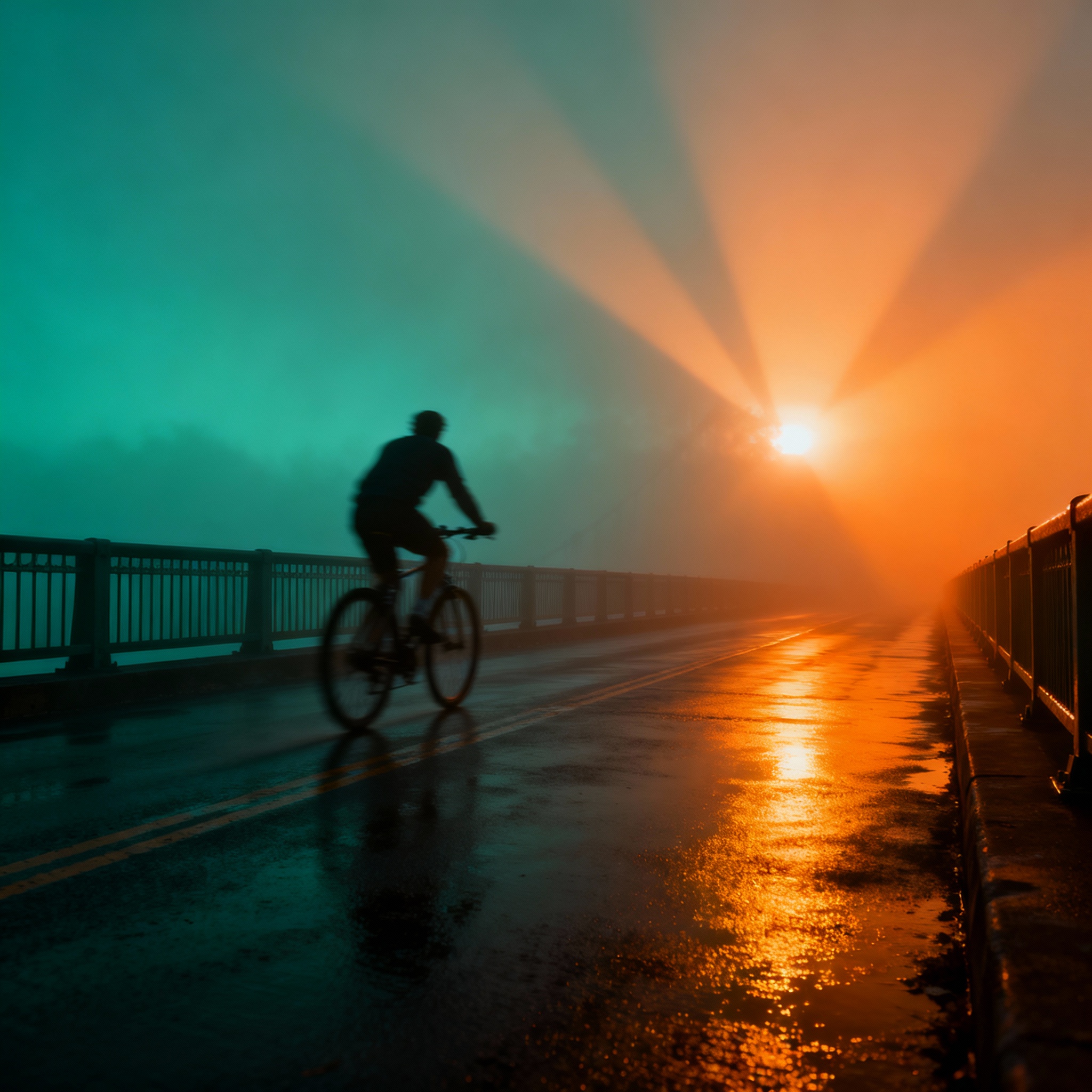
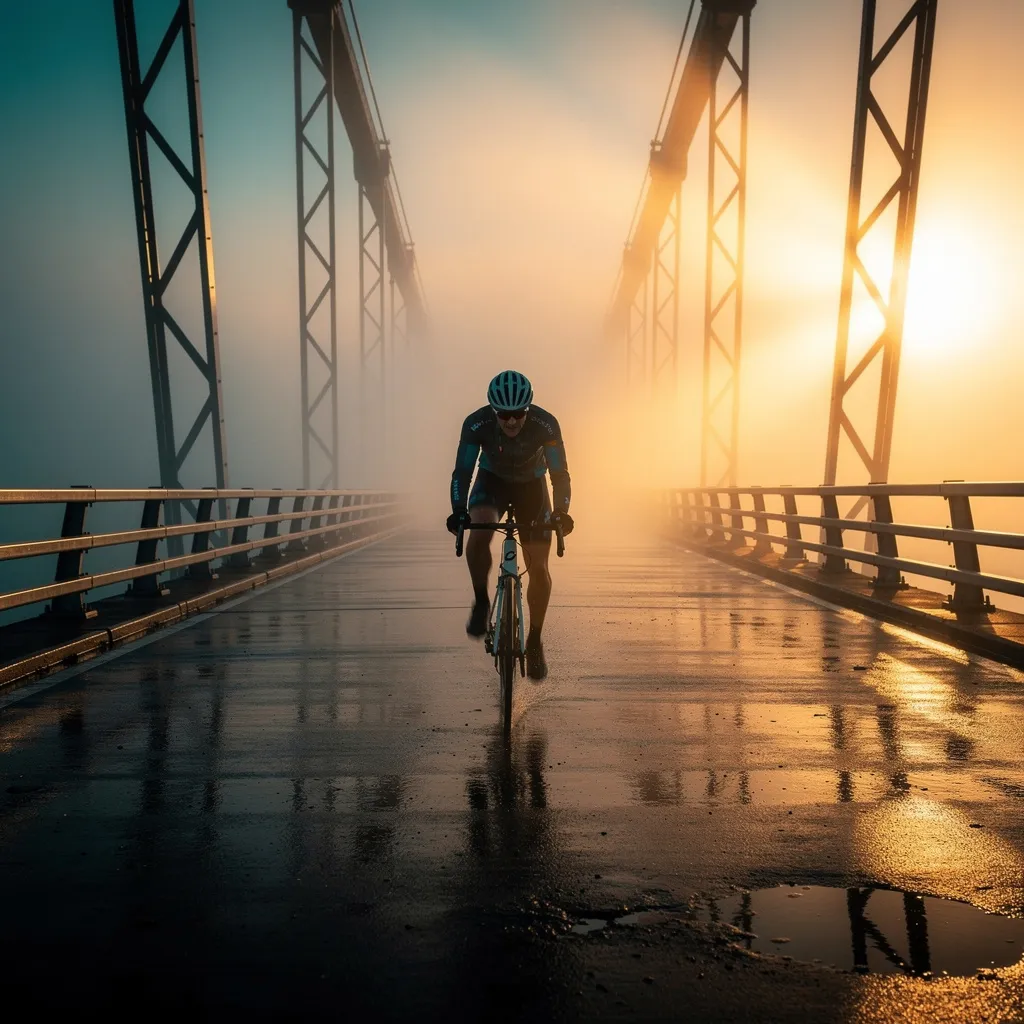
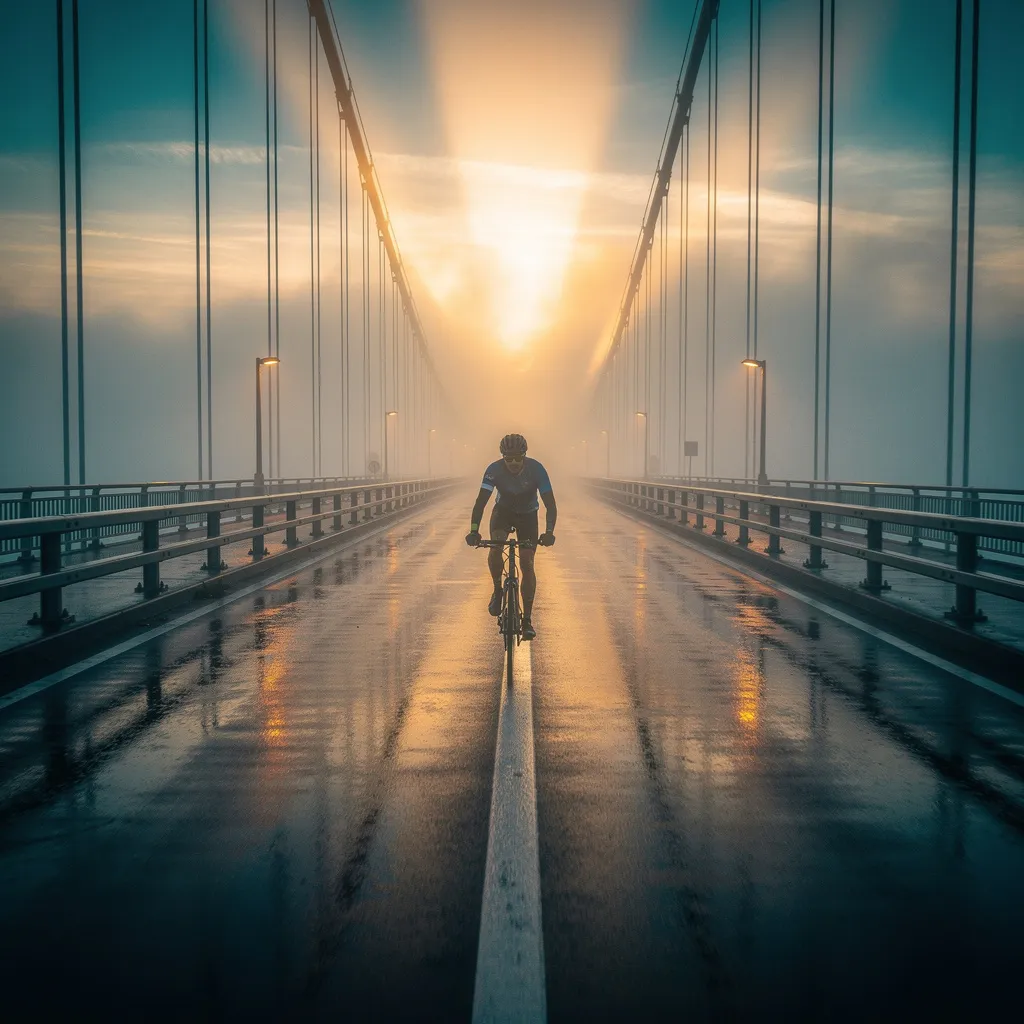
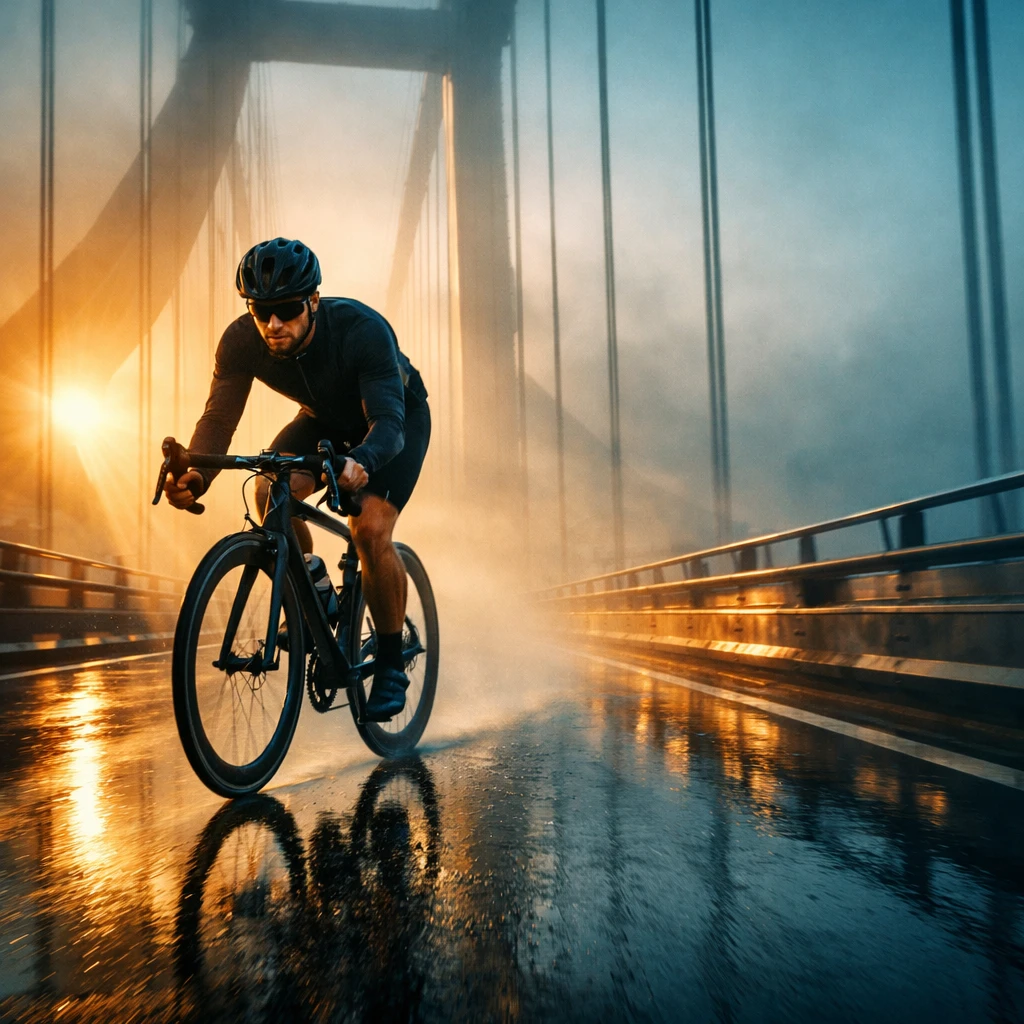
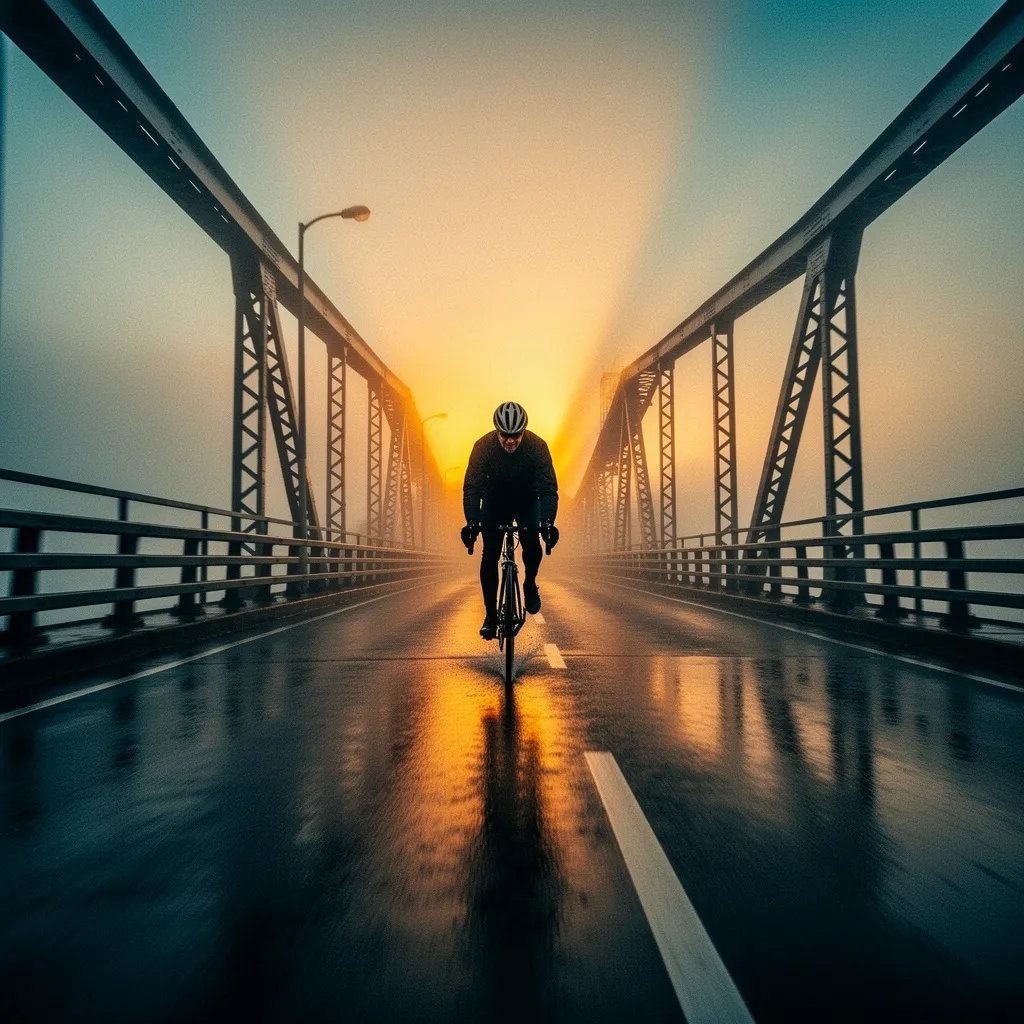
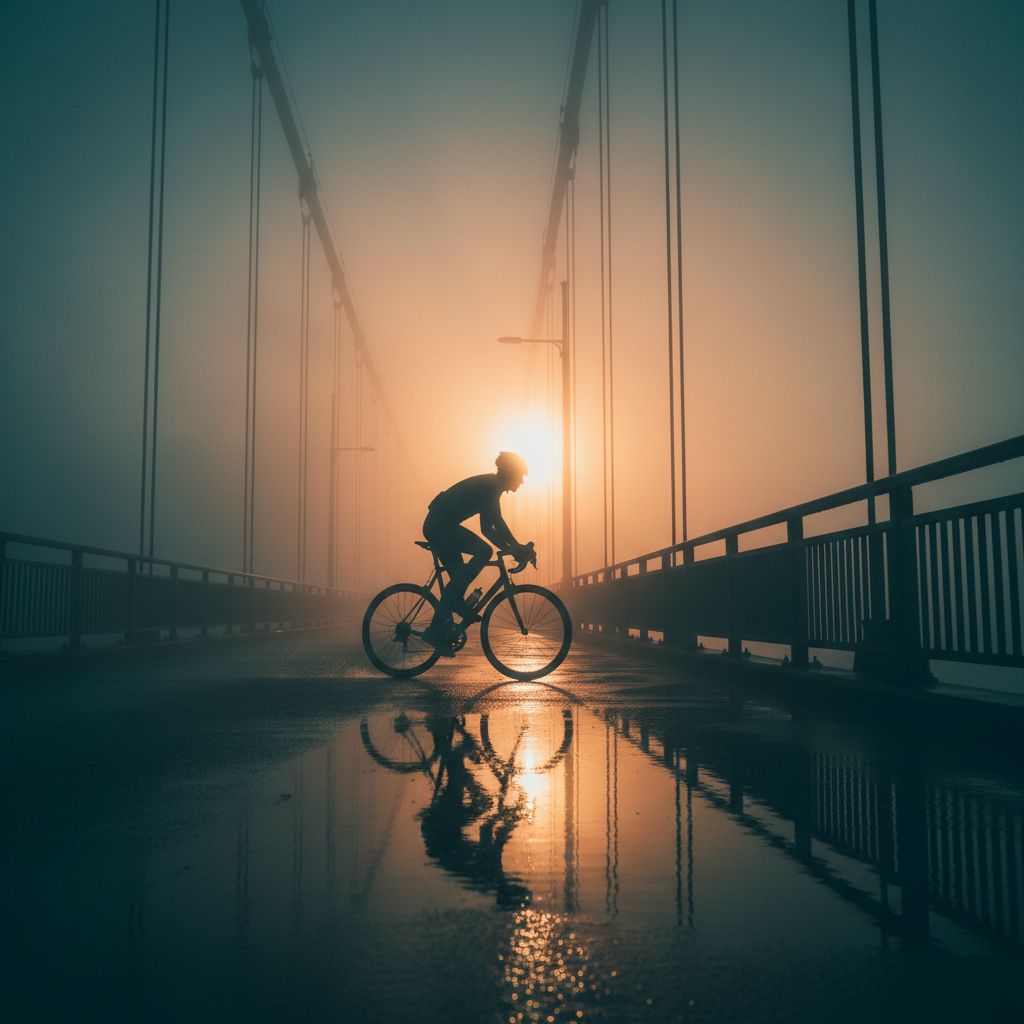
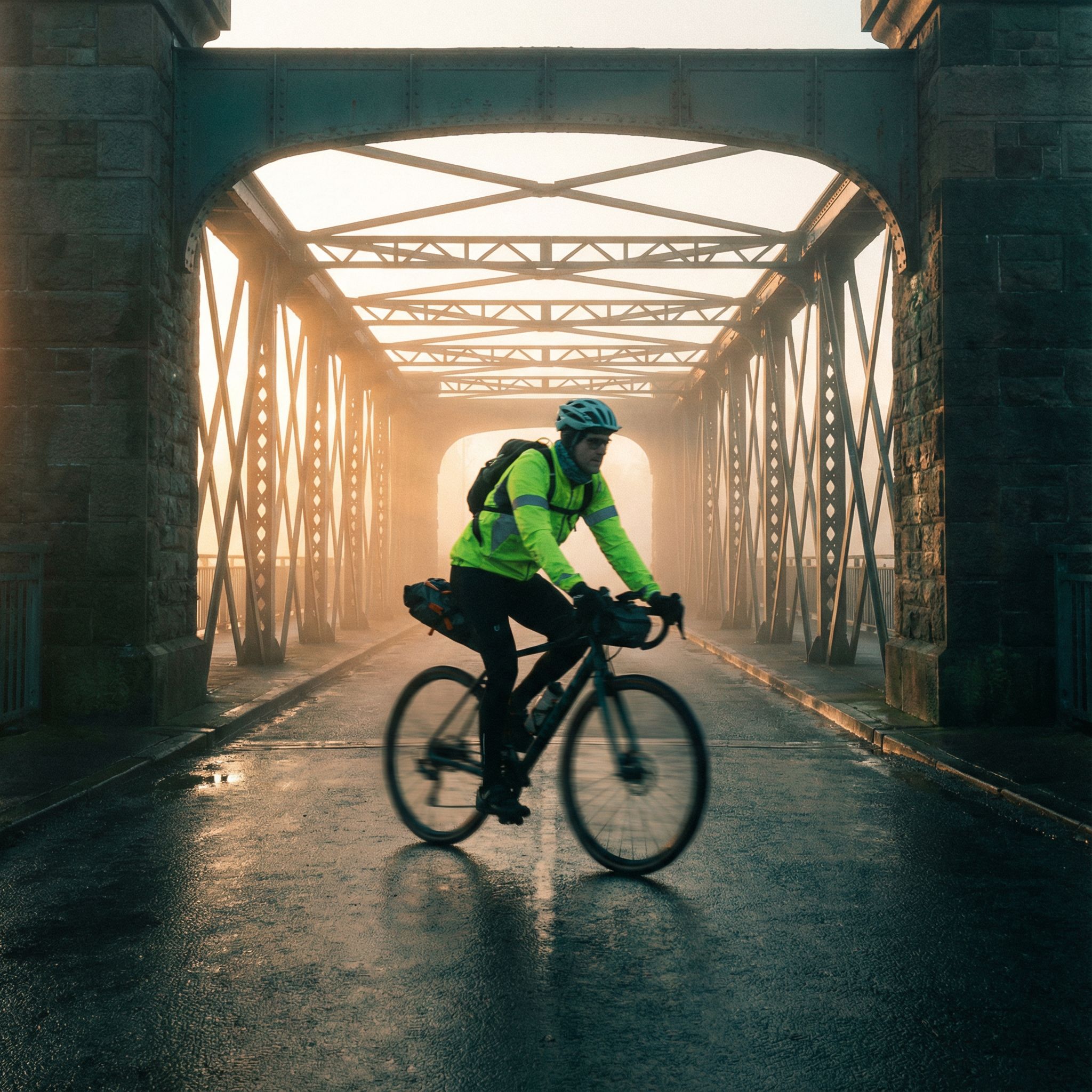
"A cinematic still of a cyclist cutting through fog on a bridge at sunrise. Motion blur on the wheels only, dramatic volumetric light..."
What we looked for: composition, controlled motion blur, volumetrics
 Key Findings
This was a logic test. The cyclist should move along the bridge, not across it. Z-Image Turbo got it right. Our budget option understood the prompt better than premium alternatives.
Seedream 4.5 had the best motion blur. Wheels blur naturally while the cyclist stays sharp.
Nano Banana missed this one. Both versions positioned the cyclist perpendicular to the bridge. Looks wrong. Every AI model has blind spots.
Interior Design (Geometry + Lighting Consistency)
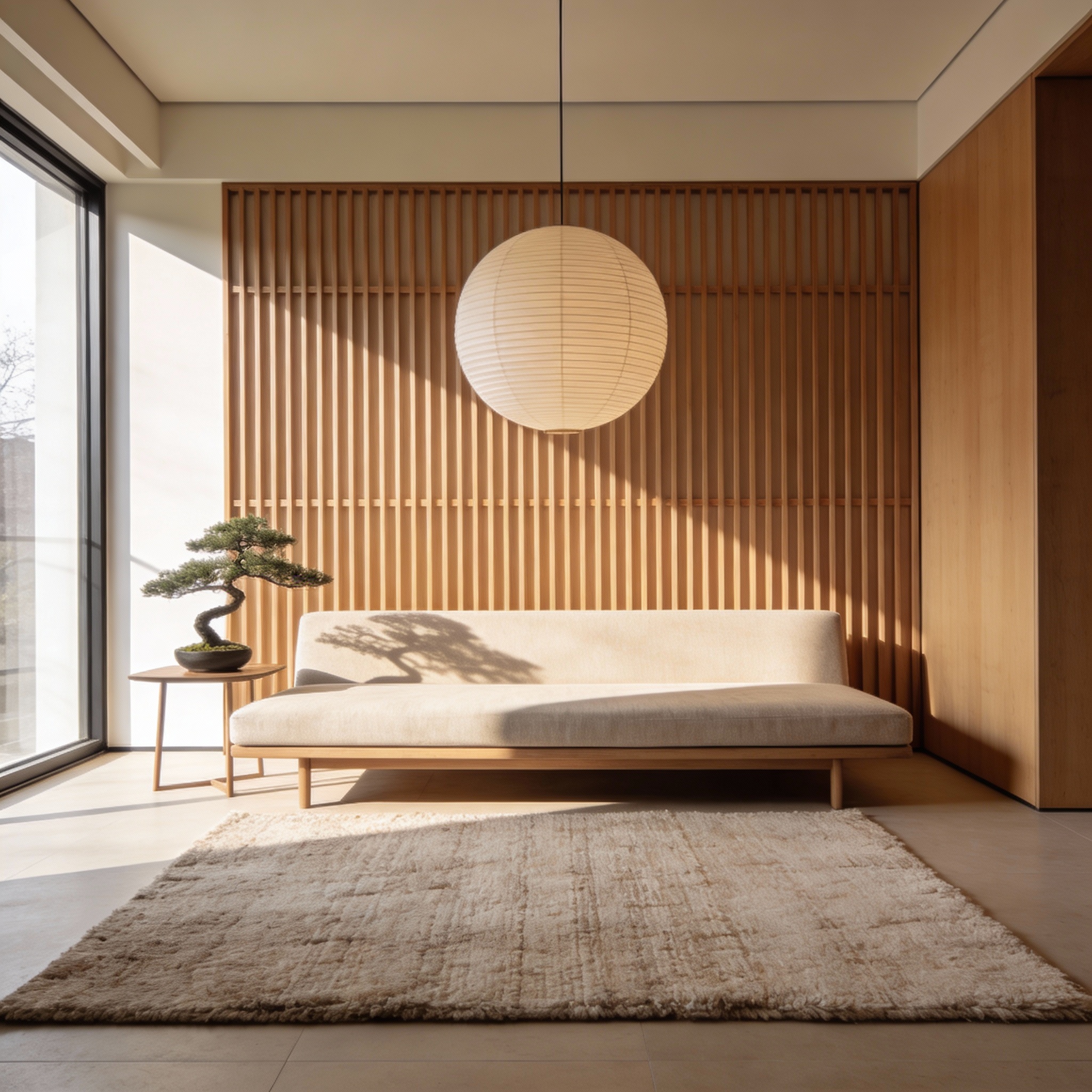
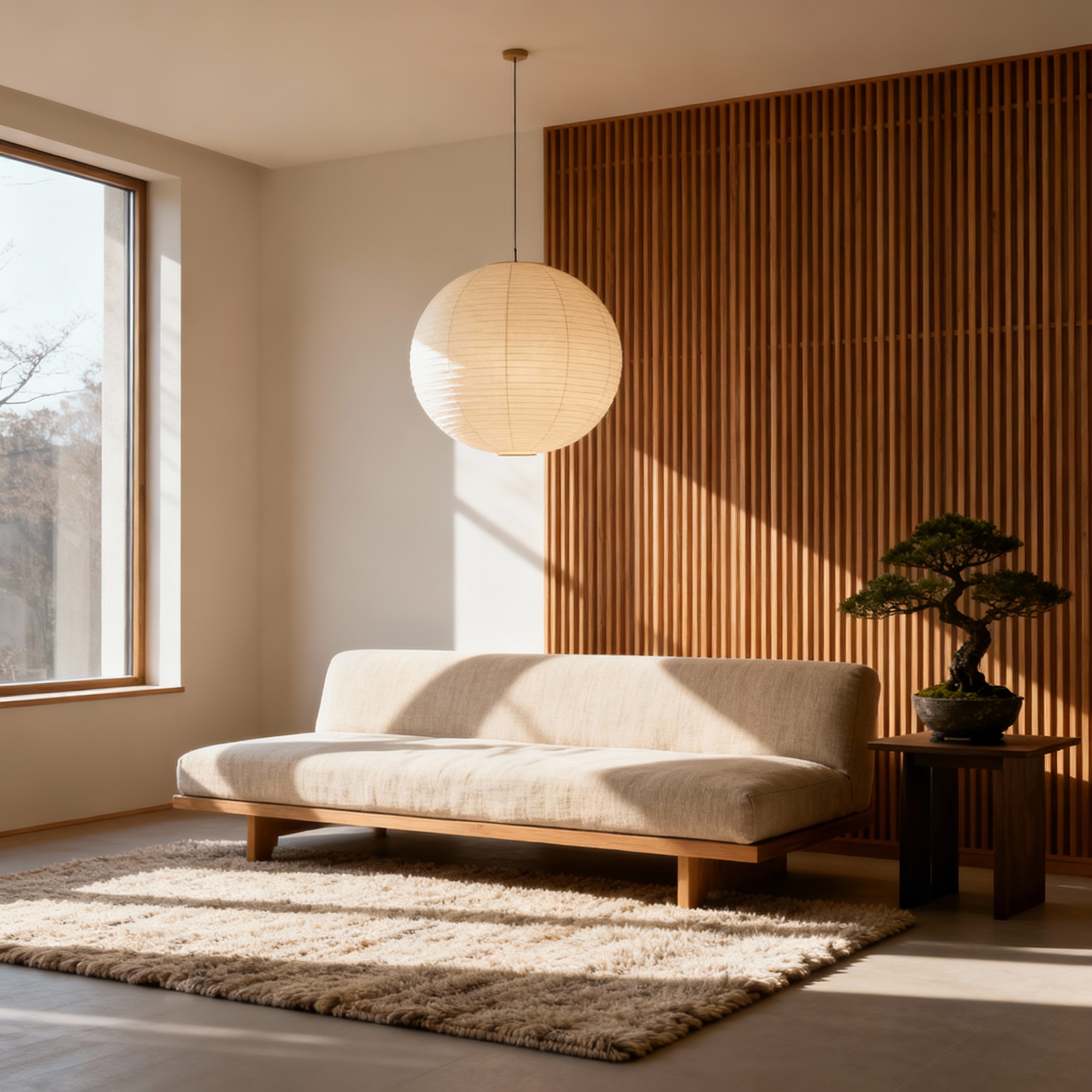
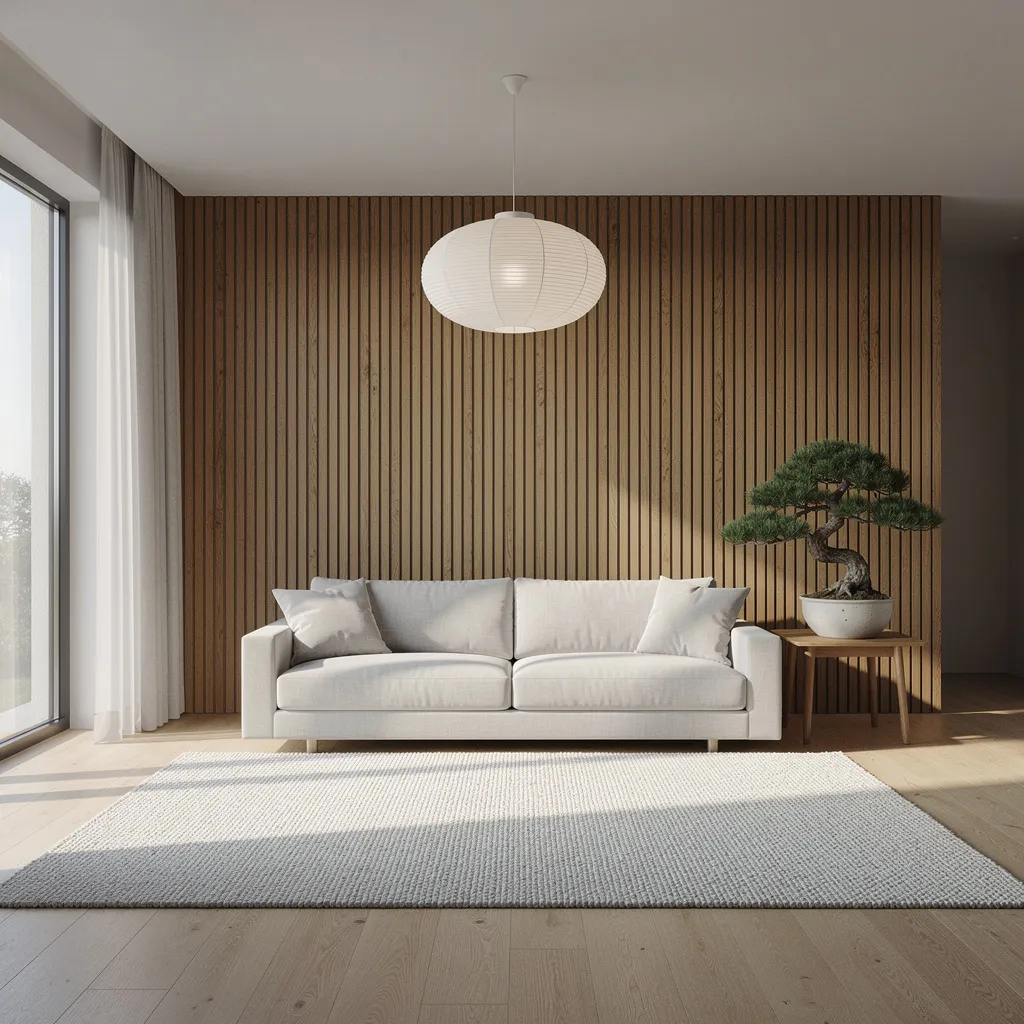
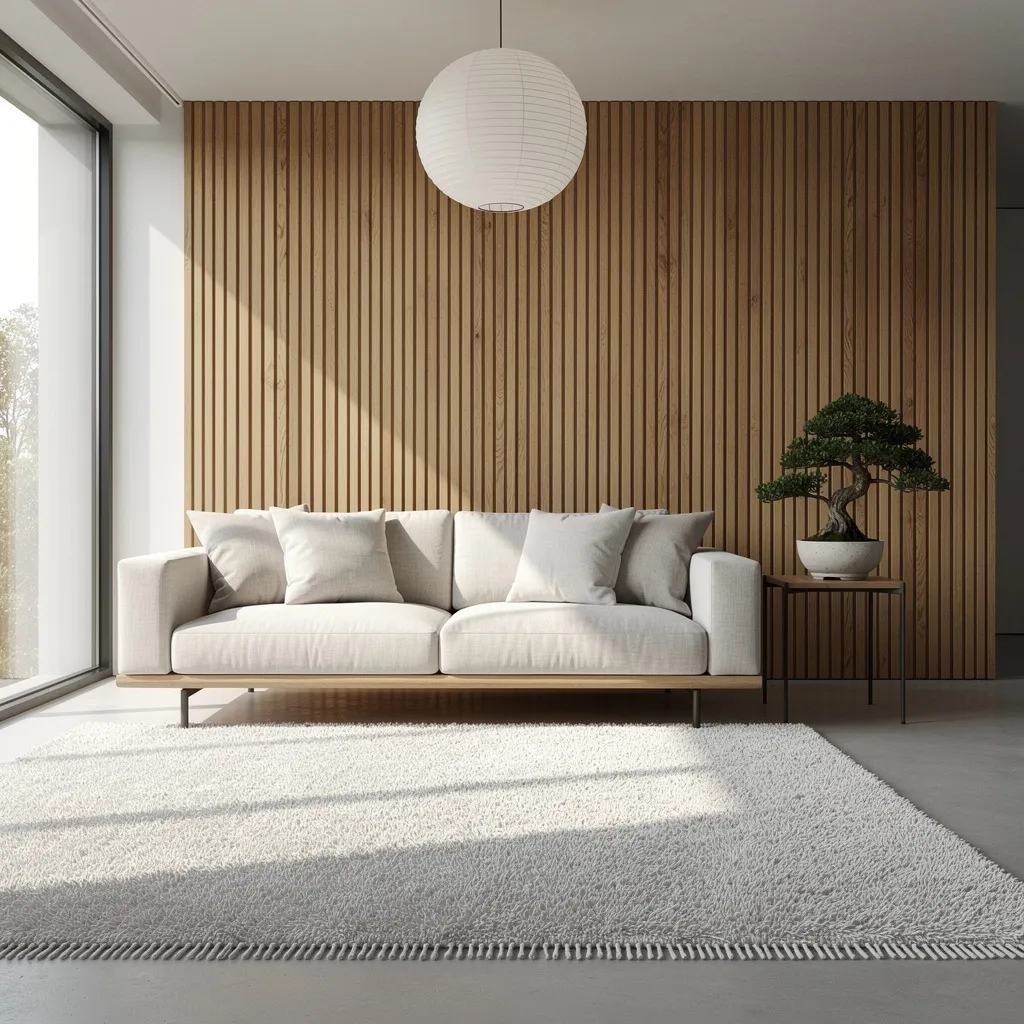
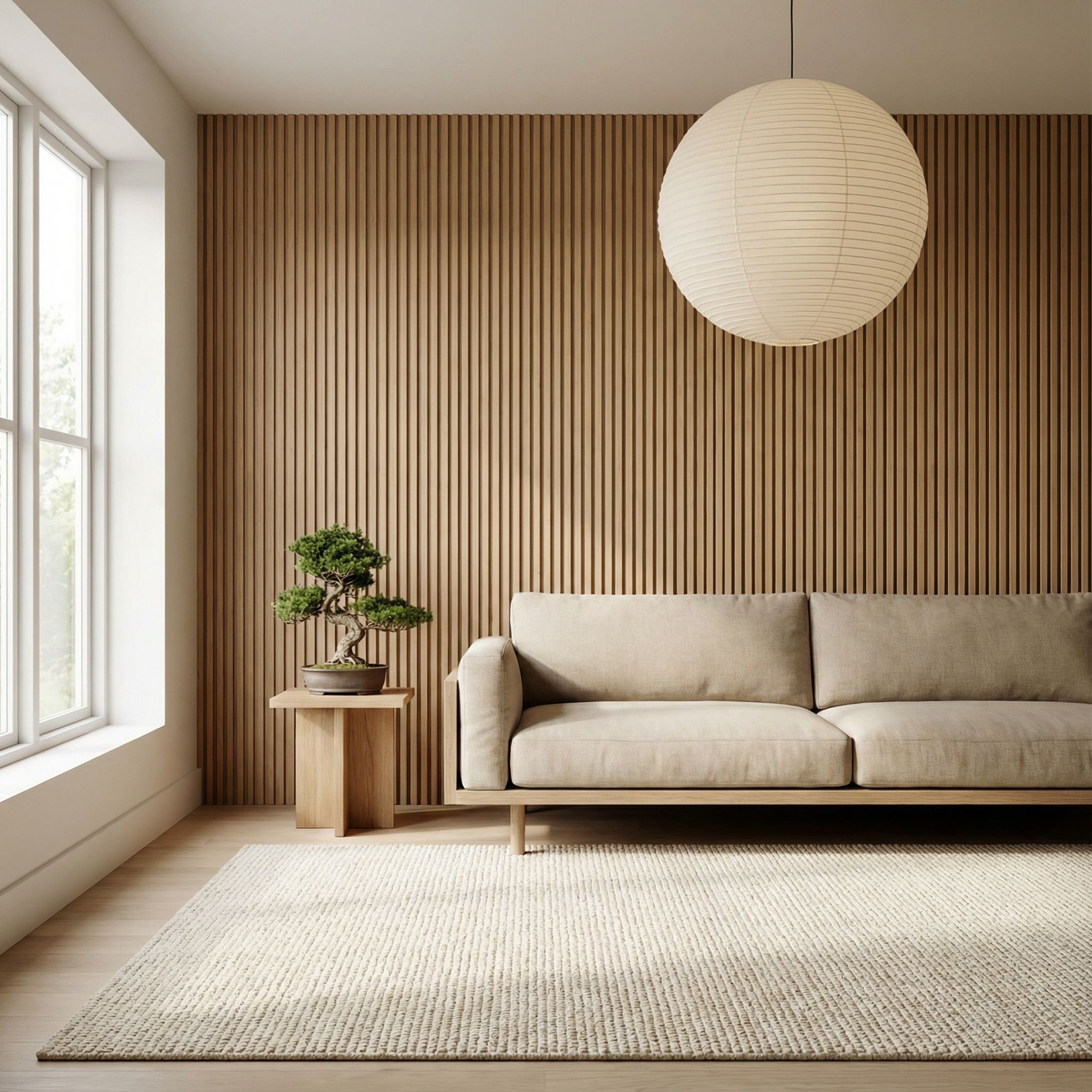
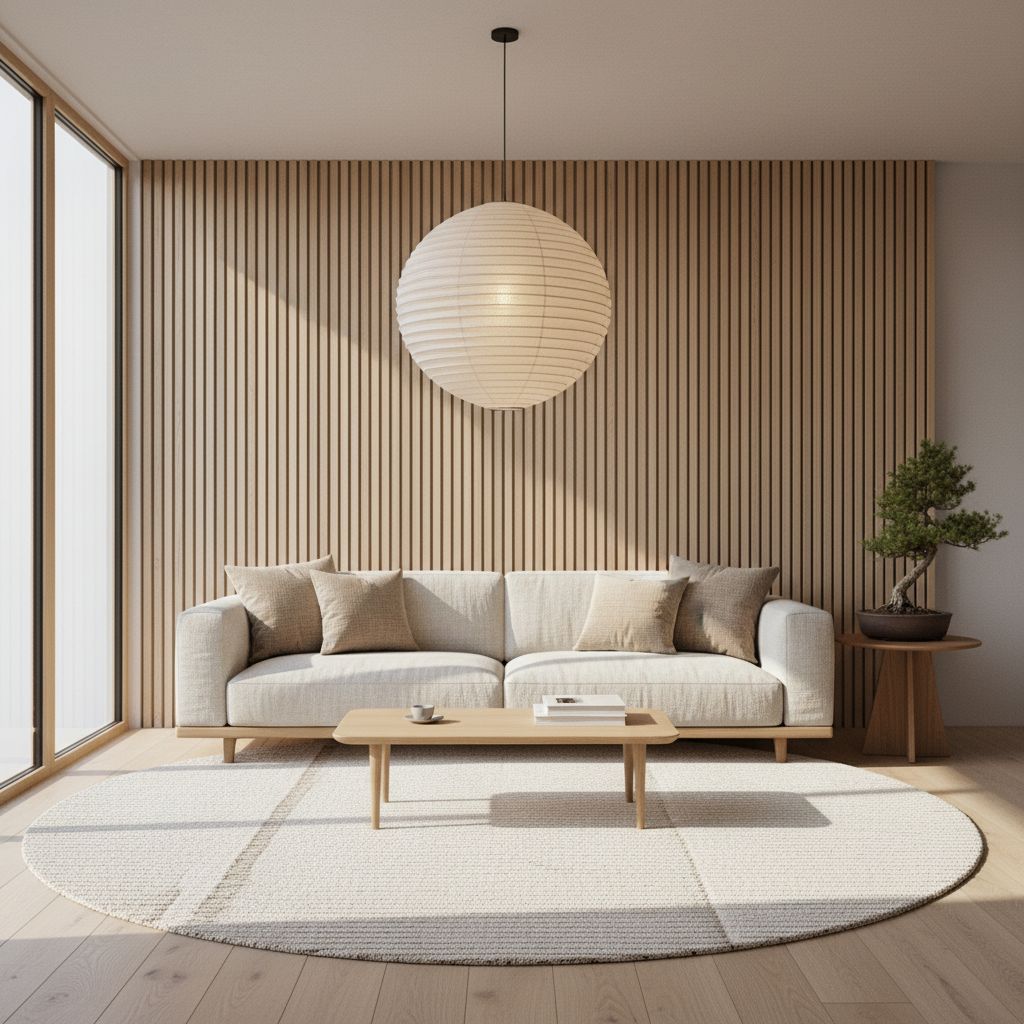
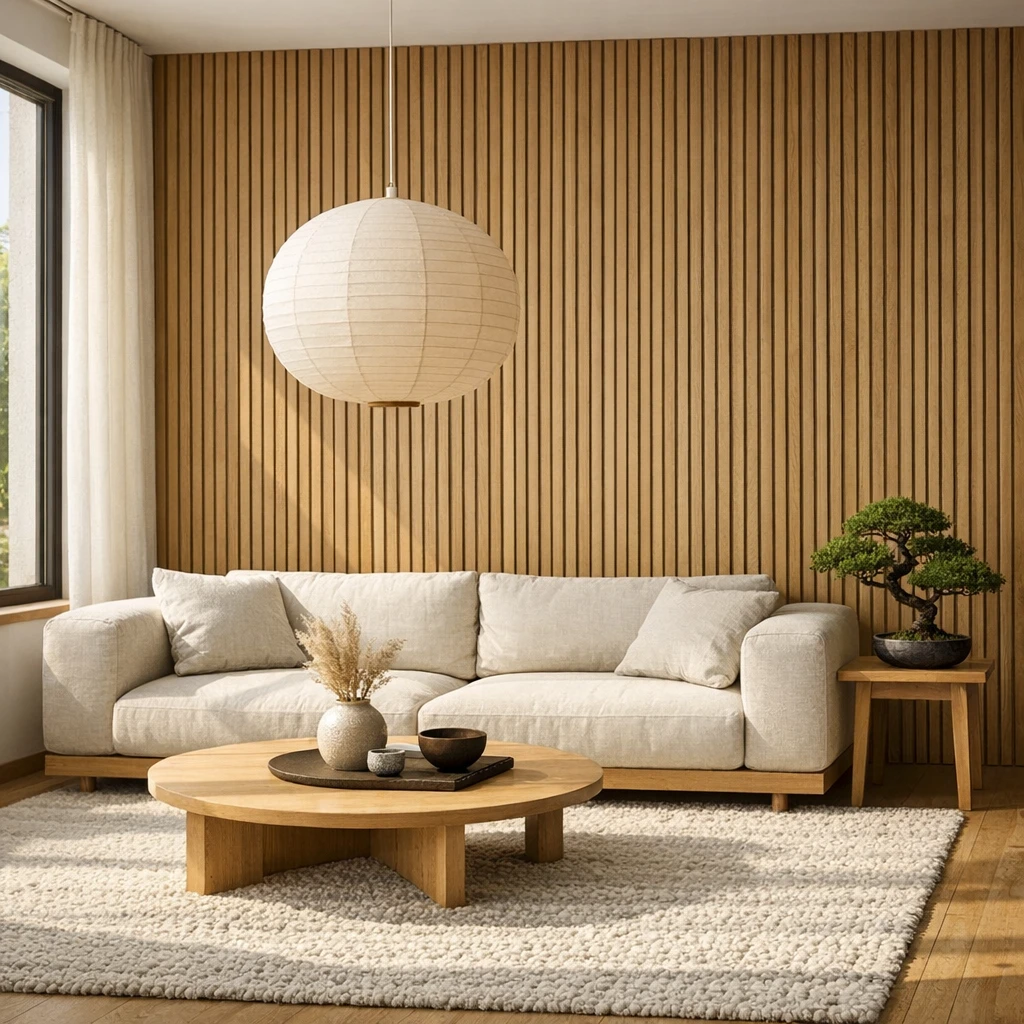
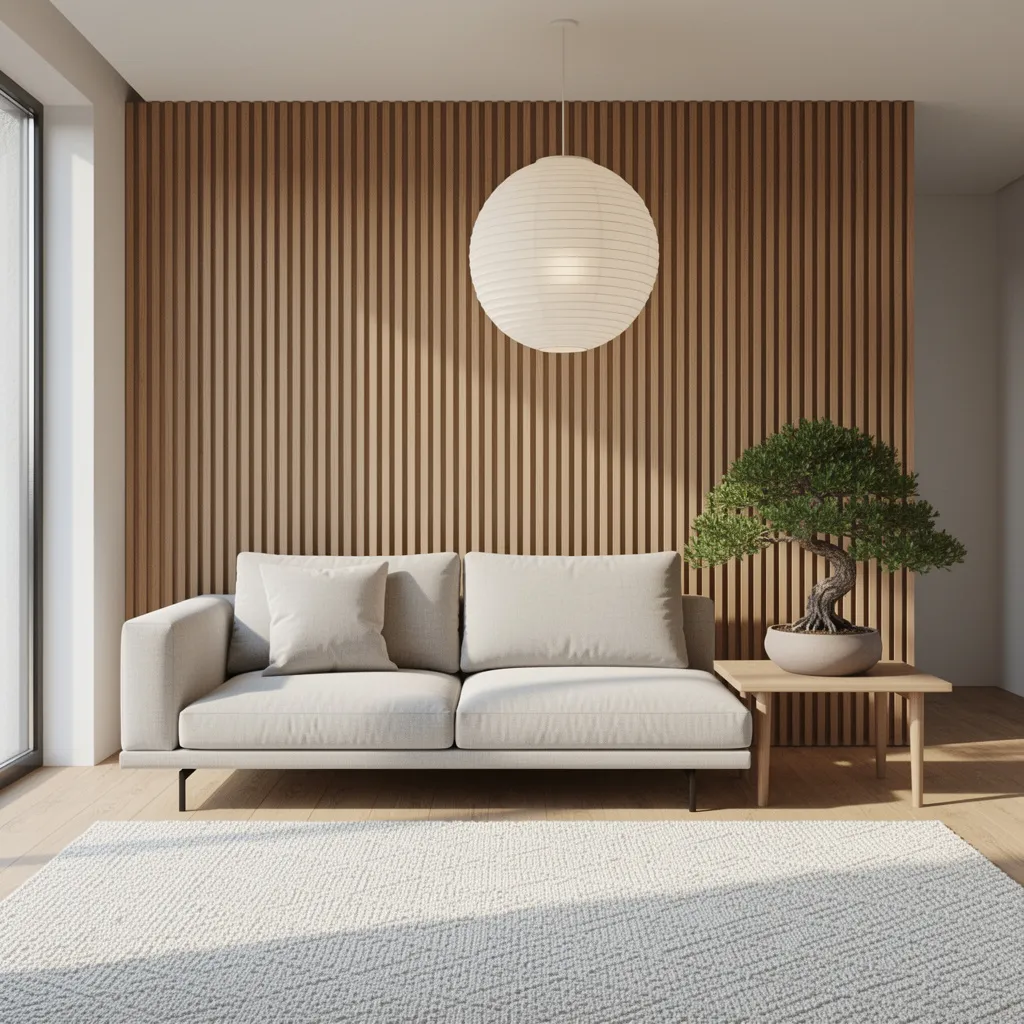
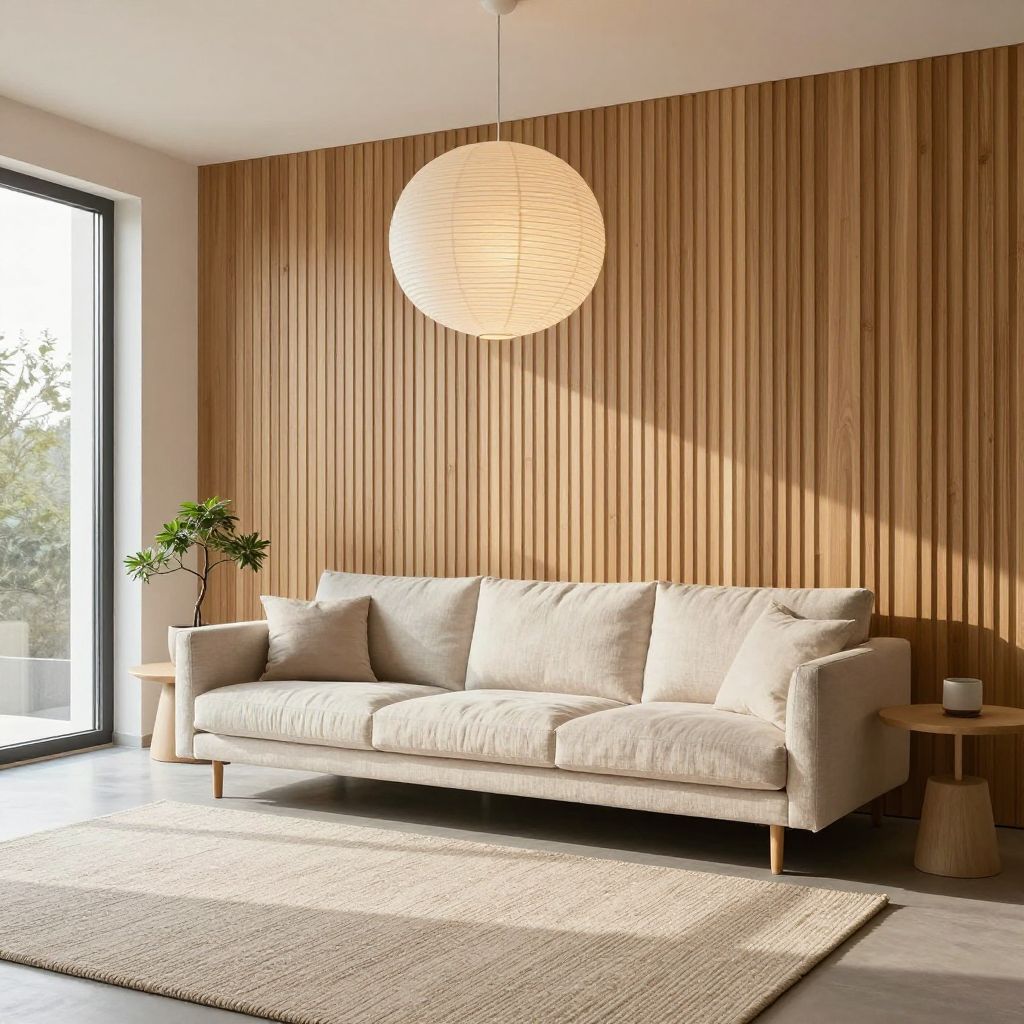
"A modern Japandi living room: oak slat accent wall, low linen sofa, round paper lantern pendant, textured wool rug, a single bonsai..."
What we looked for: straight lines, perspective, shadow coherence
 Key Findings
Interior renders usually expose AI weaknesses. Warped furniture, impossible shadows, broken perspective. This round was competitive. All models produced spaces an interior designer could show a client.
Seedream 4.5 edged ahead. The bonsai shadow matches the window light direction. Small detail, but it matters.
Typography Stress Test (Text Rendering)
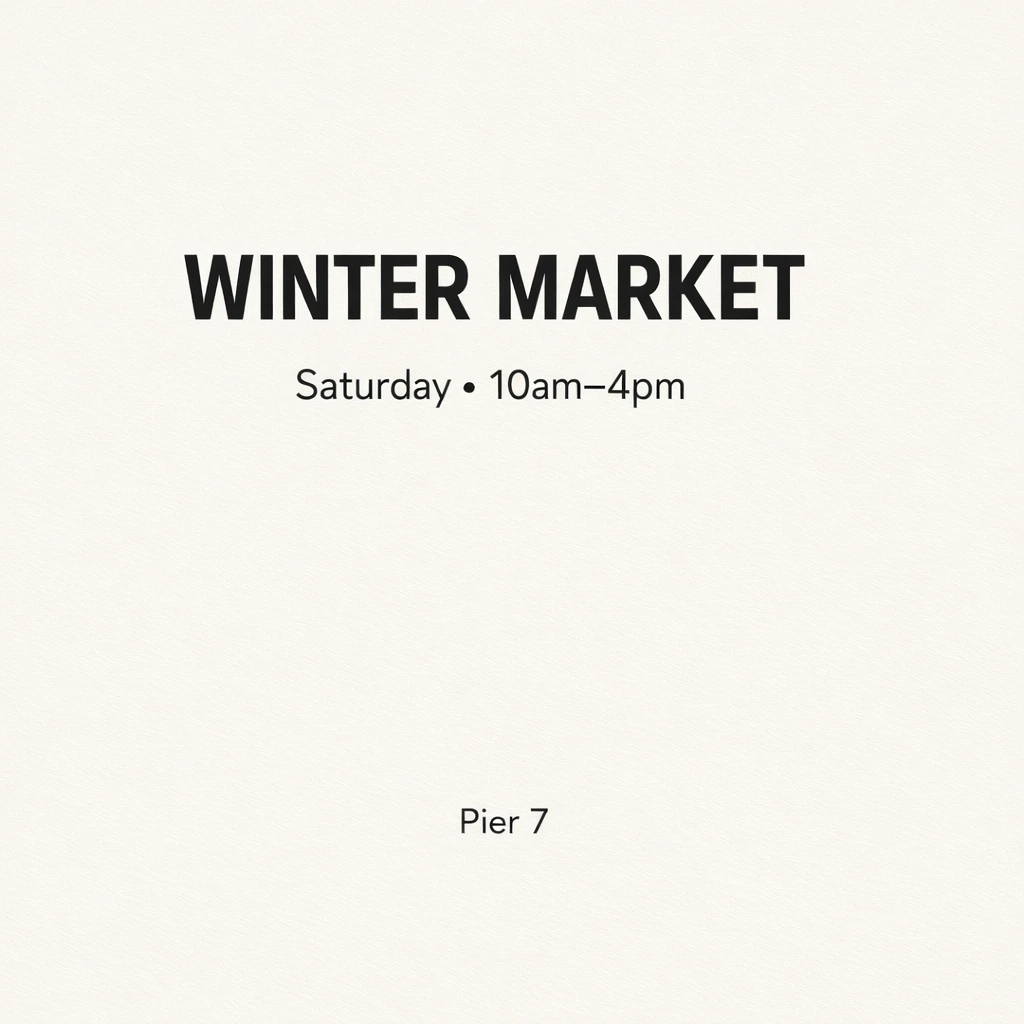
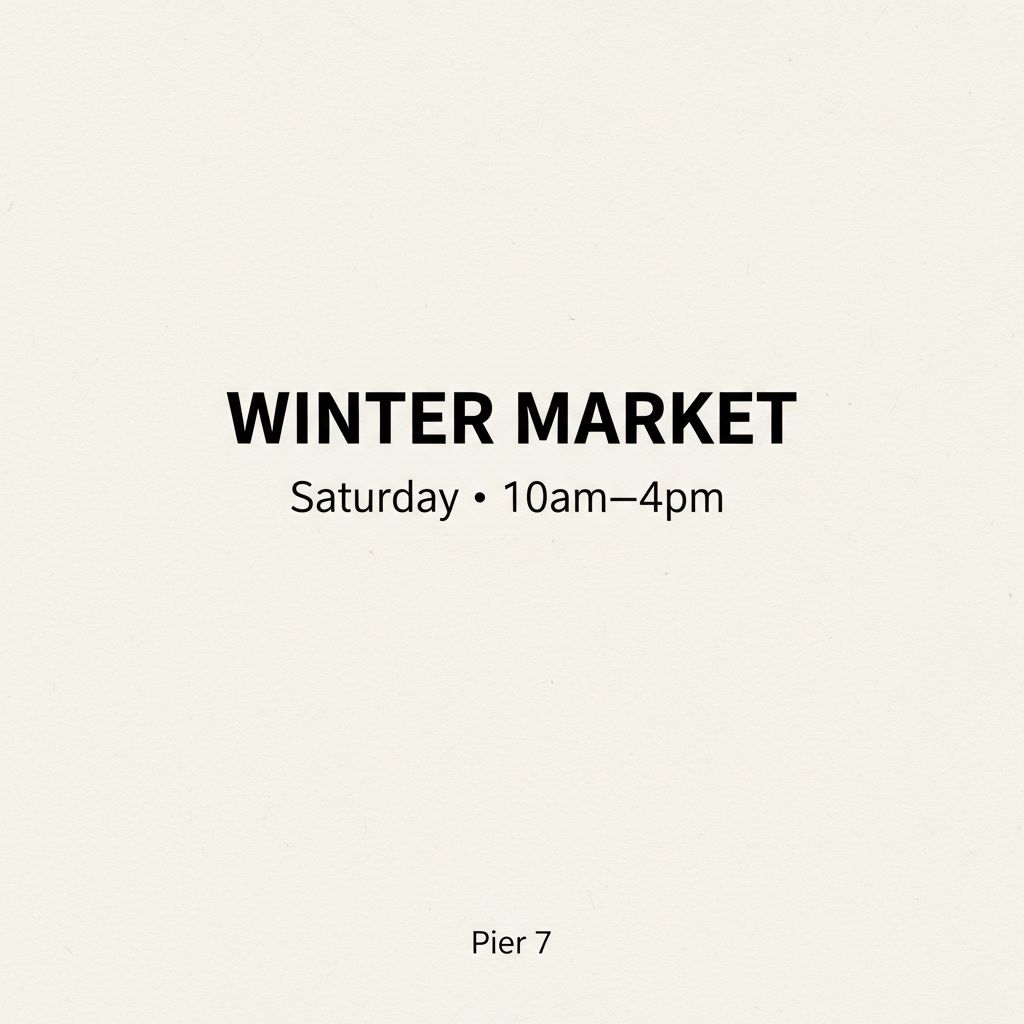
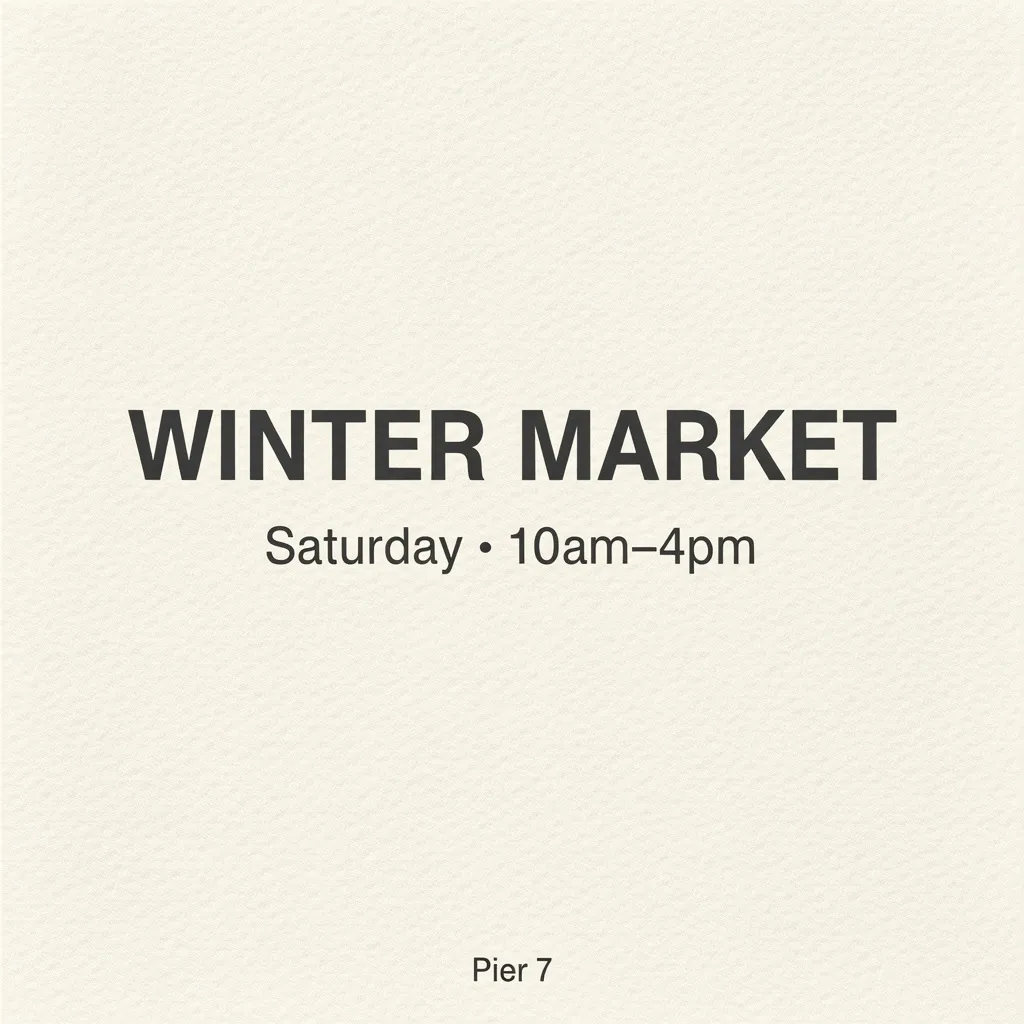
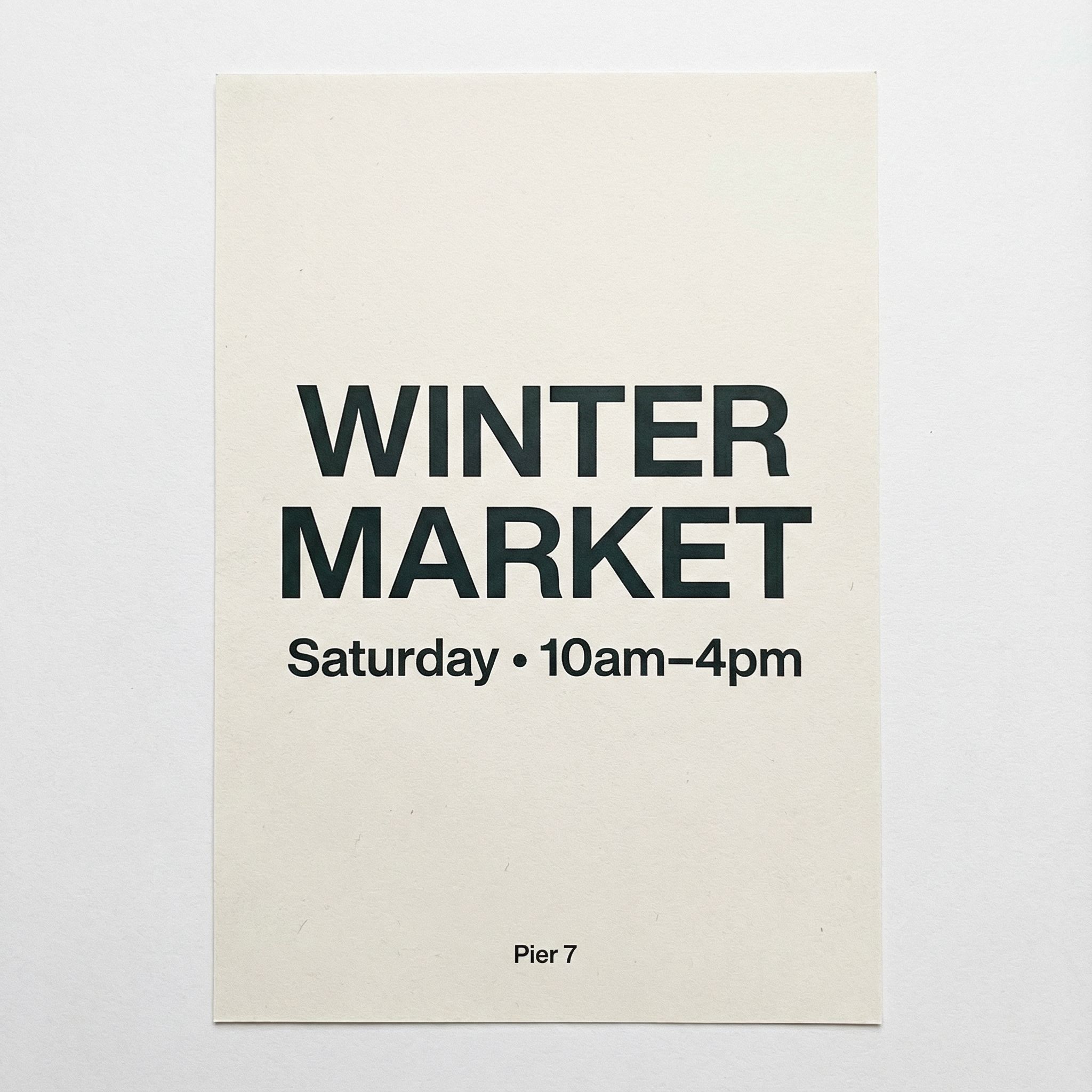
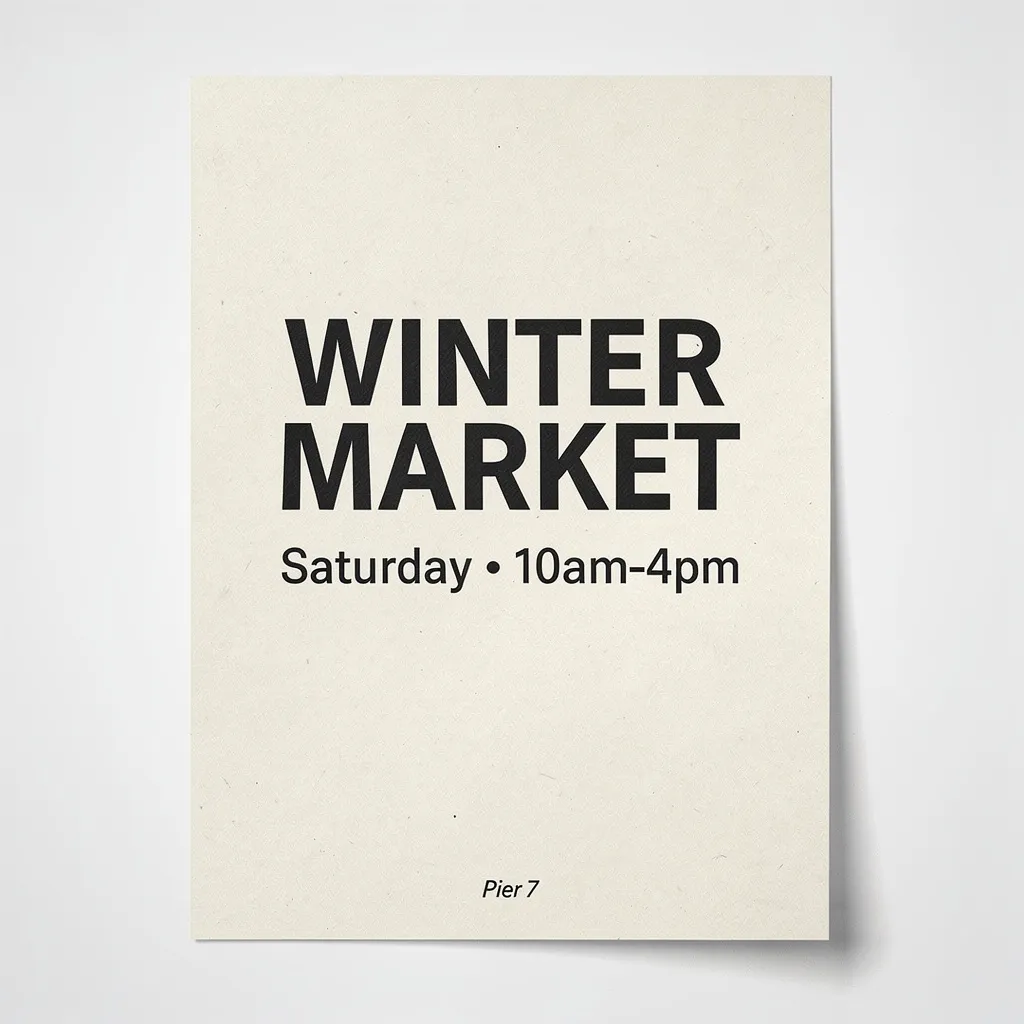
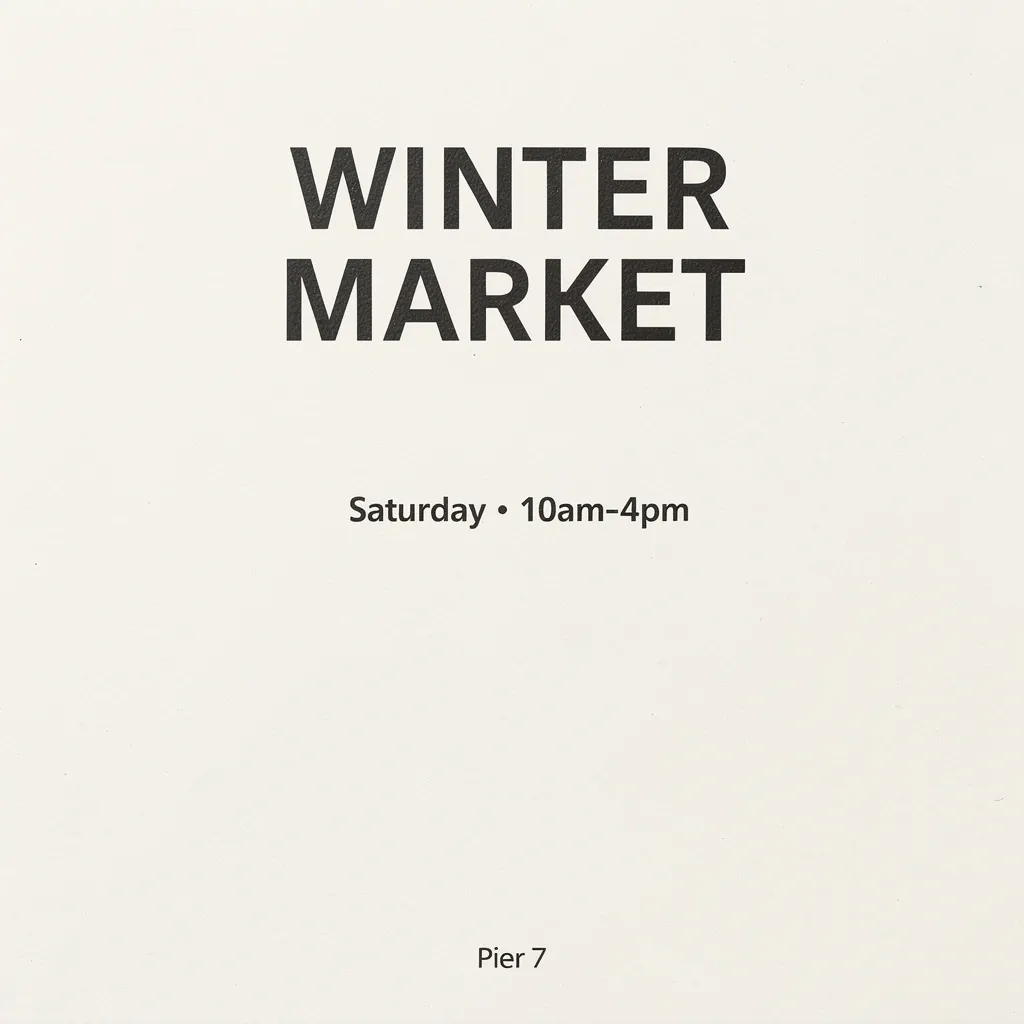
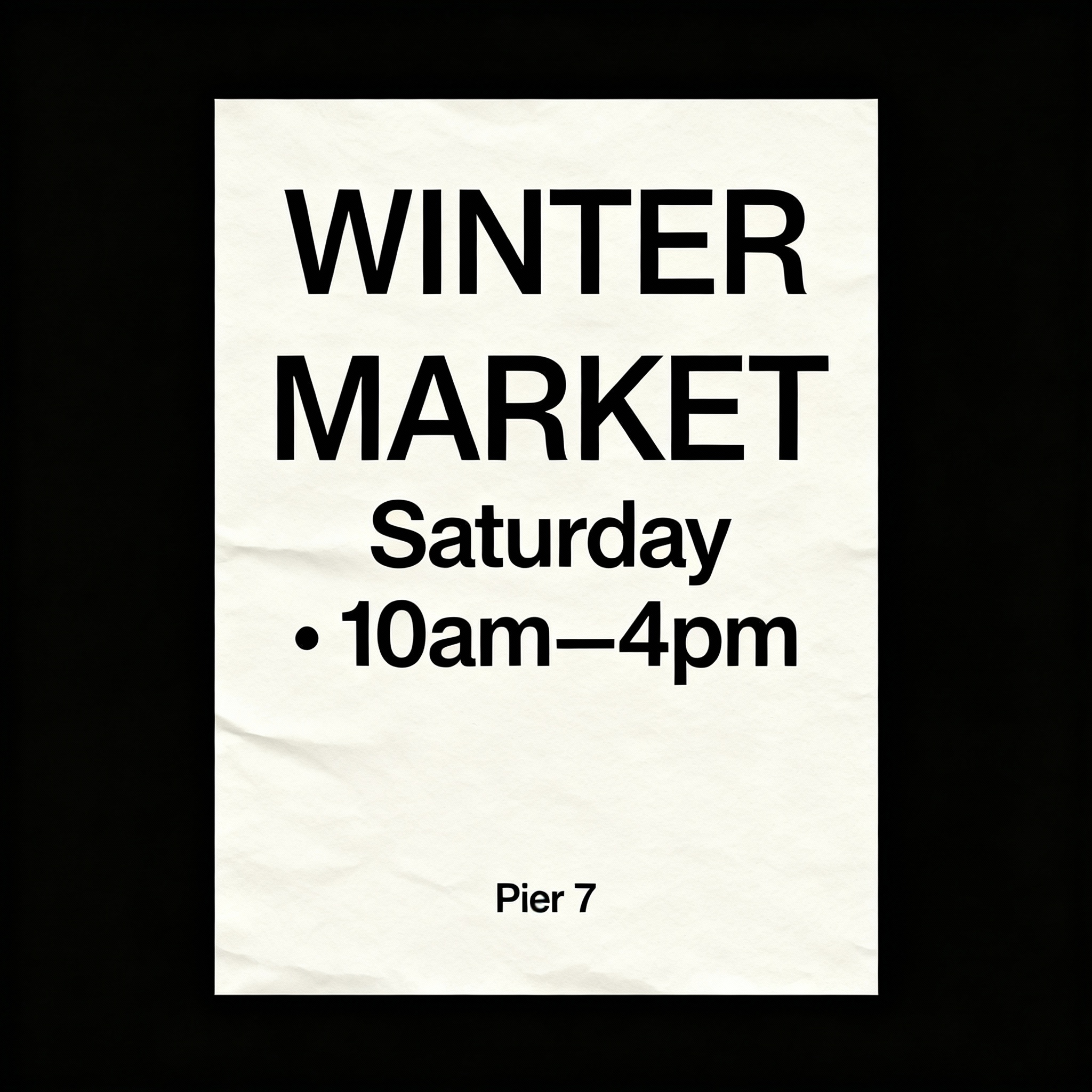
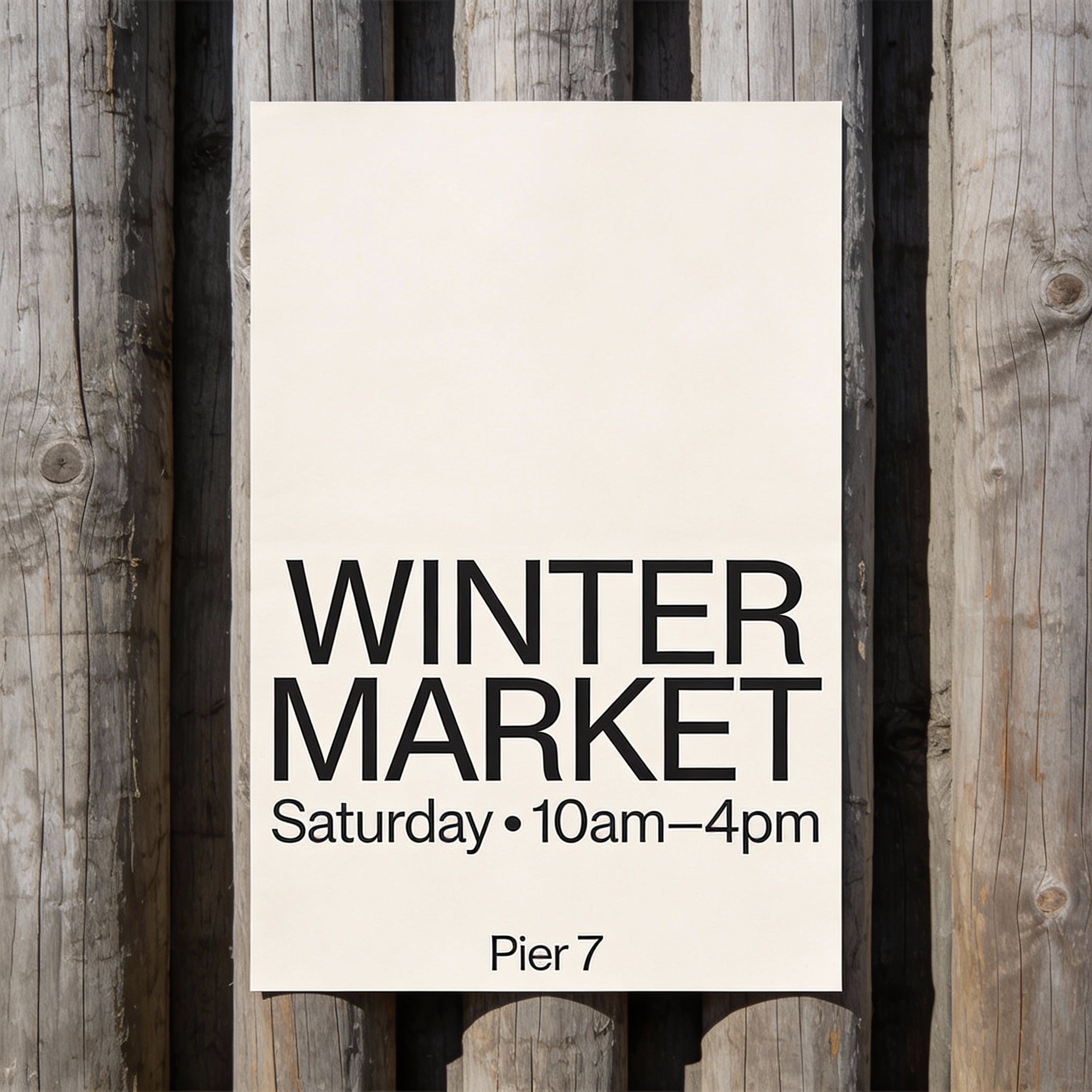
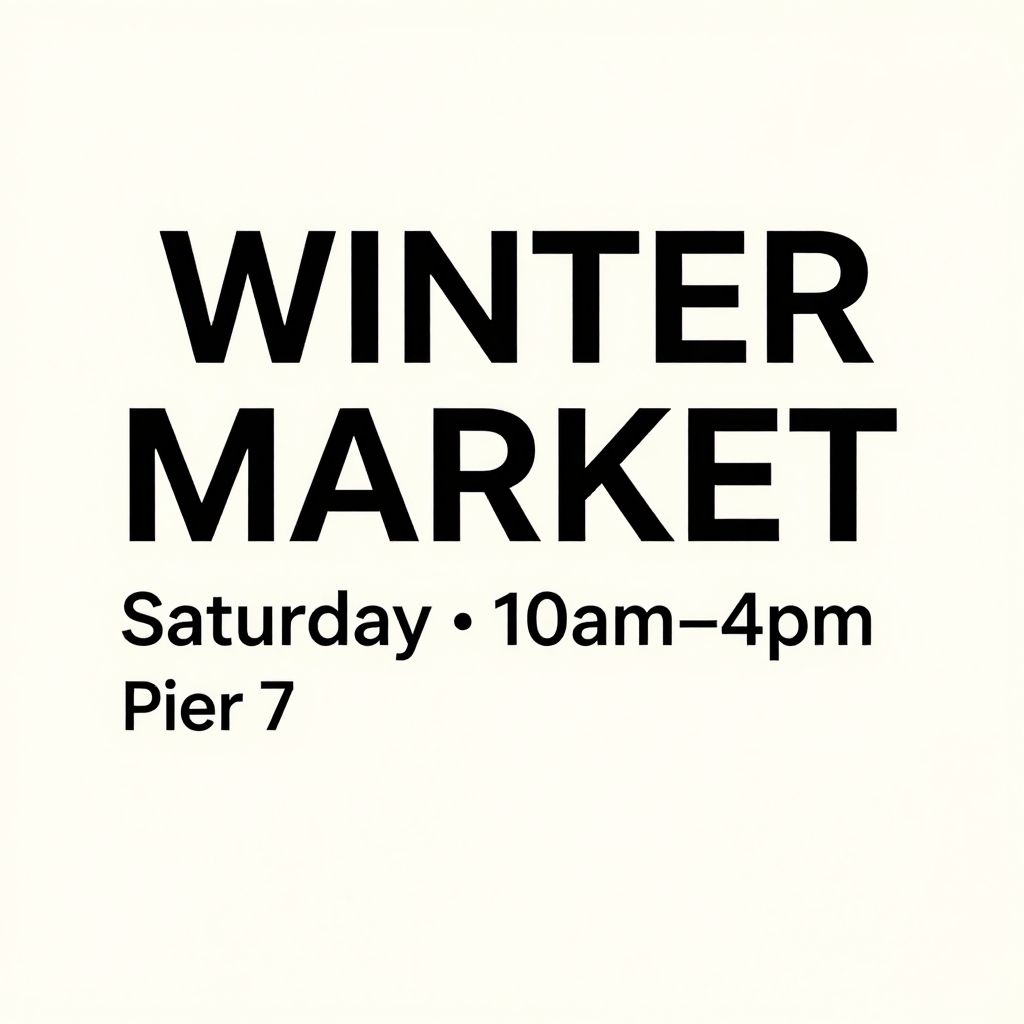
"A clean poster on an off-white paper background with minimal Swiss design. 'WINTER MARKET' (all caps), crisp kerning, perfectly spelled..."
What we looked for: spelling, kerning, punctuation, crispness
 Key Findings
The "AI can't spell" jokes are outdated. GPT Image 1.5 and Nano Banana both produced clean, usable typography for graphic design work. Good enough to use as a template.
Flux 2 Flex added paper texture to the background. We didn't ask for it, but it made the poster feel more like a printed piece. Creative interpretation without breaking the text prompt.
Complex Illustration (Style Control)
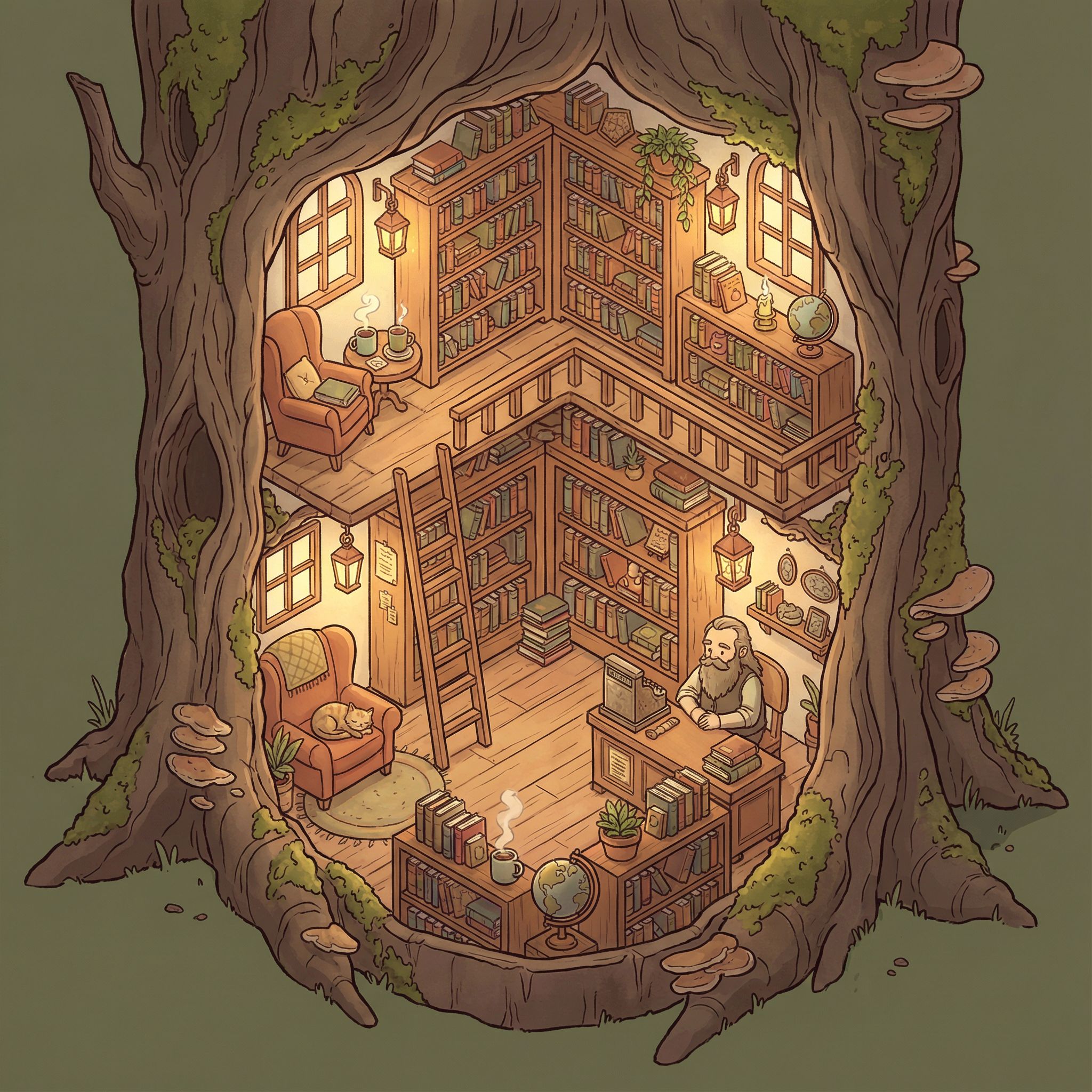
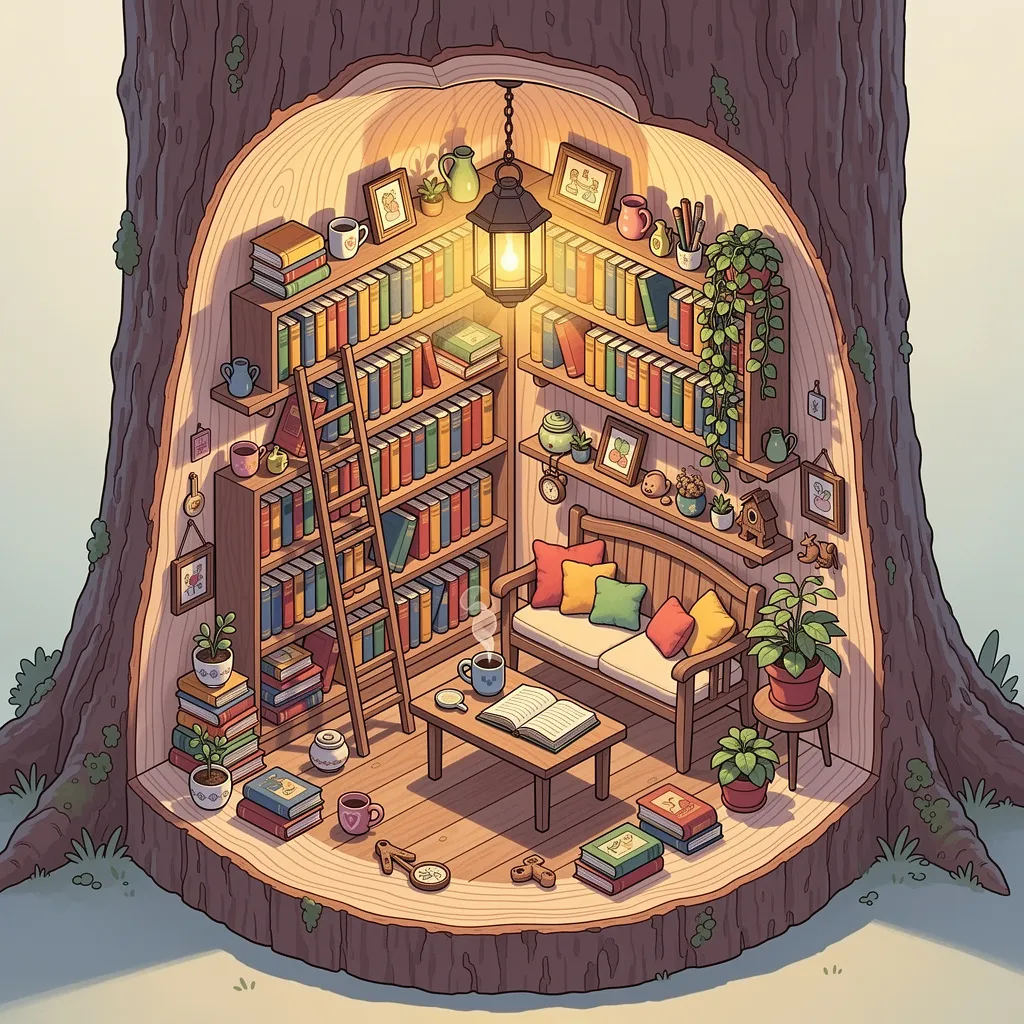
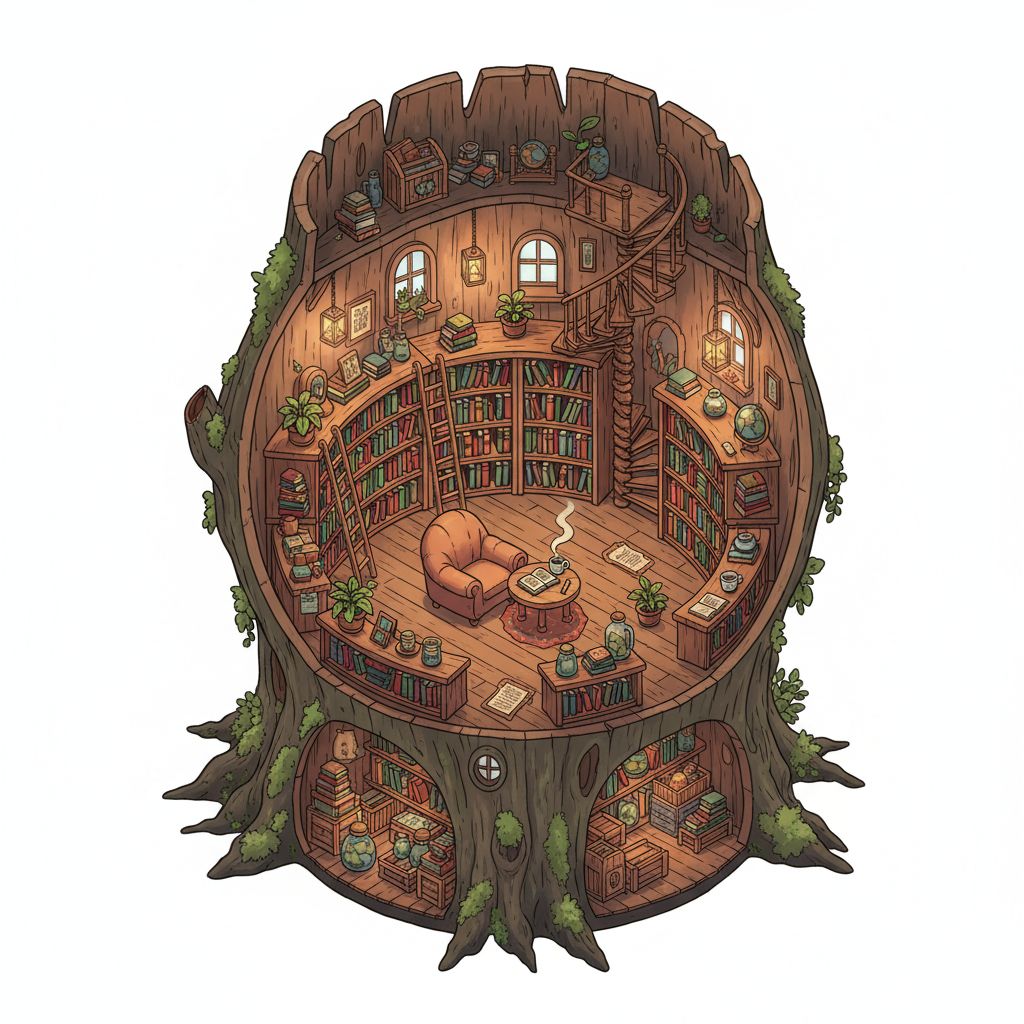
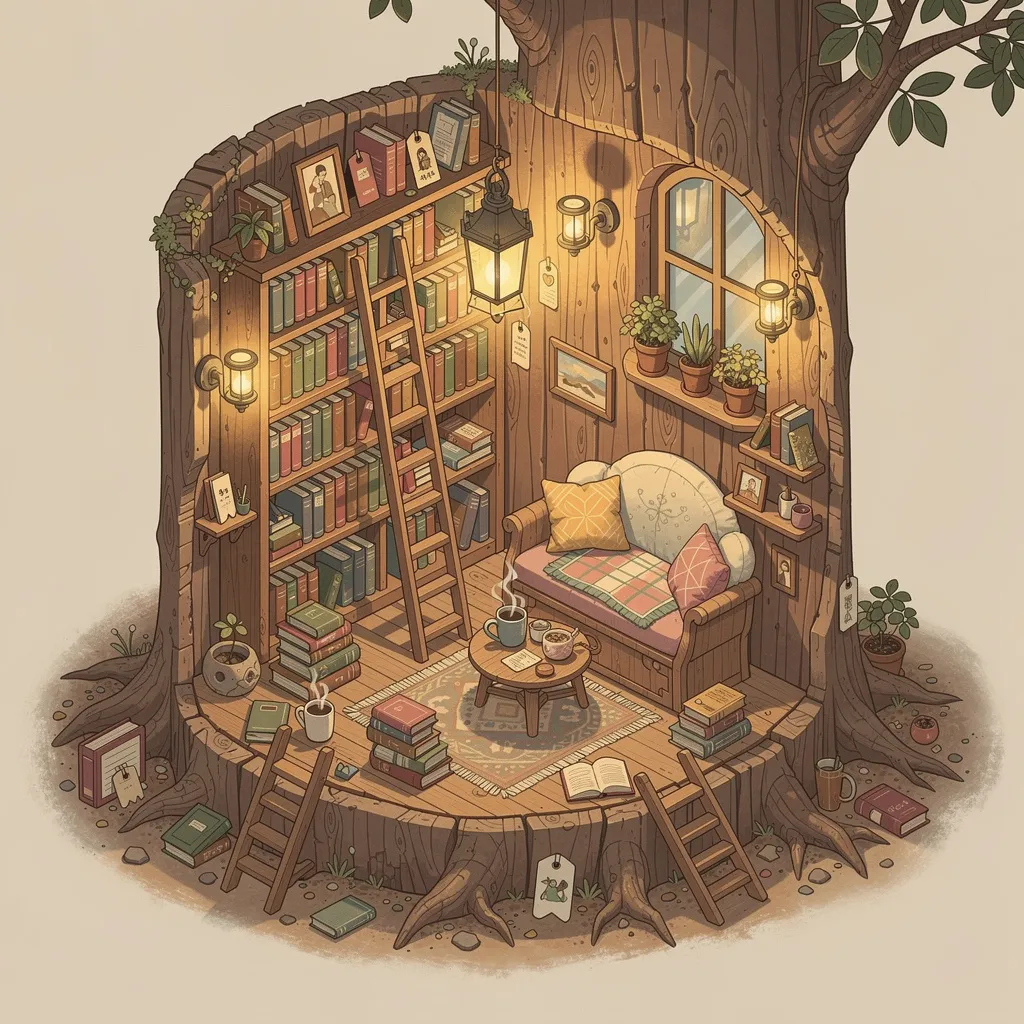
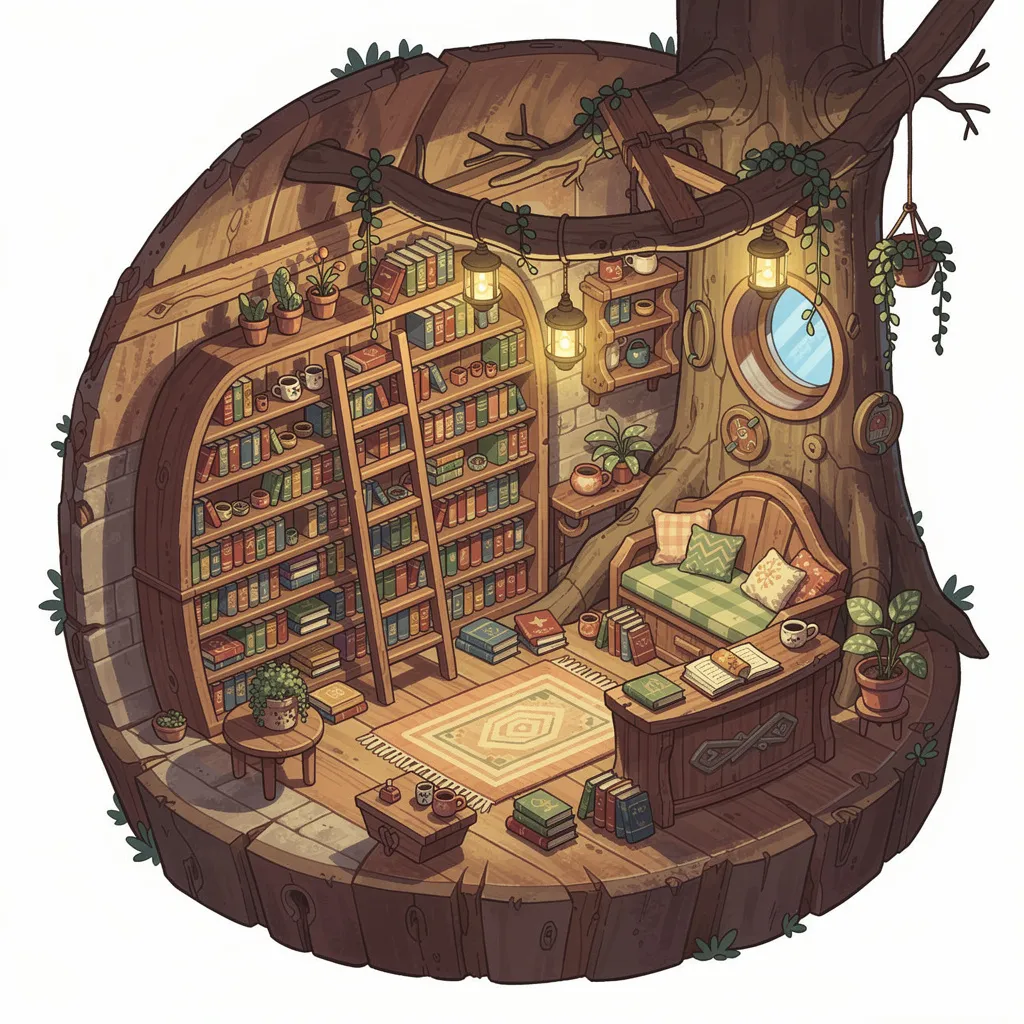
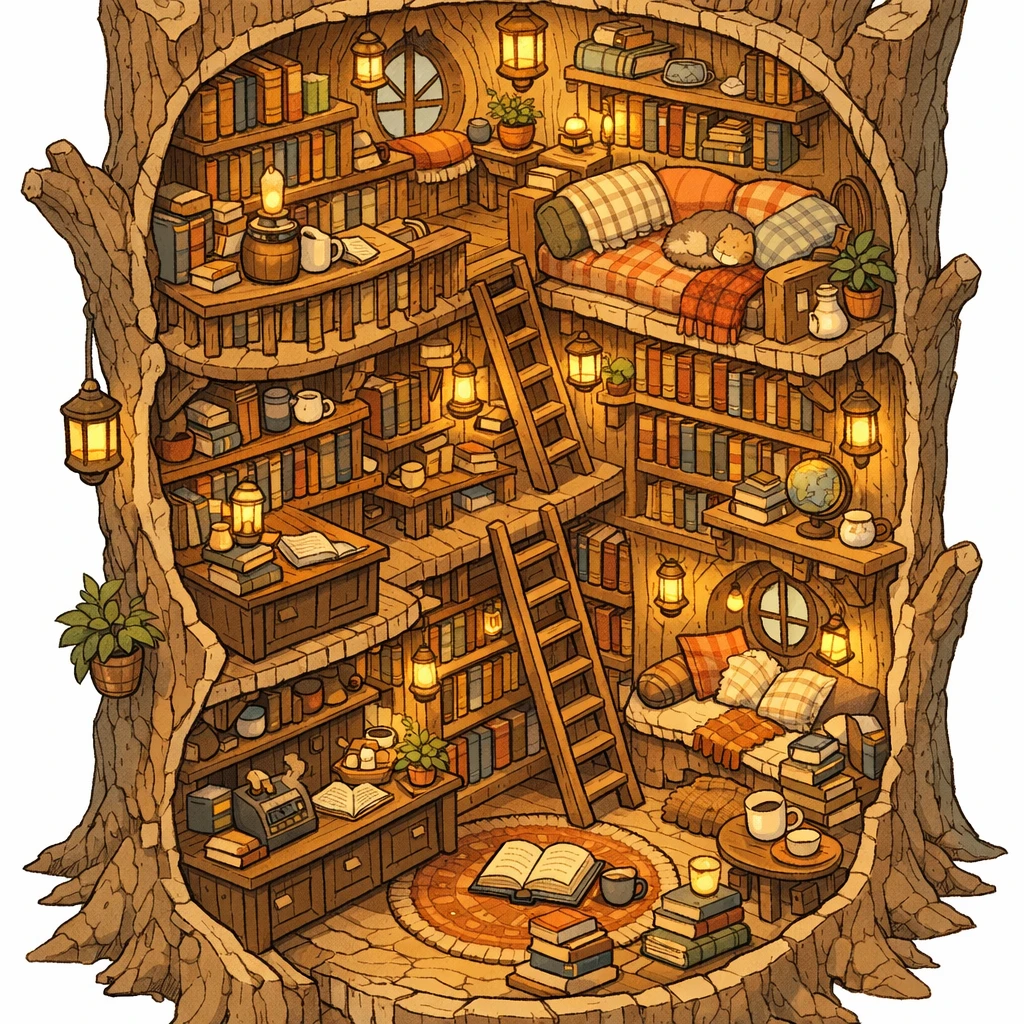
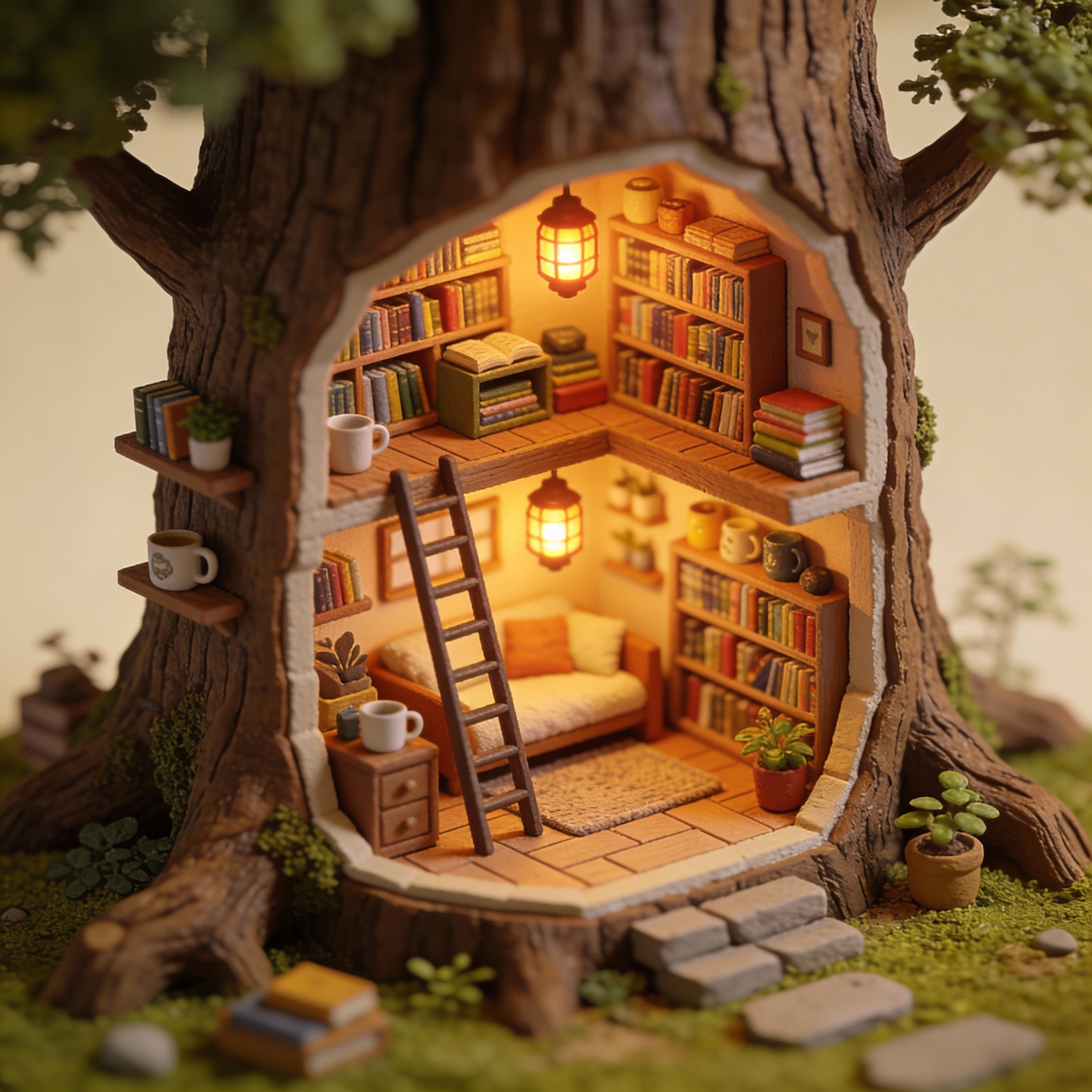
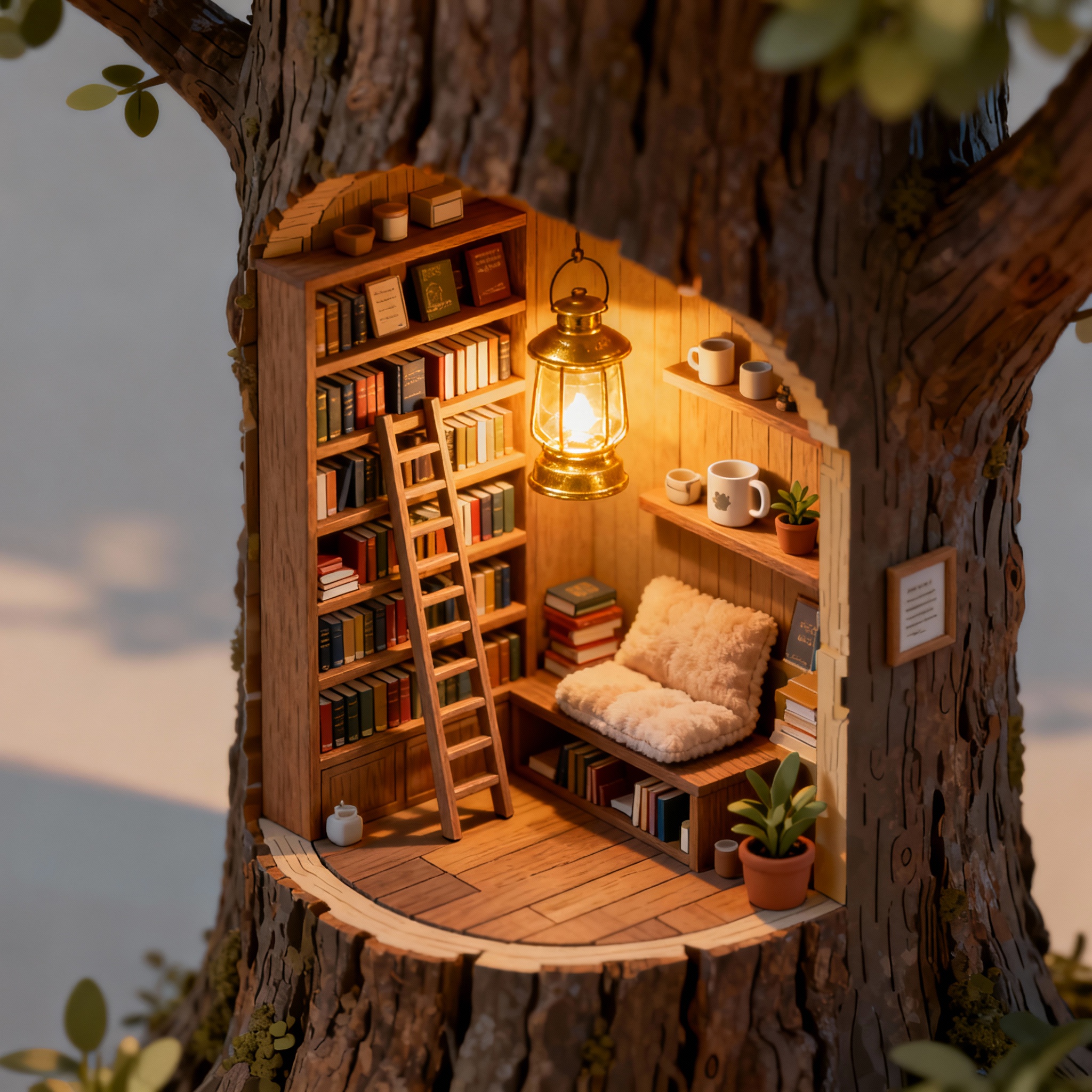
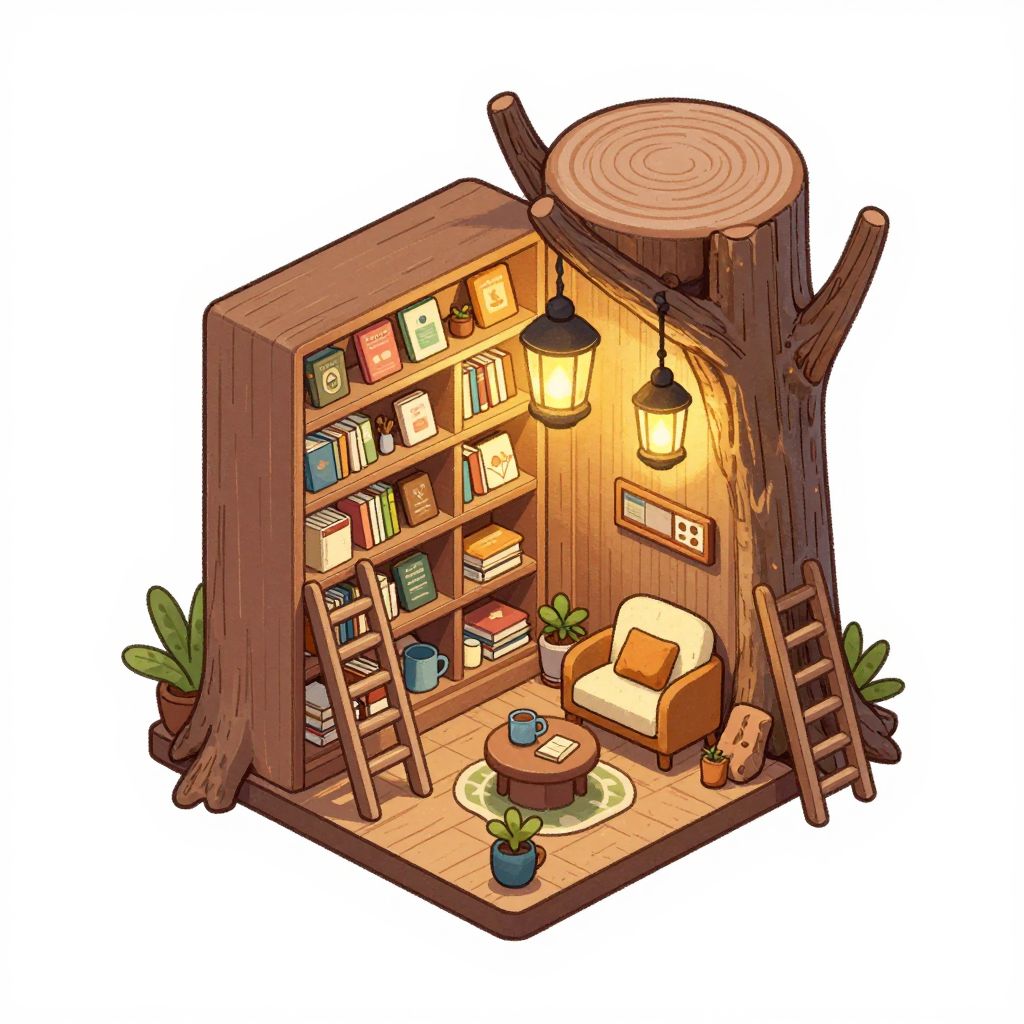
"A detailed isometric cutaway illustration of a tiny bookstore inside a tree trunk. Warm lantern lighting, miniature shelves, ladders, cozy reading nook..."
What we looked for: object coherence, detail without mush, consistent style
 Key Findings
Nano Banana Pro produced identifiable objects. You can see it's a store with a shopkeeper at a cash register. Books look like books.
Flux 2 Flex looks detailed at first. Zoom in and some objects become unclear. Apparent complexity isn't the same as actual coherence when creating AI art.
Character Consistency Anchor (Distinct Features)
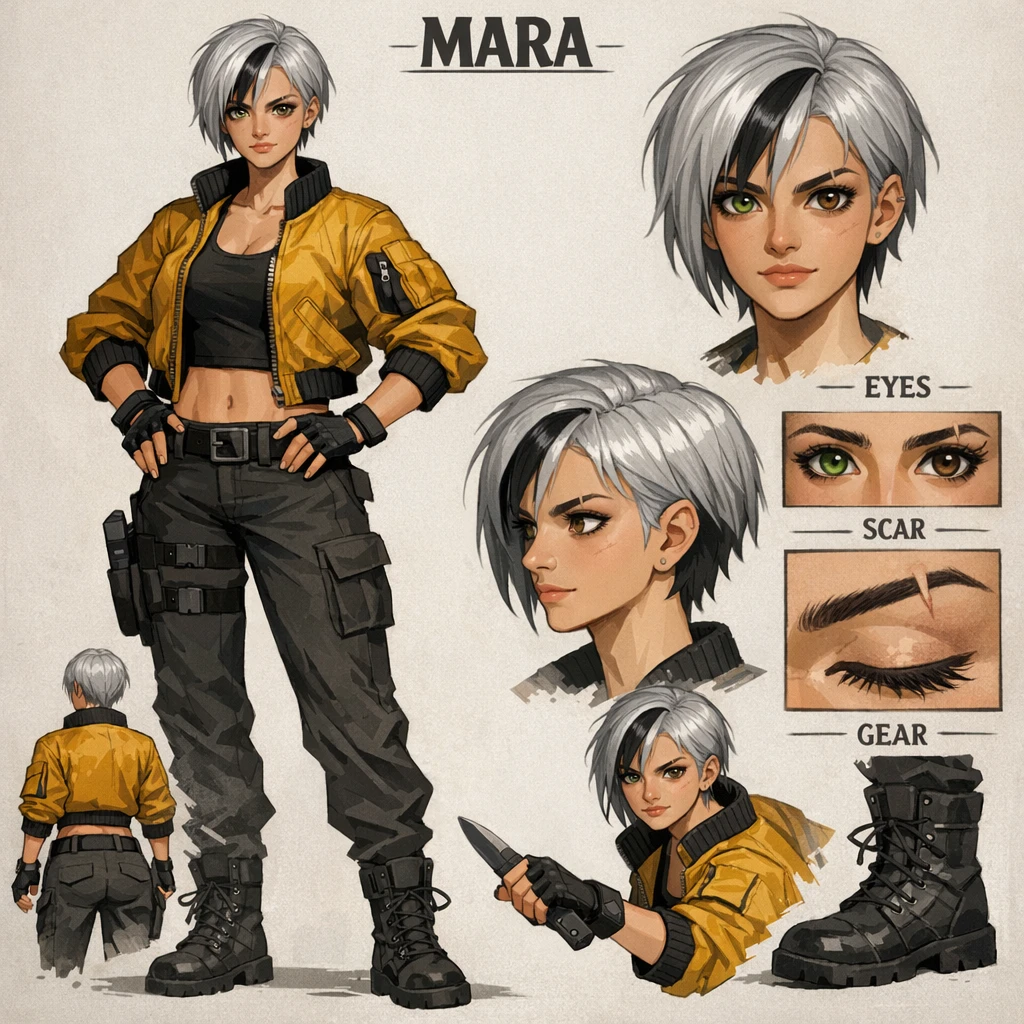
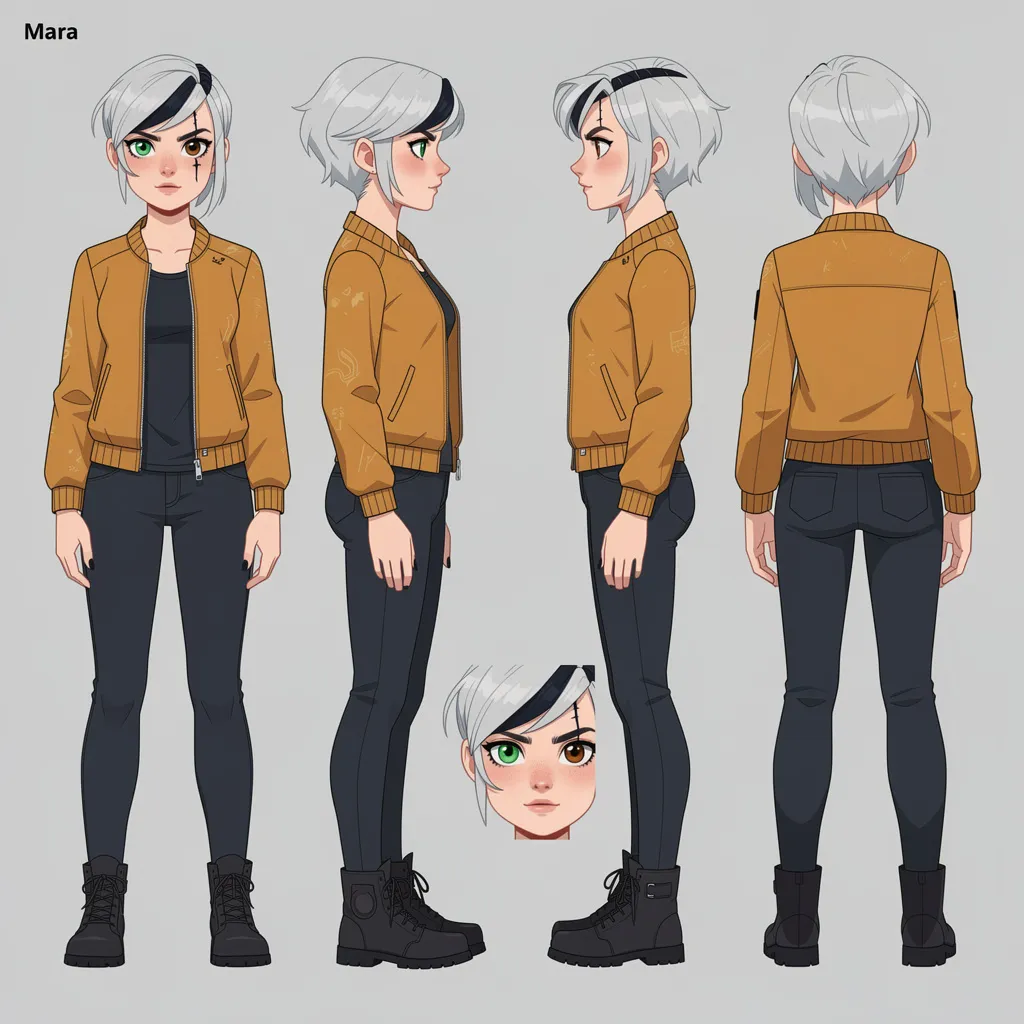
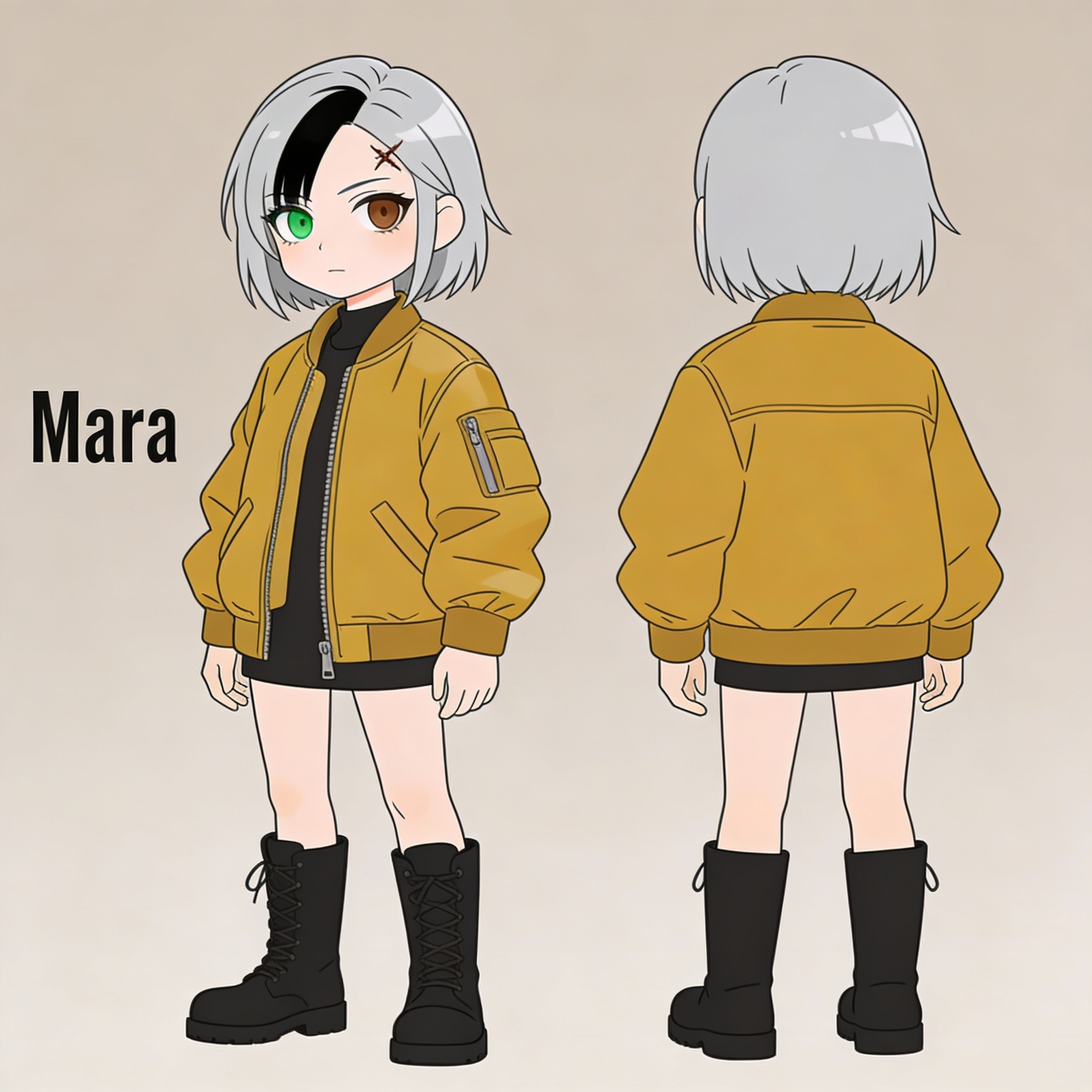
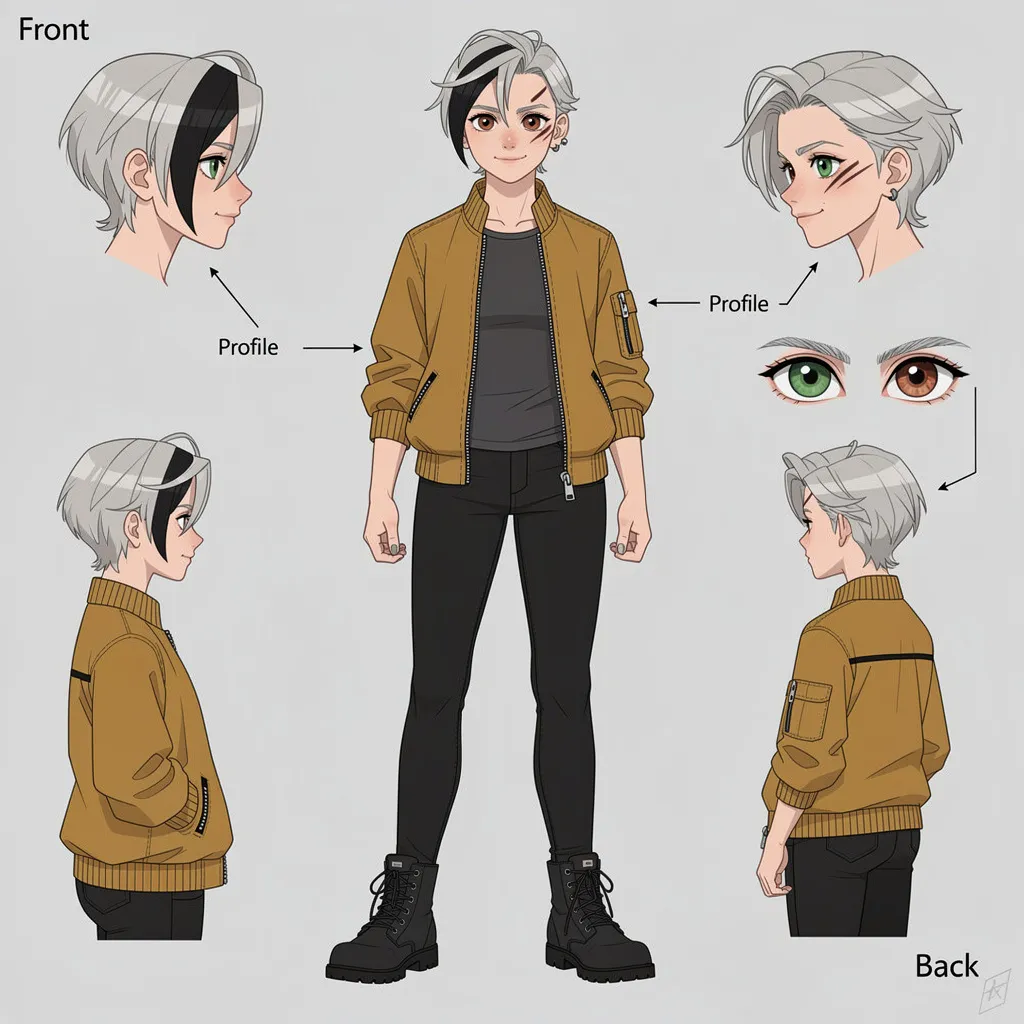
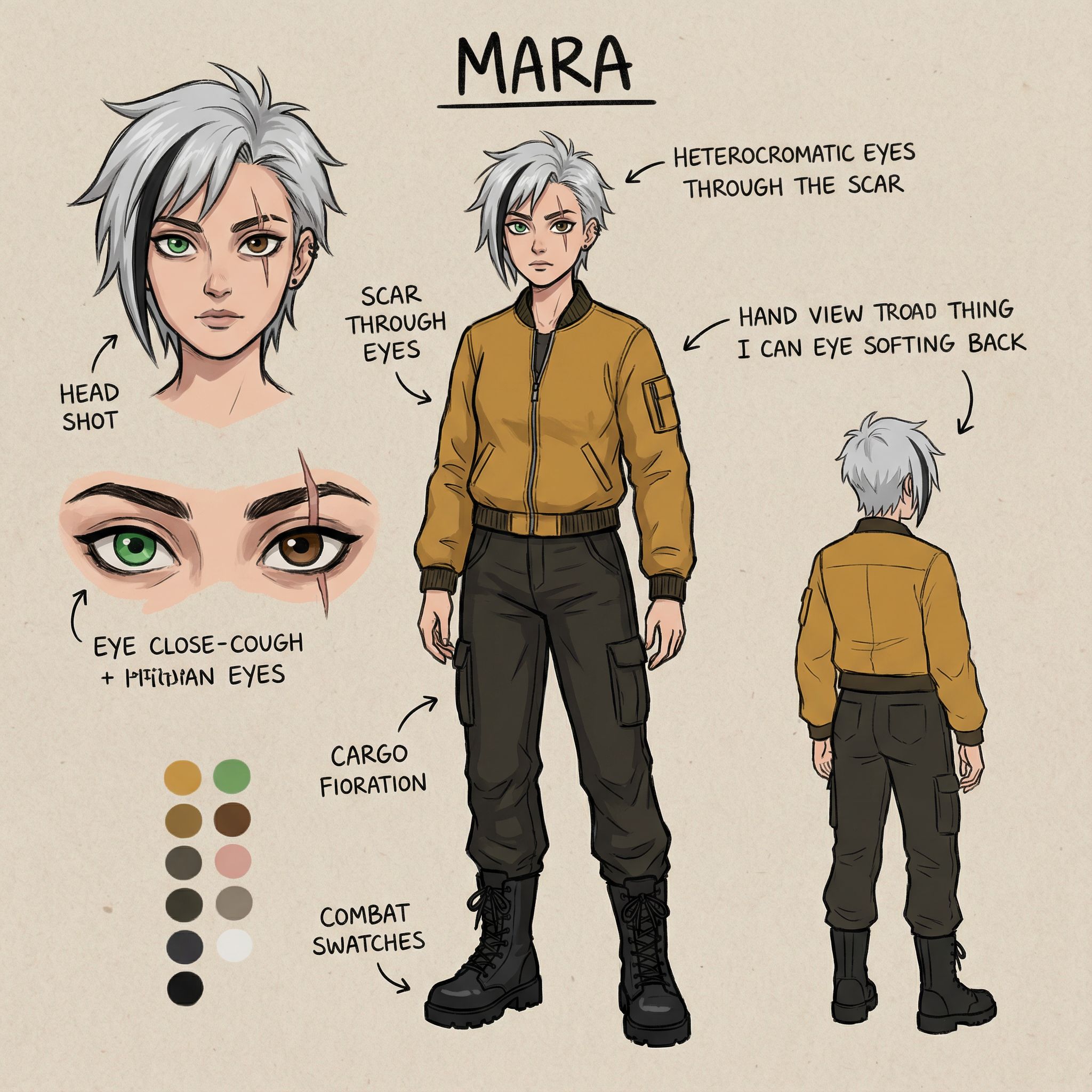
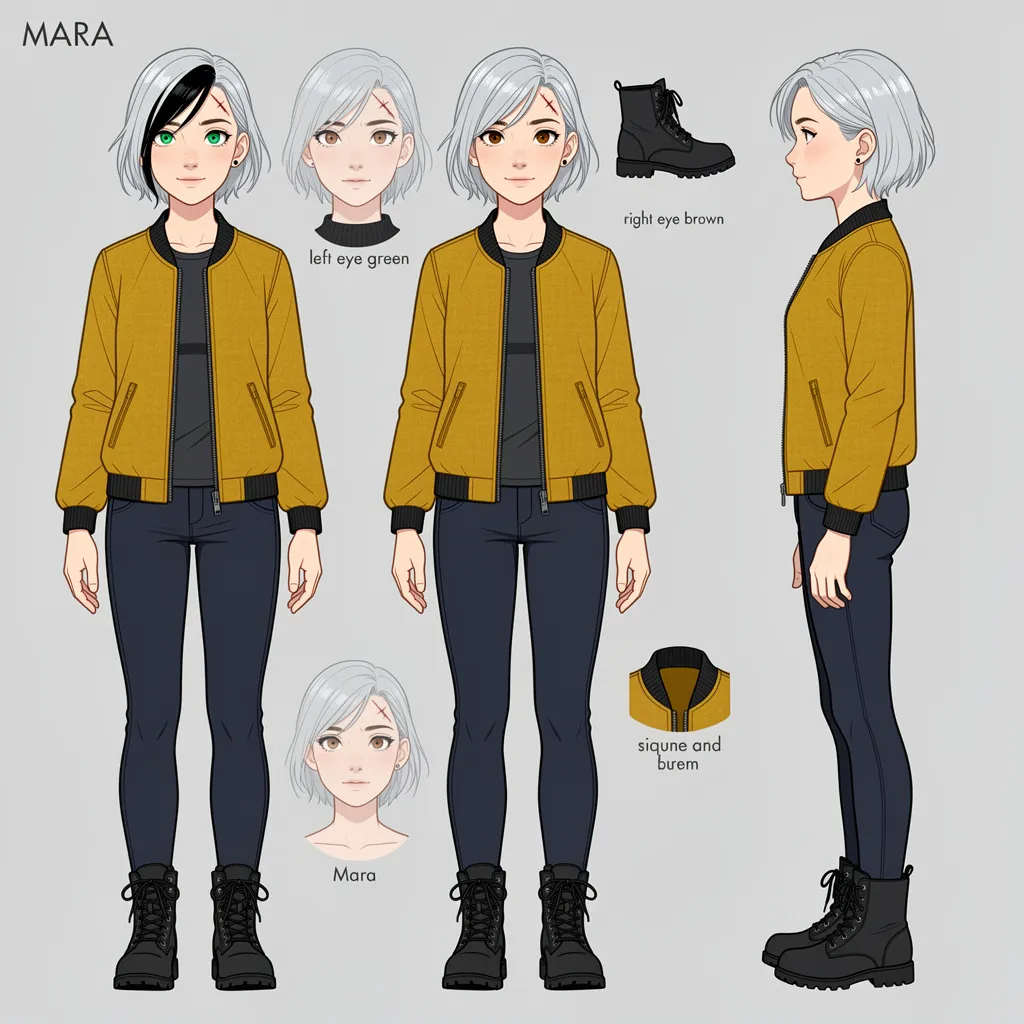
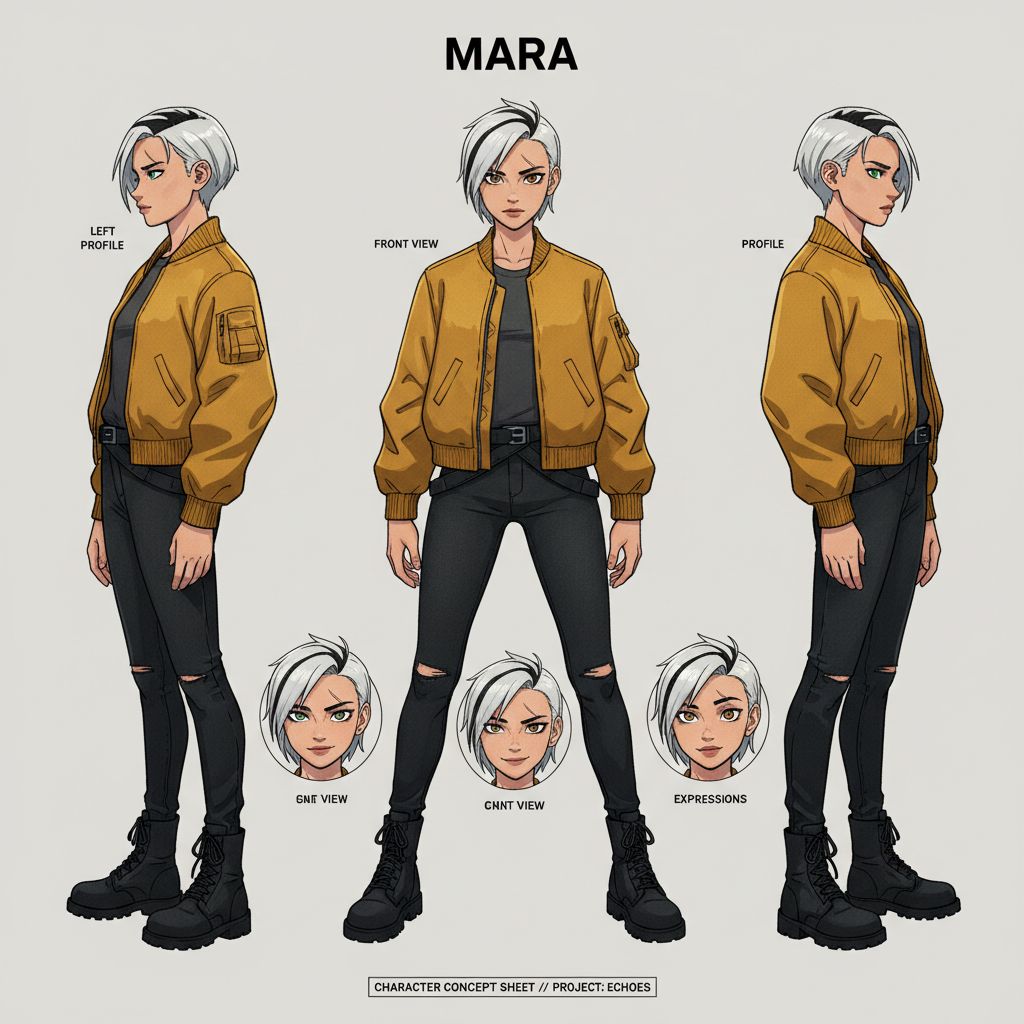
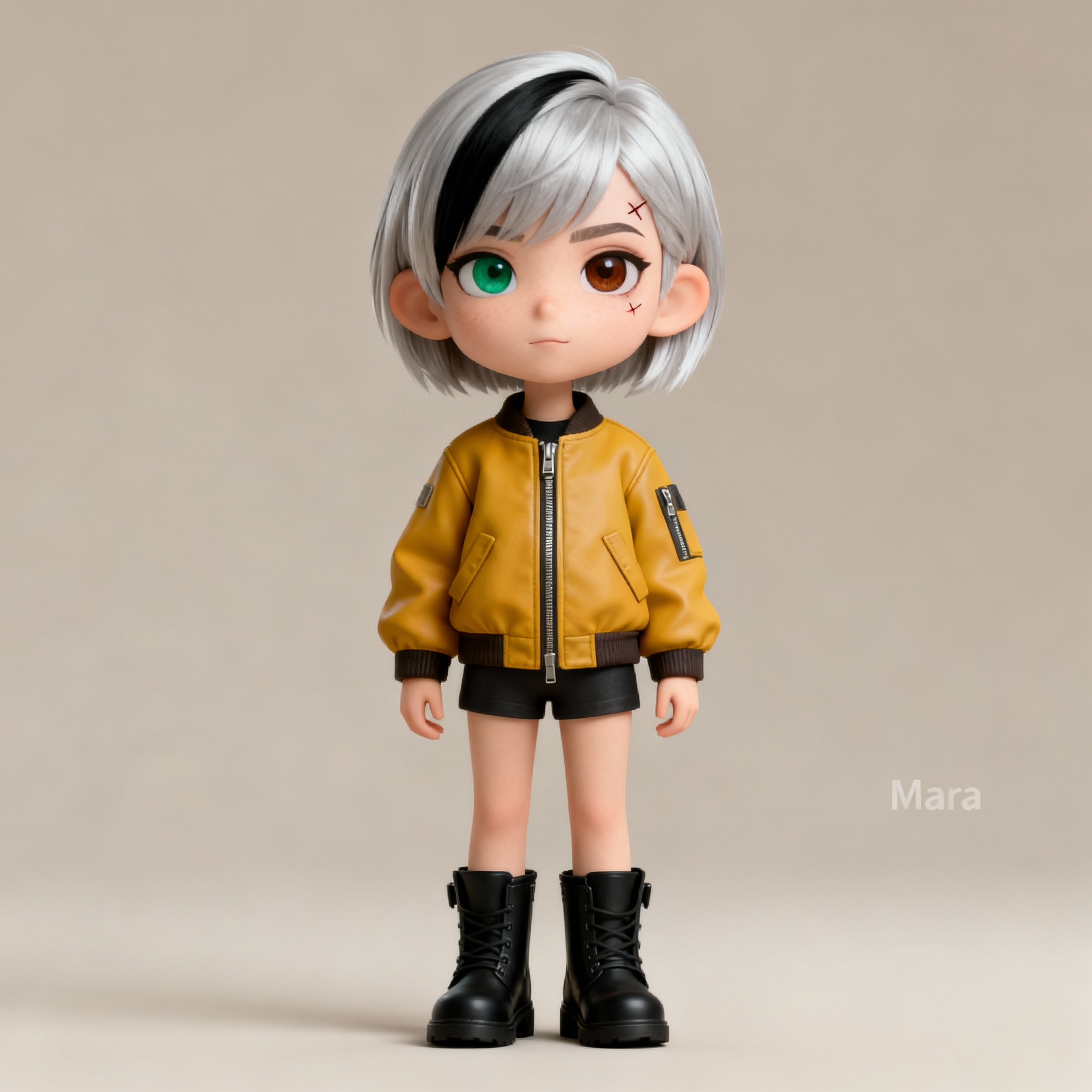
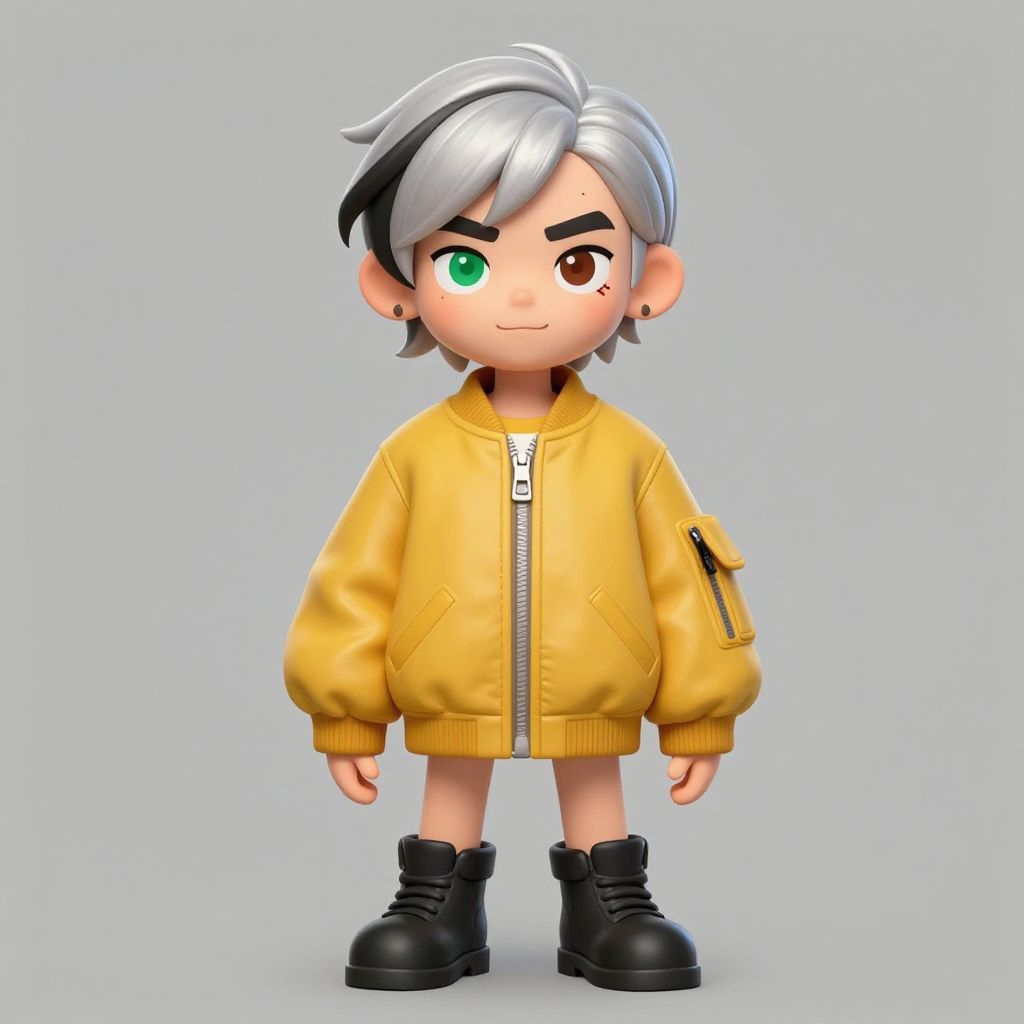
"Create a stylized character concept sheet of a fictional character named 'Mara': short silver hair with a single black streak, heterochromia..."
What we looked for: prompt adherence, small-detail accuracy
 Key Findings
Tough prompt for everyone. Most models either skipped the concept sheet format or filled it with nonsense text annotations. This test is crucial for anime and character design workflow.
GPT Image 1.5 (OpenAI's image tool, from the ChatGPT team) was the only one to hit every detail. Correct eye colors, visible streak, eyebrow scar, proper concept sheet layout. Flux 2 Pro and Seedream 4.5 created annotation-free sheets with clean art style.
Transparent Background Icon (Cutout Quality)
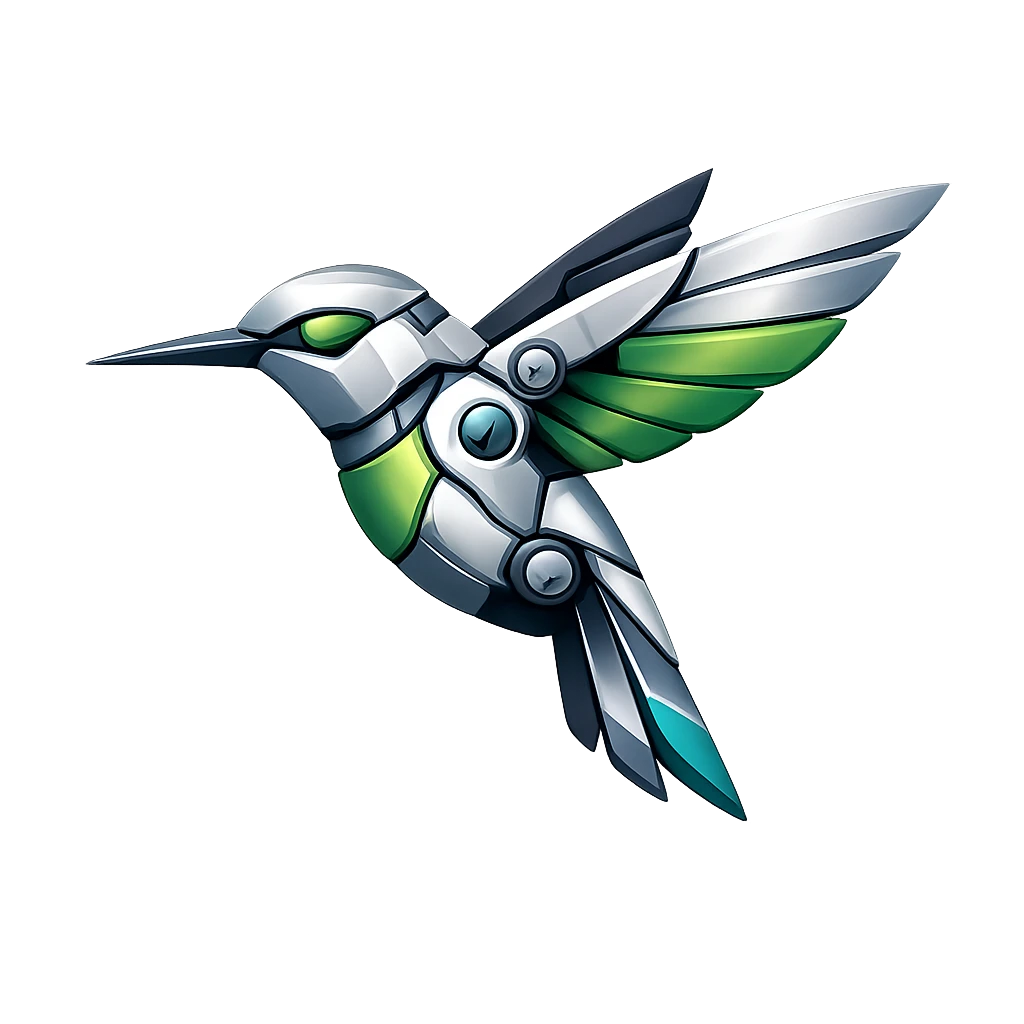
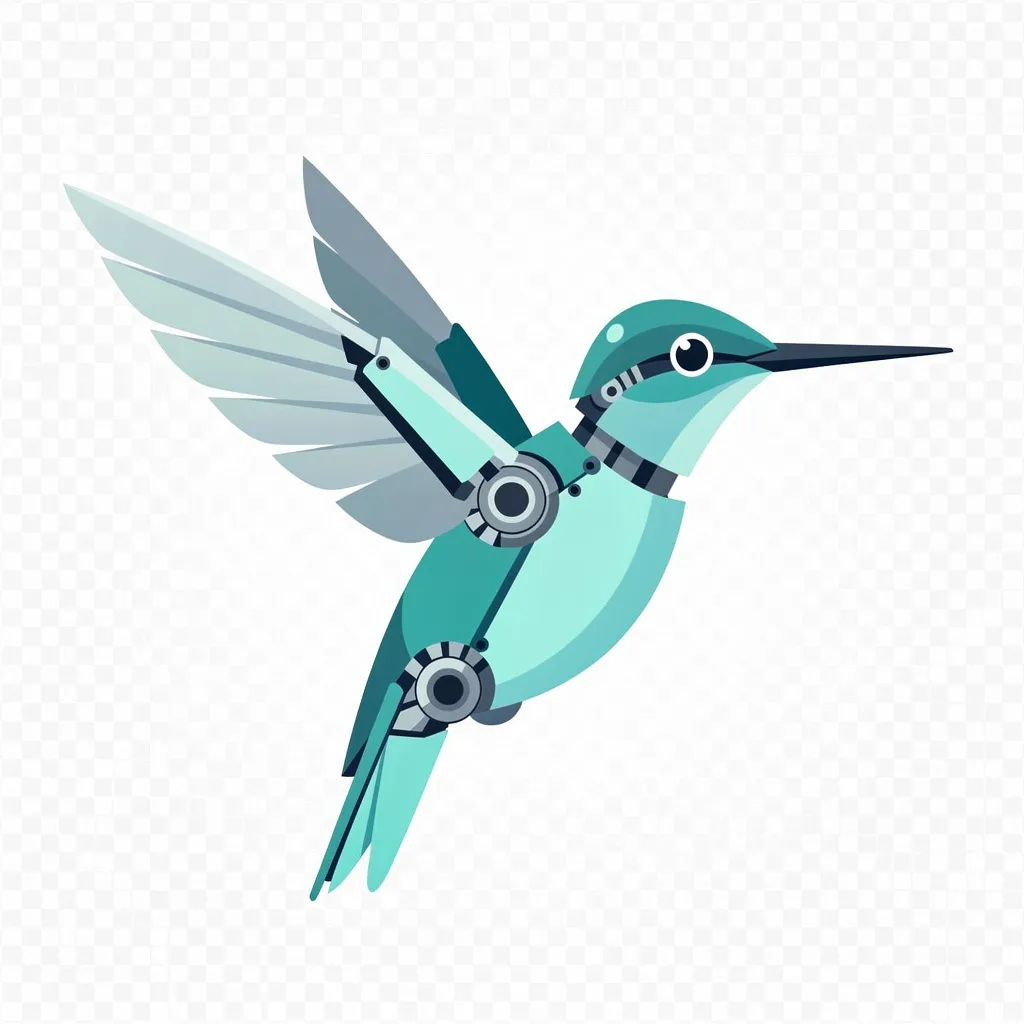
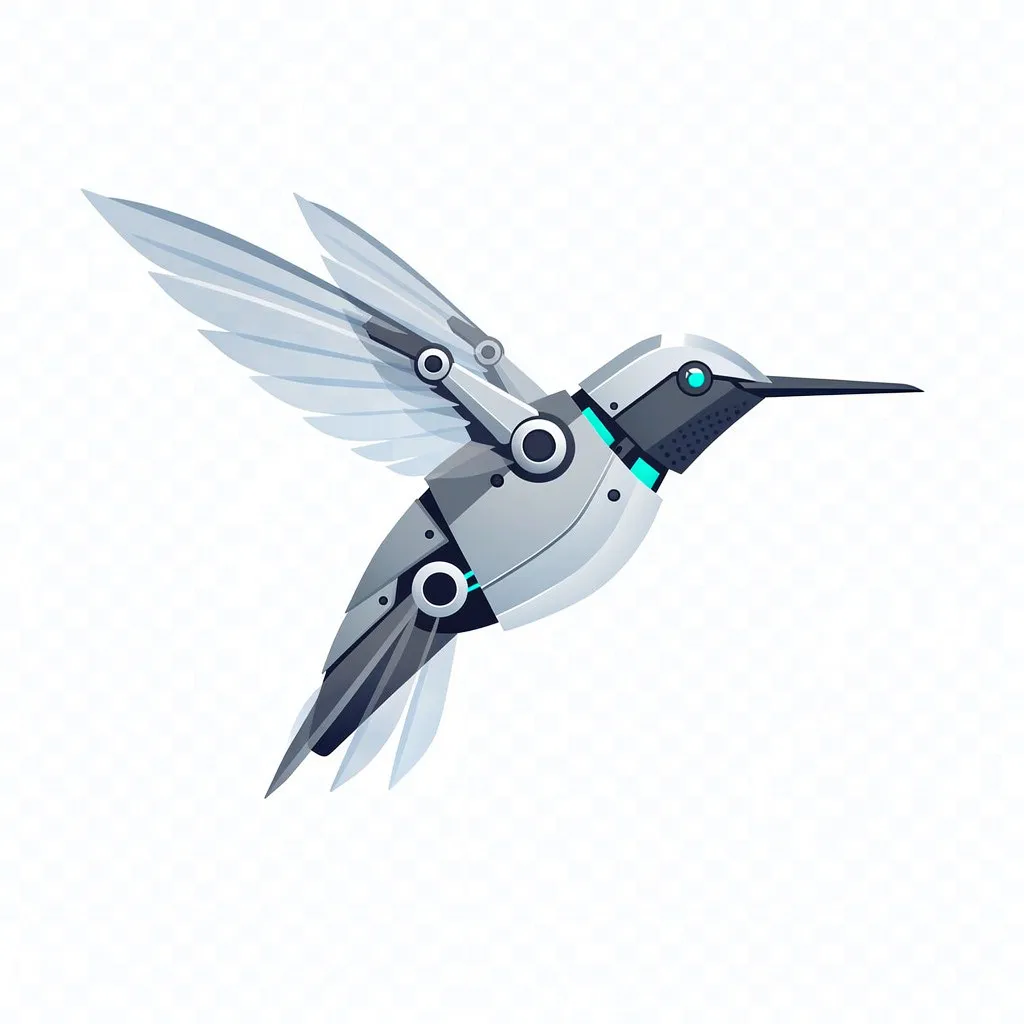
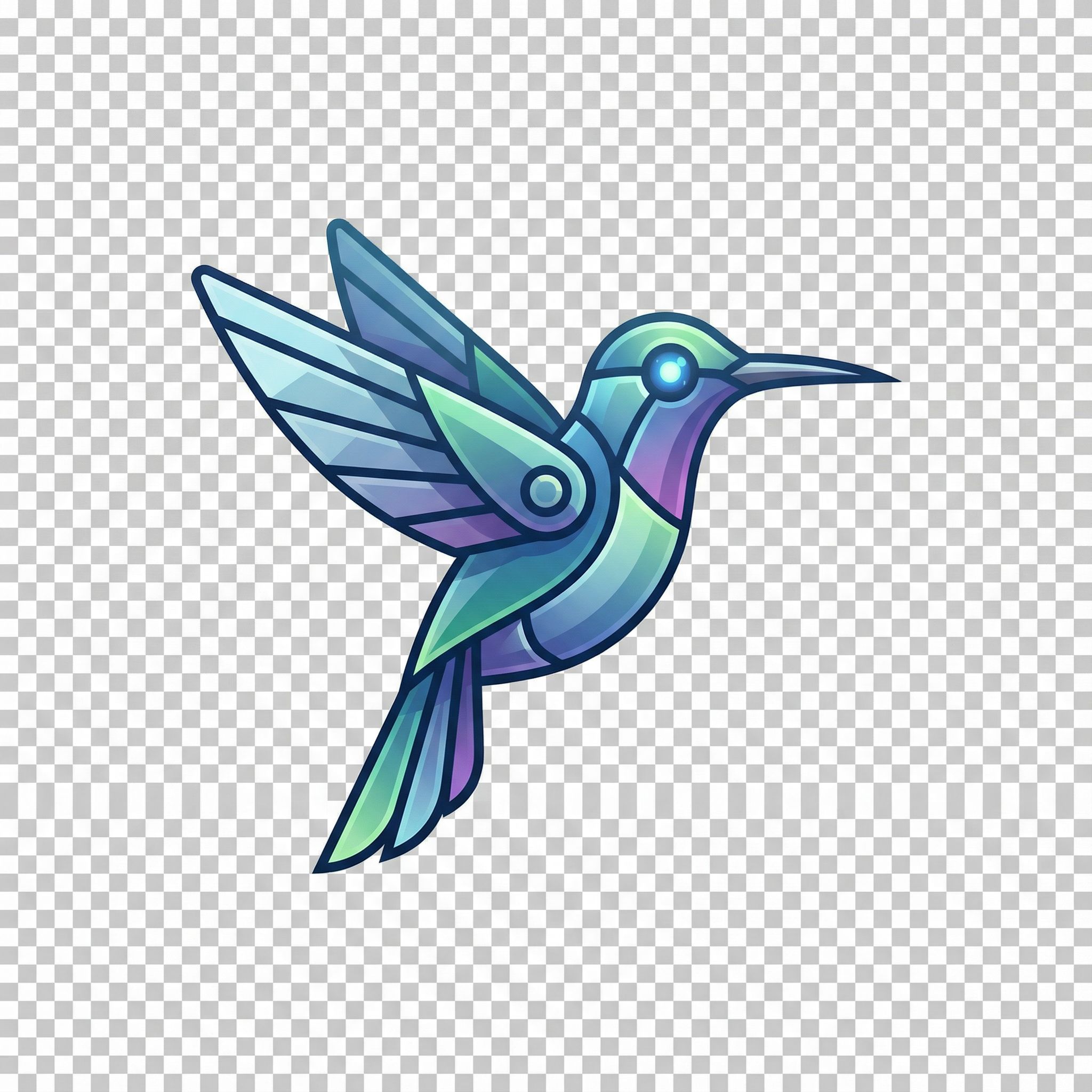
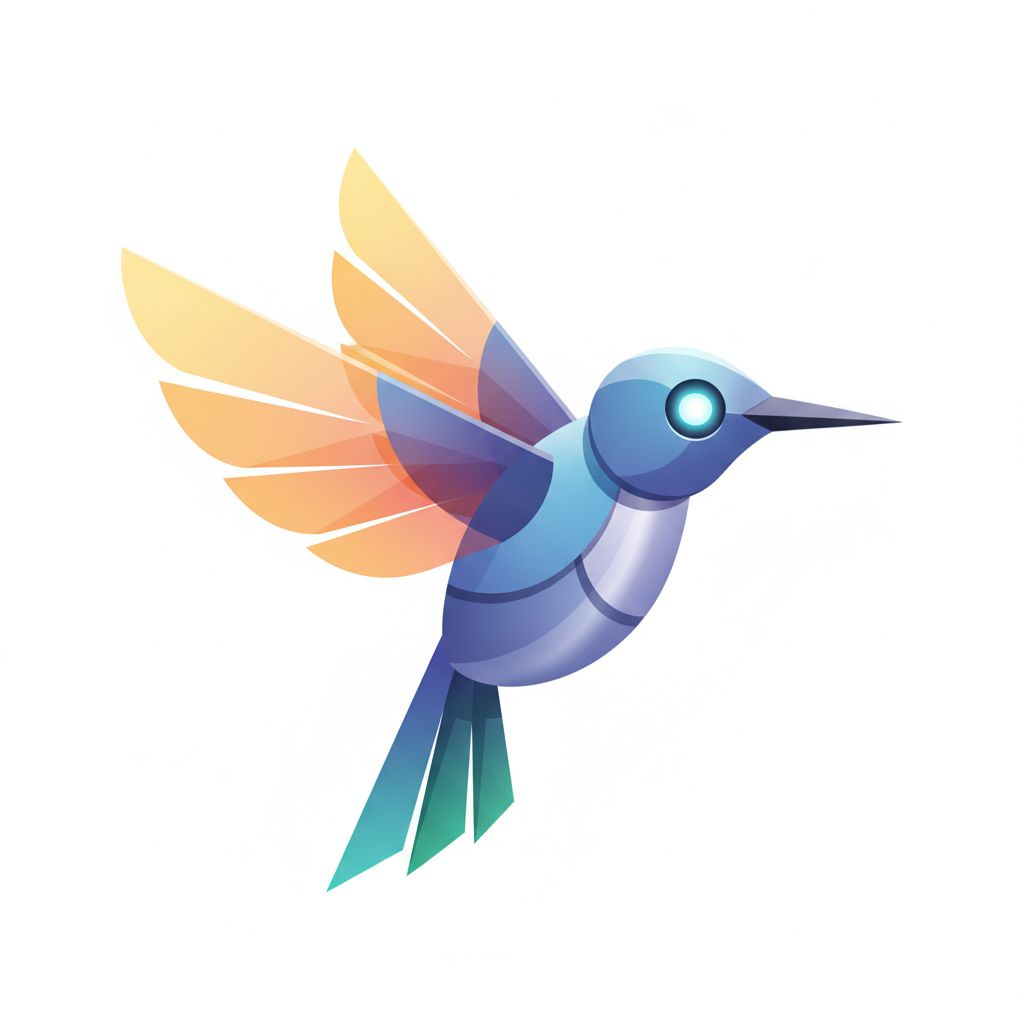
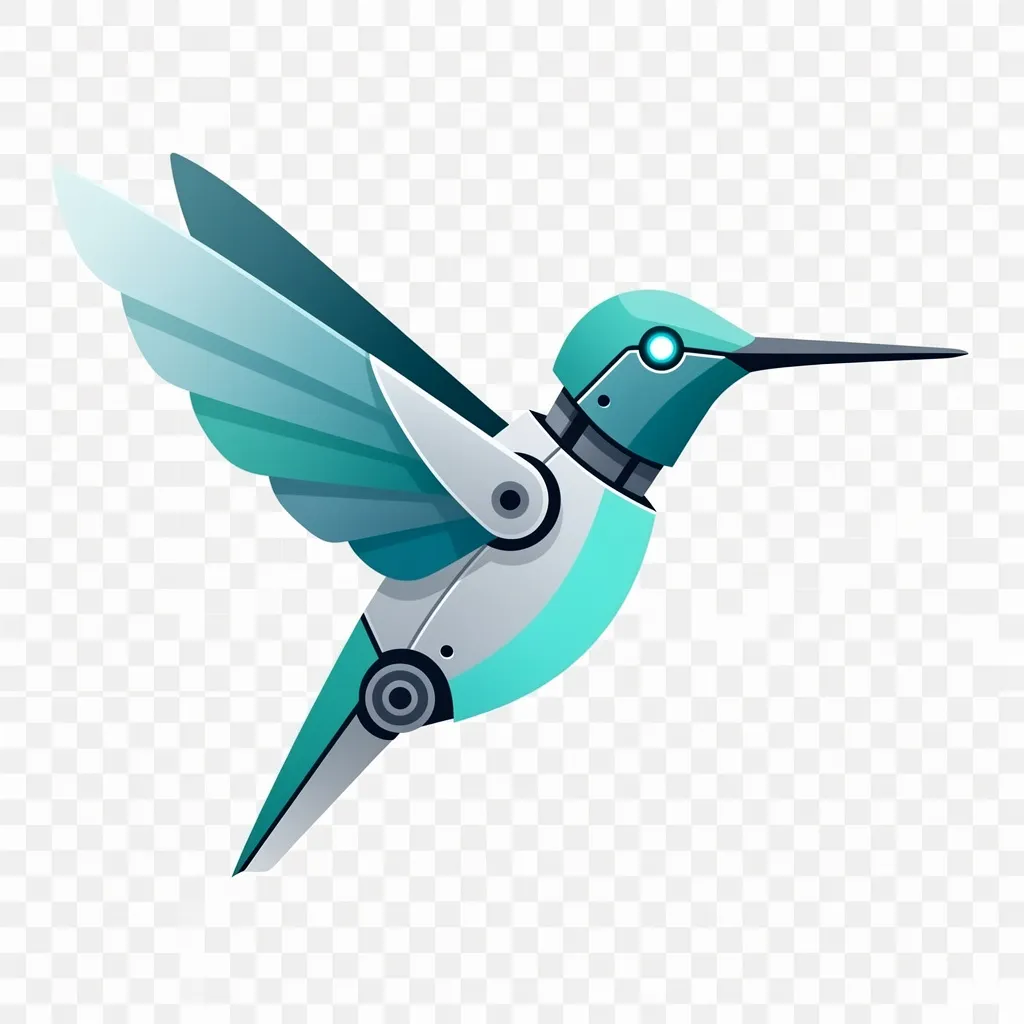
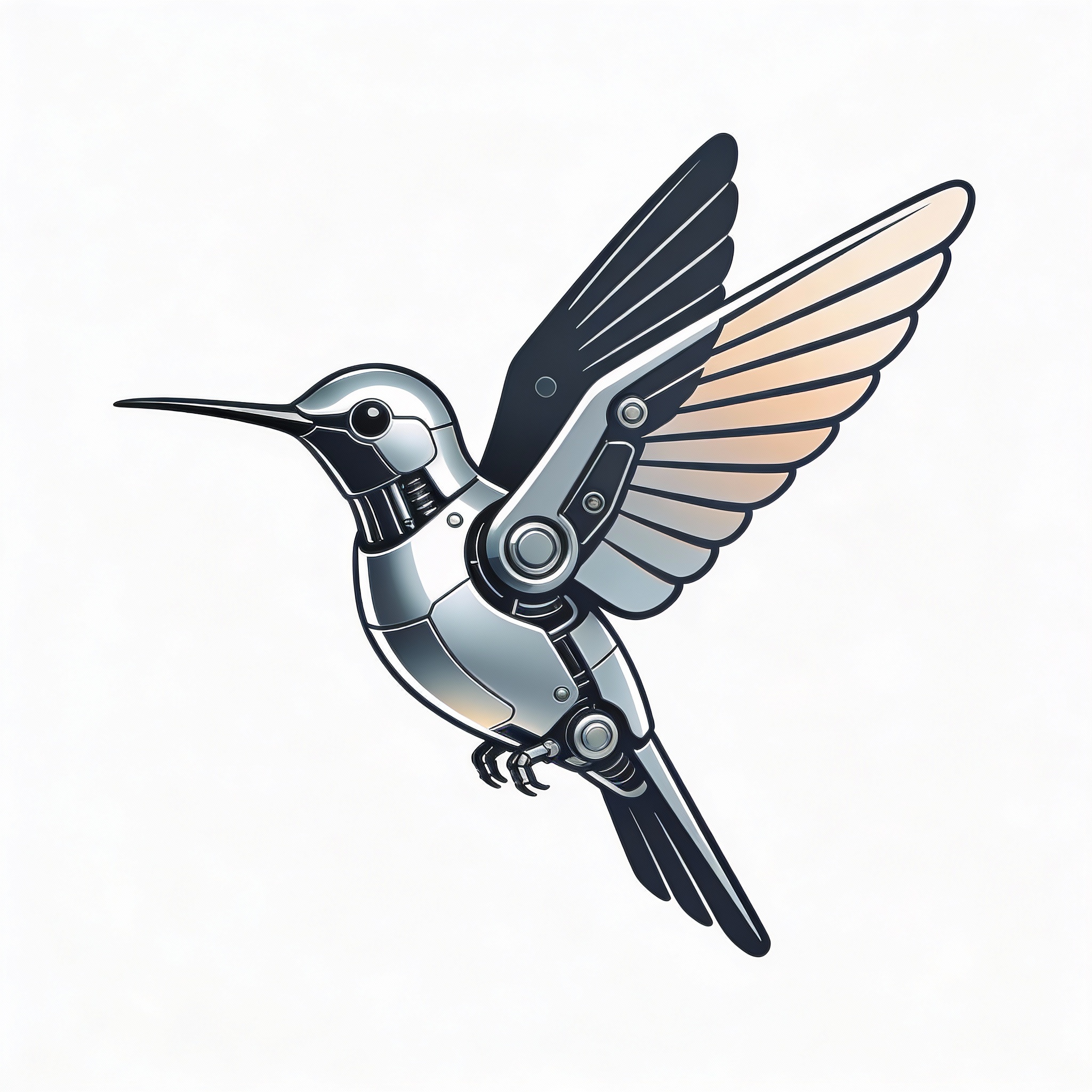
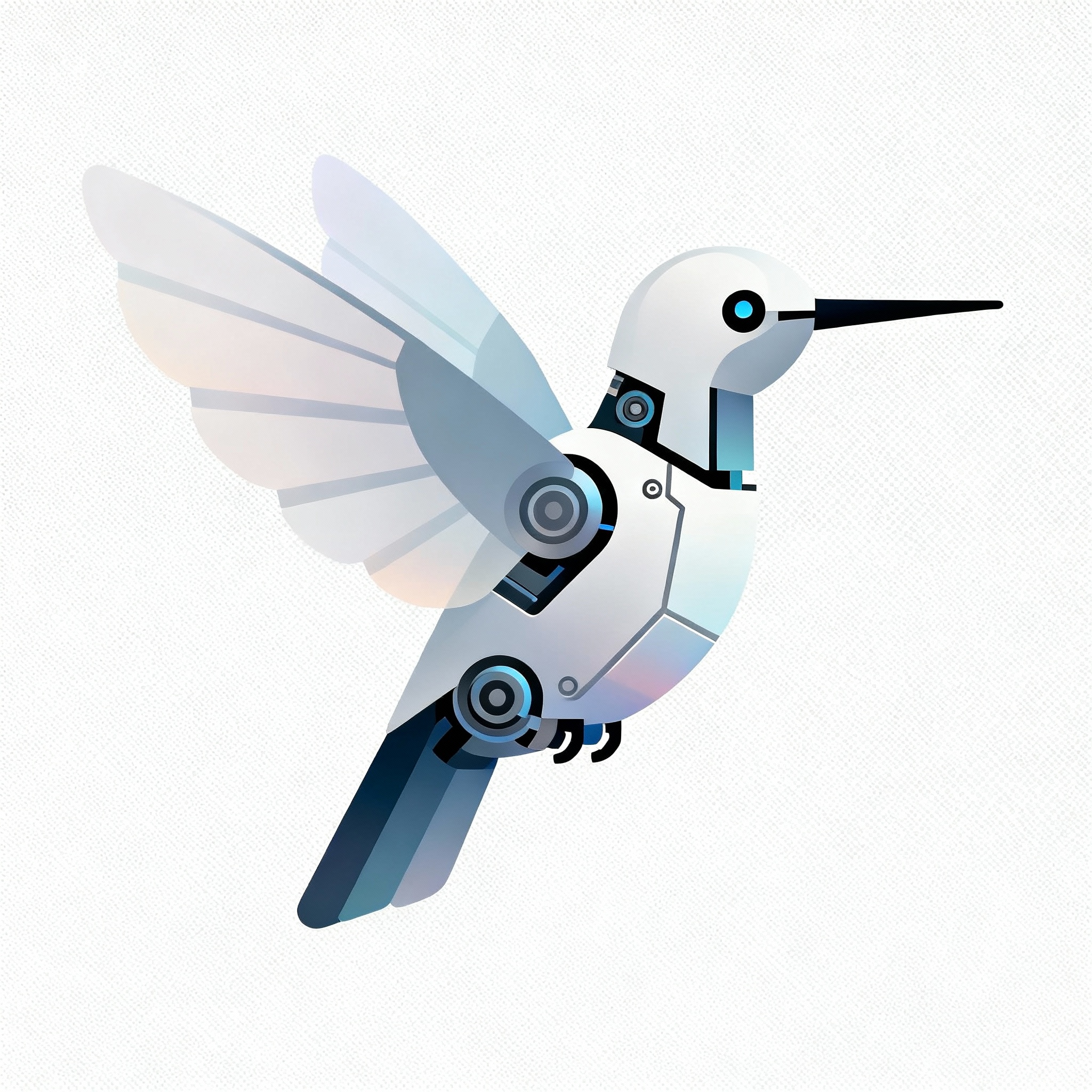
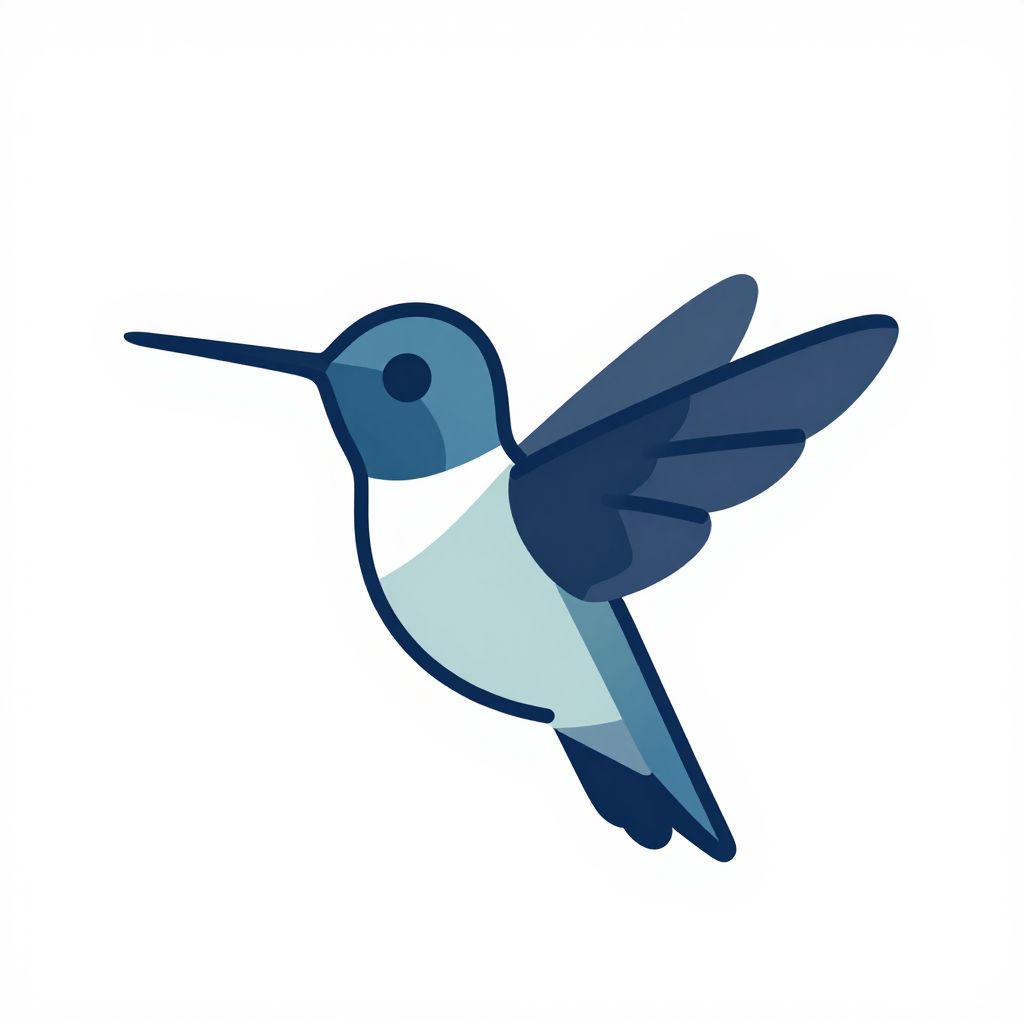
"A clean, high-quality vector-style icon of a robotic hummingbird with simple shapes and subtle gradients. Transparent background..."
What we looked for: true transparency, edge cleanliness, icon clarity
 Key Findings
Only GPT Image 1.5 produced actual transparency. Every other AI image generator gave us a nice icon on a solid background.
Some models tried to fake it by rendering the checkered pattern you see when viewing transparent PNGs as the actual background. Points for effort, but that's not how transparency works.
If you need assets for compositing or icons for apps, GPT Image 1.5 is currently your only option that doesn't require Photoshop cleanup.
Photoreal Edge Case (Fur + Glass + Water)
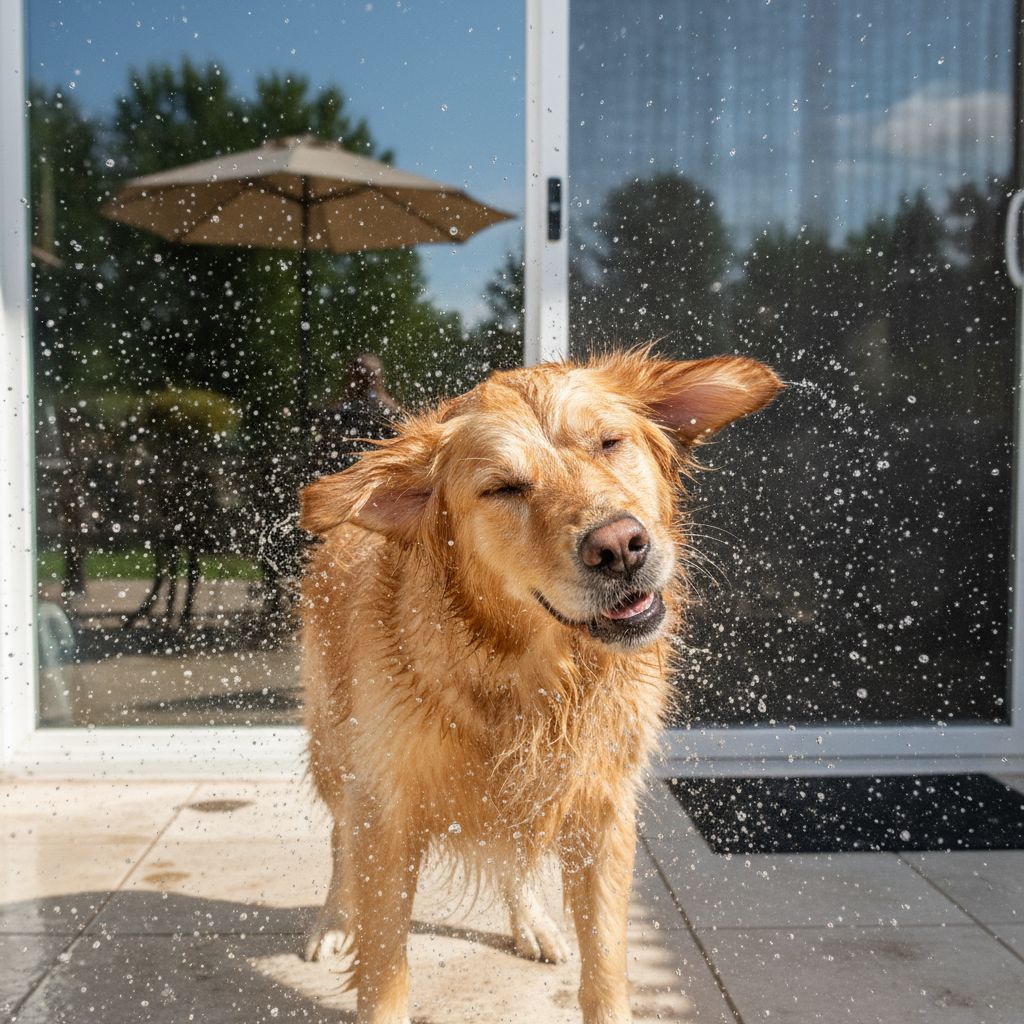
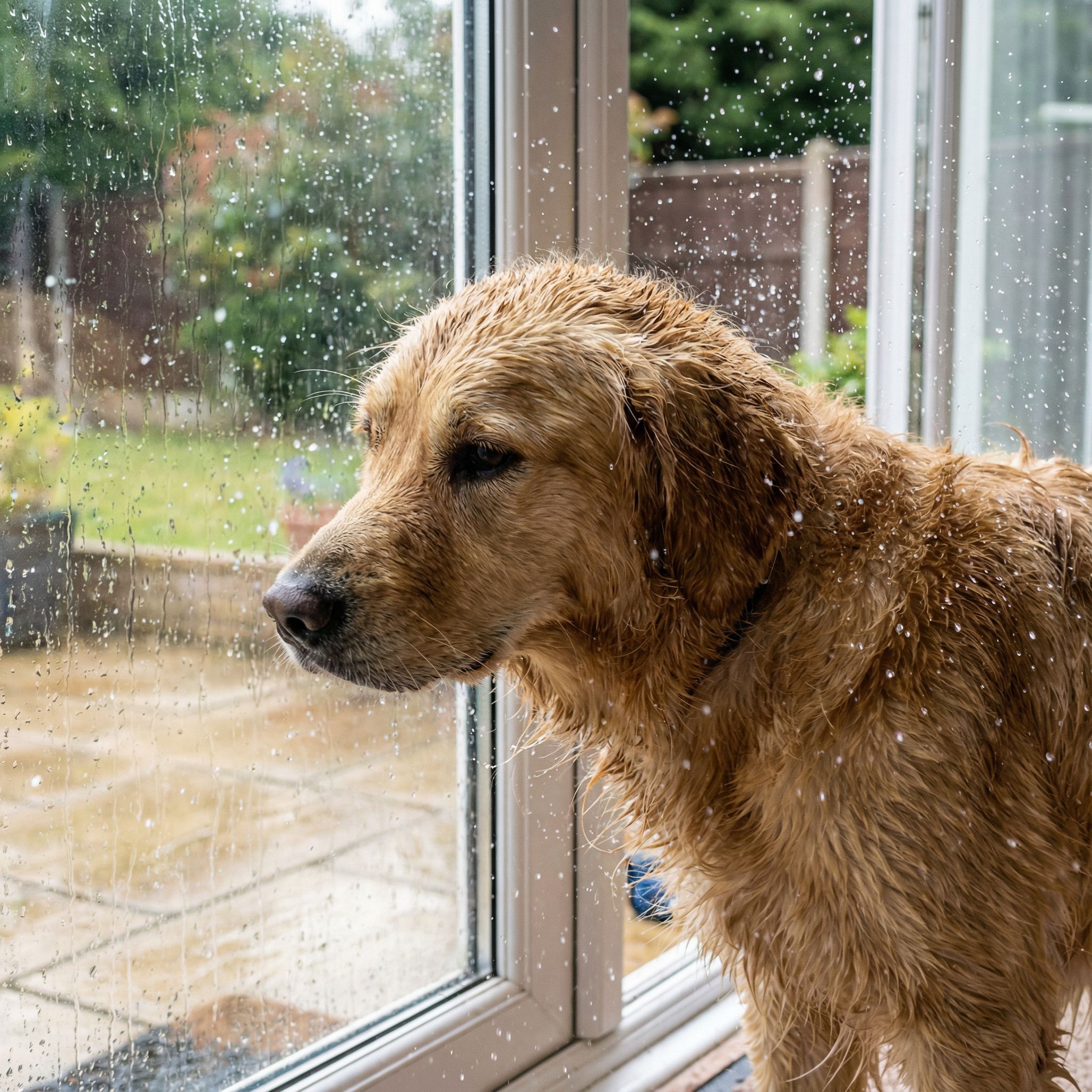
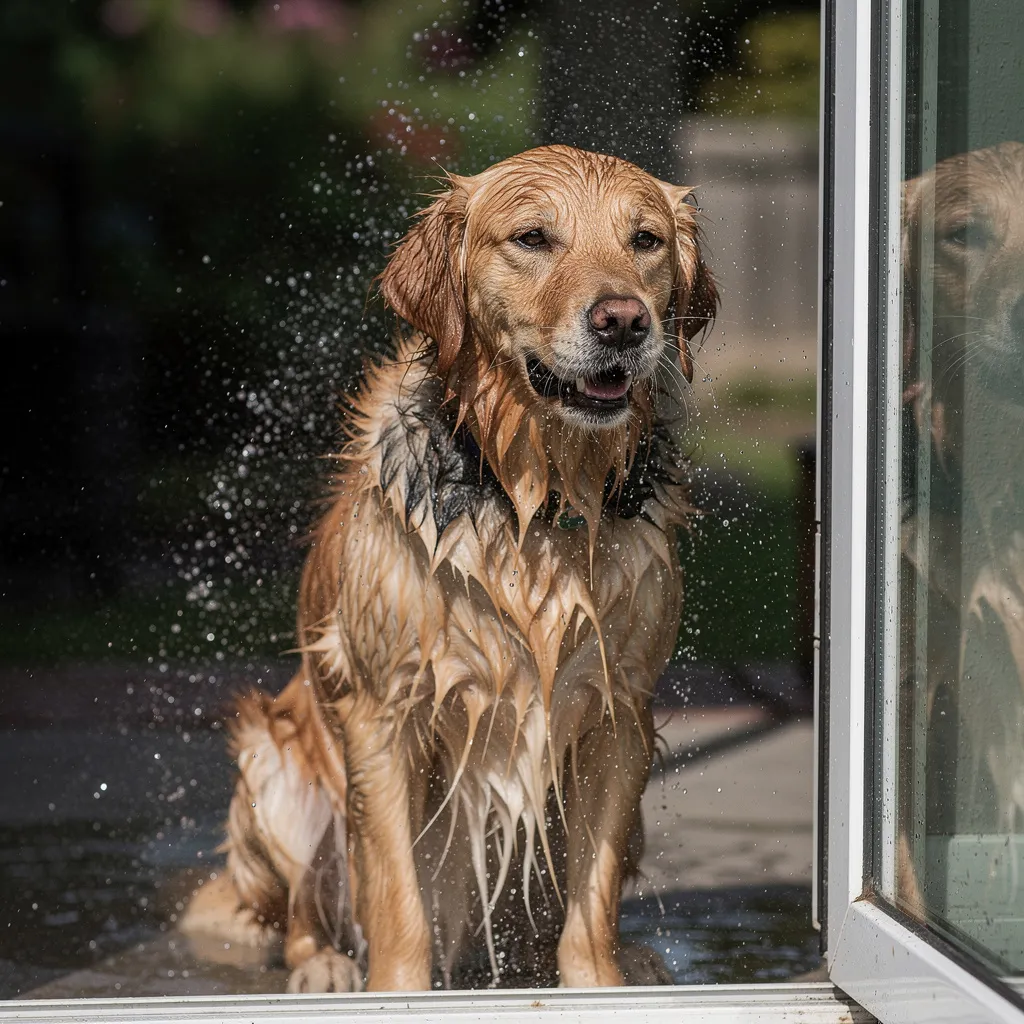
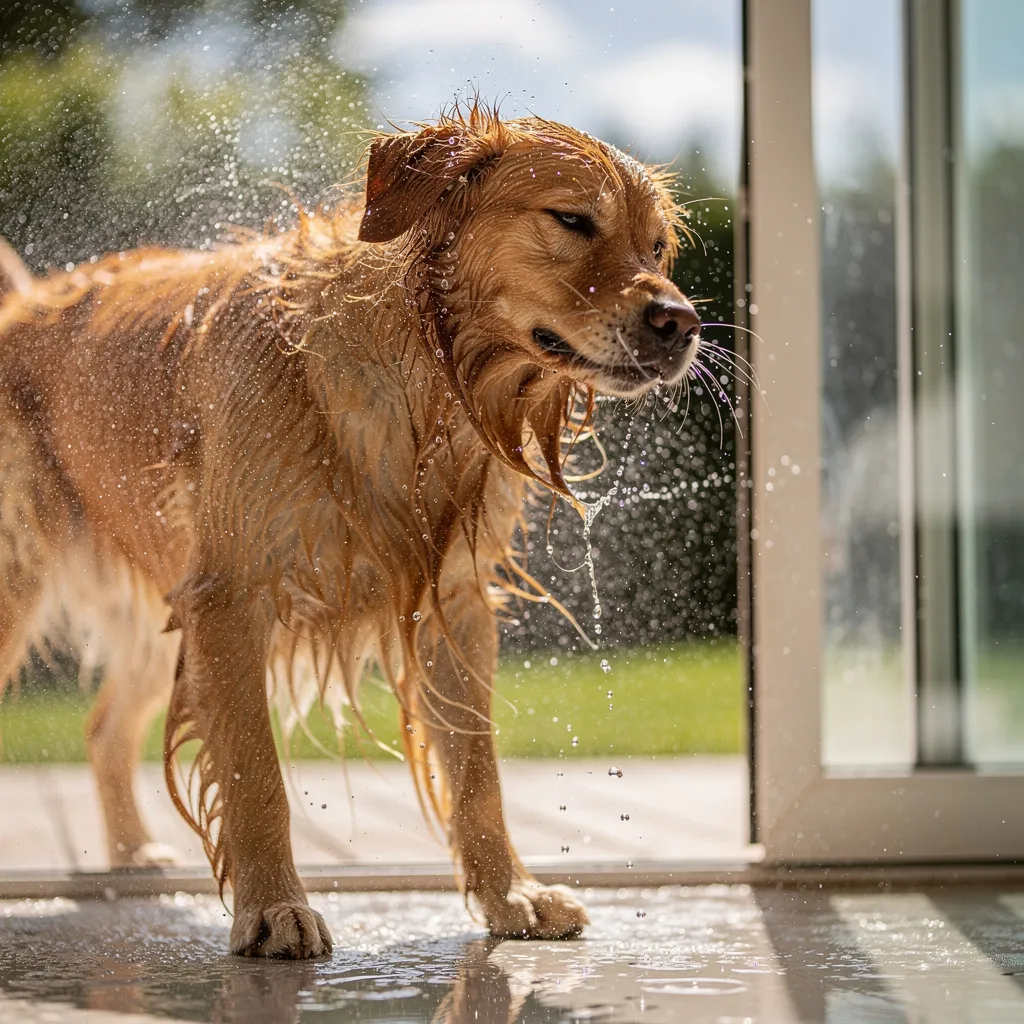
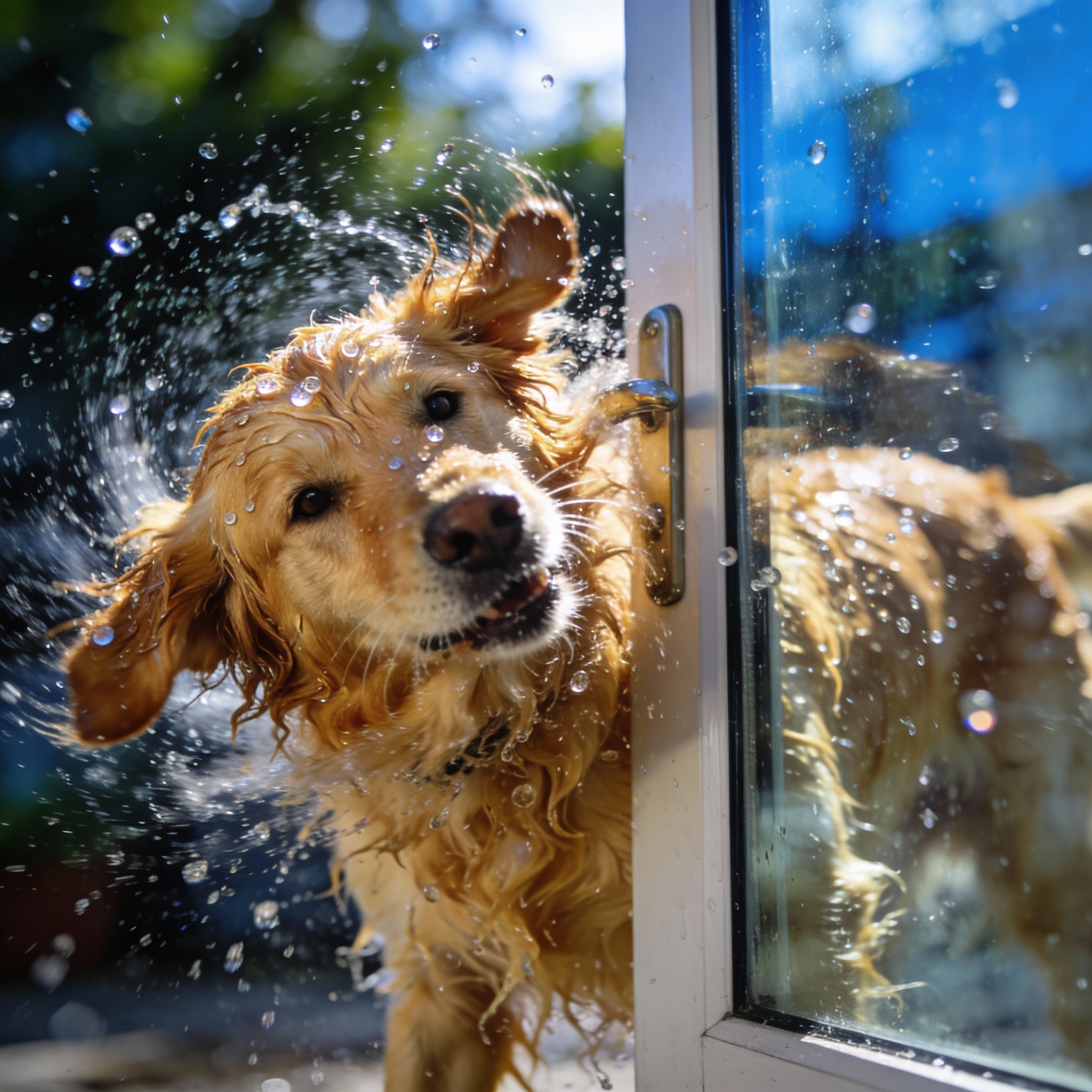
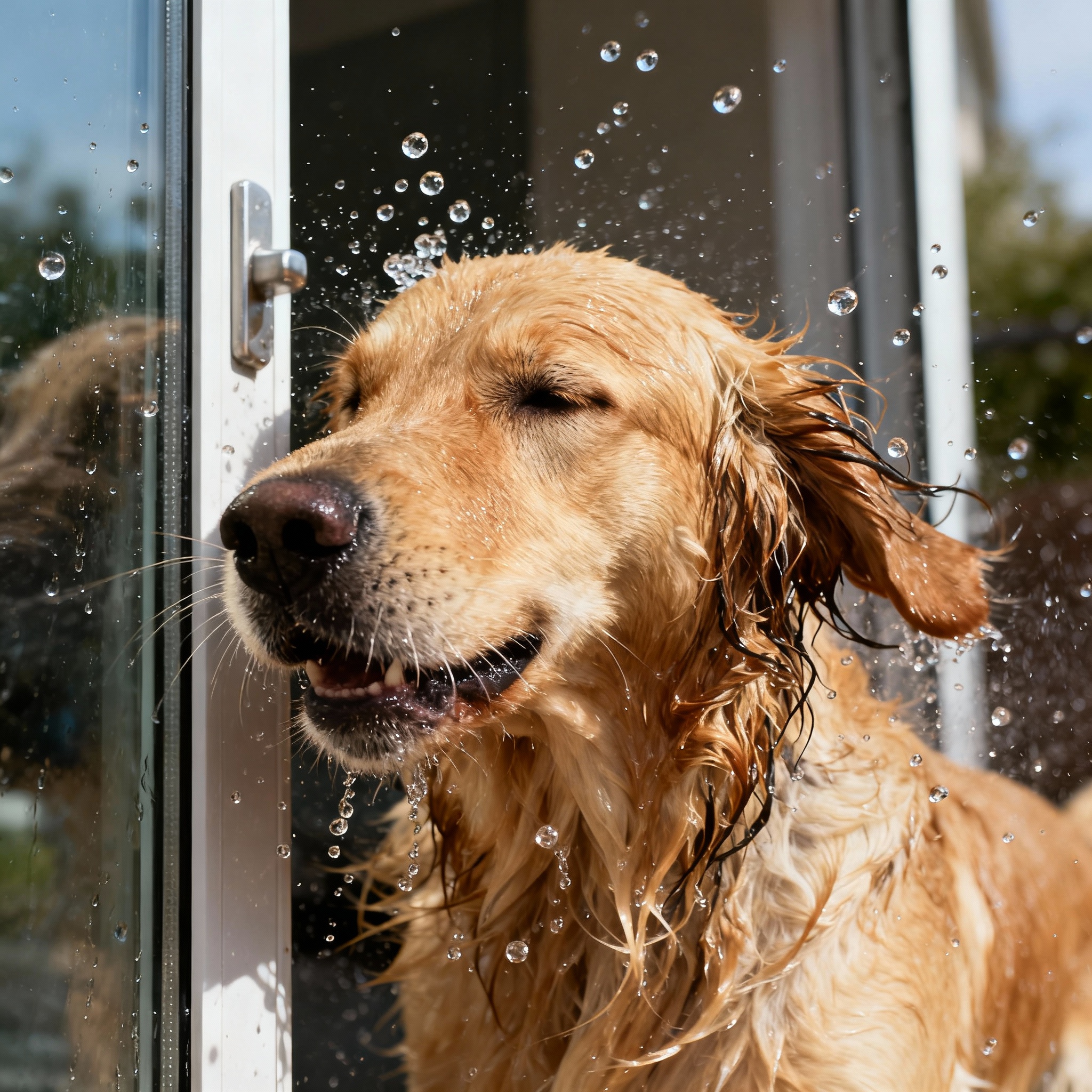
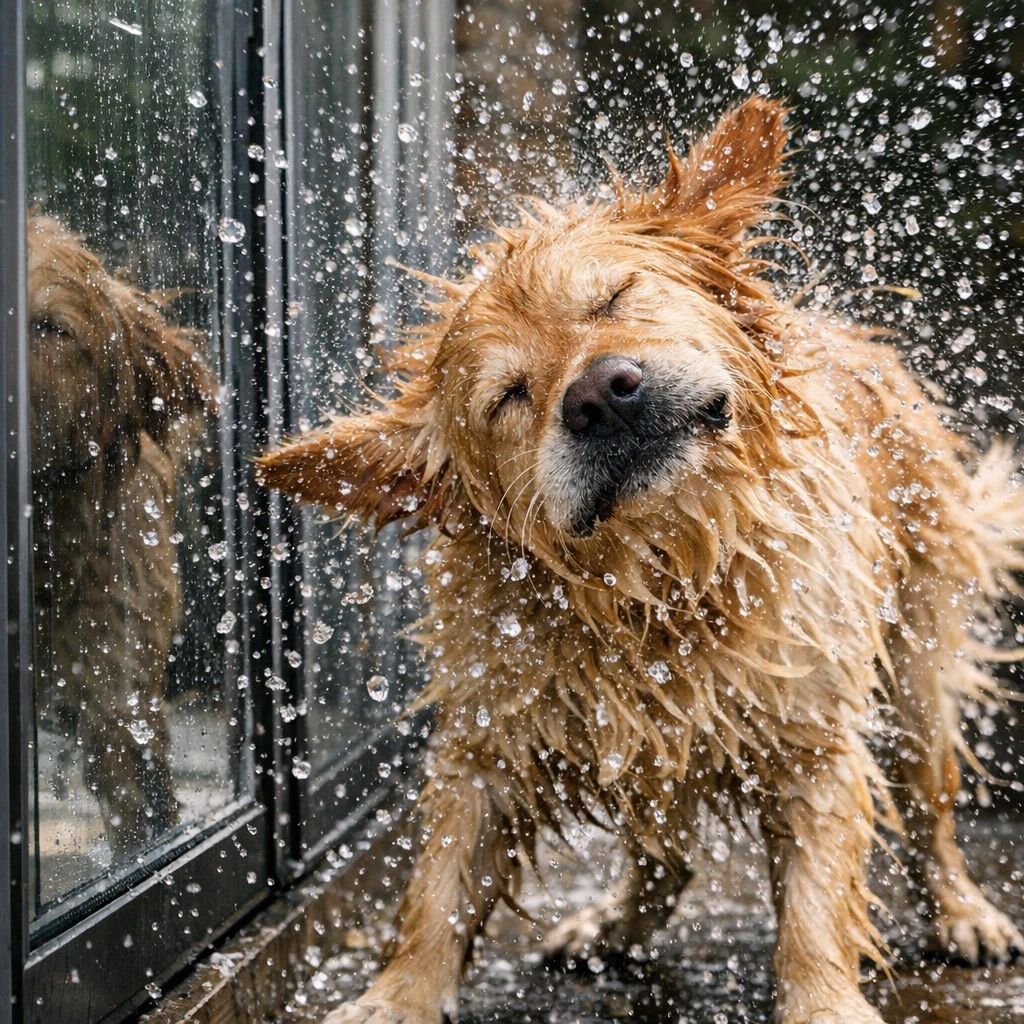
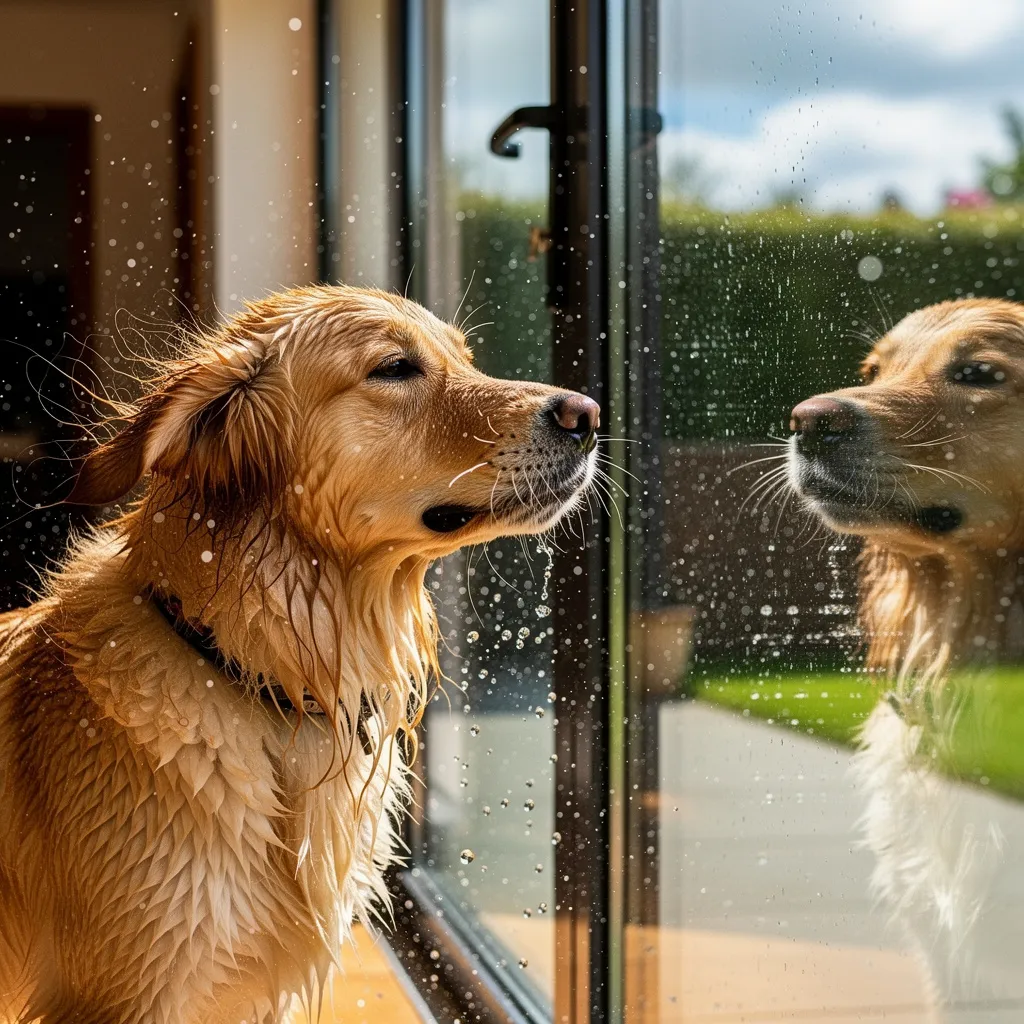
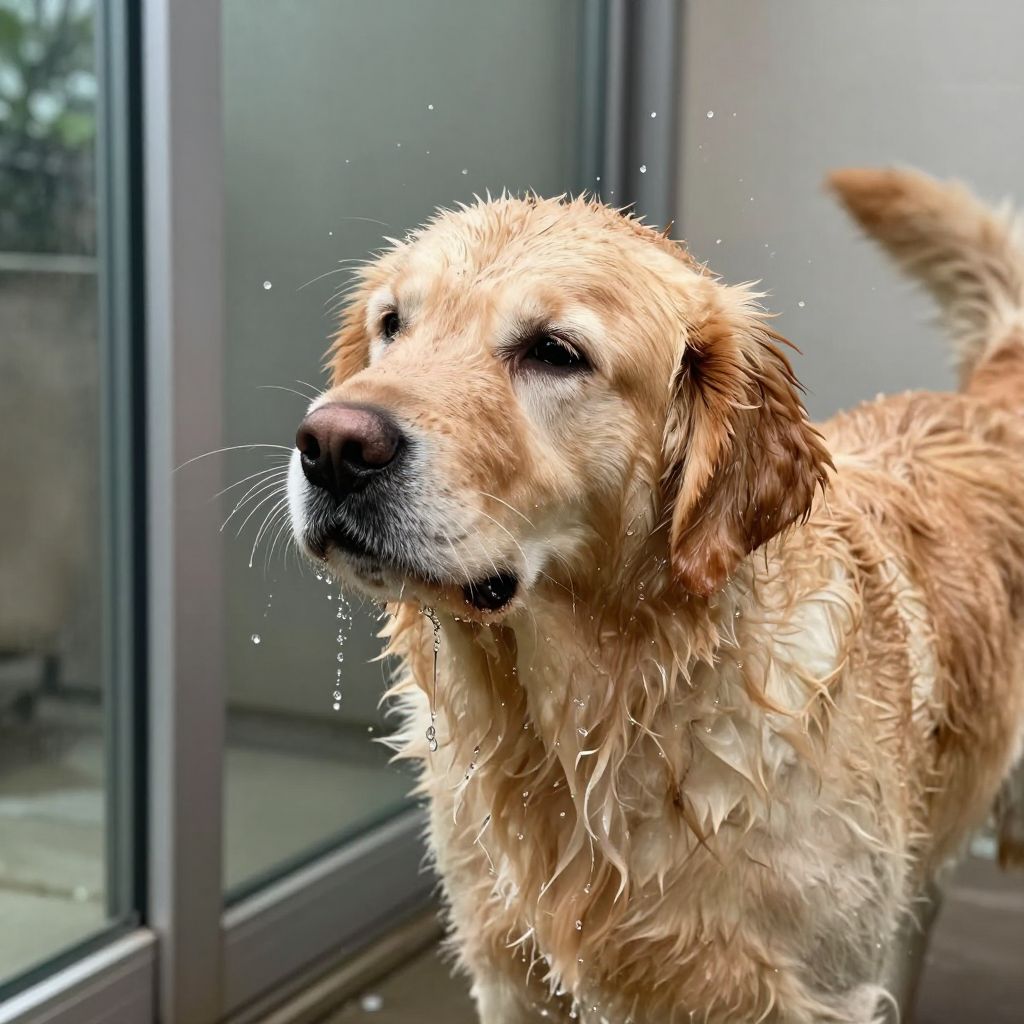
"A photoreal close-up of a wet golden retriever shaking off water beside a glass door. Droplets suspended mid-air, realistic fur clumping..."
What we looked for: fur realism, droplets, reflections, temporal freeze feel
 Key Findings
Several models put the dog indoors despite "beside a glass door" implying outside. Text prompt comprehension varies.
Nano Banana got the setting right and produced convincing suspended droplets. The fur looks genuinely wet. Individual water droplets hang in the air authentically.
Image Editing
Can these AI image generators edit existing images without destroying what should stay untouched? Unlike Photoshop's manual editing tools, AI-powered editing promises one-click transformations. We used three reference images and put each AI image generator through 10 editing challenges. For a deeper dive into image editing specifically, check out our guide to the best AI photo editors.
Remove Object (Clean Inpaint)
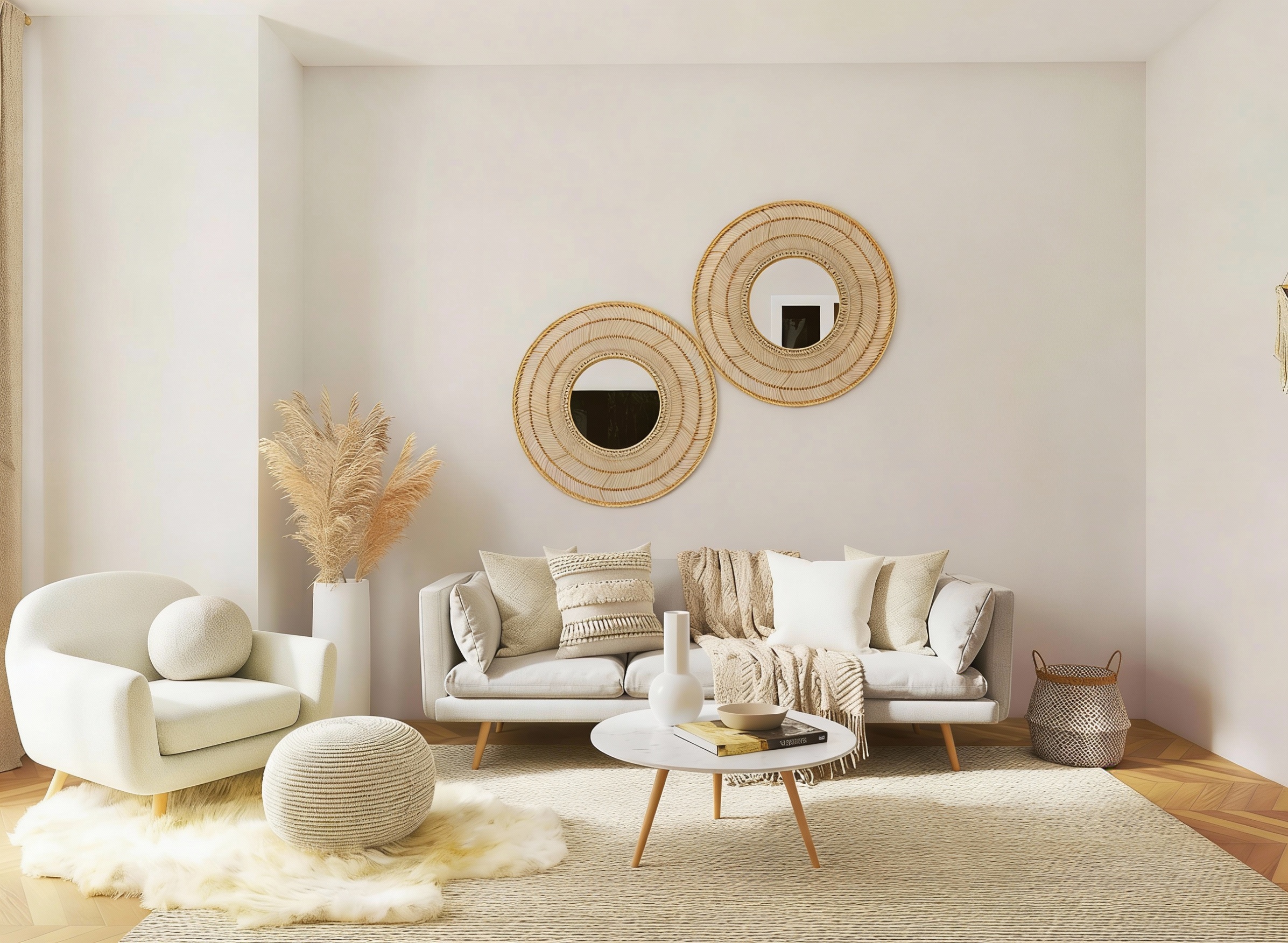
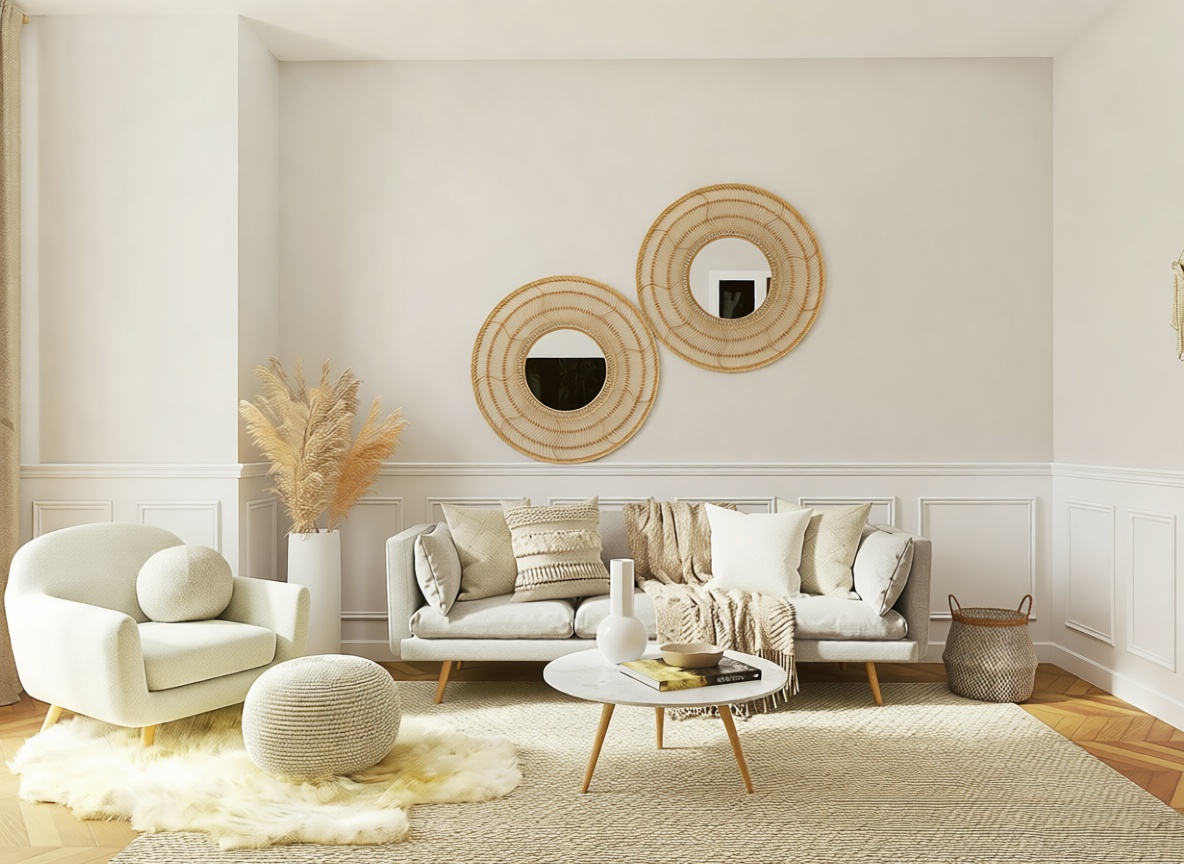
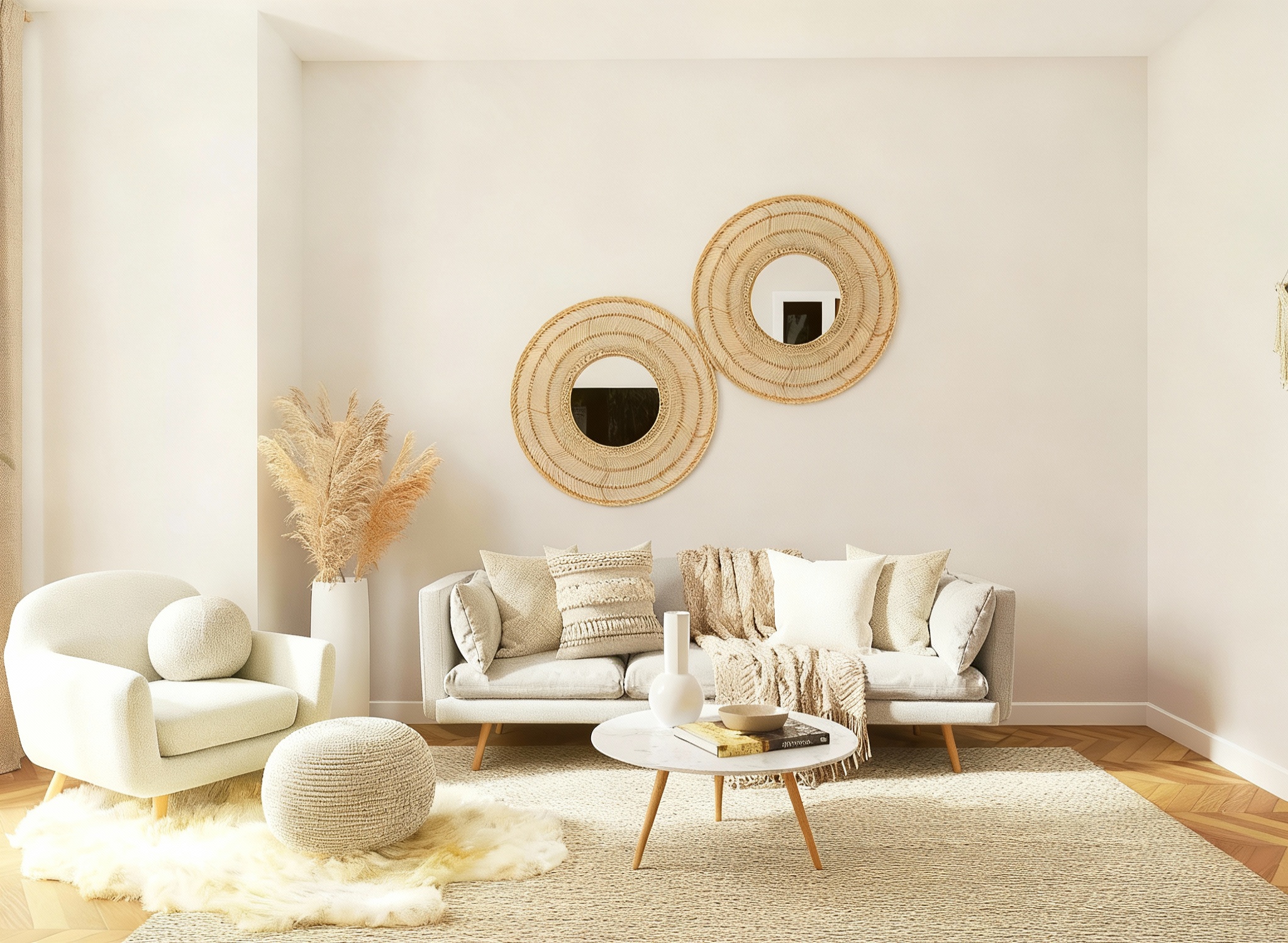
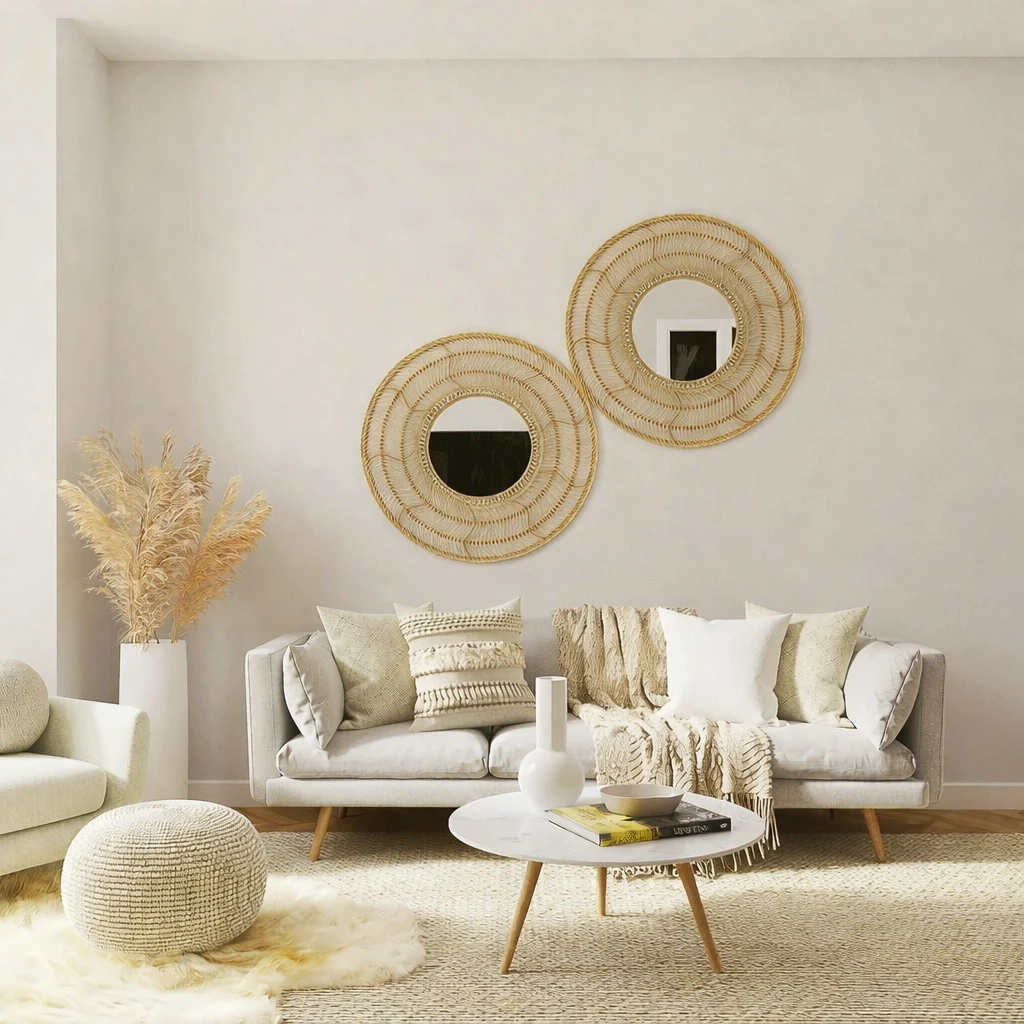
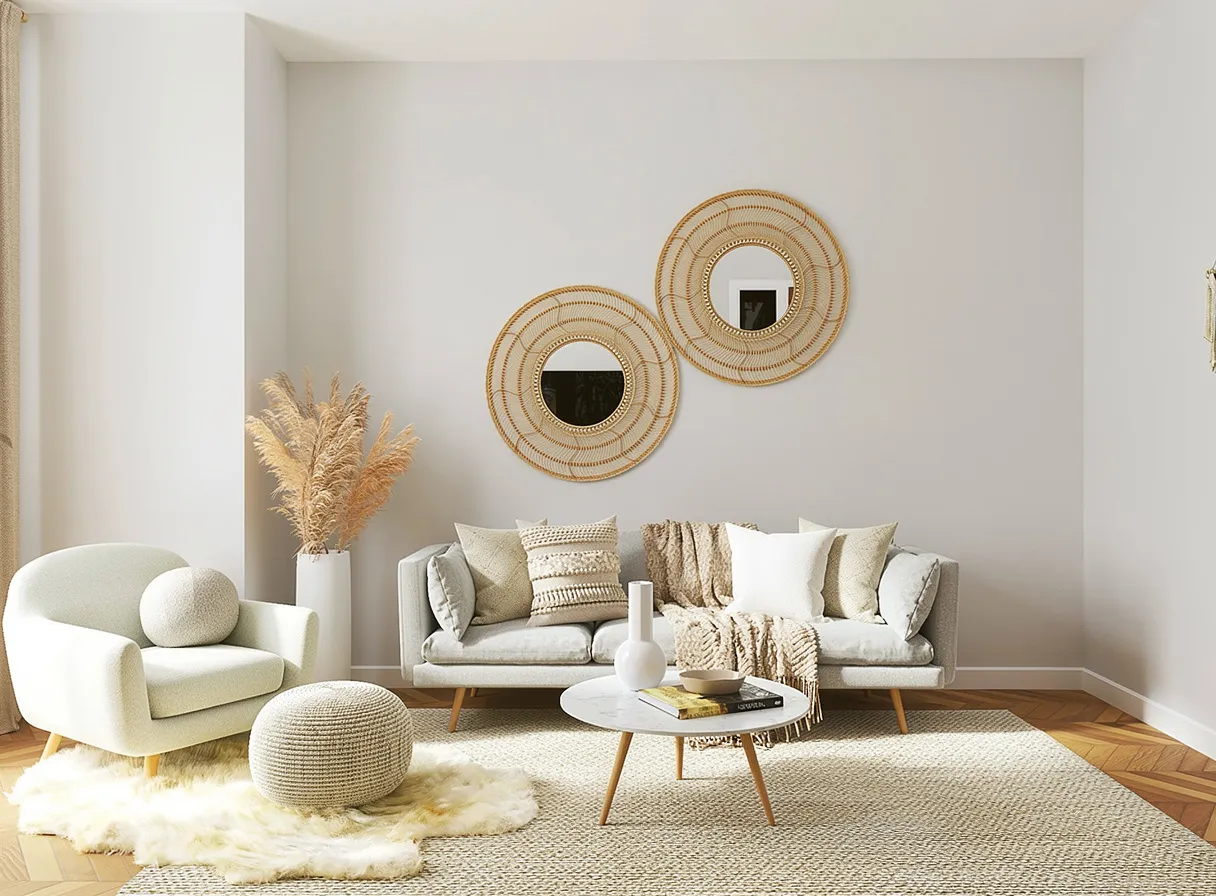
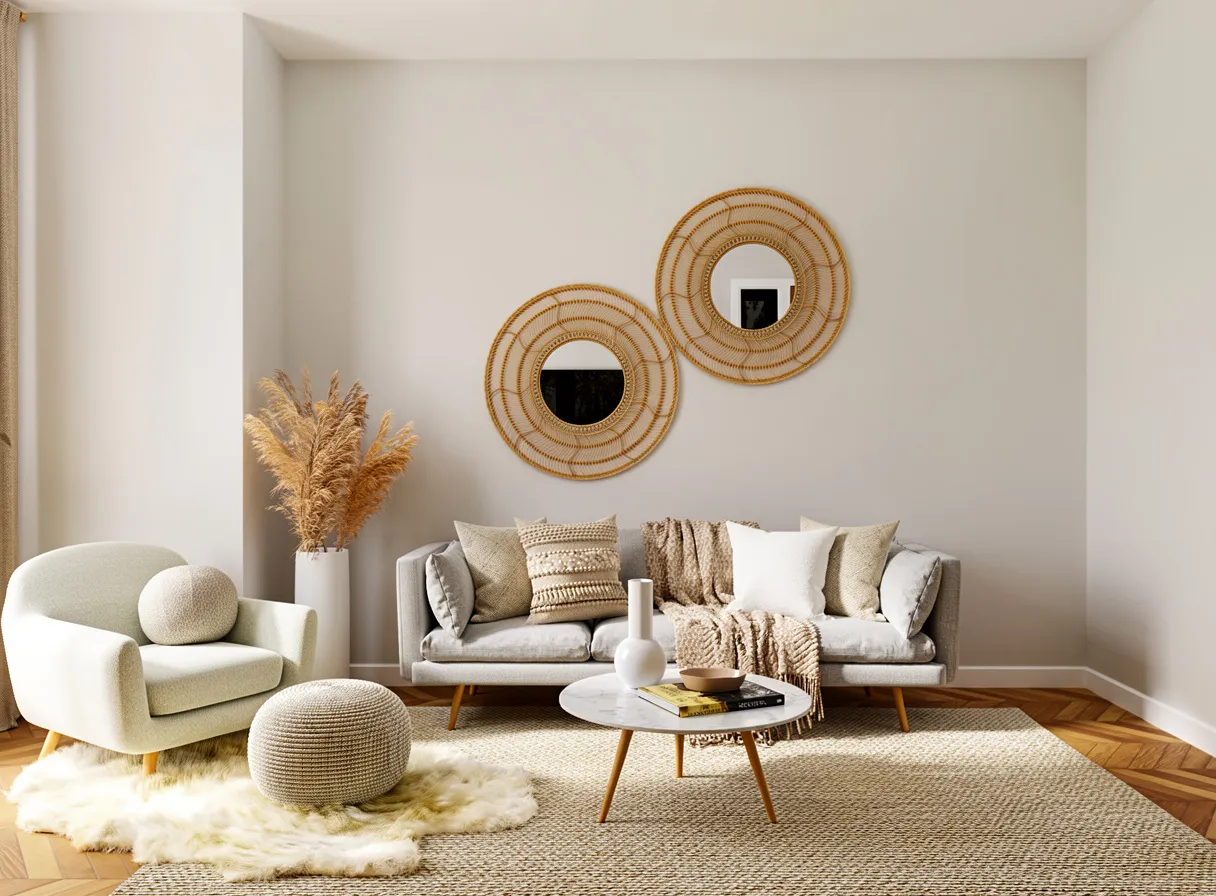
"Remove the floor lamp on the right side completely. Reconstruct the wall and baseboard behind it..."
What we looked for: object removal, background reconstruction, consistency preservation
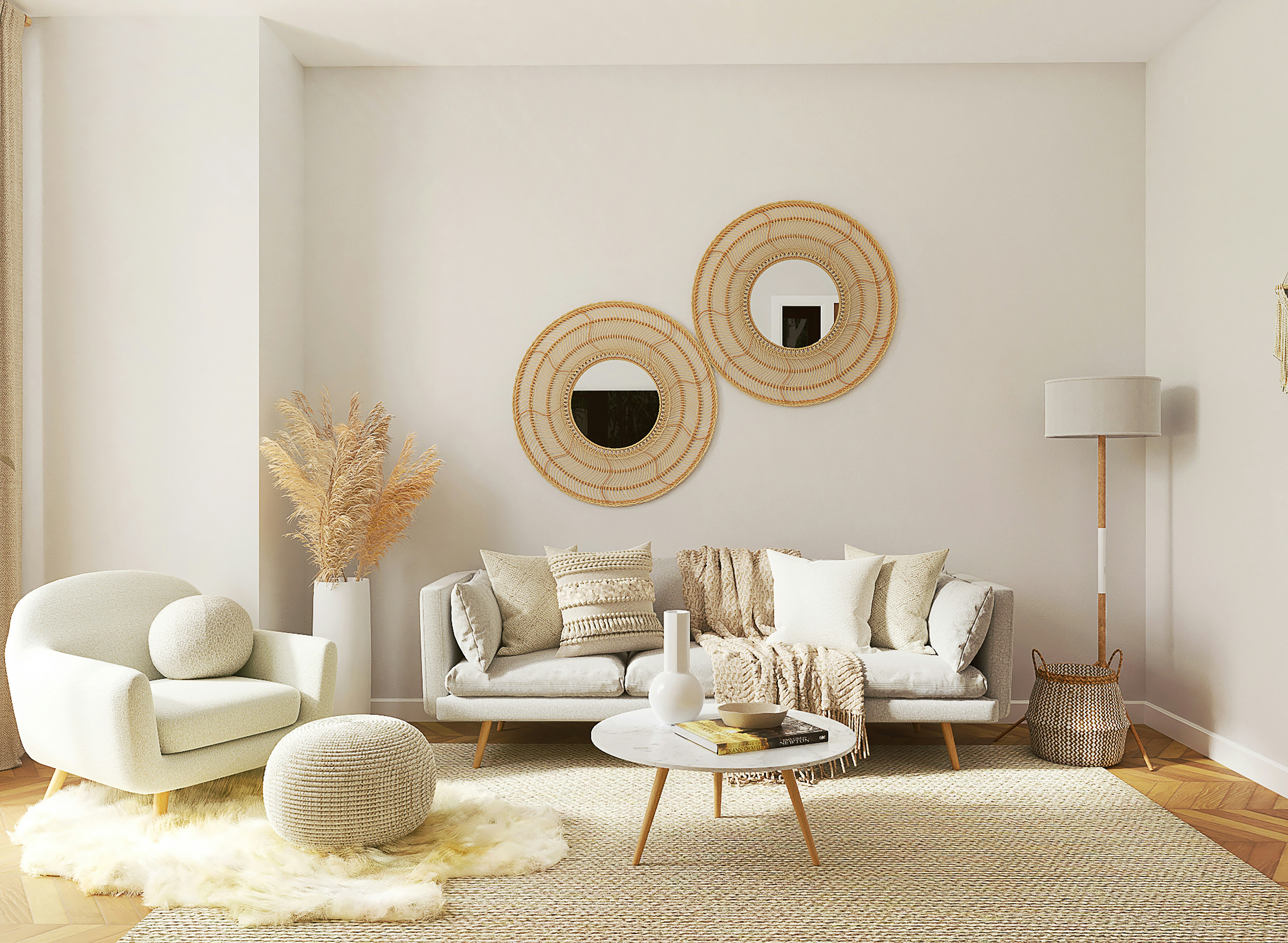
Source Image
Each model received this reference
 Key Findings
Seedream 4.5 and P-Image Edit removed the lamp cleanly while keeping nearby objects intact. Other models deleted a basket next to the lamp because it was "close." These editing tools need to understand boundaries.
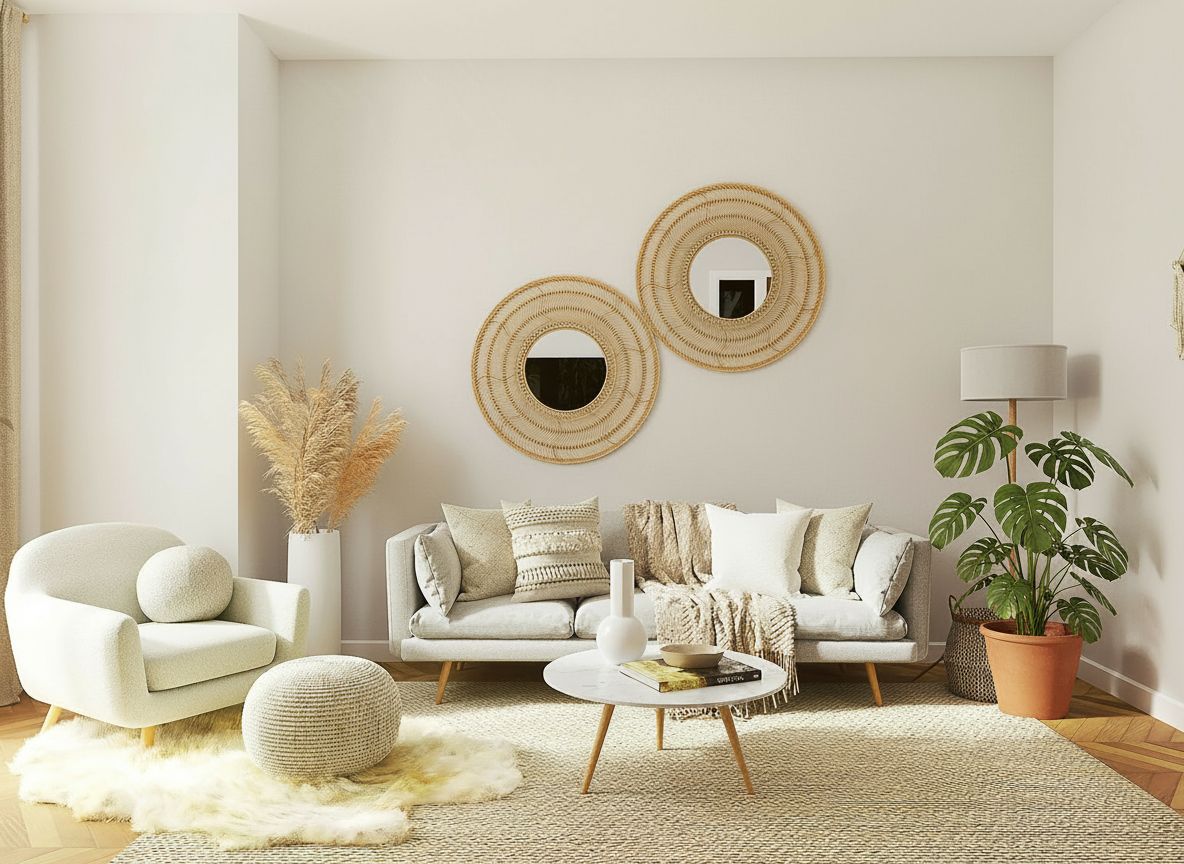
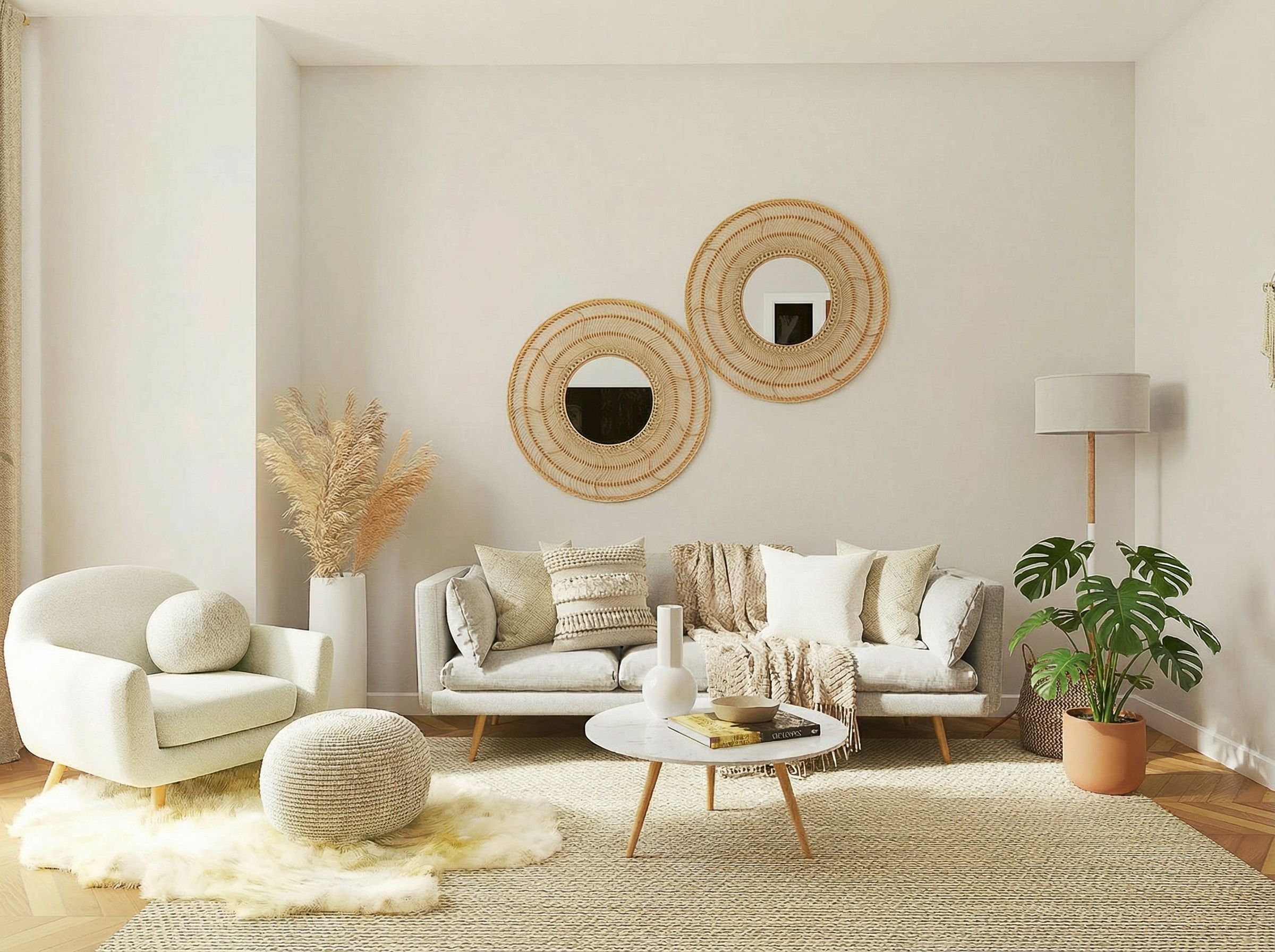
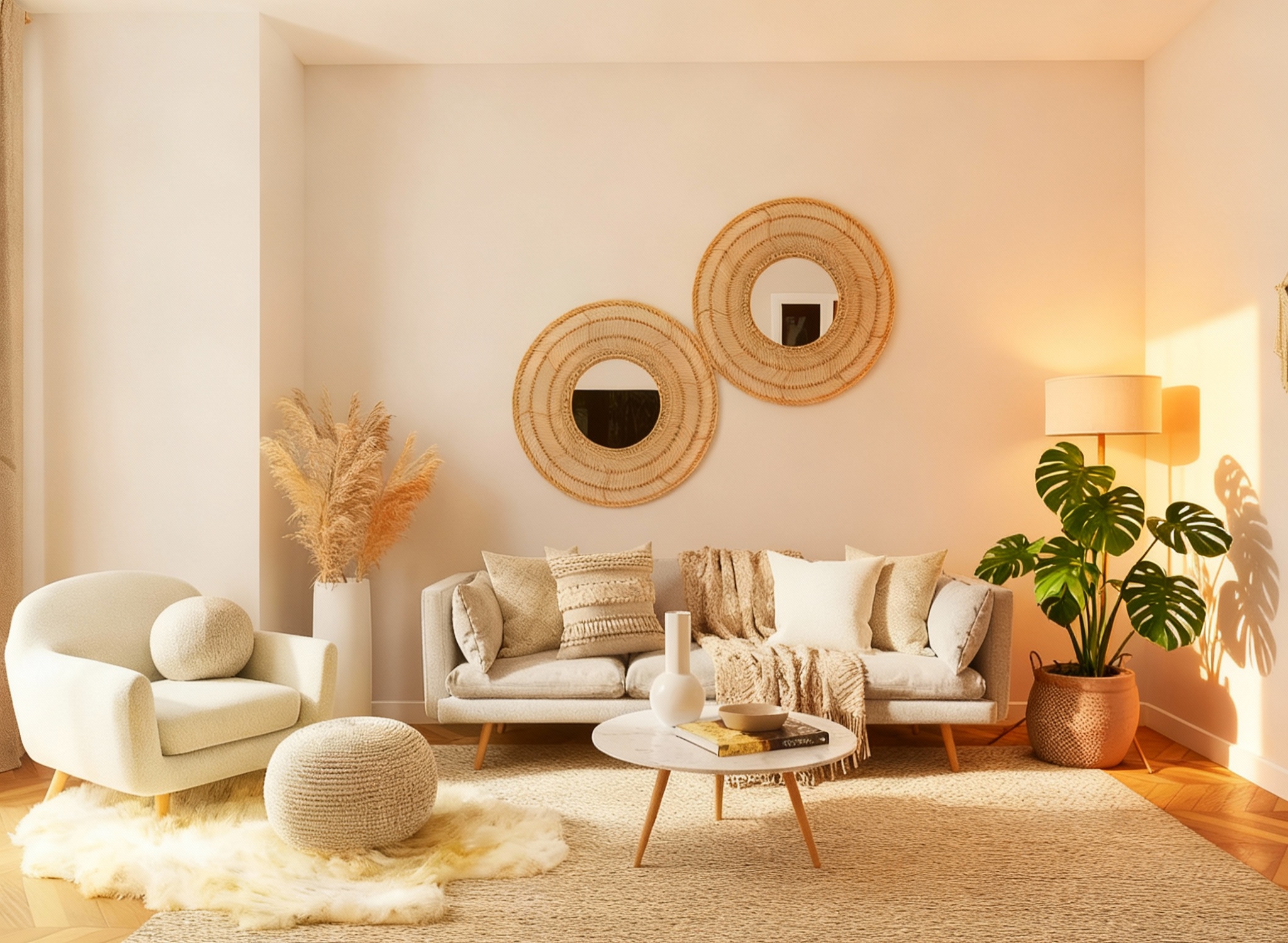
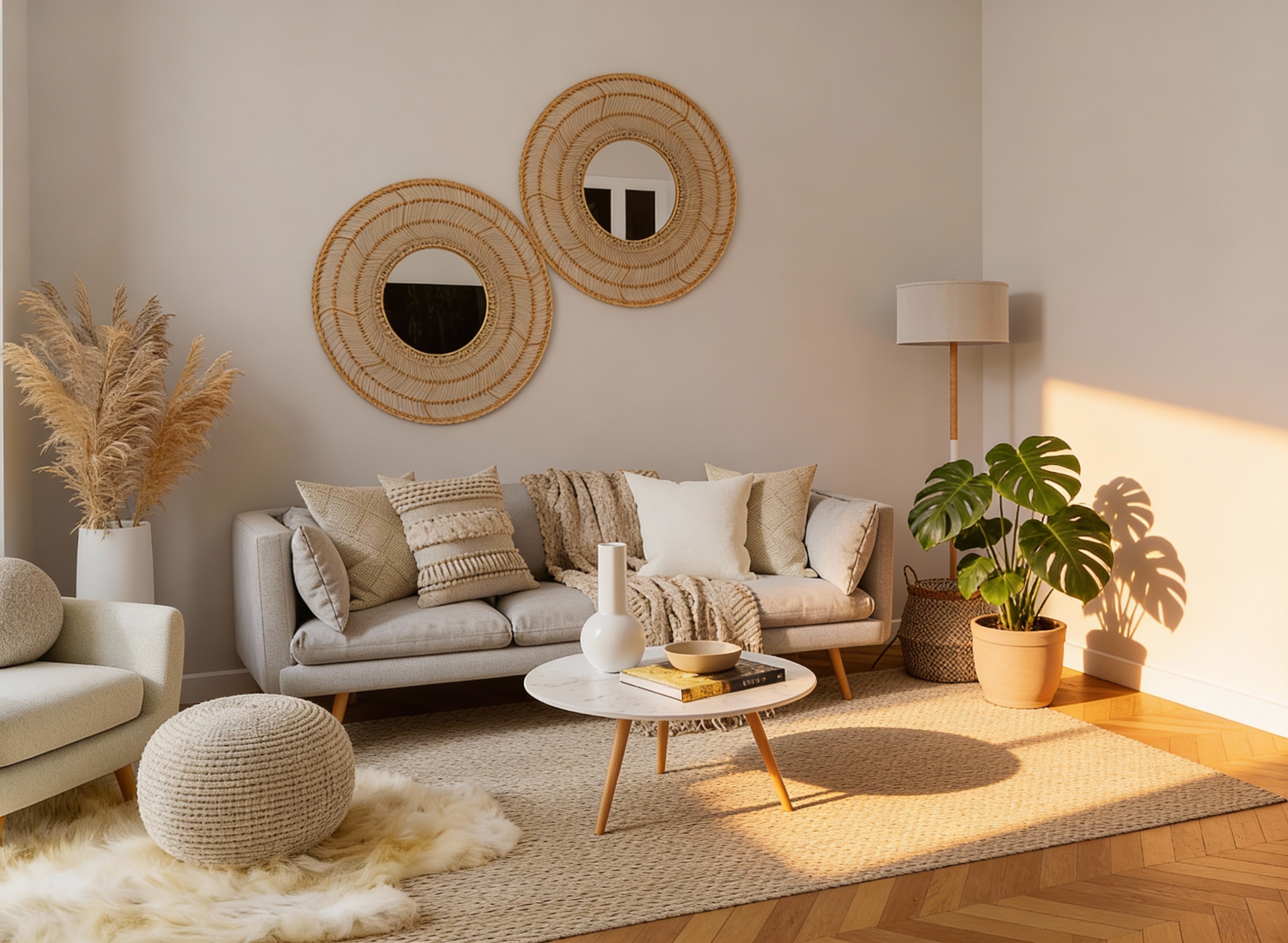
Add Object with Correct Shadows
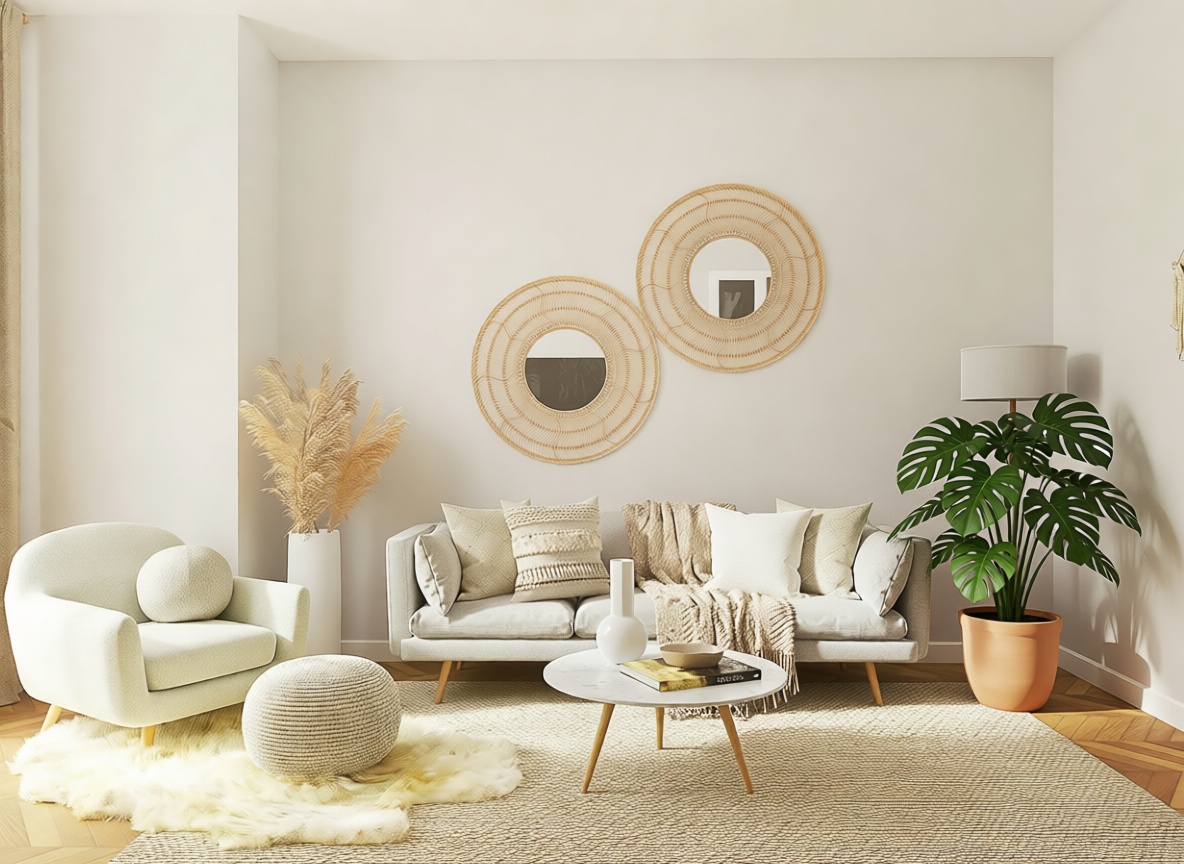
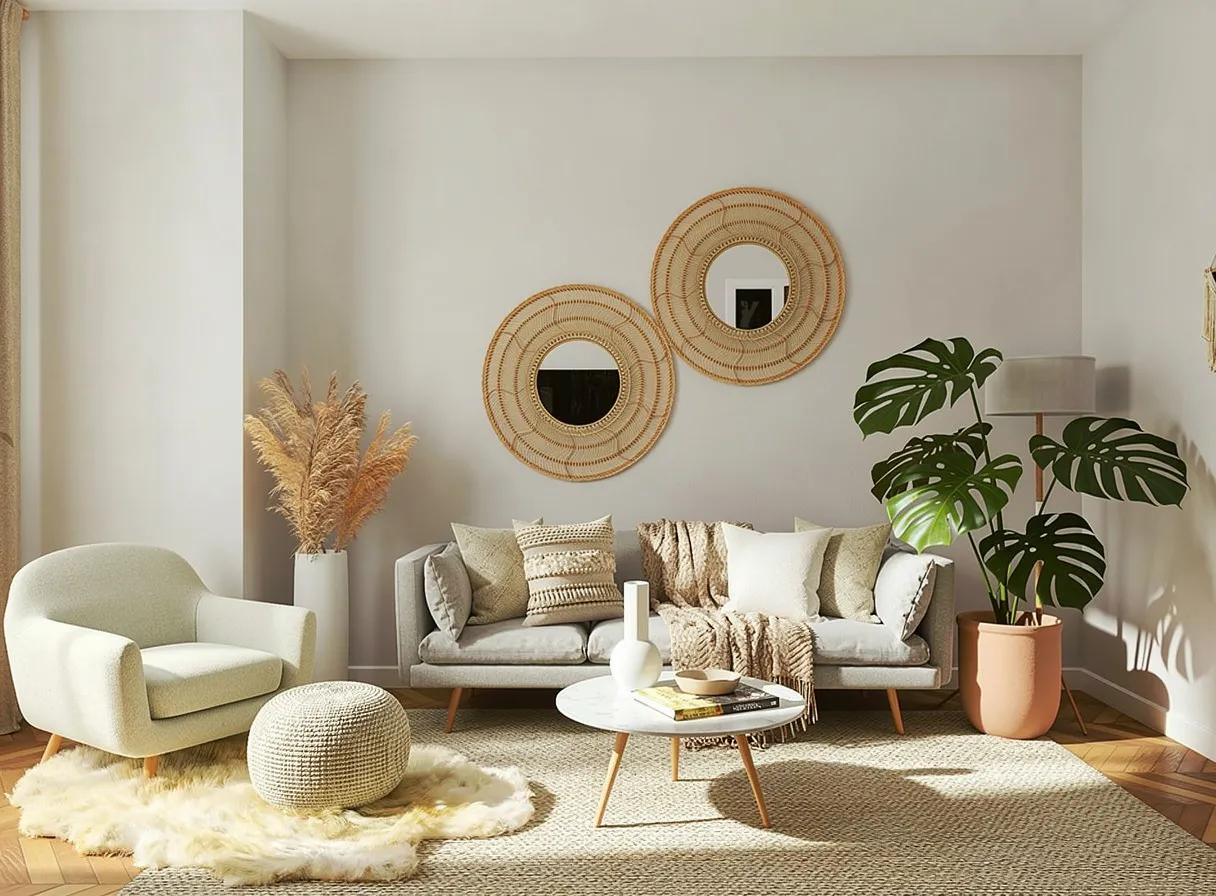
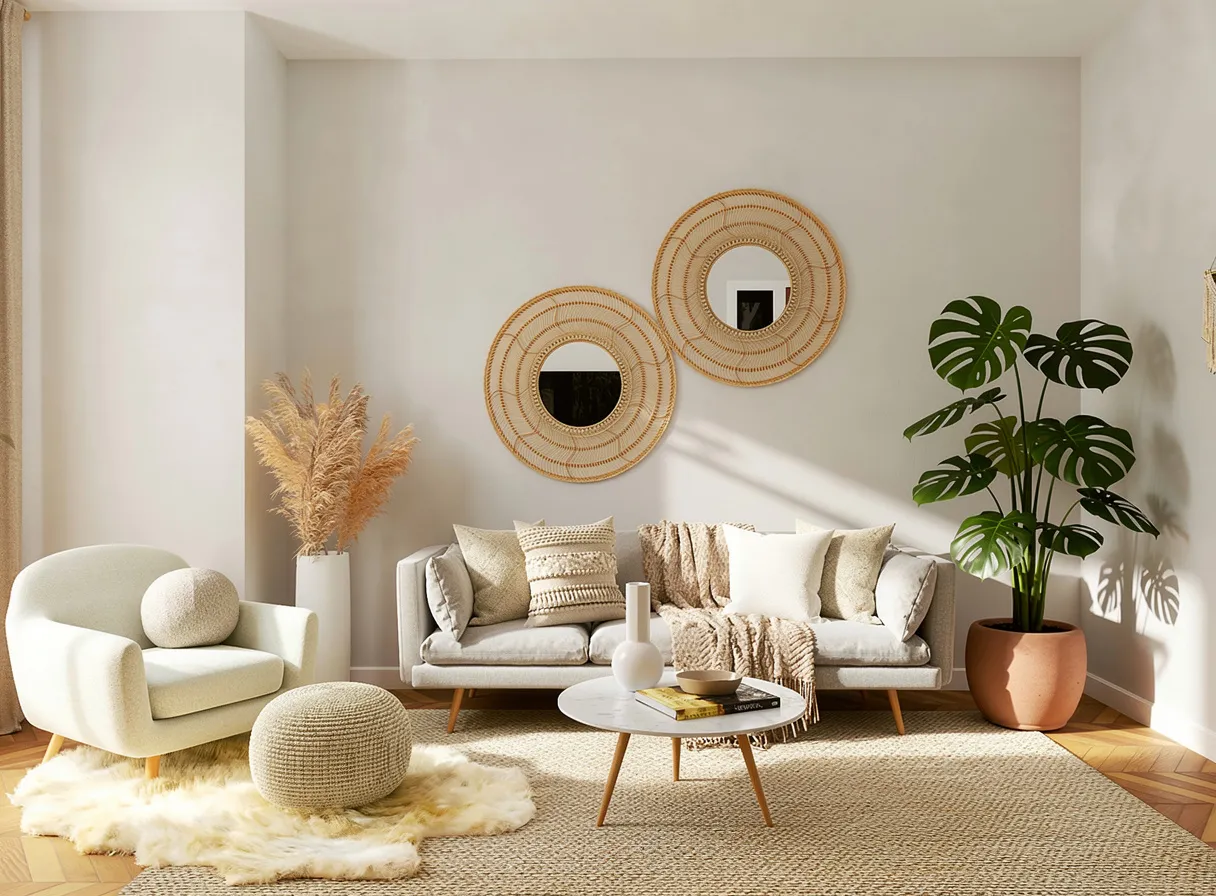
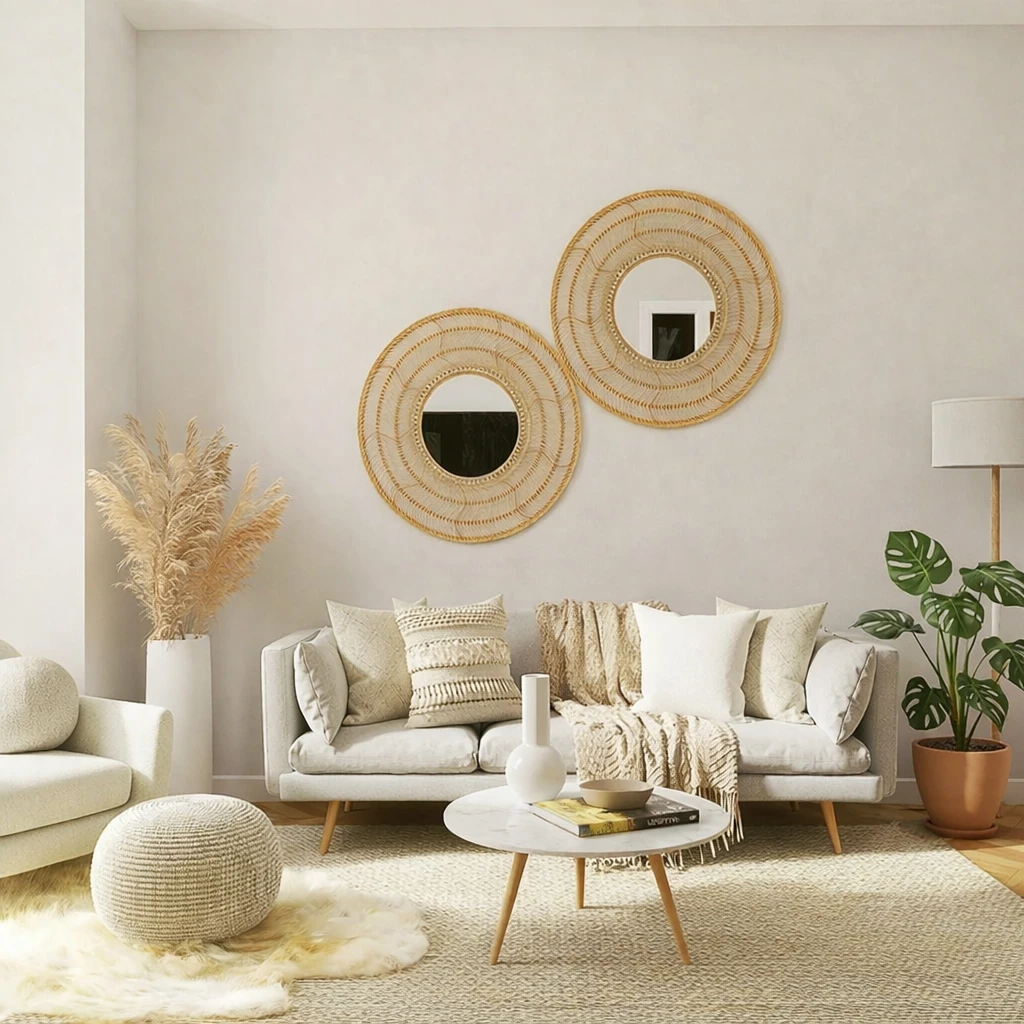
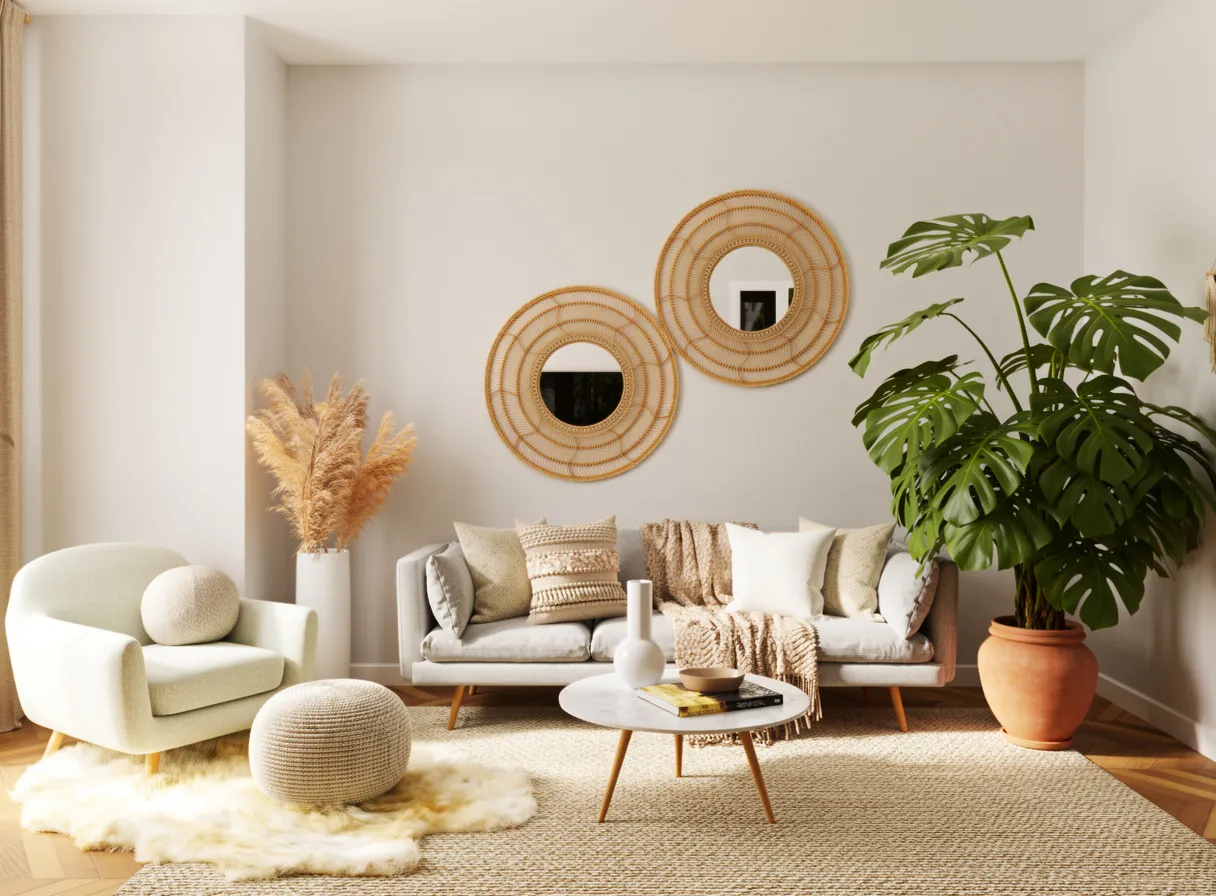
"Add a medium monstera plant in a simple matte clay pot on the floor to the right of the sofa..."
What we looked for: object insertion, shadow physics, lighting consistency
Source Image
Each model received this reference
 Key Findings
P-Image Edit placed the shadow correctly based on the room's light direction. Nano Banana models also did well with more subtle shadows.
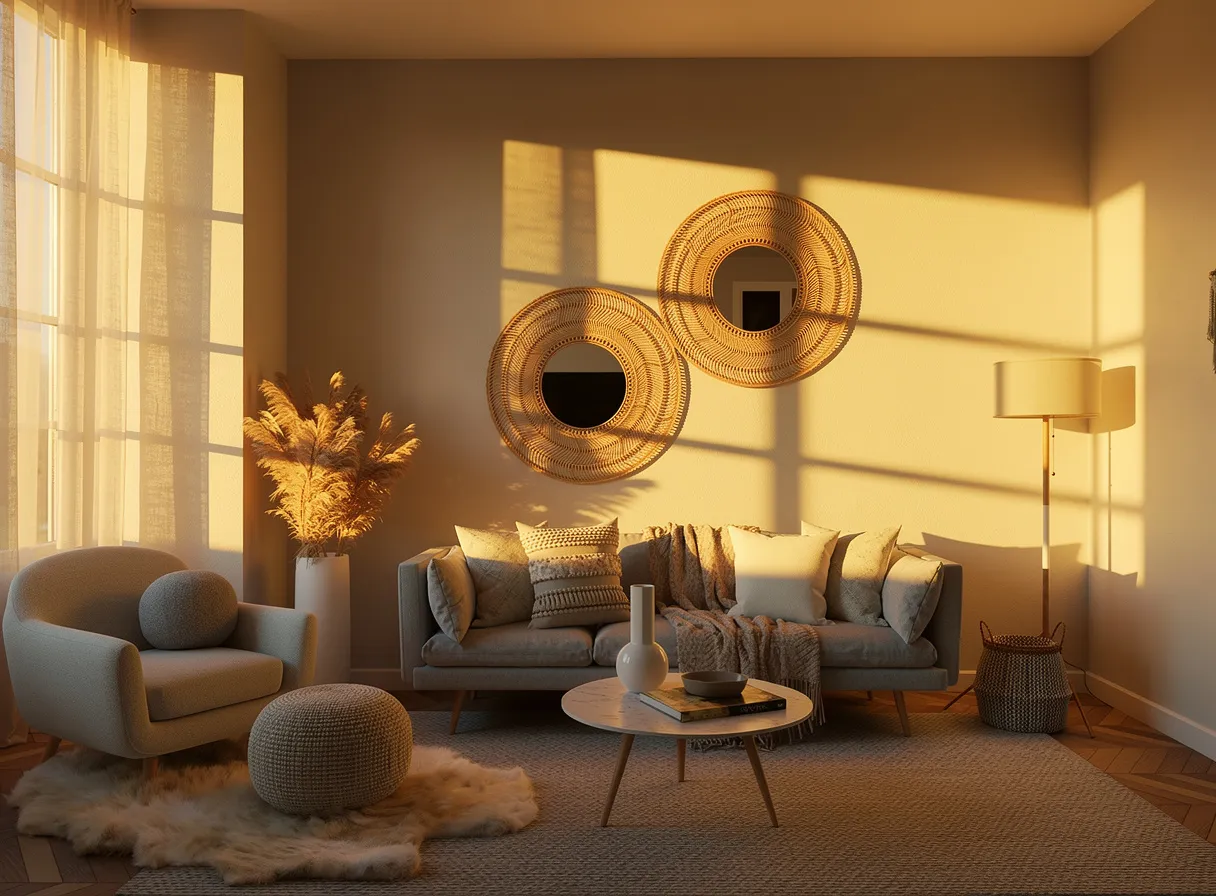
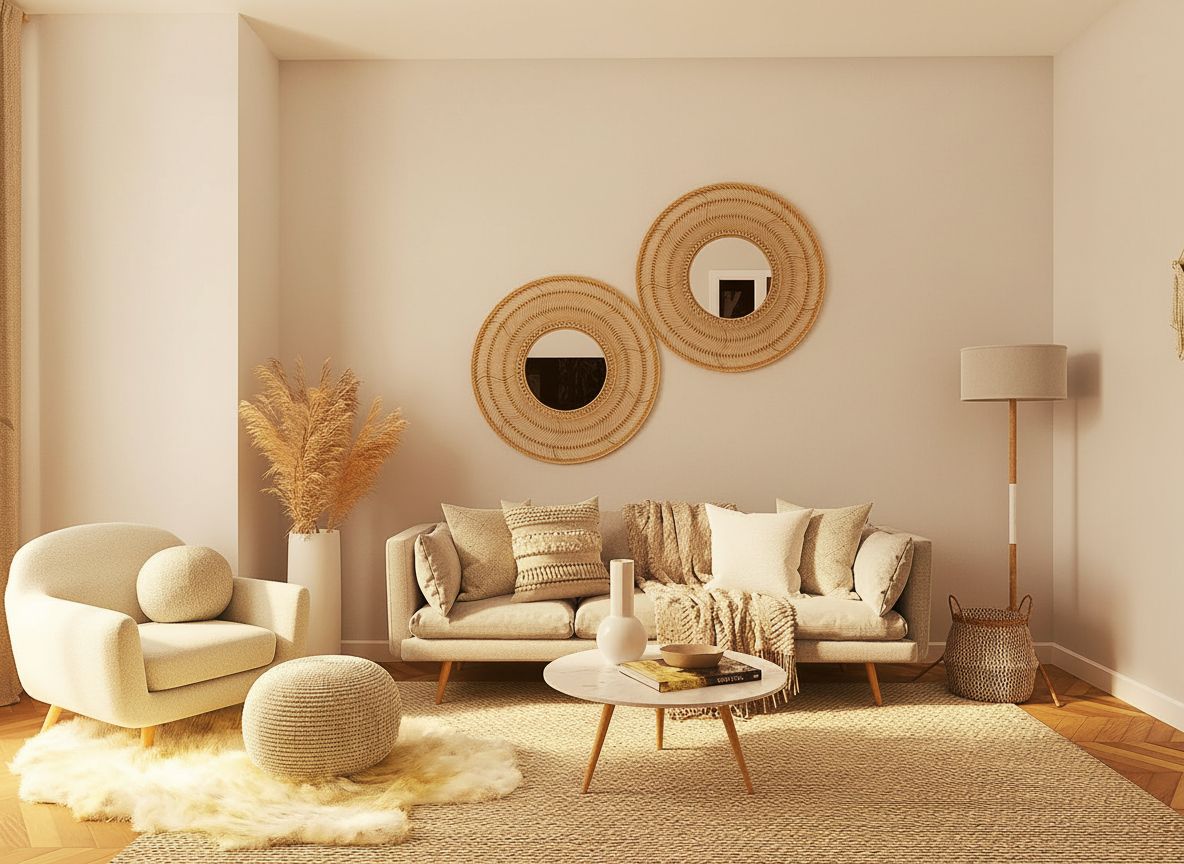
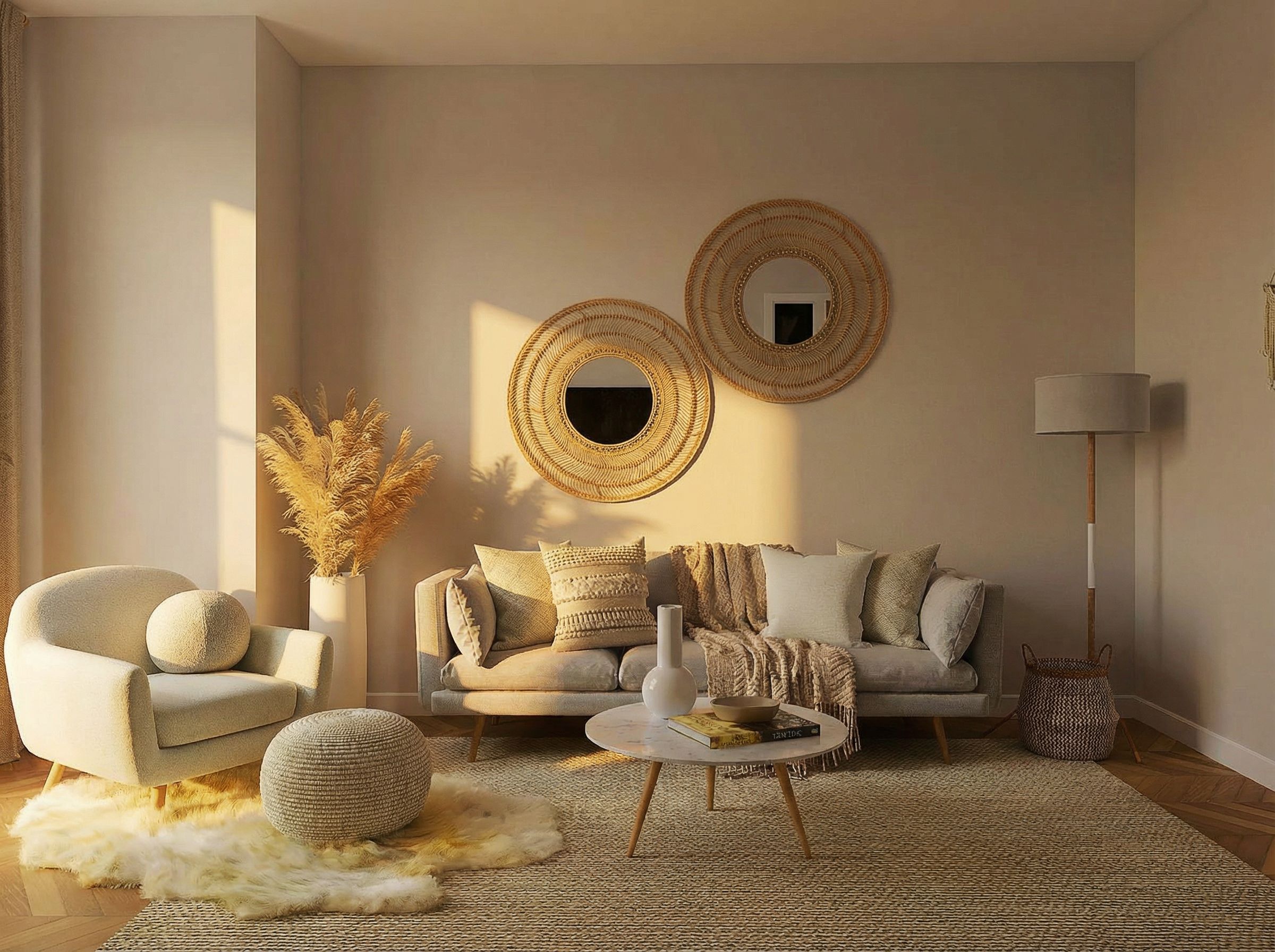
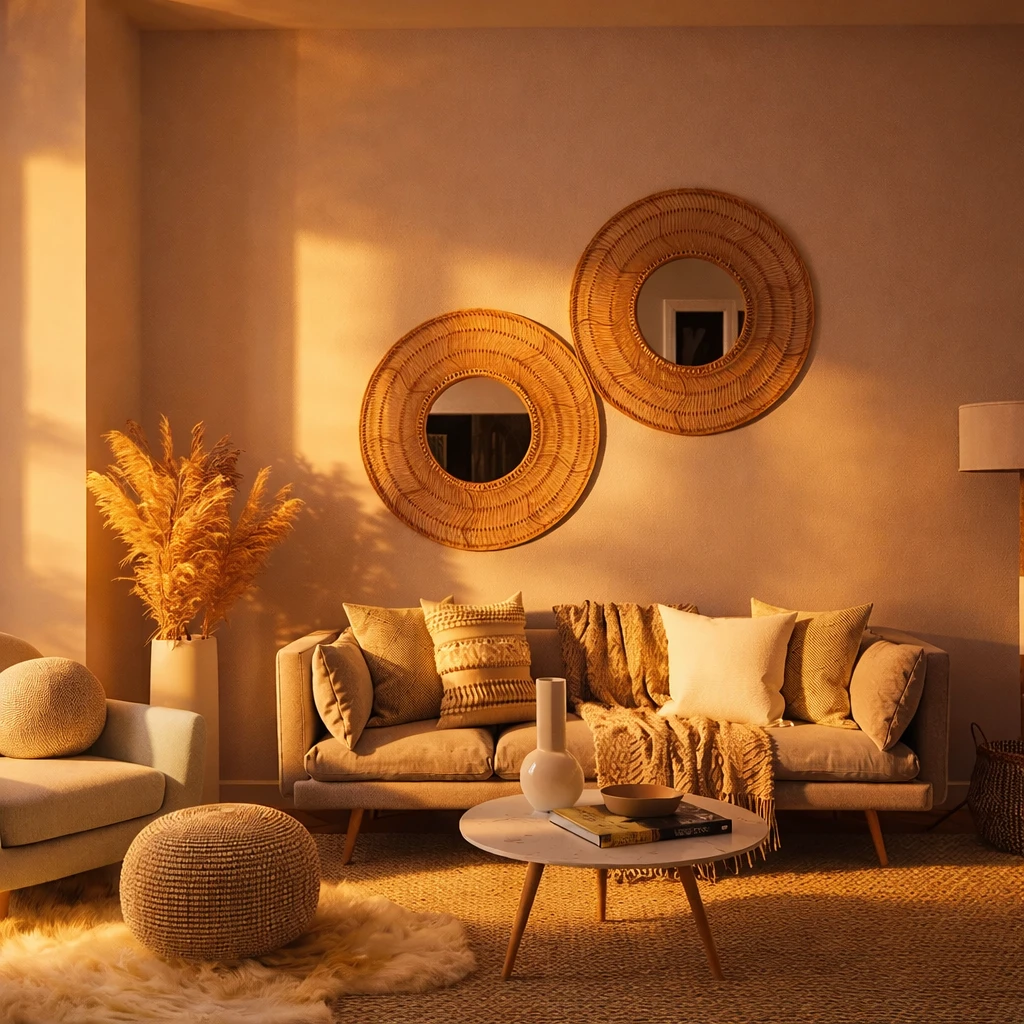
Relight / Time-of-Day Shift (Structure Must Not Change)
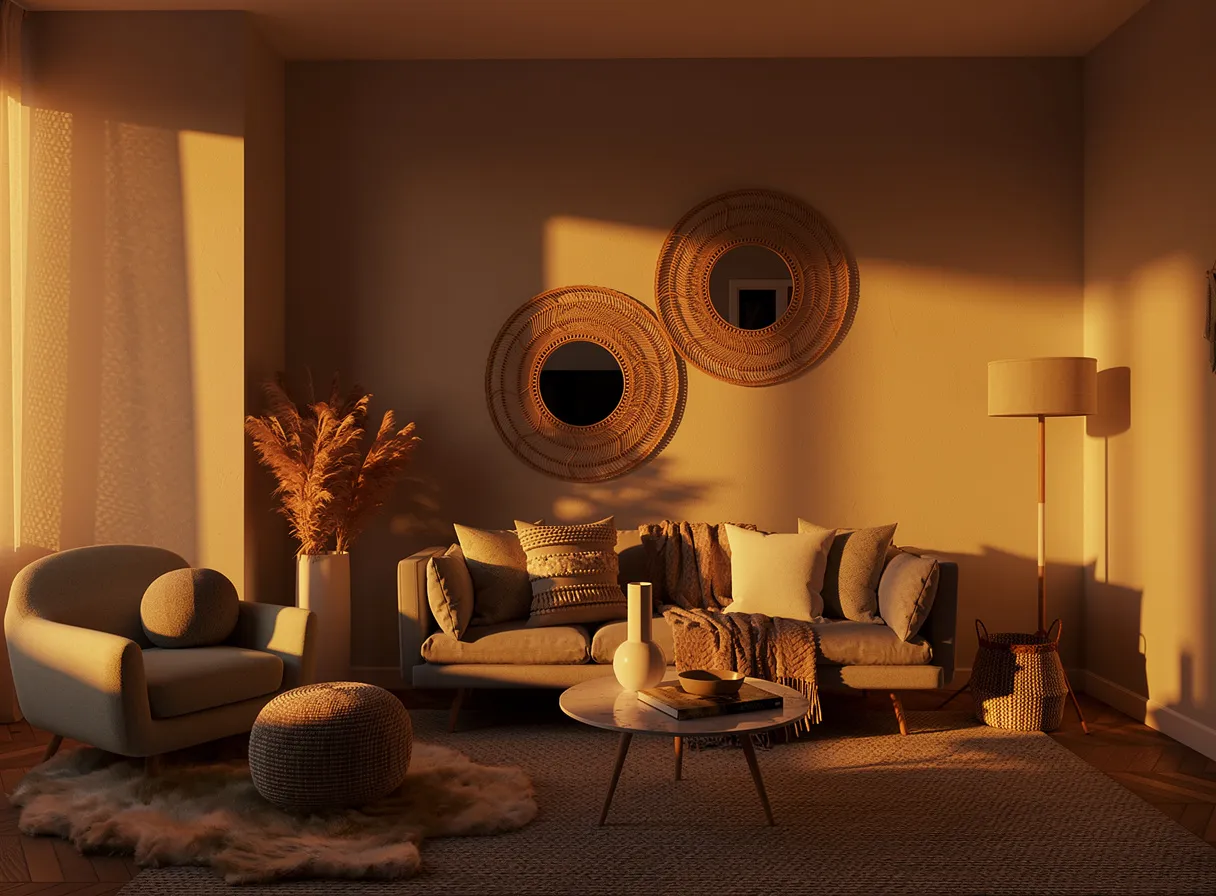
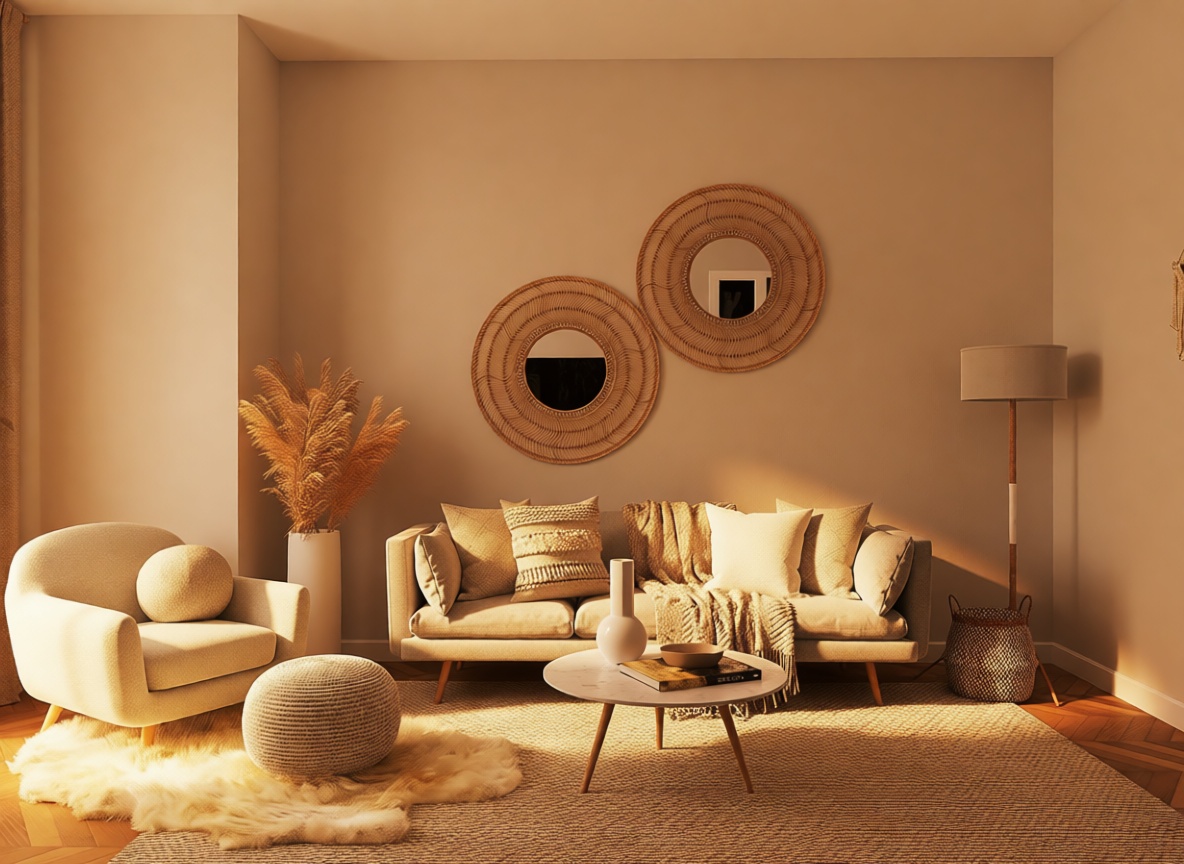
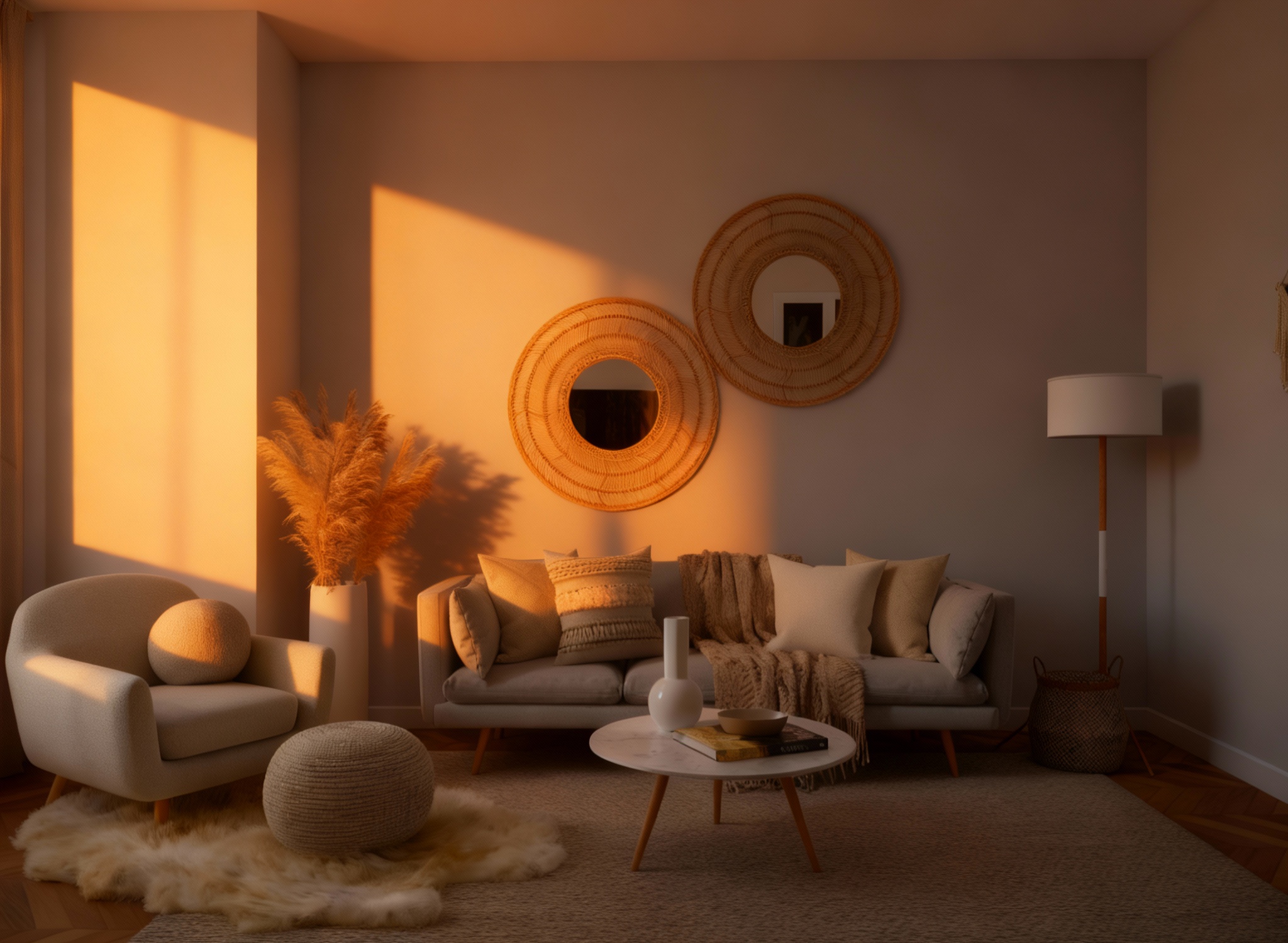
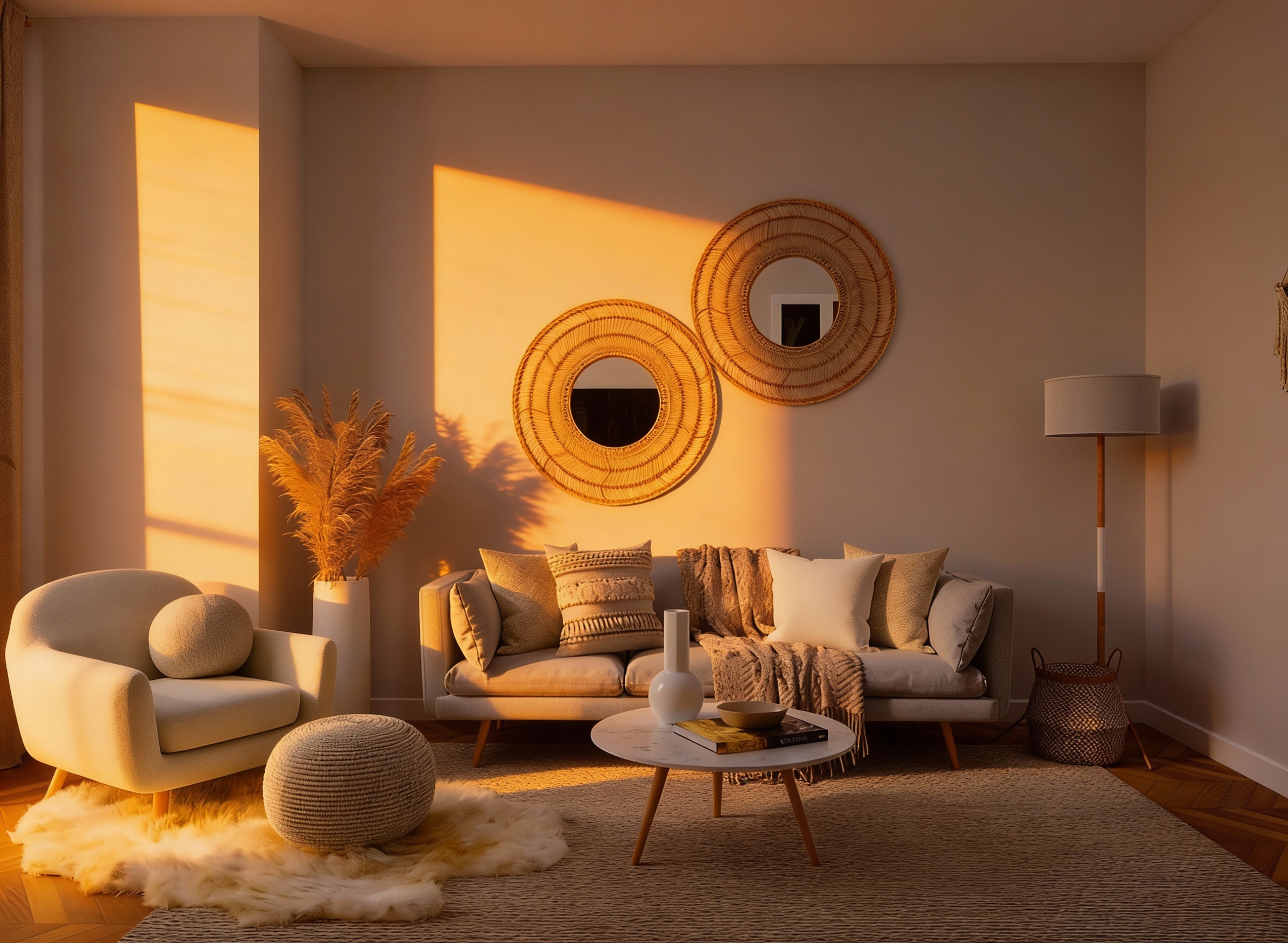
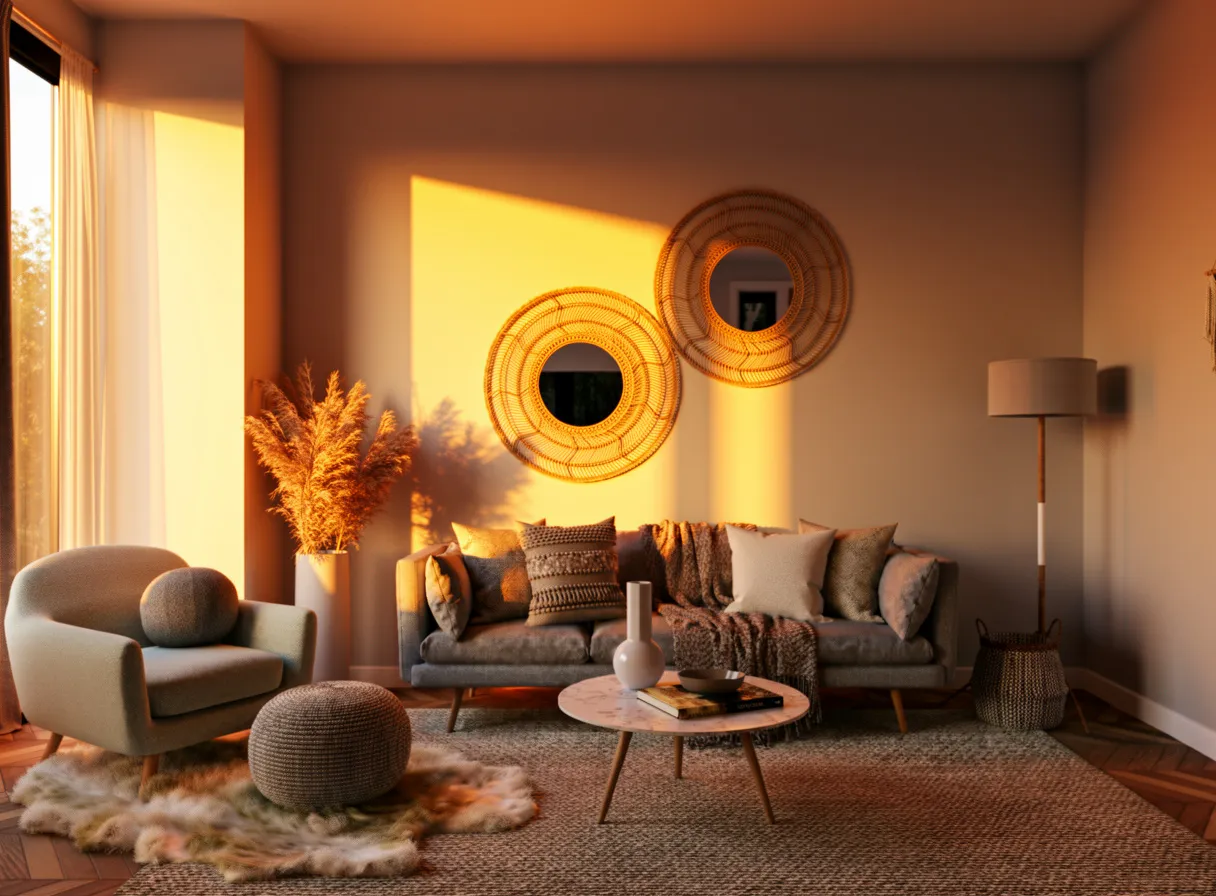
"Keep the room layout exactly the same, but change the lighting to warm golden-hour evening light..."
What we looked for: relighting, structure preservation, shadow accuracy
Source Image
Each model received this reference
 Key Findings
Flux 2 Pro had the most dramatic golden hour effect. Long shadows, warm tones bleeding across surfaces.
Background Swap (Subject Preservation)
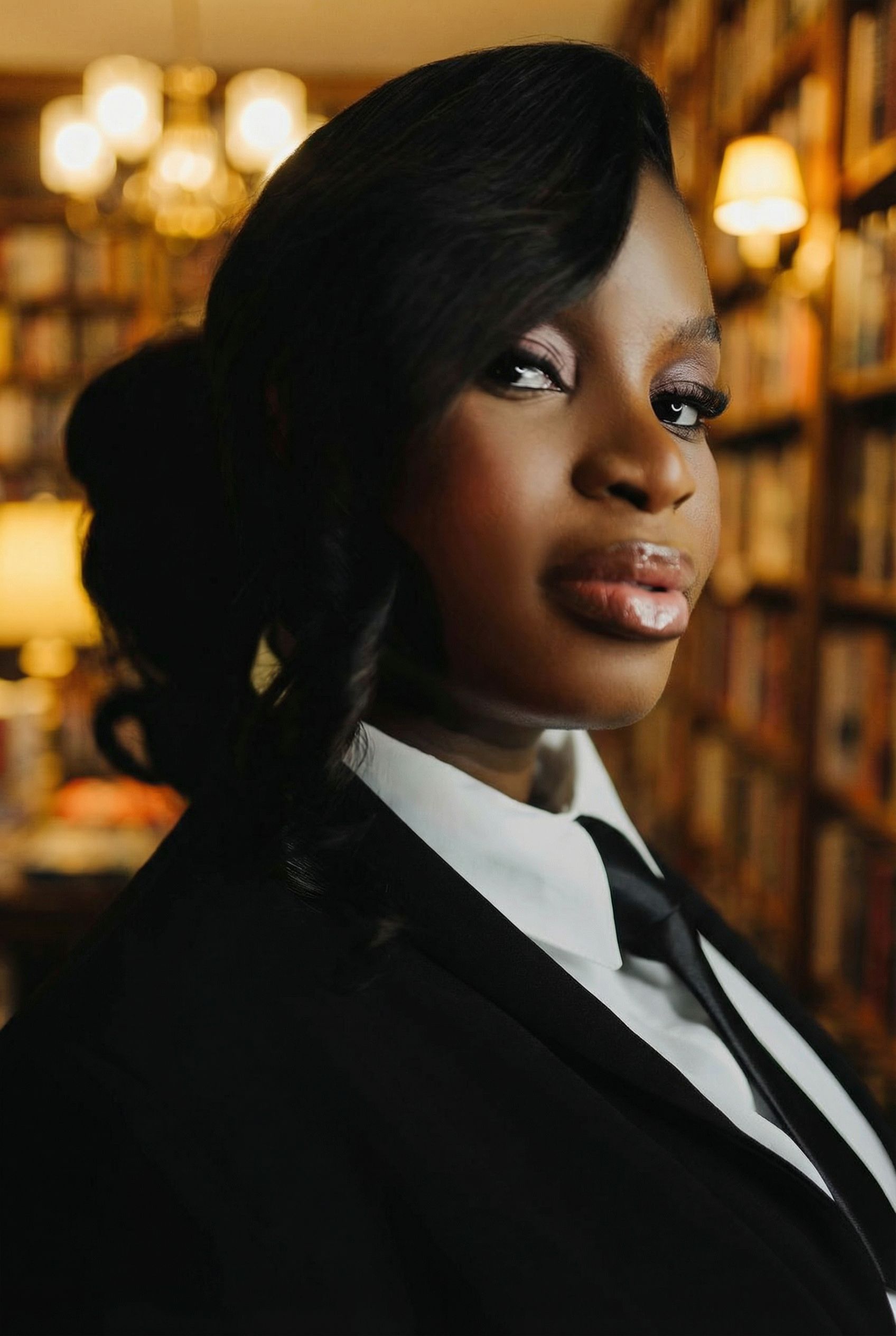
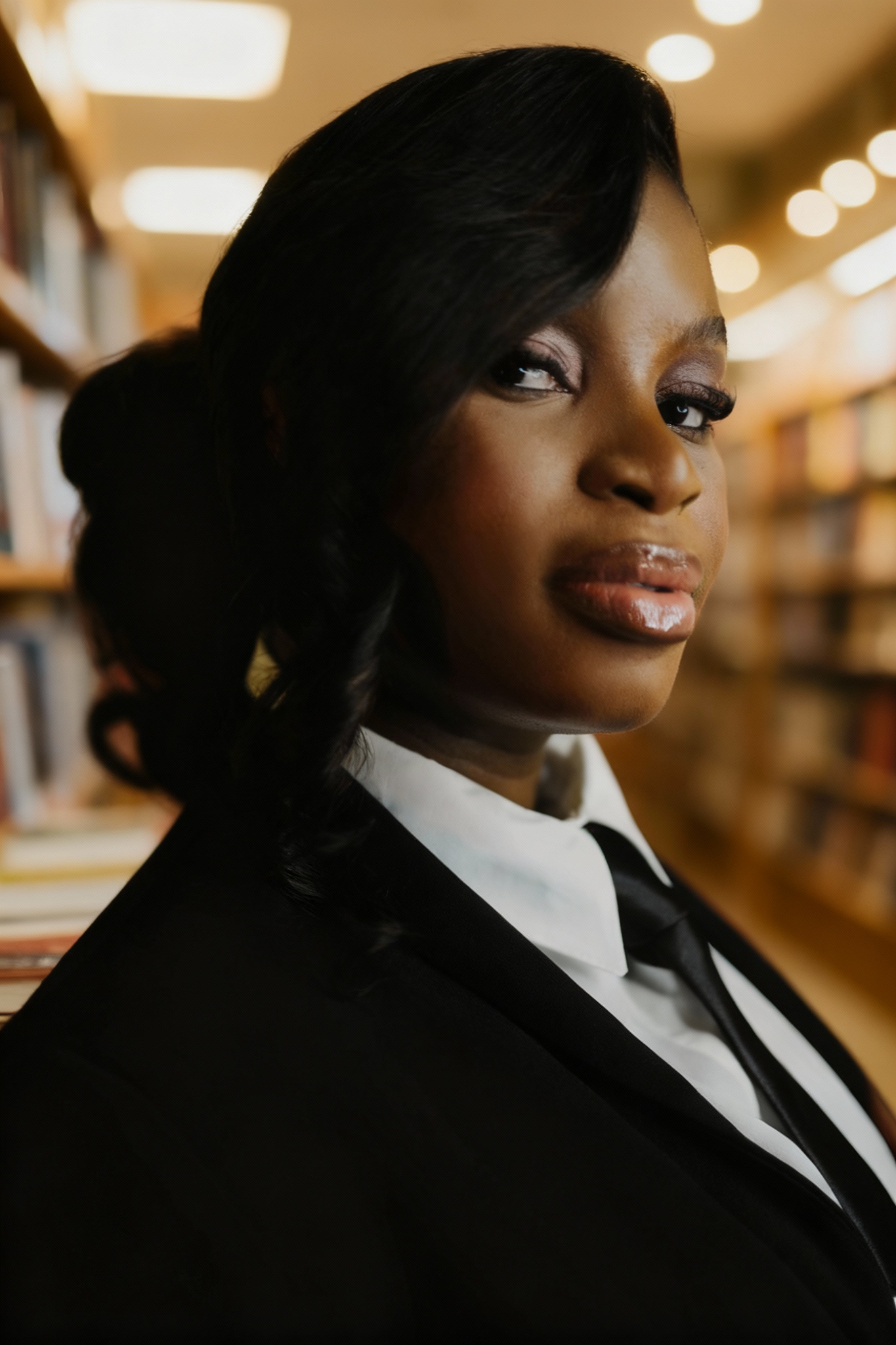
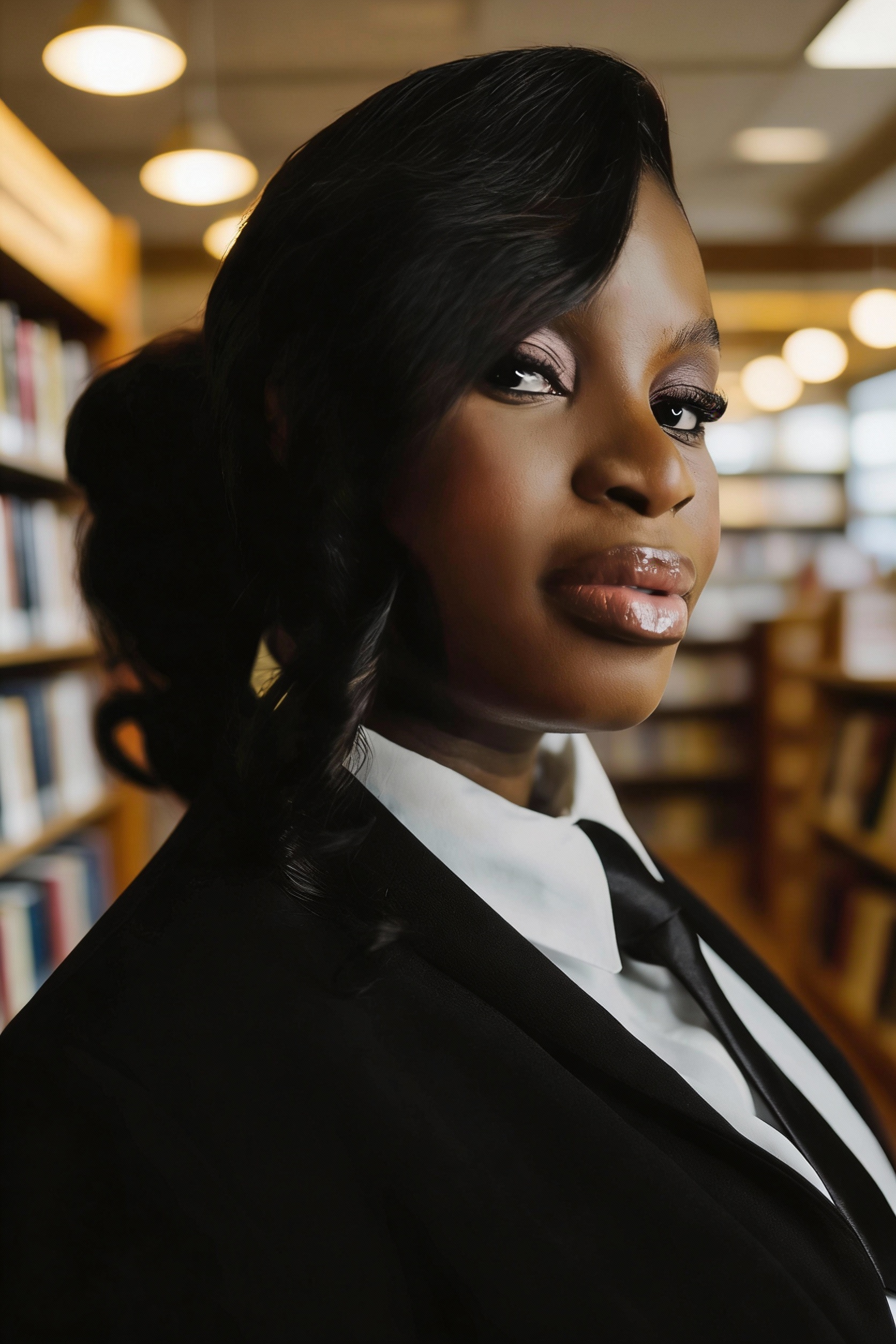
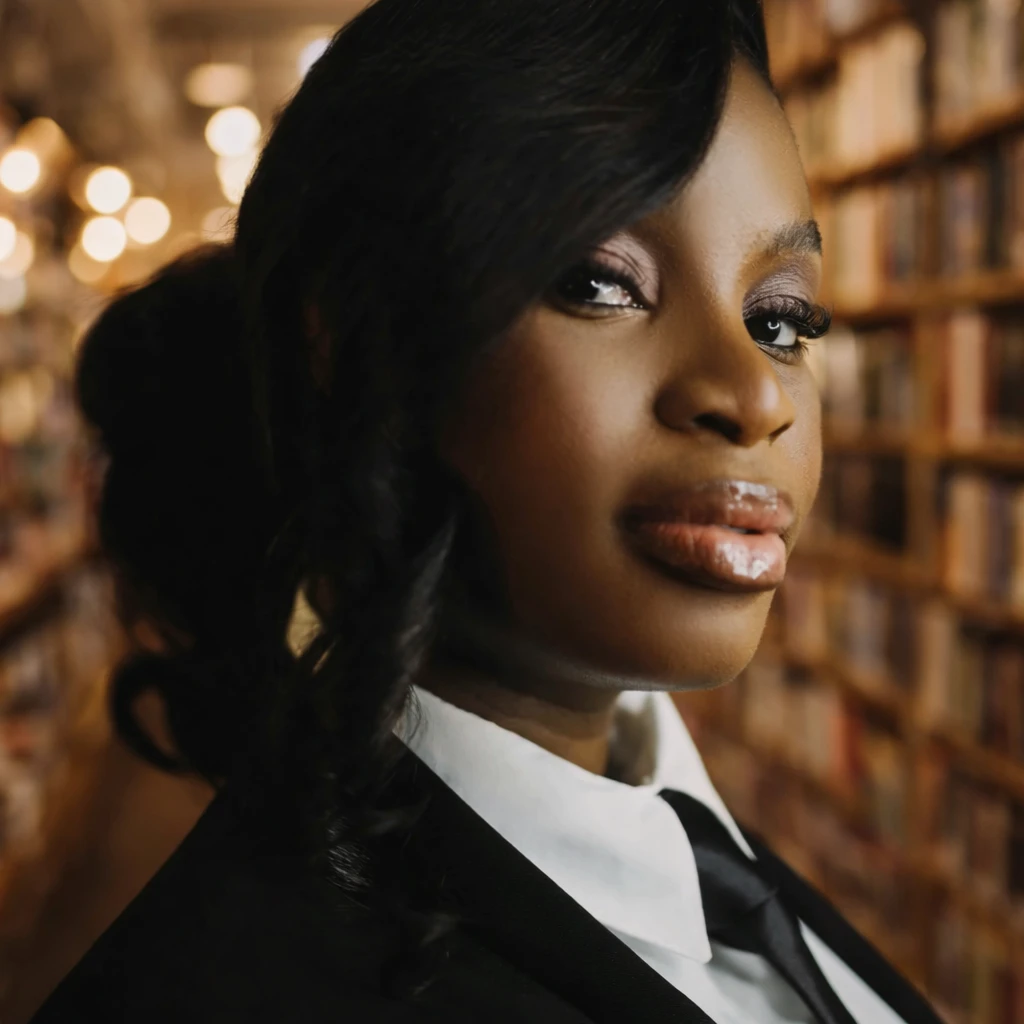
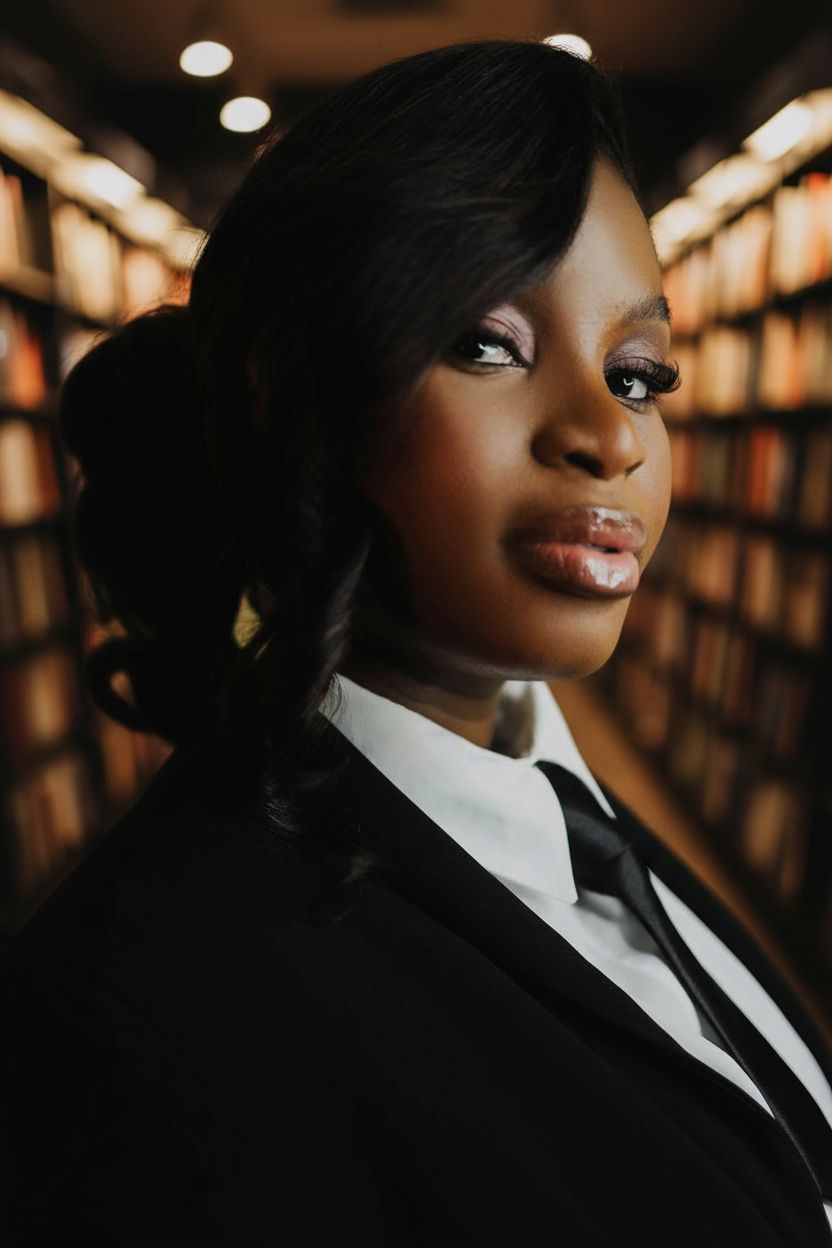
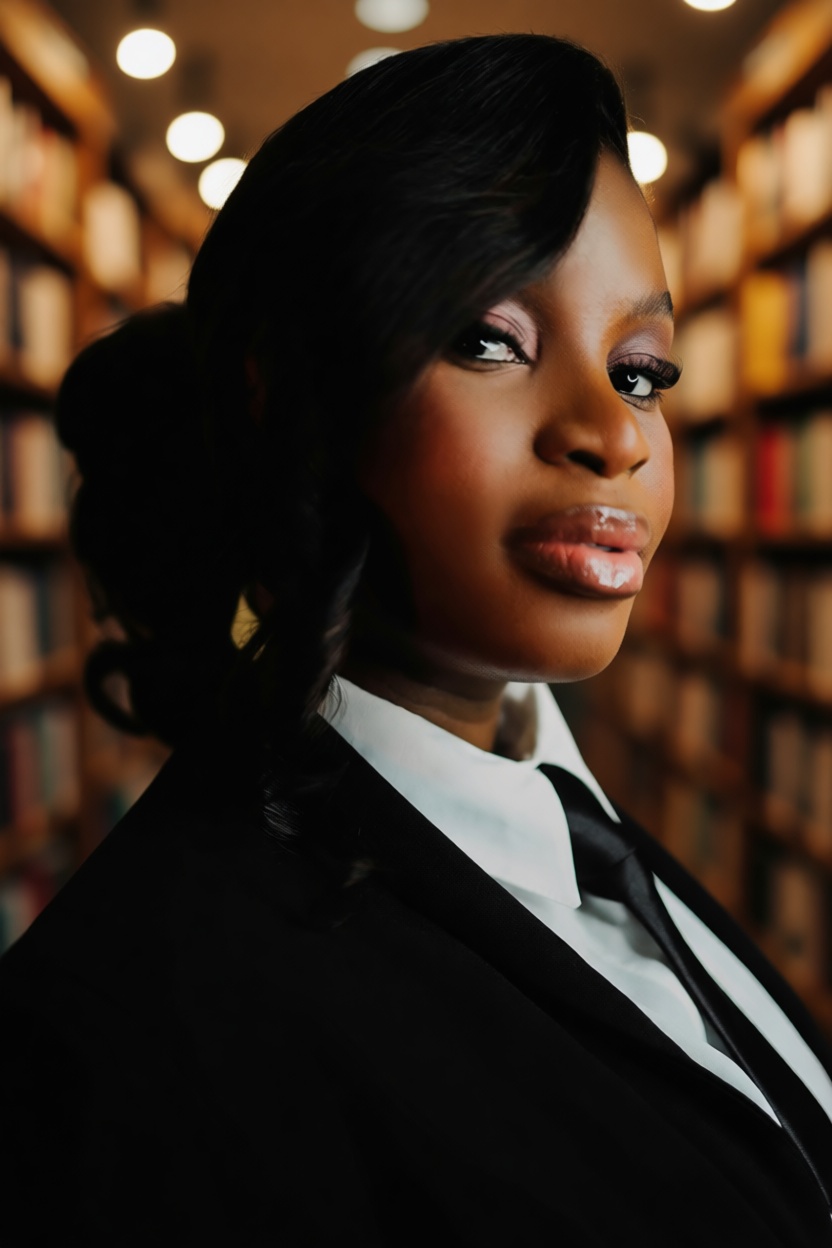
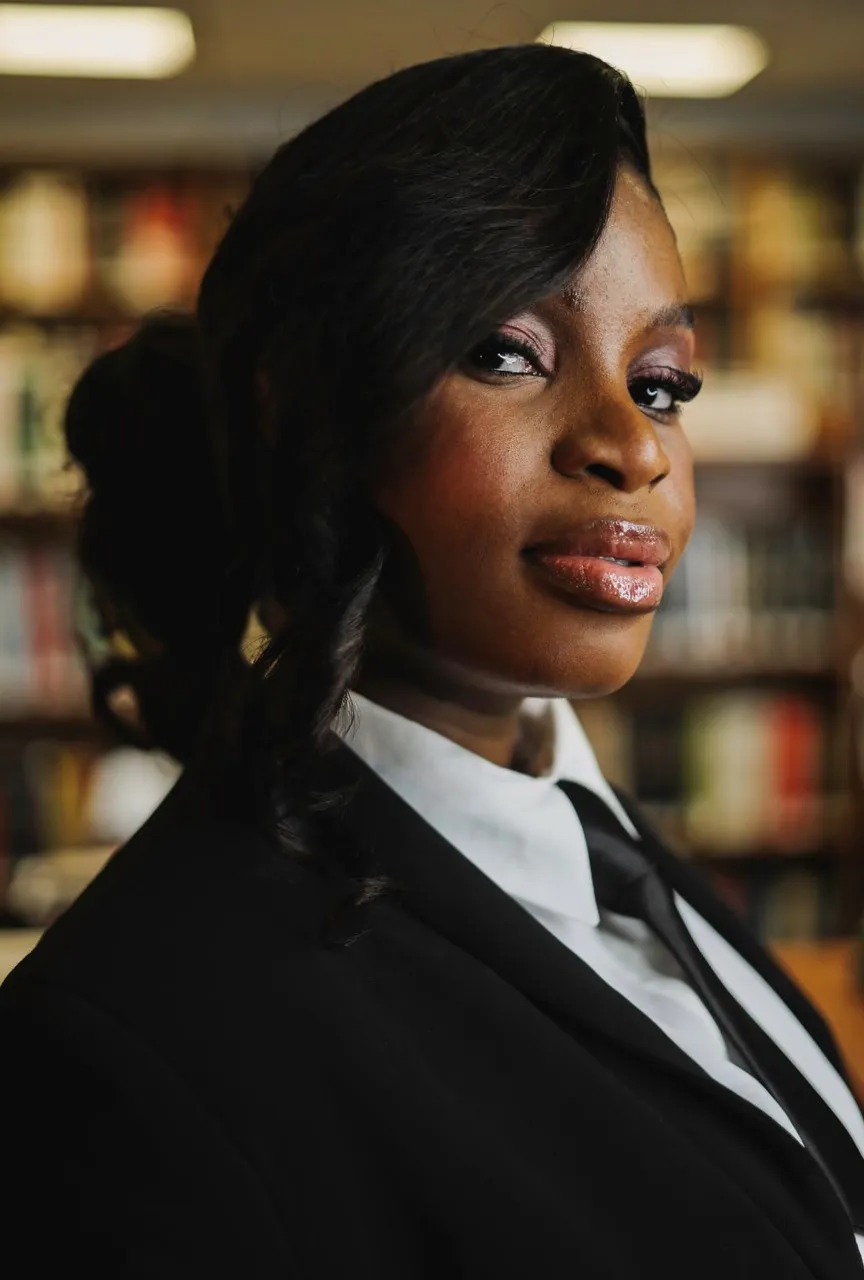
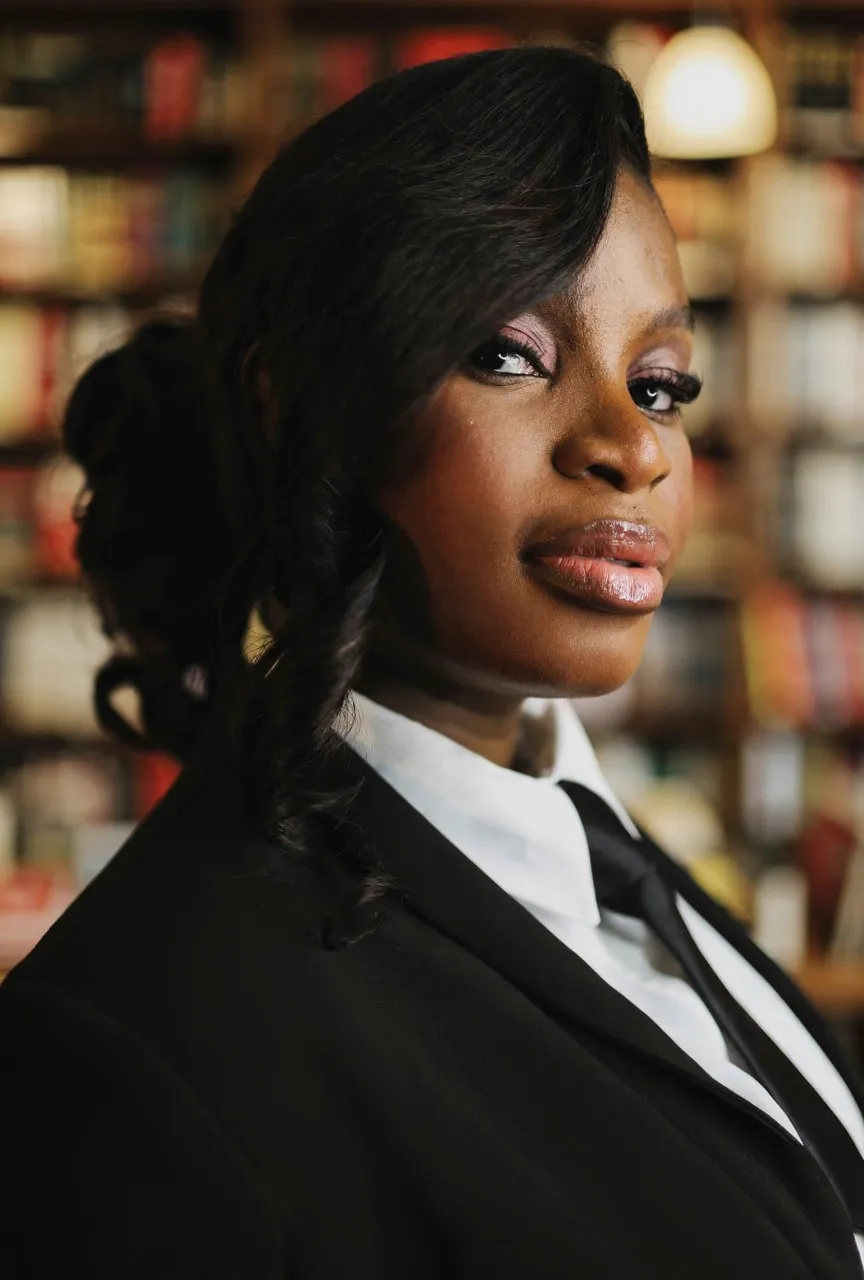
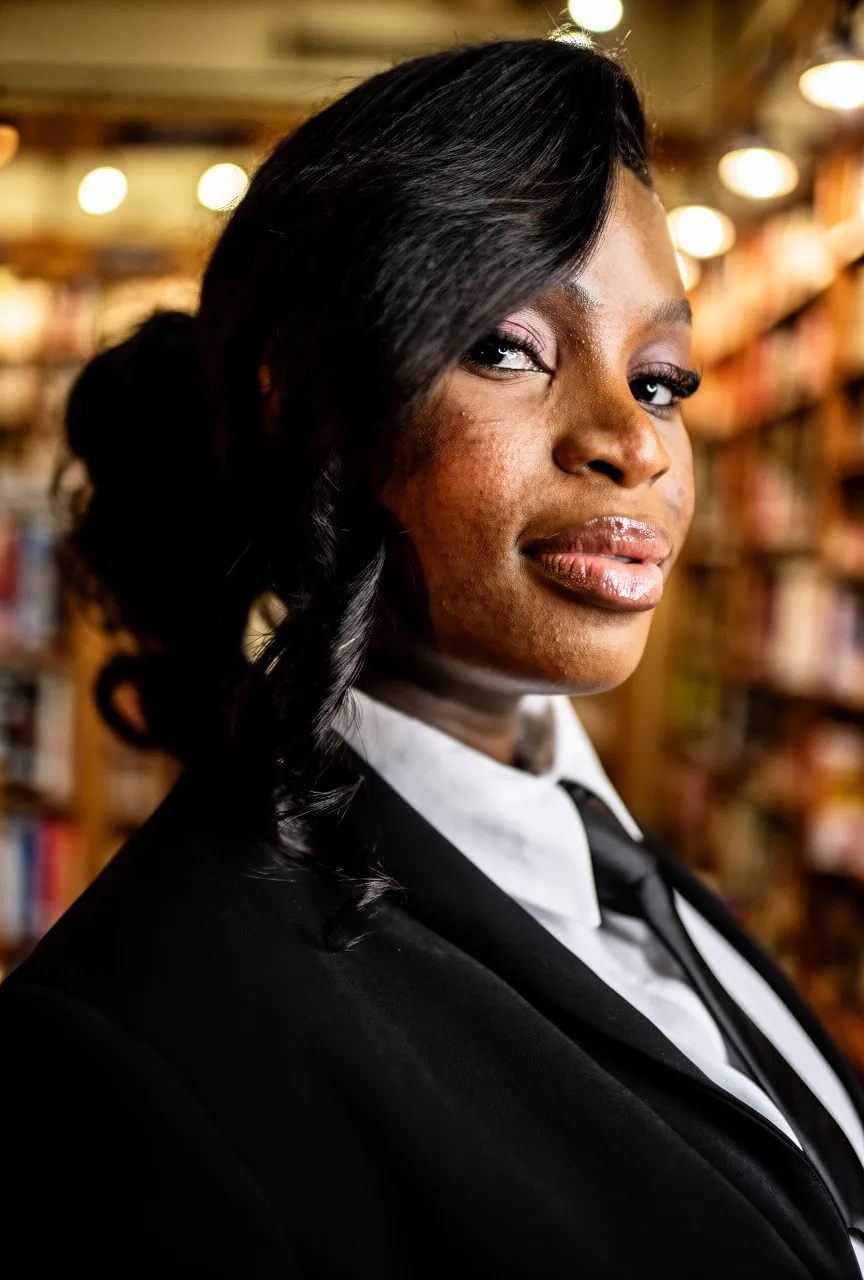
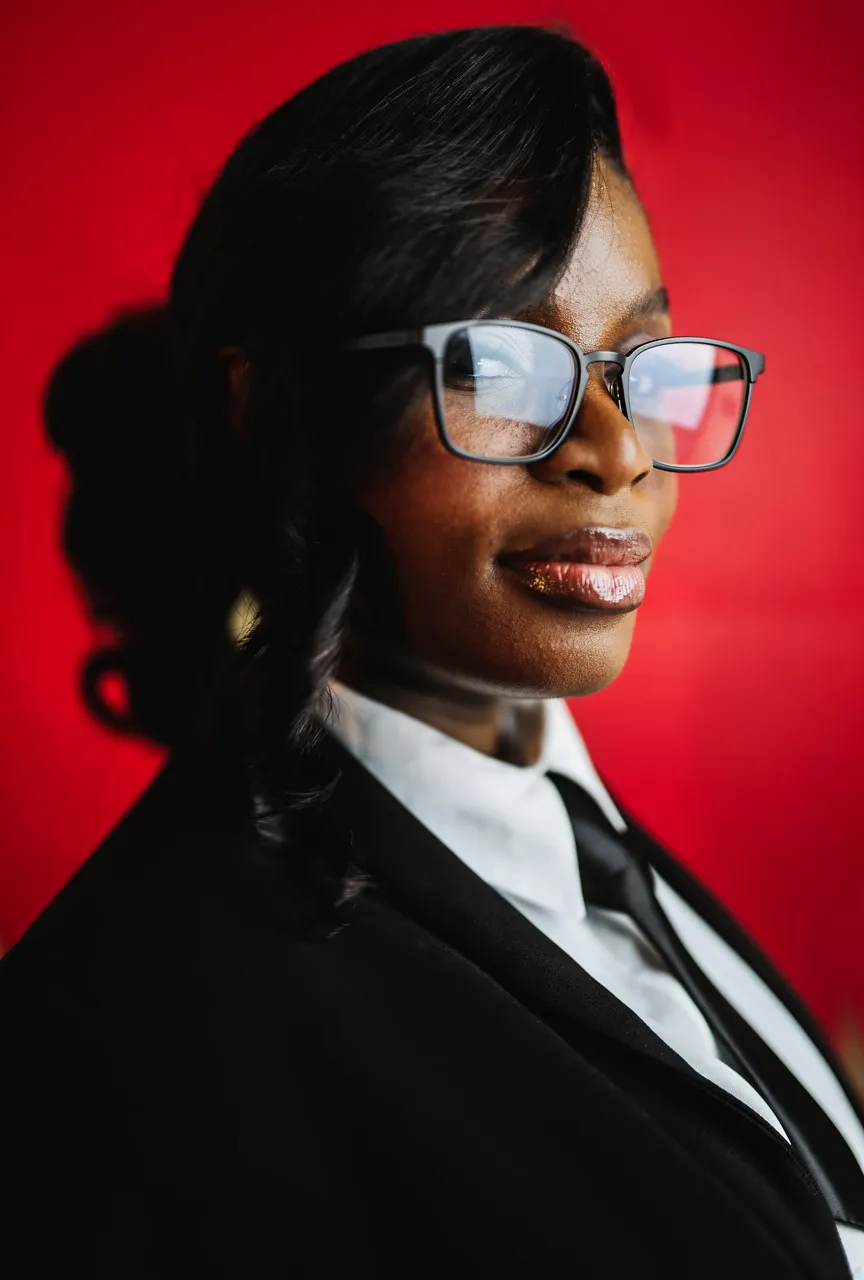
"Keep the person's face, hair, makeup, pose, and suit exactly the same. Replace the red background with a softly blurred bookstore interior..."
What we looked for: subject preservation, background replacement, lighting adaptation
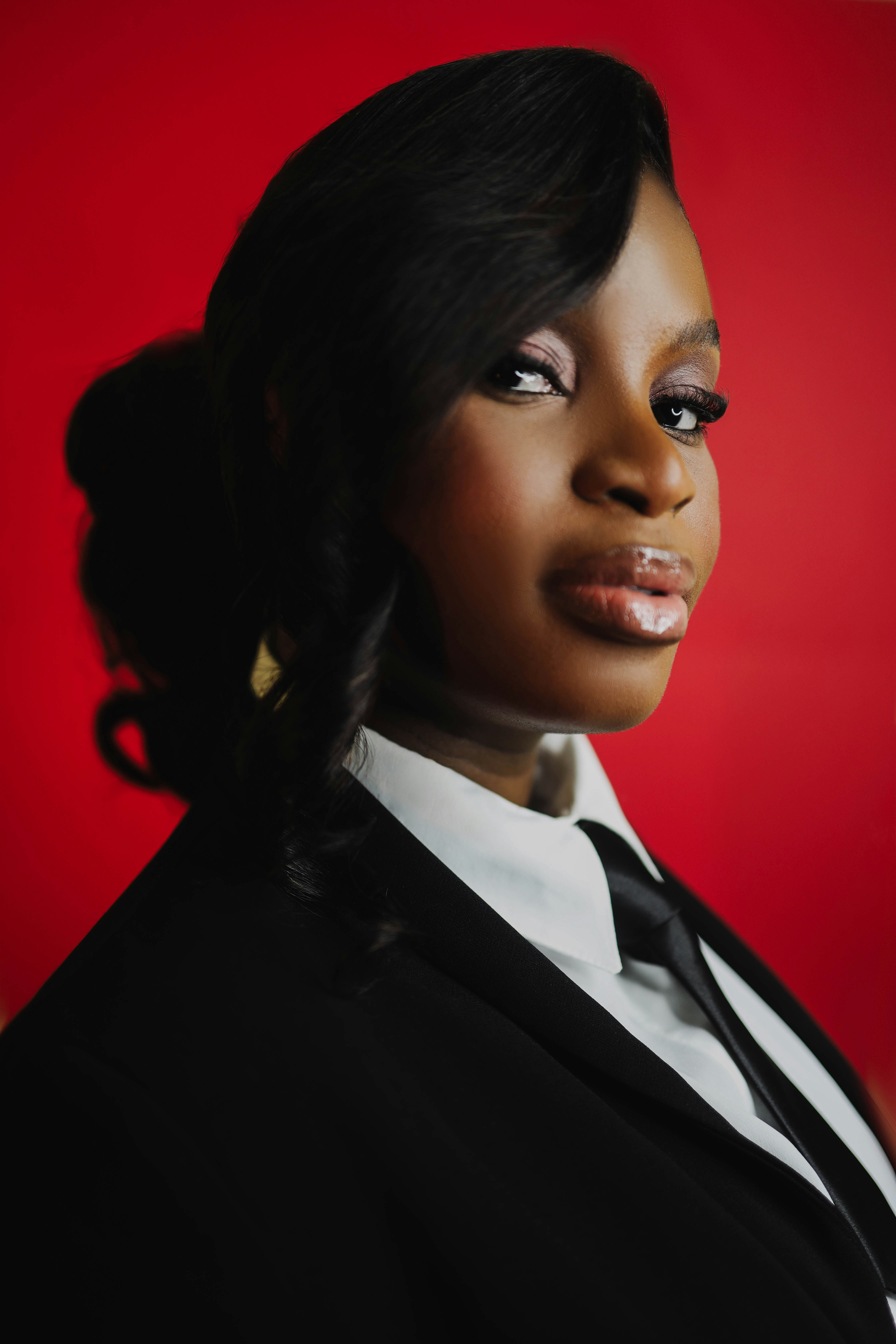
Source Image
Each model received this reference
 Key Findings
All three Flux models added unwanted textures to the subject's face. The face should stay untouched. Flux couldn't resist "enhancing" it.
Nano Banana Pro preserved the face and added appropriate bookstore lighting. Background swaps need to make the subject look like they belong in the new environment.
Wardrobe Material Change (No Face/Hair Drift)
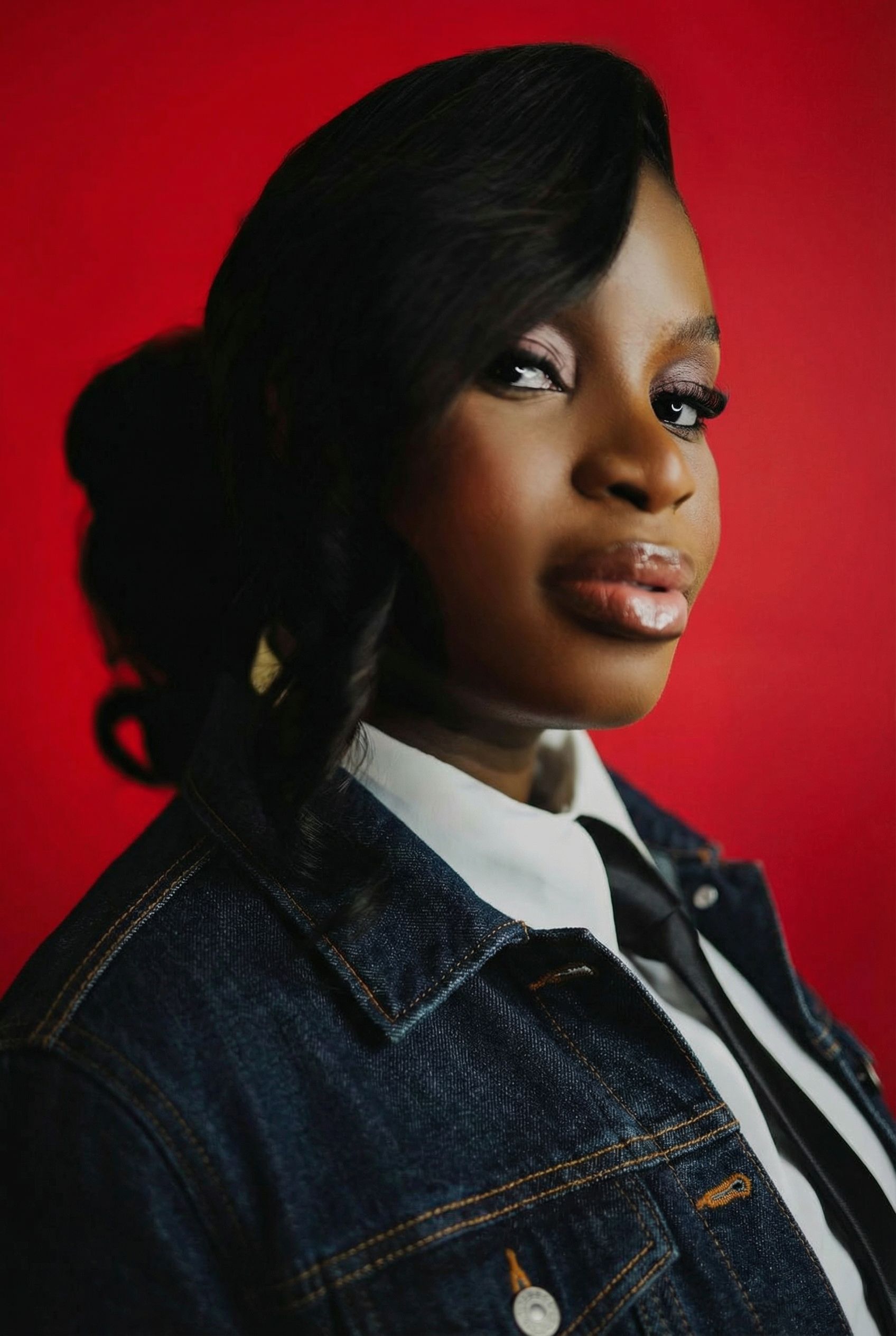
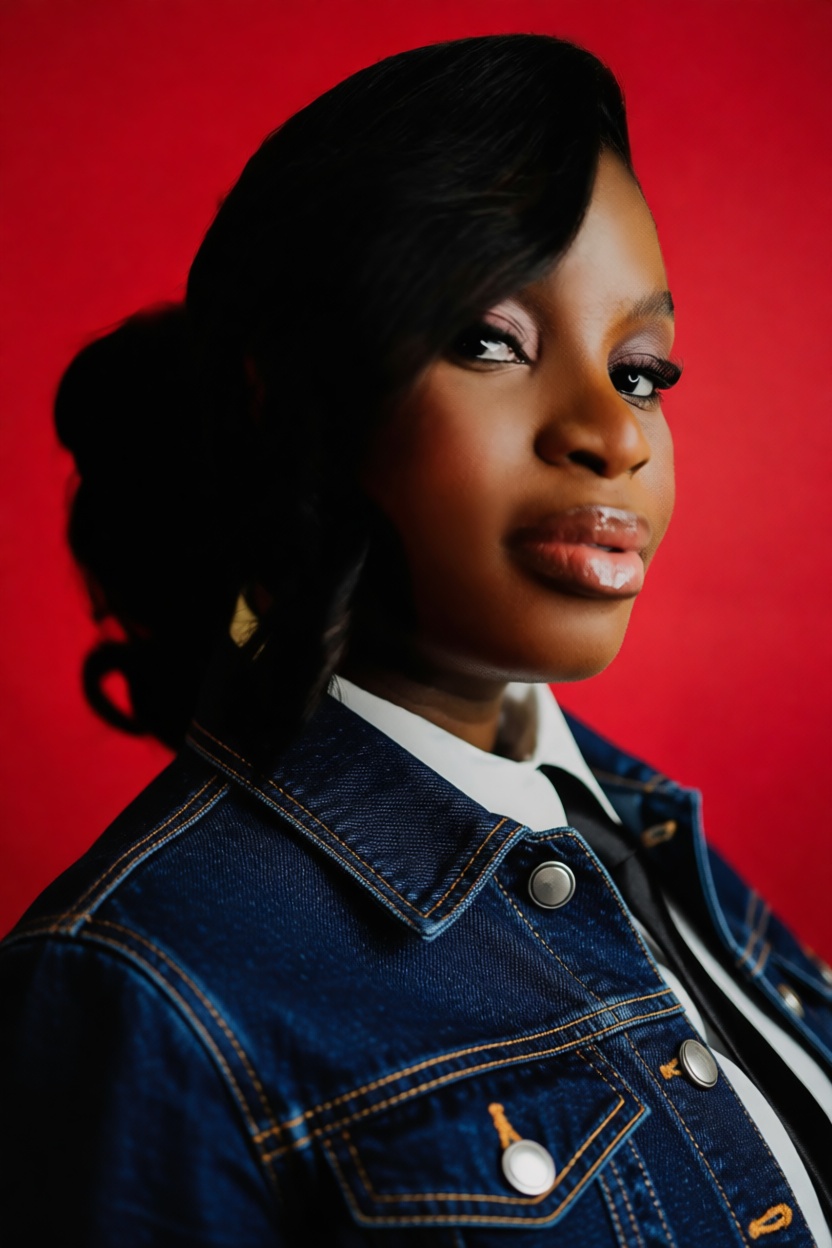
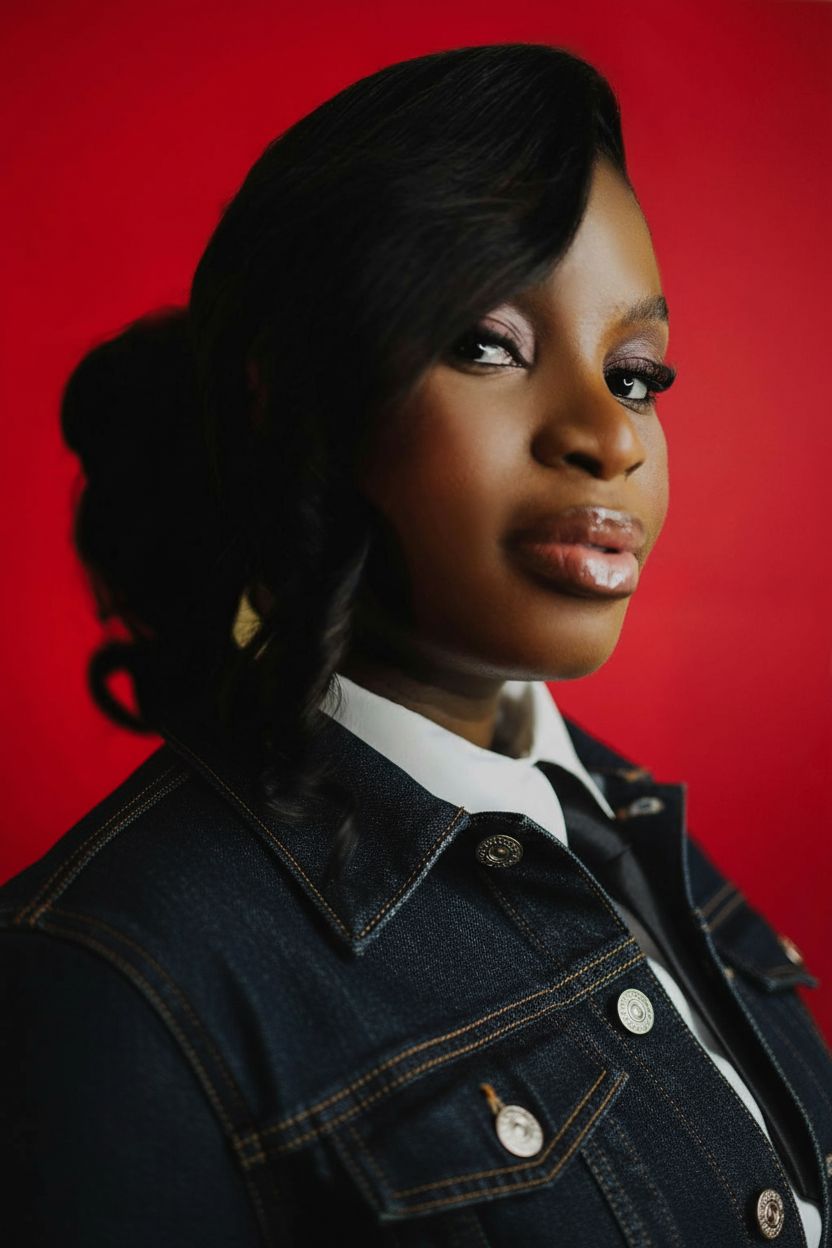
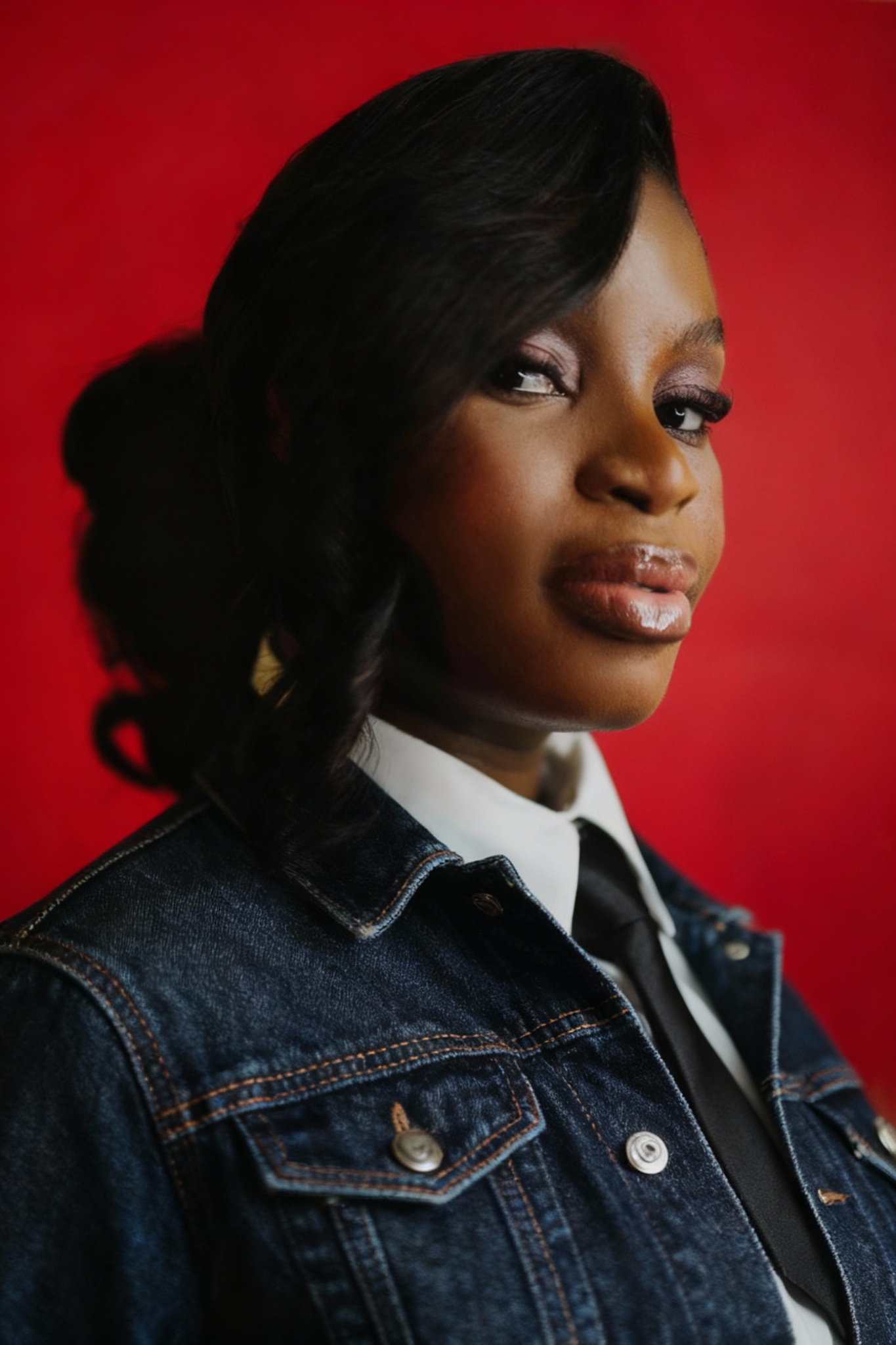
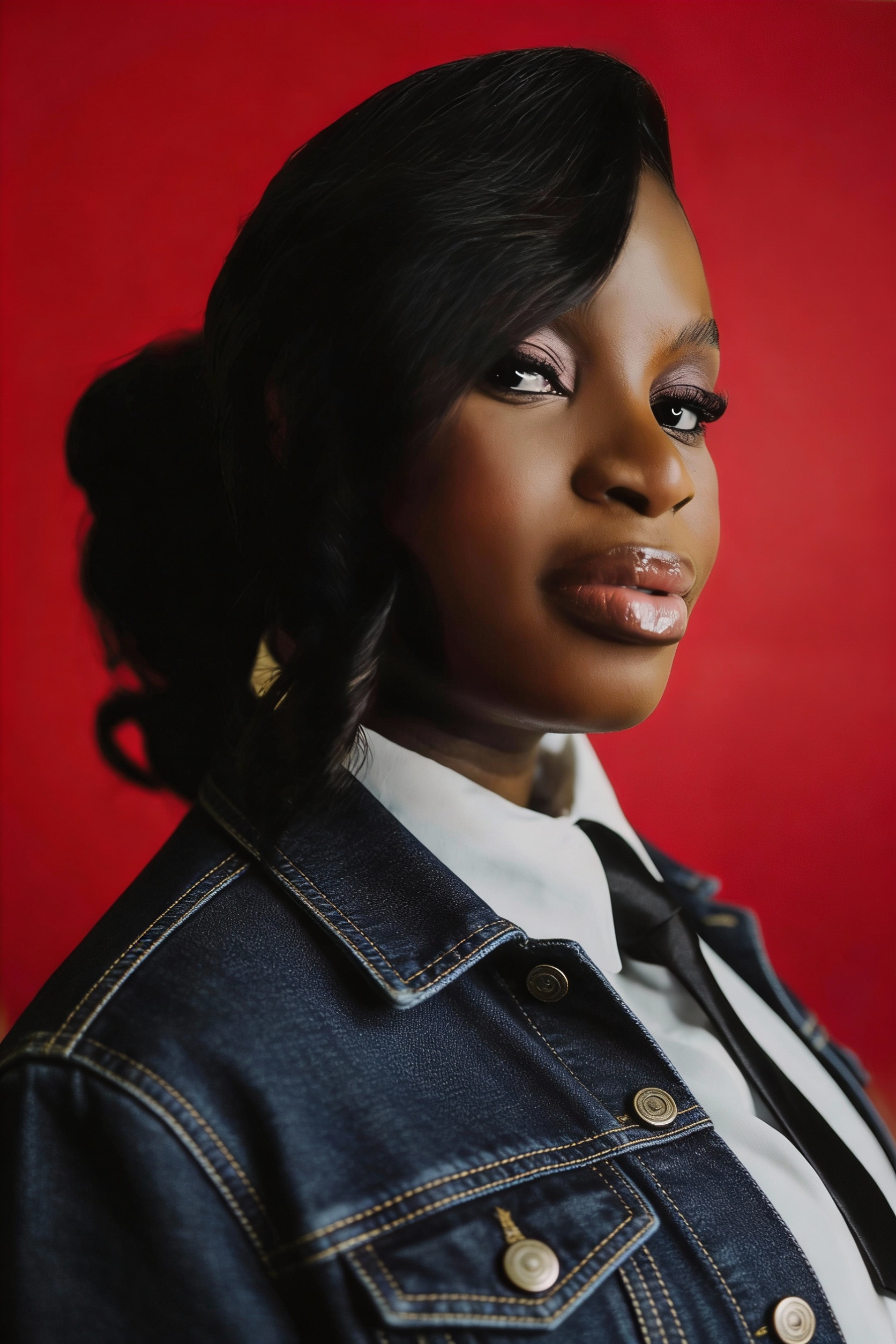
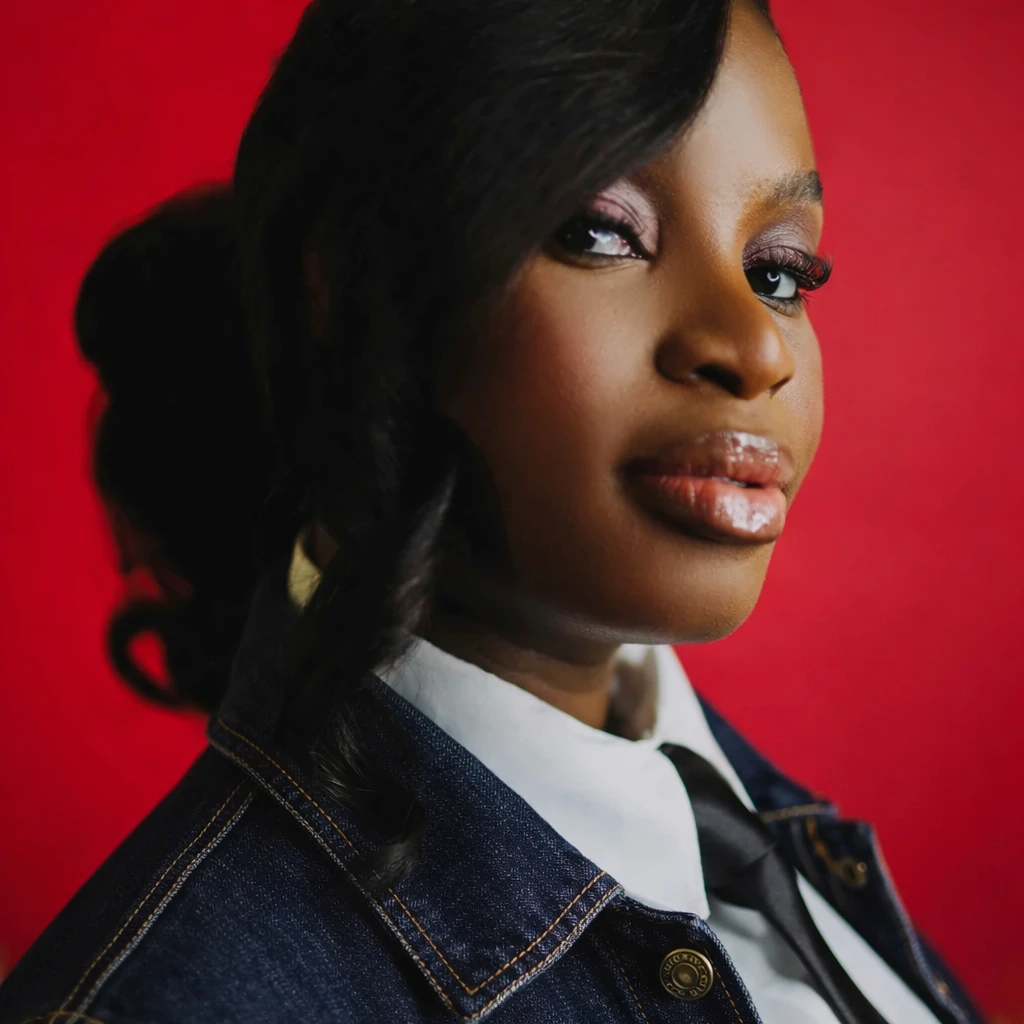
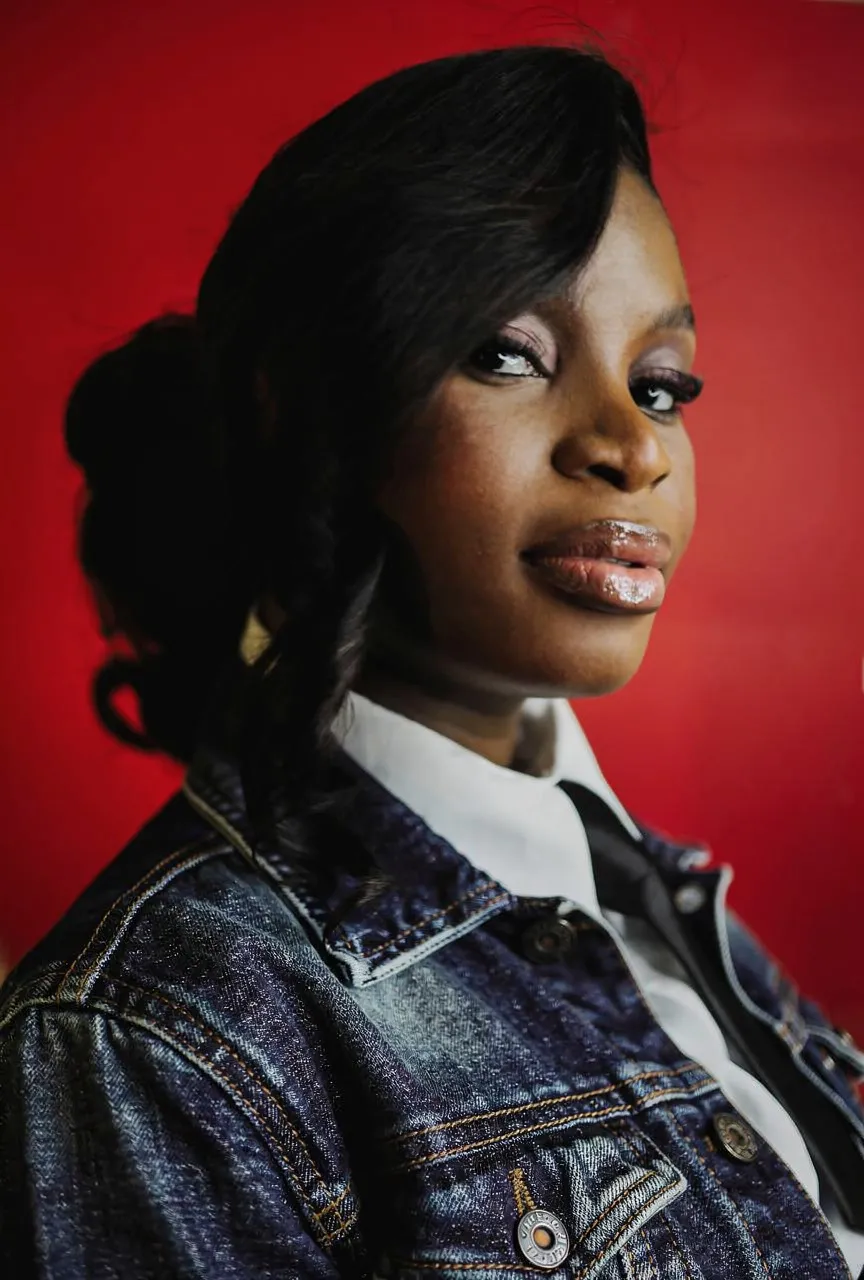
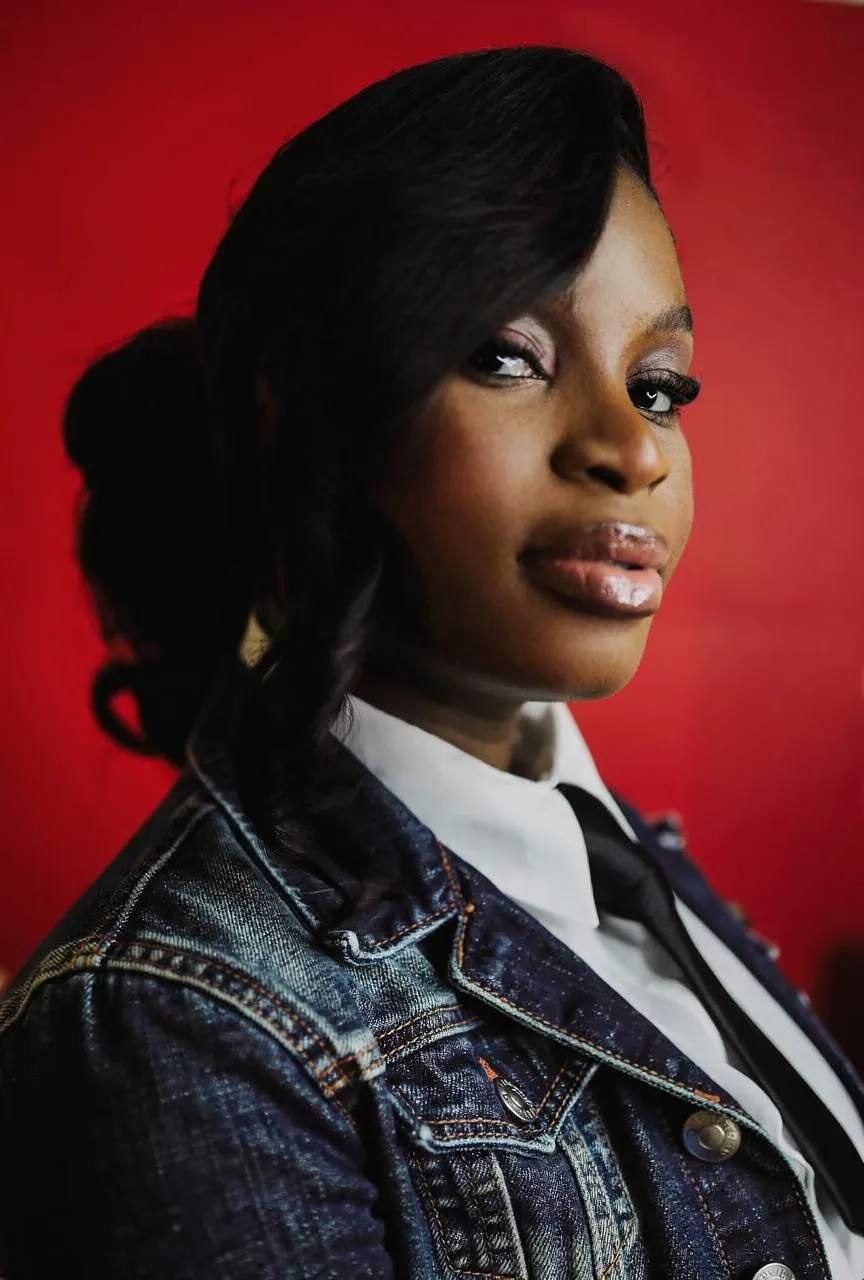
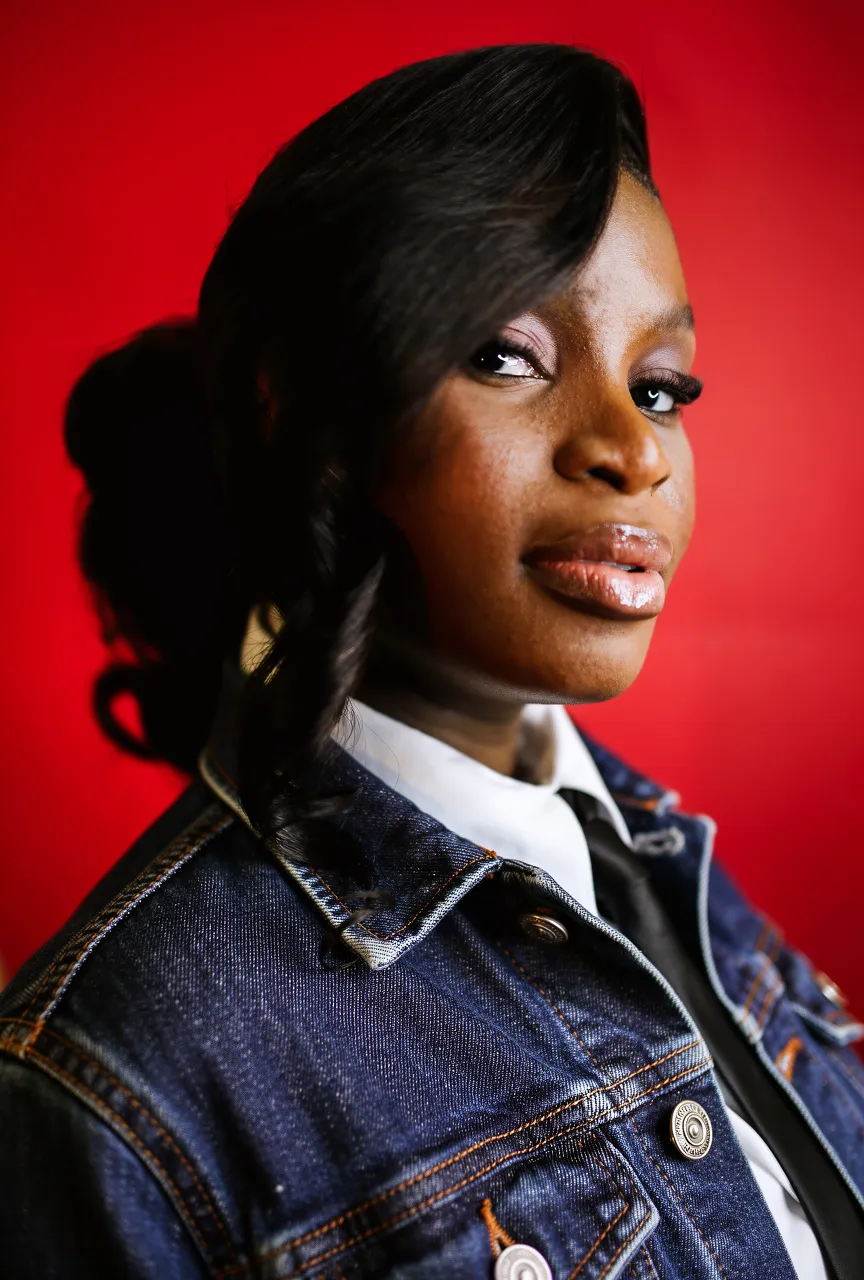
"Change only the black suit jacket into a dark indigo denim jacket with visible stitching and metal buttons..."
What we looked for: material change, face preservation, detail fidelity
Source Image
Each model received this reference
 Key Findings
Flux face artifacts appeared again. Pattern confirmed: Flux struggles with surgical edits on existing images.
Nano Banana Pro rendered actual dark indigo denim with realistic stitching. Face unchanged.
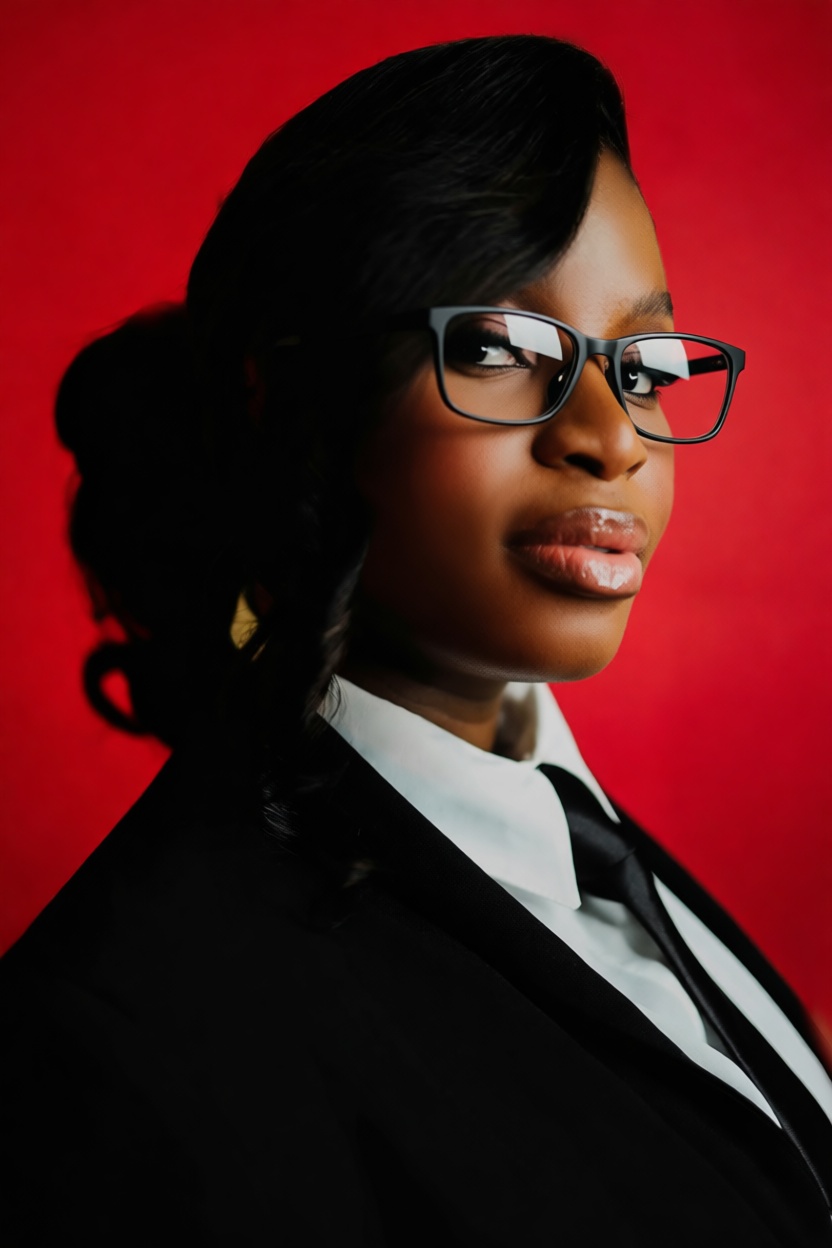
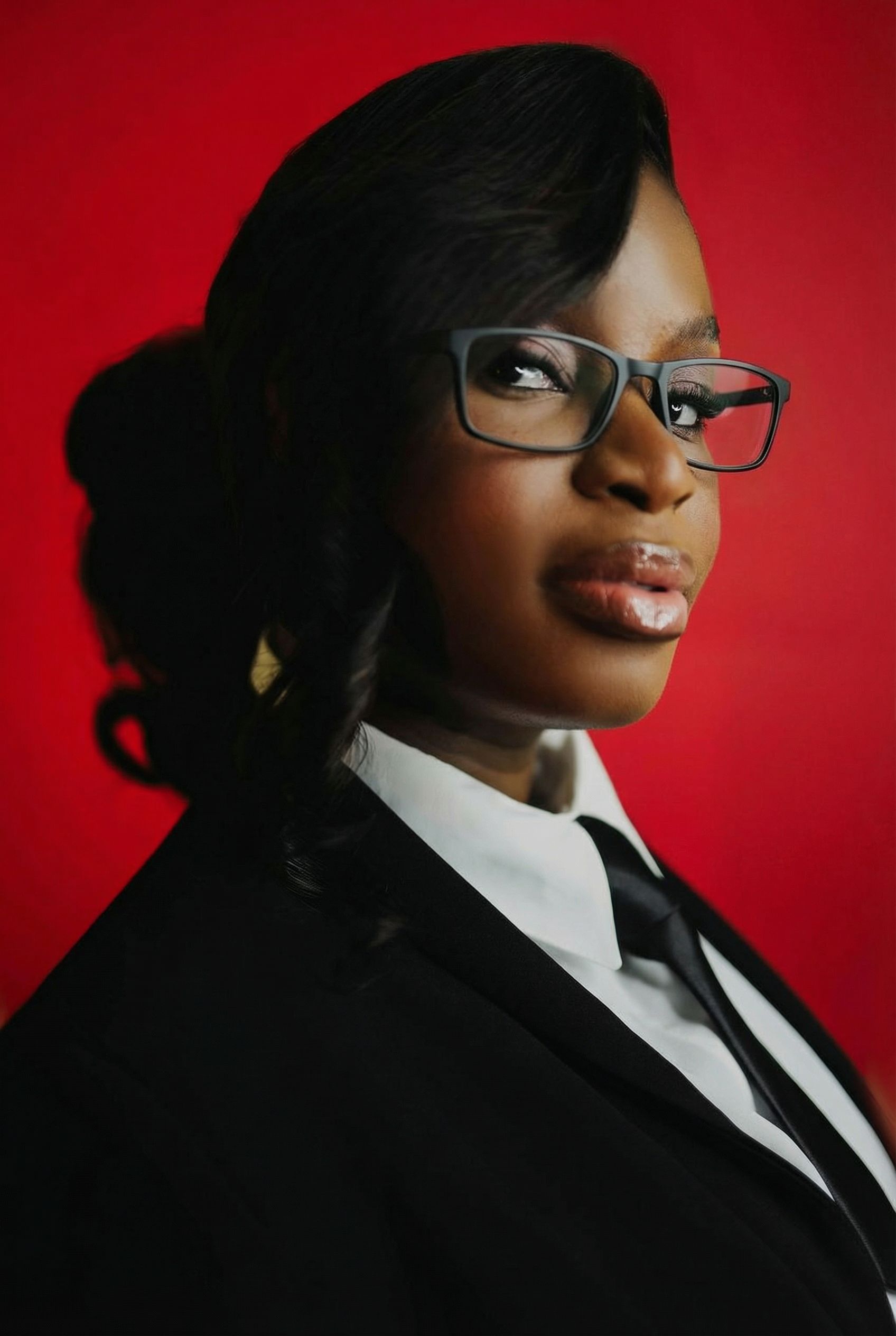
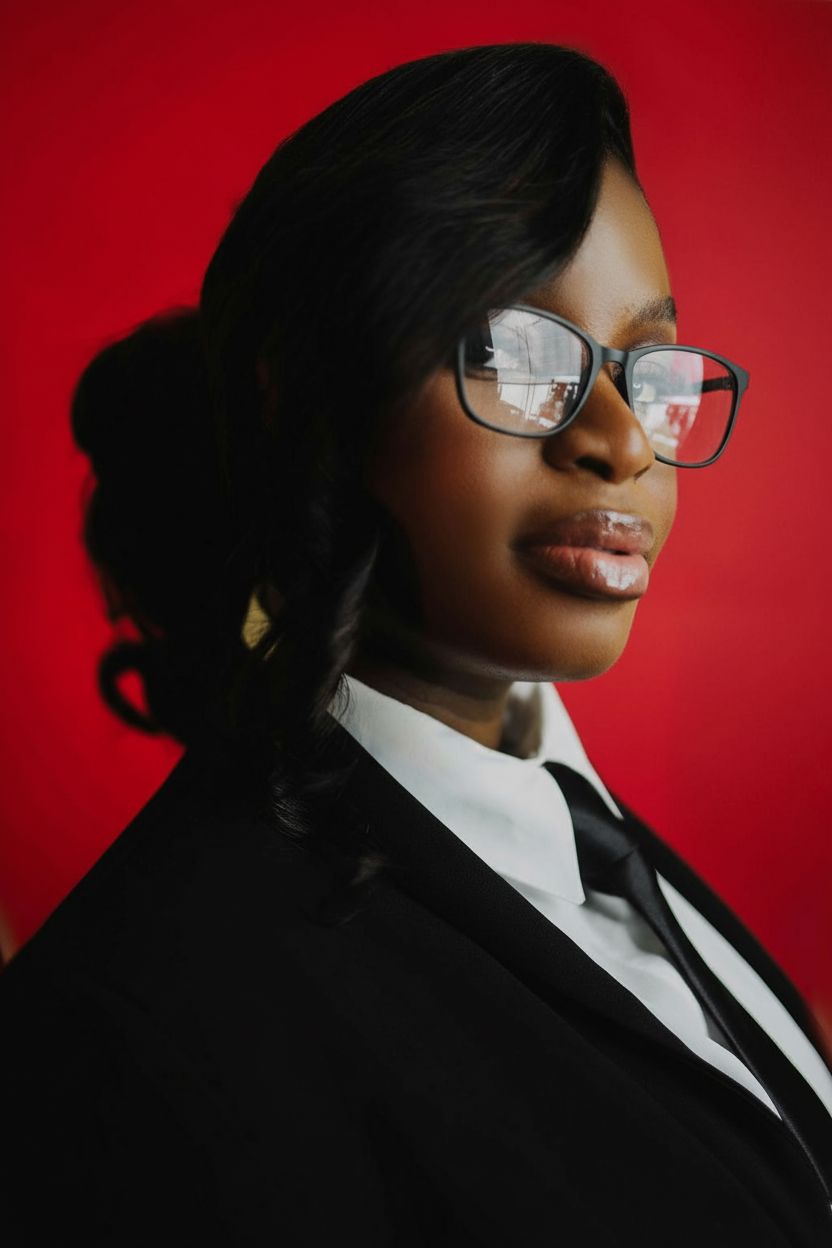
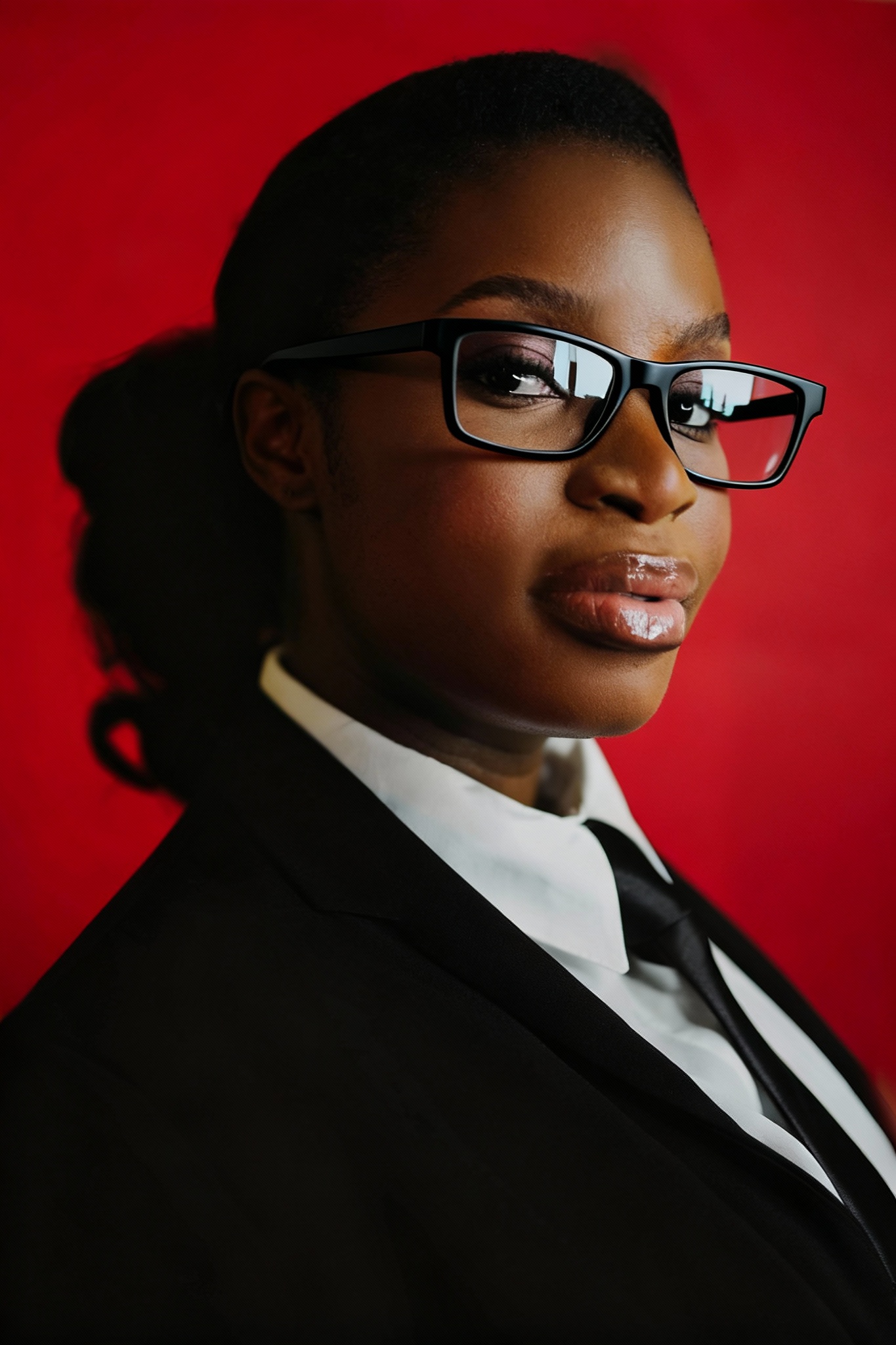
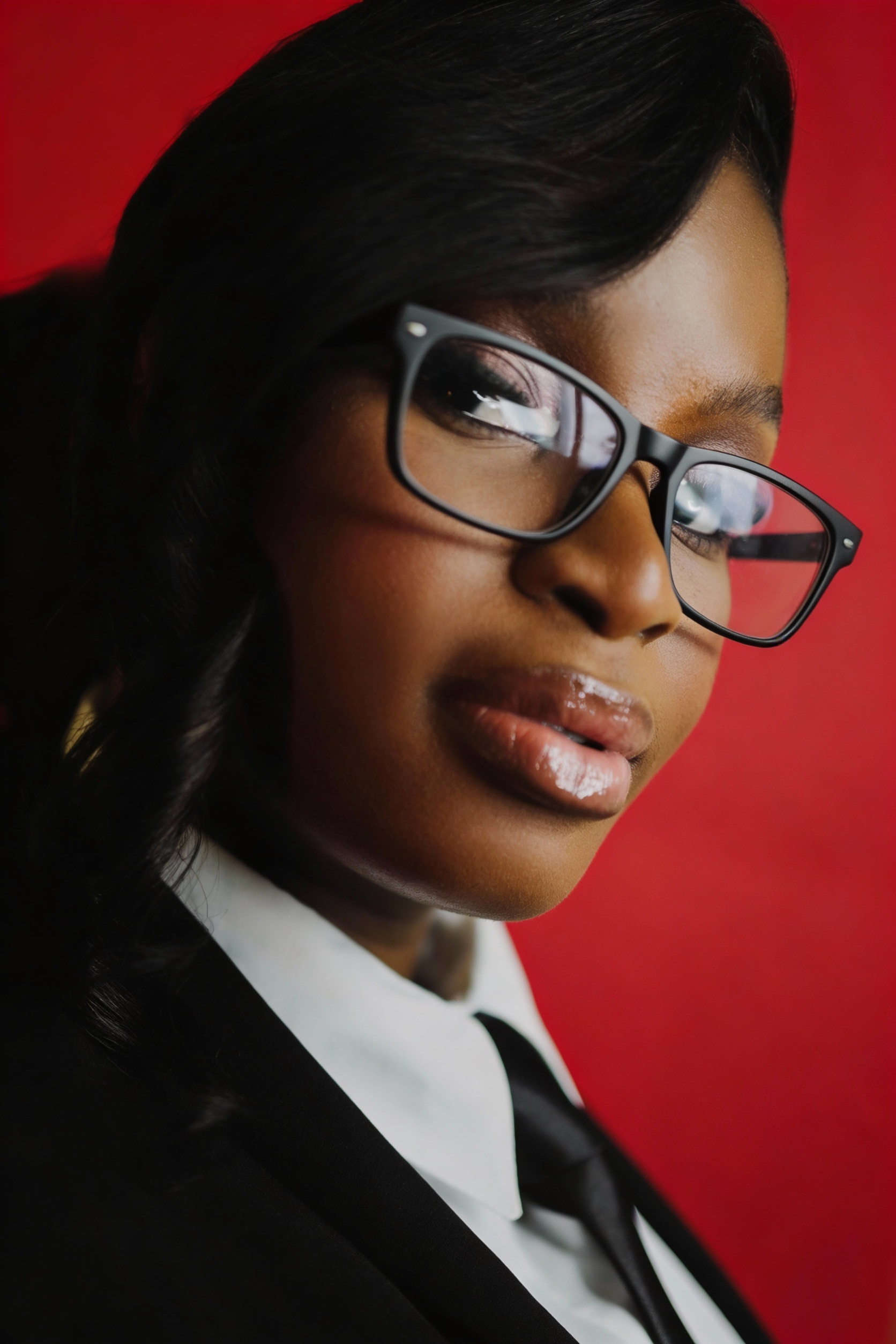
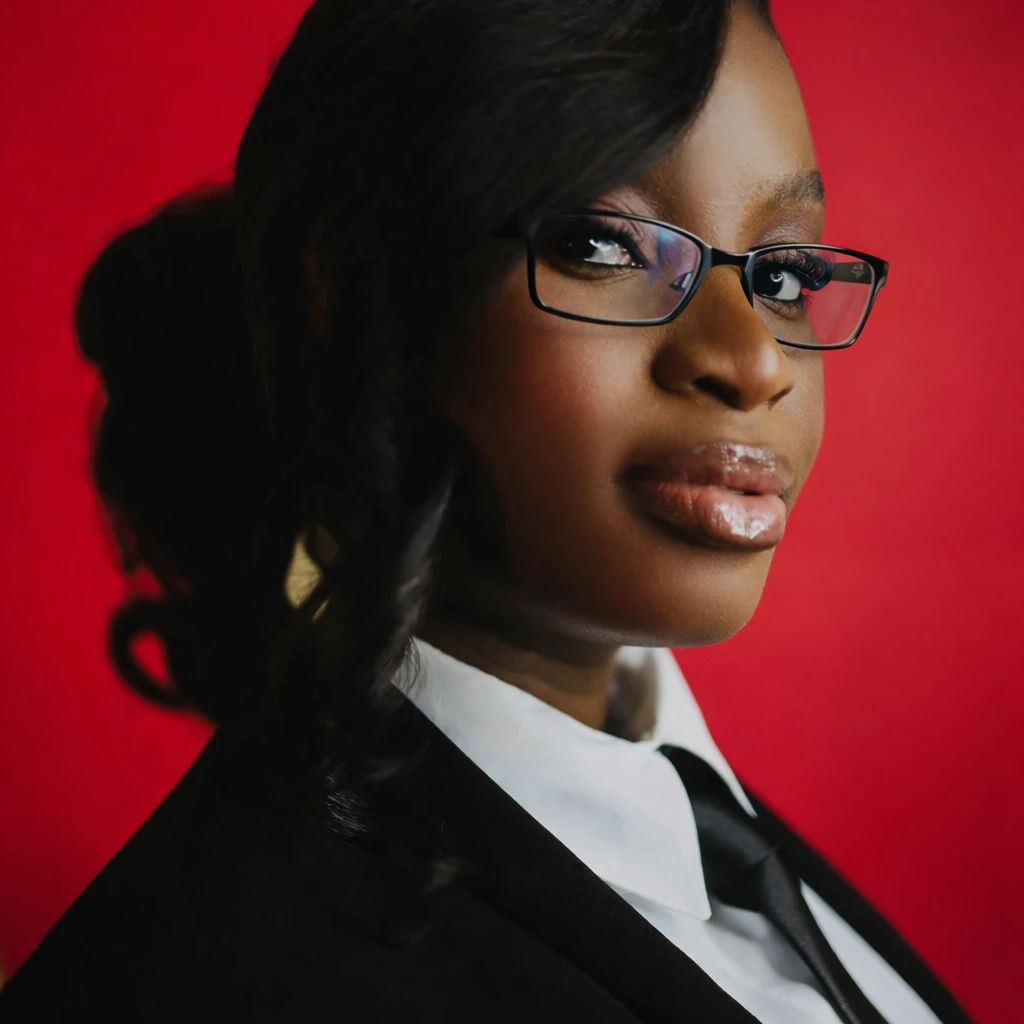
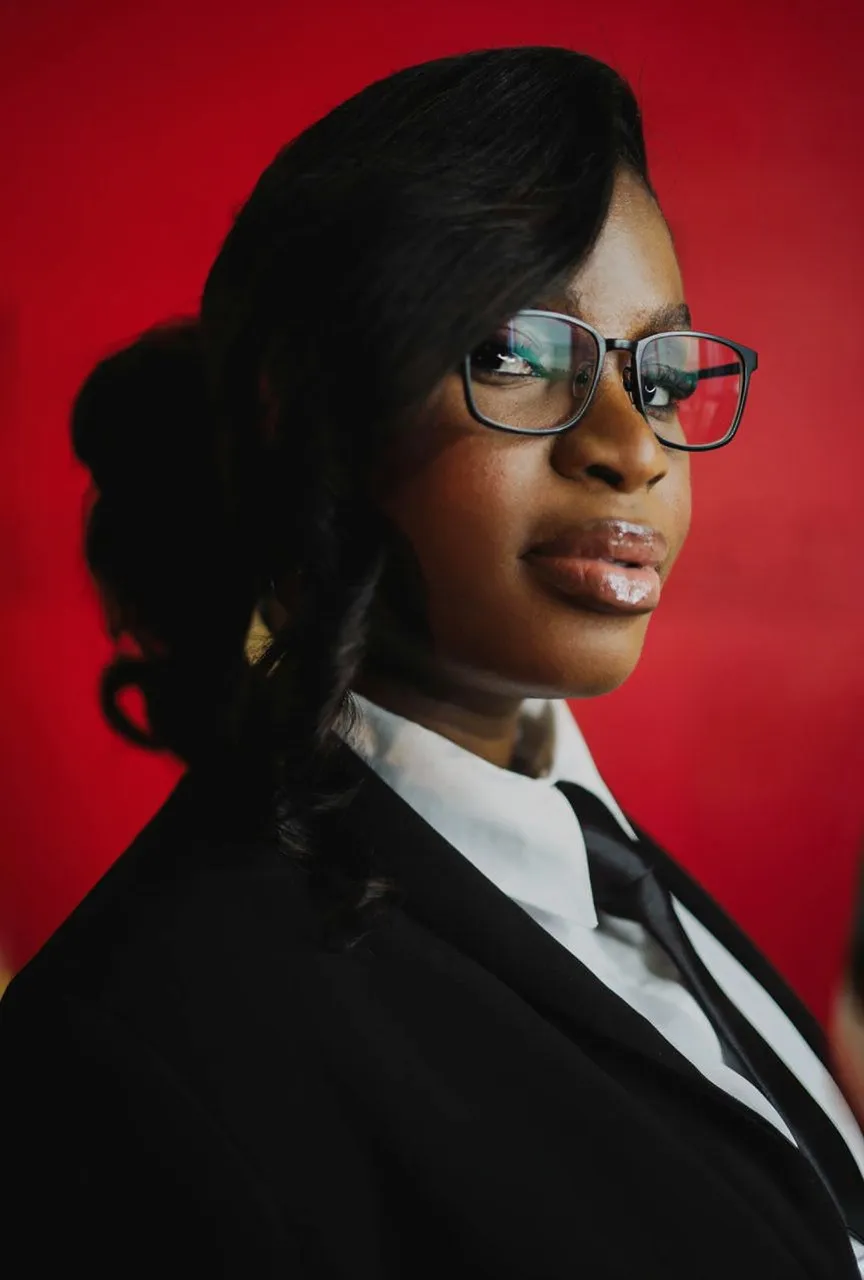
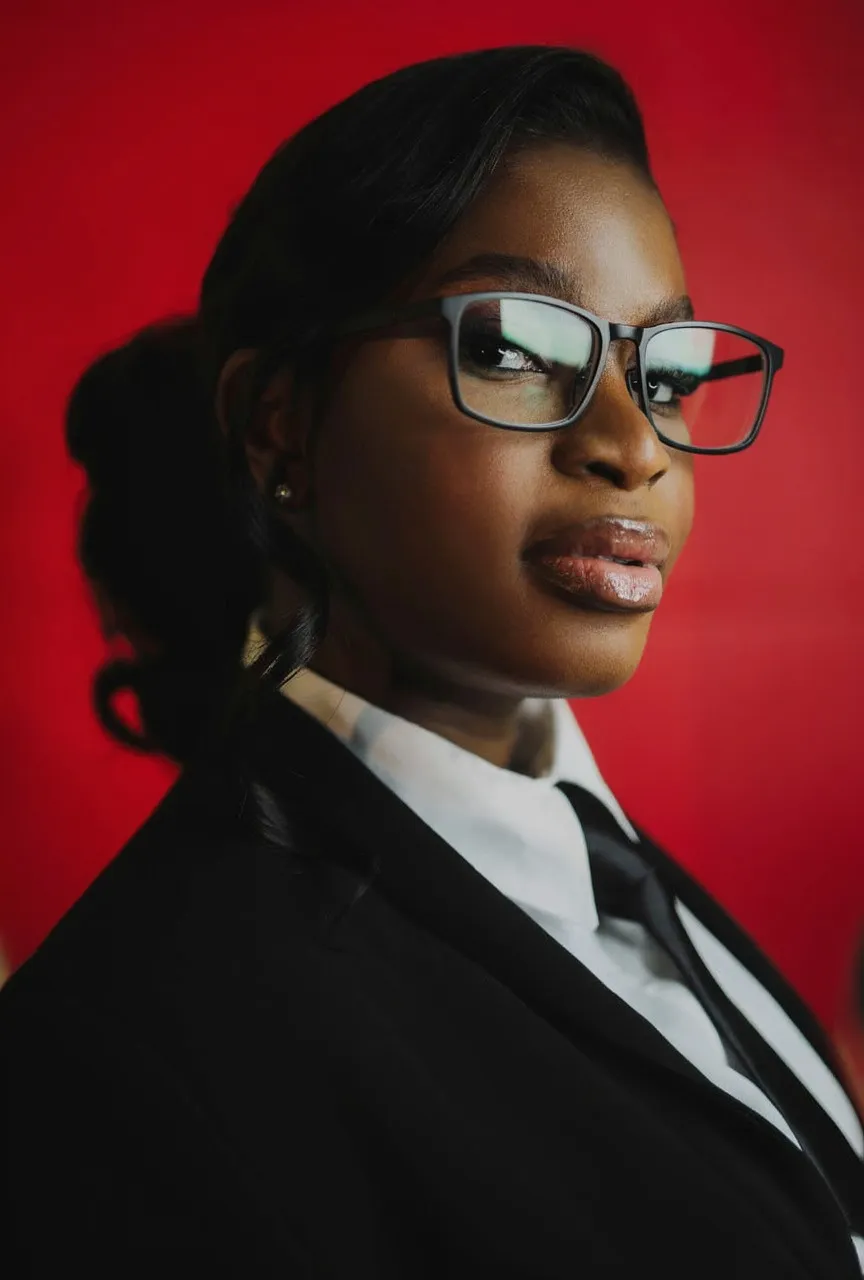
Glasses Add + Natural Shadowing
"Add thin, matte-black rectangular eyeglasses to the subject. The glasses should fit naturally with subtle reflection..."
What we looked for: accessory insertion, shadow physics, reflection accuracy
Source Image
Each model received this reference
 Key Findings
P-Image Edit and Nano Banana Pro both added realistic glasses. P-Image Edit included subtle lens reflections. Small detail, but it sells the illusion.
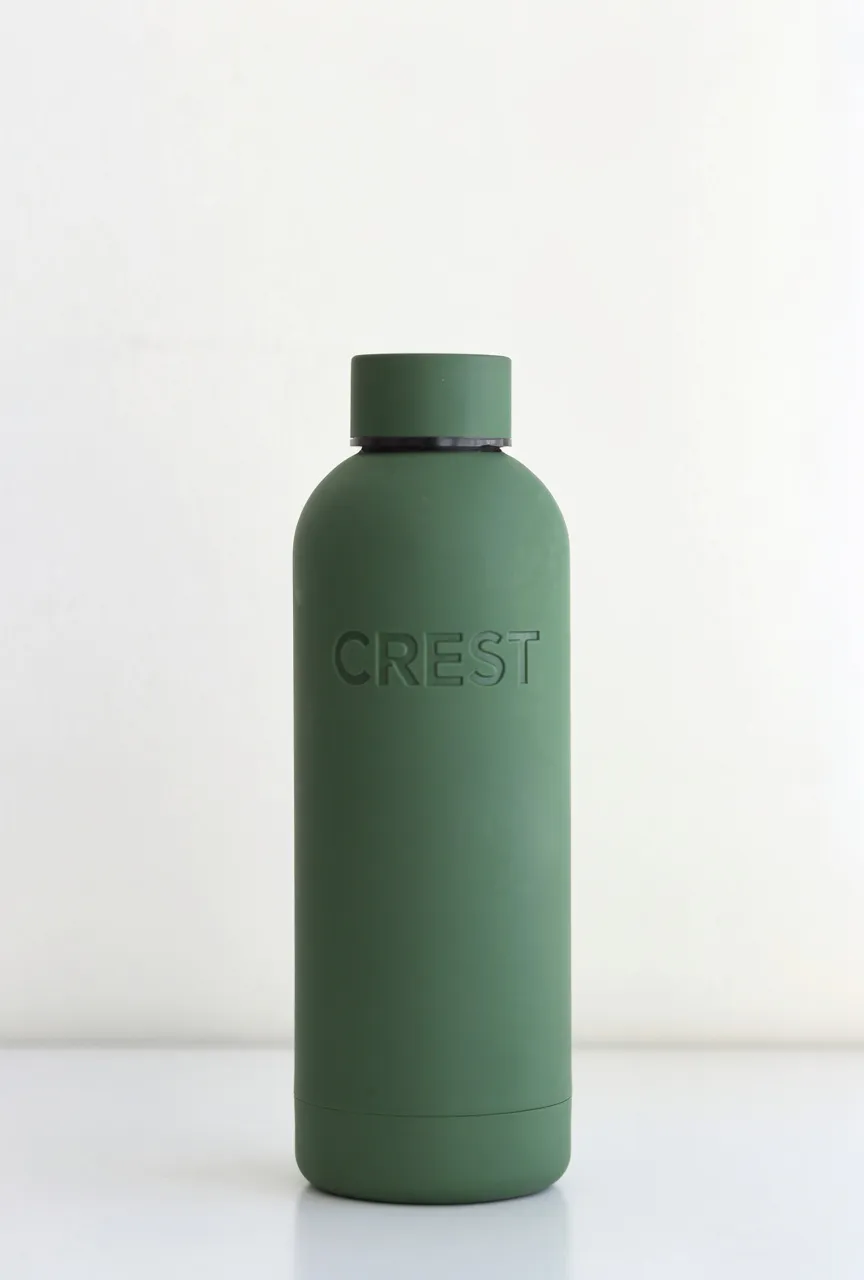
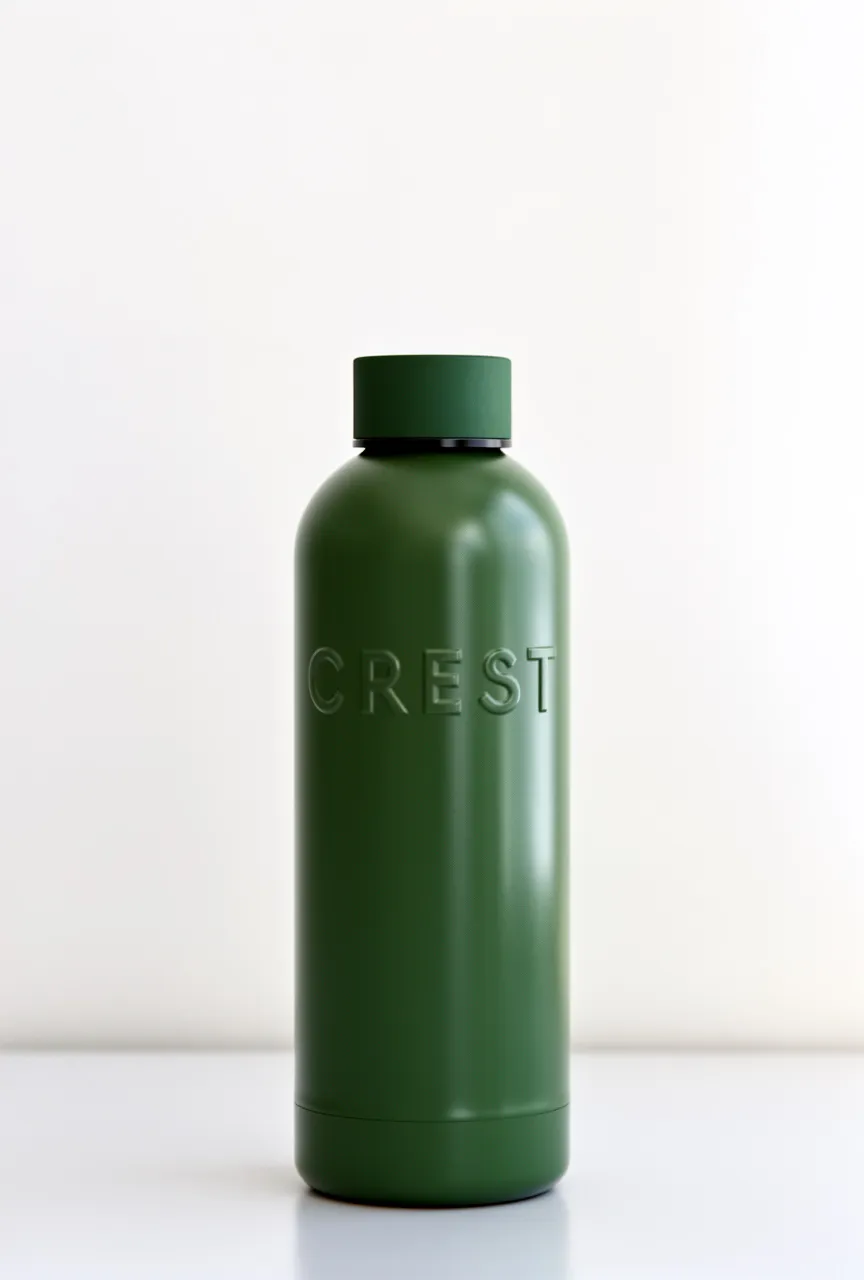
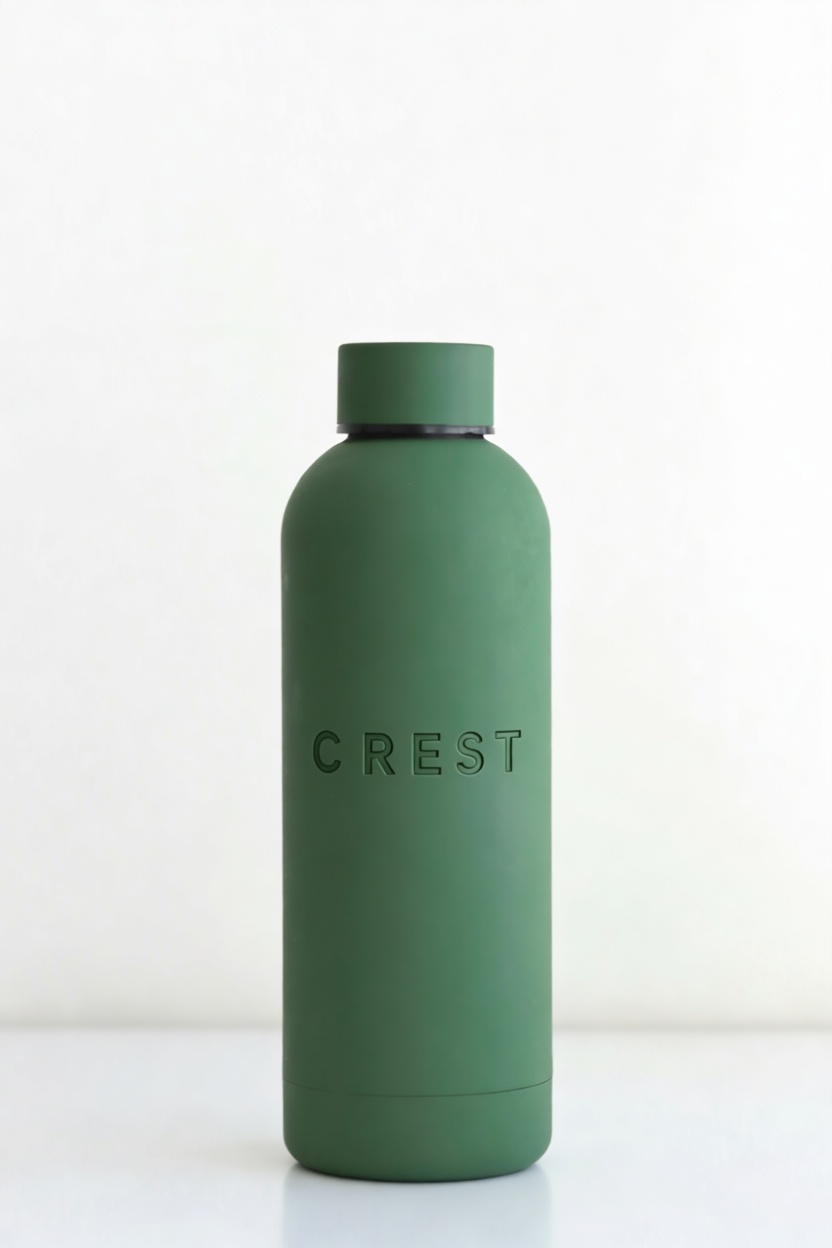
Brand Emboss (Micro-Detail + Shading)
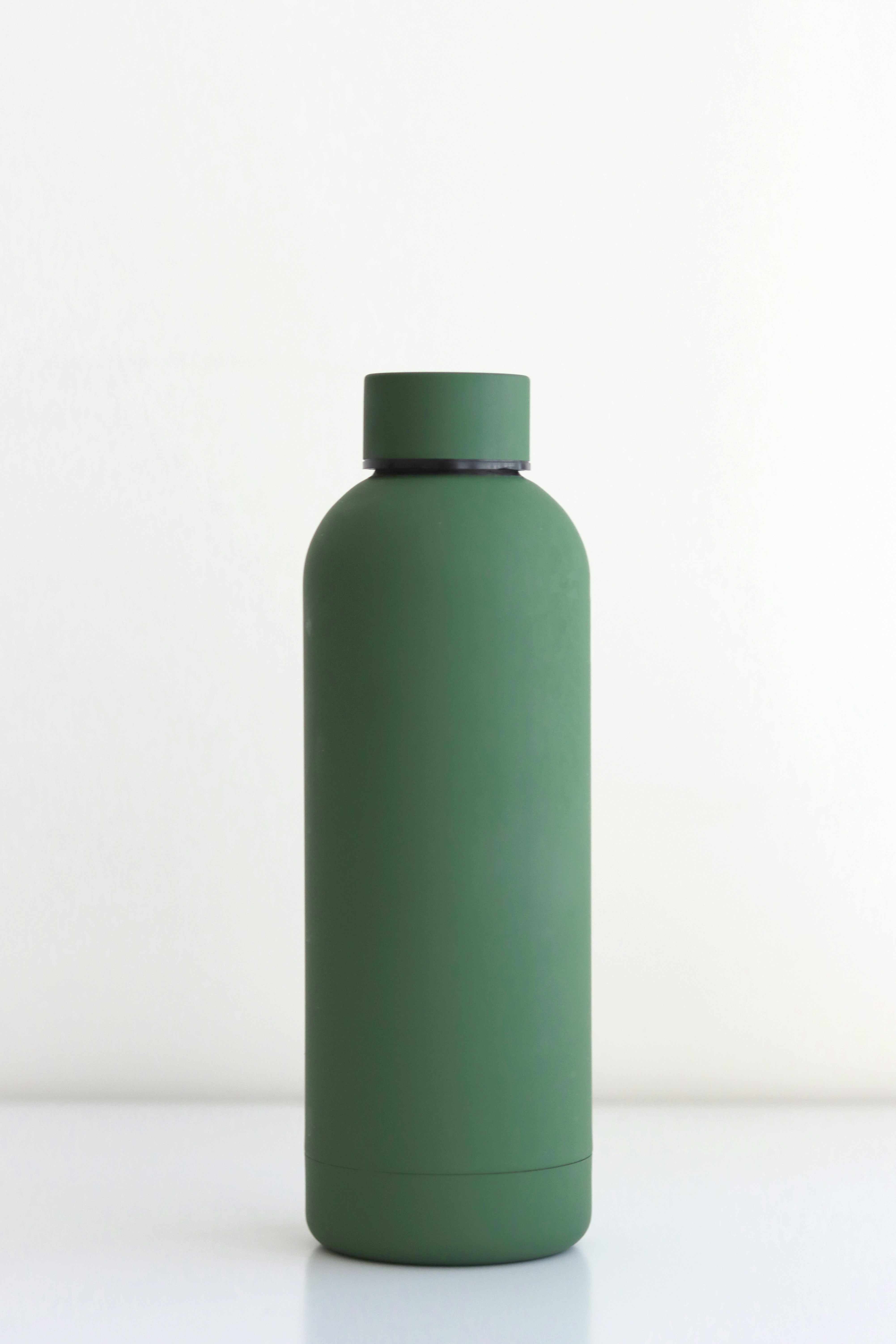
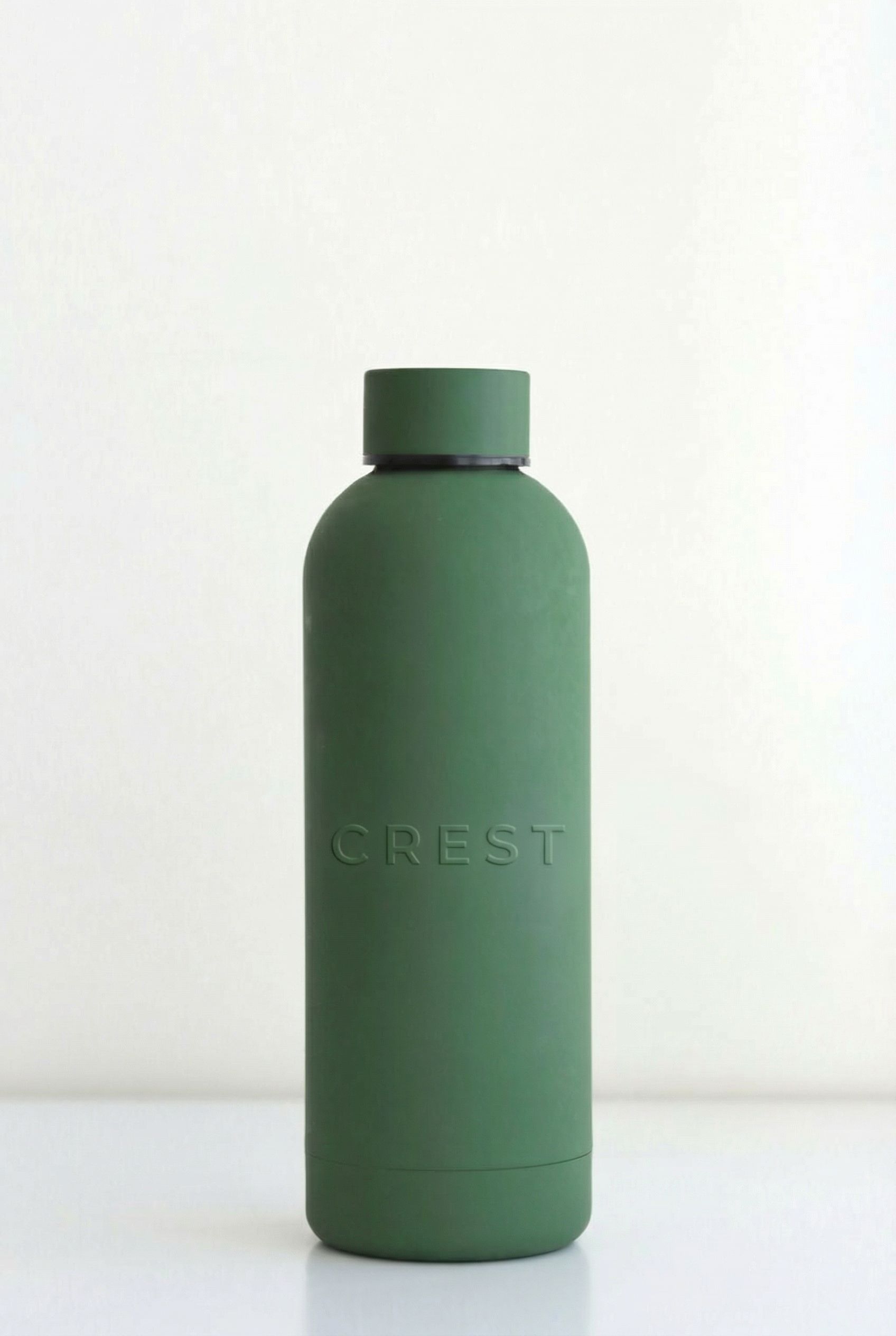
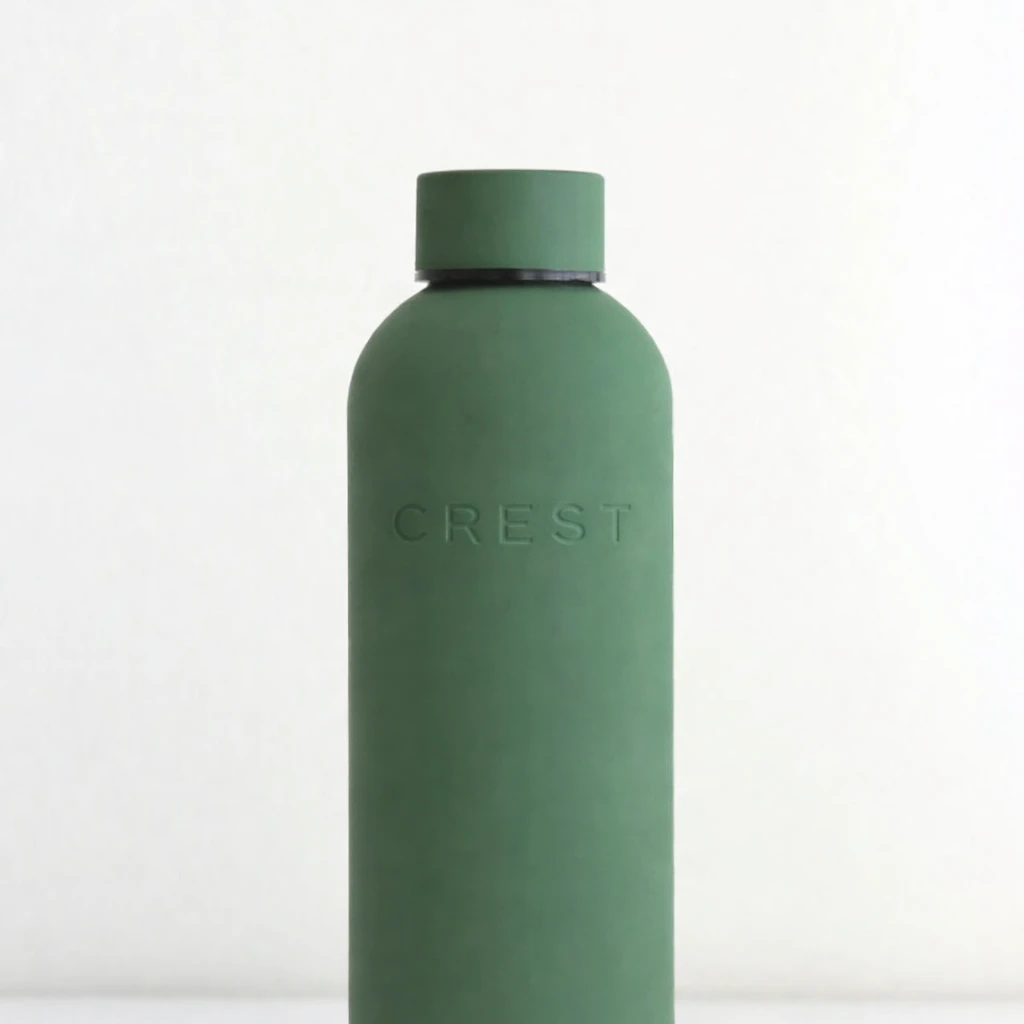
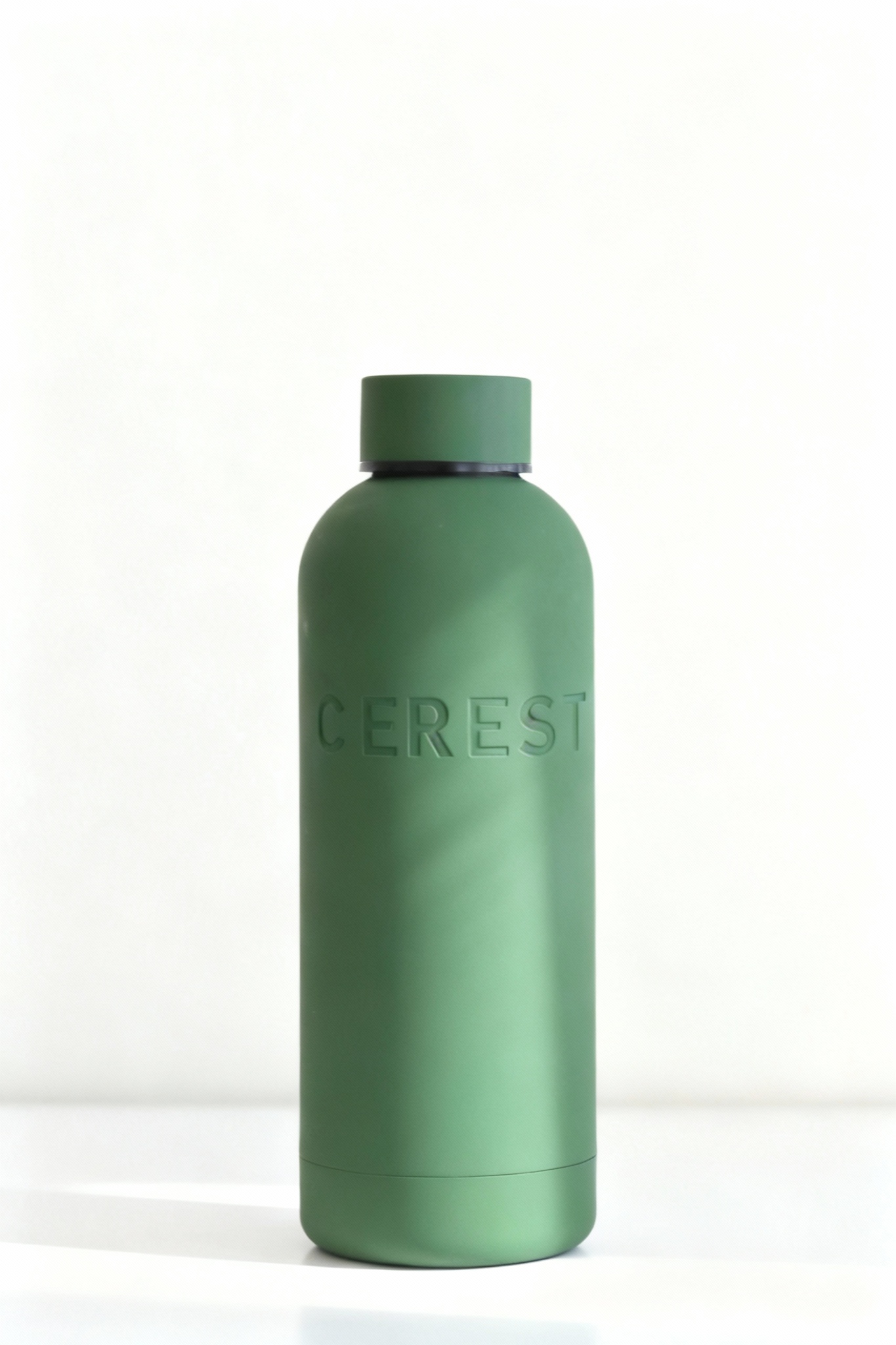
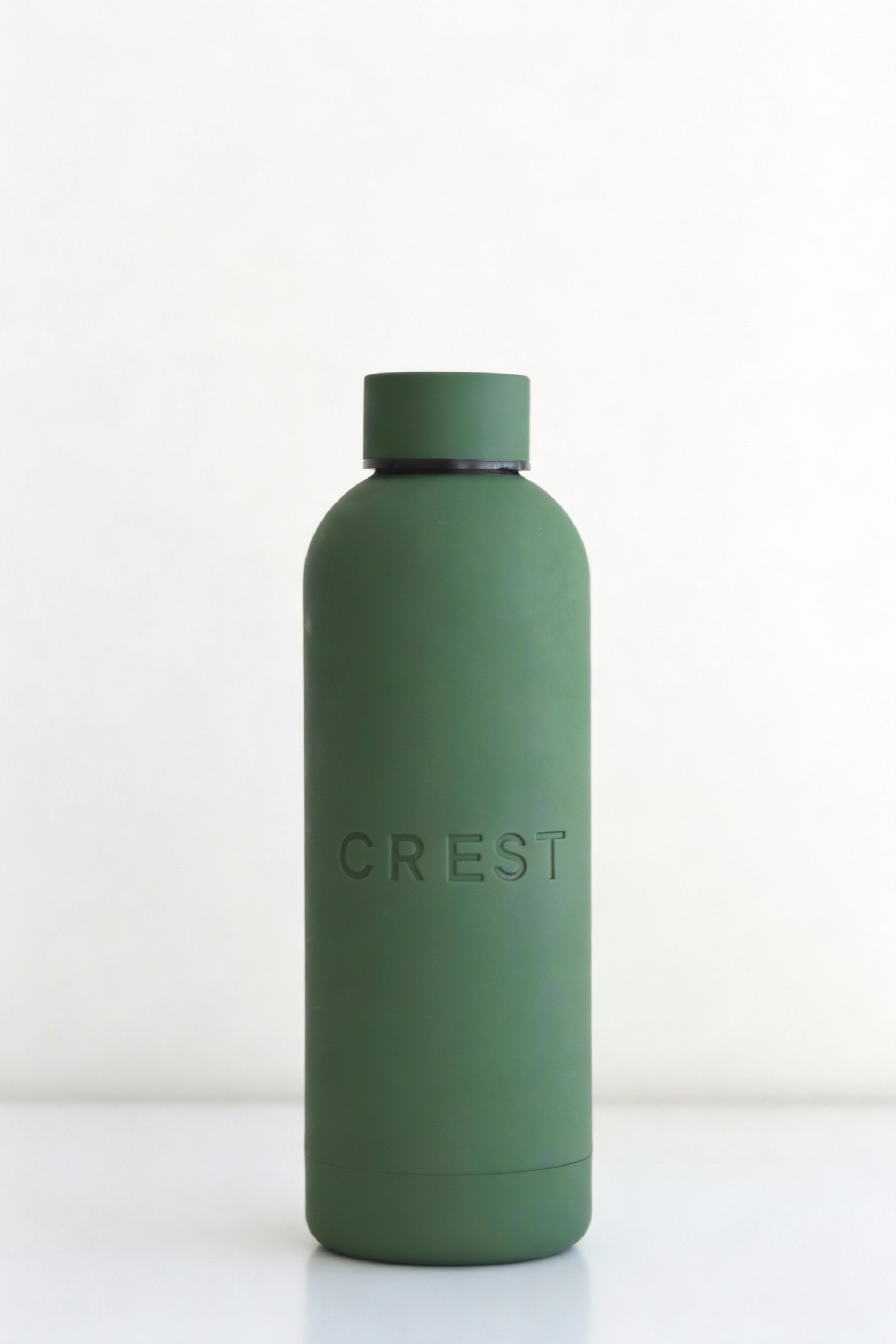
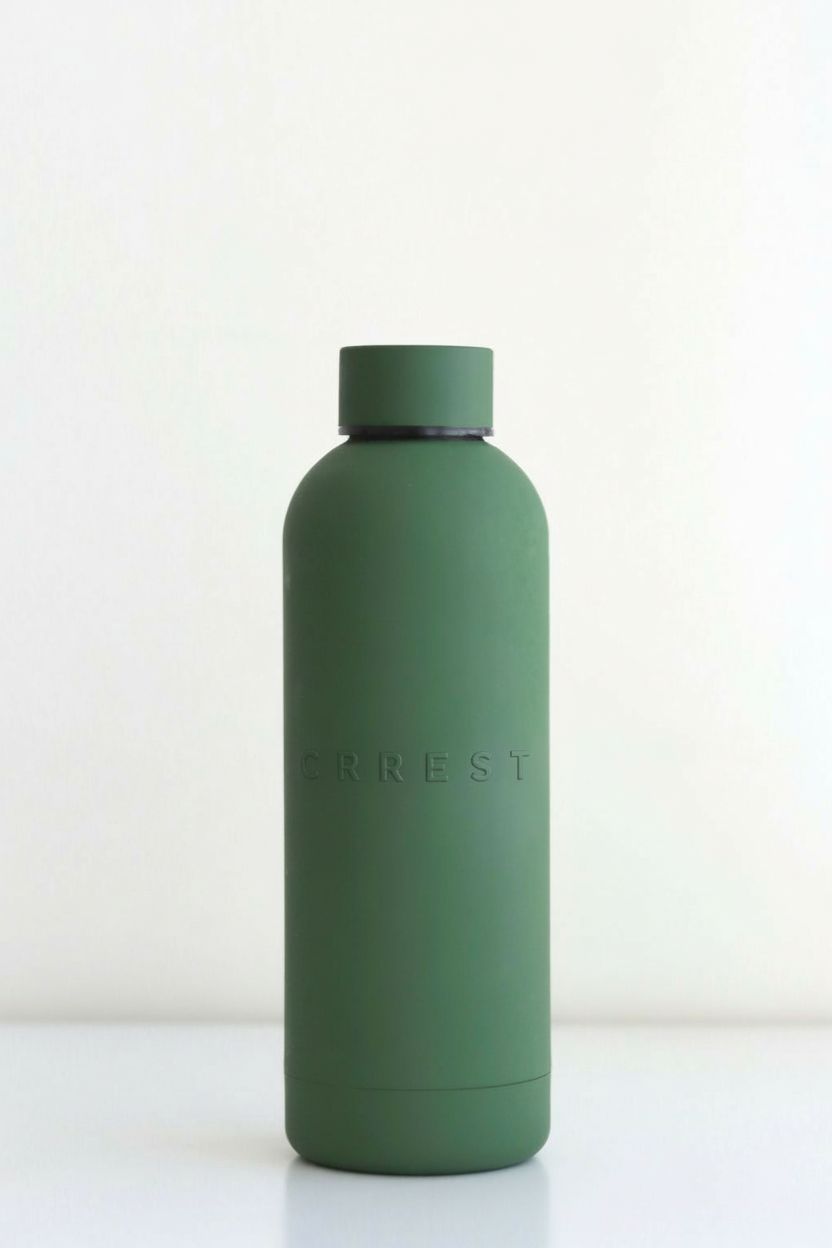
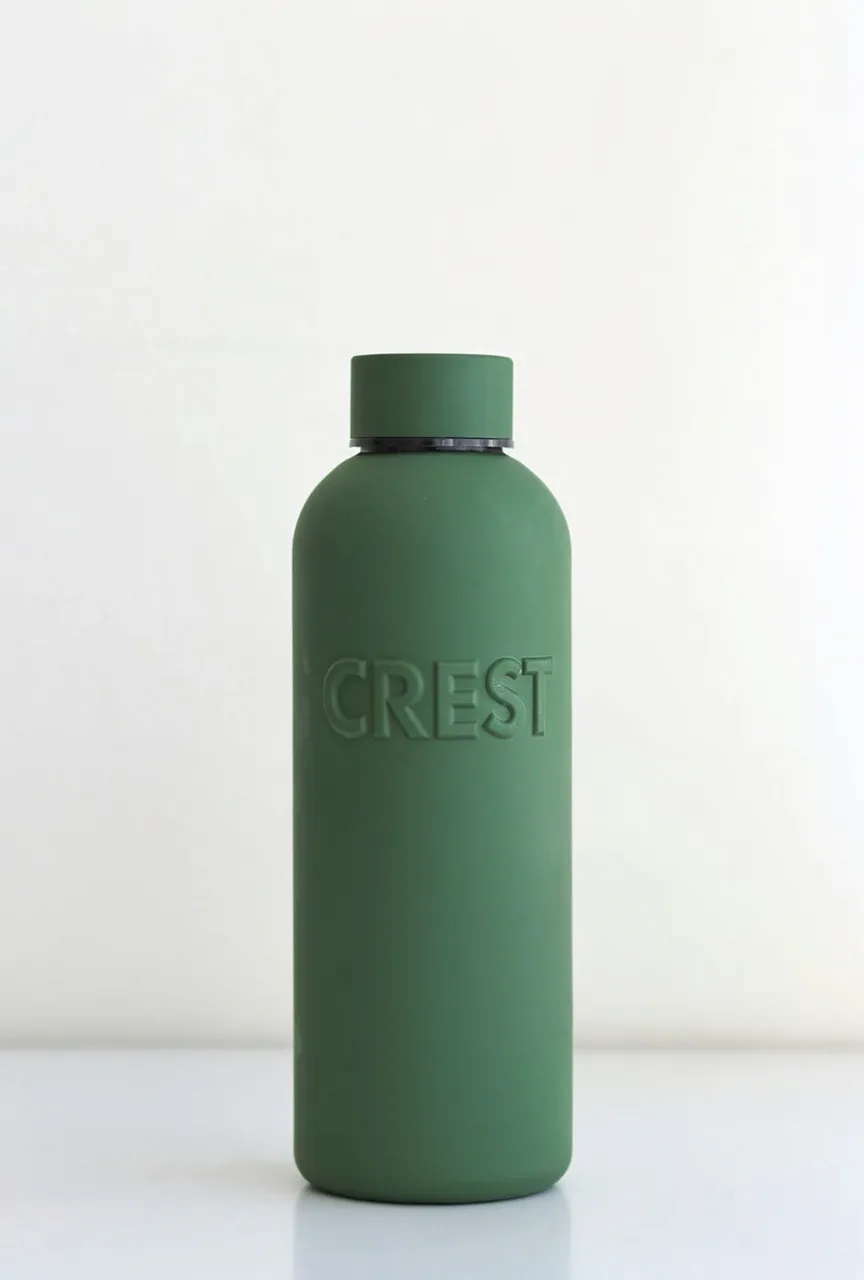
"Add a subtle embossed logo on the bottle front: the word 'C R E S T' in all caps..."
What we looked for: text rendering, emboss effect, micro-detail shading
Source Image
Each model received this reference
 Key Findings
Several models created debossed (indented) text instead of embossed (raised). Nano Banana Pro got it right and produced a studio-quality product shot.
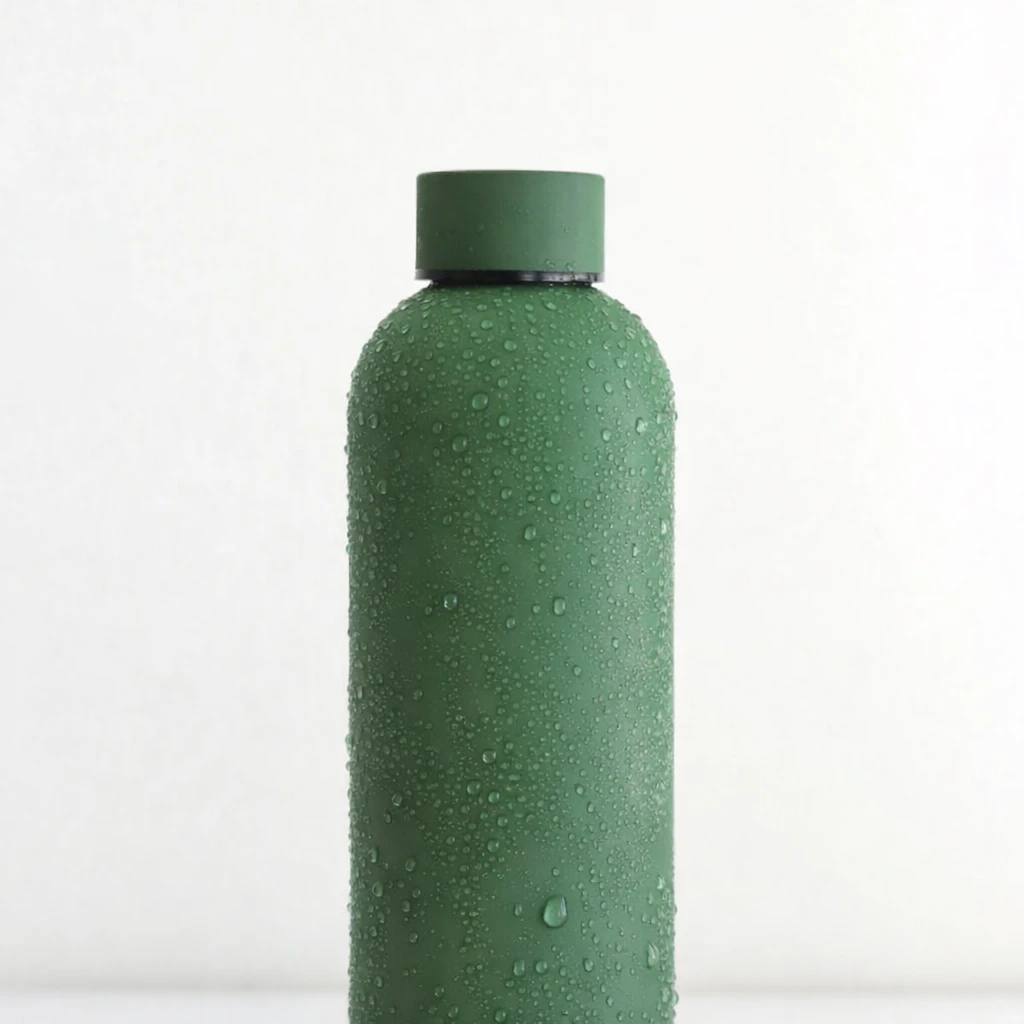
Condensation + Droplets (Physics + Compositing)
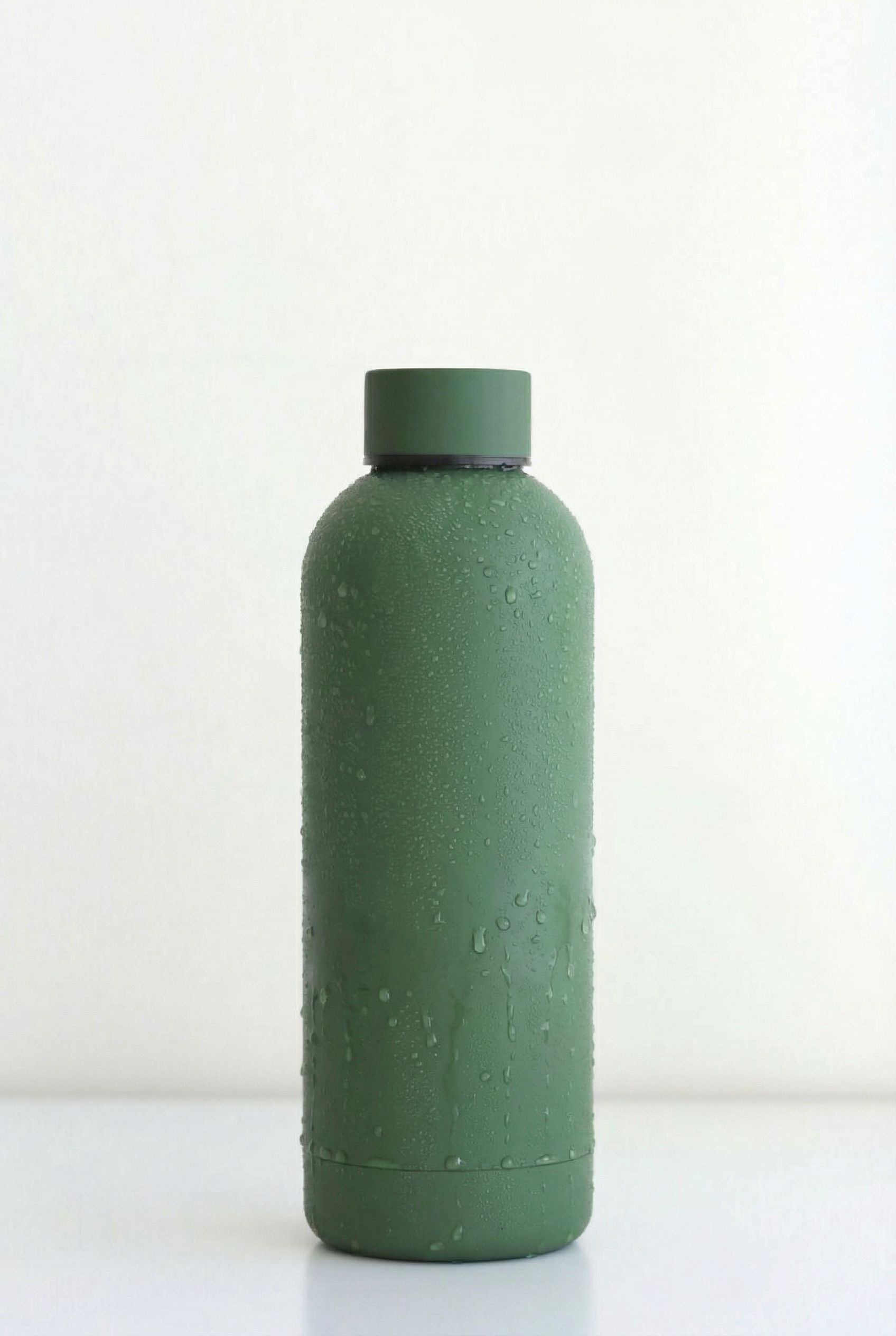
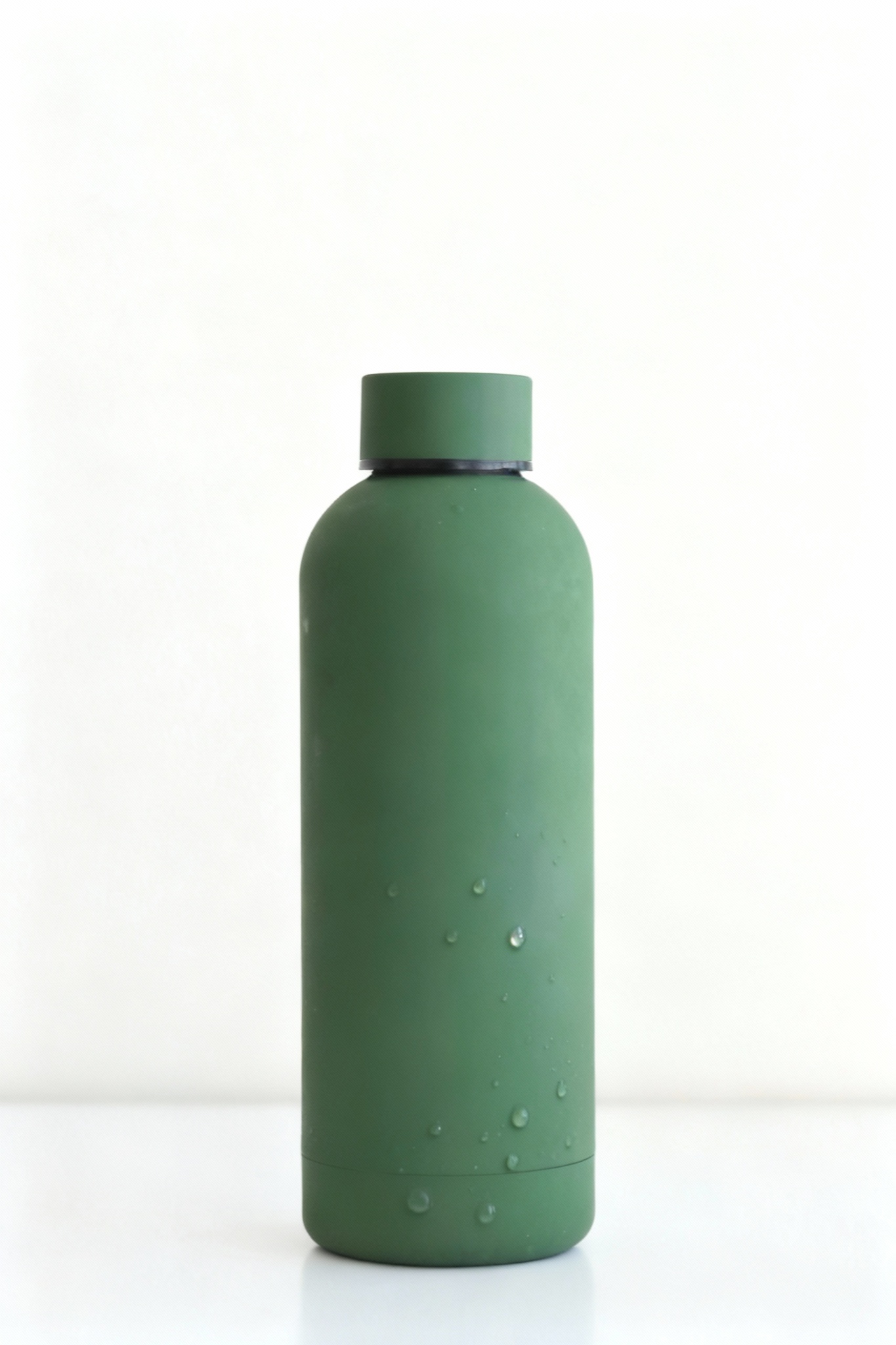
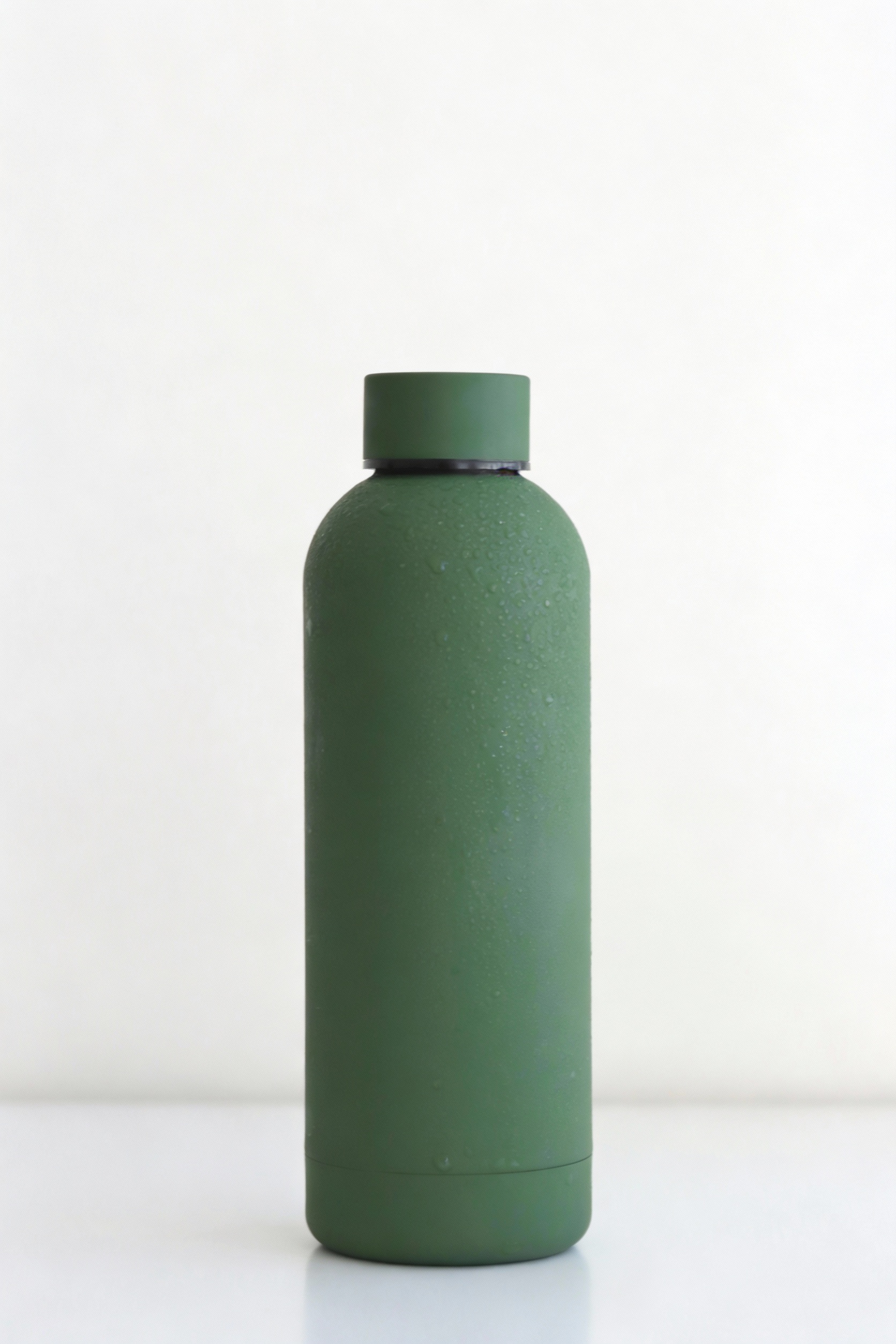
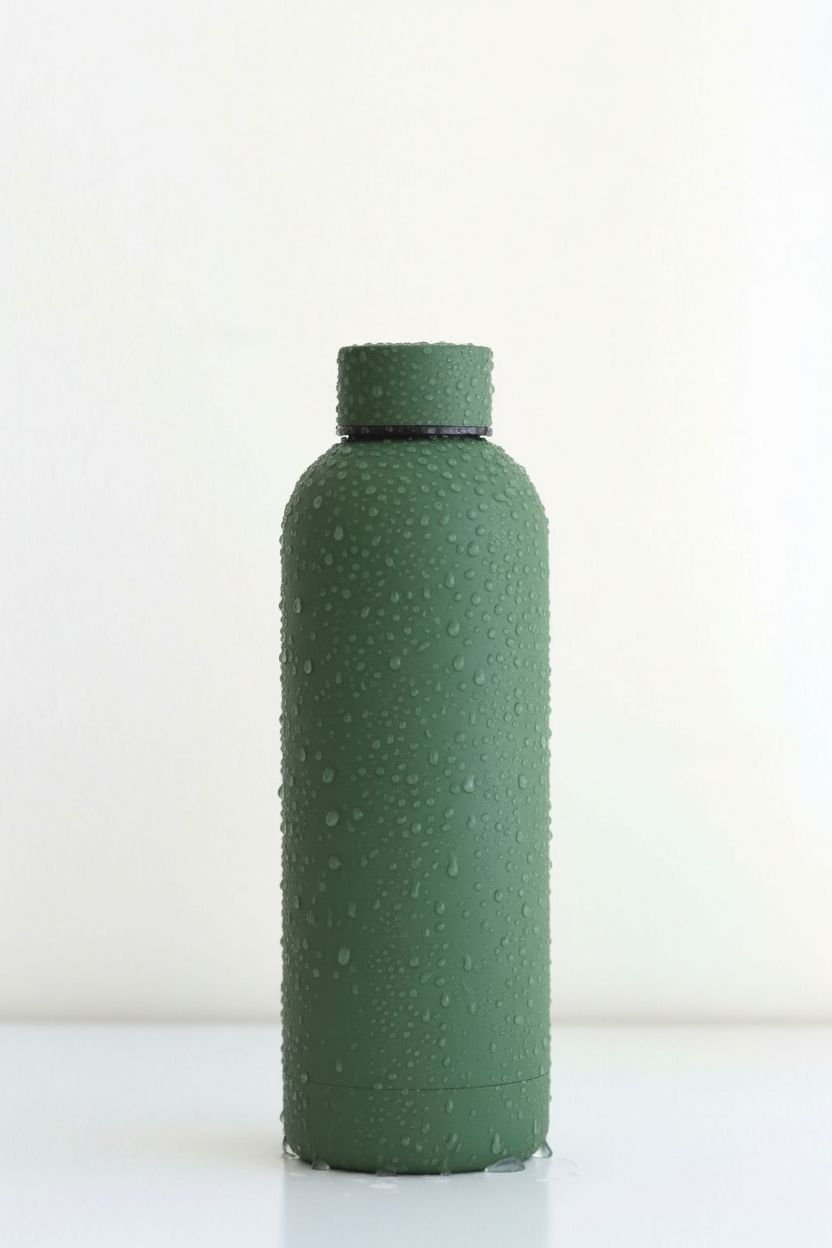
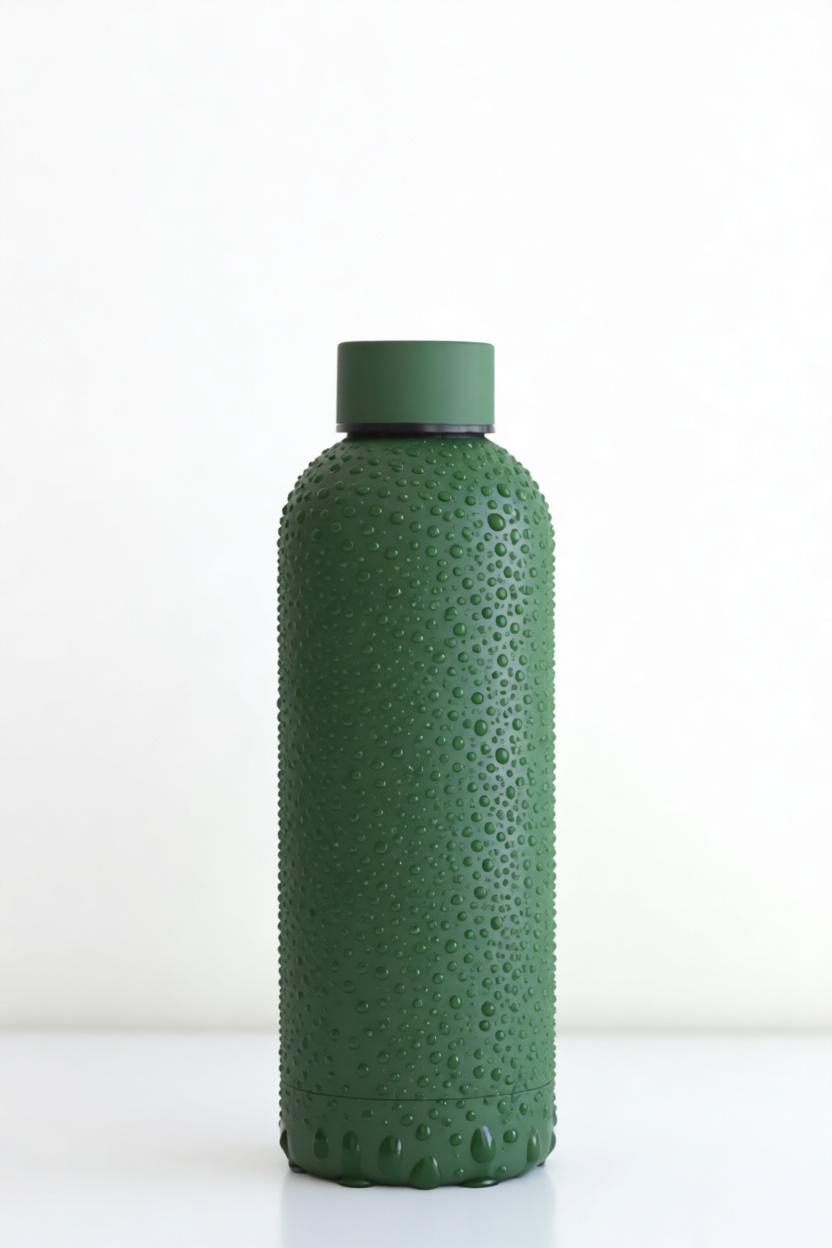
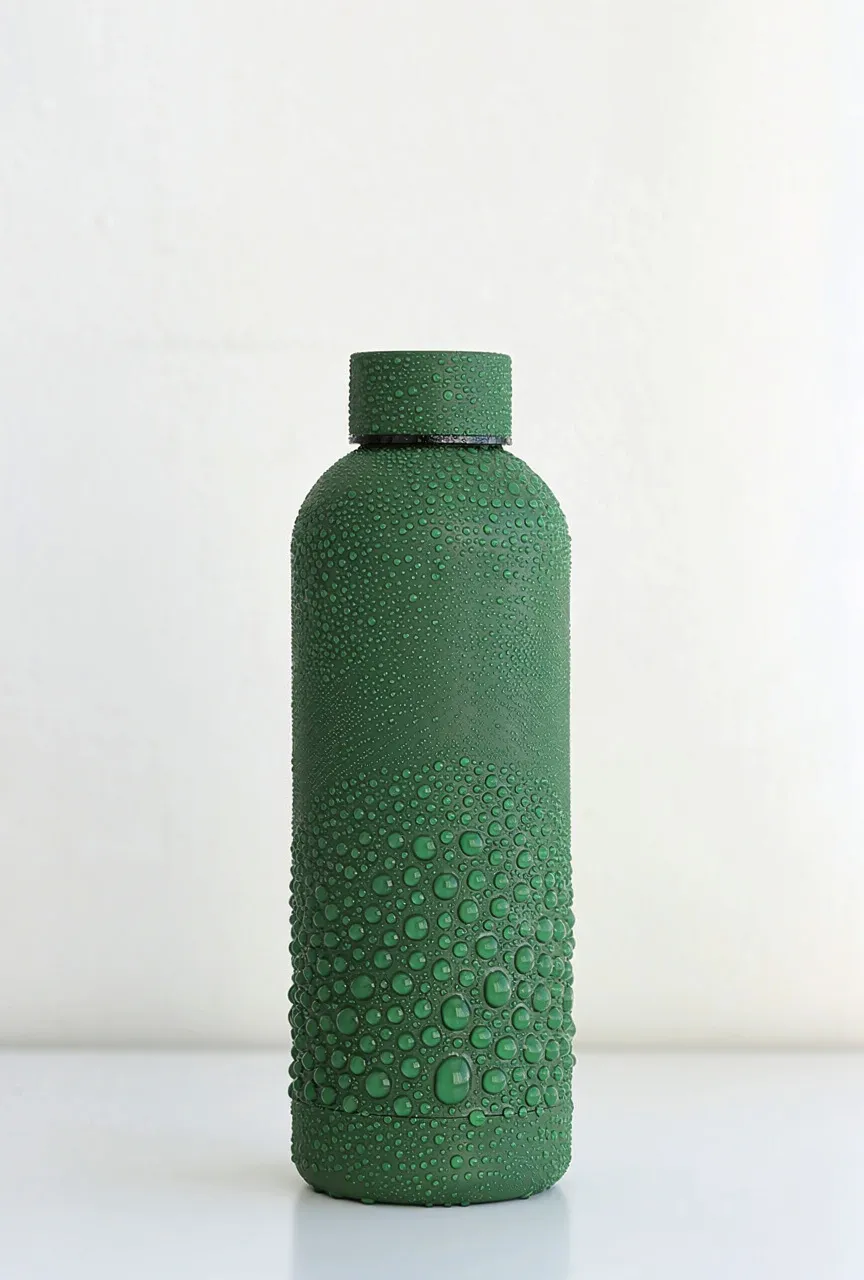
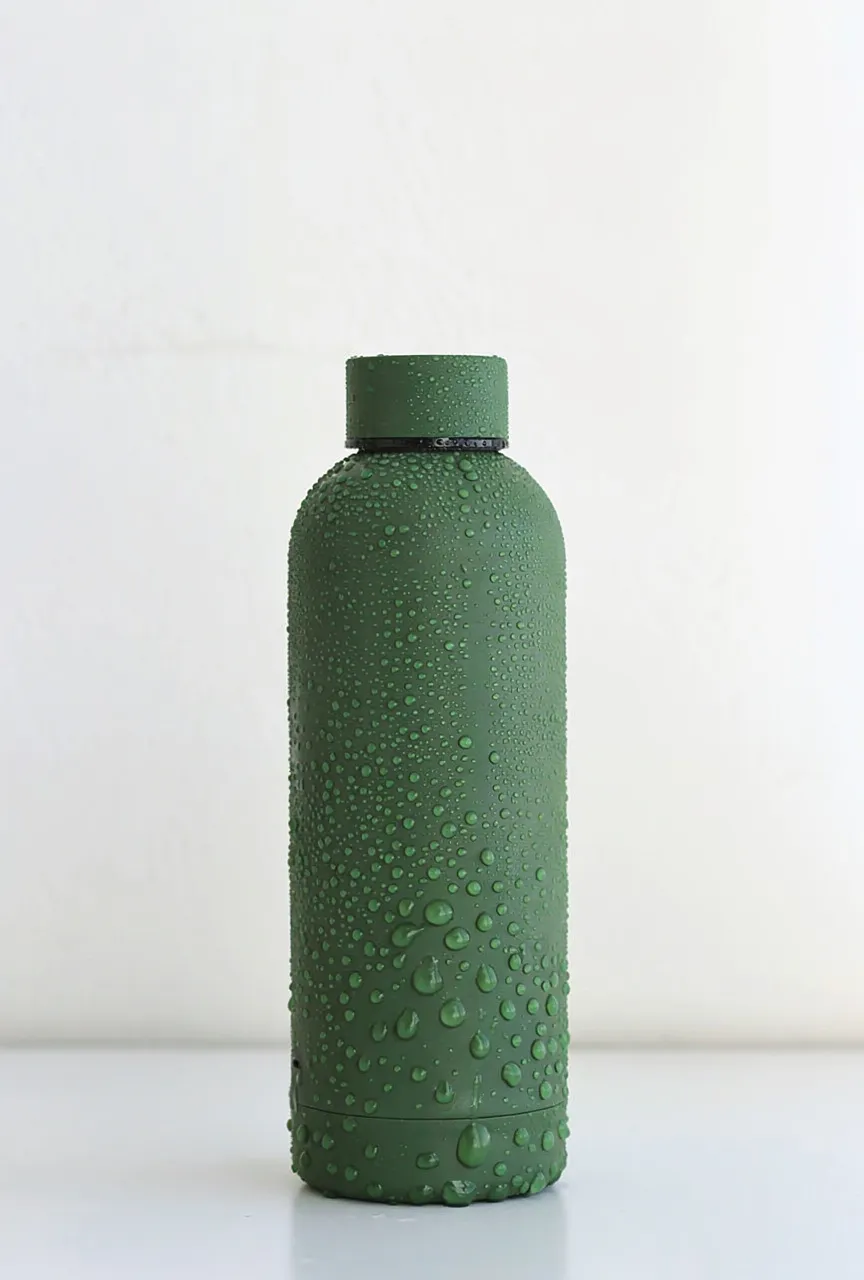
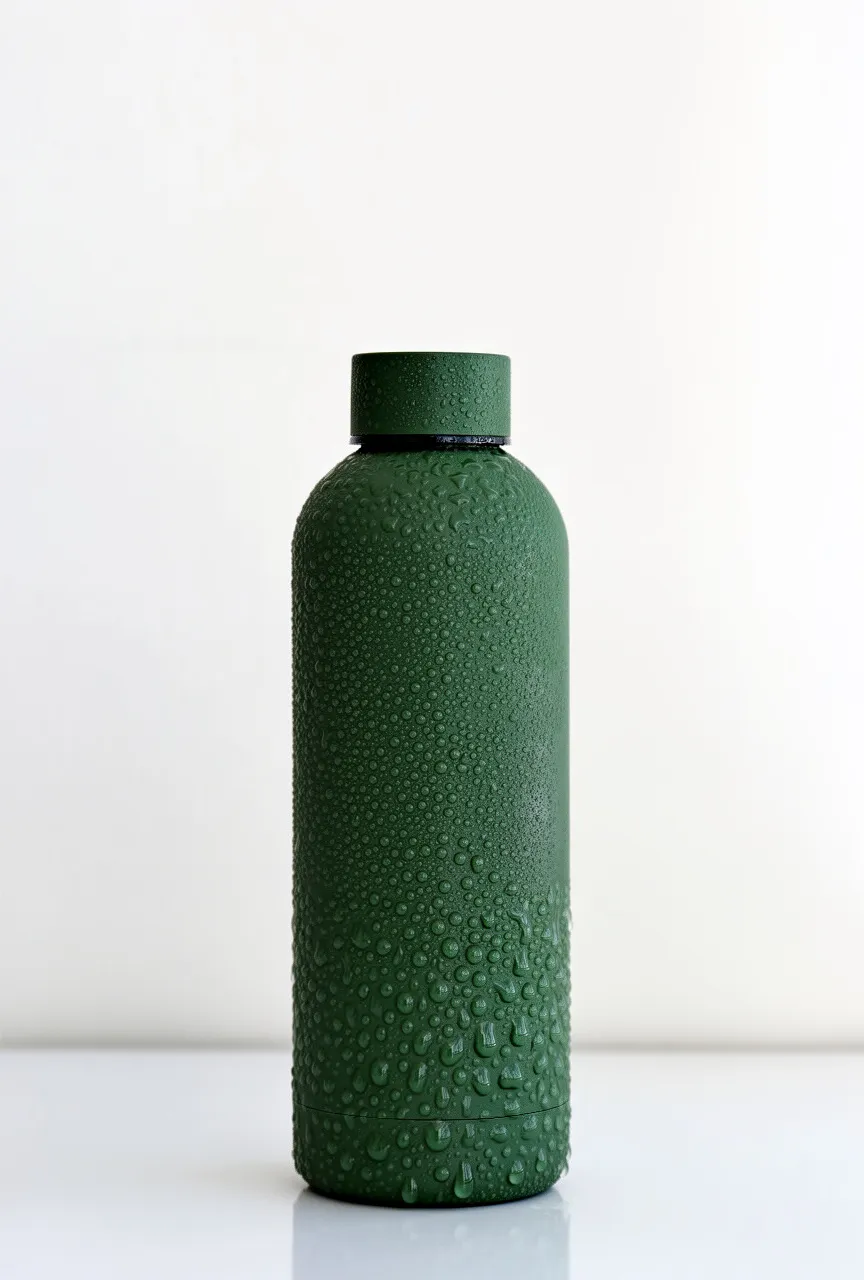
"Make the bottle look cold: add realistic condensation beads and a few small water droplets on the body..."
What we looked for: droplet physics, condensation realism, subtle compositing
Source Image
Each model received this reference
 Key Findings
Most models overdid it. Giant cartoon droplets. Nano Banana Pro and GPT Image 1.5 showed restraint. GPT Image 1.5 added the subtle sweating effect that makes condensation look real.
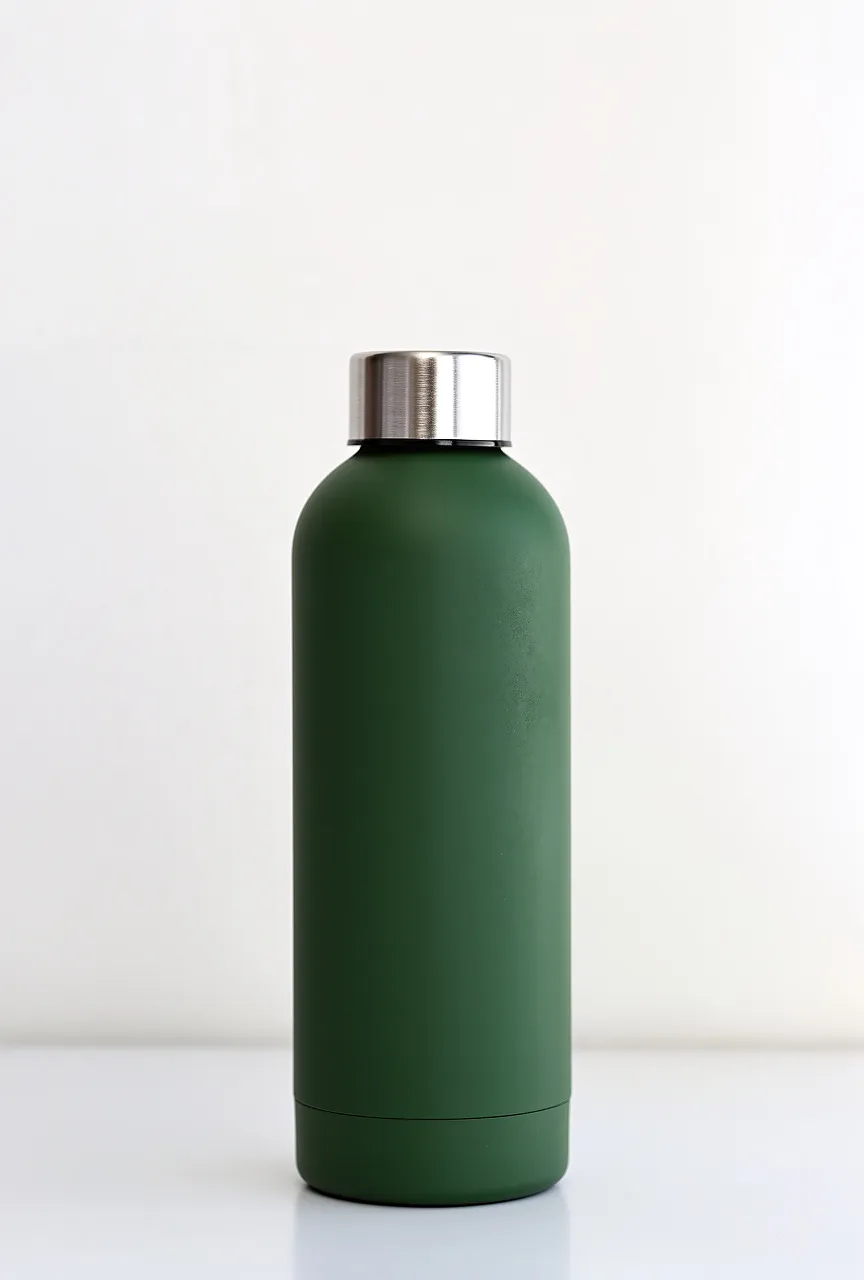
Metallic Cap Swap (Reflective Material Fidelity)
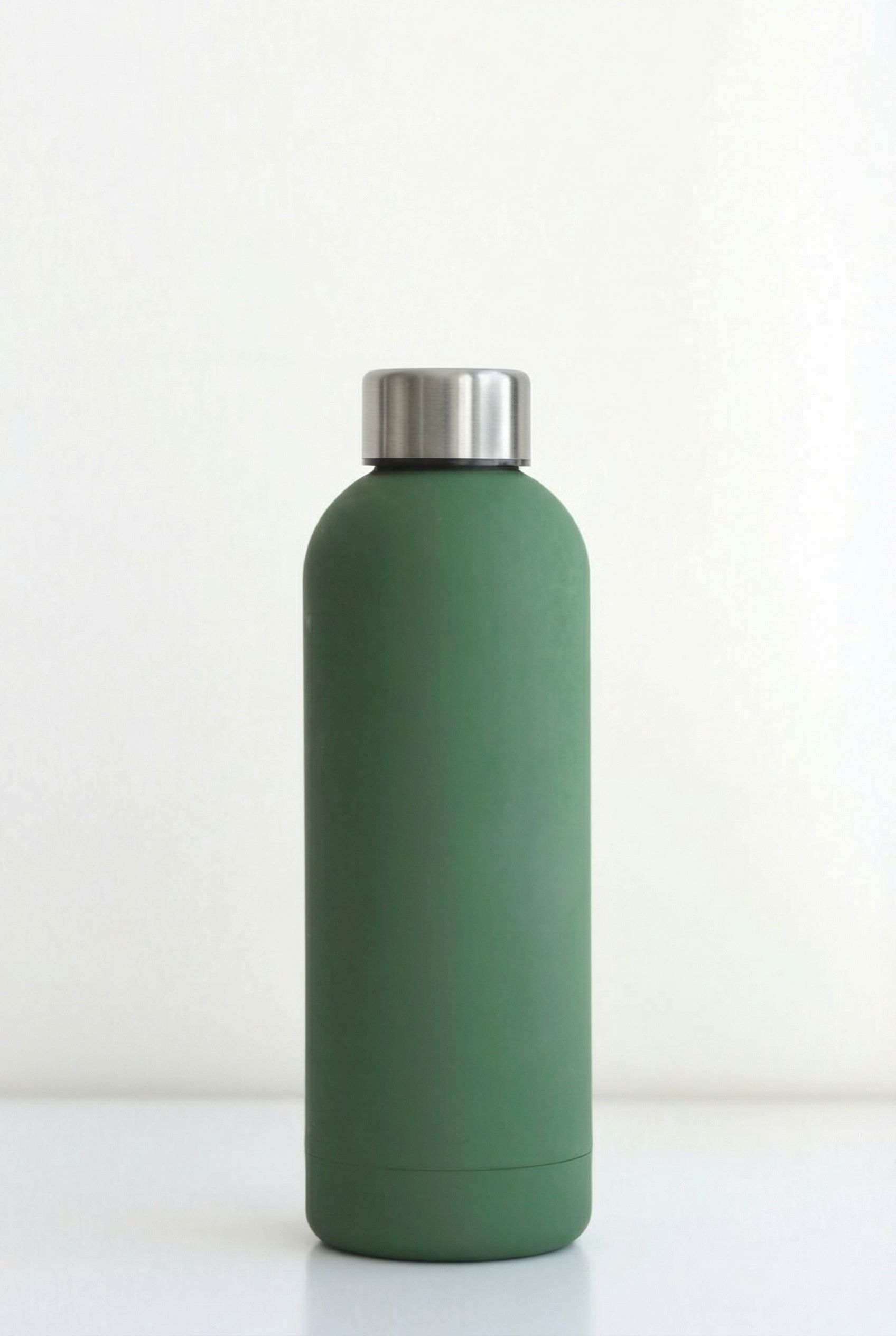
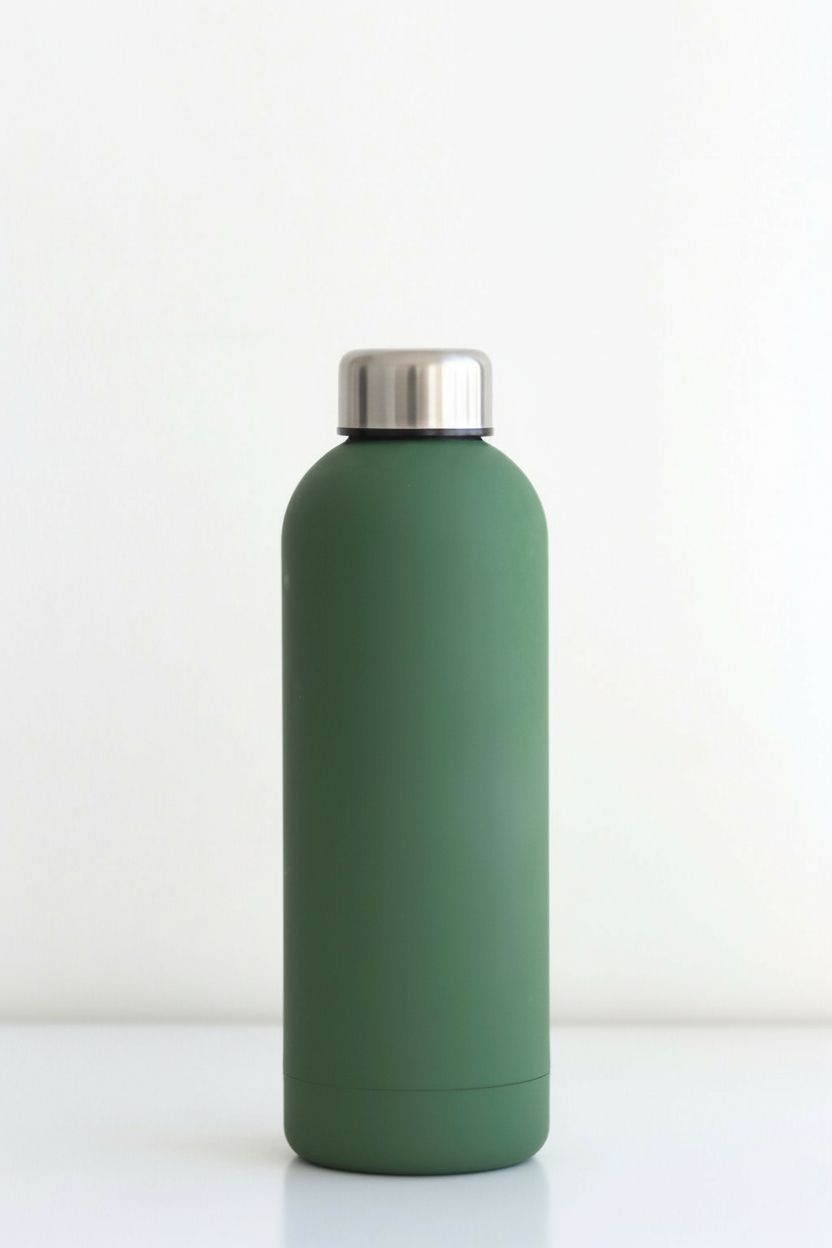
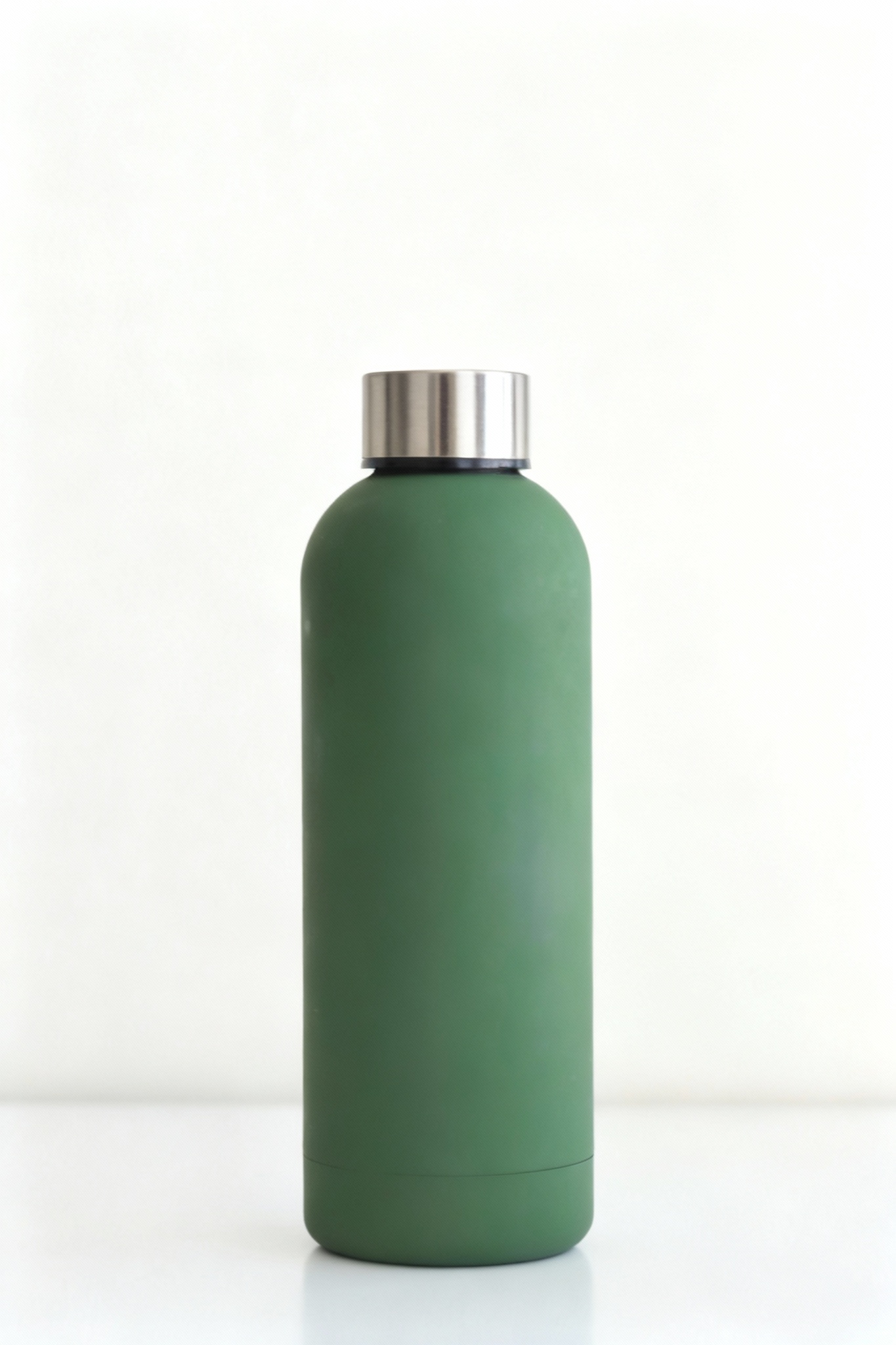
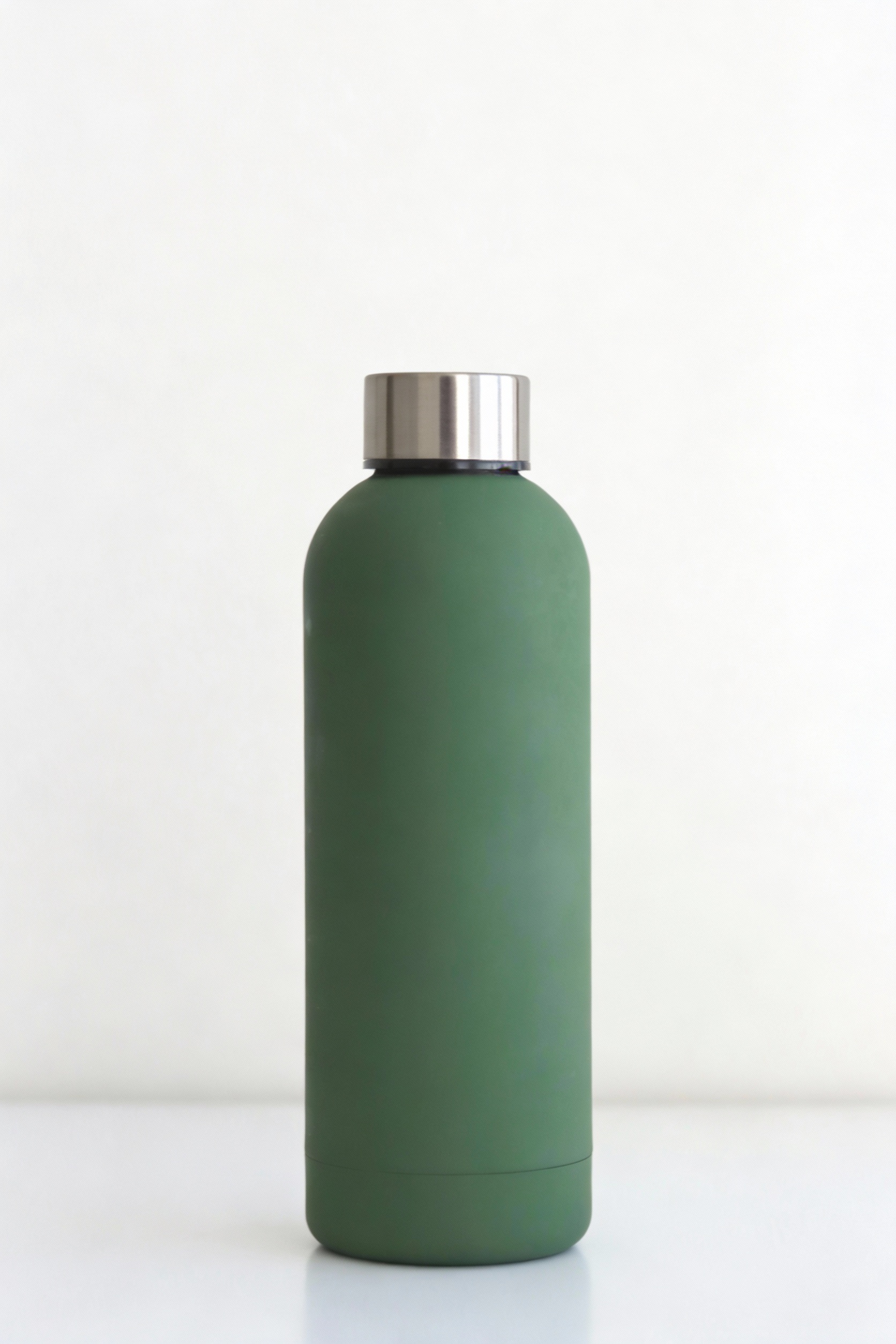
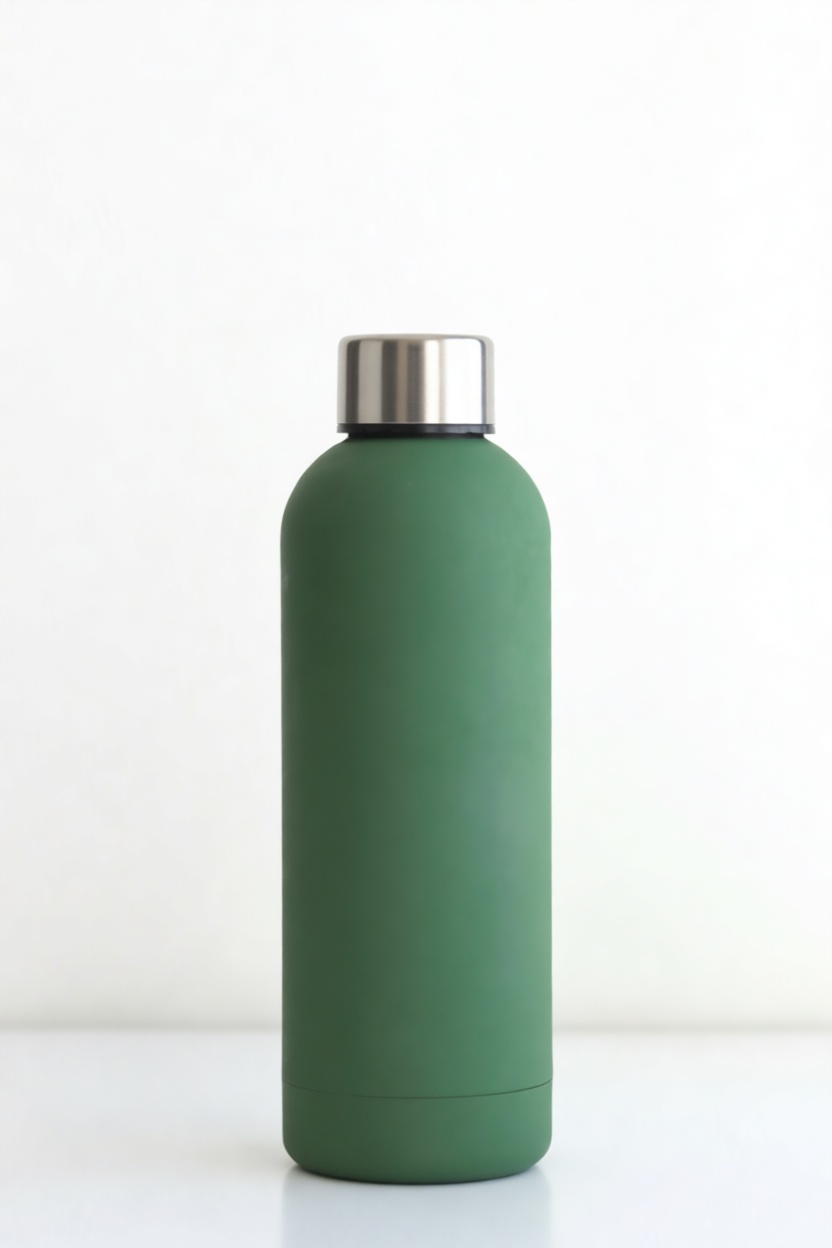
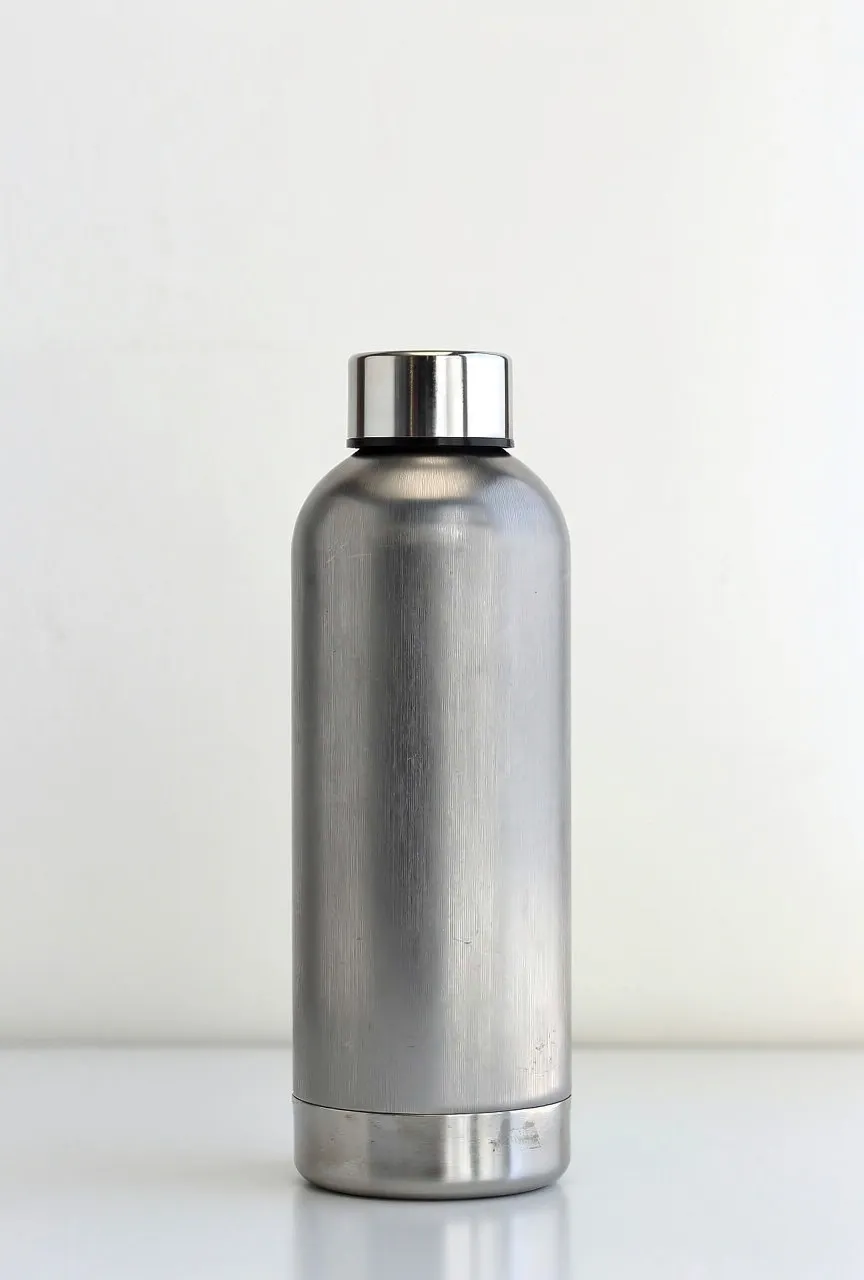
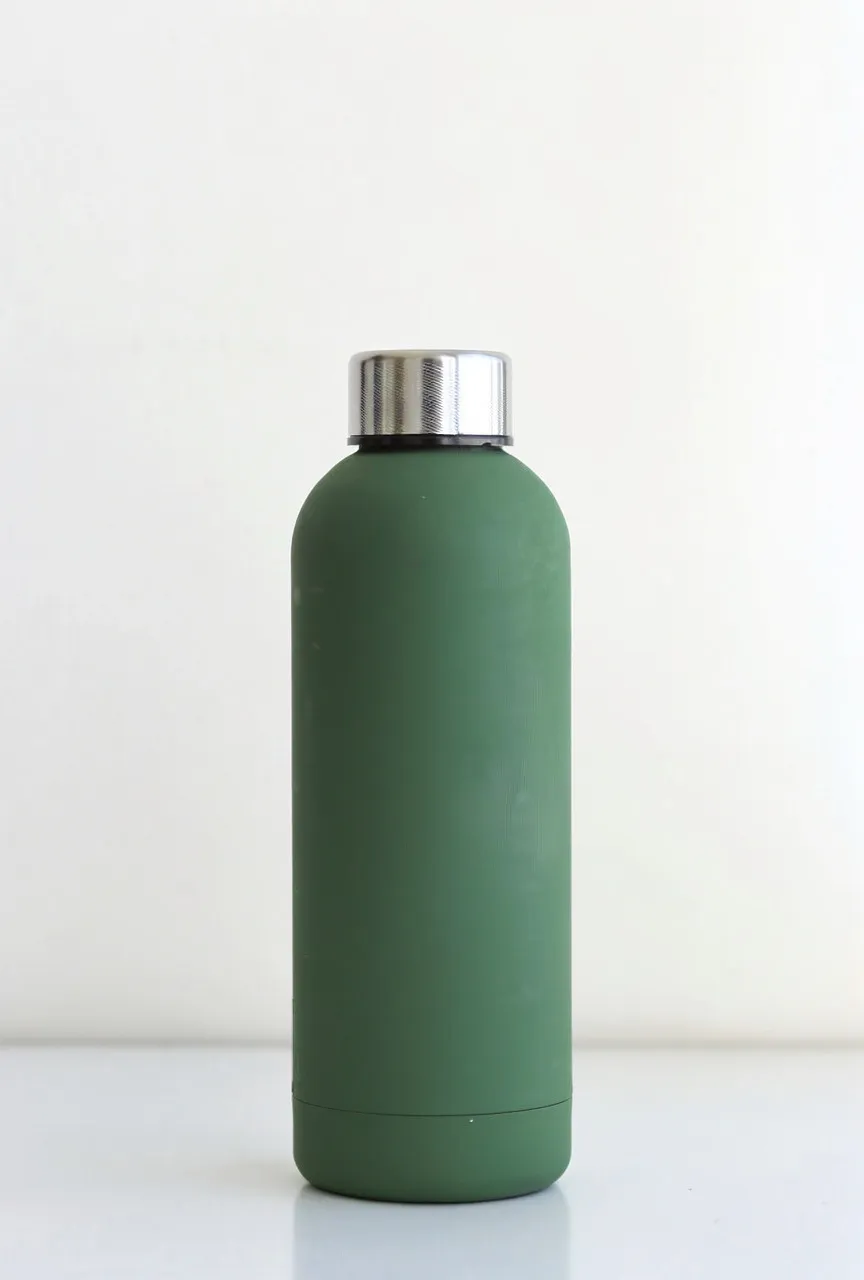
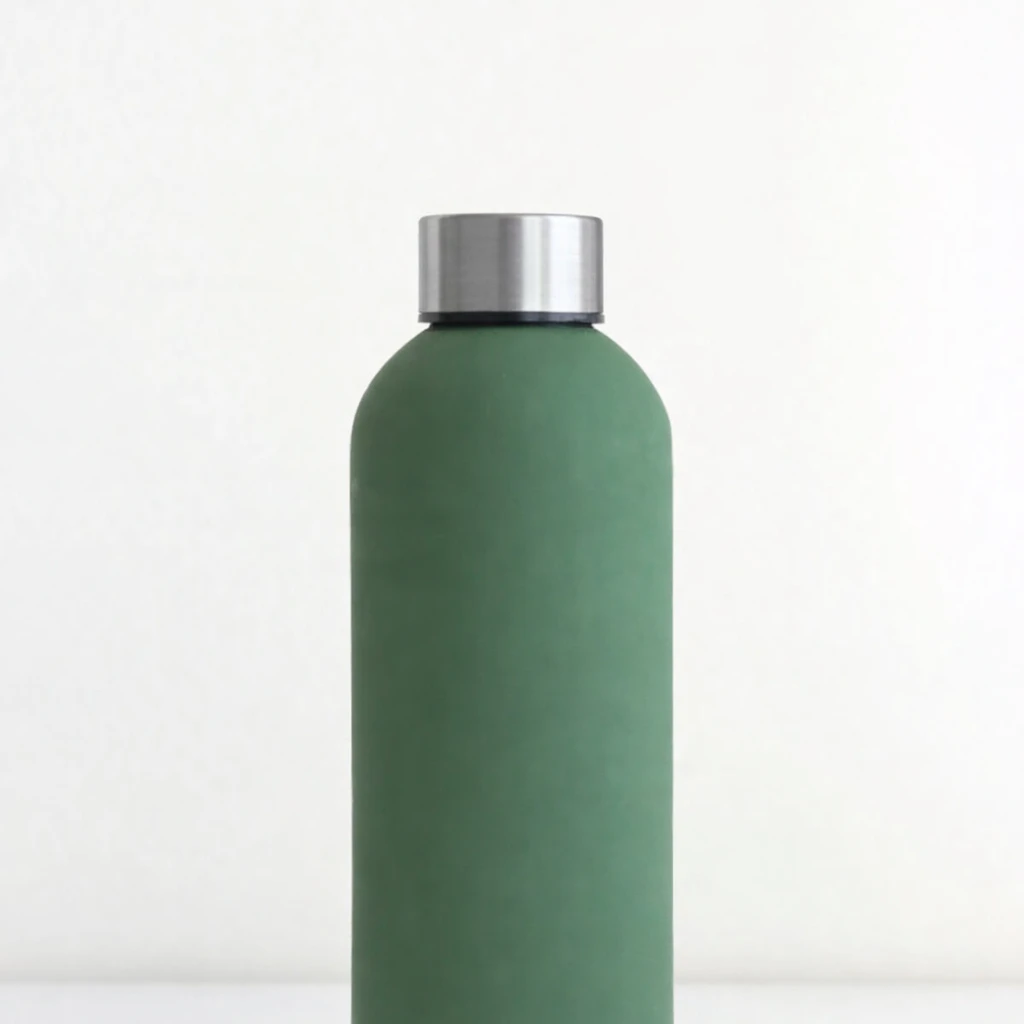
"Replace the green cap with brushed stainless steel. Keep the cap's shape exactly the same..."
What we looked for: material swap, reflective surface accuracy, shape preservation
Source Image
Each model received this reference
 Key Findings
Strong performance across the board, with the exception of Flux 2 Pro replacing the material for the entire bottle. Seedream 4/4.5, Nano Banana, and P-Image Edit all rendered brushed metal accurately. Nano Banana had the most realistic reflections.
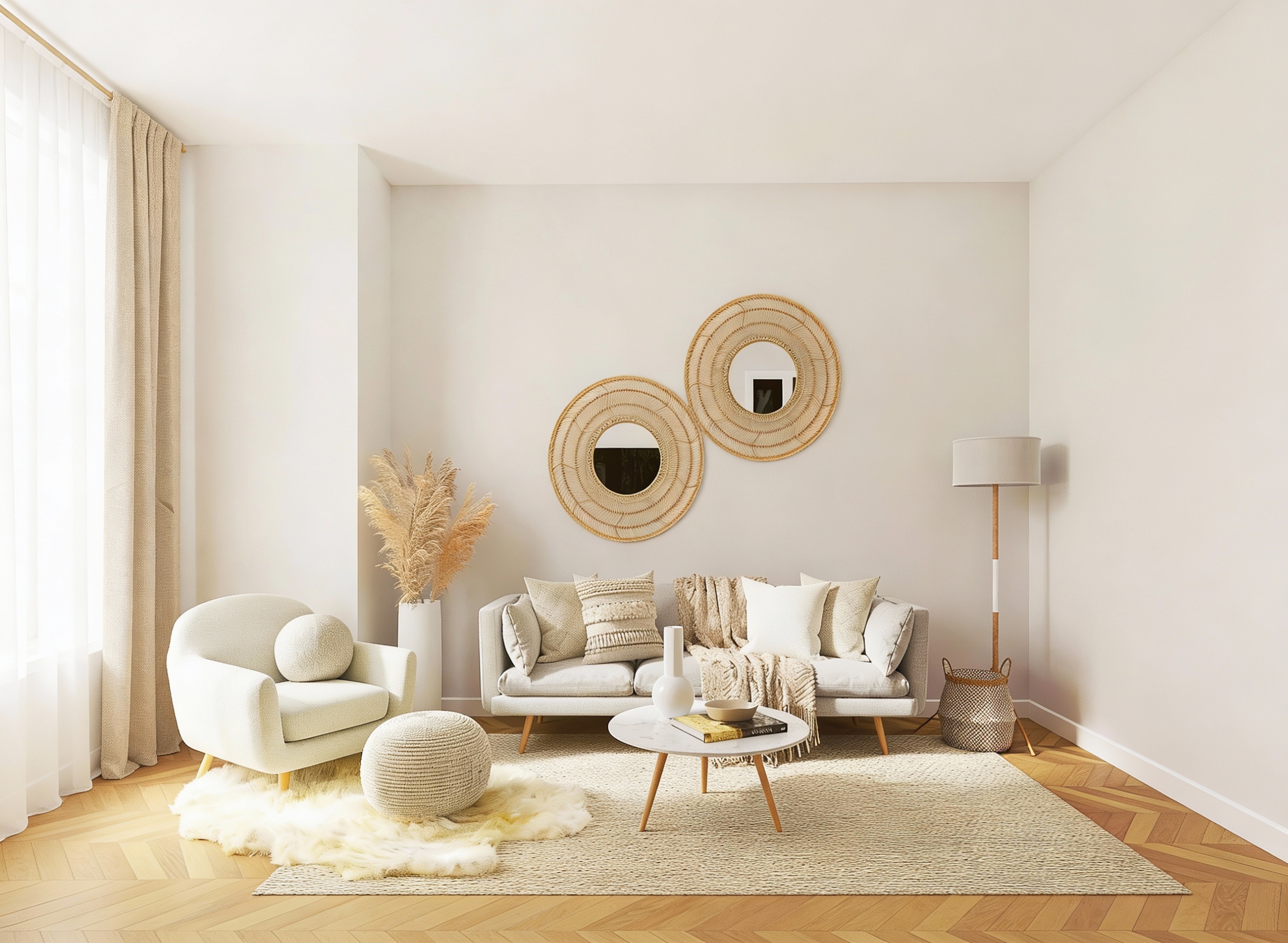
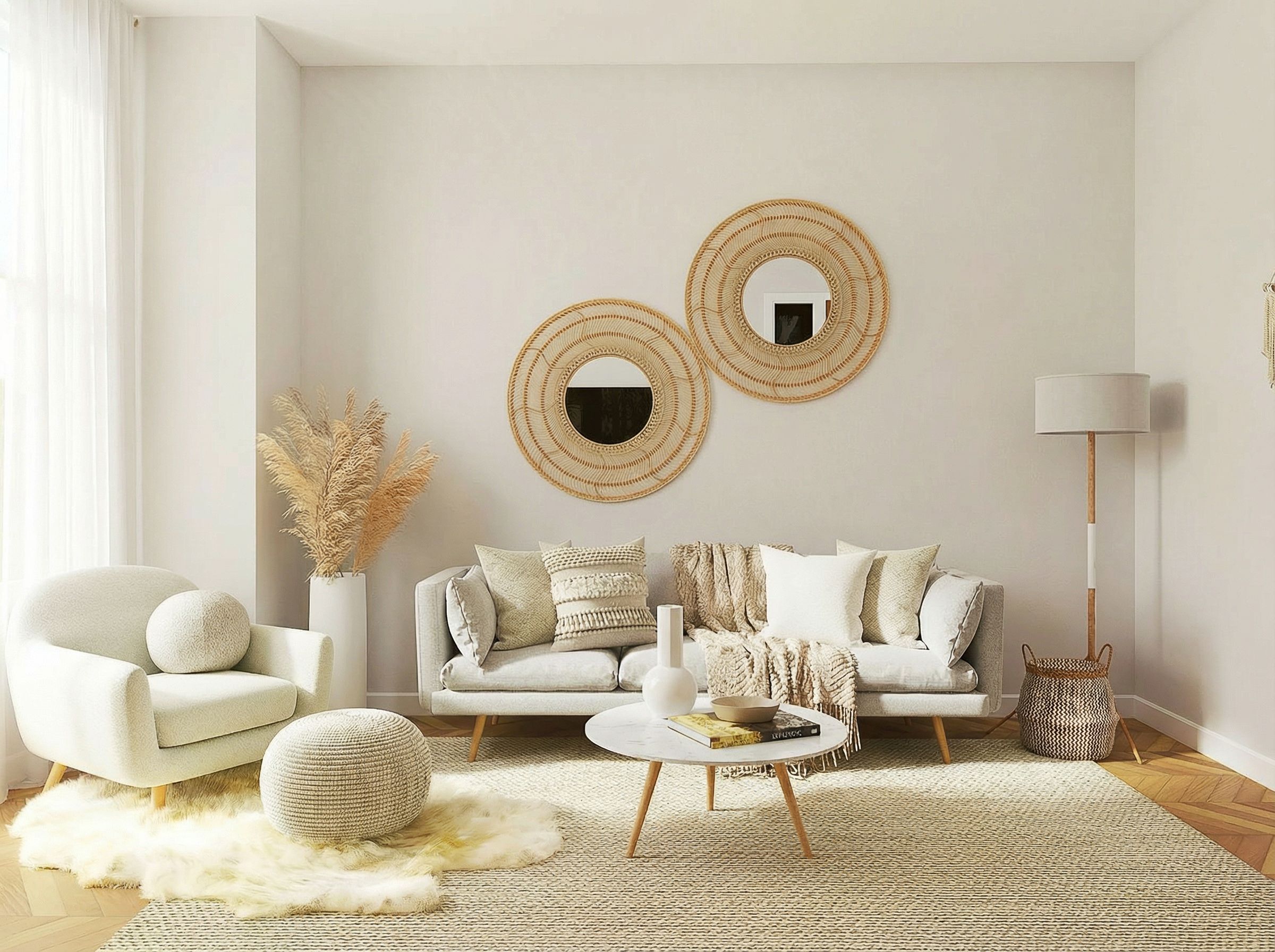
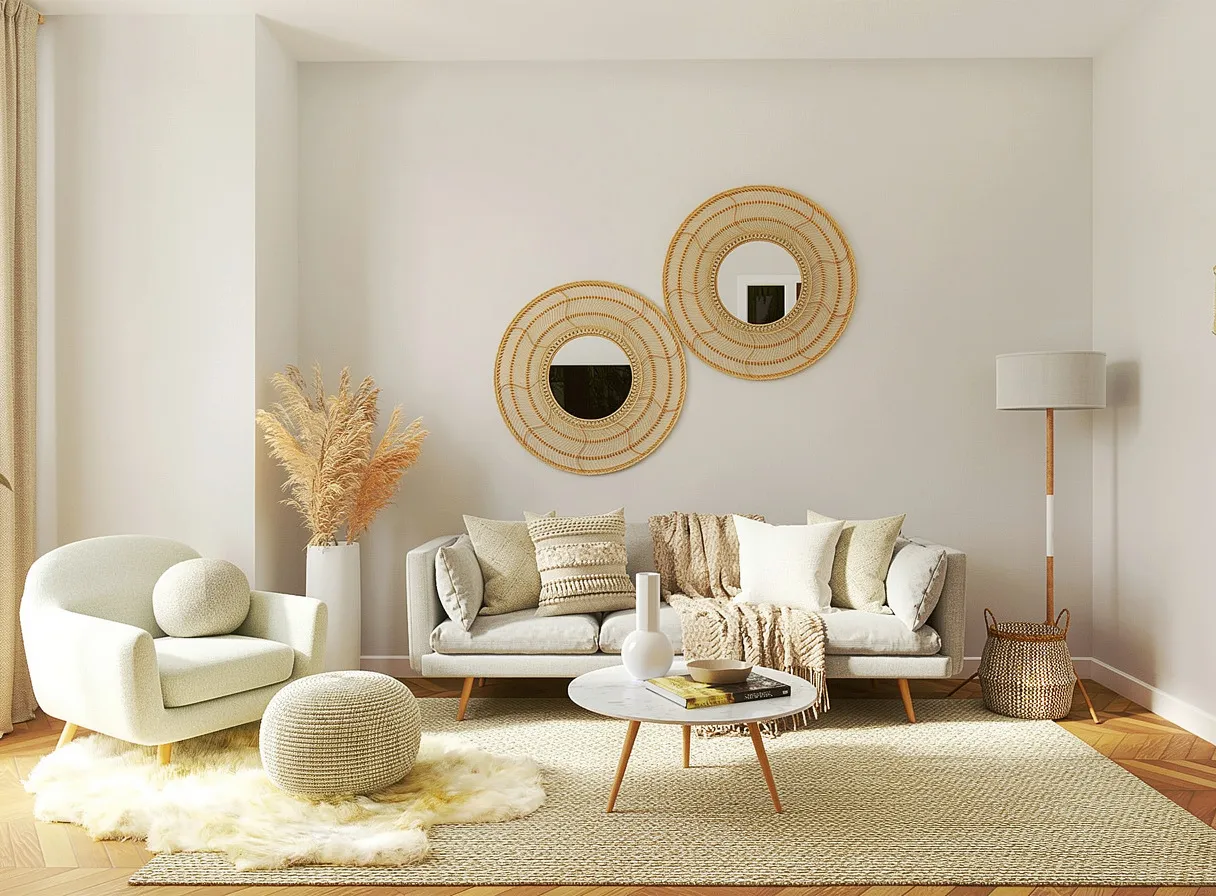
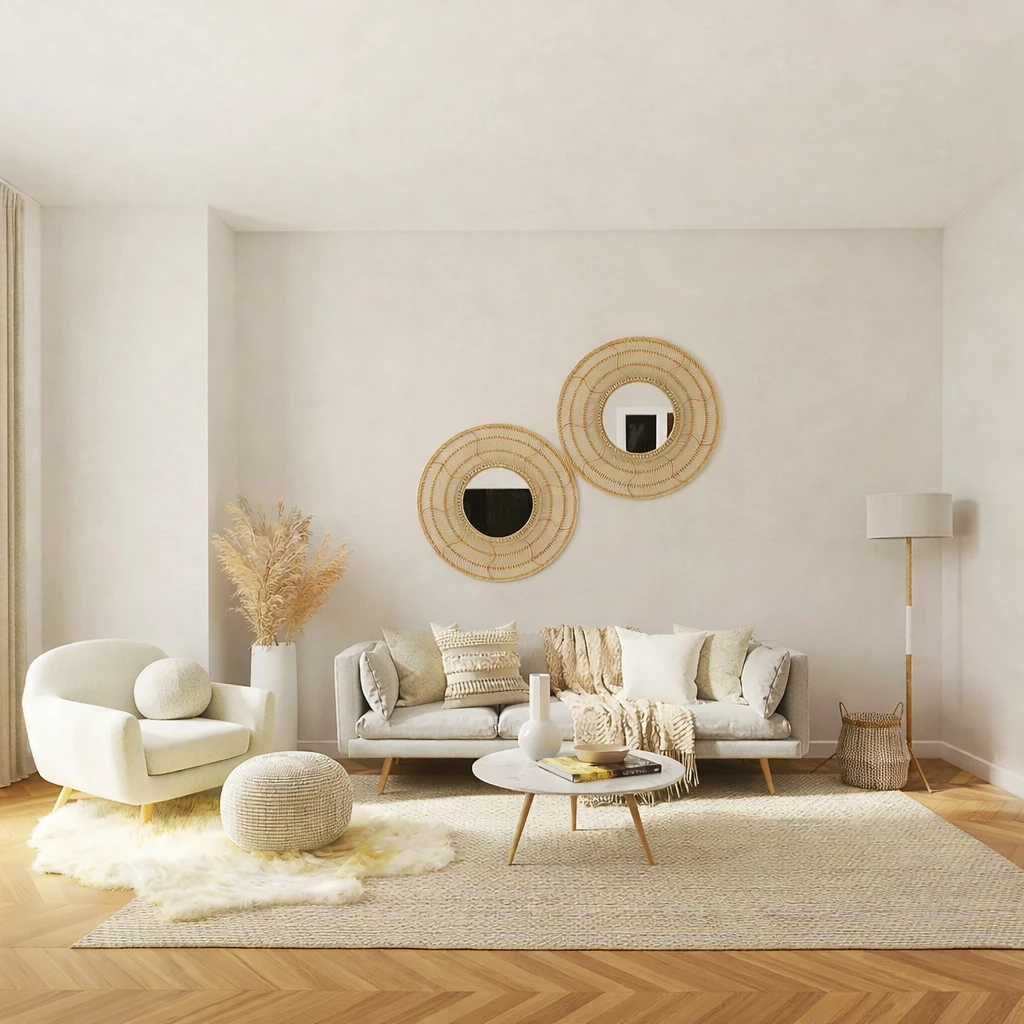
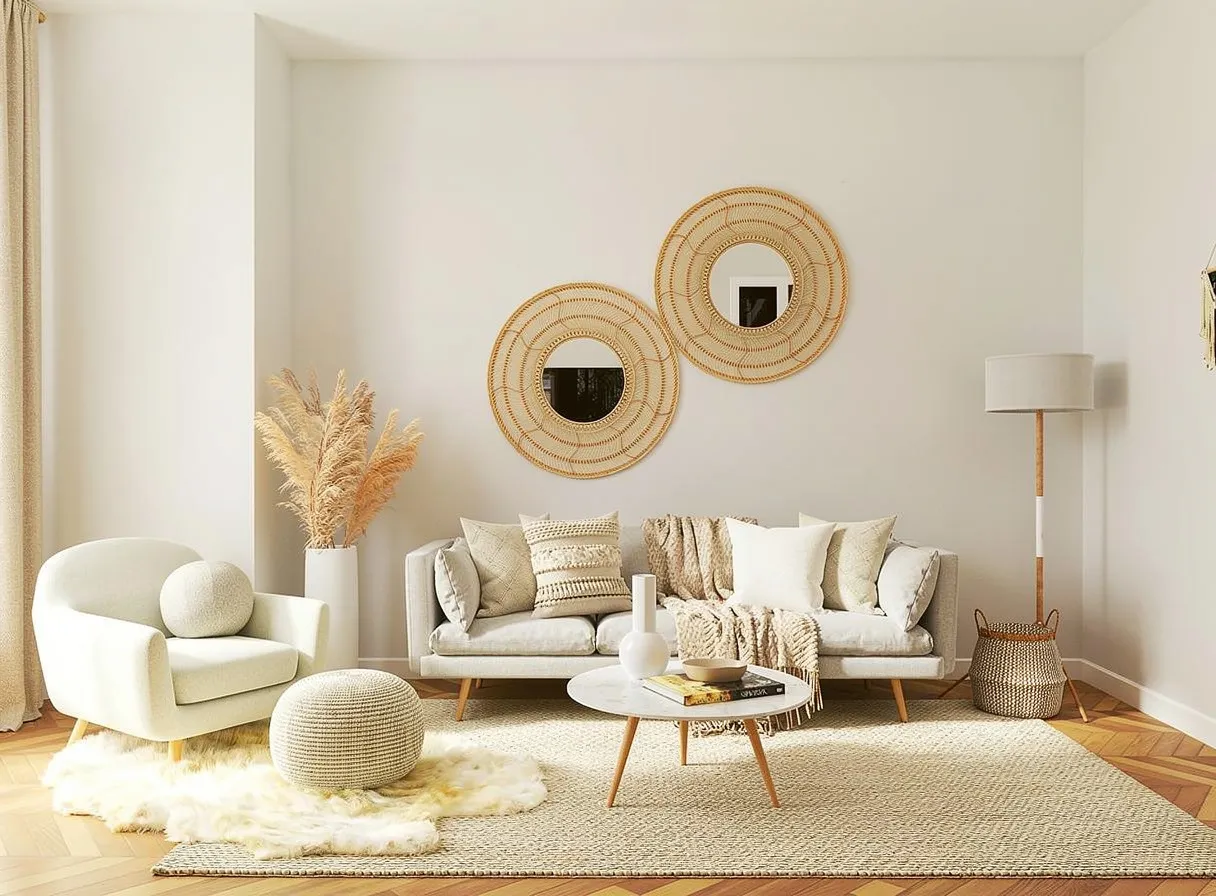
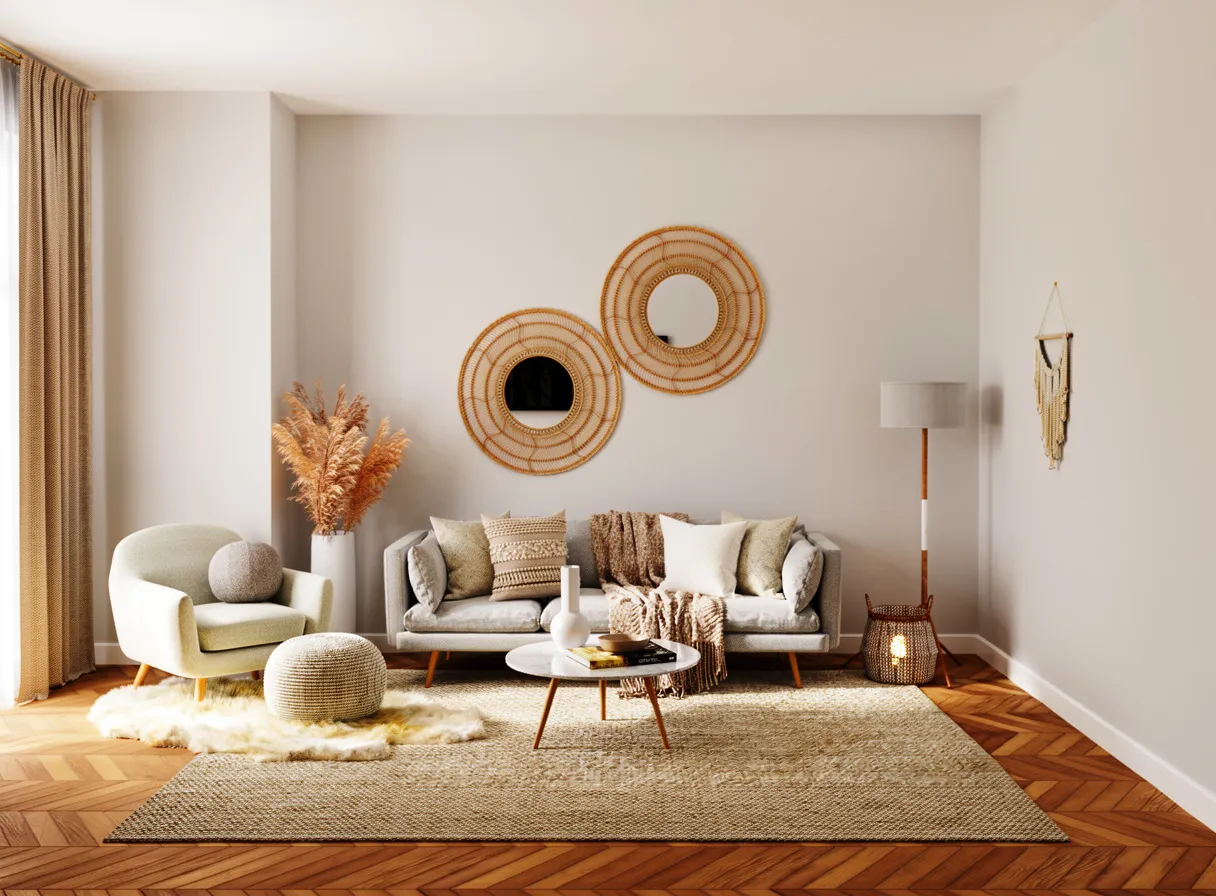
Outpaint / Extend Canvas (Continuation + Perspective)
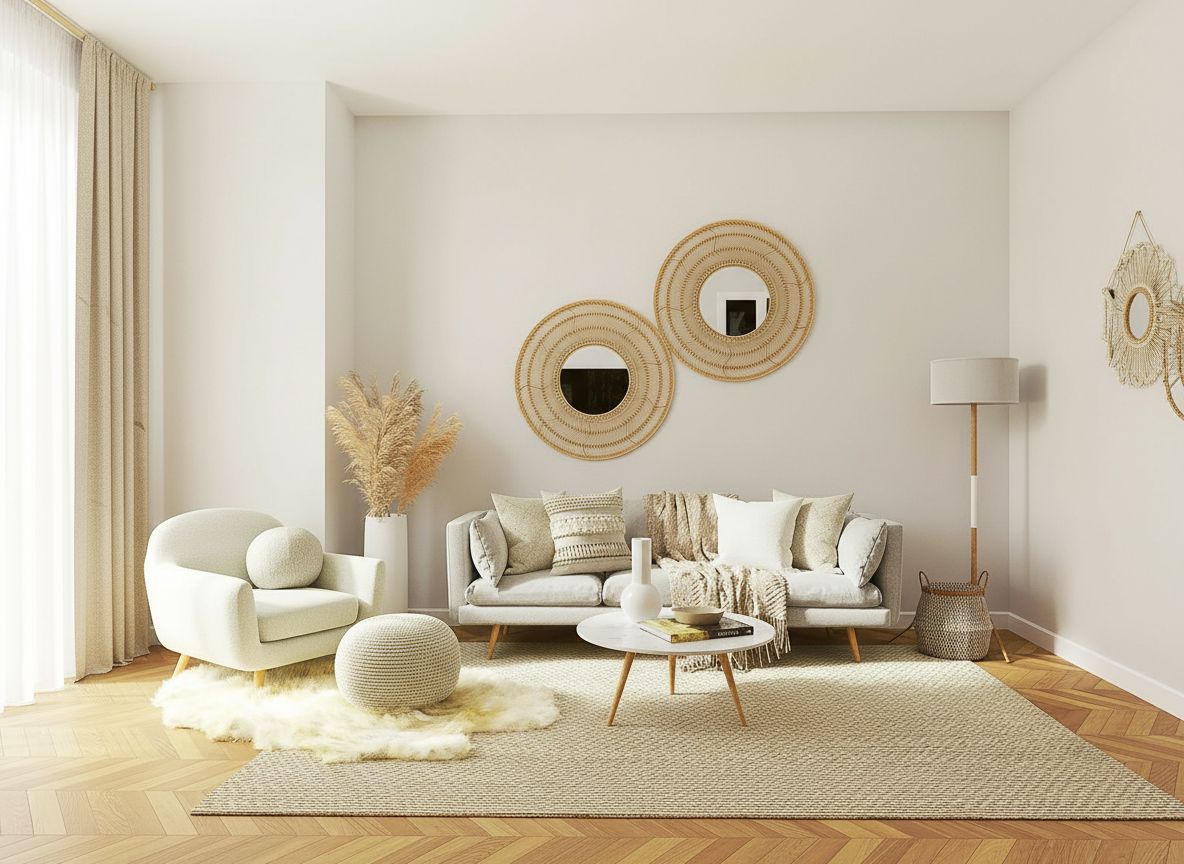
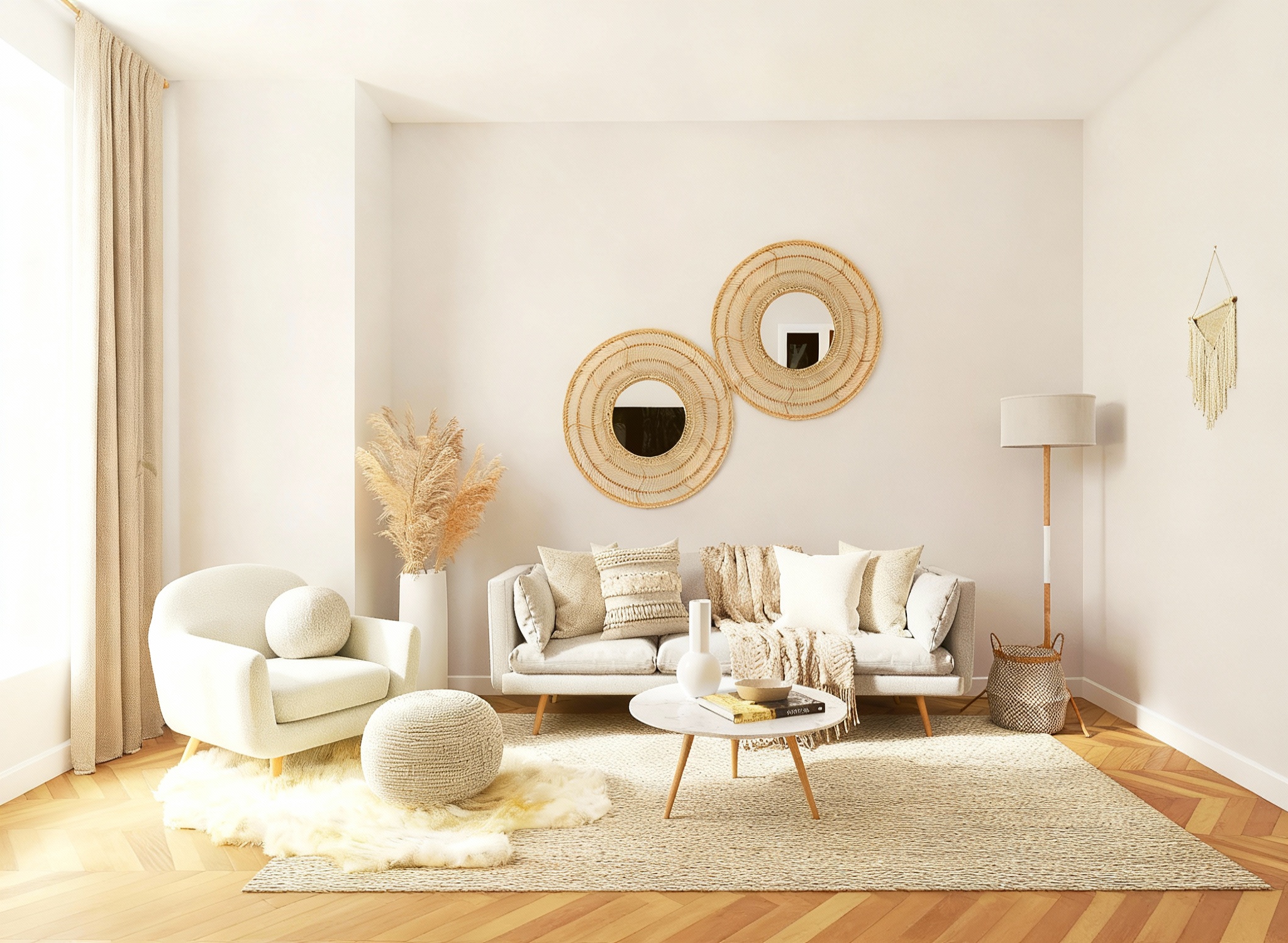
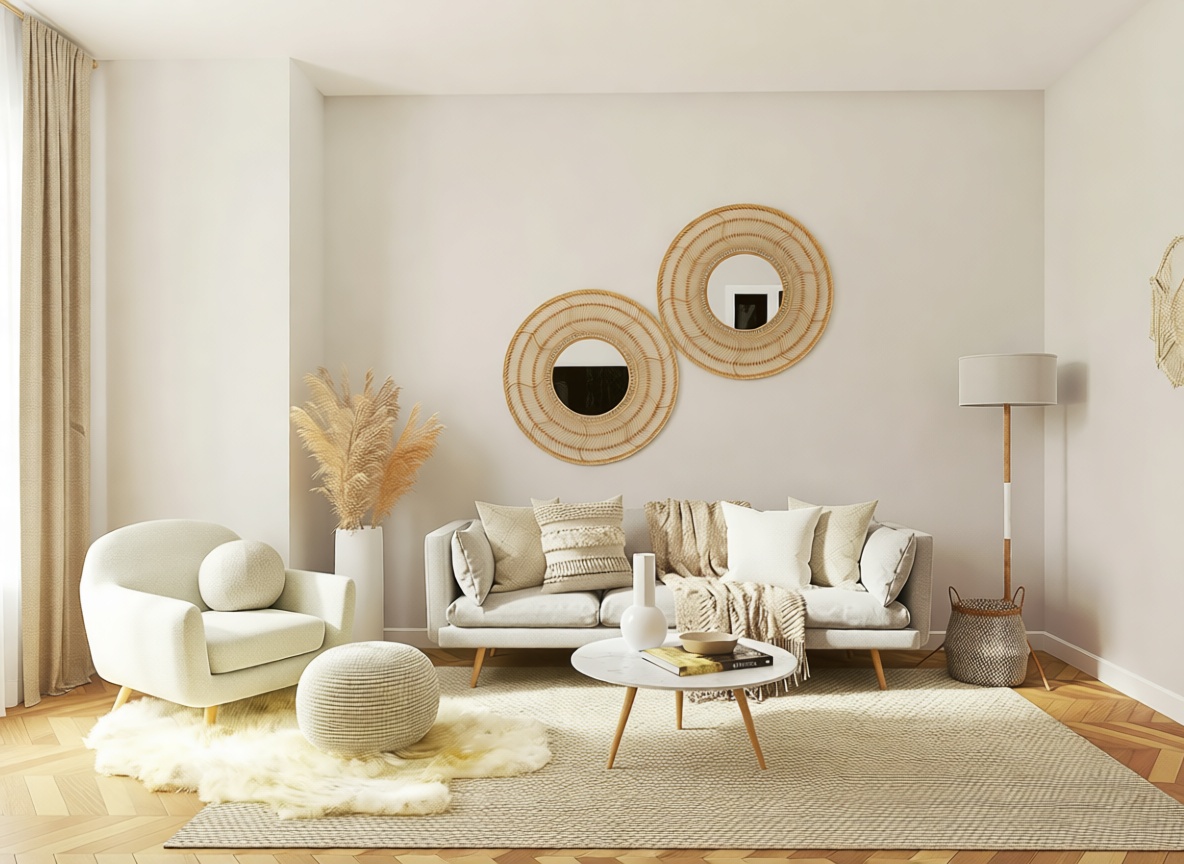
"Extend the image outward on all sides, continuing the same room naturally: wall color, baseboards, flooring..."
What we looked for: outpainting, perspective continuity, style consistency
Source Image
Each model received this reference
 Key Findings
Nano Banana extended the room seamlessly. No warped baseboards. No floating furniture. The ceiling transition is invisible. P-Image Edit and Seedream 4 also performed well.
Analysis
The Scorecard
After all those tests, here's how each AI image generator stacks up. Dots indicate relative performance (●●● = Excellent, ●● = Good, ● = Adequate). Remember: the best AI image generator depends on your specific needs and workflow.
| Model | Speed | Value | Quality | Text | Faces | Products | Editing |
|---|---|---|---|---|---|---|---|
| P-Image Edit | 3.0s | ●●● | ● | ● | ● | ● | ●●● |
| Z-Image Turbo | 4.9s | ●●● | - | ● | ● | ● | ● |
| Nano Banana | 9.3s | ●● | ● | ●● | ●●● | ● | ●● |
| Seedream 4 | 13.4s | ●● | ● | ● | ●● | ●● | ● |
| Flux 2 Pro | 14.9s | ● | ●● | ● | - | ●●● | - |
| Seedream 4.5 | 21.4s | ●● | ●● | ● | ● | ●● | ●● |
| Flux 2 Flex | 25.9s | ●● | ● | ●● | - | ● | - |
| GPT Image 1.5 | 28.3s | ● | ●● | ●●● | ●● | ● | ● |
| Flux 2 Max | 38.8s | - | ●●● | ● | - | ● | - |
| Nano Banana Pro | 64.9s | ● | ●●● | ●● | ●●● | ●●● | ●●● |

The Awards
After running 200+ generations and comparing AI-generated images side-by-side, patterns emerged. Here's which AI image generator earned each crown, and why. Unlike Midjourney, Adobe Firefly, or Ideogram reviews that focus on single platforms, we compared models head-to-head.
 Best overallNano Banana Pro
If we could only pick one AI model, it's this. Exceptional at both generation and editing, with photorealism that rivals dedicated photo software. Slower (often 30-60s), higher pricing (5 credits). But when the output needs to be right, Nano Banana Pro delivers.
Final Verdict
Practical Recommendations
After 200+ generations, here's what we'd tell a friend looking for the best AI image generator (whether for personal projects, AI art, or commercial use). ChatGPT users often ask which AI image generator to use beyond DALL-E. Midjourney fans want alternatives with API access. Stable Diffusion enthusiasts seek easier interfaces. Here's our take:
For context on pricing: Midjourney's pro plan runs $30/month and requires Discord. Adobe Firefly bundles with Creative Cloud but has strict commercial use terms. Leonardo.AI offers a free AI image generator tier with watermarks. Canva includes AI tools and templates but limited model choice. ChatGPT generates images via DALL-E with OpenAI's chatbot interface. Ideogram excels at text-to-image typography with competitive pricing. Gemini handles multimodal tasks within Google's ecosystem. Stable Diffusion remains popular on GitHub for open source fine-tune workflows. Check their tutorials and FAQs for specifics.
Vondy's pricing gives you access to multiple AI image generators and image models in one place. Pay with generative credits, pick the right AI model per job. Upscaling helps get high-quality images for social media or commercial use. AI technology keeps advancing, so we'll update this guide as new models emerge. If you're also interested in video generation, check out our guide to the best AI video generators.

Try these Models for yourself!
All 10 models are available on Vondy. Try them with your own prompts, compare results, and find the perfect fit for your workflow.
Start creating
Continue Learning