AI Furniture Design: Create Custom Pieces & Room Layouts
Use AI to design custom furniture, render photorealistic product visualizations, and plan complete room layouts. Generate stunning design ideas from simple text prompts.
 by Rohit DasJan 15, 202614 min read
AI Furniture Design: From Concept to Visualization
AI-powered image generation has transformed furniture design, allowing designers, homeowners, and businesses to create photorealistic renders of custom pieces without traditional CAD software or SketchUp expertise. Whether you're visualizing a single accent chair or planning an entire living room layout, AI tools streamline the design process from concept to final render.
This guide covers practical AI furniture design workflows for multiple use cases. You'll learn how to use AI to generate individual furniture pieces, create room design visualizations with specific furniture styles, and develop mood boards for design inspiration. For comprehensive room design projects, see our AI interior design guide or explore AI room design for specific room type transformations.
AI technology doesn't replace skilled furniture designers or interior decorating expertise. It functions as a powerful visualization tool that accelerates the design process, helping you explore design concepts and iterate on ideas before committing to expensive prototypes or purchases. The outputs serve as design inspiration and communication tools for clients, manufacturers, or contractors.
The furniture design industry has traditionally relied on physical samples, expensive 3D modeling software, and time-consuming rendering processes. AI changes this by generating high-quality visualizations from simple text prompts in seconds. Whether you're exploring different wood finishes for a dining table, testing upholstery colors for a sofa, or visualizing how a piece fits in an actual room, AI tools make experimentation fast and affordable.
Furniture Designers
Rapidly prototype and render custom furniture concepts for clients.
Homeowners
Visualize furniture in your space before purchasing.
Real Estate Pros
Virtual staging with specific furniture styles.
Furniture Design Gallery
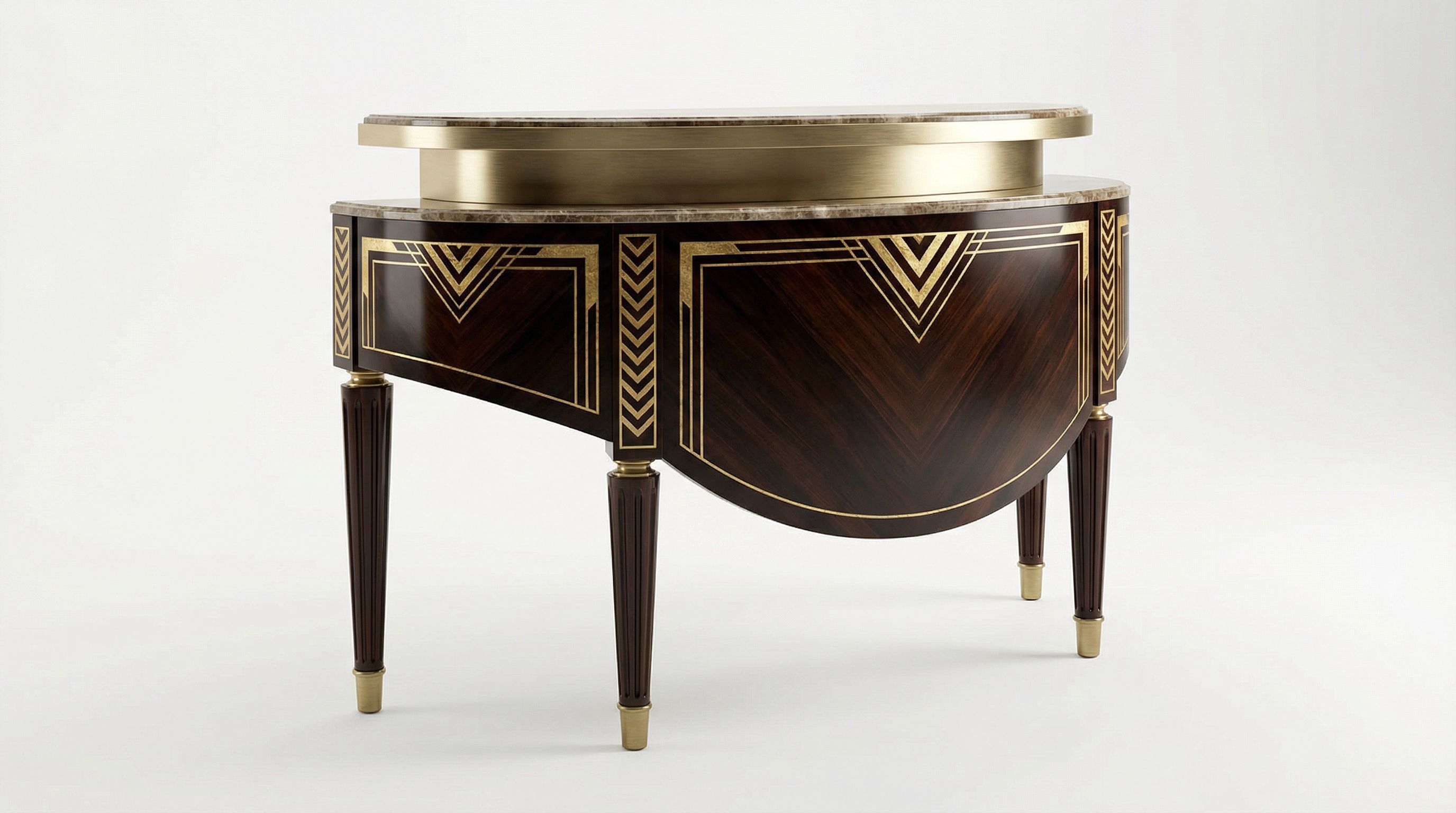
AI tools render diverse furniture designs from text prompts, producing photorealistic outputs suitable for product visualization, mood boards, and design presentations. Each piece below was generated using specific prompts describing materials, design styles, and aesthetic details. Tools like ChatGPT can help refine your prompts for more specific outputs.
The gallery showcases different furniture categories including seating (chairs, sofas), tables (dining, coffee, console), storage (bookshelves), and bedroom furniture. Each category benefits from specific prompting strategies. Seating requires attention to upholstery materials and comfort features. Tables need precise material descriptions for wood grain or marble veining. Storage pieces benefit from describing organizational design features and proportions.
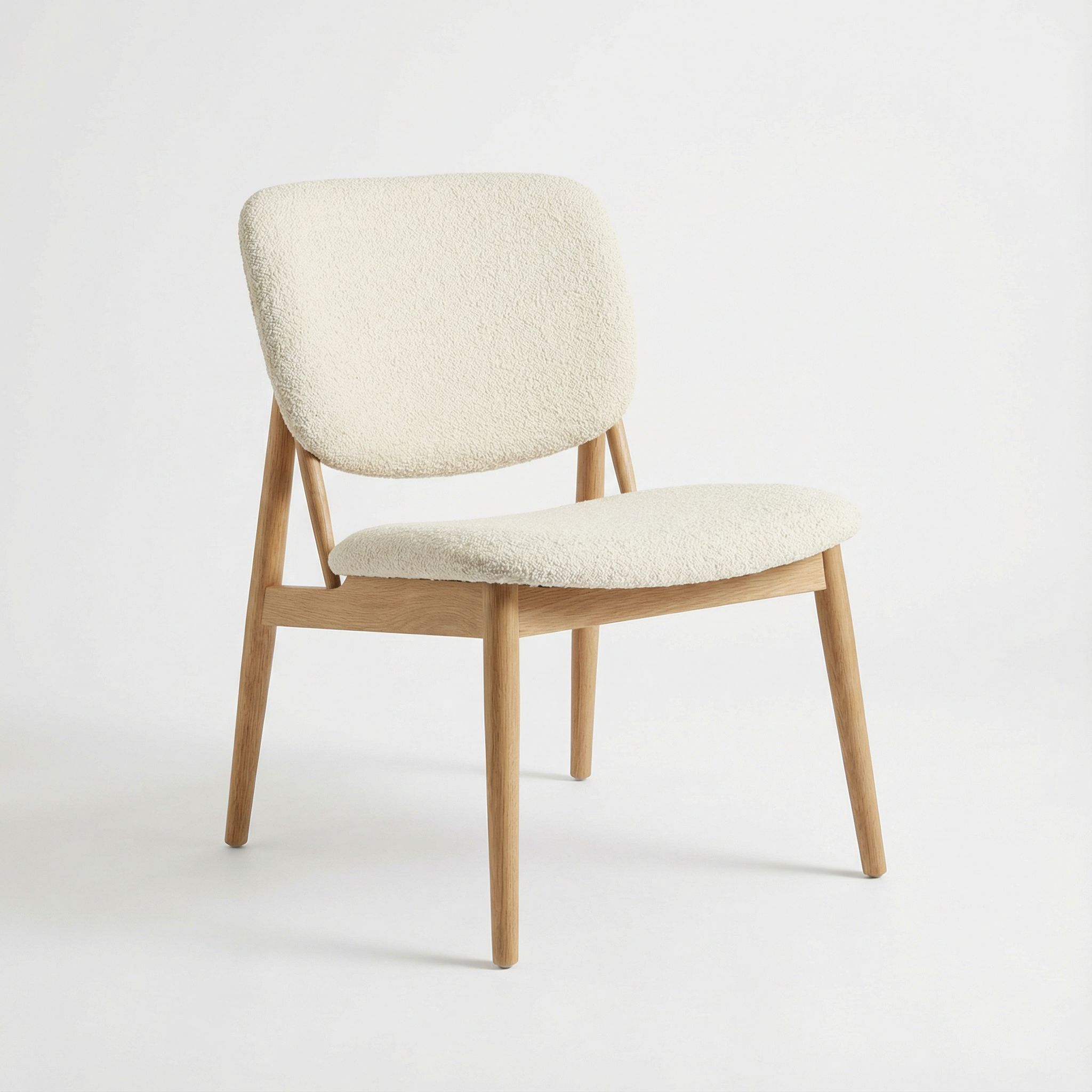
Modern Minimalist Chair
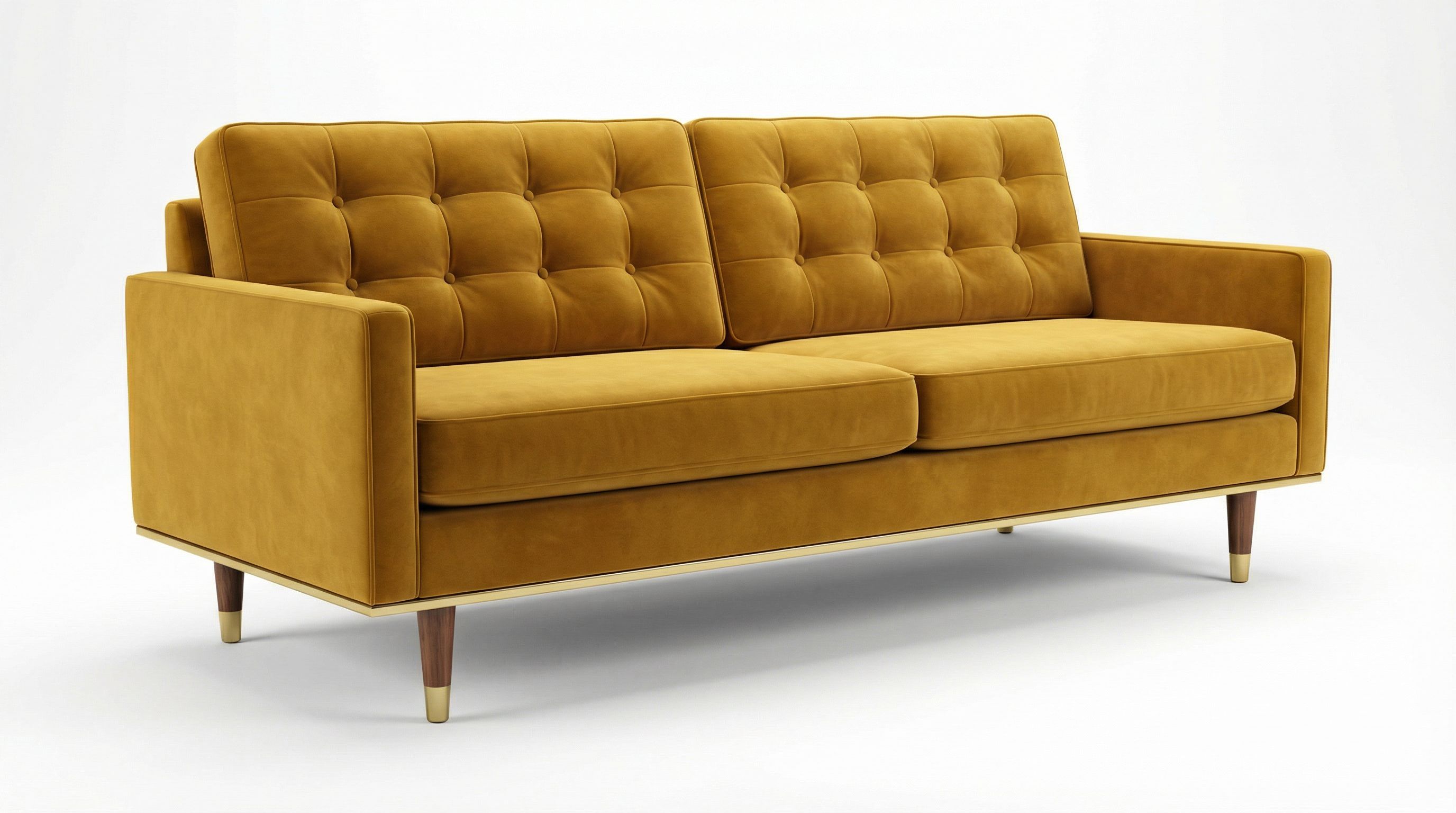
Mid-Century Sofa
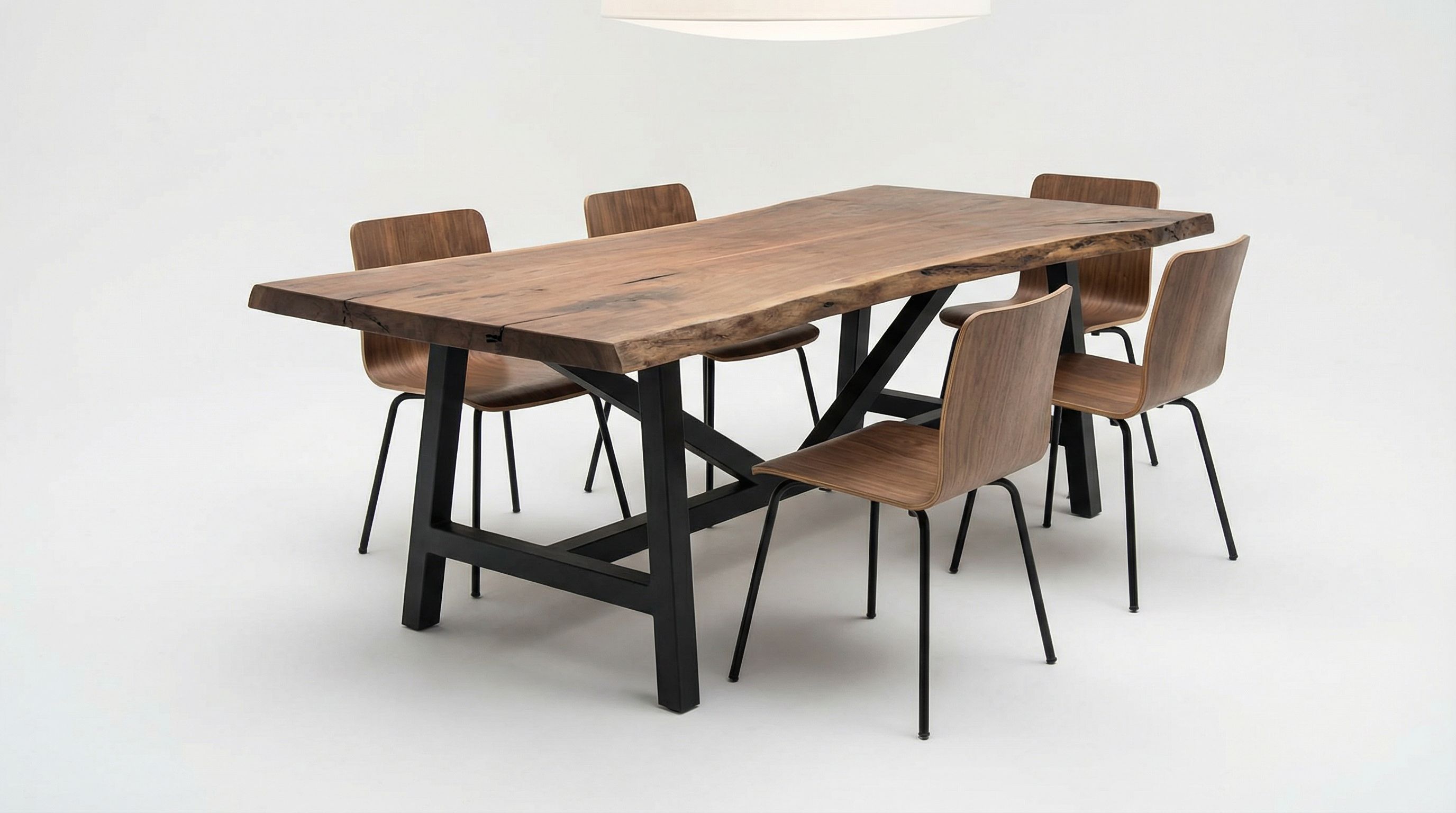
Live Edge Dining Table
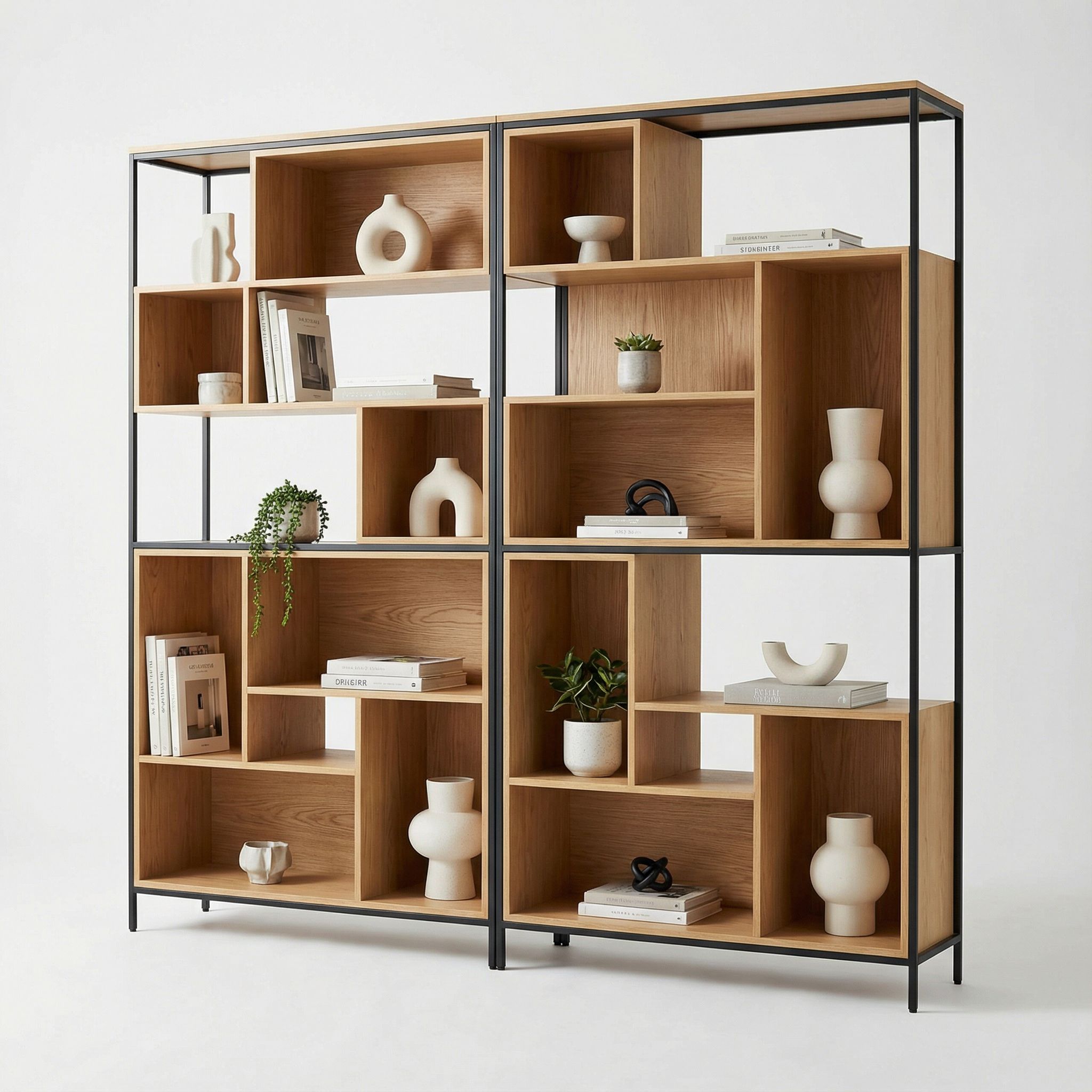
Geometric Bookshelf
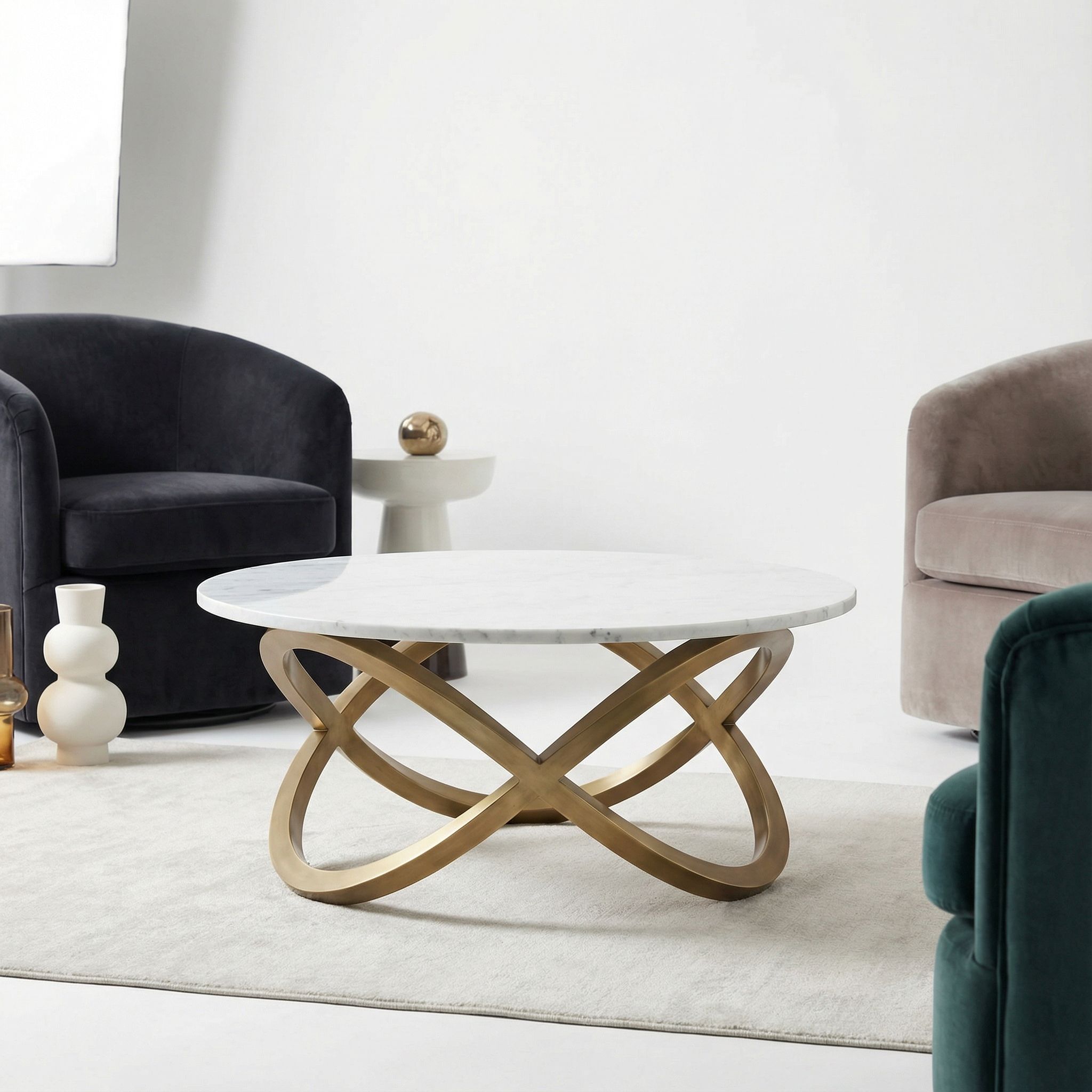
Marble Coffee Table
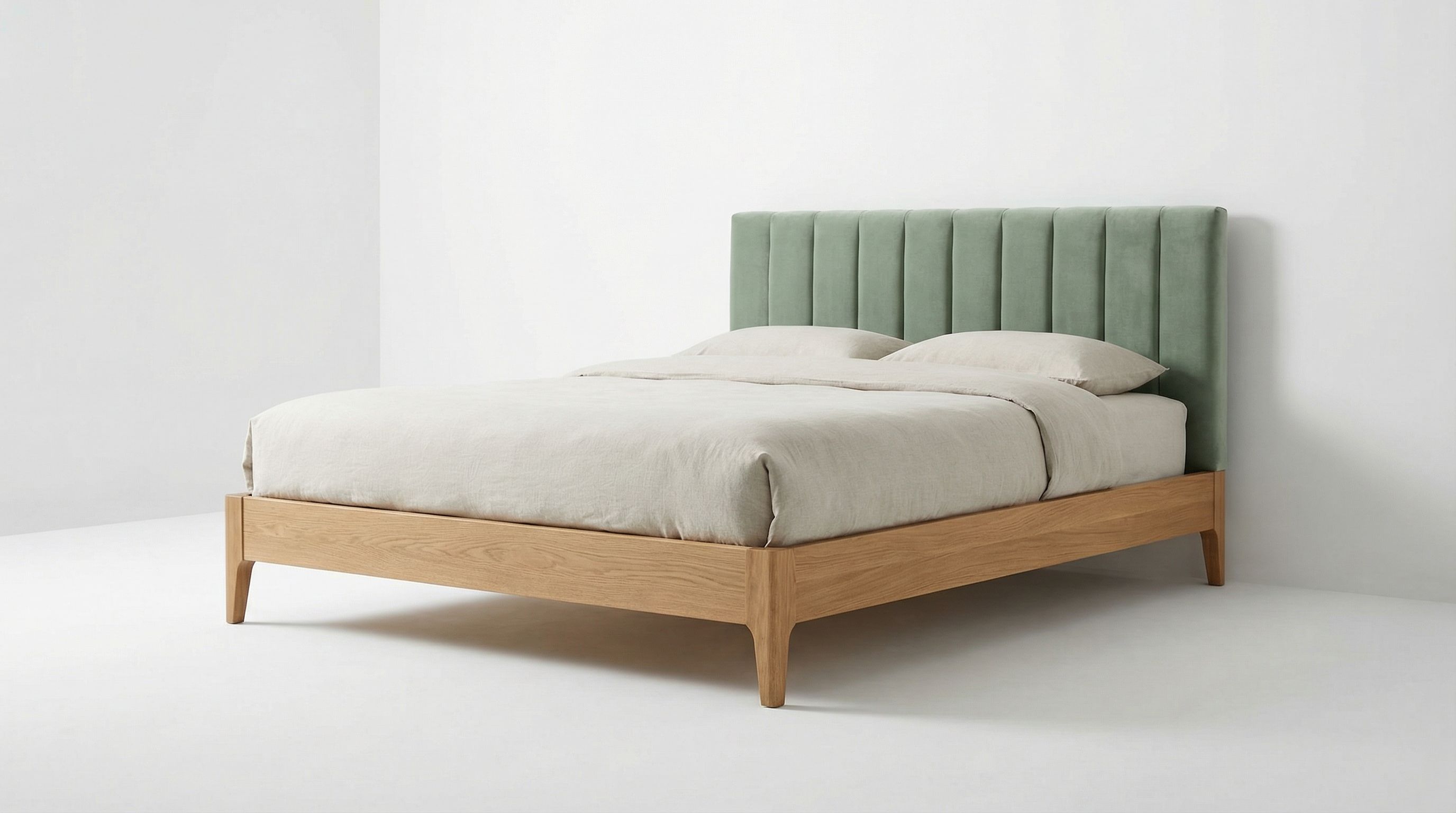
Upholstered Bed Frame
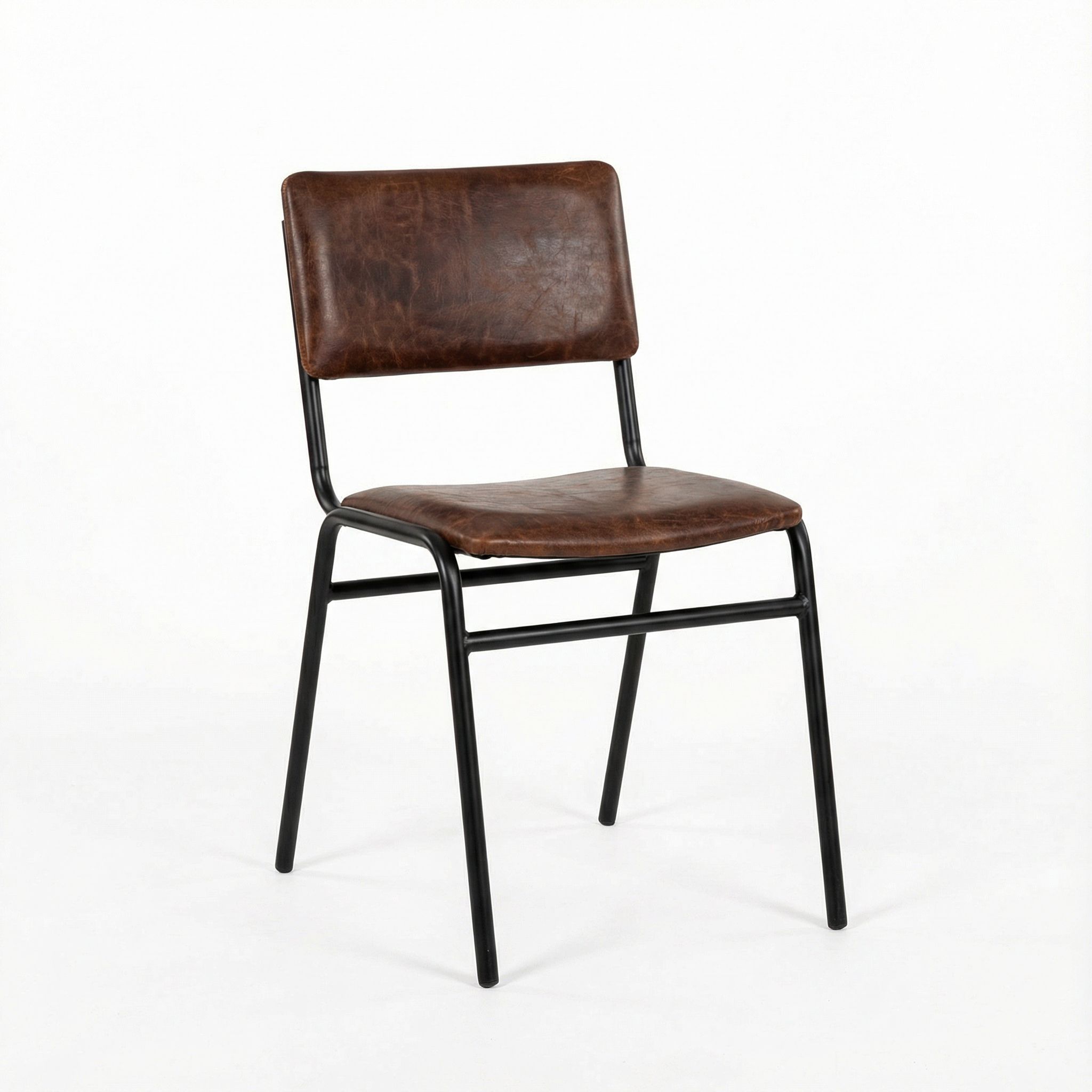
Industrial Dining Chair
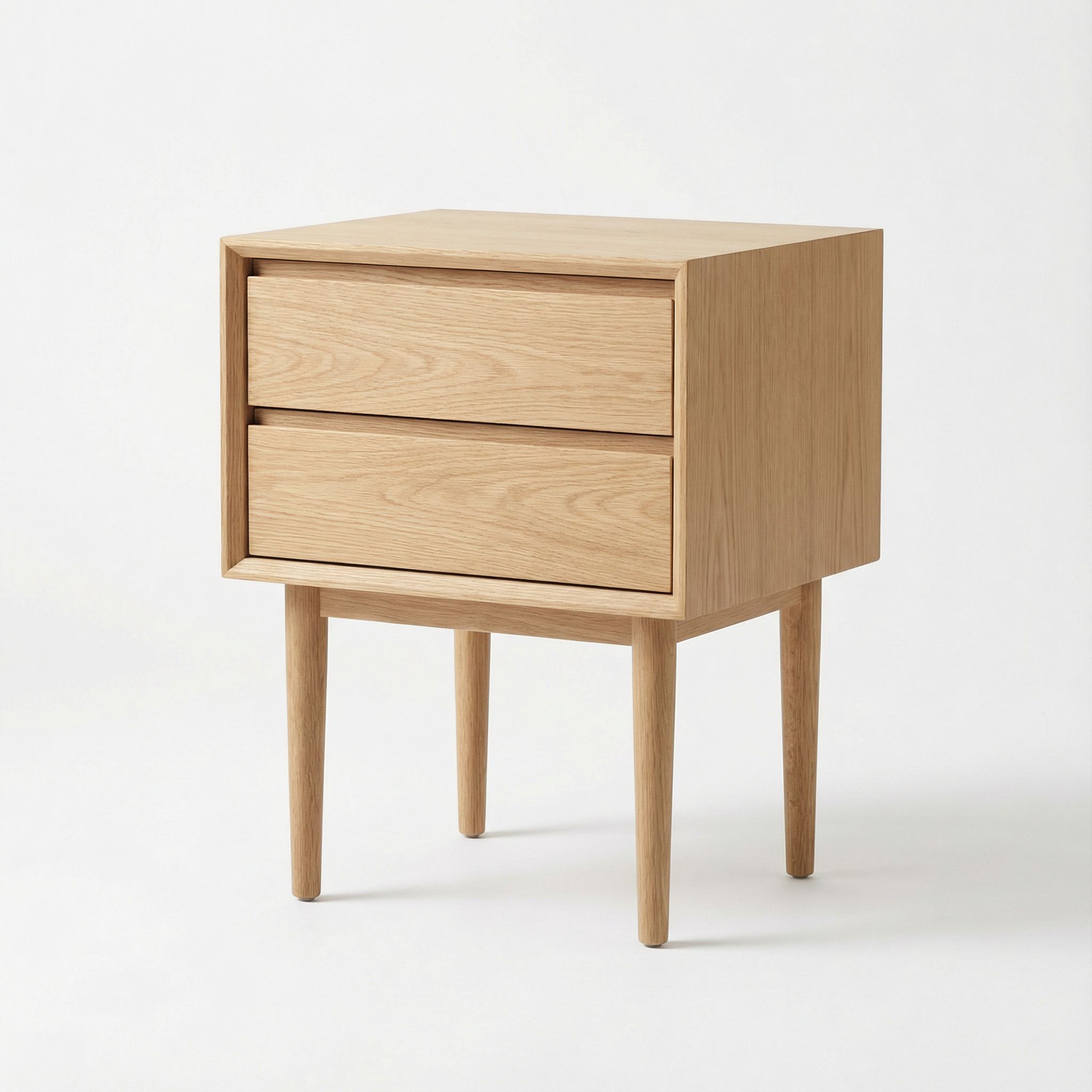
Scandinavian Nightstand
Art Deco Console
Room Styling with AI Furniture
Transform empty rooms with specific furniture styles using AI room visualization. Upload a photo of your space, describe the furniture you want, and AI generates complete room redesign options while preserving your floor plans and architectural features. This workflow helps homeowners visualize their dream home before any purchases. For living room projects specifically, see our AI living room design guide.
This approach is particularly valuable for interior design styles that require coordinated furniture selections. A Scandinavian room needs light woods and minimal forms throughout. Mid-century modern demands consistent tapered legs and warm color palettes. Industrial style requires matching metal accents and raw material finishes. AI helps visualize these cohesive looks before purchasing individual pieces that might not work together.
Upload Your Empty Room Photo
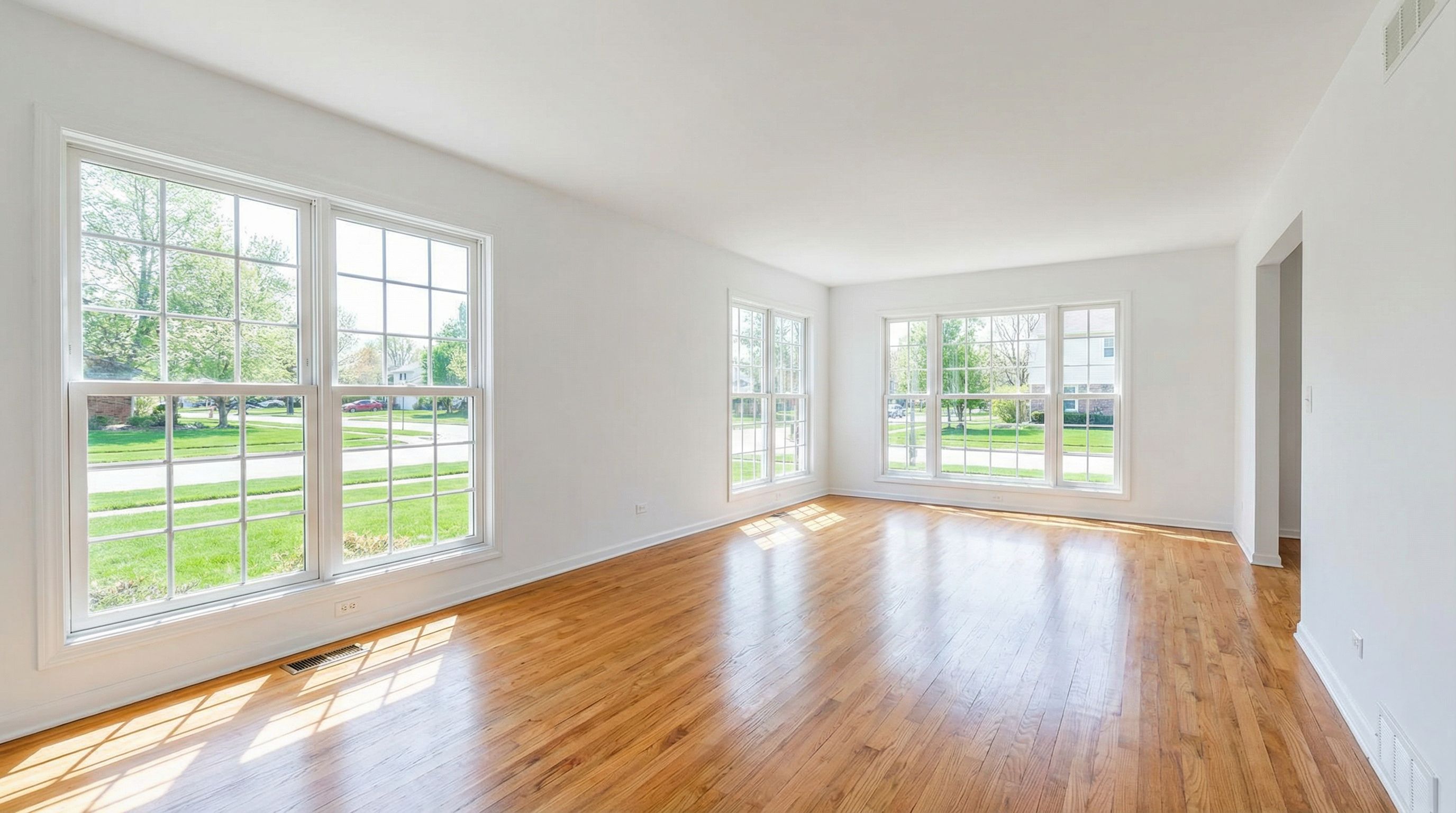
Empty rooms provide a clean canvas for exploring different furniture styles and interior design styles
AI Generates Furnished Room Renders
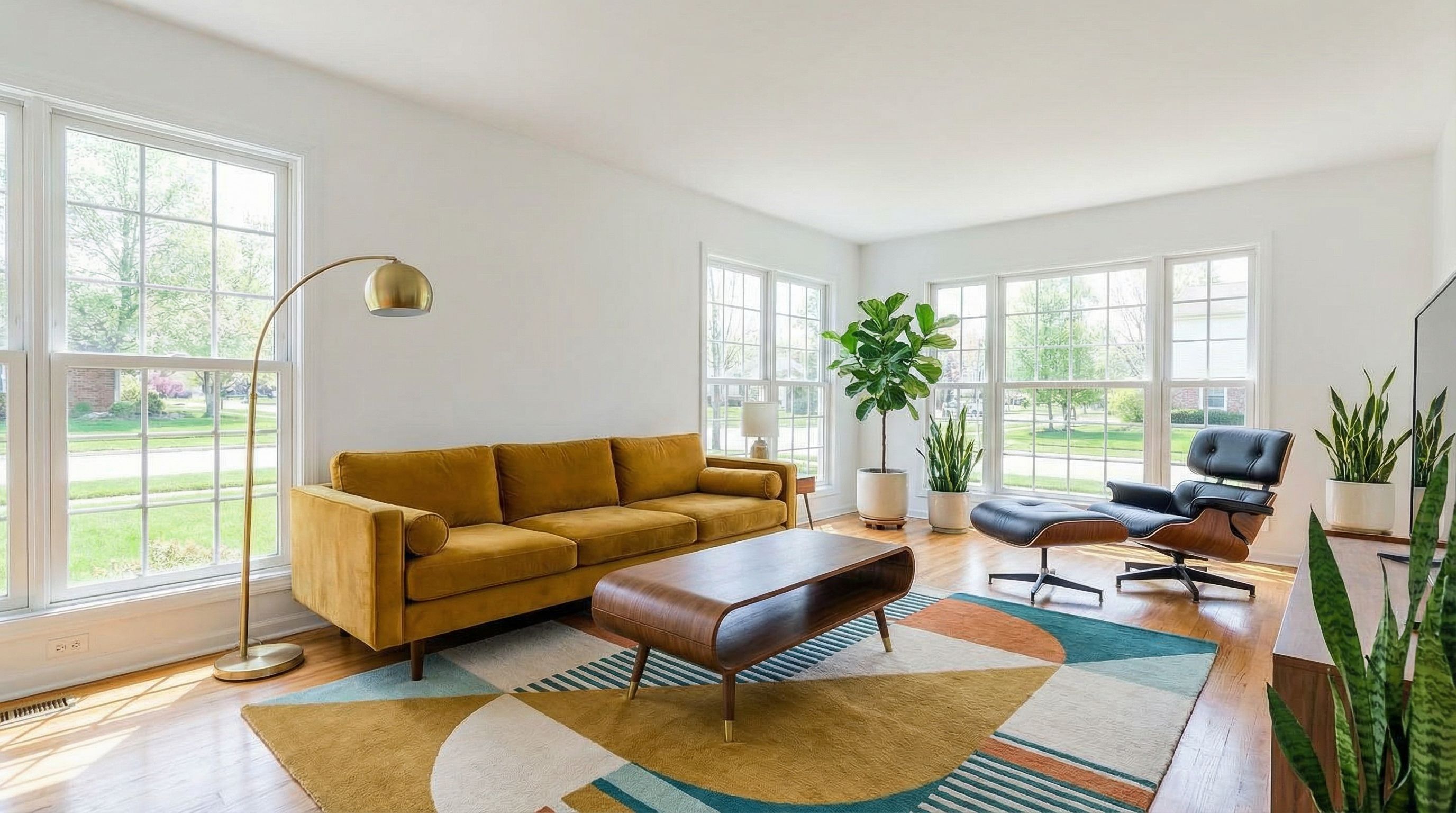
Mid-Century Modern
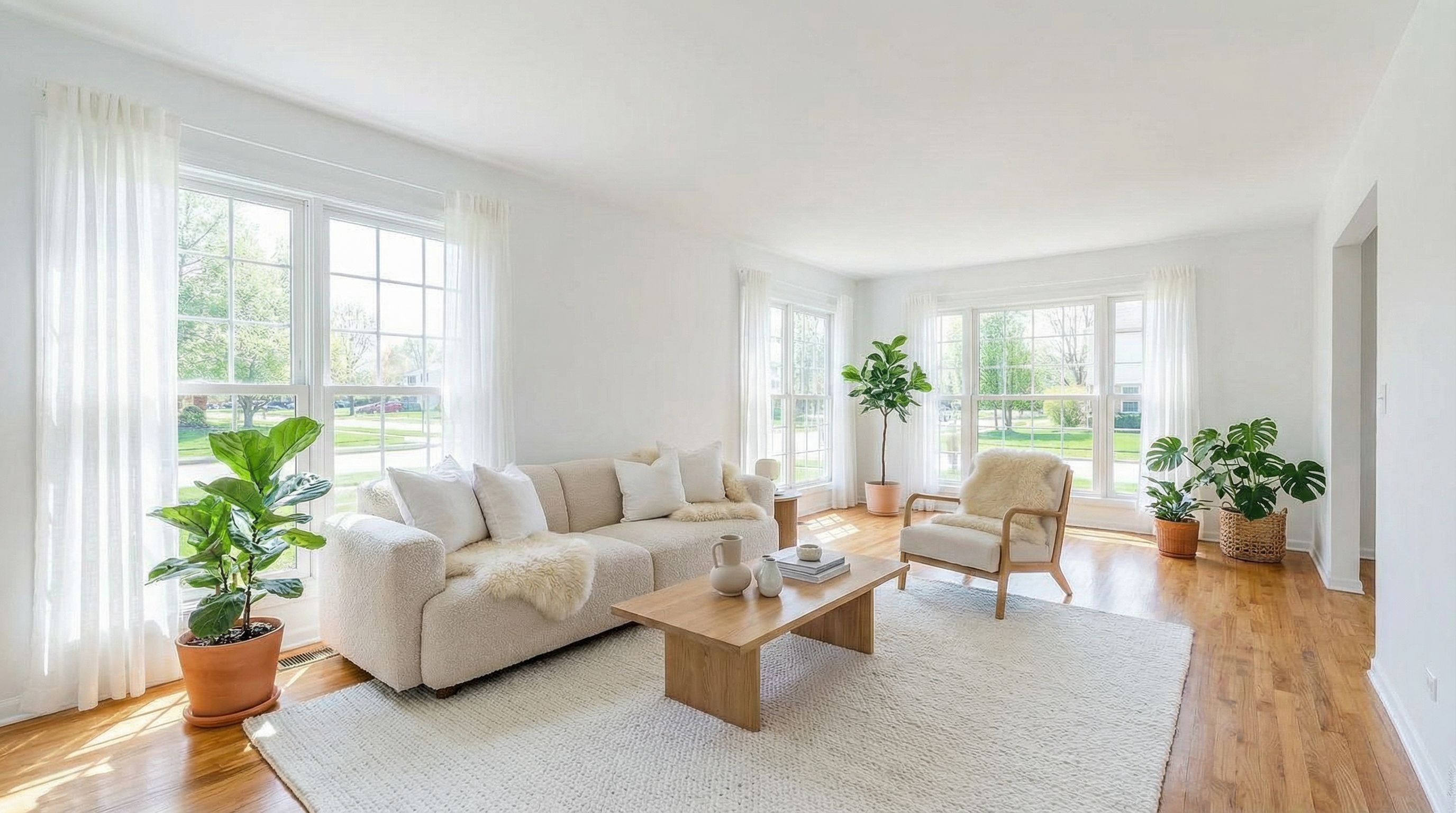
Scandinavian
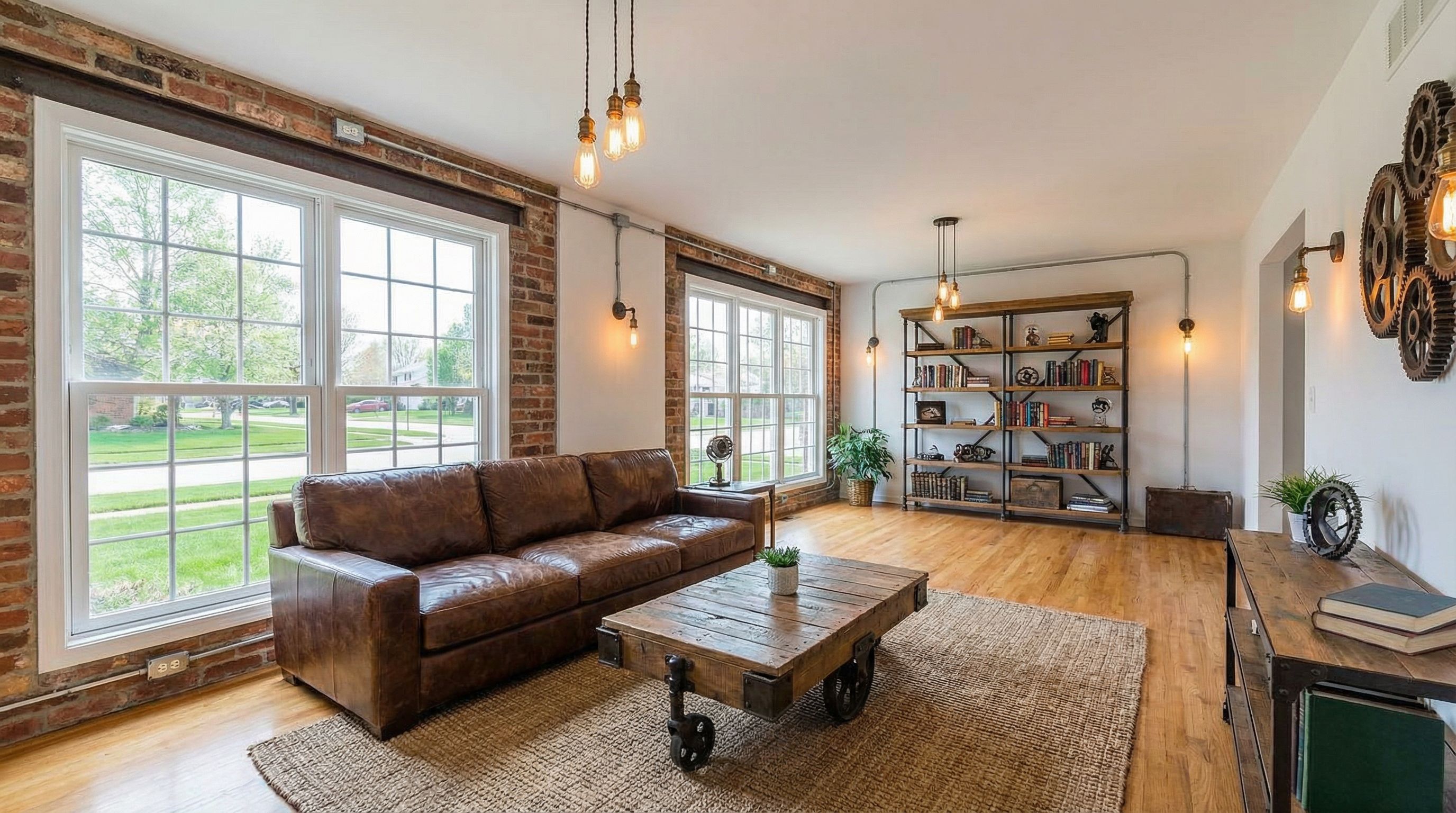
Industrial
AI Furniture Design Use Cases
Custom Furniture Prototyping
Furniture designers use AI to rapidly prototype design concepts before investing in physical samples. Generate multiple variations of a piece with different materials, color palettes, and design features in minutes instead of days. The photorealistic outputs help communicate ideas to clients and manufacturers, streamline approval workflows, and reduce iteration costs in design projects.
Virtual Staging for Real Estate
Real estate professionals use AI to virtually stage empty rooms with specific furniture styles that appeal to target buyers. Unlike generic staging, AI allows customization of furniture to match property style, from modern minimalist to traditional. This helps buyers visualize functionality and livability. For more real estate applications, see our AI for real estate guide.
Home Design Planning
Homeowners use AI to plan remodel and makeover projects by visualizing different furniture in their actual space. Upload a room photo, experiment with various design styles from Scandinavian to industrial, and make informed purchasing decisions. This prevents expensive mistakes and helps achieve your dream home vision. For bedroom projects, see our AI bedroom design guide.
E-commerce Product Visualization
Furniture retailers use AI to generate product renders for catalogs and e-commerce listings, especially for custom or made-to-order pieces. AI-generated visualization reduces photography costs while maintaining high quality outputs. Learn more about e-commerce applications in our AI for ecommerce guide.
Interior Design Presentations
Interior designers use AI furniture visualization to create compelling client presentations without expensive rendering software. Generate mood boards showing proposed furniture in context, explore alternative design styles quickly, and help clients visualize abstract concepts. The user-friendly nature of AI tools means designers can iterate in real-time during client meetings, adjusting color schemes or swapping furniture pieces based on feedback.
Small Business & Startups
Small furniture businesses and startup designers use AI to compete with larger companies that have dedicated rendering teams. Generate professional product imagery for websites, social media, and marketing materials without the traditional costs. This levels the playing field and enables faster market testing of new designs.
AI Furniture Design Workflow
Use AI tools to go from initial concept to final render in a structured workflow. This process works for both individual furniture pieces and complete room designs. AI accelerates each stage, allowing rapid iteration and exploration of design ideas.
Define Your Design Concept
Start with clear design features: style (mid-century, Scandinavian, industrial), materials (walnut, oak, metal), and function (sofa, dining table, bookshelf). Reference existing pieces for design inspiration.
Write Detailed Text Prompts
Include specific details: dimensions, materials, colors, and aesthetic. Add "studio lighting, white background, photorealistic render" for product-style outputs suitable for visualization and presentations.
Generate Multiple Variations
Create several versions exploring different materials, color palettes, and design features. AI image generation allows rapid iteration without physical prototyping costs.
Refine with Context
Place winning designs in room contexts. Upload your actual space or use AI to generate room settings. This helps evaluate functionality and aesthetic in real environments.
Create Mood Boards
Compile AI-generated renders into mood boards for client presentations, contractor communication, or personal home decor planning. Export high-quality outputs for professional use.
Furniture Design Prompting Tips
Specify materials precisely
Use specific wood types (walnut, oak, teak), metal finishes (brass, matte black, chrome), and fabric types (velvet, boucle, leather) for accurate renders. Generic terms produce generic results.
Name design styles explicitly
Include specific interior design styles like "mid-century modern," "Scandinavian," "Art Deco," or "industrial" to guide AI toward cohesive aesthetics with appropriate design features.
Add photography context
Include "studio lighting, white background, furniture product photography" for clean product shots, or specify room contexts for lifestyle visualization outputs.
Reference iconic pieces
Mention famous furniture designs like "Eames lounge chair style" or "Barcelona chair inspired" to communicate specific aesthetics quickly. AI recognizes these design references.
Describe proportions and scale
Include scale indicators like "seats 6," "king size," or "compact" to guide furniture proportions. For room contexts, mention room type for appropriate scale.
Best AI Furniture Design Tools
Several AI interior design tools help with furniture visualization. User-friendly options provide quick renders, while AI tools with advanced features offer more control over outputs and higher quality 3D models. Traditional tools like CAD and SketchUp integrate with AI for professional workflows. See the best AI image generators for model comparisons and pricing information.
When selecting AI tools for furniture design, consider your primary use case. Product visualization requires high resolution outputs and consistent lighting. Room styling needs the ability to upload reference photos and maintain architectural context. Concept exploration benefits from fast generation speeds to test many variations quickly. Professional furniture designers may need export capabilities compatible with CAD software for manufacturing specifications.
Free AI Room Design
Upload a photo and use AI to visualize different furniture arrangements. User-friendly interface for homeowners and designers.
AI Floor Plan Generator
Generate floor plans and furniture placement layouts. Ideal for planning room design before purchasing.
Free AI 3D Model Generator
Create 3D models of furniture concepts for detailed visualization and design projects.
Pricing Considerations
Most AI furniture design tools offer free tiers for basic functionality, with premium plans unlocking higher resolution outputs and more generations. Vondy provides flexible pricing to access multiple AI tools without separate subscriptions. For professional furniture designers, the cost savings compared to traditional rendering services or physical prototyping makes AI tools highly cost-effective for design projects.
FAQs About AI Furniture Design
Can AI design production-ready furniture?
AI generates visualization and design inspiration, not engineering specifications. The renders help communicate concepts but require traditional CAD or SketchUp work for actual manufacturing. Use AI for rapid concept exploration, then hand off to engineering for production-ready outputs.
How accurate are AI furniture renders?
Modern AI-powered tools produce highly photorealistic renders that accurately represent materials, proportions, and design styles. While not perfect for precise measurements, they excel at conveying aesthetic and helping clients visualize design concepts before prototyping.
Can I use AI to visualize furniture in my actual room?
Yes. Upload a photo of your room and describe the furniture you want to add. AI transforms your space with specific furniture while preserving your room's layout, windows, and architectural features. This helps homeowners make informed purchasing decisions.
What's the best way to describe furniture materials?
Be specific with material names: say "walnut wood" instead of just "wood," specify "brass" vs "gold-toned metal," and describe upholstery textures like "boucle," "velvet," or "distressed leather." Include finish details like "matte," "polished," or "natural grain" for more accurate renders.
How do AI furniture tools compare to traditional 3D rendering?
AI tools generate results in seconds versus hours or days for traditional 3D rendering software. The tradeoff is less precise control over exact dimensions and lighting. AI excels at concept exploration and client communication, while traditional tools remain essential for final manufacturing specifications and photorealistic marketing assets.
Ready to Design Custom Furniture?
Use AI to create photorealistic furniture renders, visualize pieces in your space, and streamline your design workflow from concept to final presentation.
Start Designing Free