How to Design a T-Shirt Using AI: Complete Tutorial
Learn how to design a t-shirt using AI with this tutorial. Use AI image generators and design tools like Canva to create high-quality t-shirt designs for print on demand and custom merch.
 by Rohit DasJan 15, 20267 min read
Learning how to design a t-shirt using AI has revolutionized how creators approach merch. Whether launching a clothing brand, creating t-shirt designs for print on demand platforms, or generating t-shirt design ideas for personal projects, generative AI tools produce print-ready graphics in seconds. This tutorial covers the complete process from concept to final output, perfect for beginners wanting to use AI for custom t-shirt designs.
Modern AI image generators like Midjourney and Adobe Firefly handle typography, vector graphics, and complex illustrations. Design tools like Canva integrate AI-powered features with templates for quick t-shirt designs. ChatGPT helps brainstorm concepts and t-shirt design ideas before you use AI image generators for artwork. For broader applications, see our AI for graphic design guide.
The best AI t-shirt design tools generate high-quality designs ready for print on demand services. Create t-shirt mockups to preview designs, export in high-resolution formats, and iterate in real time. This makes AI-powered design accessible to beginners and professional merch creators alike. AI art tools remove the need for traditional design skills while producing eye-catching unique t-shirt designs.
Understanding how to design a t-shirt using AI helps you get better results. Start with clear concepts, use specific text prompts describing art style and composition, and iterate on promising designs. AI-generated designs serve as starting points you can refine using Canva or similar design tools depending on your needs.
T-Shirt Design Styles
When learning how to design a t-shirt using AI, explore different design trends. Each style demonstrates approaches: minimalist typography for clean appeal, retro vintage for nostalgic vibes, character illustrations for eye-catching merch, and streetwear graphics for urban fashion. Understanding t-shirt designs styles helps you communicate with AI image generators and create the perfect design matching your vision.
Different t-shirt designs sell better on different platforms. Minimalist fonts work well for lifestyle brands. Retro appeals to nostalgia-driven buyers on print on demand platforms. Character illustrations perform strongly in anime and gaming niches. Streetwear graphics target fashion enthusiasts. Use AI art tools to explore multiple design trends before settling on your final custom t-shirt designs for social media marketing and merch.
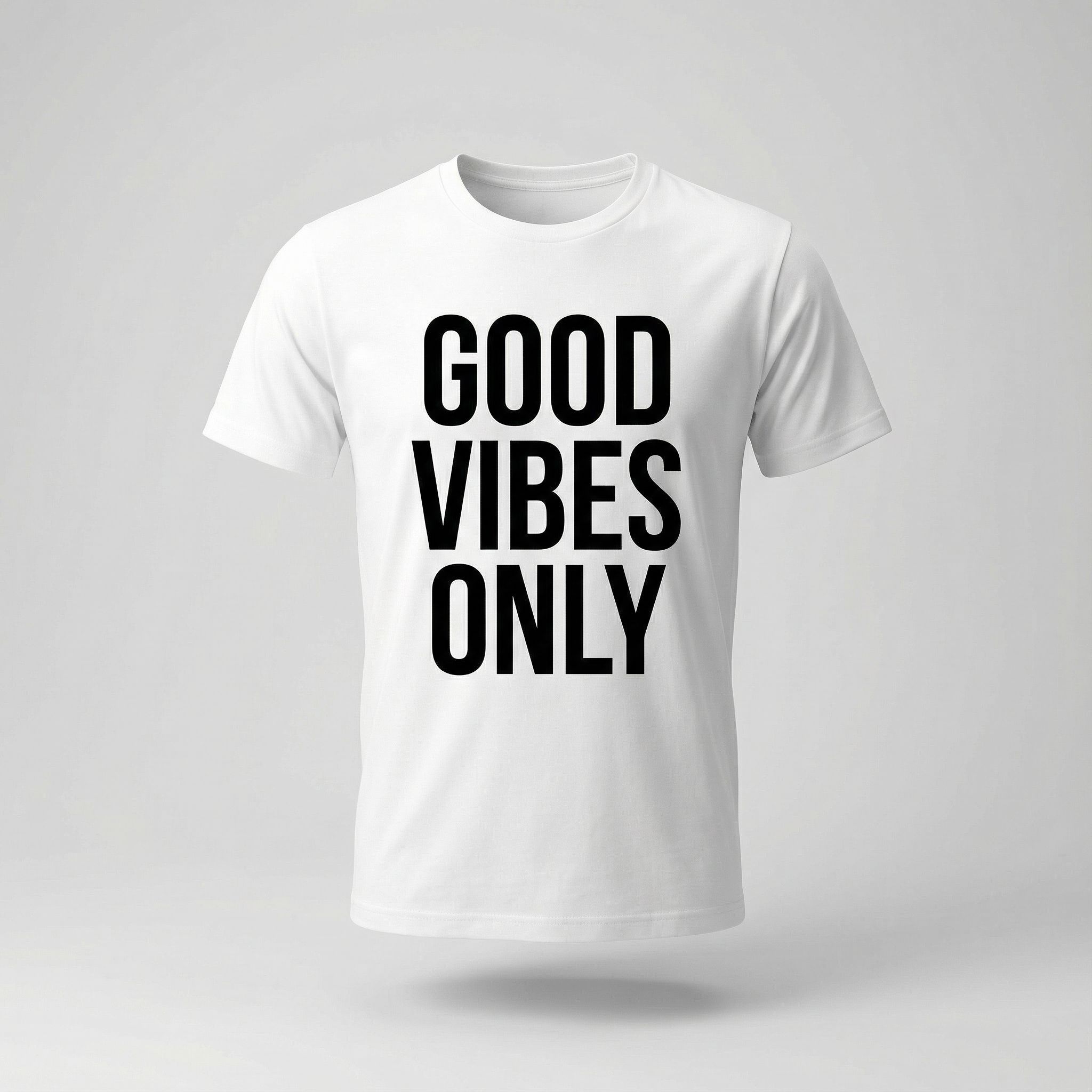
Minimalist Typography
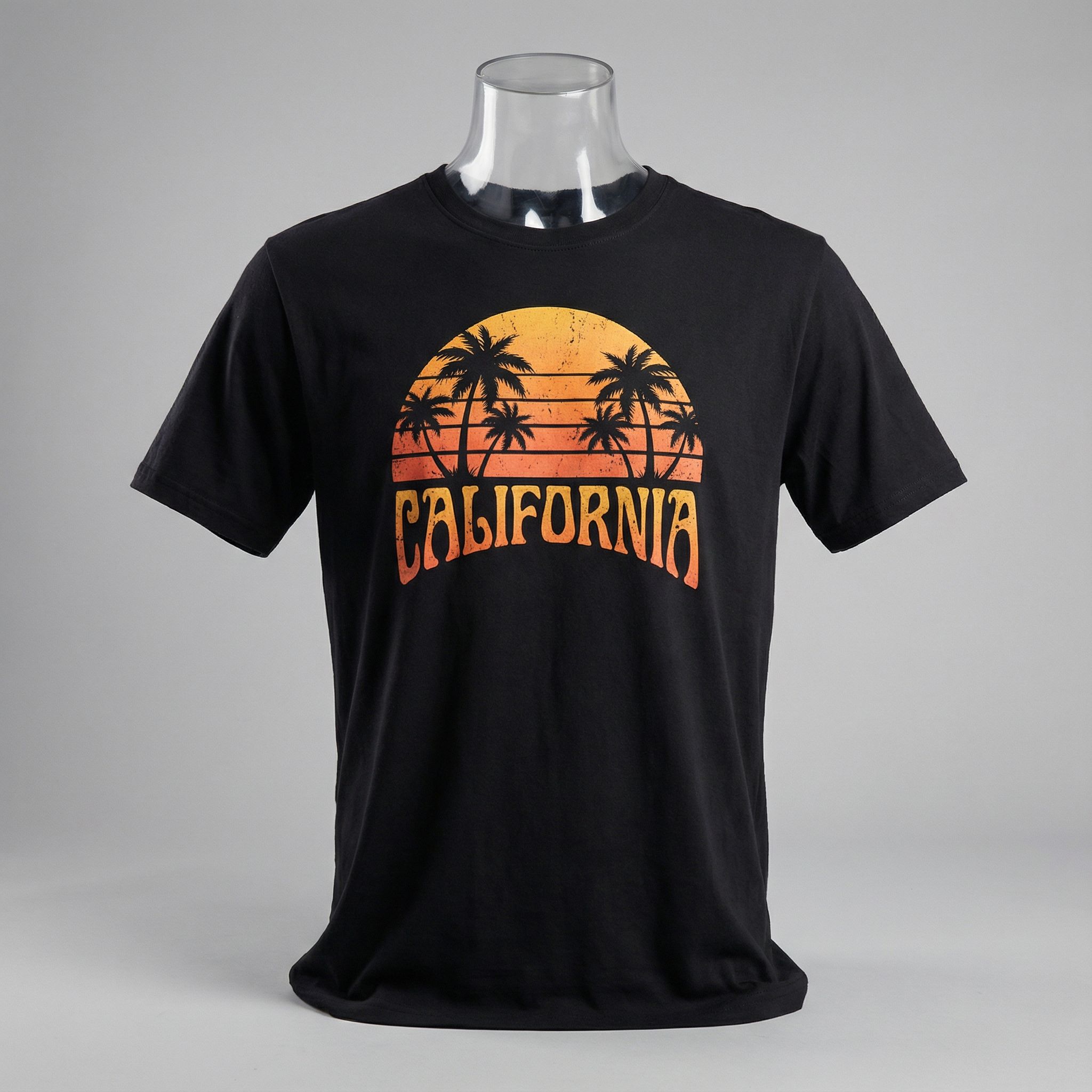
Retro Vintage
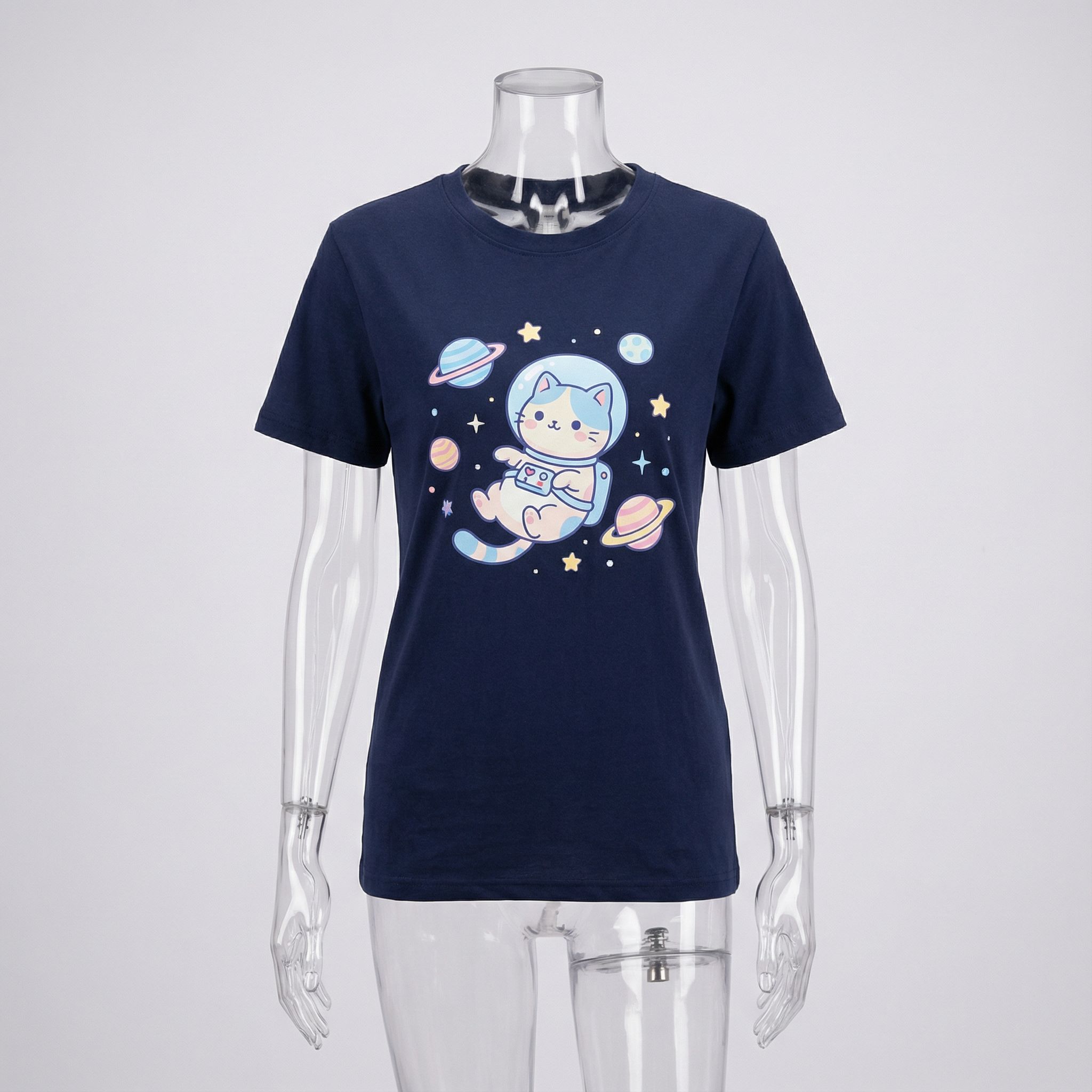
Character Illustration
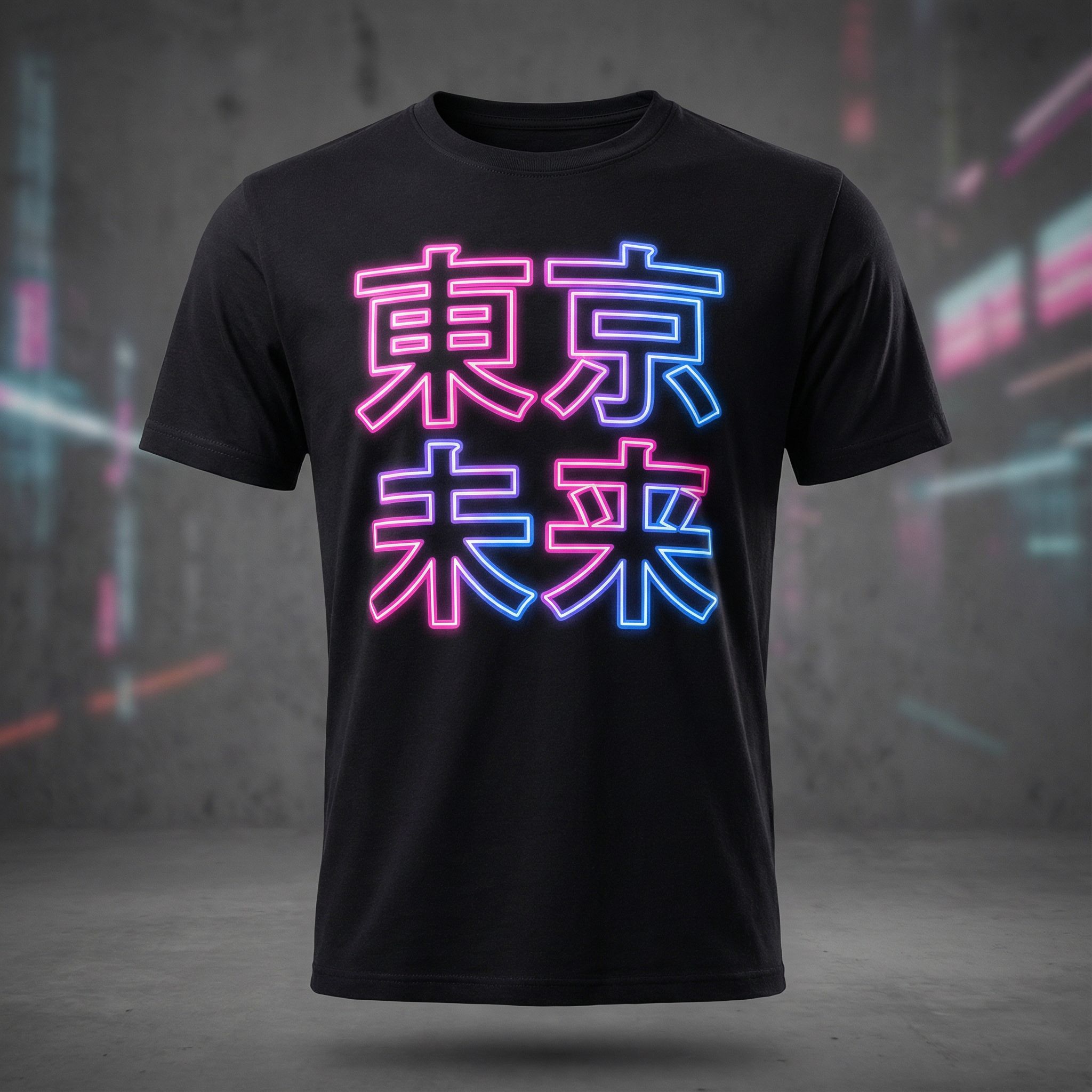
Streetwear Graphic
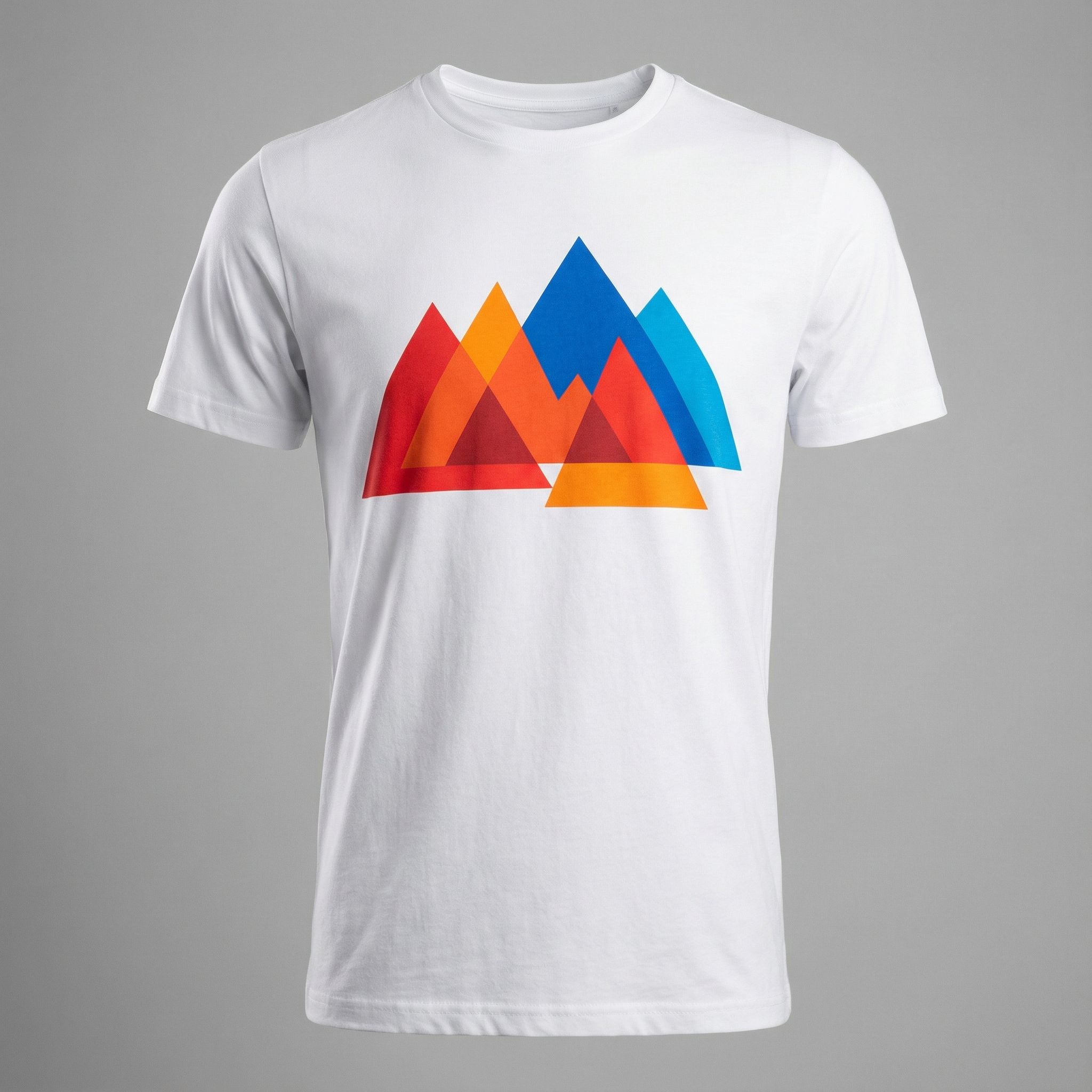
Abstract Geometric
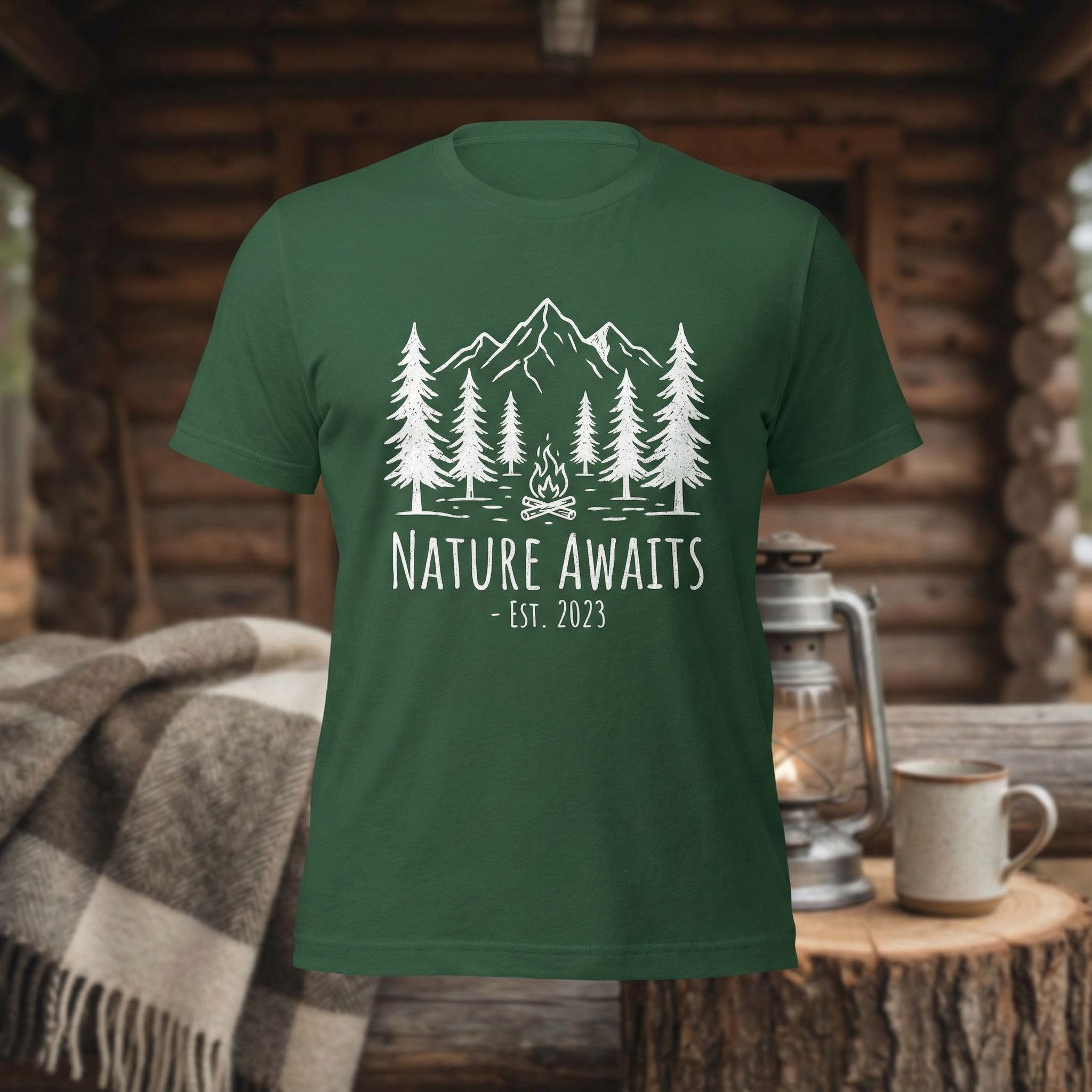
Nature Line Art
AI T-Shirt Design Workflow
This tutorial shows how to design a t-shirt using AI with a simple workflow. Start brainstorming with ChatGPT. Then use AI image generators to create AI-generated designs based on your text prompts. Review the t-shirt designs, iterate on promising concepts, and export high-quality files for print on demand. For marketing your merch, see our AI for marketing guide.
Brainstorm with ChatGPT or Vondy
Use ChatGPT or Vondy to generate t-shirt design ideas, taglines, and concepts. Describe your target audience and style preferences for tailored suggestions.
Generate with AI Image Generator
Use a shirt design generator or AI image generator to create the actual design. Include style keywords, colors, and "print-ready" or "vector" in your prompt.
Create Mockups
Preview your AI-generated designs on t-shirt mockups. This helps evaluate how designs look on actual products before printing.
Export for Print on Demand
Export high-quality files suitable for print on demand platforms. Most services accept PNG with transparent backgrounds at 300 DPI.
Design to Mockup Workflow
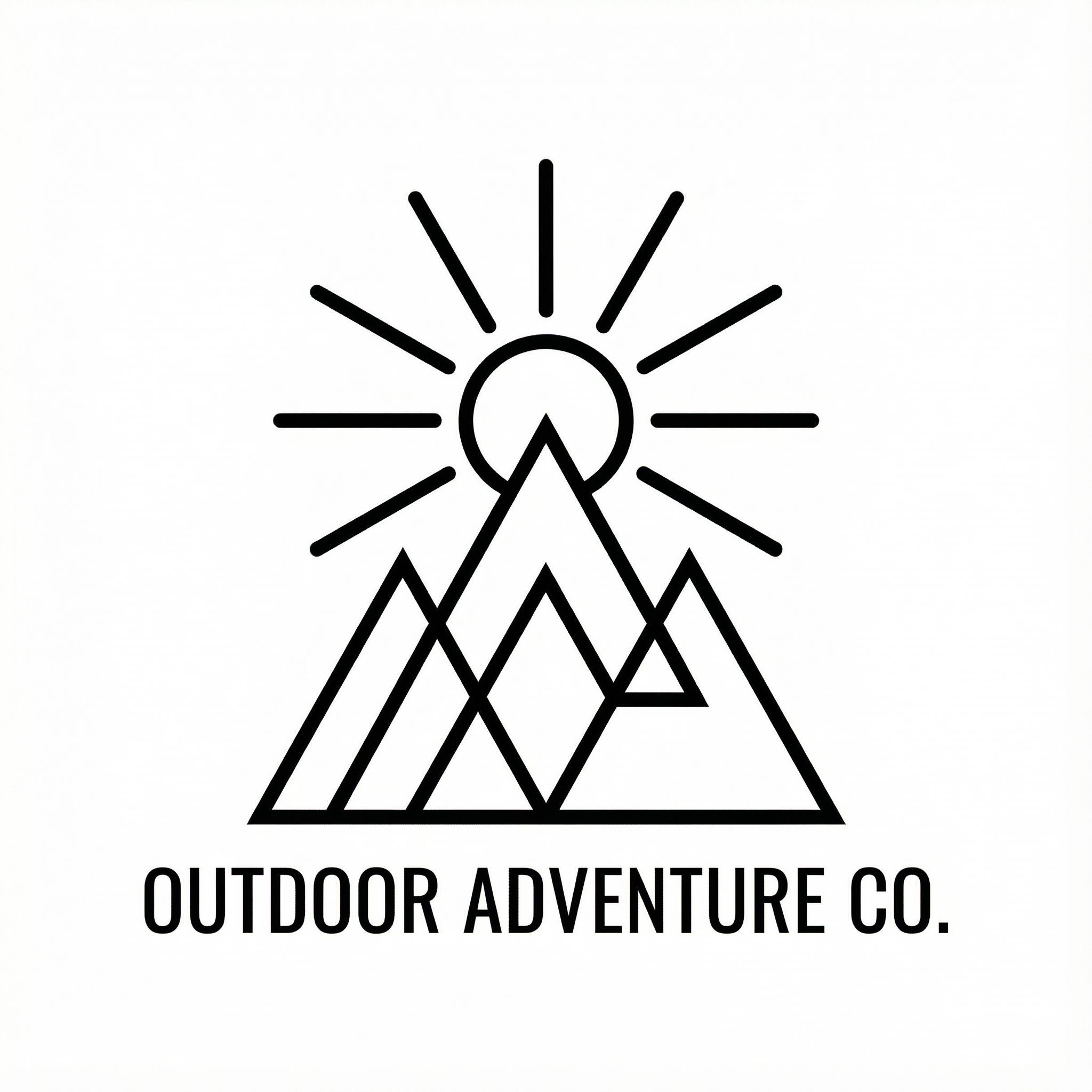
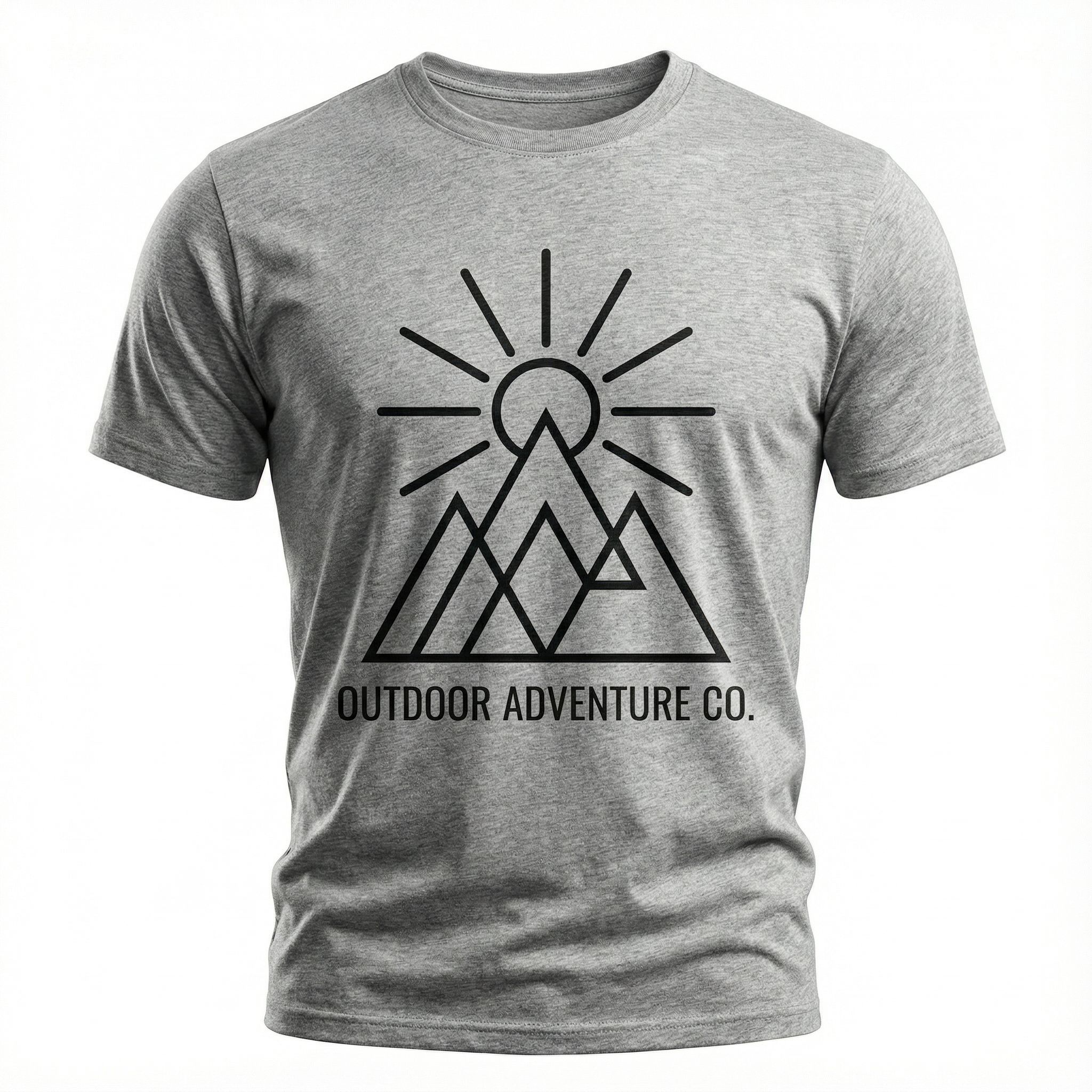
Already have a logo or design? Upload it and AI will place it on a t-shirt mockup for you. This workflow is perfect for visualizing how existing artwork looks on apparel.
INPUT: Logo Design
OUTPUT: T-Shirt Mockup
T-Shirt Design Prompting Tips
Specify design style
Include style keywords like "minimalist," "retro," "streetwear," "vintage," or "kawaii" to guide the AI toward your desired aesthetic.
Request vector output
Add "vector style," "clean lines," or "flat design" for graphics that scale well and work with print on demand services.
Describe typography
Specify fonts and text layout: "bold sans-serif fonts," "hand-lettered typography," or "retro script fonts" for text-based designs.
Include print specifications
Add "print-ready," "transparent background," or "centered composition" to get designs formatted for merch production.
Best AI T-Shirt Design Tools
Several AI tools help you design a t-shirt using AI. Dedicated AI t-shirt design generators optimize for apparel graphics. Canva offers templates with AI-powered features for t-shirt designs. Adobe Firefly provides generative AI for high-quality graphics. Midjourney excels at AI art with unique styles. For pricing and comparisons, see our best AI image generators guide.
When selecting the best AI design tools for t-shirt design, consider your workflow. Some prefer all-in-one platforms handling generation and t-shirt mockups. Others use separate AI image generators for creative freedom, Canva for typography with templates, and mockup generators. Beginners should start with Canva's templates while experienced designers can use AI image generators like Midjourney for unique t-shirt designs.
Free AI T-Shirt Design Generator
Generate custom t-shirts from text prompts. Create print-ready designs for merch and print on demand platforms.
AI Clothing Design Generator
Create apparel designs beyond t-shirts. Design hoodies, jerseys, and full clothing brand collections.
Related: For logo designs to accompany your merch, see our best AI logo generator guide. Small businesses launching merch lines can find more resources in our AI for small business guide.
FAQs: How to Design a T-Shirt Using AI
Can I sell AI-generated t-shirt designs?
Yes, most AI tools allow commercial use of AI-generated designs. Check each platform's terms. AI t-shirt designs work well for print on demand platforms. Use AI to create unique t-shirt designs for merch lines and custom t-shirt designs for clients.
What are the best AI tools for t-shirt design beginners?
Beginners should start with Canva's templates and AI-powered features. Adobe Firefly offers user-friendly generative AI. Midjourney produces high-quality AI art but has a learning curve. All help you design a t-shirt using AI without design skills.
How do I get high-quality print-ready files?
Most print on demand services require 300 DPI. Use AI image generators at maximum resolution, then upscale if needed. Include "transparent background" in your text prompt for t-shirt designs. Export high-quality PNG files for printing.
Which AI models handle typography and fonts best?
Ideogram excels at typography in t-shirt designs. Midjourney and Adobe Firefly have improved fonts rendering. For text-heavy designs, generate graphics with AI image generators and add typography using Canva templates or design tools.
How do I create a t-shirt mockup with AI?
Use AI tools to generate t-shirt mockup images showing your design on actual shirts. Include "t-shirt mockup" in your text prompt. This tutorial workflow helps you preview AI-generated t-shirt designs before sending to print on demand services.
Ready to Design a T-Shirt Using AI?
Use AI image generators to create eye-catching t-shirt designs for your merch line, print on demand store, or personal projects. Design custom t-shirts in minutes.
Start This TutorialContinue Learning