How to Design Jewelry with AI: Complete Tutorial
Learn how to design jewelry with AI using this step-by-step tutorial. Generate AI-generated renderings of engagement rings, pendants, brooches, and custom jewelry using text prompts and AI tools.
 by David LaubJan 15, 20268 min read
Learning how to design jewelry with AI transforms the traditional design process. Using AI tools and AI image generators, jewelers can generate high-quality renderings of engagement rings, pendants, brooches, and custom jewelry in minutes. Whether you're a professional jeweler exploring jewelry ideas or designing a custom piece of jewelry, AI-powered tools make the workflow faster and more accessible.
This tutorial covers practical AI jewelry design workflows. You'll learn how to write effective text prompts for generating AI-generated images of stunning jewelry with specific gemstones, metals like rose gold and sterling silver, and design elements like prong settings. The generated designs serve as a starting point before craftsmanship begins on the final product. ChatGPT can help brainstorm jewelry design concepts before using AI image generators for visualization.
AI models like Midjourney have popularized AI art for the jewelry industry, but cutting-edge AI platforms now offer better control over photorealistic outputs. Modern algorithms understand metal reflections, gemstone refraction, and details that make renderings convincing. This artificial intelligence technology helps jewelers visualize design ideas in real-time before jewelry production begins.
For the best AI tools for jewelry visualization, see our best AI image generator guide and explore AI product design workflows.
AI-Generated Jewelry Gallery
These AI-generated jewelry pieces demonstrate how to design jewelry with AI using detailed text prompts. The gallery includes an engagement ring with oval diamond, a sapphire pendant with halo, an art deco brooch, rose gold earrings, and an amethyst cocktail ring. Each piece showcases high-quality renderings with accurate gemstones and metal reflections. Click any mockups to view the prompts used.
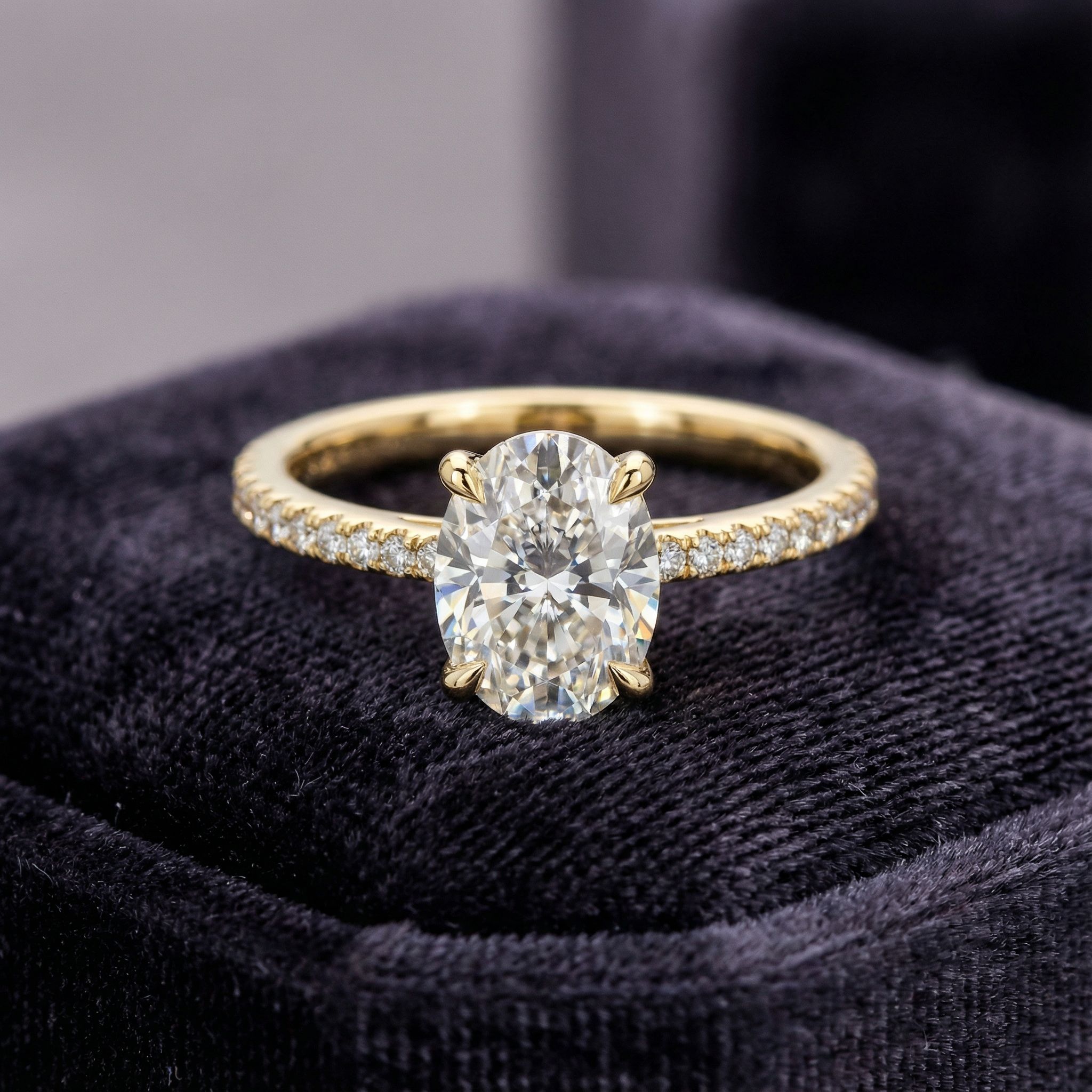
Diamond Engagement Ring
Ring
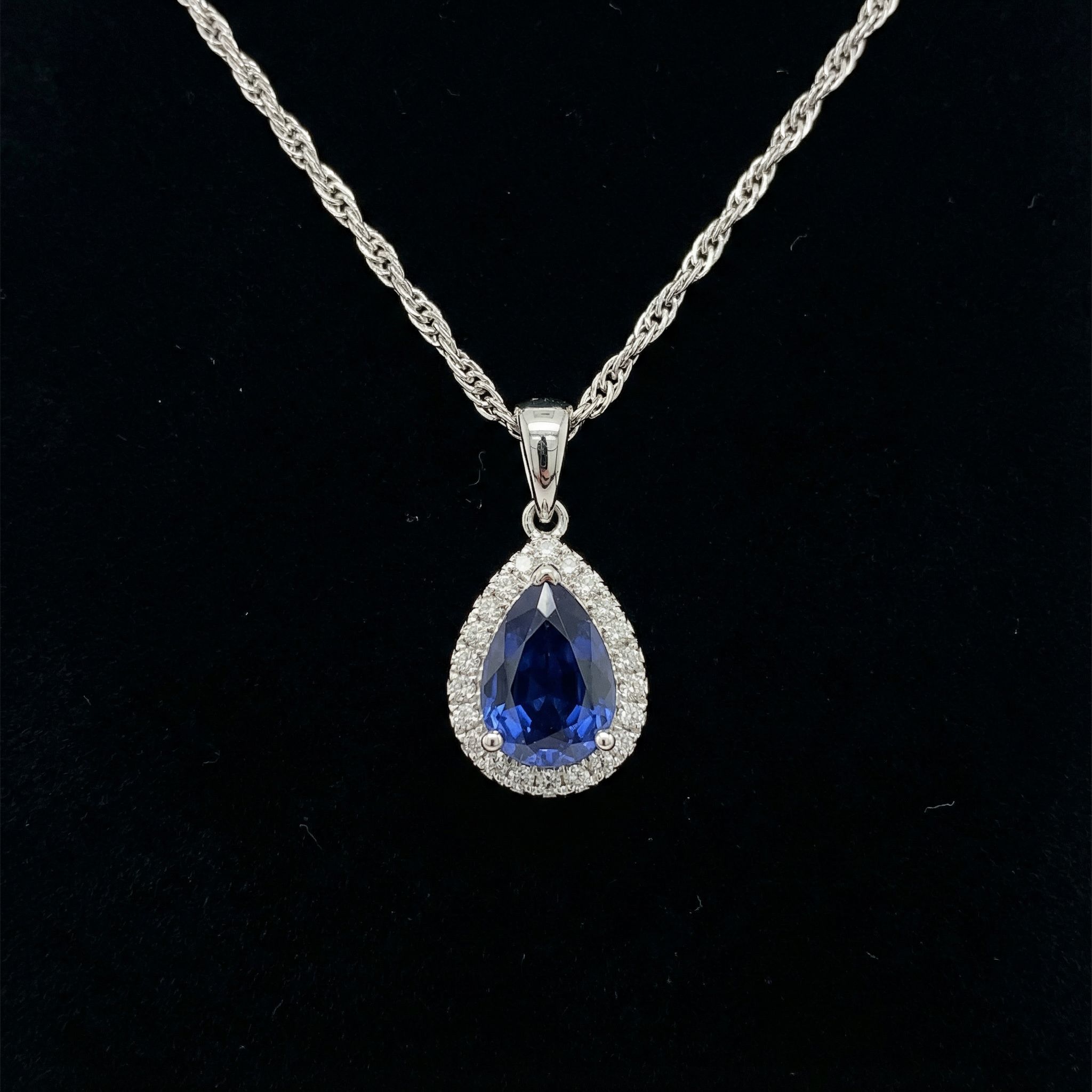
Sapphire Pendant
Pendant
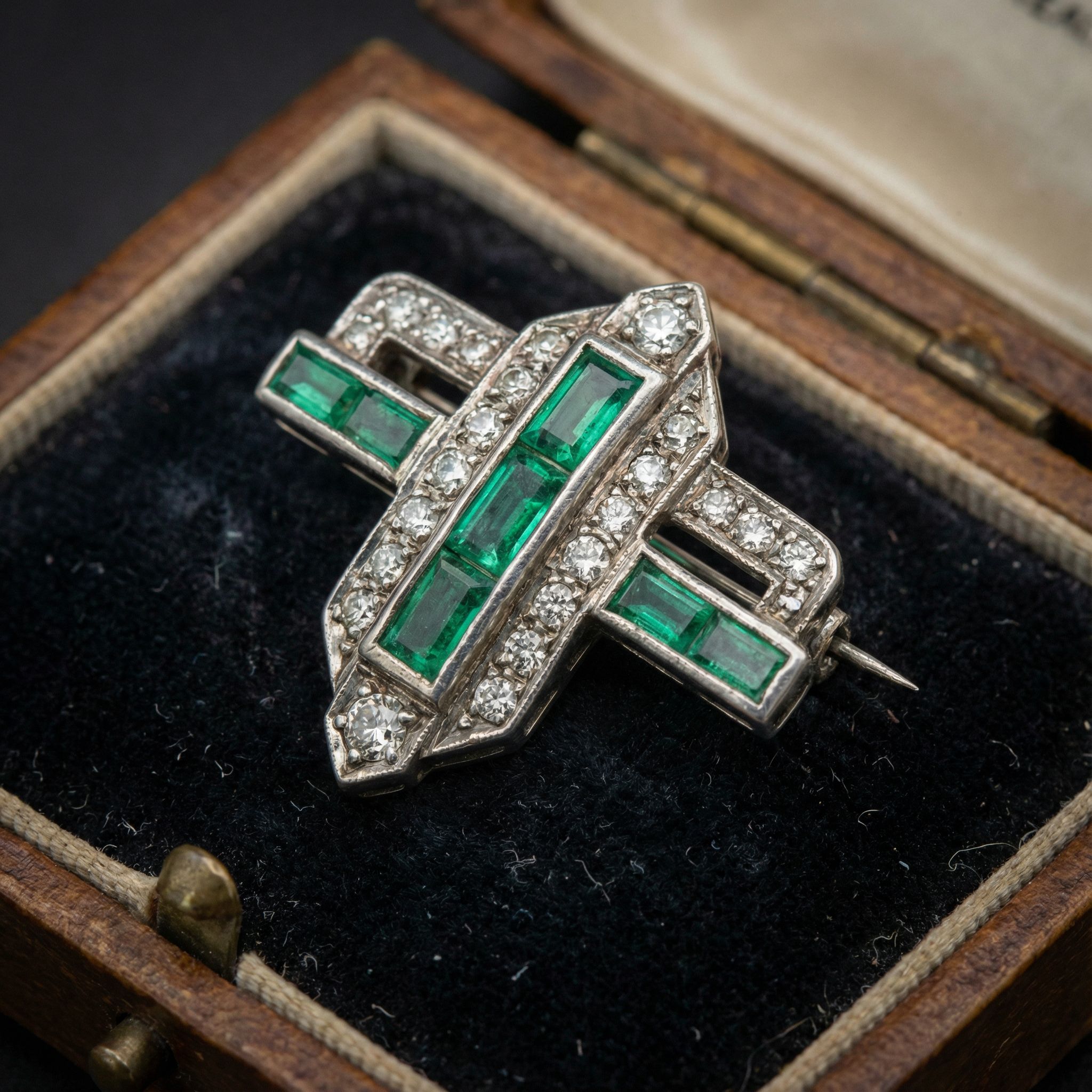
Art Deco Brooch
Brooch
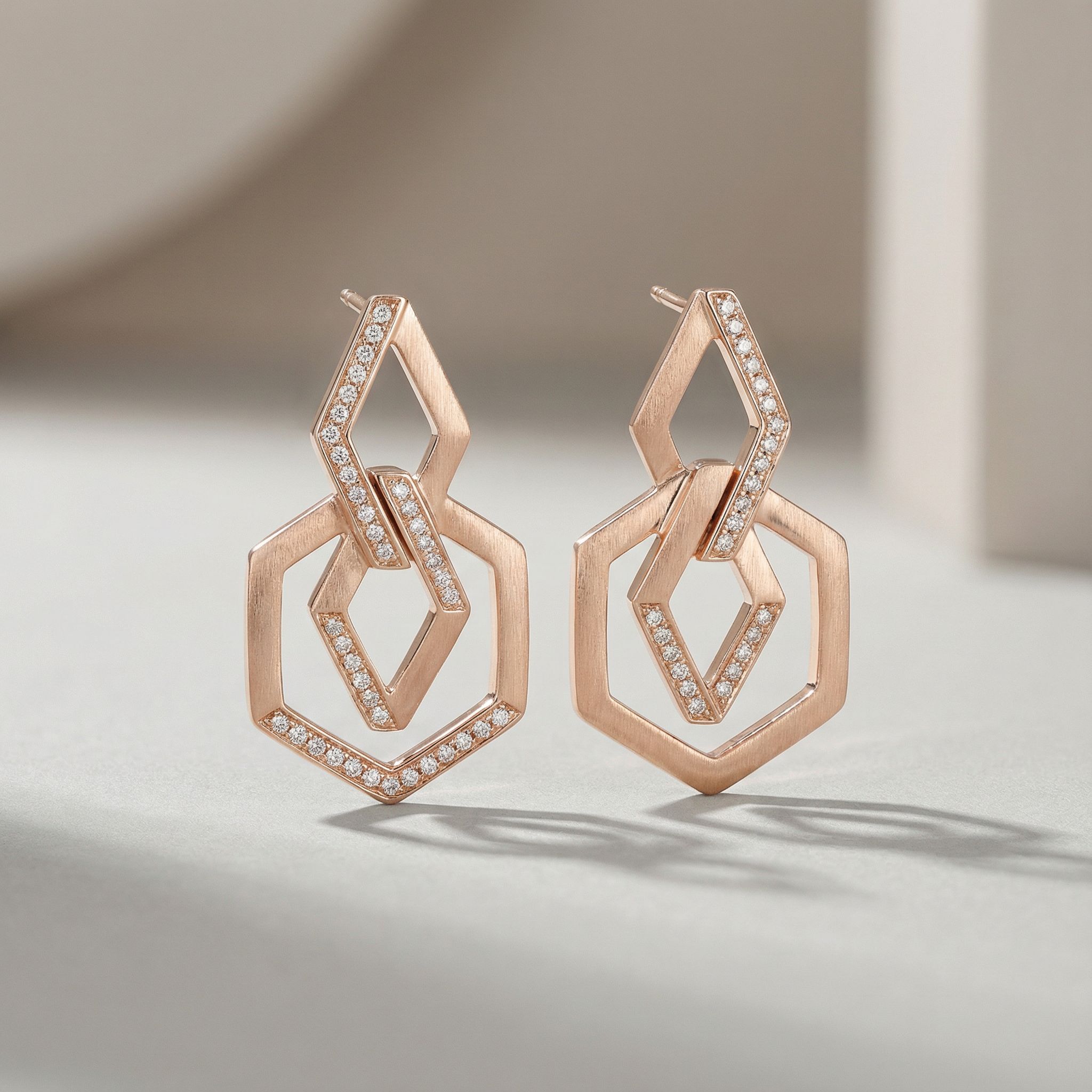
Rose Gold Earrings
Earrings
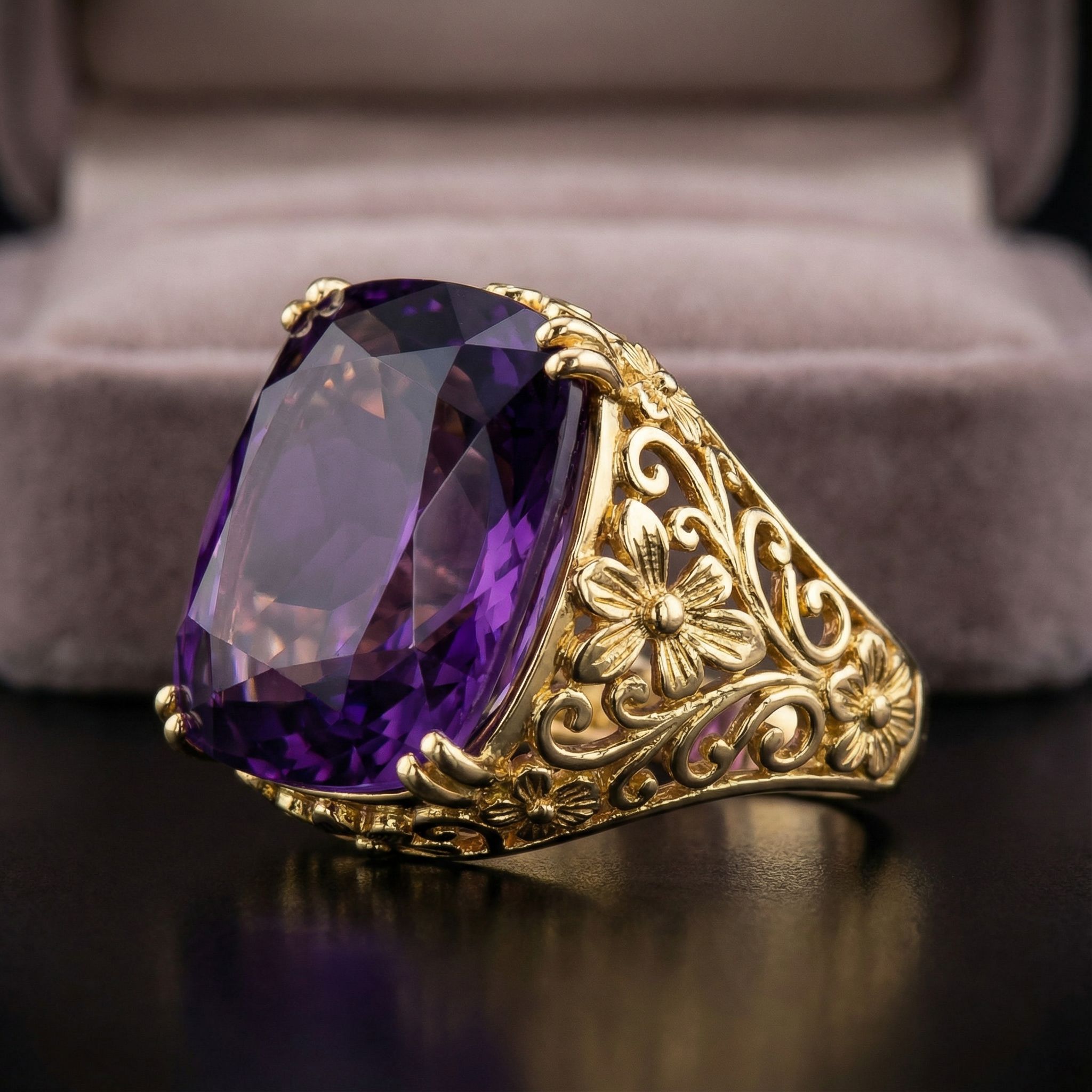
Amethyst Cocktail Ring
Ring
From engagement rings with prongs to vintage brooches, AI jewelry design handles diverse styles. These AI-generated images provide a starting point for jewelers exploring design ideas. For fashion accessories, explore AI fashion design.
Sketch to Render Workflow
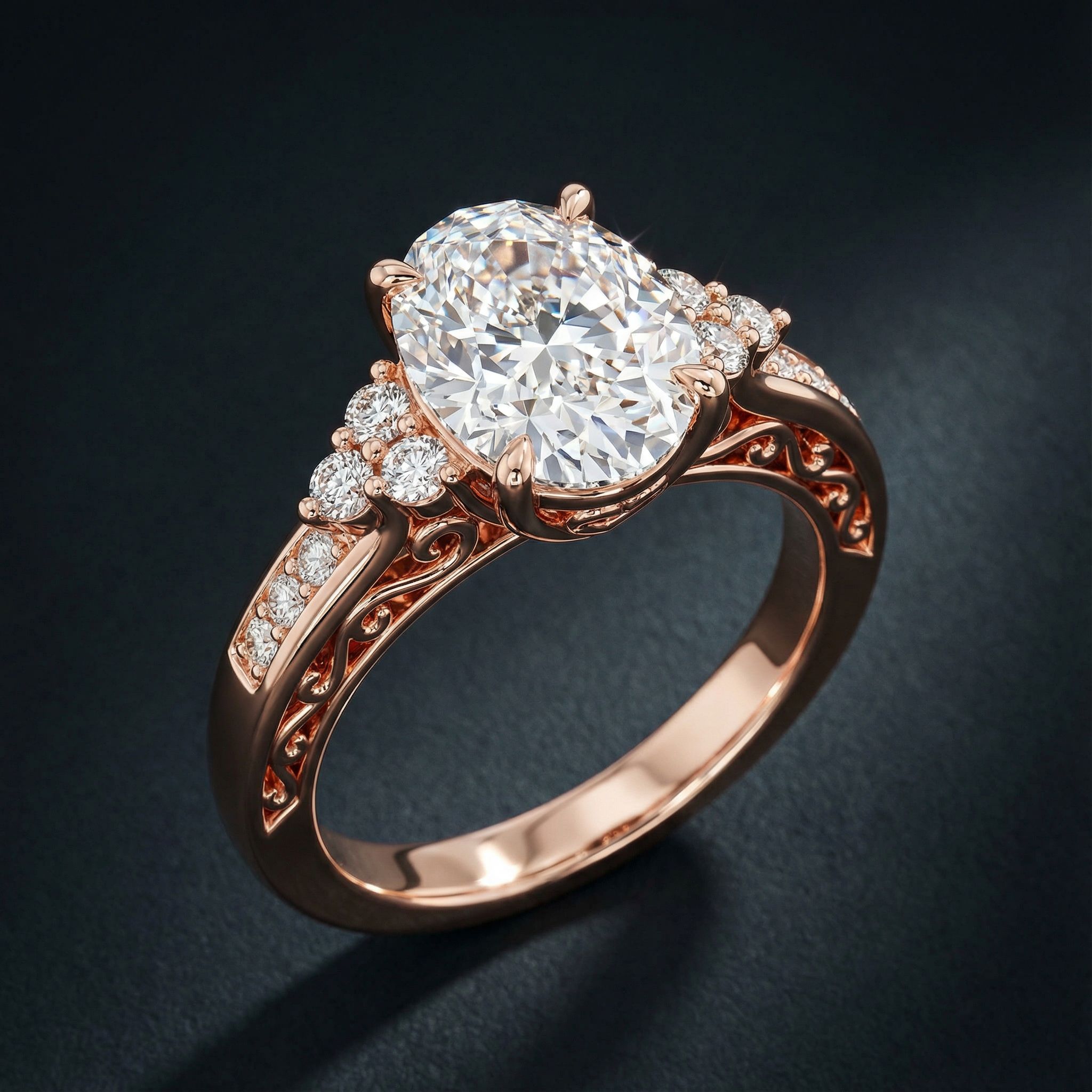
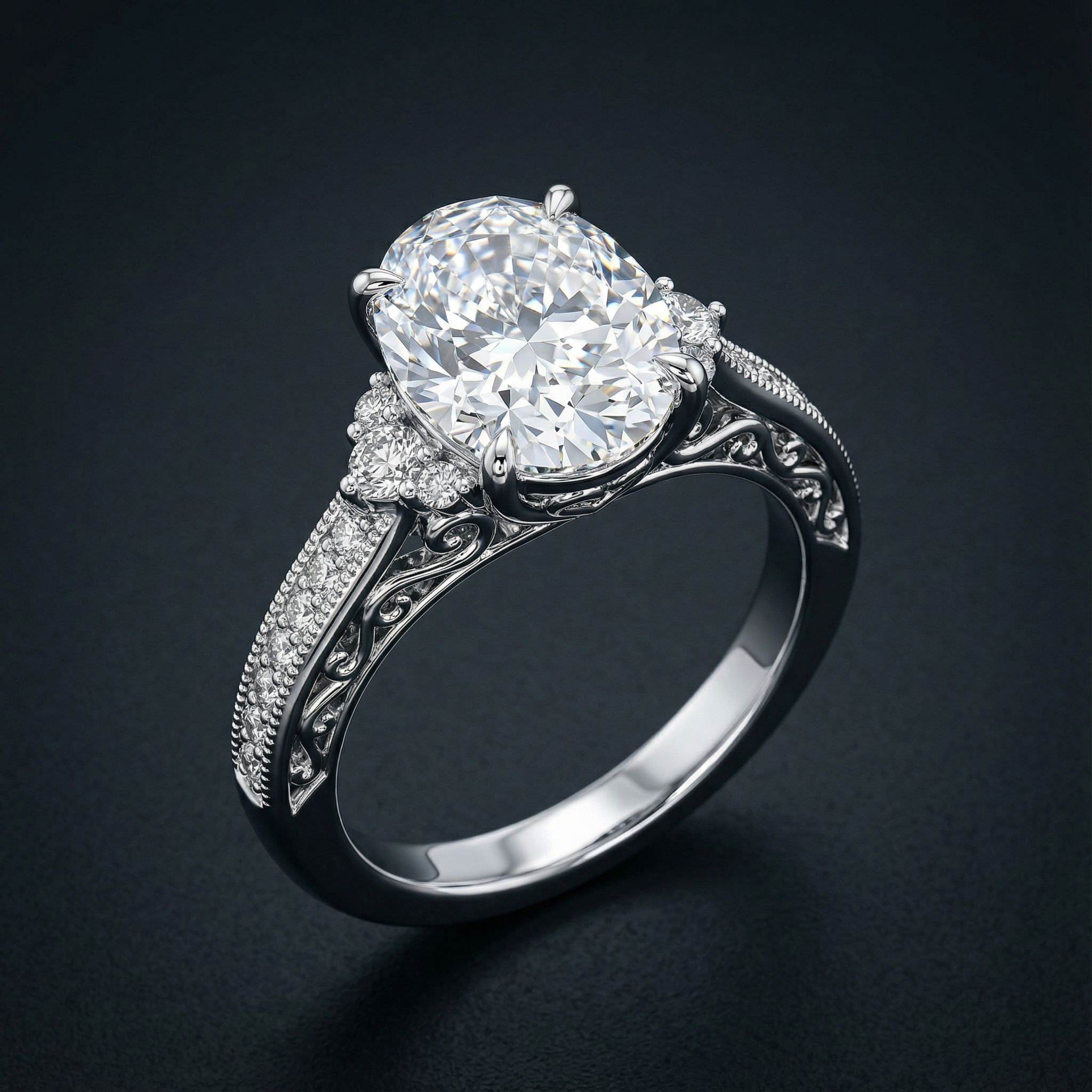
This workflow shows how to design jewelry with AI by transforming sketches into photorealistic renderings. Jewelers can visualize a single engagement ring design in multiple metal options using AI, helping clients see the final design before prototyping begins. Start with a sketch showing prong placement, then use an image generator to create renderings in yellow gold, white gold, rose gold, and sterling silver—each showing how metals affect the piece's appearance.
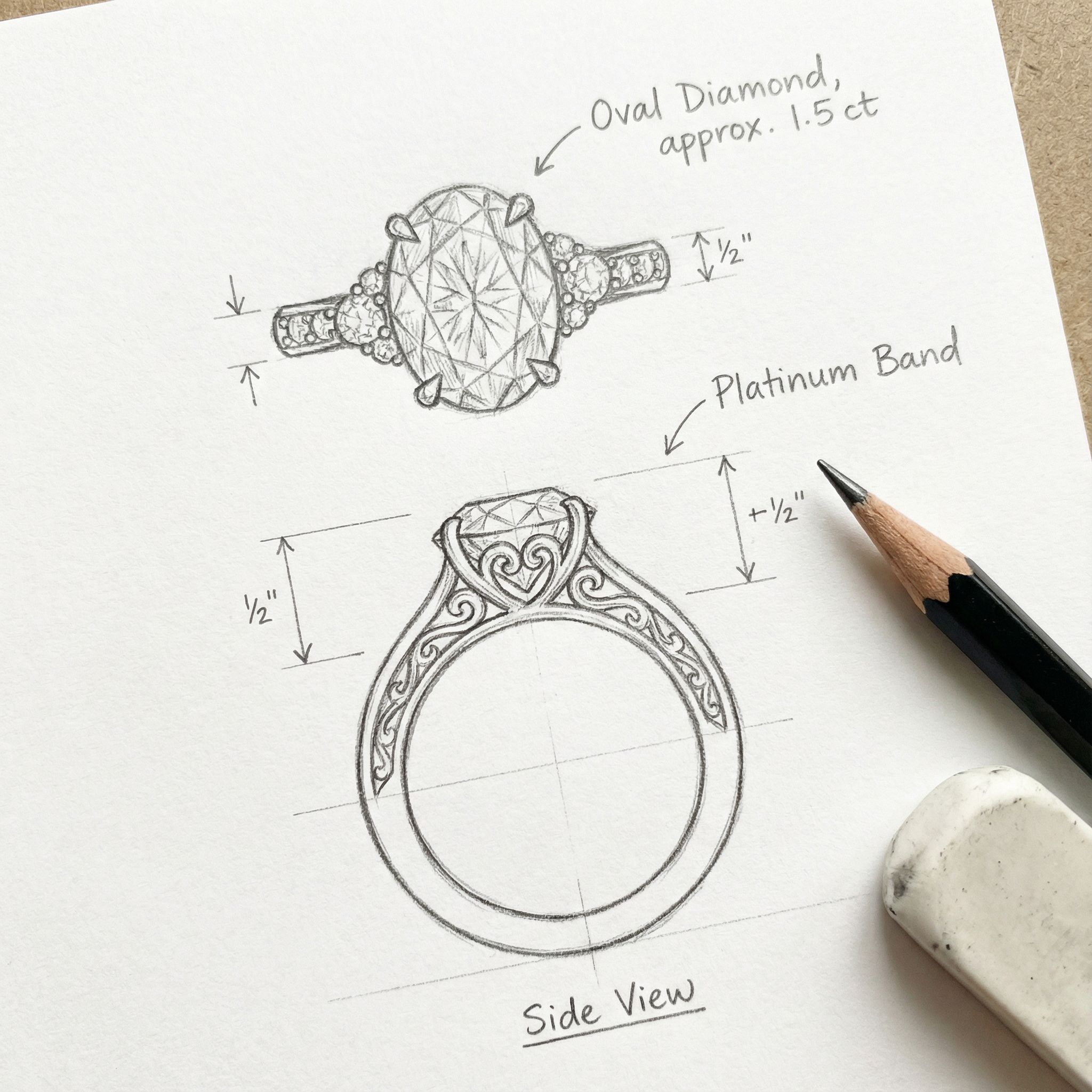
Input
Sketch
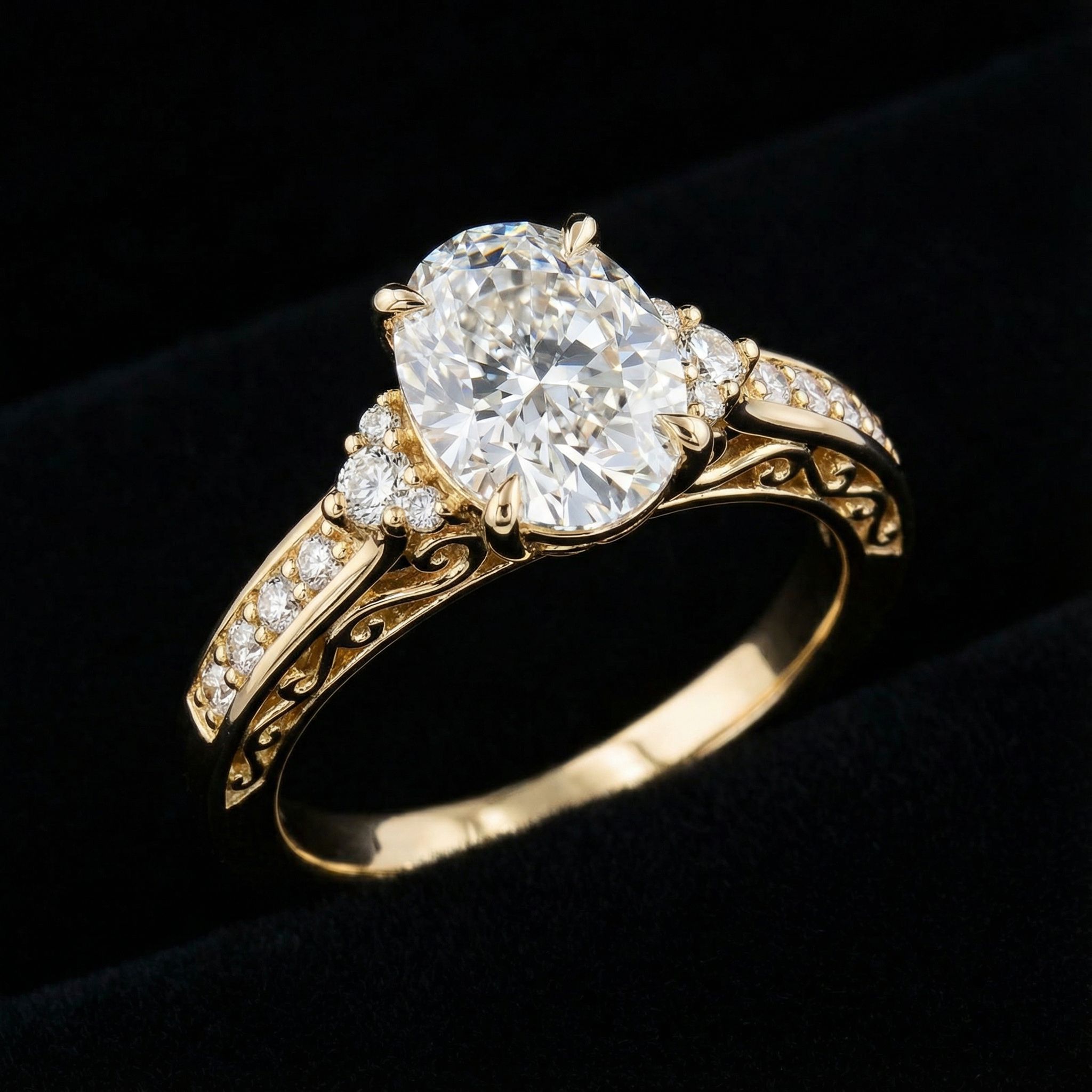
Output
Yellow Gold
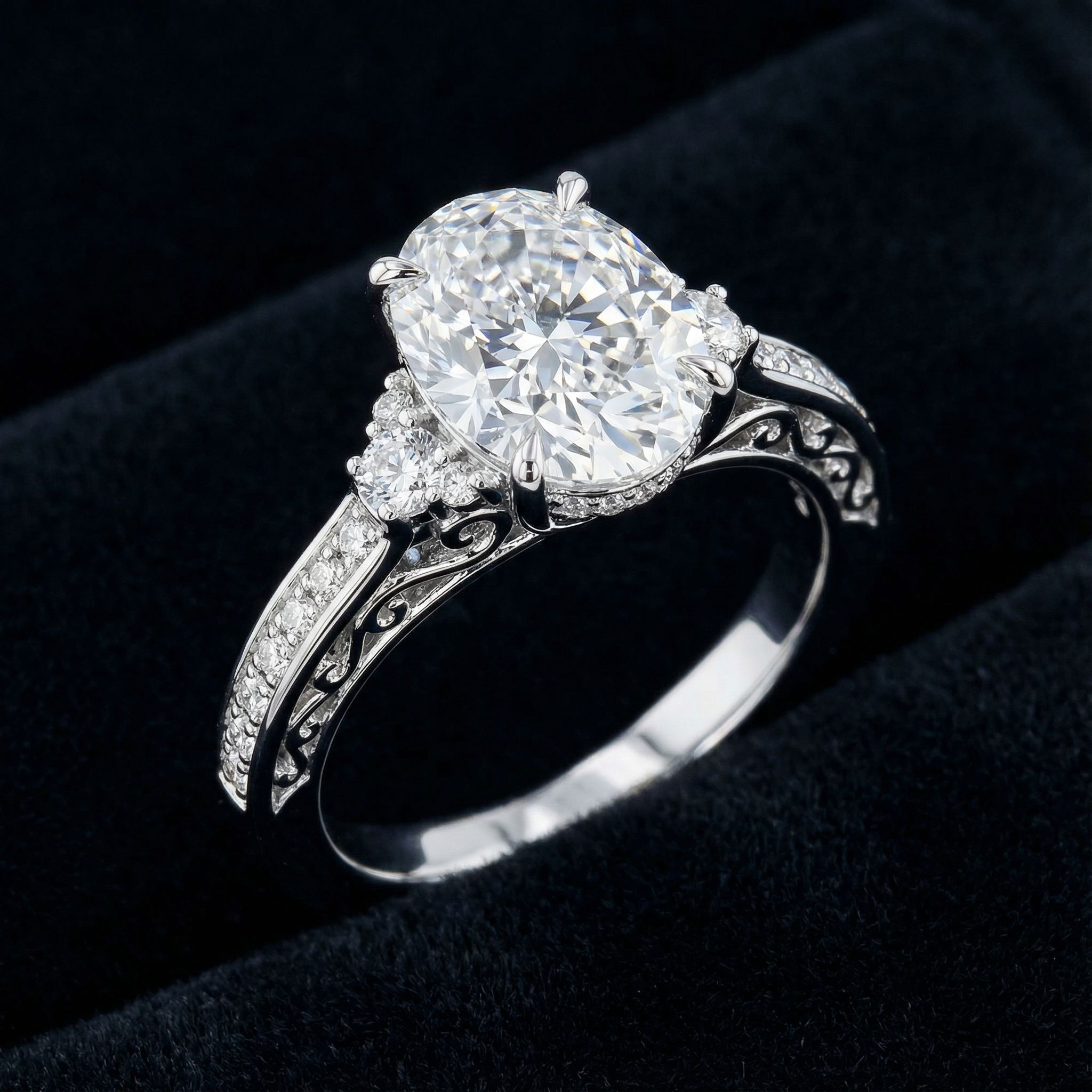
Output
White Gold
Output
Rose Gold
Output
Sterling Silver
The power of AI jewelry design lies in rapid prototyping. Generate multiple metal variations from a single sketch to show clients options for custom jewelry. Experiment with different gemstones, settings, and band designs in real-time. Some jewelers using AI generate dozens of variations before selecting the final design for jewelry production. This workflow accelerates the design process and improves client satisfaction.
Prompting Tips for Jewelry Design
Effective text prompts are essential when learning how to design jewelry with AI. Be specific about gemstones, metals, and settings to get photorealistic results. Jewelers find that detailed prompts produce high-quality renderings suitable for client presentations. ChatGPT can help refine prompts before using AI image generators.
Specify metal types
Include "yellow gold," "white gold," "rose gold," or "sterling silver" for accurate metal rendering. Add finishes like "polished," "brushed," or "hammered."
Describe gemstones precisely
Mention cut type (oval, cushion, emerald), carat size, and arrangement. For example: "2 carat oval diamond with pave accent stones."
Include setting details
Add "prong setting," "bezel setting," "halo design," or "filigree band" to control how gemstones are mounted.
Add photography context
End with "professional jewelry photography," "dark velvet background," or "studio lighting" for commercial-quality results.
For more prompting techniques across design disciplines, see our AI for graphic design guide and best AI art generator comparison.
Best AI Jewelry Design Tools
Several AI tools and AI platforms support jewelry design workflows. Pricing varies from free tiers to professional subscriptions. These design tools help jewelers generate concepts and explore jewelry ideas before craftsmanship begins. The best AI jewelry generators handle metal reflections and gemstones well. An AI jewelry generator provides high-quality mockups for client presentations and prototyping. Look for tools that produce photorealistic outputs with accurate gemstone brilliance.
AI Jewelry Design Generator
Generate custom jewelry concepts from text prompts. Create rings, pendants, brooches, and more with detailed gemstone and metal specifications.
Nano Banana Pro
Transform jewelry sketches into photorealistic renderings. Iterate on metal finishes and gemstone variations in real-time.
FAQ: How to Design Jewelry with AI
Can AI replace traditional jewelers?
AI augments rather than replaces jewelers. It accelerates the design process by generating AI-generated concepts quickly, but human craftsmanship remains essential for the final product. AI helps visualize jewelry ideas before investing in materials. The future of jewelry design combines AI visualization with traditional expertise.
Which AI models work best for jewelry design?
AI models optimized for photorealistic output work best. Nano Banana Pro excels at jewelry renderings with accurate metal reflections. Midjourney also produces quality results. For sketch-to-render workflows, choose AI models that support image input for prototyping.
How accurate are AI jewelry renderings?
Generated designs are excellent for concept visualization but may not match exact manufacturing specifications. Use AI for early prototyping, then create technical CAD drawings for jewelry production. Think of AI-generated renderings as detailed starting points.
What stunning jewelry types can AI generate?
AI can generate any piece of jewelry including engagement rings, pendants, earrings, bracelets, and brooches. It handles both classic and contemporary styles with accurate gemstones, prongs, and metal finishes. The jewelry industry increasingly uses AI for concept exploration.
Start Designing Jewelry with AI
Generate custom jewelry concepts, explore metal variations, and visualize gemstone combinations. Learn how to design jewelry with AI-powered tools.
Try AI Jewelry Design ToolsContinue Learning