How to Use AI for Product Design: Complete Guide
Learn how to use AI for product design with practical workflows. This guide covers AI tools for prototypes, UX design, image generation, and the complete product design process from concept to validation.
 by Rohit DasJan 15, 202615 min read
Learning how to use AI for product design transforms time-consuming workflows into streamlined processes. AI product design tools help product managers and design teams brainstorm new ideas, generate prototypes, and validate design concepts before investing in production. Whether you're creating physical products, UI design mockups, or packaging, AI helps accelerate the entire product design process from ideation to user testing.
This guide covers practical workflows using AI tools like ChatGPT for ideation, Figma plugins for UX design, and image generation models for visualization. You'll learn use cases that design teams can implement immediately to streamline their design workflow. These product design tools work for startups launching their first product and enterprise teams optimizing existing pipelines. Modern AI design tools like Gemini and generative AI tools make professional-quality design work accessible to teams of any size.
AI technology functions as a powerful design tool that handles repetitive tasks, generates templates for review, and helps teams optimize decision-making. Machine learning algorithms combined with human judgment create real-world solutions users love. Product designers who leverage AI spend less time on execution and more time on user research and strategic thinking. The best AI-powered results come from understanding how to use AI effectively within your existing design system.
The product design process has shifted dramatically with generative AI tools. Traditional workflows required weeks of iteration between designers, engineers, and stakeholders. Now, design teams generate dozens of concept variations in hours, test them through user testing, and iterate based on real feedback. This approach to AI product design reduces risk and improves usability across consumer electronics, SaaS products, and physical goods.
Throughout this article, we showcase AI-generated mockups and templates demonstrating what's possible with modern product design tools. For related applications, see our guides on AI for graphic design and AI furniture design.
Physical Product Design
Understanding how to use AI for product design starts with physical product visualization. Product managers can use AI tools to rapidly explore design directions, while designers iterate on form factors and materials without waiting for physical prototypes. This workflow streamlines early product development when teams need to validate design concepts with stakeholders before committing significant resources. AI helps transform sketches into polished renders in minutes rather than days.
The sketch-to-render workflow below demonstrates how AI transforms a rough industrial design sketch into photorealistic product renders. By adjusting prompts, you generate multiple color and material variations from a single sketch, automating the visualization process. Image generation is especially powerful for consumer electronics, where material finishes and color options significantly impact purchase decisions. This AI-powered approach to the product design process saves weeks of design work.
Industrial designers traditionally spend days creating detailed 3D renders and simulations for each product variation. With AI design tools, the same exploration happens in minutes. Design teams test market response to different colors, present options to stakeholders, and gather user feedback on aesthetics before finalizing designs. This data-driven approach to AI product design reduces costly iterations during later development stages.
Sketch to Render Workflow
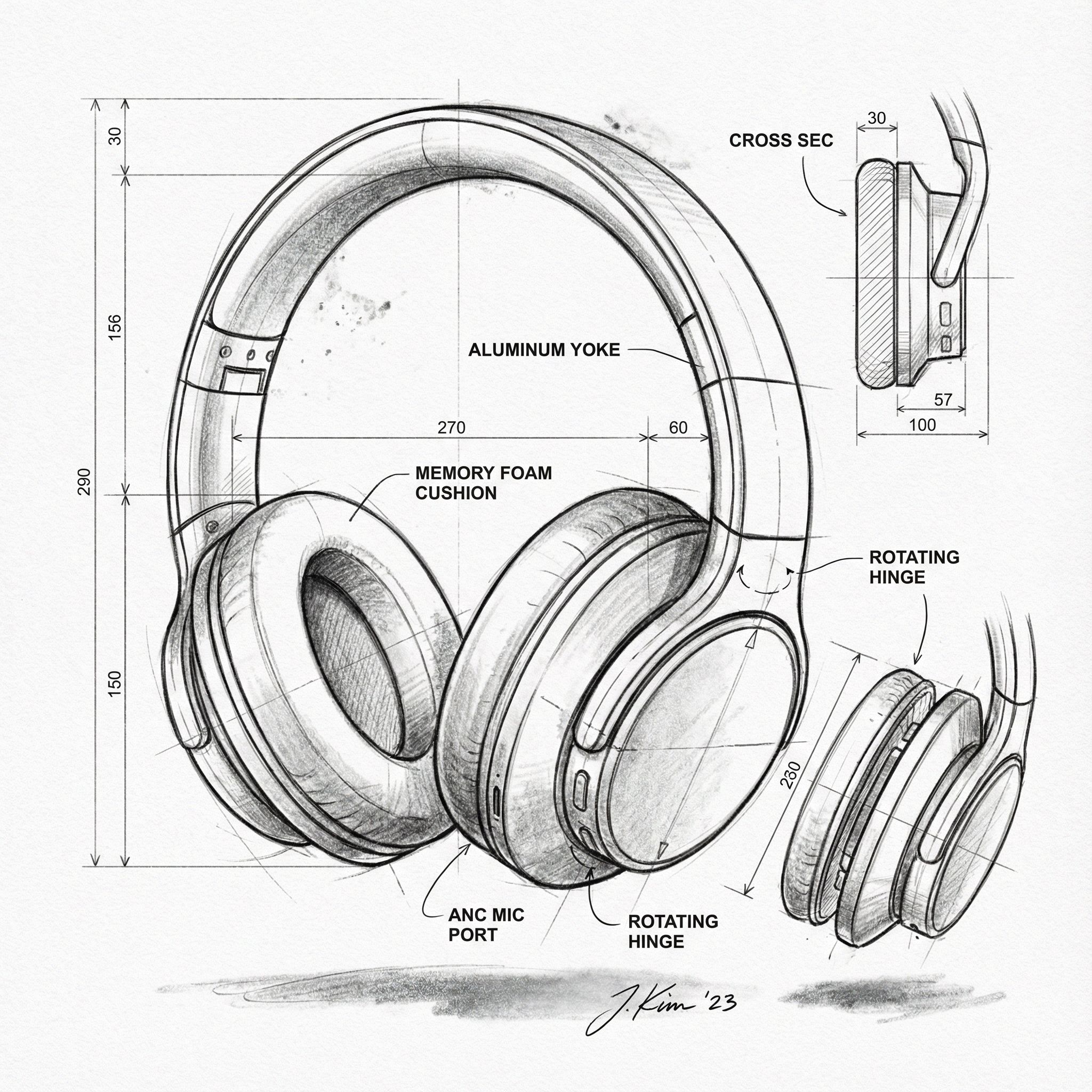
Input
Sketch
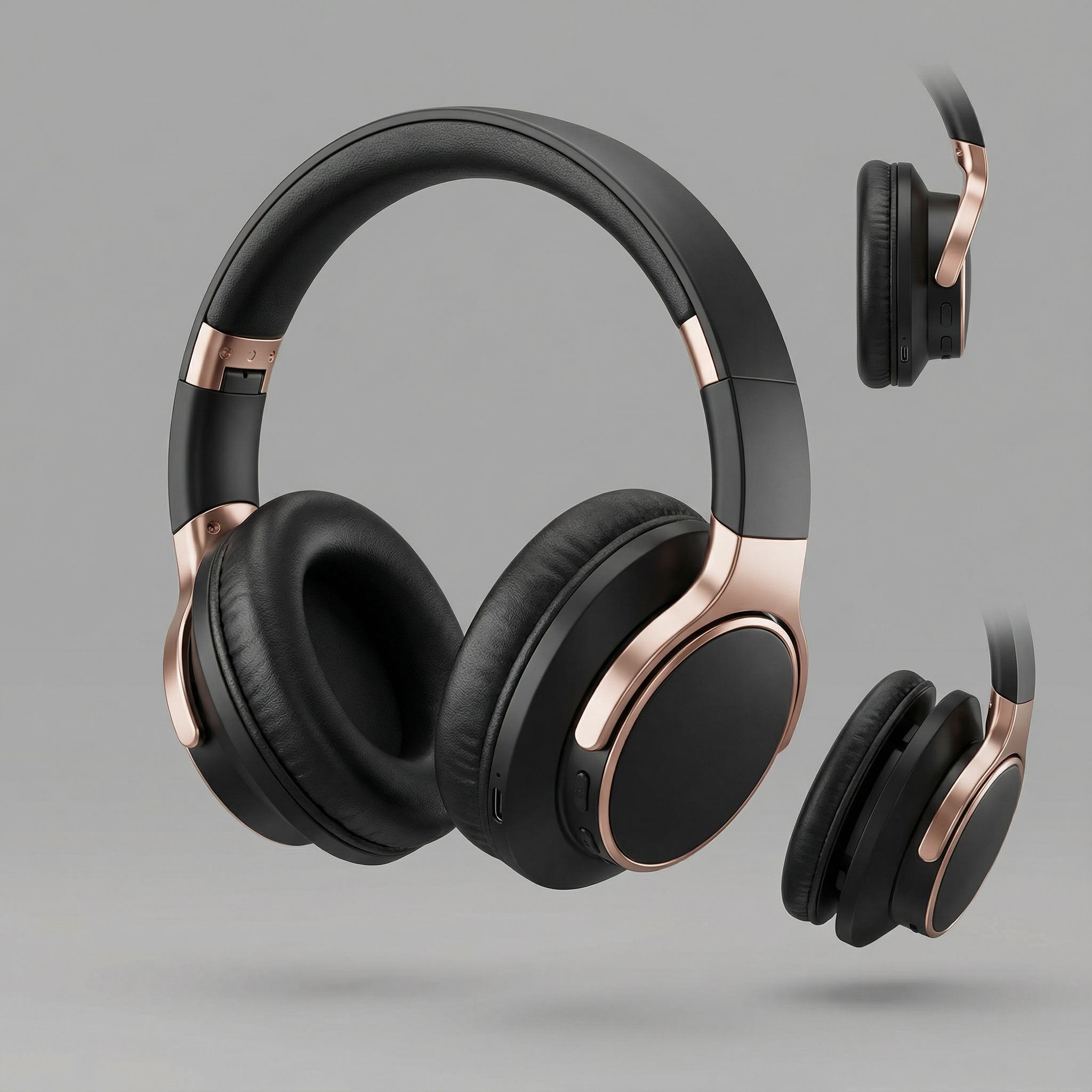
Output
Matte Black
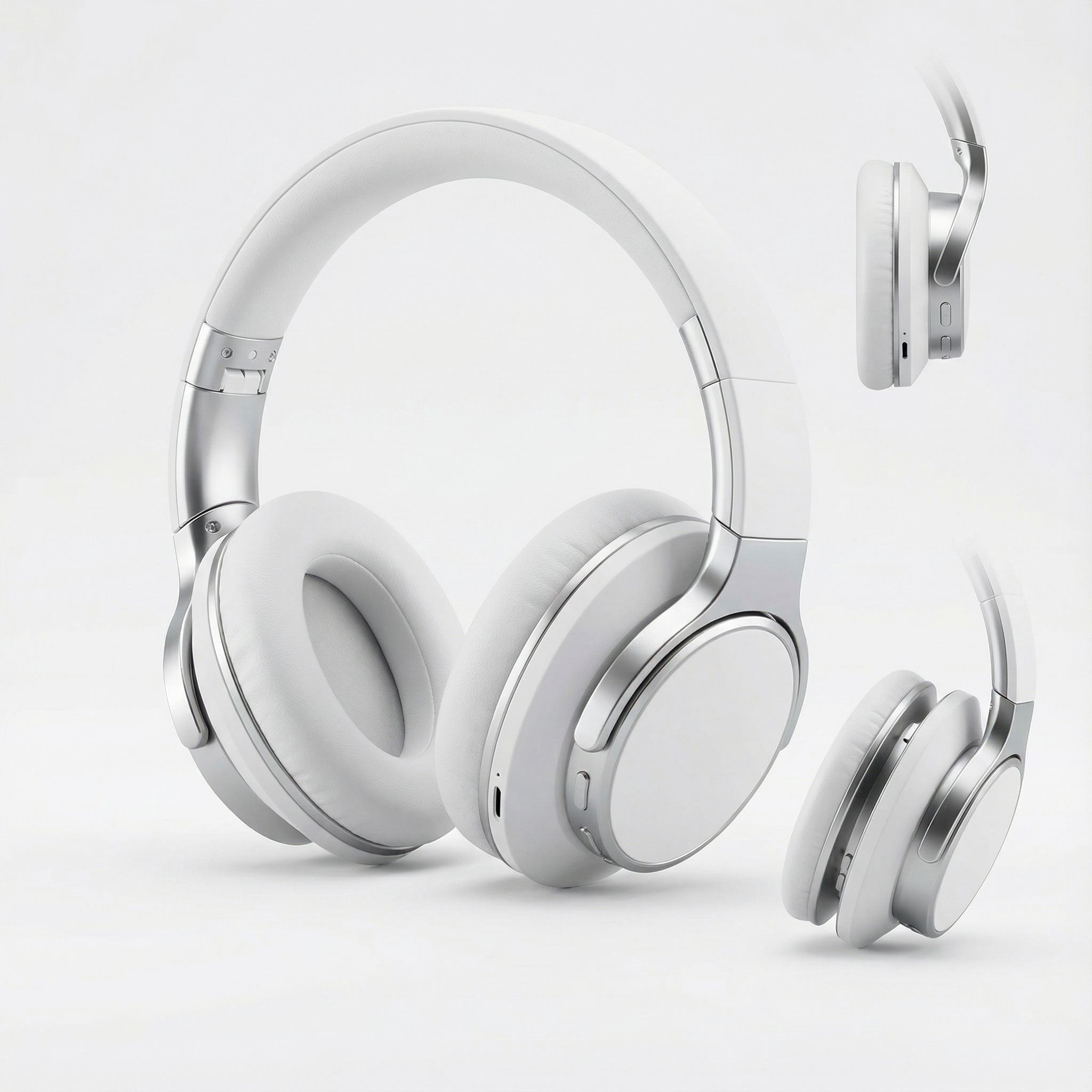
Output
Pure White
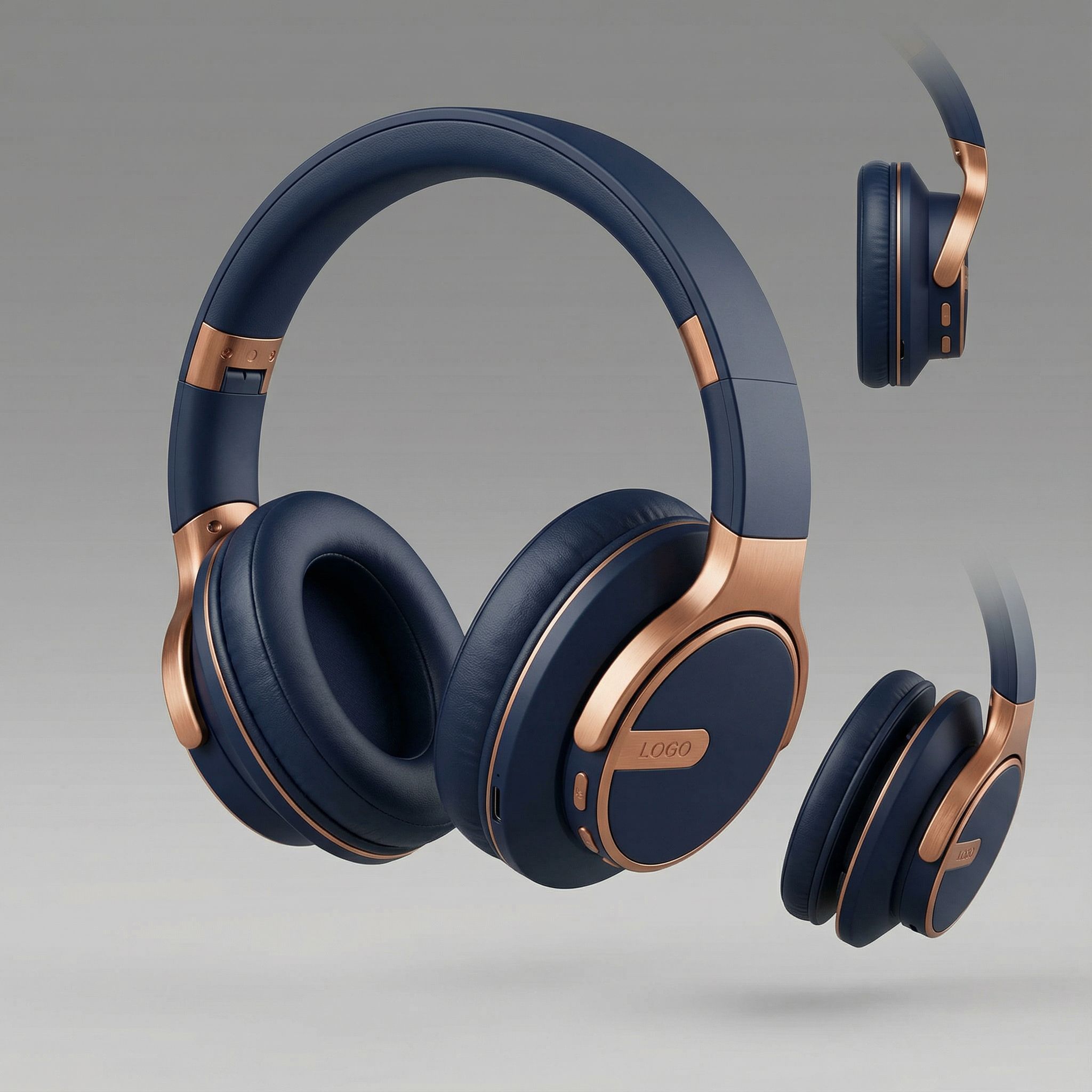
Output
Midnight Blue
AI-Generated Product Concepts
Beyond headphones, AI product design tools can generate concepts for any category. From consumer electronics to furniture, these AI-generated examples show the range of possibilities for product development teams.
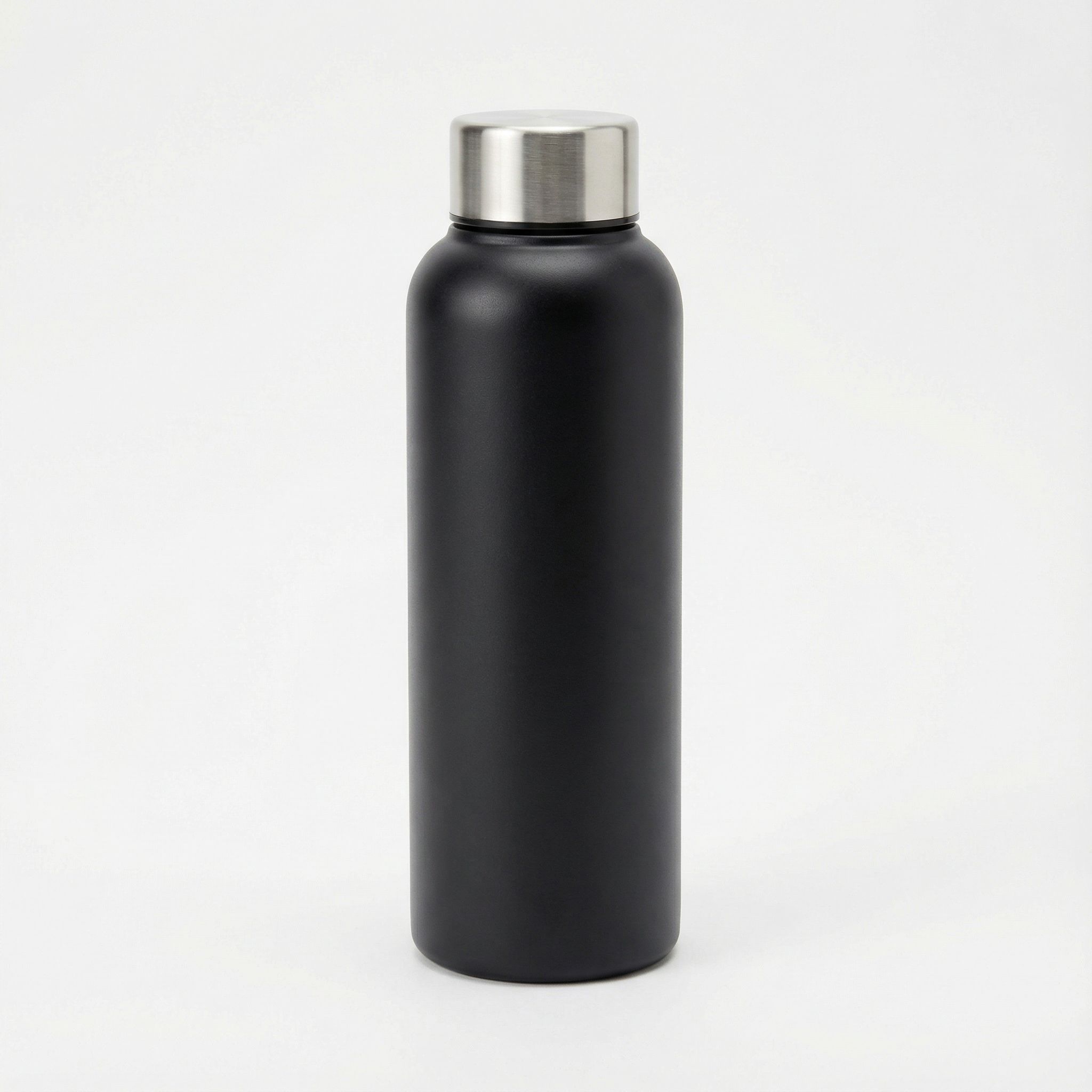
Water Bottle
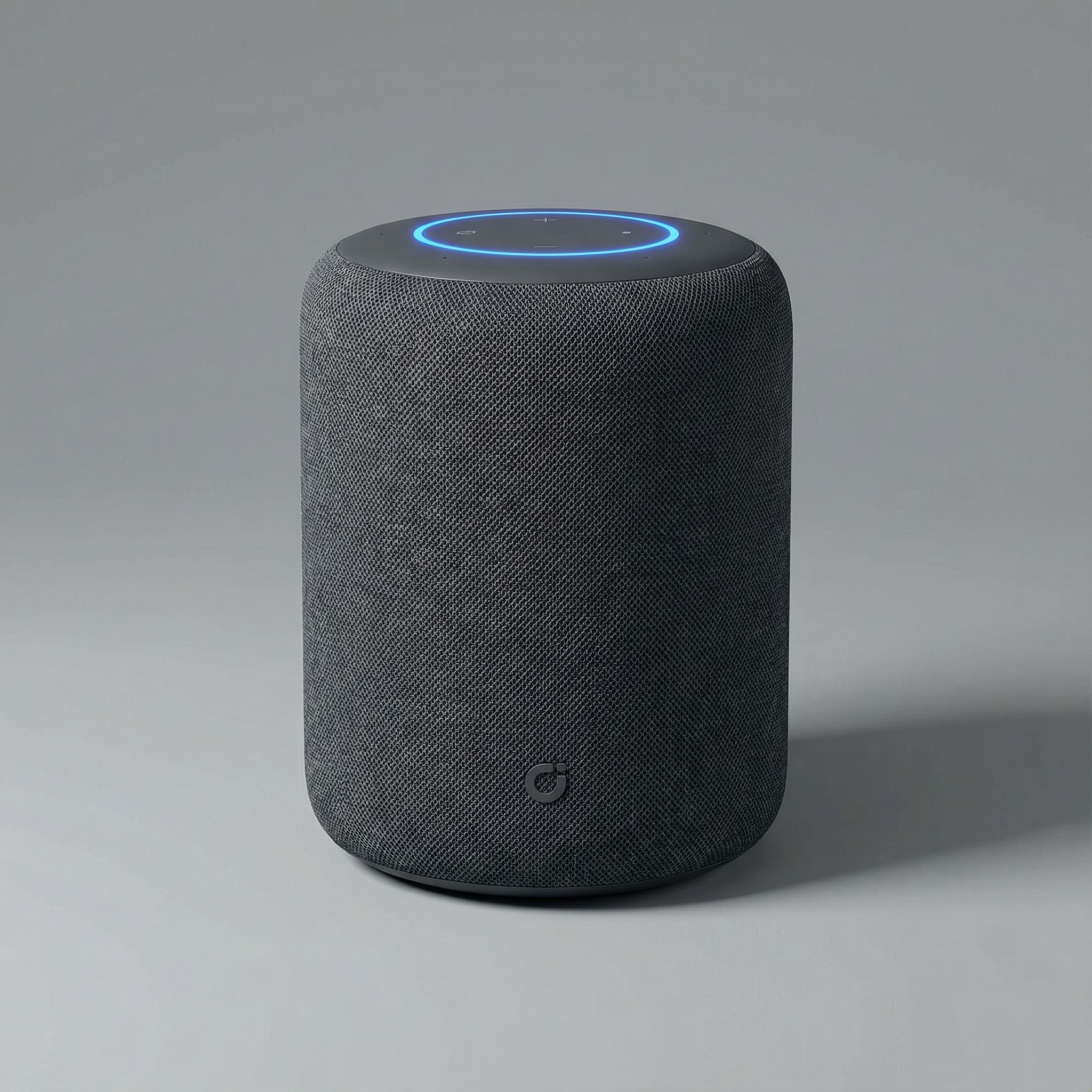
Smart Speaker
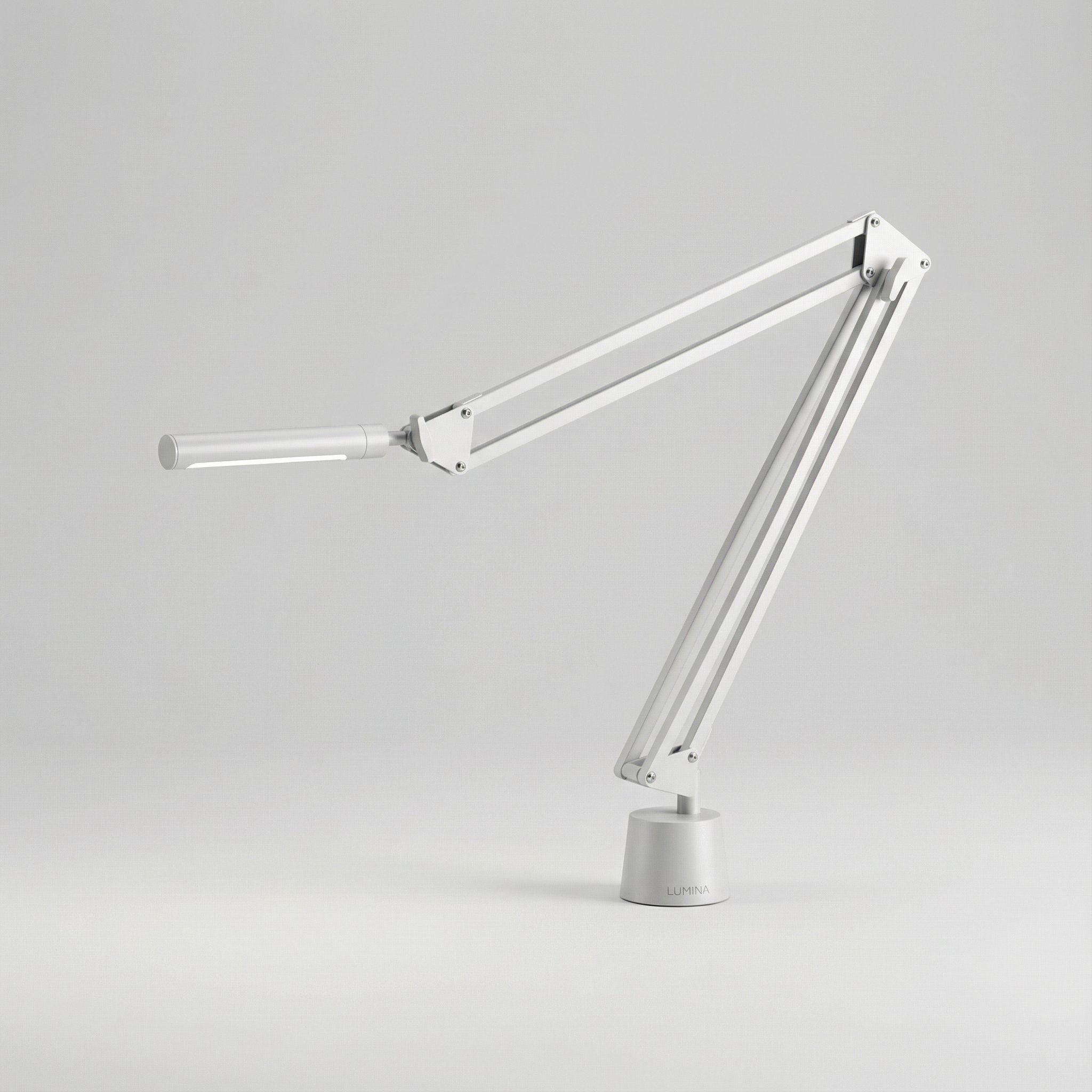
Desk Lamp
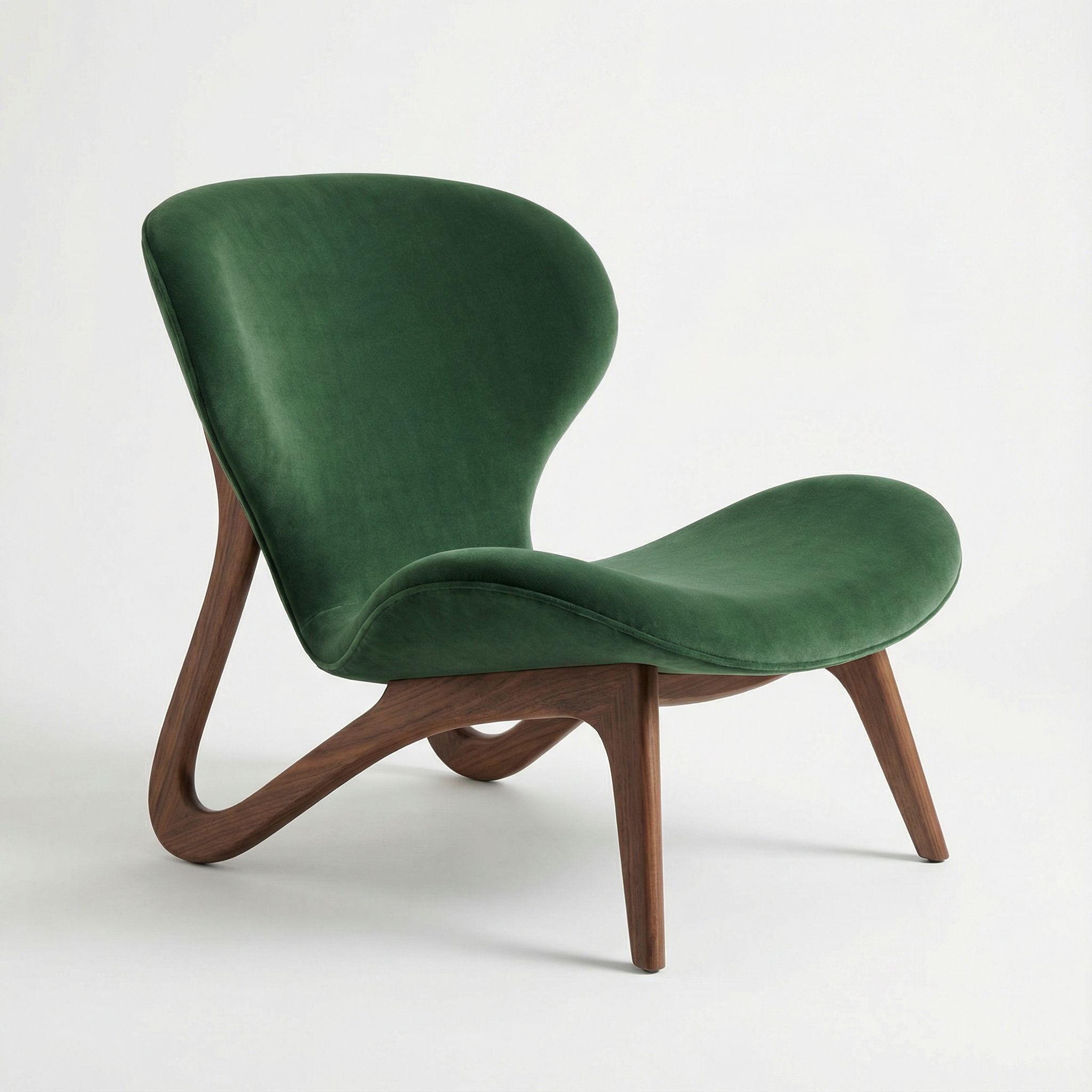
Lounge Chair
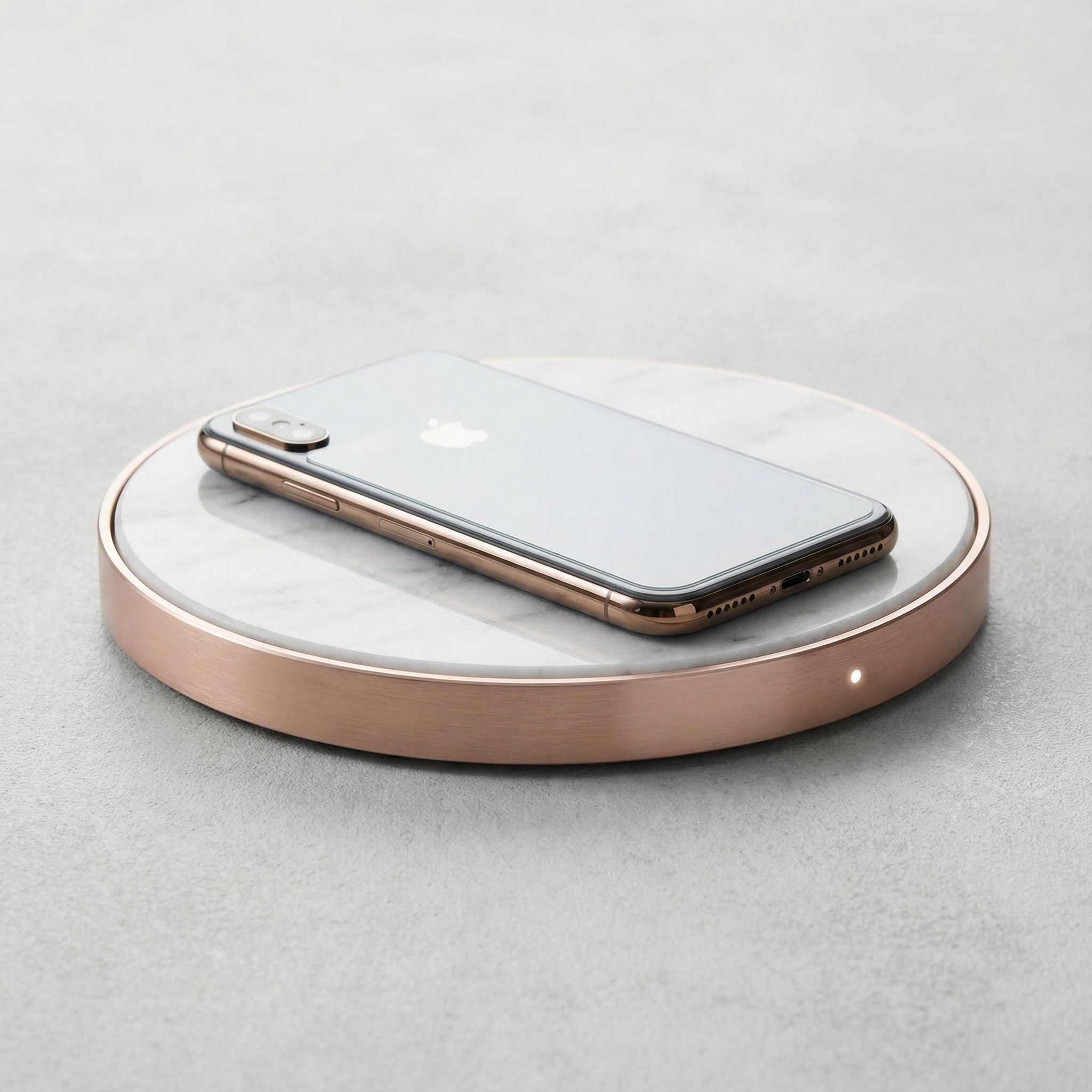
Wireless Charger
UI/UX Design & Digital Products
For digital product design, AI tools generate UI design and UX design mockups that help design teams visualize user experience concepts quickly. Whether designing a mobile app, web dashboard, or SaaS interface, you can use AI to produce high-quality mockups as starting points for refinement in Figma. This capability democratizes design, allowing product managers to communicate visual ideas even without formal training. AI helps streamline the entire UI design workflow.
The usability of AI-generated interfaces continues to improve as AI models learn from millions of real-world designs. Product managers use AI tools to generate multiple interface options during brainstorming, while designers iterate on layouts and typography. Modern AI design tools understand design systems, accessibility requirements, and platform conventions, producing mockups that follow established patterns. This understanding of UX design principles makes AI-generated prototypes immediately useful for user testing.
AI-powered UI design is particularly useful for user research and validation. Generate multiple design concepts to test with users, gather feedback, and iterate based on real data. This approach helps design teams validate ideas before investing significant design work. A/B testing design concepts early in the product design process prevents costly pivots later when engineering work is underway. Use AI for rapid prototypes that enable better decision-making.
Beyond static mockups, generative AI tools generate interactive prototypes and user flows. Product teams use these prototypes for usability testing, stakeholder presentations, and investor pitches. The speed of AI-generated UI design means teams explore more options and make better decisions about information architecture, navigation patterns, and visual hierarchy. Figma plugins integrate these AI capabilities directly into existing design workflows.
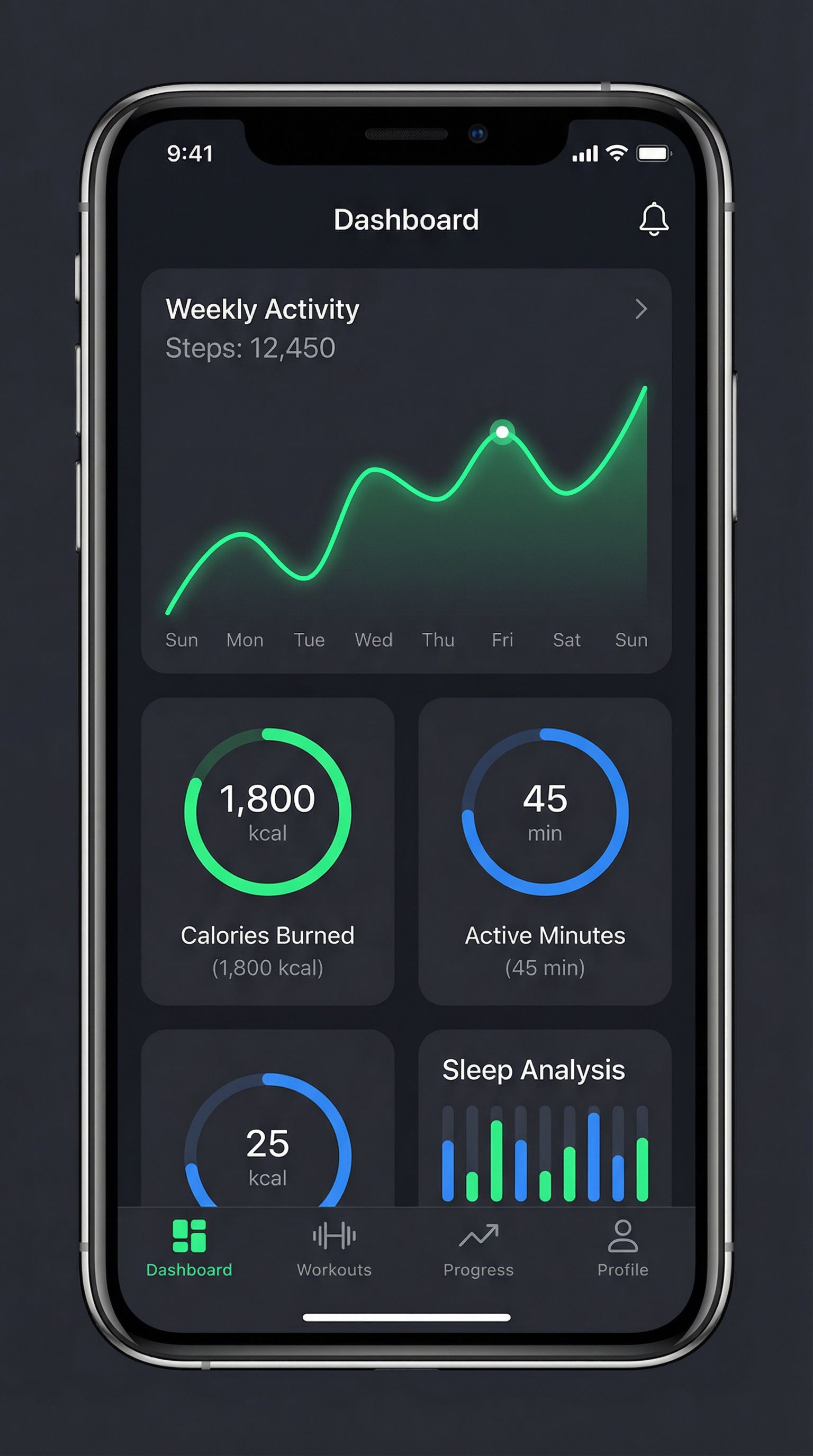
Mobile App
Fitness App
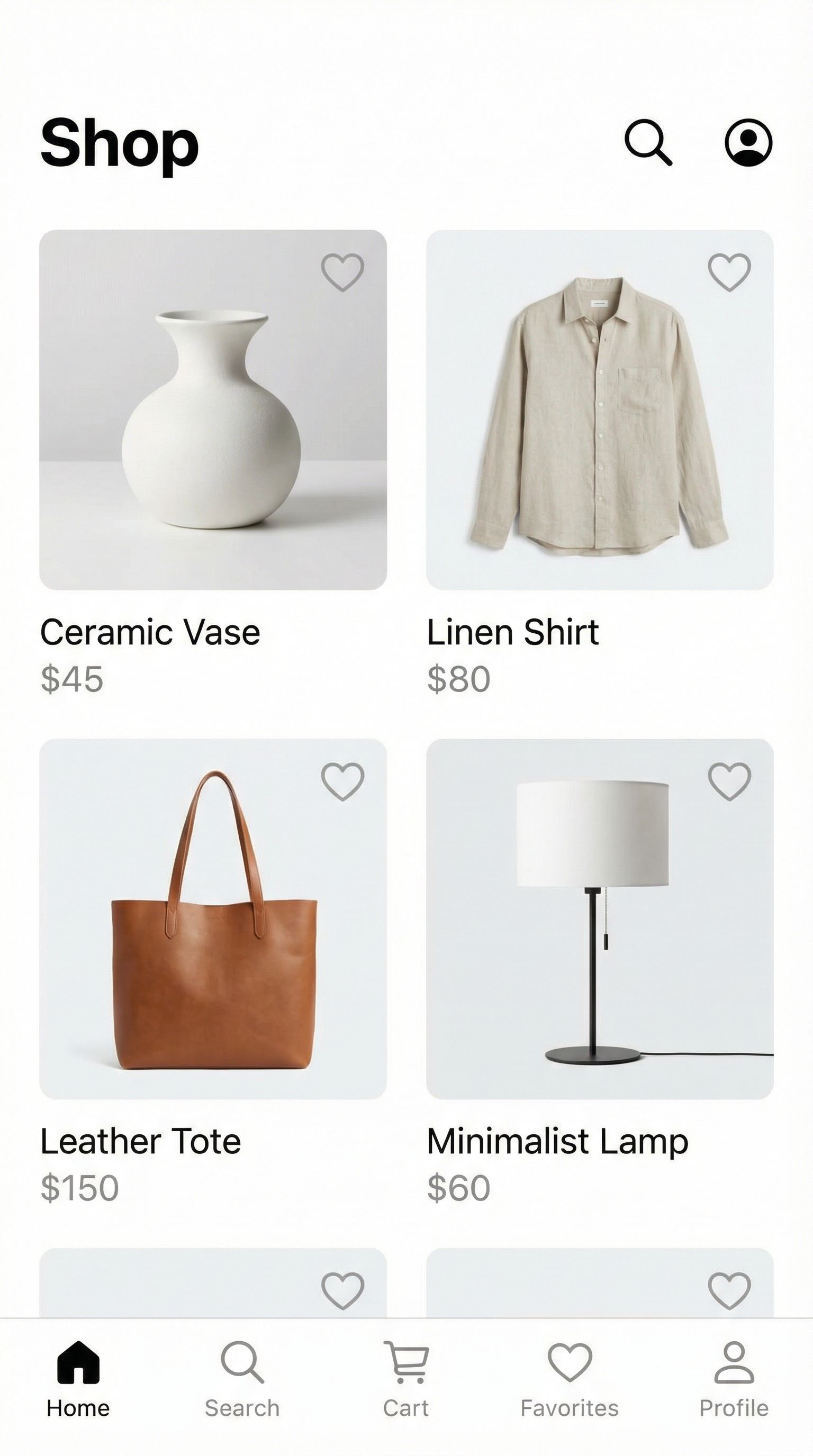
Mobile App
E-commerce App
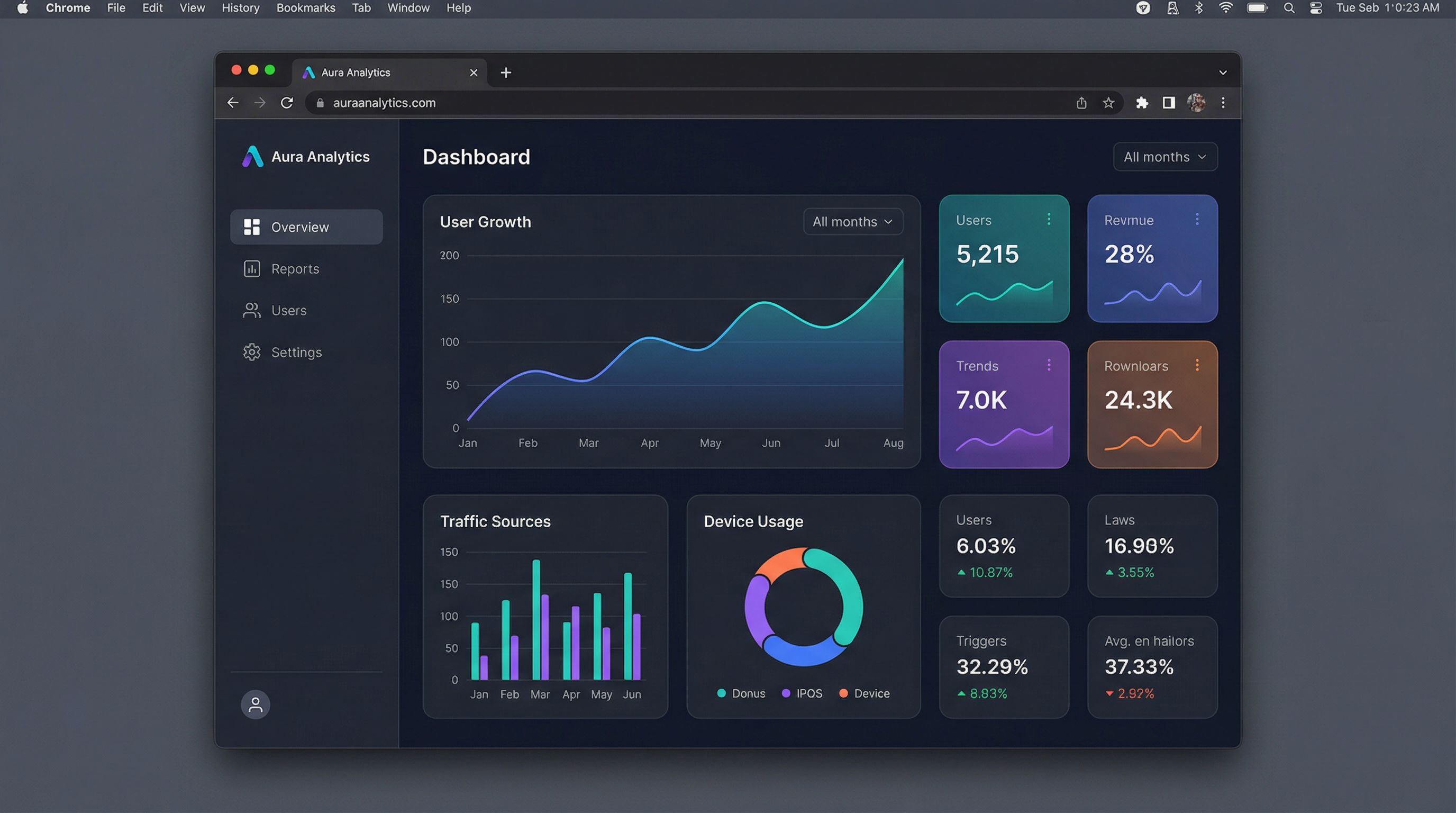
Web Dashboard
Analytics Dashboard
Rapid Prototyping & Iteration
Prototyping is where knowing how to use AI for product design truly pays off. Traditional prototyping requires significant time and resources, but AI tools automate much of the visualization work. Designers iterate on concepts in real-time, exploring dozens of variations before selecting the best direction. This function of AI in product design eliminates time-consuming manual rendering.
The wireframe-to-mockup workflow demonstrates how AI accelerates the design process. Start with hand-drawn wireframes or rough sketches, then use AI to generate polished prototypes. This approach lets design teams move from ideation to high-fidelity mockups in hours instead of days, streamlining the entire product design process. ChatGPT can help refine design briefs before image generation.
For physical products, AI-driven prototyping generates photorealistic renders and simulations that stakeholders can review without waiting for 3D models or physical samples. This speeds up decision-making and helps teams optimize their design workflow. Use AI to create multiple prototypes and gather feedback before committing to production tooling and expensive manufacturing.
Wireframe to Mockup Workflow
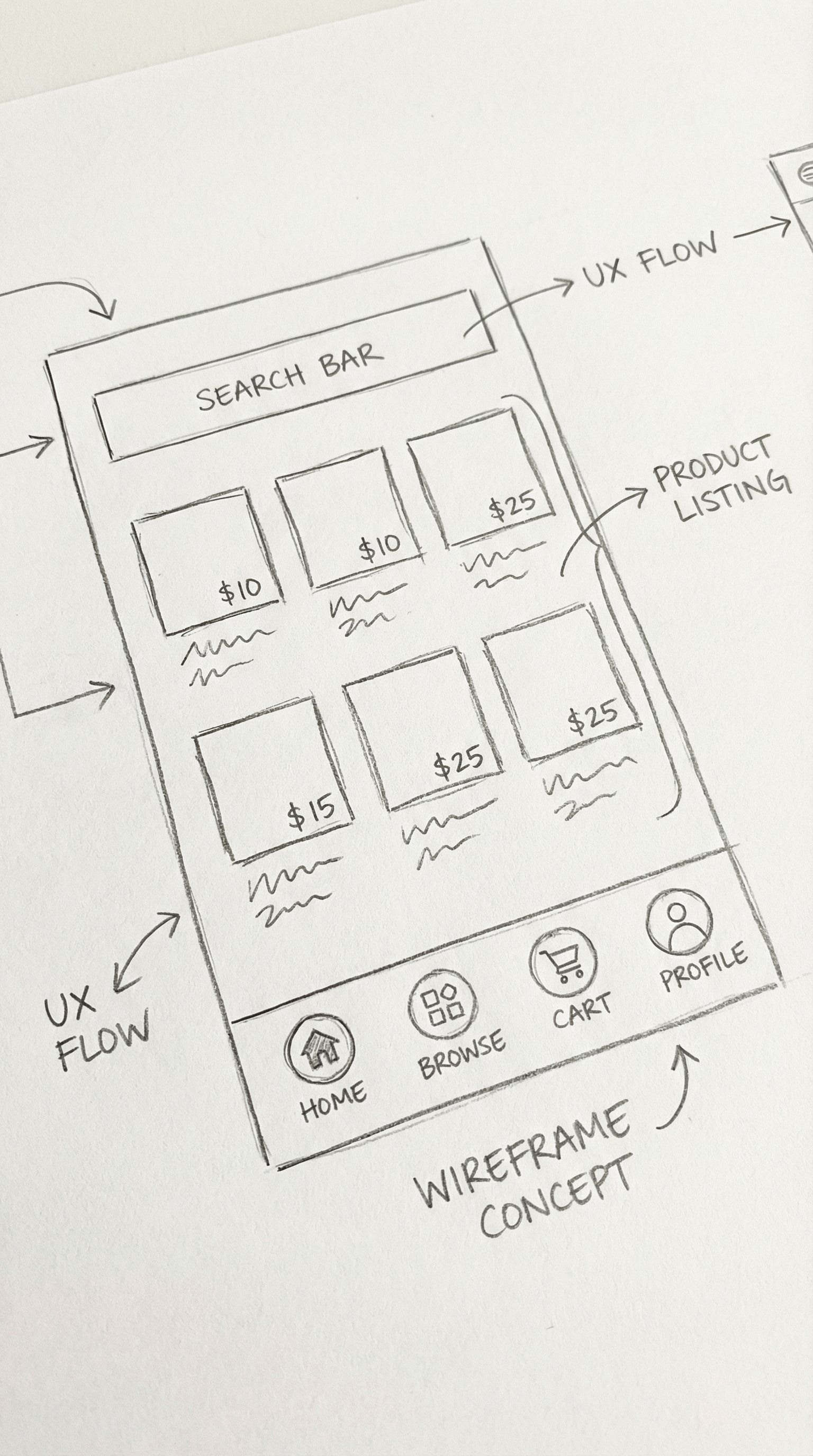
Input
Wireframe Sketches
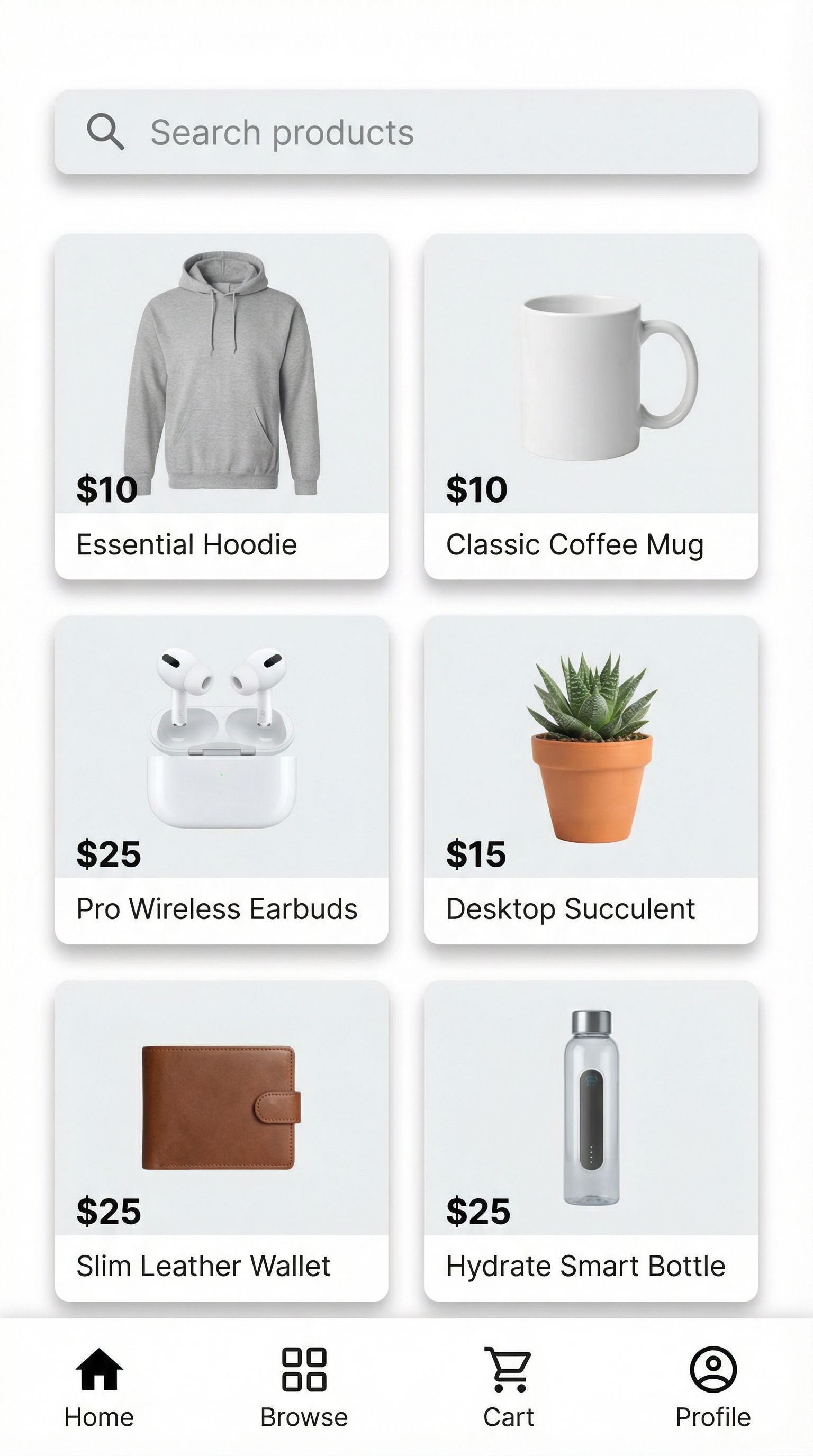
Output
High-Fidelity Mockup
Hand-drawn wireframes can be transformed into polished UI mockups using AI image generators. This workflow is ideal for early-stage ideation when teams need to move quickly from concept to visual prototype.
Prototyping Benefits
- • Generate multiple design directions in minutes
- • Iterate on color, material, and form variations
- • Create stakeholder presentations without full renders
- • Validate design concepts with user feedback
Best Practices
- • Start with clear design briefs and constraints
- • Use AI outputs as starting points, not final designs
- • Combine AI generation with human refinement
- • Document successful prompts as templates
Brand & Packaging Design
Packaging design is critical for product success, especially in e-commerce and retail. AI product design tools generate packaging mockups that help teams visualize how products will appear on shelves and in social media marketing. From luxury cosmetics to specialty foods, AI produces high-quality packaging concepts that align with brand guidelines and communicate product value effectively to consumers.
The examples below show AI-generated packaging for different product categories. Each design demonstrates attention to typography, materials, and brand aesthetic. Product managers can use these AI-generated concepts to explore packaging directions before engaging specialized packaging designers for final production files. This approach saves time and budget by narrowing options before expensive design work begins.
AI packaging design is particularly valuable for D2C brands launching new product lines. Generate multiple packaging concepts to test on social media, gather customer feedback through surveys, and validate market positioning before committing to production minimums. This data-driven approach reduces the risk of expensive packaging redesigns after launch and ensures products stand out in competitive marketplaces.
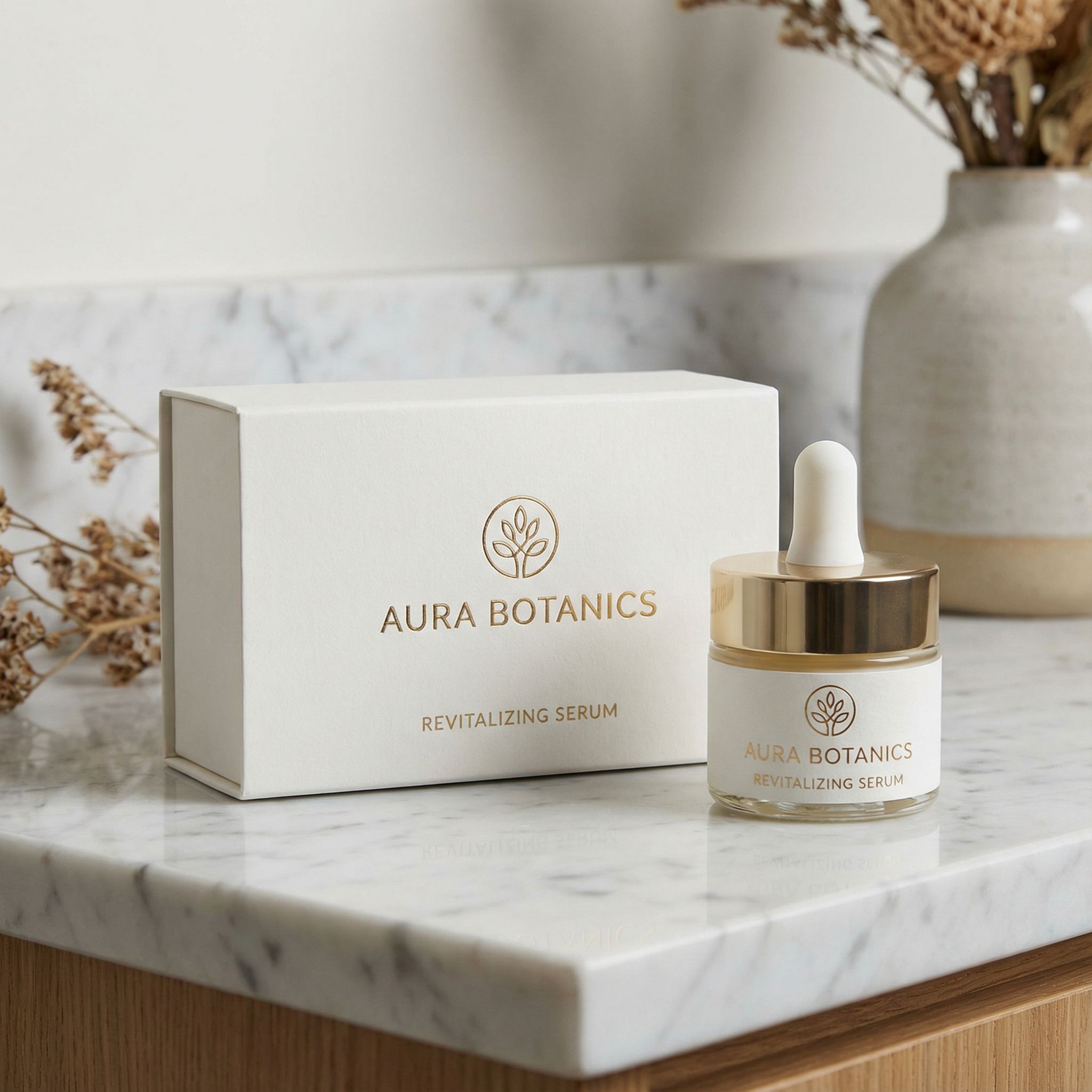
Skincare Packaging
Packaging mockup • ~38s
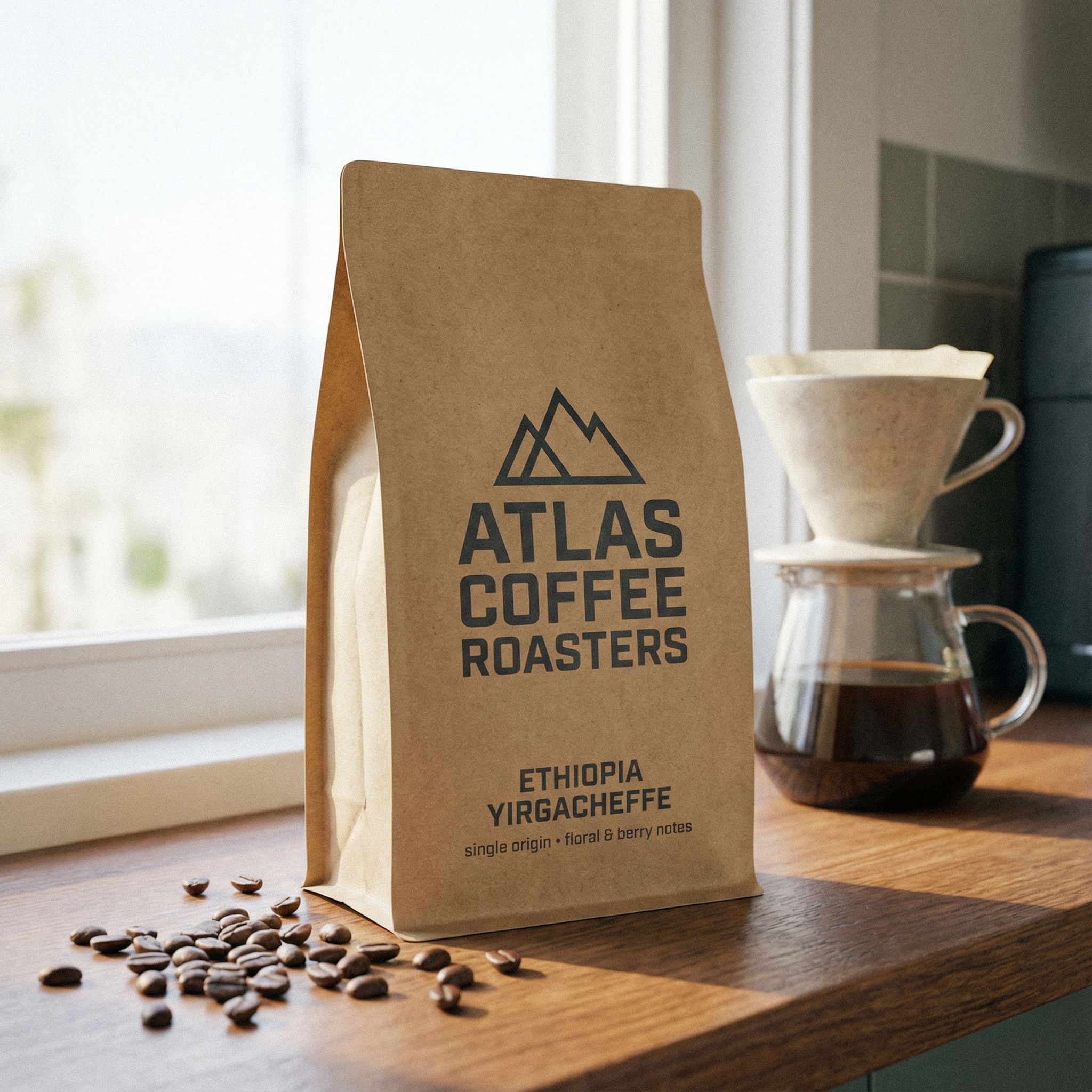
Coffee Packaging
Packaging mockup • ~36s
For logo design to complement your packaging, see our best AI logo generator guide.
User Research & Validation
AI tools enhance user research by generating test materials quickly. Product managers create multiple design variations to test with users, gathering feedback before committing to a direction. This approach validates assumptions about user experience and usability early in the product design process, when changes are inexpensive. Use AI to scale user testing across multiple design concepts.
ChatGPT and Gemini help with qualitative research tasks like synthesizing user interviews, generating survey questions, and creating user personas. Combined with image generation for visual prototypes, AI chatbot interfaces automate significant portions of the user research workflow. This automation frees researchers to focus on strategic analysis and stakeholder communication rather than repetitive tasks like manual data processing and prototype creation.
For teams learning how to use AI for product design research, remember that AI-generated insights validate, not replace, real user feedback. The function of AI in user research accelerates data processing and prototype creation while human researchers interpret results and make strategic decisions. AI helps with optimization, but the best research outcomes combine machine learning efficiency with human empathy and judgment.
AI also helps scale user research efforts through automation. Generate variations of survey questions to test different phrasings, create localized prototypes for international markets, and analyze feedback across large user populations. These capabilities make comprehensive user research accessible to smaller design teams that previously lacked resources for extensive studies. Artificial intelligence democratizes the product design process.
Ideation
Use ChatGPT to brainstorm product features, user flows, and design directions. Generate new ideas based on user feedback and market research.
Prototyping
Create visual prototypes with AI image generators. Test multiple design concepts with users to gather feedback on usability and appeal.
Analysis
Use AI to analyze user feedback, identify patterns, and generate insights. LLMs excel at summarizing qualitative data from interviews and surveys.
Best AI Product Design Tools
Several AI tools support different aspects of the product design workflow. Generative AI tools like image generators excel at visualization, while ChatGPT, Gemini, and other chatbot interfaces help with research and ideation. Many design teams combine multiple product design tools to cover the full development lifecycle, creating integrated workflows from concept to prototype. These AI design tools work together seamlessly when you understand each tool's strengths.
Pricing for AI tools varies from free tiers to enterprise subscriptions. Most design tools offer enough free usage to evaluate function before committing. The key is matching tool capabilities to your use cases. Teams focused on physical product design need different tools than those building software interfaces. For detailed comparisons, see our best AI image generators guide.
Enterprise design teams should also consider AI tools that integrate with existing software like Figma, Sketch, and Adobe Creative Suite. Plugin-based AI design tools maintain existing workflows while adding generative capabilities. This approach minimizes disruption and helps designers adopt AI gradually. Machine learning continues improving these product design tools, making them more useful for real-world applications every month.
AI UI Design Generator
Generate high-quality UI mockups and interfaces from text descriptions. Create app screens, dashboards, and web layouts.
Nano Banana Pro
Transform sketches into photorealistic product renders. Iterate on design concepts and generate color variations in real-time.
AI Car Design Generator
Specialized tool for automotive and vehicle product design. Generate concept cars and transportation designs.
Related: Marketing teams can explore AI for marketing applications. For e-commerce product imagery, see our AI for e-commerce guide.
AI Product Design Case Studies
Consumer Electronics Startup
A hardware startup used AI to generate 50+ product concept variations in a single week, compared to 5-10 with traditional methods. This helped them validate market positioning and secure seed funding with compelling visual prototypes. The founders credit AI-generated renders with helping investors visualize the product vision clearly.
SaaS Product Team
A product team used AI UI generators to create mockups for user testing, reducing design iteration time from days to hours. They tested 3x more design concepts with users, leading to better user experience decisions. The team now uses AI mockups for all initial concept validation before assigning designers to develop full specifications.
CPG Brand Packaging
A consumer packaged goods company generated packaging concepts for LinkedIn and social media campaigns using AI. The AI-generated mockups performed 40% better in focus groups compared to initial internal concepts. This data-driven approach to packaging design has become standard practice for their new product launches.
Furniture Design Studio
A furniture design studio integrated AI into their client presentation workflow. Instead of creating one or two detailed renders for each client meeting, they now generate 10-15 concept variations. Clients appreciate seeing more options, and the studio closes deals faster because clients find designs that match their vision more quickly.
FAQ: How to Use AI for Product Design
Can AI replace product designers?
AI augments rather than replaces product designers. AI-powered tools automate visualization and repetitive tasks, freeing designers to focus on strategic decisions, user research, and creative direction. The best results come from combining AI tools with human expertise. Designers who learn to leverage AI effectively become more valuable to their design team.
What are the best AI tools for product design?
Different AI tools excel at different tasks. Image generation tools like Nano Banana Pro work well for product visualization. ChatGPT and Gemini help with ideation and research. Figma plugins integrate AI directly into UX design workflows. Choose based on your use cases and existing toolchain. Most design teams benefit from combining multiple AI tools across the product design process.
How accurate are AI-generated product renders?
AI-generated renders are excellent for concept exploration and stakeholder presentations, but may not match production specifications exactly. Use AI renders for early prototypes and validation, then create accurate CAD models for manufacturing. The goal is rapid iteration during ideation, not production-ready specifications. AI helps with optimization of the design process rather than replacing engineering precision.
How do I get started learning how to use AI for product design?
Start with a specific use case rather than adopting AI across your entire workflow at once. Concept visualization is often the best entry point. Use AI to generate product variations from existing sketches or descriptions. Once you see results, expand to UI design mockups, packaging, or user research. Most AI design tools offer free tiers for evaluation.
What prompting techniques work best for AI product design?
Be specific about materials, colors, and context. Include details like "matte black finish with rose gold accents" rather than just "black headphones." Reference established design systems like "Apple-inspired minimalism" or "Braun industrial aesthetic." Build a library of effective templates for your product category to streamline future design work.
Start Using AI for Product Design
Generate product concepts, UI mockups, and packaging designs. Use AI tools to streamline your product design workflow and bring new ideas to market faster.
Try AI Product Design ToolsContinue Learning