How to Use AI for Packaging Design: Complete Guide
Learn how to use AI for packaging design with practical workflows. This guide covers AI tools like Canva and Adobe for creating high-quality mockups, product labels, and custom packaging without expensive photo shoots.
 by David LaubJan 15, 202610 min read
Learning how to use AI for packaging design revolutionizes how small businesses and entrepreneurs create product packaging. Using AI tools and text-to-image generators, you can produce professional packaging design mockups in minutes. Whether launching an e-commerce brand or exploring a redesign, AI-powered design tools streamline the workflow and reduce costs. Traditional packaging design required hiring graphic designers, purchasing Adobe software, or scheduling expensive photo shoots.
This guide covers practical workflows for using AI to create packaging concepts. You'll learn how to write effective text prompts for generating AI-generated mockups, from luxury boxes to stand-up pouches to bottle labels. The design process with AI allows rapid iteration on templates that would traditionally require graphic design software like Adobe Illustrator or Canva. With AI image generation tools, explore hundreds of packaging design ideas in a single afternoon. The AI for packaging design workflow helps visualize eye-catching packaging concepts before production.
Modern generative AI tools understand packaging layouts, typography, color schemes, and real-world product photography styles. This artificial intelligence capability means you generate packaging concepts ready for social media marketing or investor presentations. AI packaging design tools produce high-quality outputs suitable for concept validation. For related applications, see our guide on AI for graphic design and explore AI product design workflows.
AI doesn't replace professional packaging designers for final production files, but it dramatically accelerates the concept phase. Small businesses can explore dozens of design ideas before engaging specialists. AI platforms offer user-friendly interfaces with free tiers or pay-per-generation pricing compared to traditional agency fees. This makes professional product packaging design accessible to businesses of any size.
AI-Generated Packaging Gallery
These generated designs demonstrate how to use AI for packaging design with text-to-image tools. Each mockup was created from detailed text prompts specifying packaging material, colors, typography, and photography style. Click any image to view the exact prompt. Notice how specifying "professional product photography" produces high-quality outputs suitable for marketing and social media.
The gallery includes luxury skincare packaging, coffee pouches, food boxes, beverage bottles, and e-commerce mailers. Notice how AI captures realistic packaging material, lighting, and product photography aesthetics. These mockups work for concept validation, pitch decks, and market testing. You can export 3D mockups as PNG files for presentations or iterate with additional prompts. The packaging industry increasingly relies on AI image generation for rapid prototyping of custom packaging and packaging solutions.
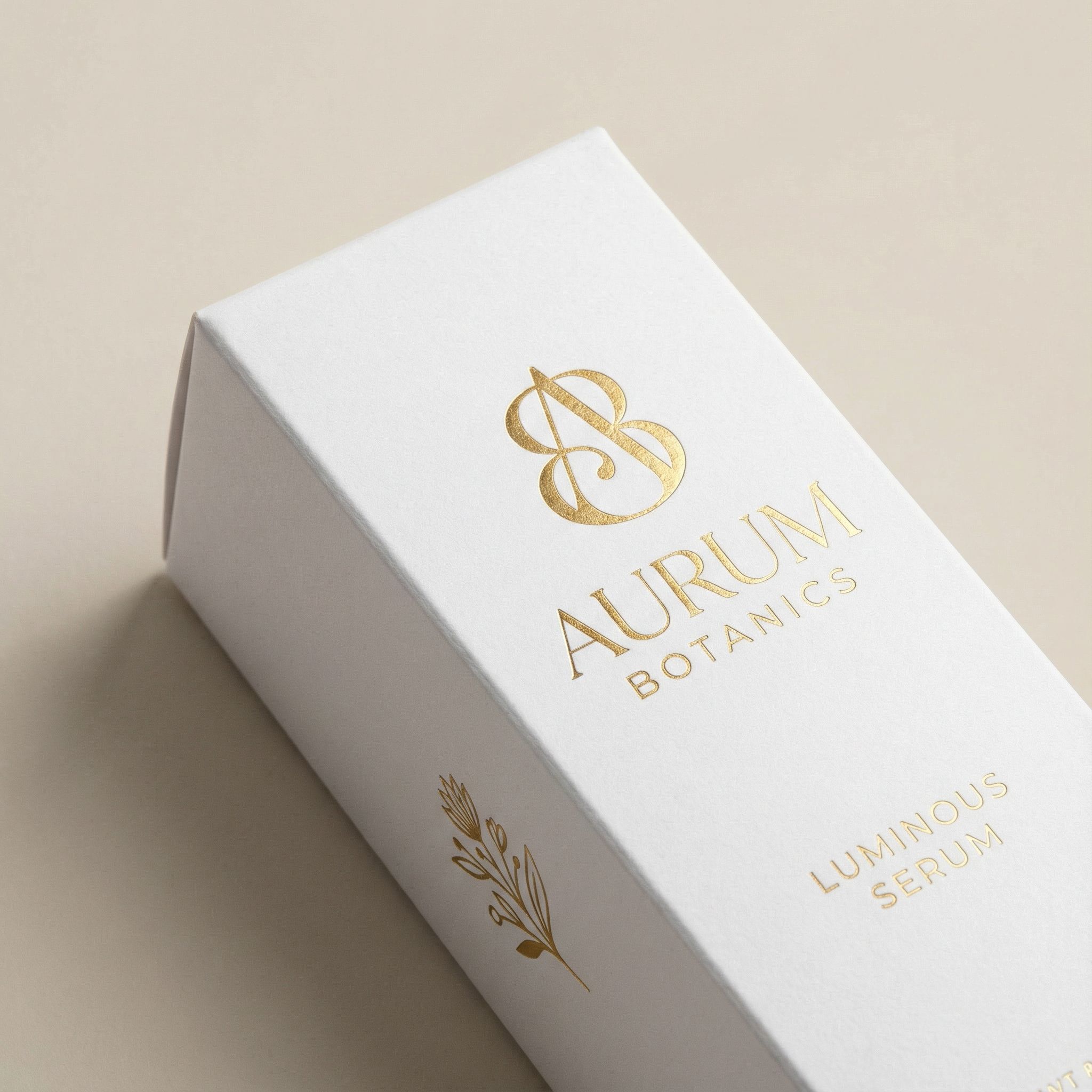
Luxury Skincare Box
Box
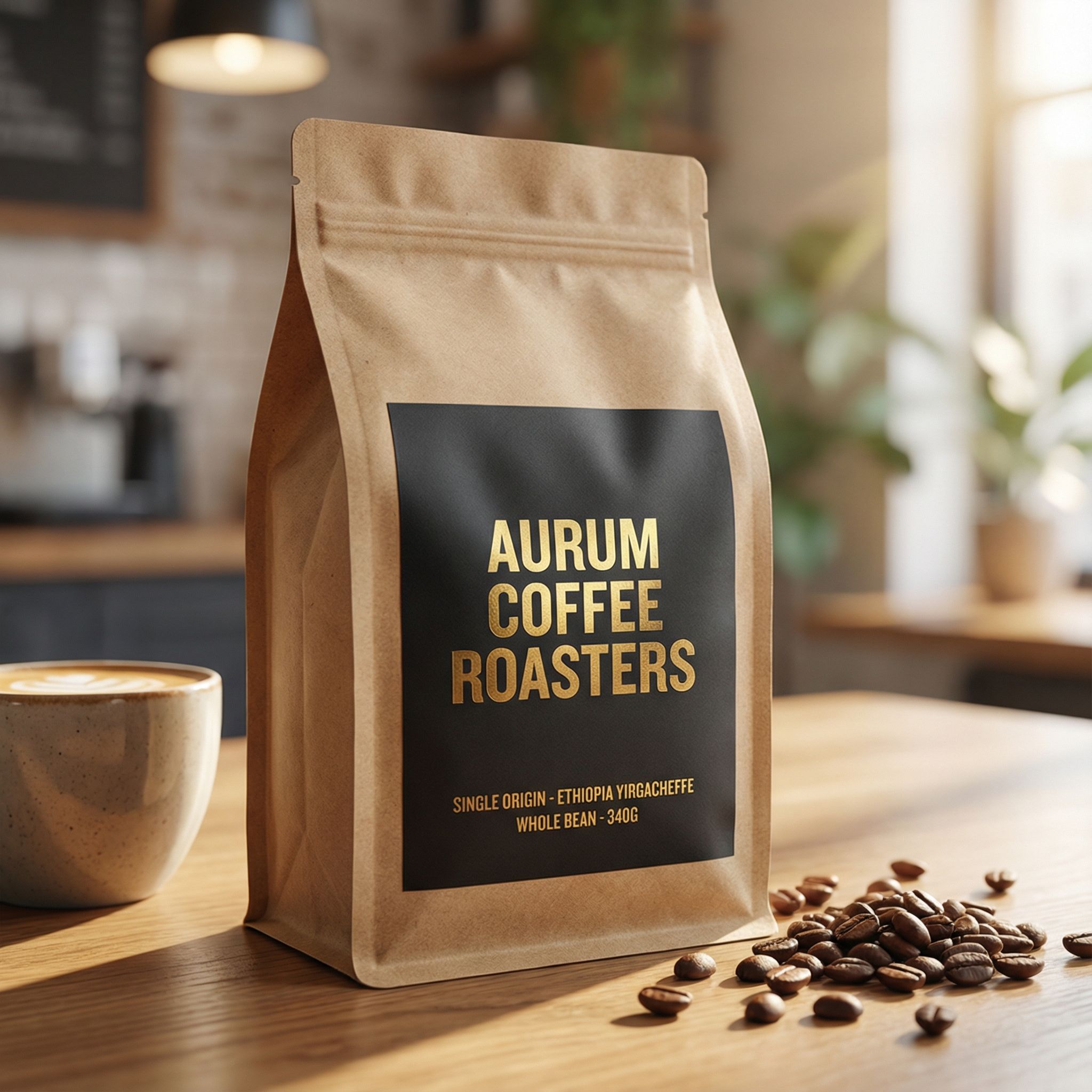
Coffee Stand-Up Pouch
Pouch
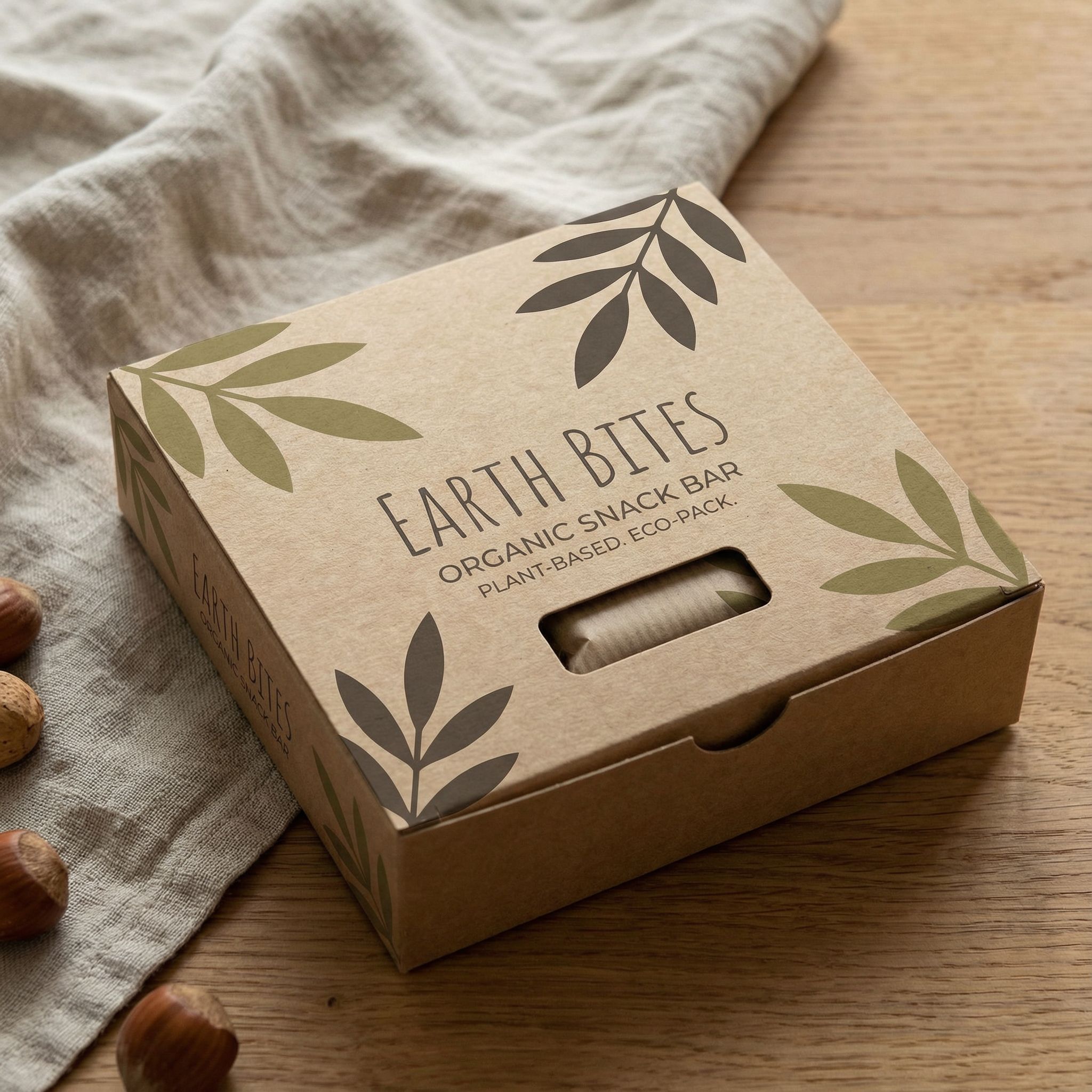
Organic Snack Bar
Box
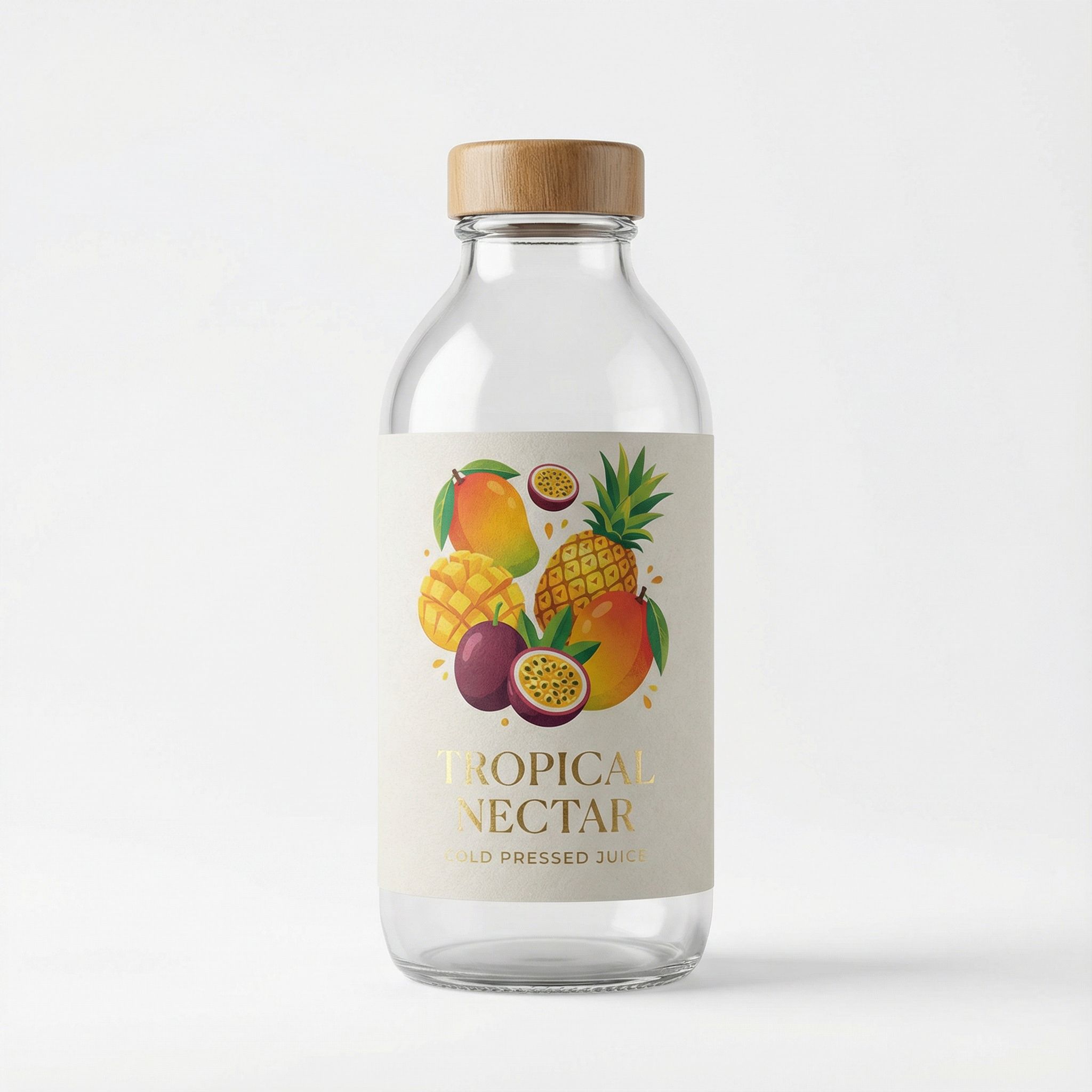
Juice Bottle Label
Bottle
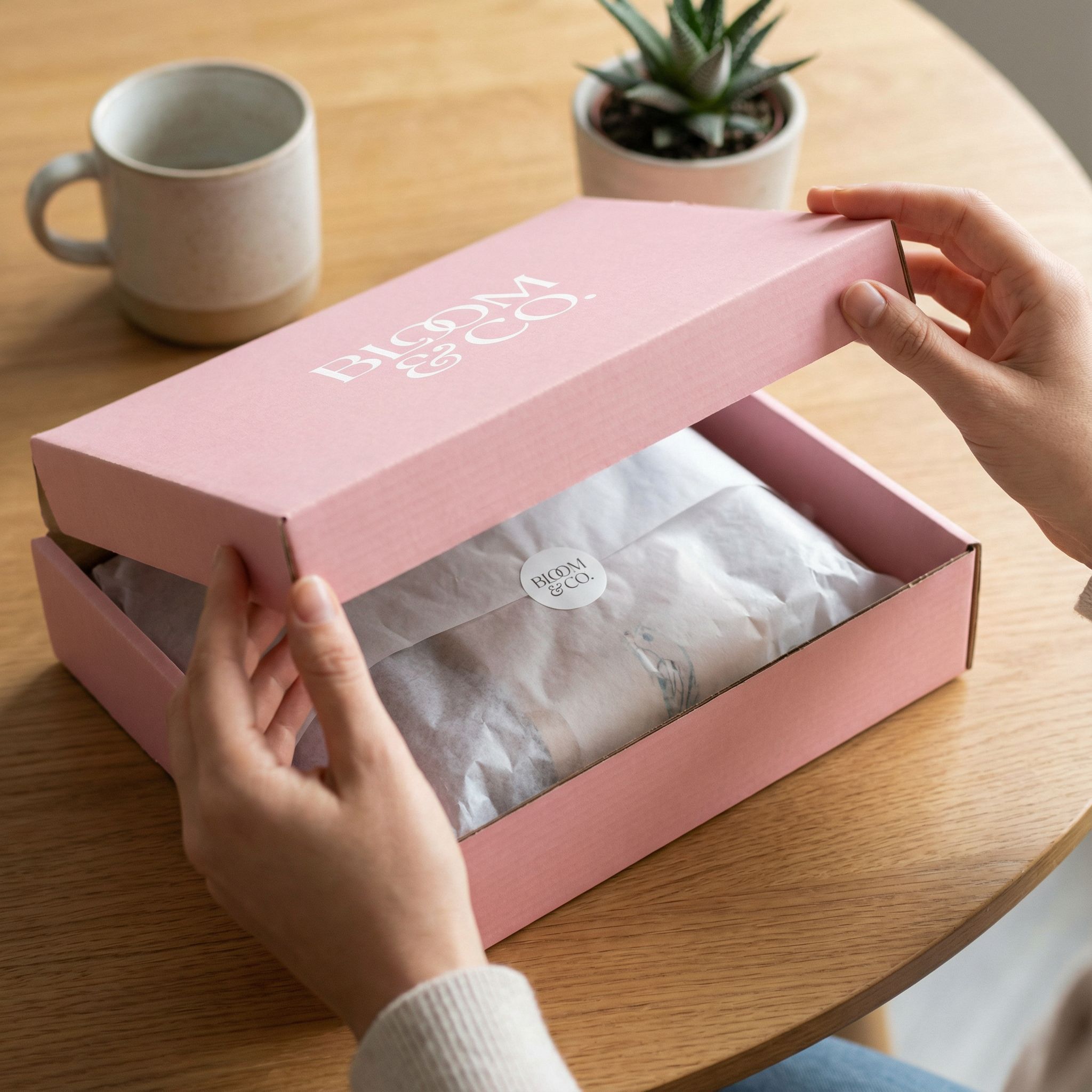
E-commerce Mailer Box
Mailer
For e-commerce businesses, AI packaging mockups help visualize unboxing experiences before committing to production. Learn more about AI for e-commerce applications and how AI helps small businesses compete with larger brands.
Logo to Packaging Workflow
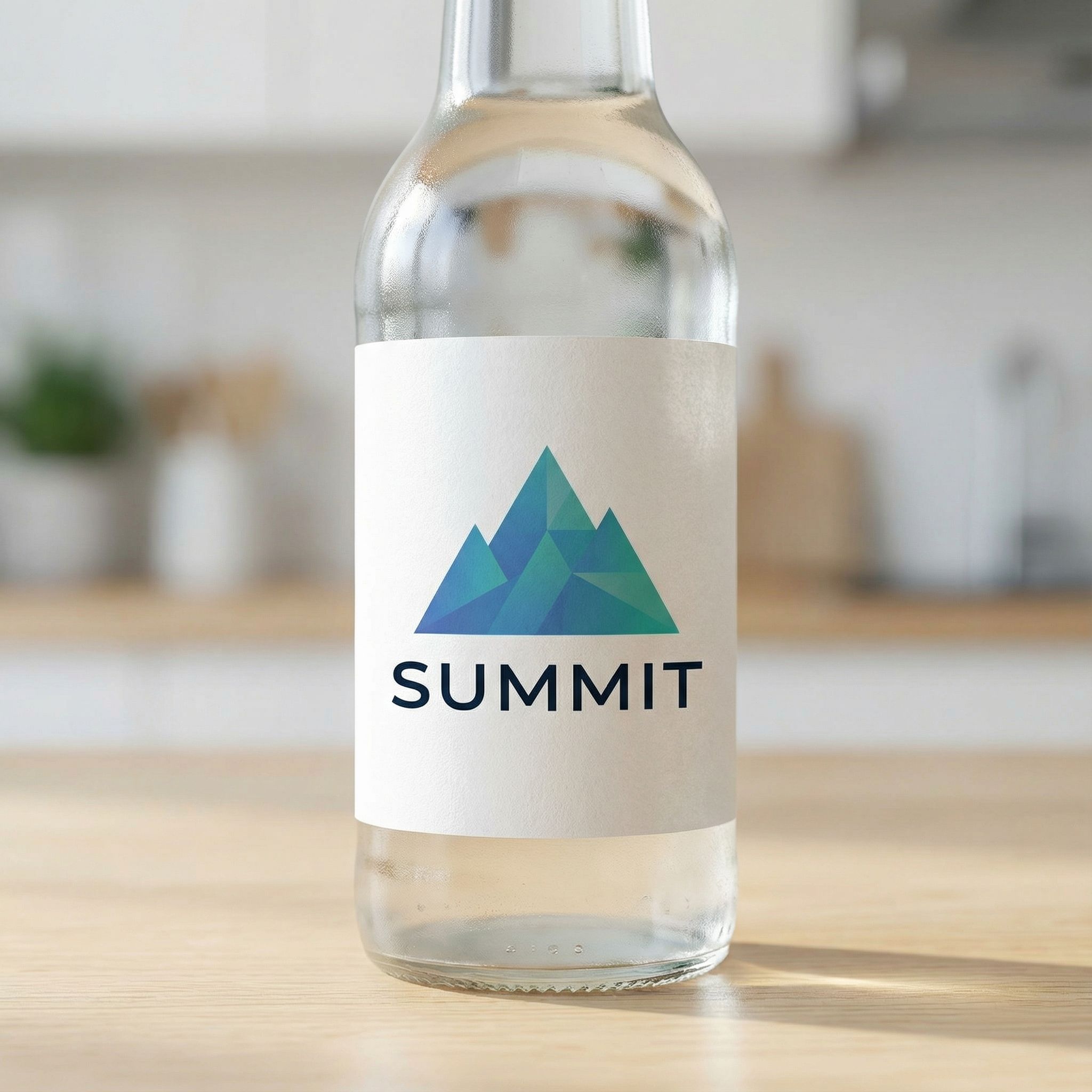
One powerful AI-driven workflow for packaging design transforms your existing logo into multiple packaging formats. Upload your logo as an input image, then use AI tools to generate boxes, pouches, bottles, and other custom packaging types. This approach ensures consistent branding across all packaging designs and eliminates multiple rounds of mockup creation with traditional design tools. Using AI this way streamlines the entire design process.
The example below shows a geometric logo applied to three different packaging formats. AI maintains the logo's integrity while adapting it to each packaging concept. This workflow saves time compared to manually mocking up each format in Adobe or Canva templates. Small businesses find this particularly useful for visualizing how their brand will appear across product lines. The generated designs serve as eye-catching starting points for further refinement.
Using AI for logo-to-packaging transformations helps with client presentations and product launch preparations. Generate real-time mockups during meetings to show how branding extends to physical products. The iteration happens instantly rather than waiting days for a designer to create each variation. AI platforms make this functionality accessible to anyone.
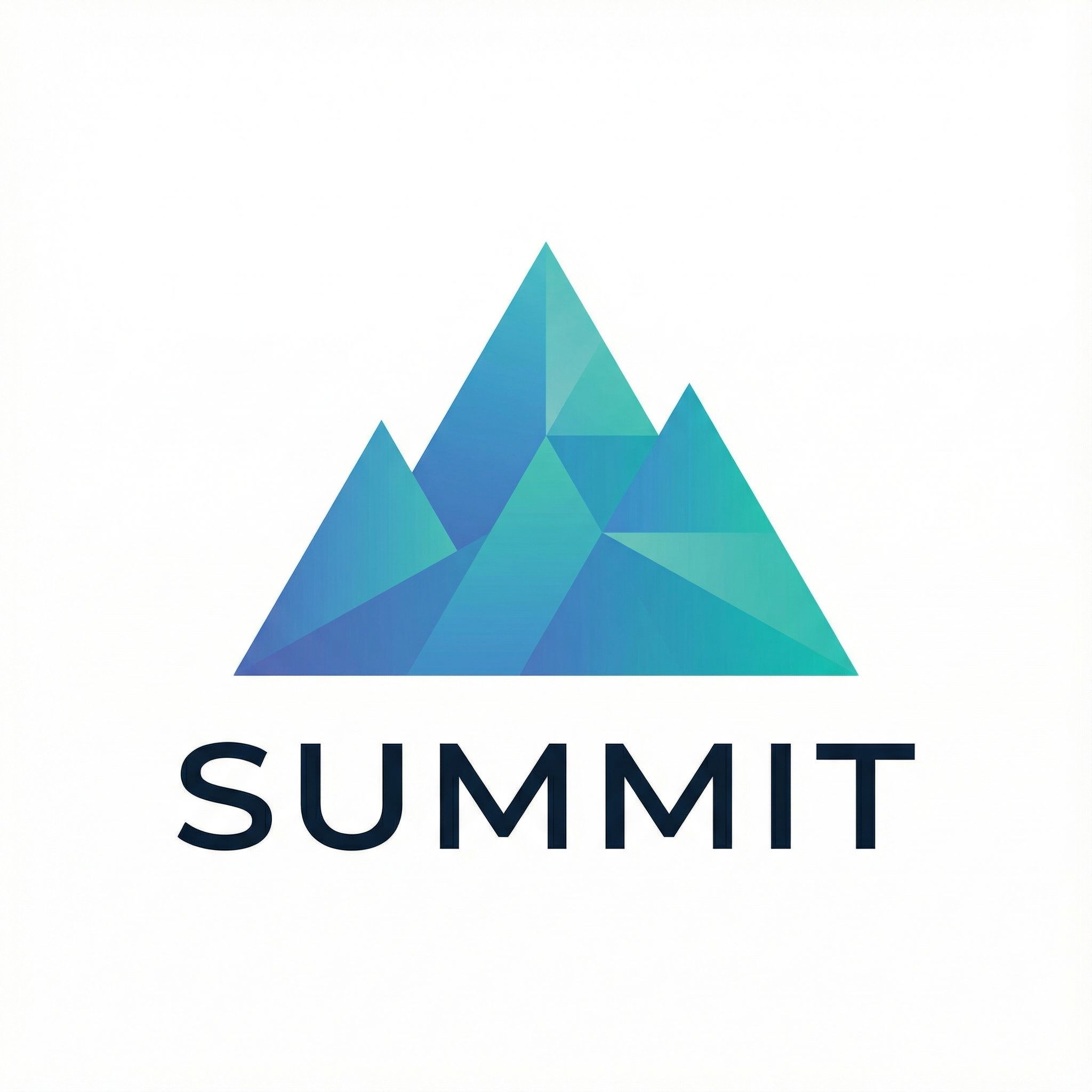
Input
Your Logo
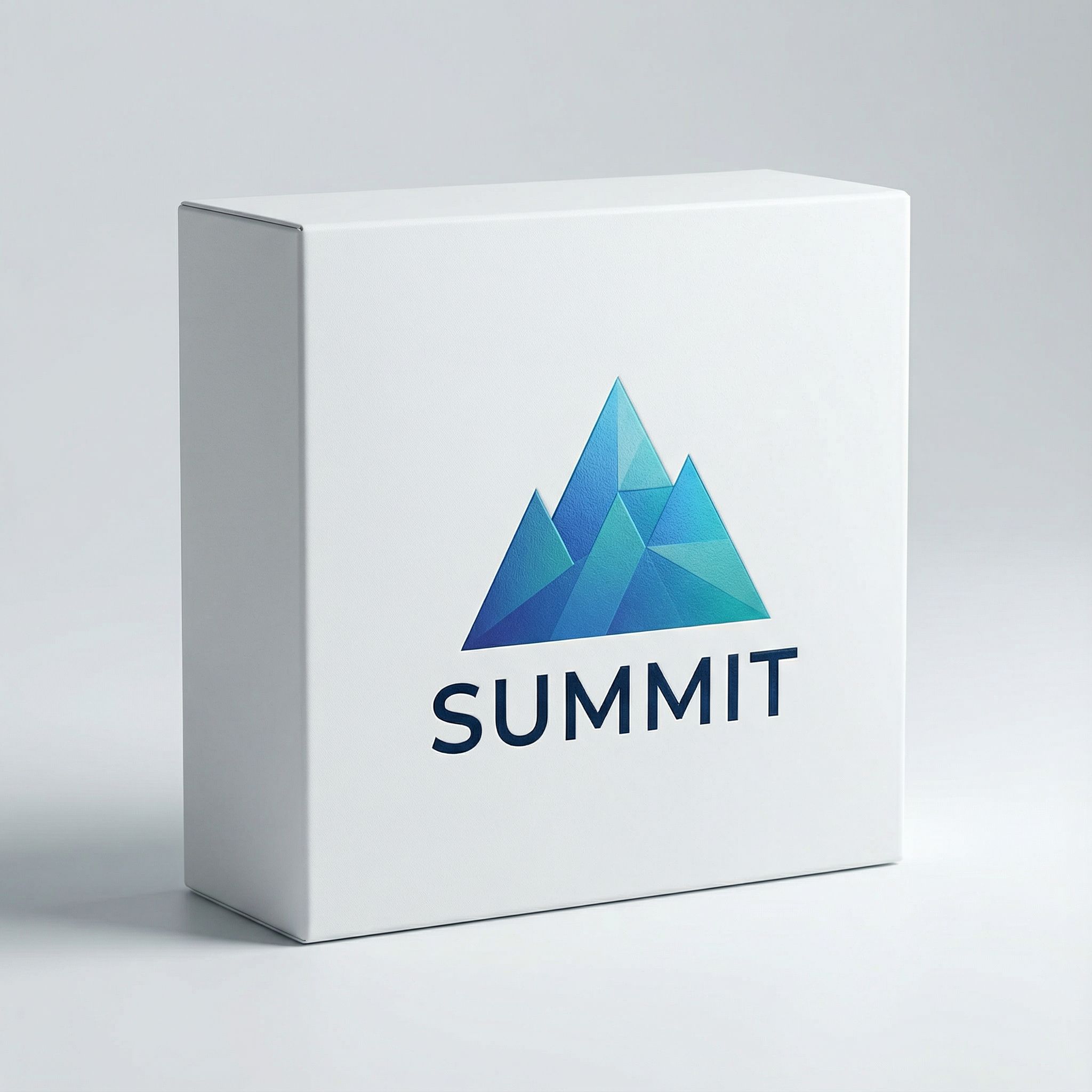
Output
Product Box
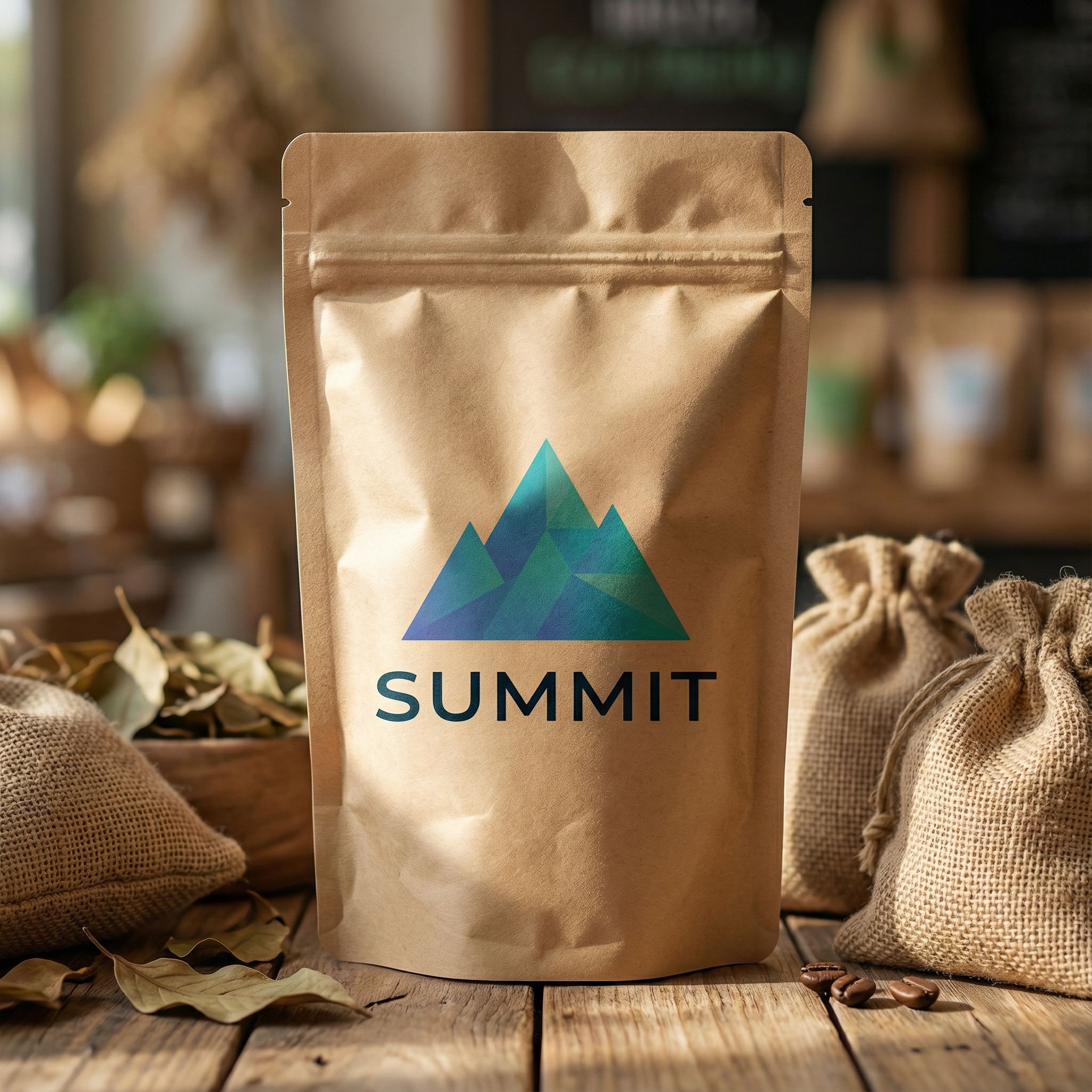
Output
Stand-Up Pouch
Output
Bottle Label
Need a logo first? Check out our best AI logo generator comparison to create your brand identity before generating packaging designs.
Prompting Tips for Packaging Design
Effective text prompts are essential for generating high-quality AI image outputs when learning how to use AI for packaging design. Be specific about packaging material, dimensions, color schemes, typography, and photography context. The more detail in your prompt, the better your AI packaging design tools will understand your vision. Detailed prompts generate mockups that match your exact specifications while vague prompts produce generic results.
ChatGPT can help brainstorm design ideas and refine prompts before using AI image generation tools. Start with a basic packaging concept, then iterate based on outputs. Most AI platforms allow you to export 3D mockups as high-resolution files for presentations. Keep a library of successful prompts as templates to reuse for future projects. This workflow streamlines the packaging design process significantly.
The key to great AI packaging mockups is combining product-specific details with photography direction. Describe both what the packaging looks like and how you want it photographed. This dual approach produces professional results that rival traditional photo shoots. Photo editing can further refine outputs for real-world use in marketing and e-commerce listings.
Specify packaging type and materials
Include "kraft paper pouch," "matte black box," "glass bottle," or "cardboard mailer" for accurate material rendering.
Define color schemes and typography
Mention specific colors like "forest green and gold" and typography styles like "modern sans-serif" or "elegant script fonts."
Add photography context
End with "professional product photography," "white background," or "lifestyle setting" to optimize output quality.
Reference brand aesthetics
Use terms like "luxury minimalist," "eco-friendly organic," or "bold and playful" to guide overall design direction.
For more image generation techniques, see our best AI image generators guide with detailed comparisons of text-to-image models.
Best AI Packaging Design Tools
Several AI tools support packaging design workflows. Adobe Creative Suite and Canva now include AI-powered features, while specialized AI packaging design tools focus on templates and mockups. Pricing varies from free tiers to professional subscriptions. Most offer trial periods before committing. AI technology continues making these design tools more user-friendly and accessible for small businesses and graphic design professionals alike.
For entrepreneurs exploring packaging concepts, text-to-image generators offer flexibility. These AI platforms let you describe exactly what you want using AI models trained on millions of design elements. The trade-off: template-based tools like Canva produce consistent outputs while text-to-image AI offers unlimited creative freedom. Adobe and Canva both integrate AI features that streamline packaging design workflows.
Consider functionality when choosing tools. E-commerce brands launching quickly might prefer templates, while agencies exploring unique packaging concepts benefit from text-to-image flexibility. Many professionals use both approaches depending on requirements. AI platform pricing is generally more accessible than traditional agency fees, making professional packaging solutions available to businesses of any size.
AI Label Generator
Generate product labels and packaging layouts from text prompts. Create professional label designs for bottles, boxes, and pouches.
Nano Banana Pro
Transform logos into packaging mockups or generate packaging designs from scratch. Iterate on color schemes and typography in real-time.
FAQ: How to Use AI for Packaging Design
Can AI create production-ready packaging files?
AI-generated packaging designs work well for concepts and mockups but typically aren't production-ready. Use AI for exploration and validation, then work with graphic design specialists to create final print files with proper bleeds and color specifications. AI accelerates the concept phase, and the high-quality outputs serve as excellent references for production teams.
What packaging types can AI generate?
AI can generate virtually any packaging format including boxes, pouches, bottles, cans, tubes, bags, and mailers. Specify the exact packaging material and dimensions for best results. Pouches work particularly well for food and beverage. 3D mockups help visualize packaging solutions before committing to production for your product launch.
How do I maintain brand consistency using AI?
Use the logo-to-packaging workflow shown above. Upload your logo as input, then generate packaging variations. This ensures brand identity remains consistent across all formats while exploring design elements and directions. Save successful prompts as templates for future iterations. AI tools make this process user-friendly even for beginners.
Is AI packaging design suitable for small businesses?
Yes. AI packaging design tools are ideal for small businesses without design experience. Start with simple text prompts describing your product and aesthetic. AI handles complex design decisions like layouts, shadows, and lighting automatically. The pricing is accessible compared to traditional agencies, making professional packaging design available to all.
Start Using AI for Packaging Design
Generate professional mockups, explore packaging concepts, and visualize your products in custom packaging. Learn how to use AI tools for your packaging design workflow.
Try AI Packaging Design ToolsContinue Learning