AI for Graphic Design: Streamline Your Workflow
This guide shows how to use Vondy's AI design tools to create stunning visuals, iterate faster, and deliver high-quality output at scale. From rapid ideation to polished deliverables.
 by David LaubJan 15, 20268 min read
How AI is Changing Graphic Design
AI in graphic design has evolved from a novelty to an essential part of the creative workflow. Today's AI design tools handle everything from generating initial concepts to automating production tasks like resizing and format conversion. For designers and creative teams, artificial intelligence means faster iteration, more exploration, and the ability to deliver high-quality work at scale. The design process that once took days now happens in hours.
The graphic design landscape now includes powerful AI-powered tools that generate visual assets from text prompts in real-time. Tools like DALL·E from OpenAI, Midjourney, and Adobe Firefly have popularized AI image generation. Meanwhile, Canva and Figma have integrated AI features directly into their platforms. Microsoft Designer and Google's Gemini offer additional options. For designers wanting direct access to the best AI models with a streamlined workflow, Vondy's Creative Playground brings multiple top-tier generators into one unified interface.
Using AI for graphic design does not mean sacrificing creativity. AI handles the tedious production tasks, including background removal, automated resizing for social media posts, and generating design variations. This automation eliminates hours of repetitive design work while maintaining professional-quality output. For designers at small businesses without dedicated creative teams, AI-powered tools level the playing field. For more on AI image creation, see our guide to the best AI image generators.
~8s
Nano Banana generation
~45s
Nano Banana Pro generation
Vondy Tools
AI Design Tools on Vondy
While Photoshop with Adobe Firefly offers generative fill and Illustrator handles vector work, many graphic designers want direct access to multiple AI models in one place. Vondy's approach: powerful AI image generators optimized for different stages of the design workflow, accessible through simple text prompts with no learning curve.
Use Nano Banana for rapid brainstorming when you need dozens of concepts quickly. The AI design generator produces results in about 8 seconds, perfect for exploring directions before committing. Then switch to Nano Banana Pro for polished, client-ready graphic design work with superior detail, better fonts rendering, and professional-quality output.
Nano Banana
Fast GenerationLightning-fast AI image generation for rapid ideation. Generate design concepts in under 10 seconds, perfect for brainstorming sessions and quick iterations.
Nano Banana Pro
High-Quality OutputPremium AI image generation with superior detail and accuracy. Best for final deliverables, client presentations, and professional-quality output.
Unlike ChatGPT's DALL·E integration or standalone Midjourney, Vondy provides multiple AI models in one interface. This lets designers compare results and choose the best AI output for each project. The graphic design tools are accessible through the Creative Playground, where you can experiment with different AI prompts and settings.
For AI art and creative exploration, see our guide to the best AI art generators. For logo design specifically, check out our comparison of AI logo generators.
Process
AI-Assisted Design Workflow
The best graphic design workflow integrates AI at specific points without replacing human creativity. AI-driven ideation accelerates the early design process, generating dozens of concepts to tweak and refine. AI-assisted production handles repetitive tasks like creating templates, generating variations, and preparing assets for different formats. Here is how designers use Vondy's AI tools to streamline their workflow while maintaining creative control.
Unlike traditional graphic design tools that require manual pixel-by-pixel work, AI design tools generate complete visual assets from descriptions. This transforms the design process from construction to curation. You describe what you want, iterate on the AI prompts until the output matches your vision, then refine the final result. The AI handles the heavy lifting while you focus on creative direction and quality control.
Rapid Ideation
Use Nano Banana to quickly explore visual concepts. Generate dozens of variations in seconds to spark creative direction.
High-Quality Generation
Switch to Nano Banana Pro for polished output. The pro model delivers superior detail, better text rendering, and professional-quality results.
Refinement & Export
Download high-resolution outputs and refine in your preferred design tool. Export in multiple formats for different platforms.
AI-Generated Design Examples
Click any design to see the text prompt used. All examples generated with Nano Banana Pro.
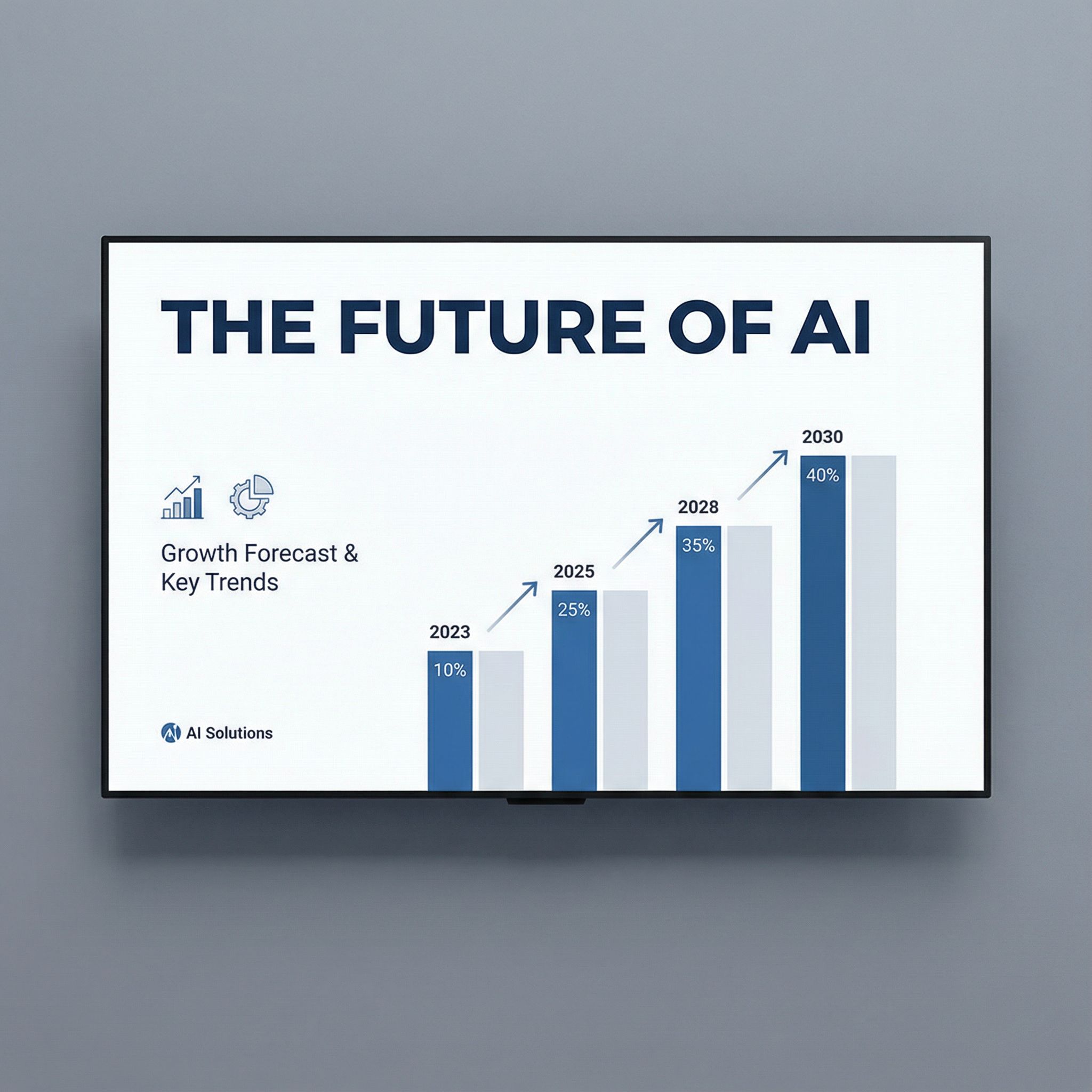
Presentation Slide
Pitch decks & presentations
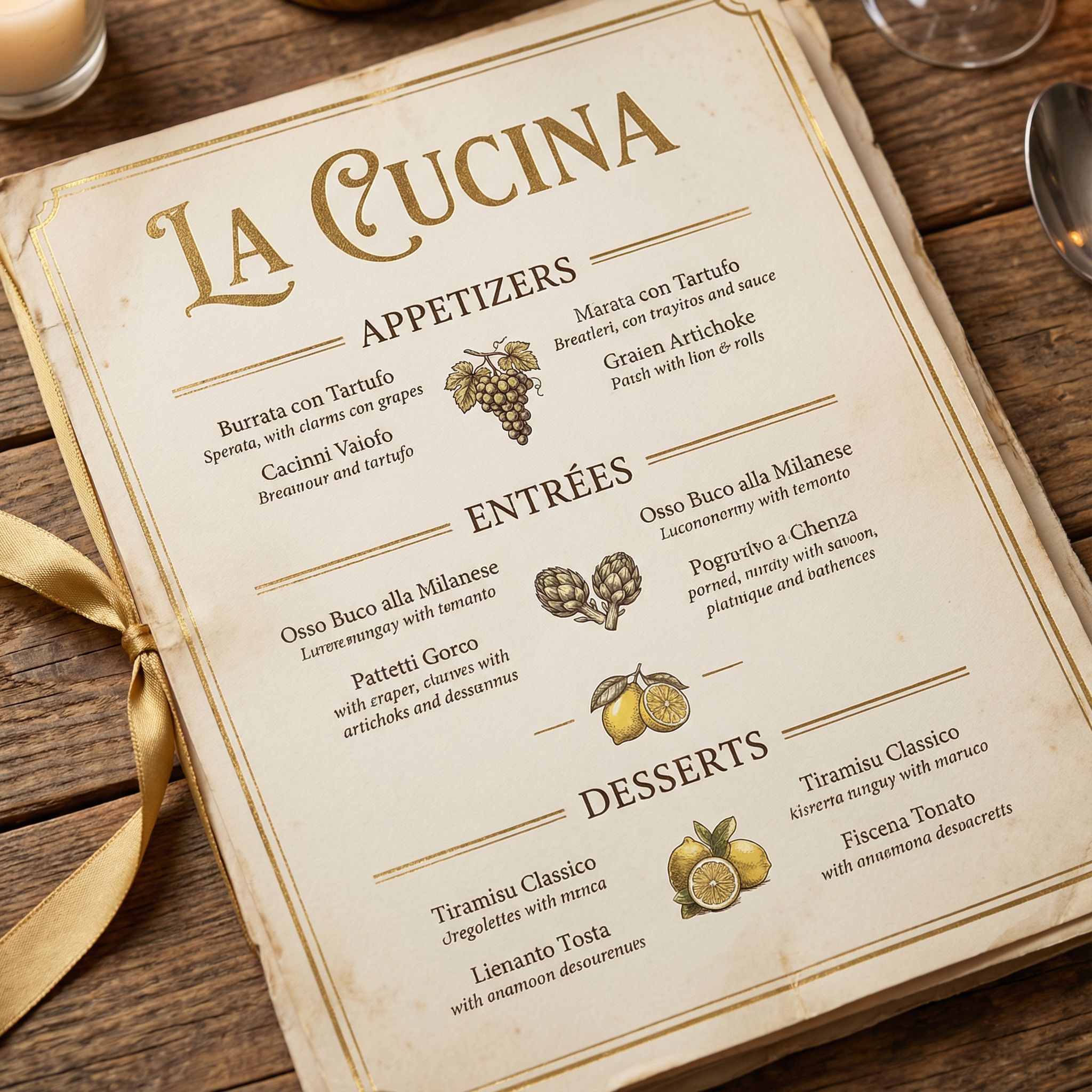
Restaurant Menu
Food & hospitality
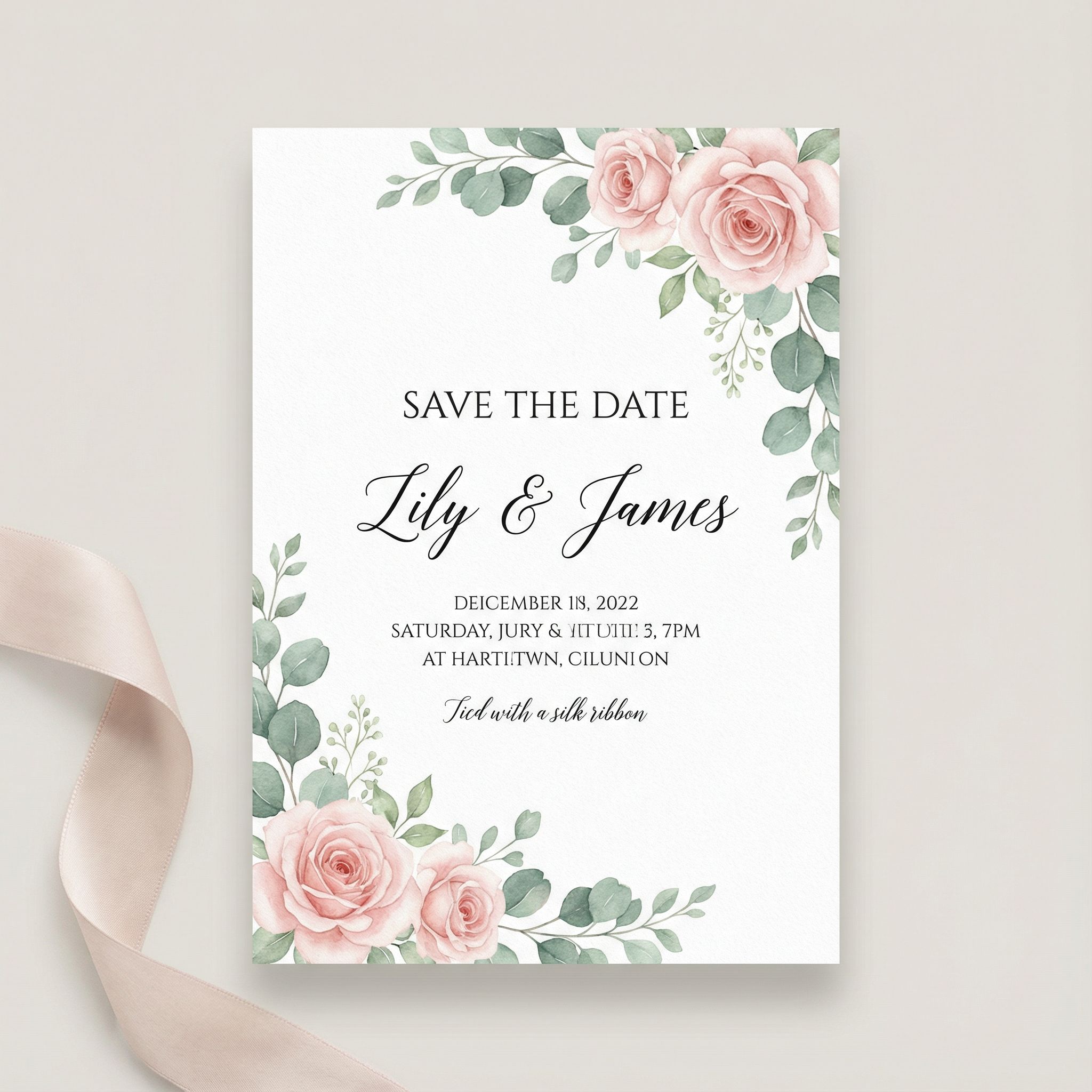
Wedding Invitation
Event invitations
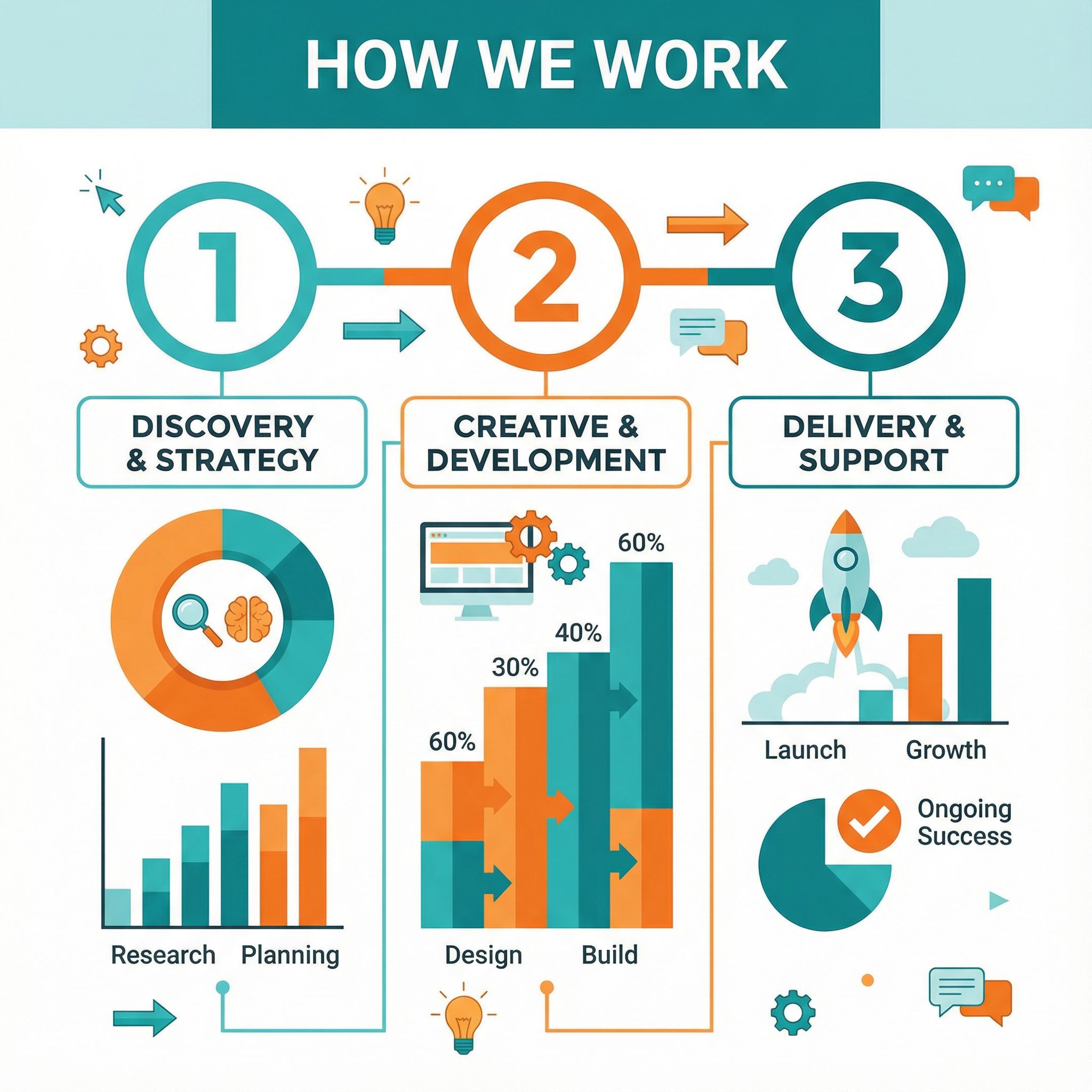
Infographic Design
Data visualization

Email Newsletter
Email marketing
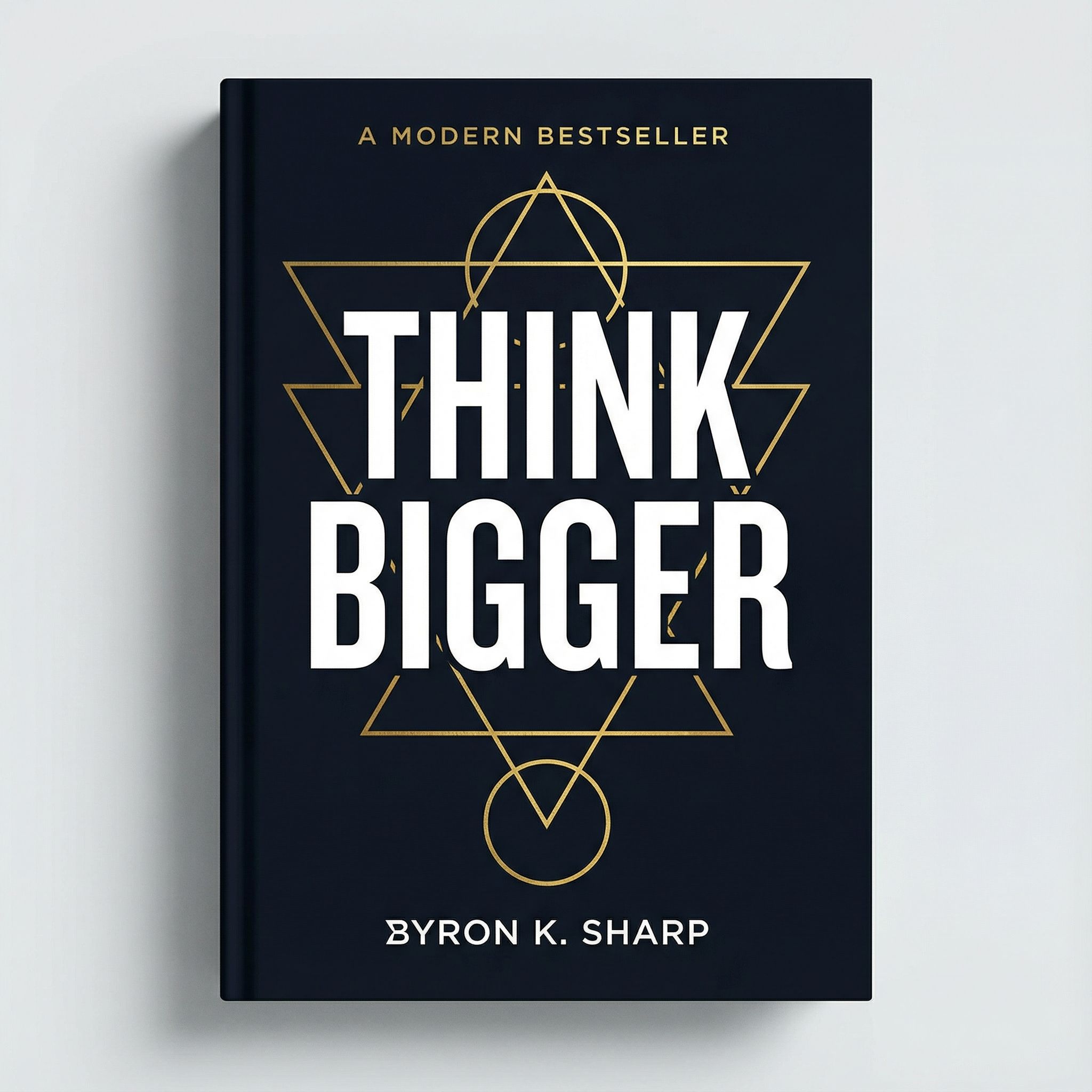
Book Cover
Publishing & print
Branding
AI for Brand Identity
Logo design and brand identity work benefit tremendously from AI-powered ideation. The traditional graphic design process for logos involves extensive sketching, client revisions, and iterative refinement. AI design tools compress this timeline dramatically. Use Nano Banana to rapidly generate concept directions, exploring color palettes and visual metaphors in minutes rather than days.
For high-quality logo output, switch to Nano Banana Pro. The AI models in Pro mode handle fonts and typography more accurately, producing cleaner visual assets suitable for client presentations. The design generator can create dozens of variations from a single prompt, giving clients more options to react to during initial meetings.
Treat AI-generated designs as starting points, not final deliverables. Most professional graphic design work requires converting AI output to vector formats in Illustrator or similar tools. Use AI output as reference material, recreating promising concepts with proper fonts, vector paths, and scalable graphics. AI handles the brainstorming; you handle the craft. This AI-assisted approach to logo design accelerates timelines without sacrificing the professional-quality output that clients expect.
AI-Generated Logo Concepts
Click any logo to see the prompt that generated it. Notice how including style descriptors and color specifications produces more targeted results.
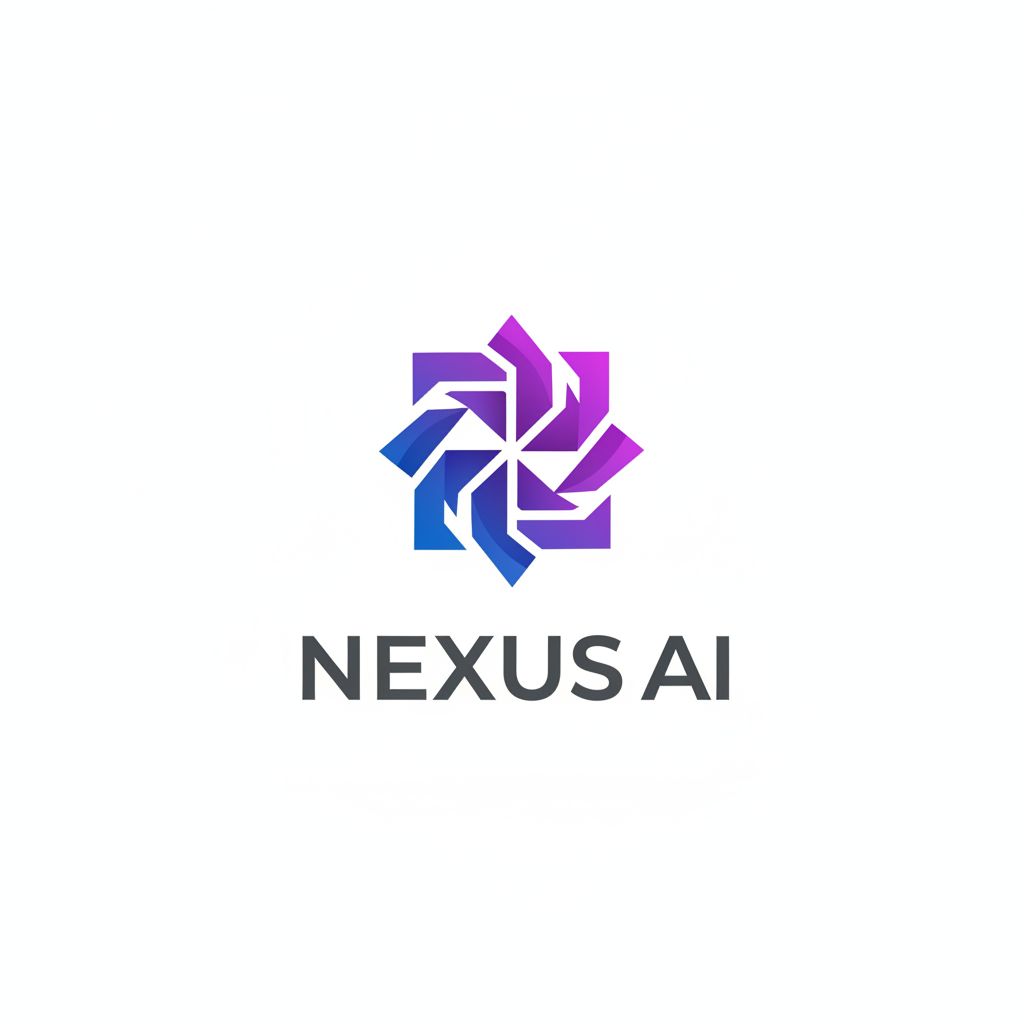
Tech Startup Logo
Tech / Software
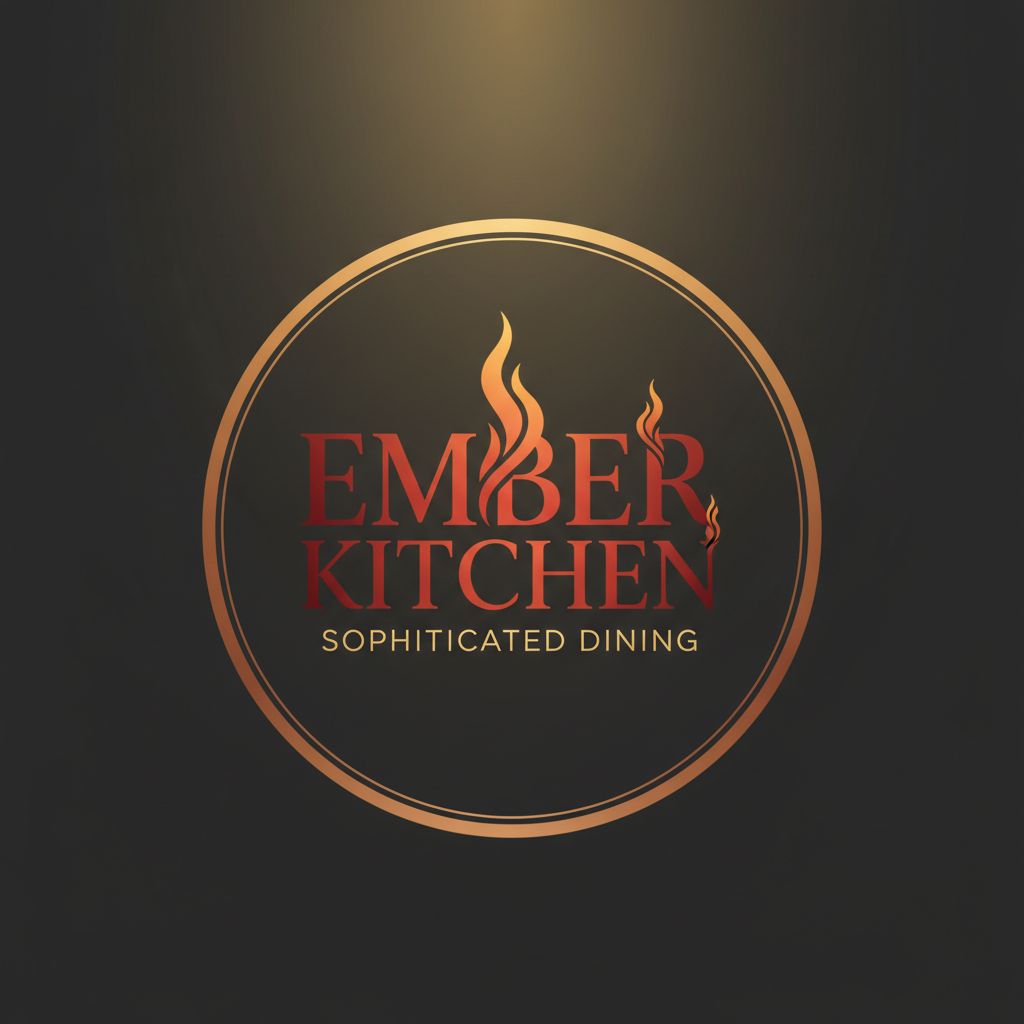
Restaurant Logo
Food & Beverage
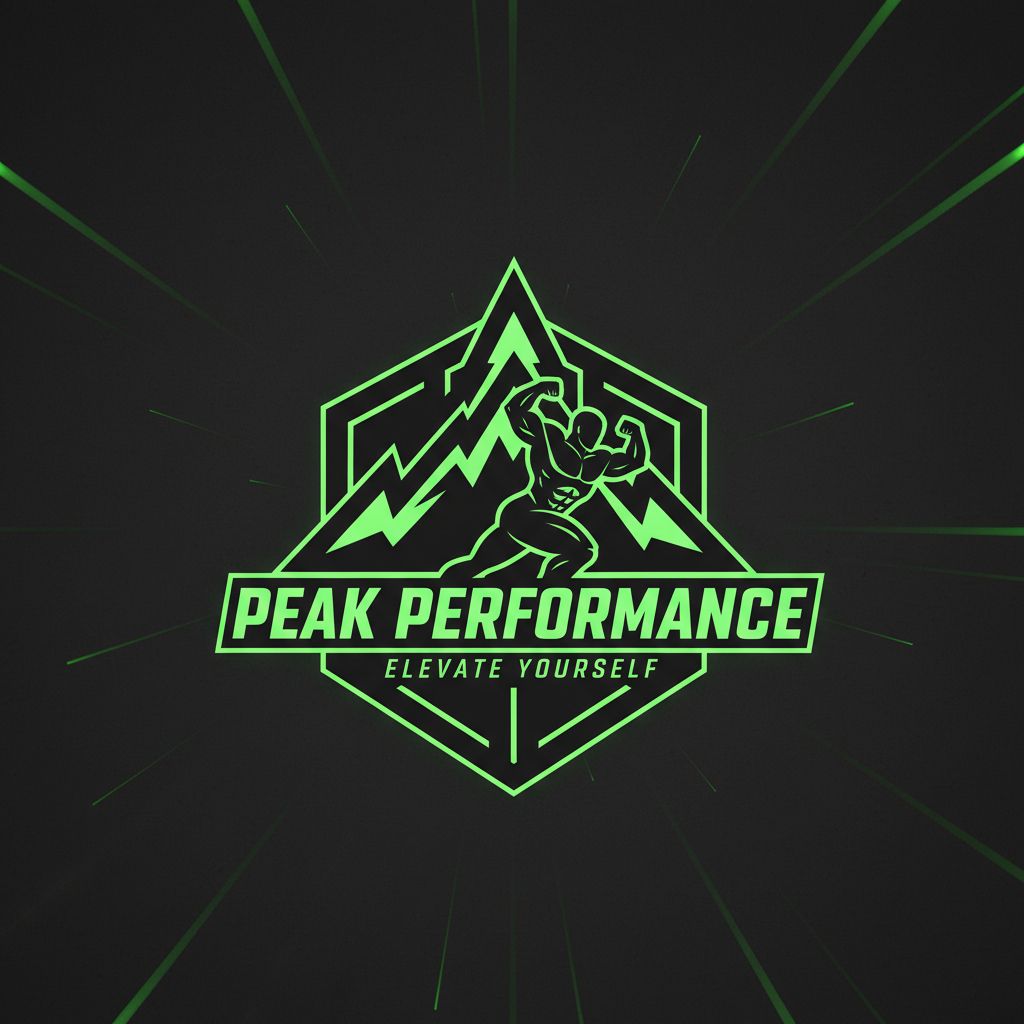
Fitness Brand Logo
Sports & Fitness
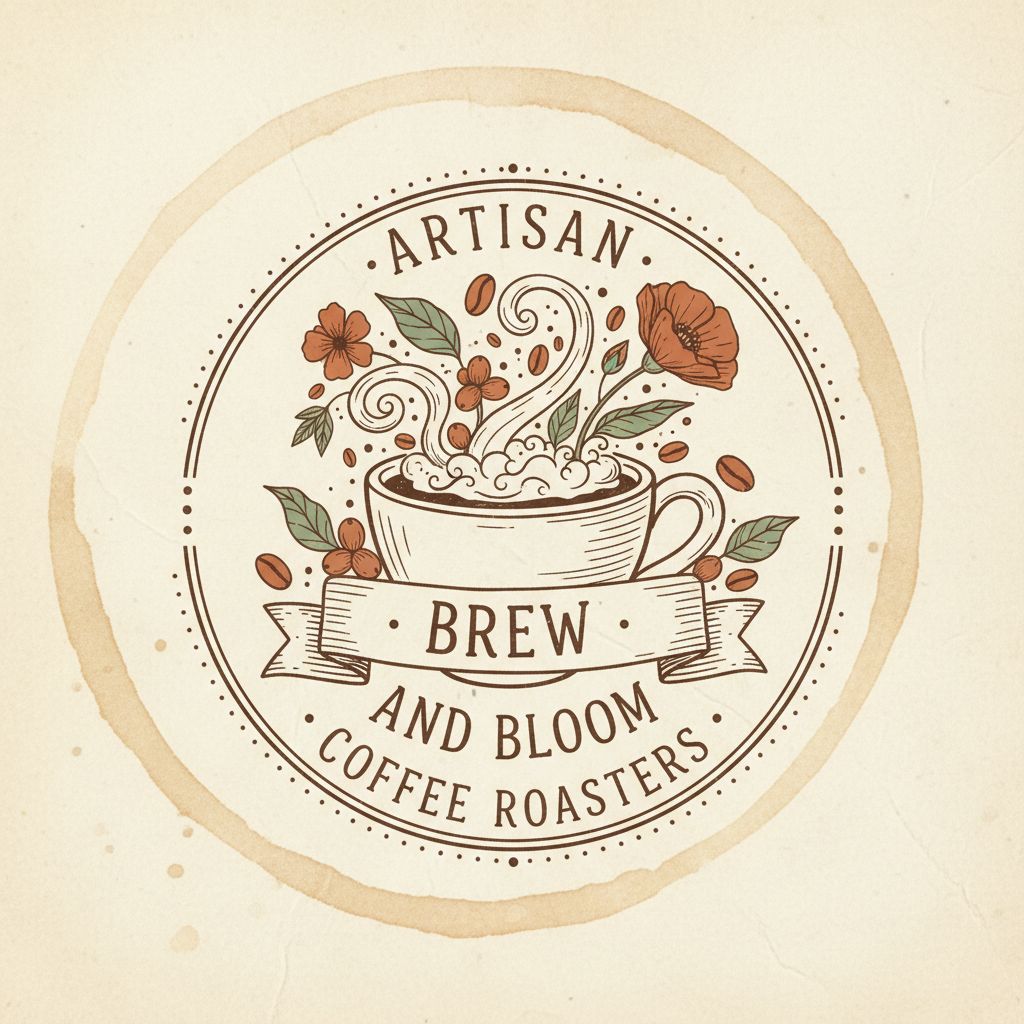
Coffee Shop Logo
Food & Beverage
Effective Logo Design Prompts
- Include specific style: "minimalist," "vintage badge," "geometric," "hand-lettered"
- Specify color palette: "navy and gold," "earth tones," "monochrome black"
- Include the business name and industry for contextual output
- Add technical specs: "clean vector style," "suitable for small sizes," "icon-based"
Content Creation
Social Media Graphics
Social media posts demand constant visual content. The graphic design requirements for maintaining an active social presence can overwhelm small teams. AI design tools make it possible to maintain posting frequency without sacrificing quality. Generate Instagram posts, YouTube thumbnails, and event posters from text prompts using Vondy's Creative Playground.
AI-powered content creation transforms how teams produce social media graphics. Instead of starting from templates in Canva or building from scratch in Figma, describe what you need and let artificial intelligence generate options. The AI features handle layout, color palettes, and visual composition. You tweak the results and export in the required pixel dimensions for each platform. This AI-driven workflow produces stunning visuals at a fraction of the traditional time investment.
AI video capabilities extend these benefits to motion content. Generate animated graphics, short clips, and AI video assets for platforms like TikTok and Instagram Reels. The same text prompts that create static images can produce dynamic visual assets with movement and transitions. For a deeper dive into AI marketing applications, see our guide to AI for marketing.
Instagram Feed
1080×1080 pixels
Use square format with bold typography
Stories/Reels
1080×1920 pixels
Vertical format with safe zones for UI
LinkedIn Post
1200×627 pixels
Professional aesthetic, readable text
AI-Generated Social Media Graphics
Click any example to view the exact prompt used to generate it. Each design was created with specific platform requirements in mind.
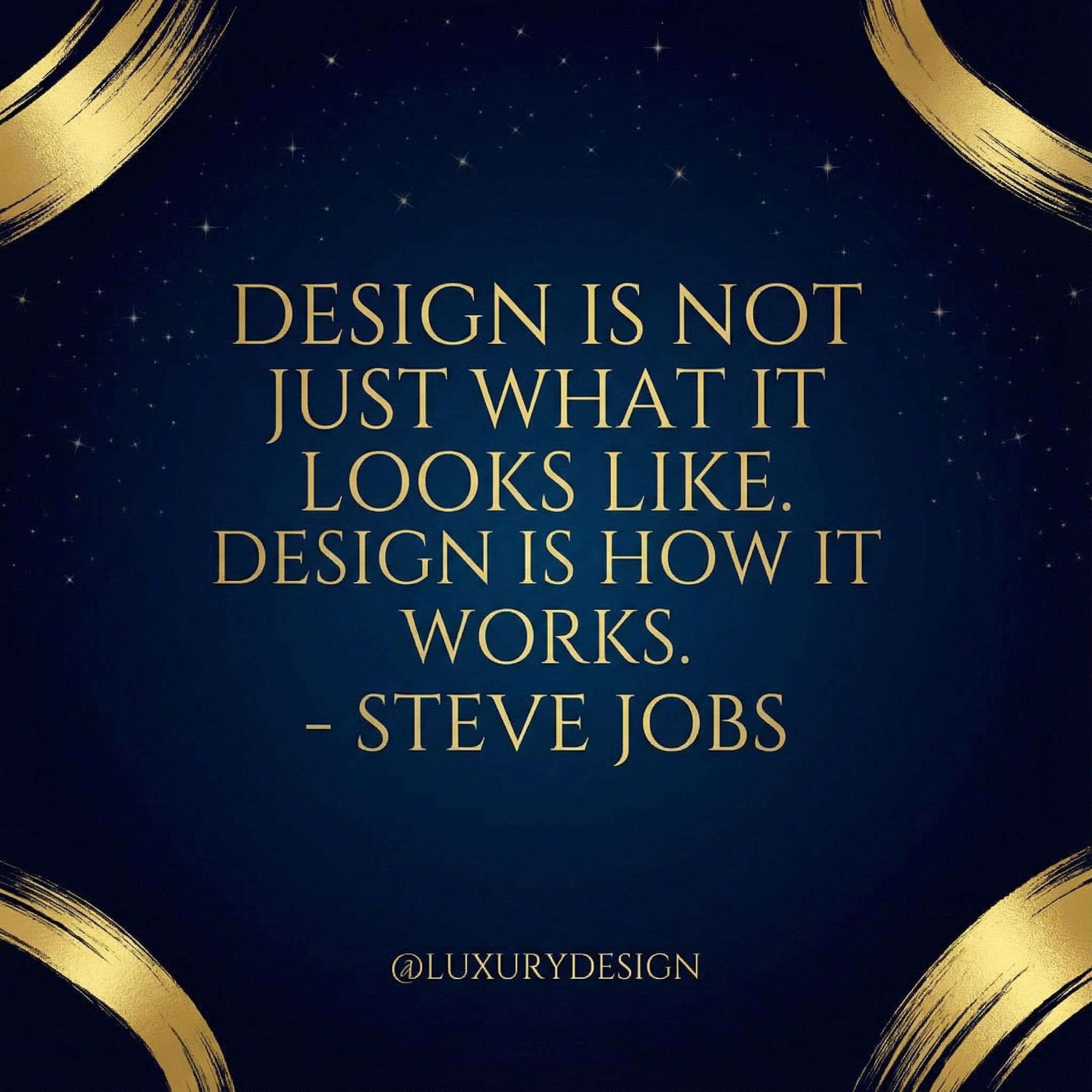
Instagram Quote Post
1:1 • Instagram
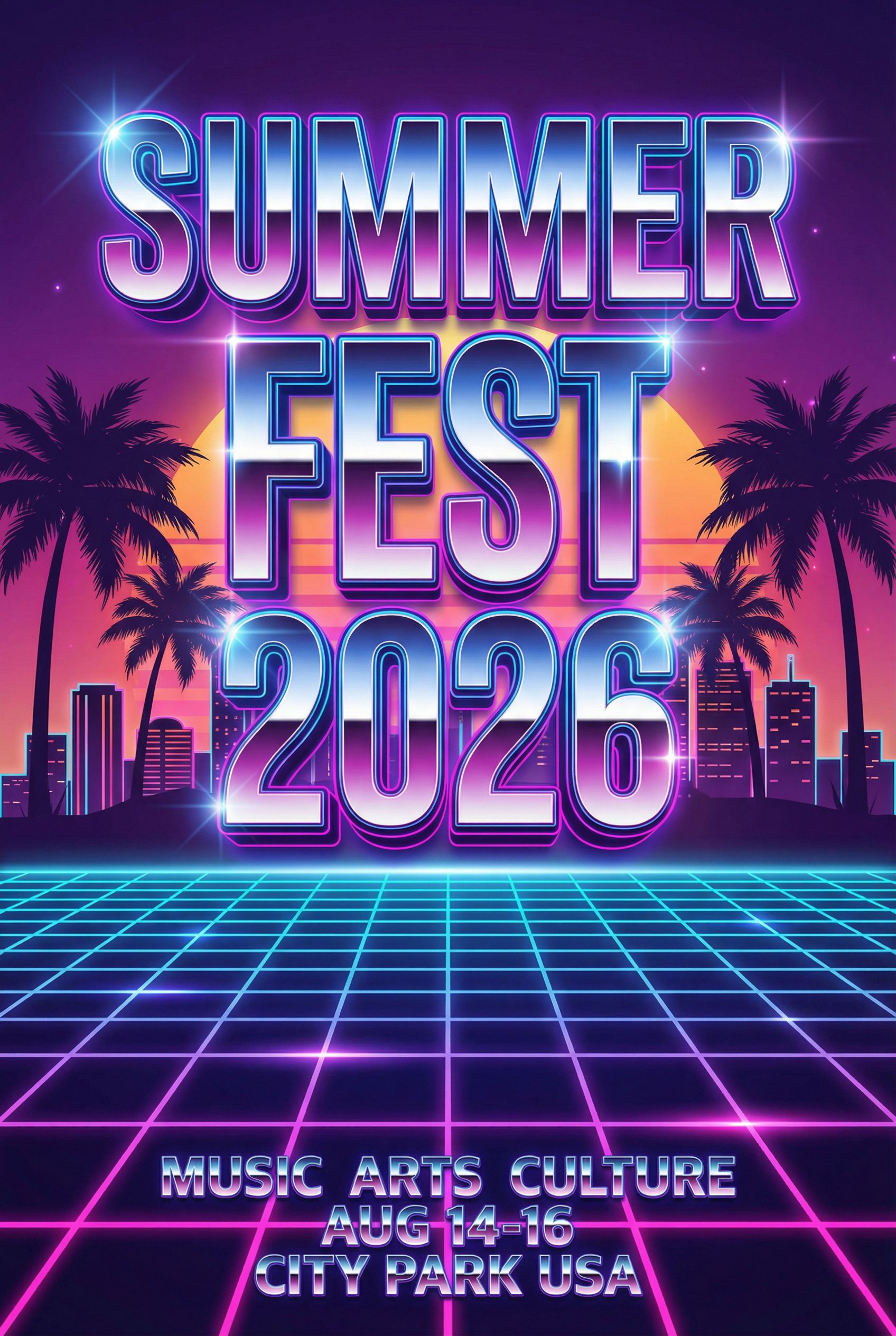
Event Poster
2:3 • Print
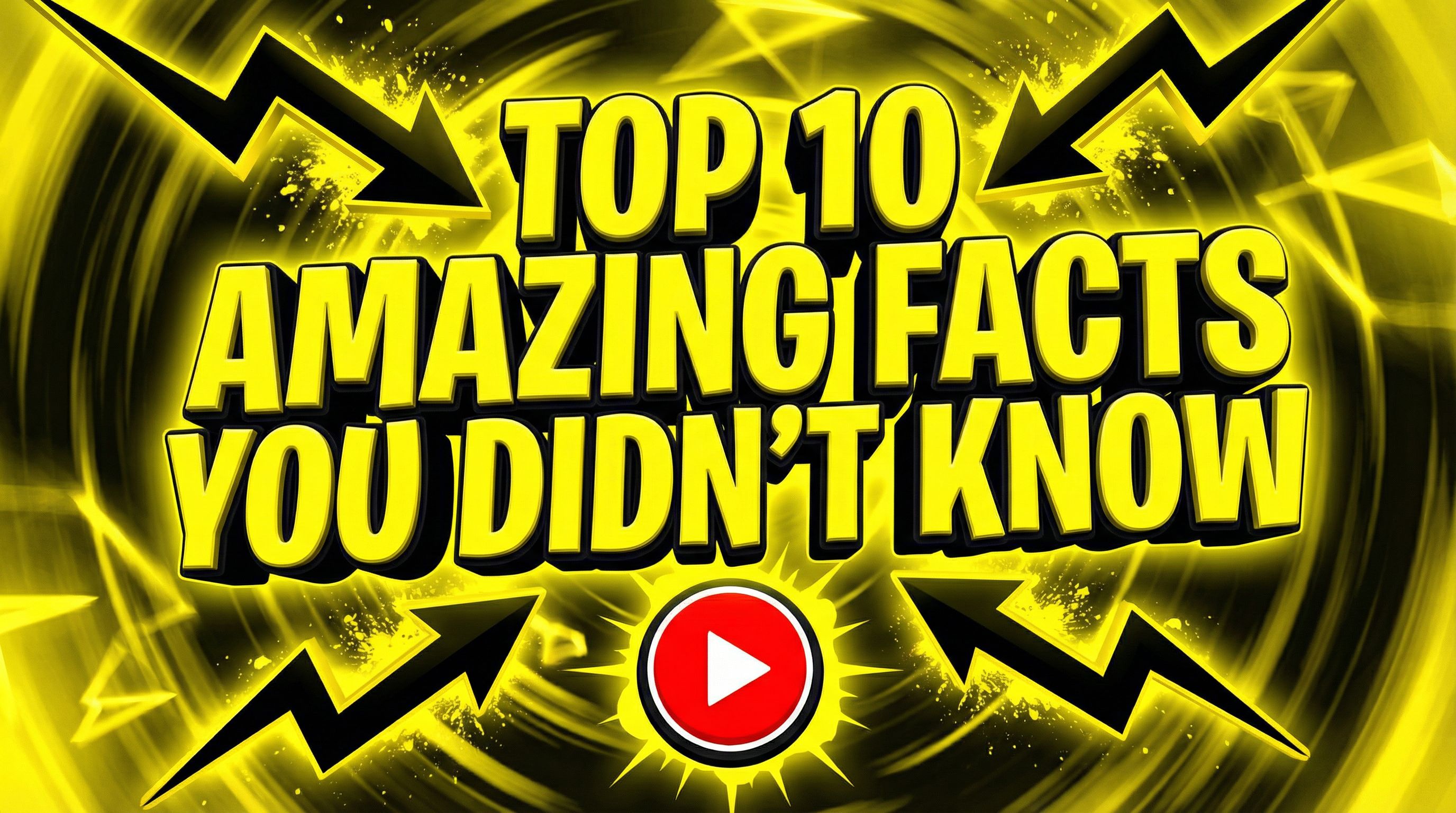
YouTube Thumbnail
16:9 • YouTube
Brand Identity & Collateral
Professional brand materials generated with AI. These examples demonstrate how text prompts can produce cohesive brand identity assets.
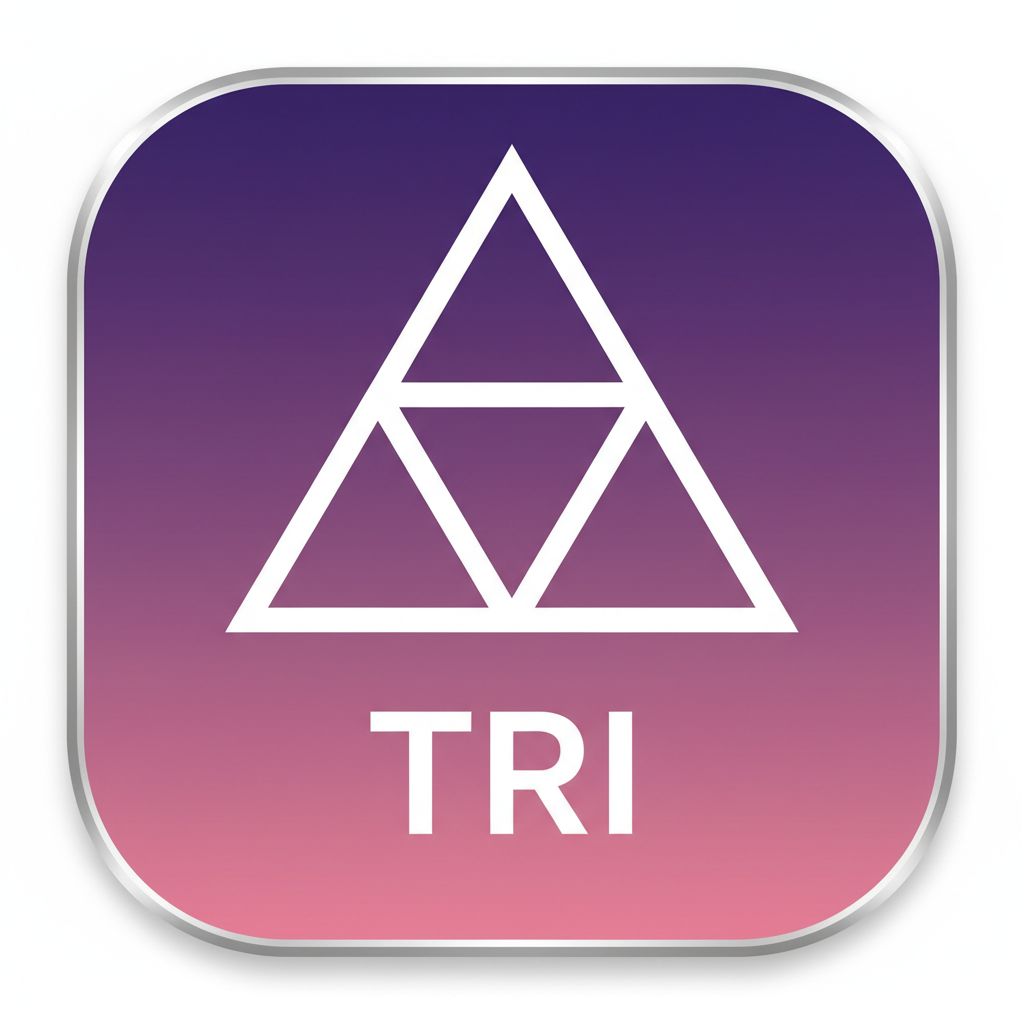
Mobile App Icon
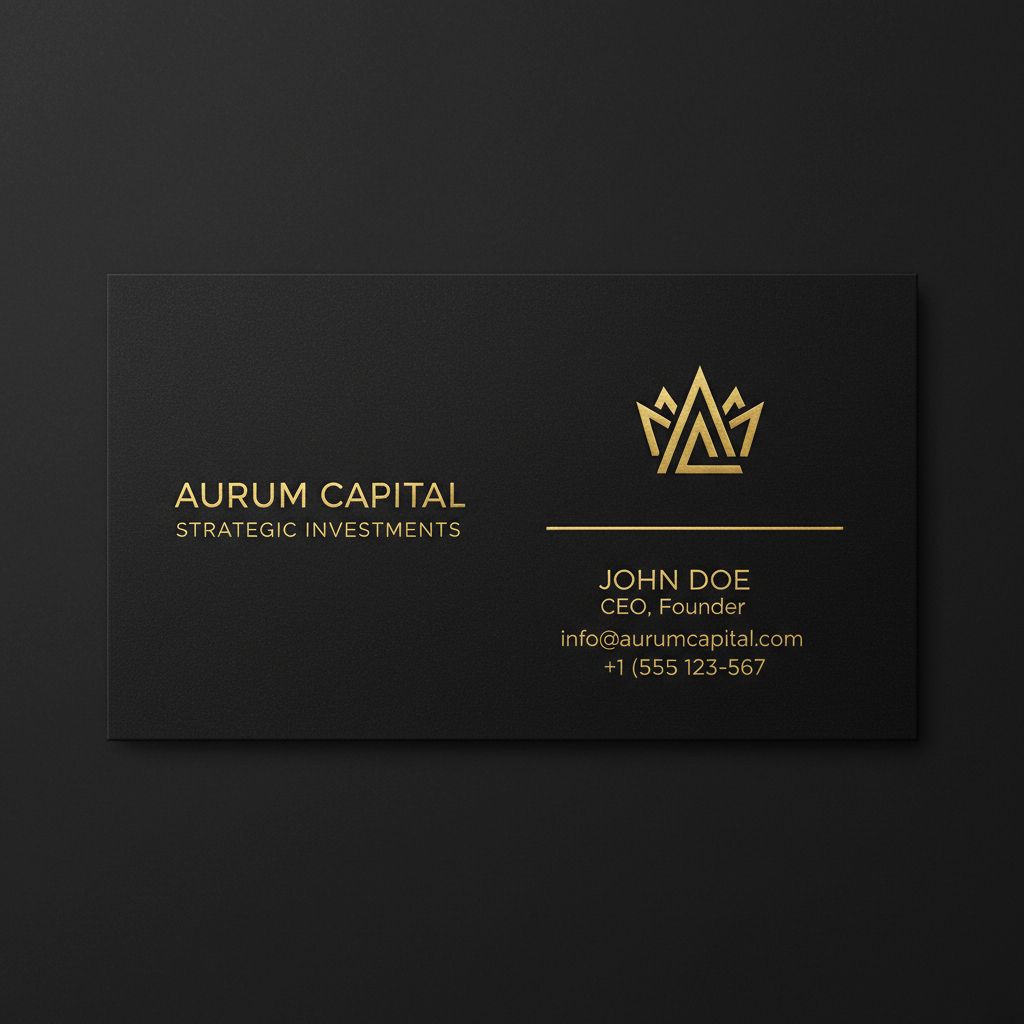
Business Card Design
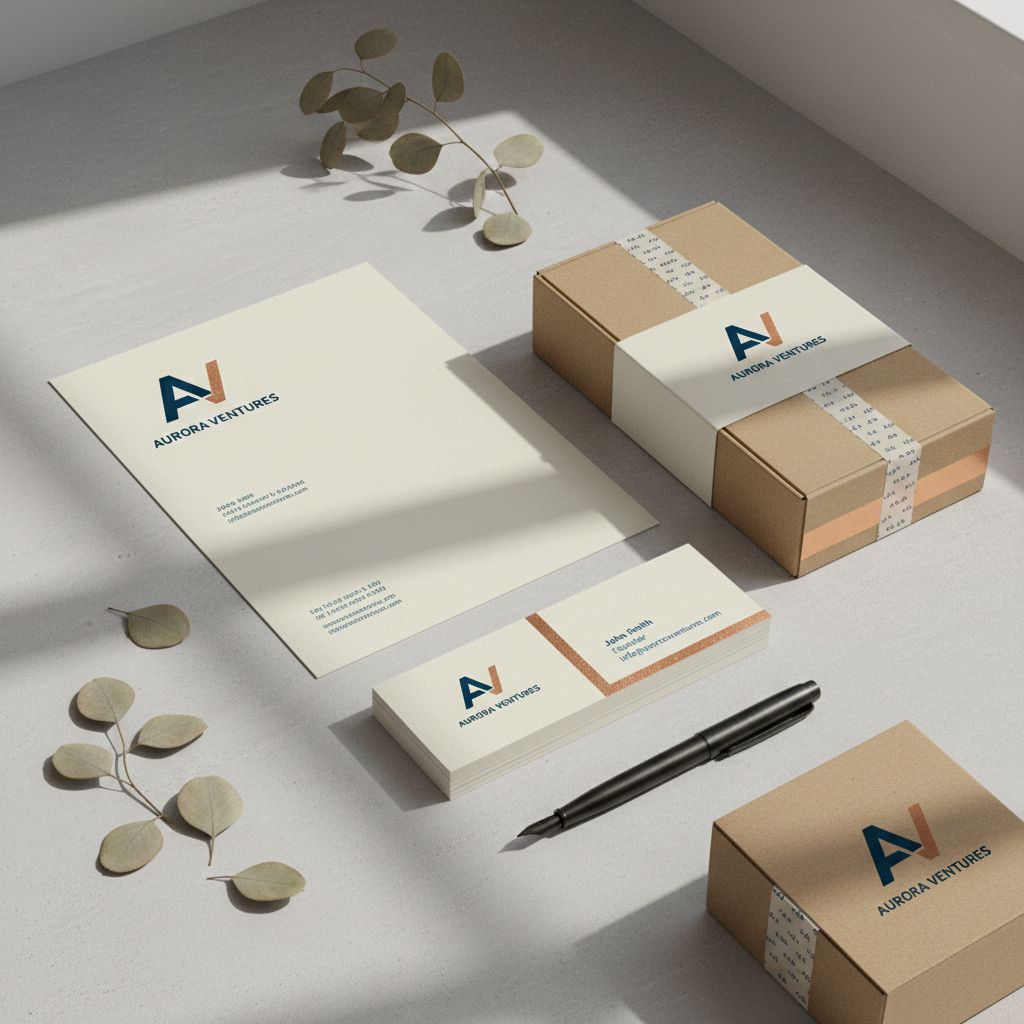
Brand Identity Mockup
Guidelines
AI Design Best Practices
Getting the best results from AI graphic design tools requires understanding their strengths and limitations. Effective AI prompts include specific style references, color palettes, and intended use cases. The design work improves with iteration. Start broad to explore directions, then add specificity to refine the output. Here are key practices that help designers integrate AI into their workflow while maintaining professional standards.
Do
- • Use Nano Banana for rapid ideation and brainstorming
- • Switch to Nano Banana Pro for final deliverables
- • Include style, color palettes, and fonts in text prompts
- • Iterate on AI prompts to refine output quality
- • Treat AI-generated designs as starting points to tweak
- • Convert to vector formats for scalable graphics
Avoid
- • Using AI logos without vector conversion
- • Vague prompts without specific style references
- • Ignoring pixel artifacts in final deliverables
- • Relying solely on AI for typography and fonts
- • Submitting raw AI output as final design work
- • Skipping client approval on AI-assisted work
FAQs
Frequently Asked Questions
Will AI replace graphic designers?
AI augments rather than replaces graphic designers. While AI excels at generating variations and handling repetitive tasks like resizing and format conversion, human designers provide creative direction and contextual judgment. Designers who embrace AI design tools are more productive, not less valuable. The best workflow combines AI-powered ideation with human refinement. For logo-specific work, see our <Link to="/learn/best-ai-logo-generator" className="text-violet-600 hover:text-violet-700">best AI logo generator</Link> guide.
What is the difference between Nano Banana and Nano Banana Pro?
Nano Banana generates images in about 8 seconds, perfect for rapid ideation and brainstorming during the design process. Nano Banana Pro takes longer (~45s) but delivers superior quality with better detail, more accurate fonts and typography, and professional-grade output suitable for final deliverables. Use Nano Banana to explore directions, then Pro for polished results.
How do I write effective AI design prompts?
Effective AI prompts include: specific style references (minimalist, vintage, corporate), color palettes, typography preferences, and intended use case. Start broad to explore directions, then iterate with more specific text prompts. Include terms like "professional" or "high-quality" for cleaner output. Reference specific design movements or aesthetics for more targeted results.
What file formats can AI design tools export?
Most AI image generators output PNG or JPEG formats at various pixel resolutions. For vector work, you will need to recreate AI concepts in Illustrator or similar tools. Vondy supports multiple aspect ratios and high-resolution exports. Always verify output resolution and format requirements before starting a project.
Start Creating with AI
From logo design generator tools to AI-powered content creation, explore how AI can streamline your graphic design workflow and help you deliver stunning visuals faster.
Explore AI ToolsContinue Learning