How to Use AI for Character Design: Step-by-Step Guide
Learn how to use AI for character design with this step-by-step guide. Create unique characters for animation, game development, and graphic novels using the best AI character generators and AI art tools.
 by David LaubJan 15, 202612 min read
Understanding how to use AI for character design transforms the creative process for artists, game developers, and storytellers. Using AI character generators and AI image generator tools, you create unique characters in minutes. Whether you need anime heroes, photorealistic portraits, or avatars for social media, AI tools produce high-quality character images from text prompts. This artificial intelligence technology makes professional character design accessible to beginners without traditional art training.
This step-by-step guide covers practical workflows for character creation using AI. You'll learn how to write effective prompts for different styles, maintain consistent characters across scenes, and fine-tune results for game development, animation, and digital art. Modern AI art tools like Midjourney have made character design accessible to everyone. The key is understanding how to communicate your vision through detailed character descriptions that guide the AI toward your intended result.
The best AI character generator tools understand body types, facial features, hairstyles, clothing, and environment. You can generate original characters from sci-fi cyberpunk hackers to fantasy warriors to chibi mascots. Each art style requires different prompting techniques for character art. Whether building a cast for a graphic novel, designing NPCs for game development, or creating avatars for social media, AI character design accelerates your workflow for commercial projects.
For broader AI image generator techniques, see our guide on the best AI image generators. If creating characters for books, check our guide to writing a book with AI covering character development alongside visual creation.
Explore Character Styles
AI character generators excel at producing diverse art styles. From anime and manga aesthetics to photorealistic portraits, the same AI image generator creates vastly different styles based on your text prompts. Understanding these art styles helps communicate your vision. The style impacts everything from color palette to line weight to rendering in your AI-generated characters.
The gallery showcases character images across popular artistic styles. Each demonstrates how specific prompt language produces distinct visual results. Click any image to view the full prompt. Using AI for character design creates avatars for social media, game development assets, concept art for pitches, comic book characters, and animation projects.
Notice each style has its own visual language. Anime characters feature large expressive eyes and stylized proportions with facial expressions that convey emotion. Photorealistic characters capture subtle skin textures and natural lighting with detailed character facial features. 3D characters show dimensional rendering. Cyberpunk and sci-fi styles incorporate neon lighting. Understanding these conventions helps write effective prompts for character creation.
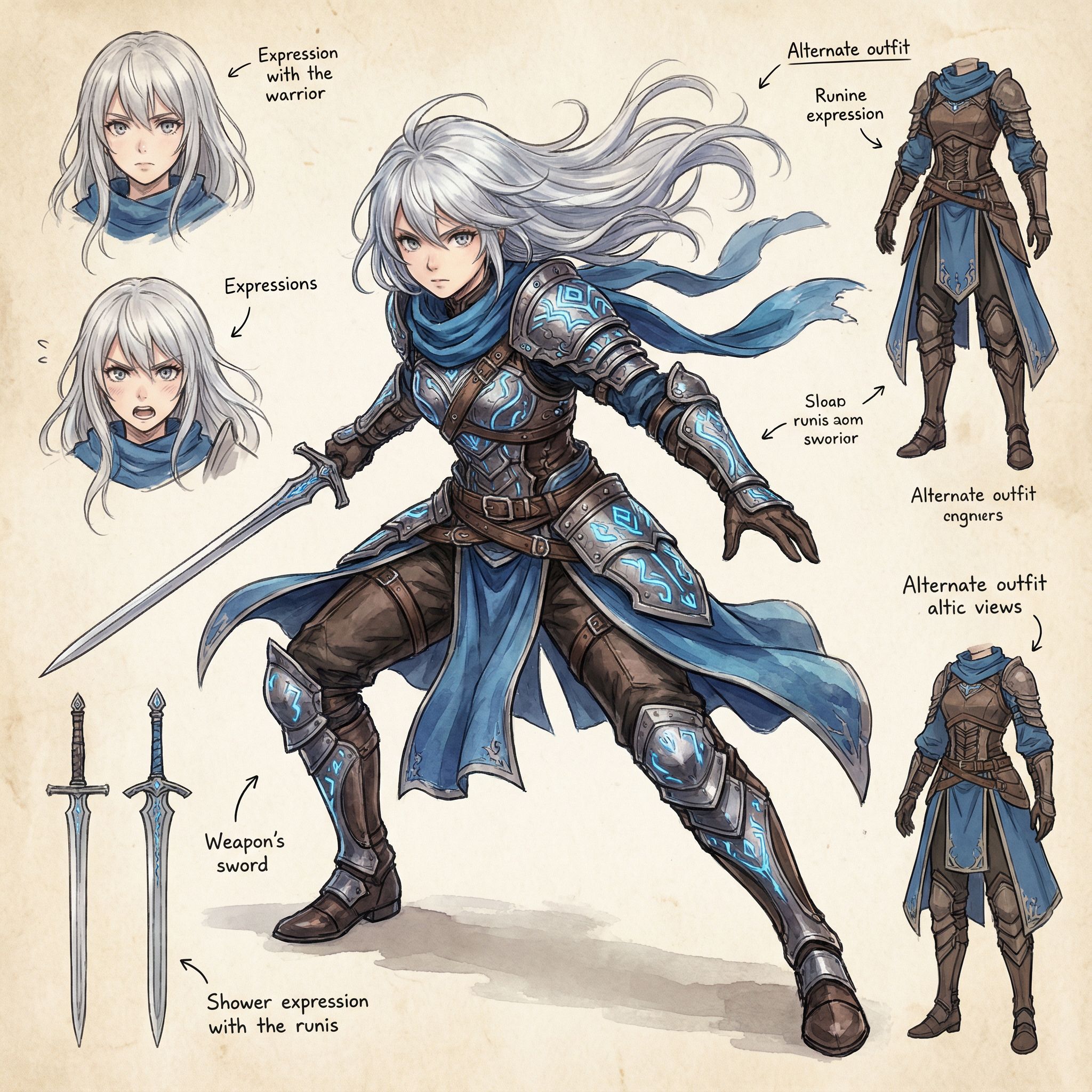
Anime Warrior
Anime
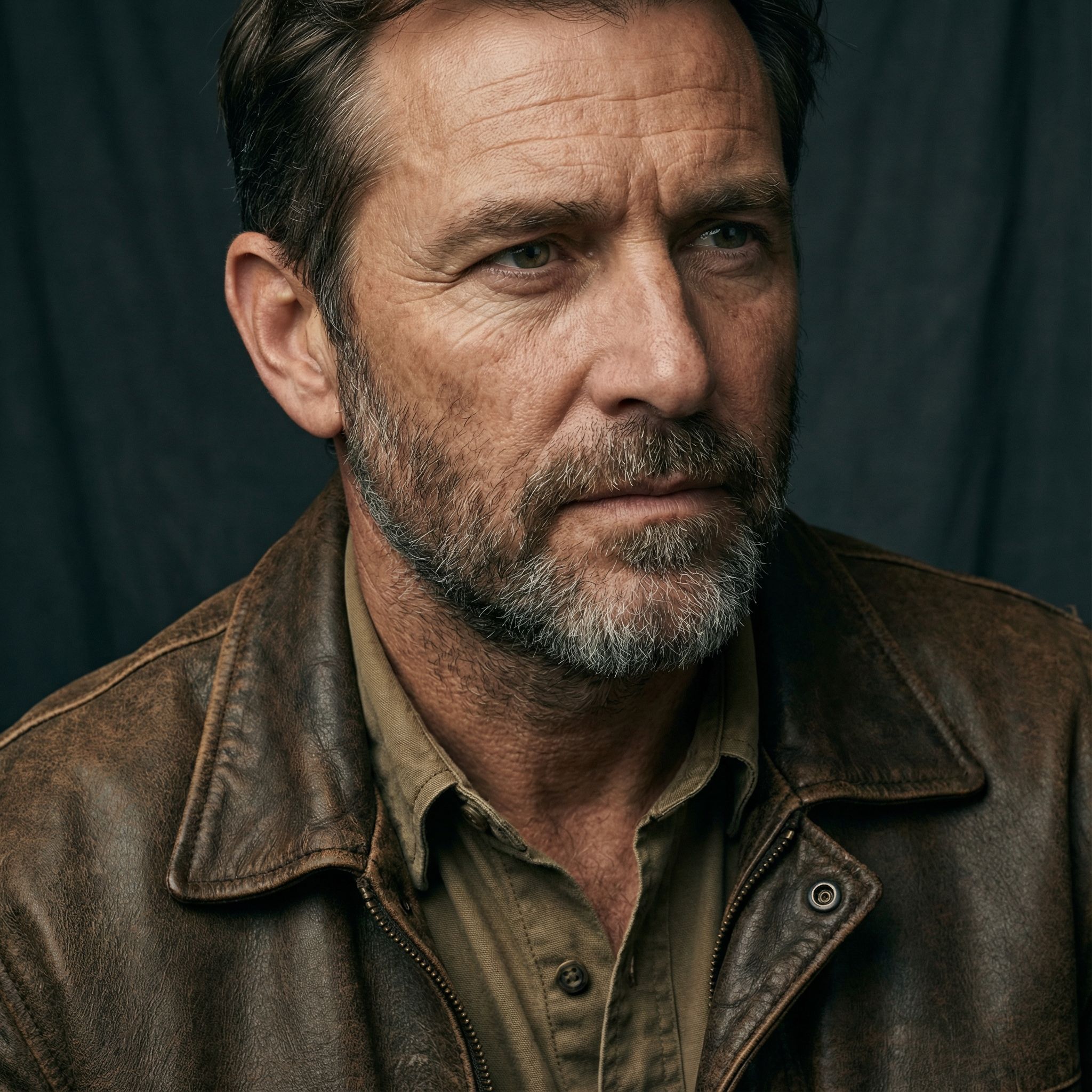
Photorealistic Explorer
Photorealistic
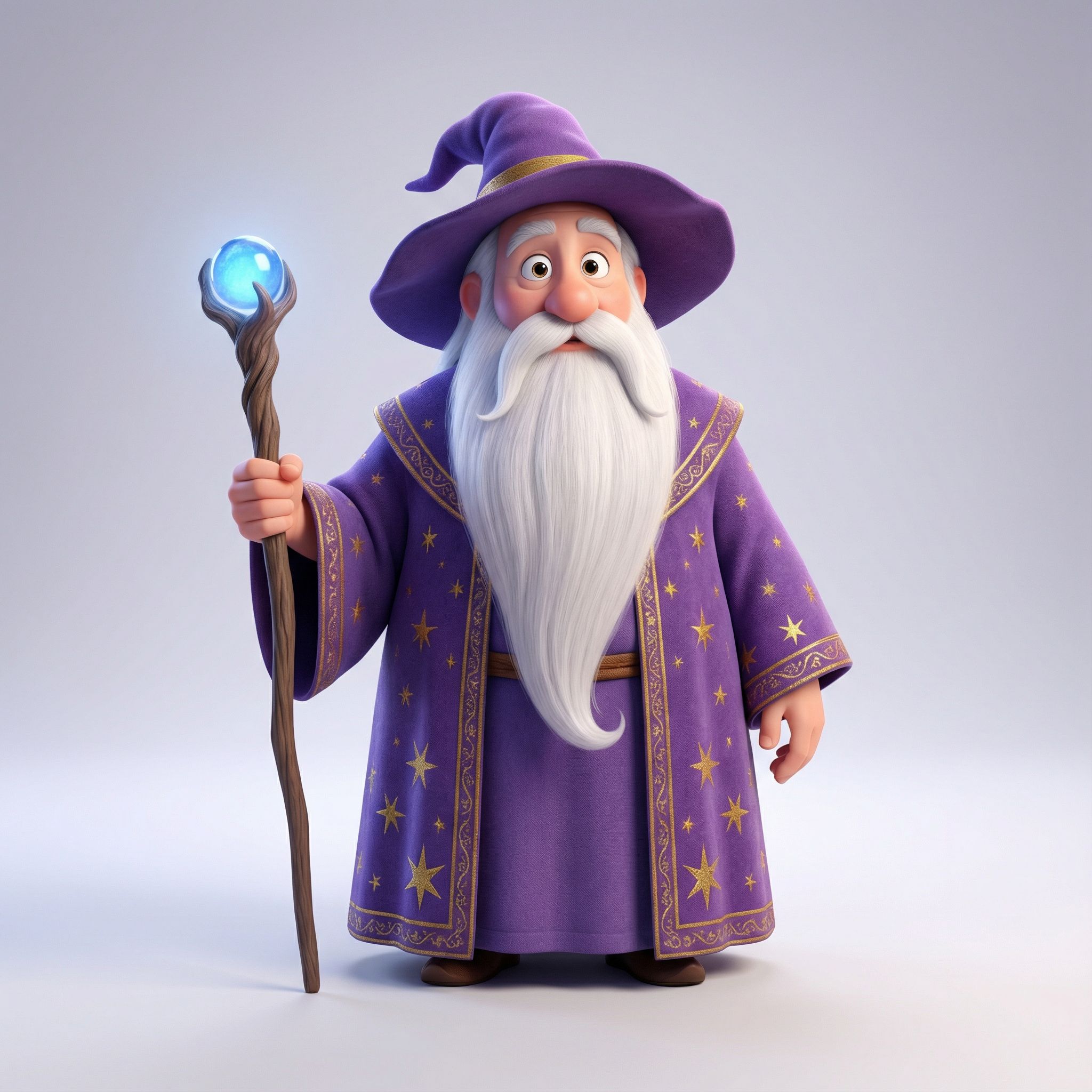
3D Cartoon Wizard
3D Character
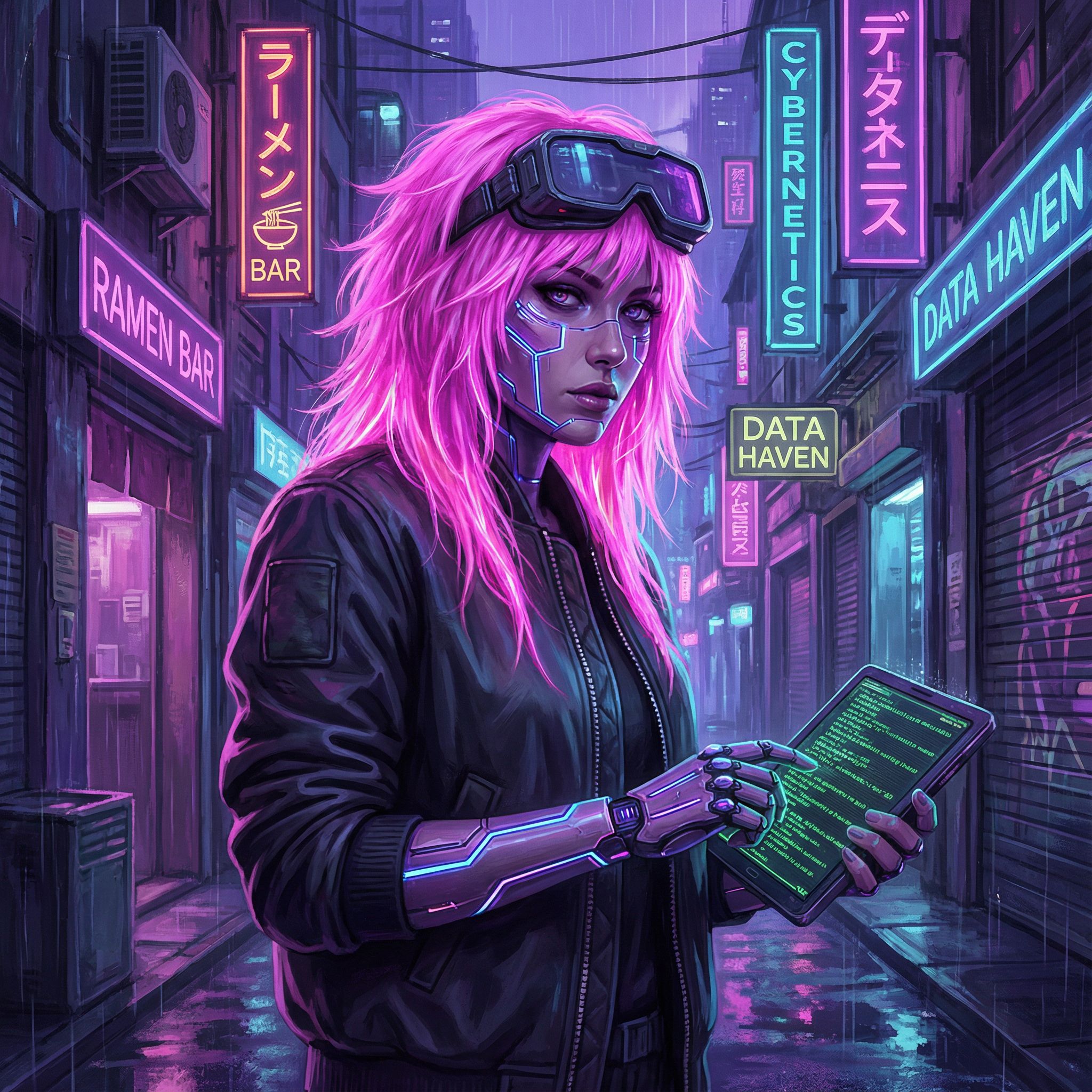
Cyberpunk Hacker
Cyberpunk
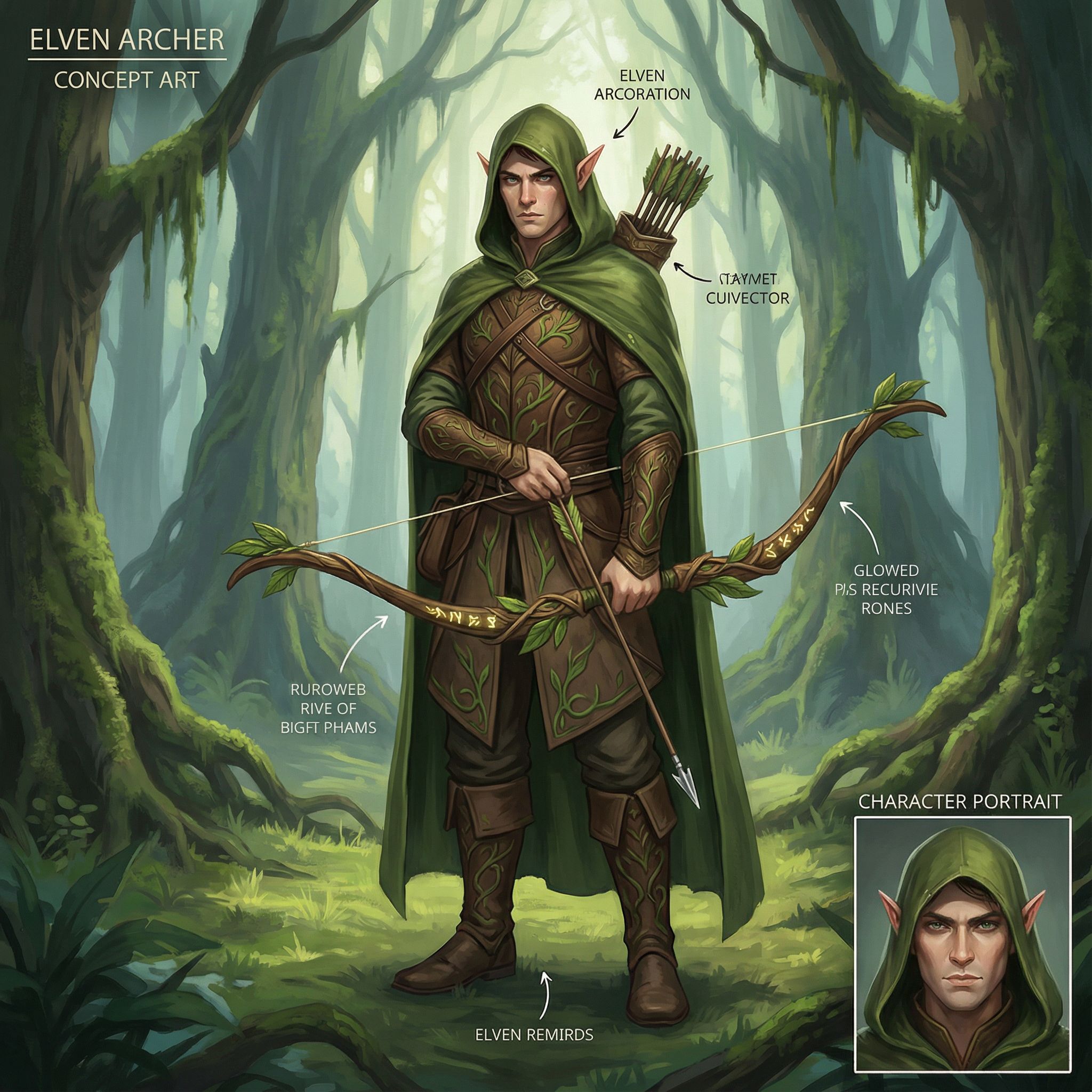
Fantasy Elf Archer
Fantasy RPG
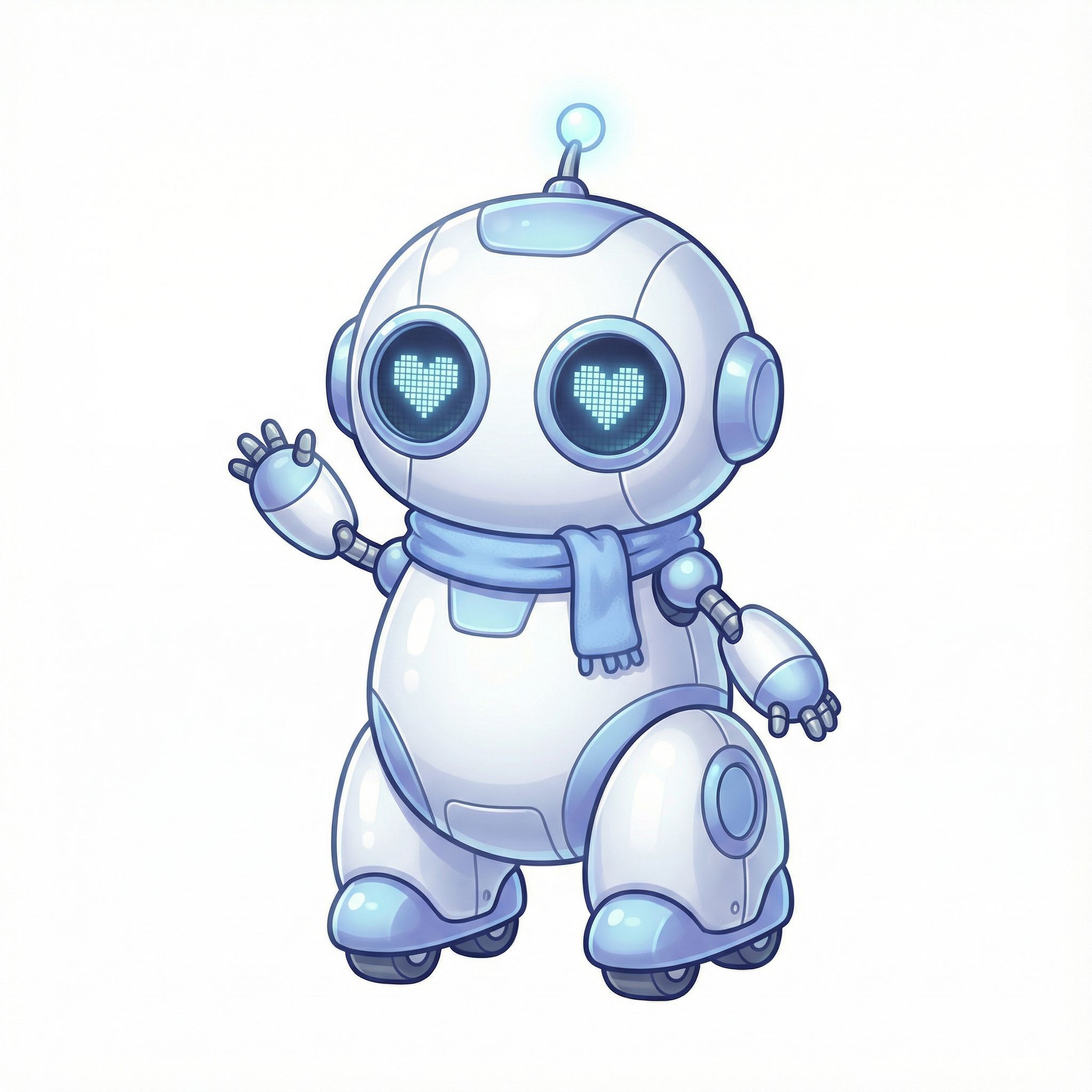
Chibi Robot Mascot
Chibi
These examples show just a fraction of possible character styles. The same AI tools can generate realistic characters, stylized illustrations, and everything in between. For art-focused generation, explore our best AI art generator comparison.
Character Consistency Workflow
Maintaining character consistency across multiple images is a key challenge when learning how to use AI for character design. Whether creating storyboards, game assets, or comic book panels, you need consistent characters recognizable across poses, outfits, and scenes. Without proper technique, each generation produces different character images.
This workflow demonstrates achieving character consistency using reference images. Start by generating a clear character reference, then use that image as input when creating variations. This produces consistent characters maintaining core features across contexts while allowing dynamic poses. The reference images act as visual anchors for subsequent generations in your AI character generator workflow.
When prompting for variations, explicitly mention defining traits: hairstyles, eye color, facial features, and clothing. This helps the AI maintain character consistency even when changing scenes dramatically. Export these as PNG files to build complete character sheets. The workflow is essential for animation projects and graphic novel production.
This technique works across all art styles. The same reference-based approach applies whether creating anime characters, photorealistic portraits, or stylized 3D designs. Professional game development studios and indie creators use this workflow to build consistent characters for their projects. You can iterate on different styles while maintaining the original character's identity.
Step 1: Create Reference Character
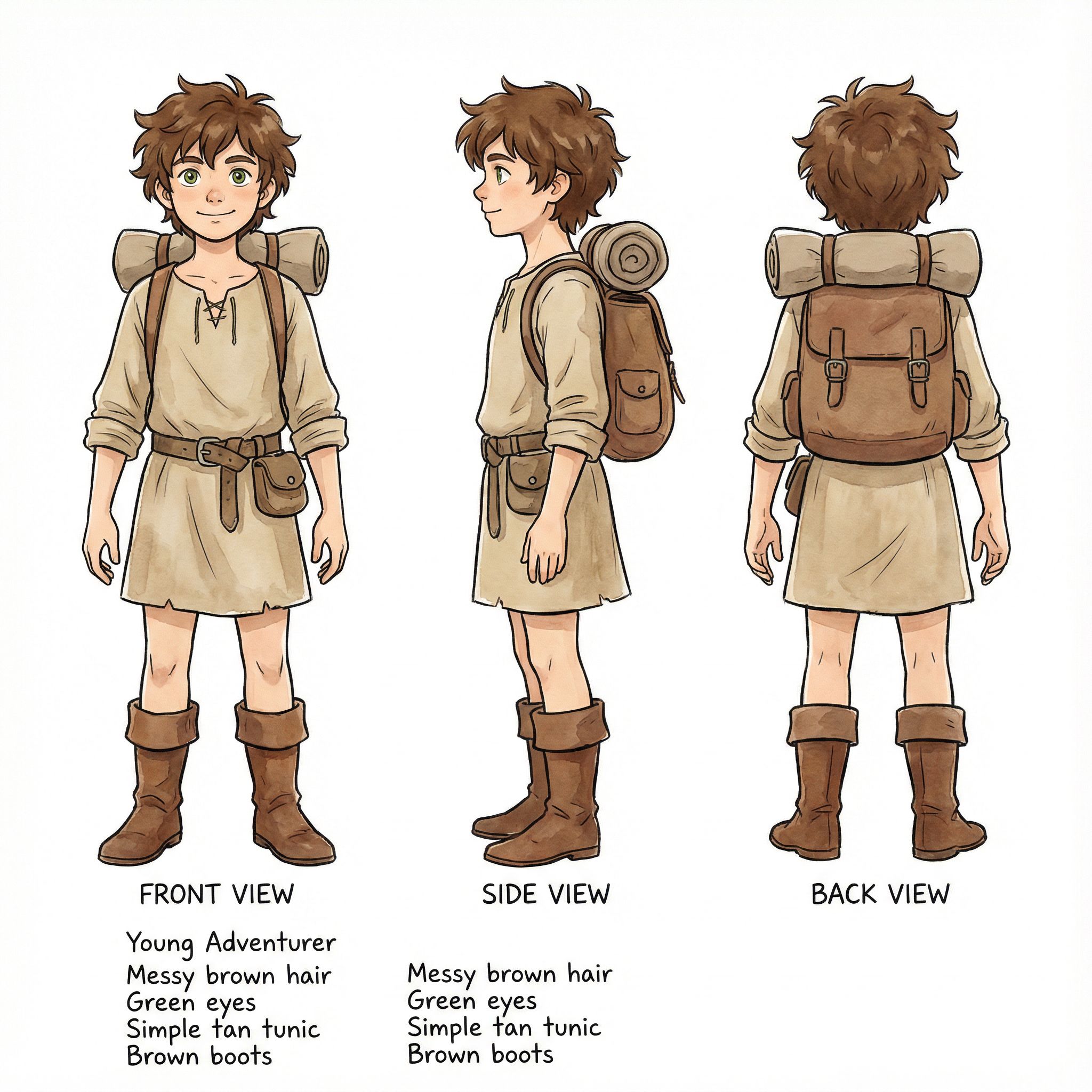
Reference Character
Generate a clear reference with neutral pose and good lighting. Include specific details about hair, eyes, clothing, and body type. This becomes your source image for all variations.
Step 2: Generate Consistent Variations
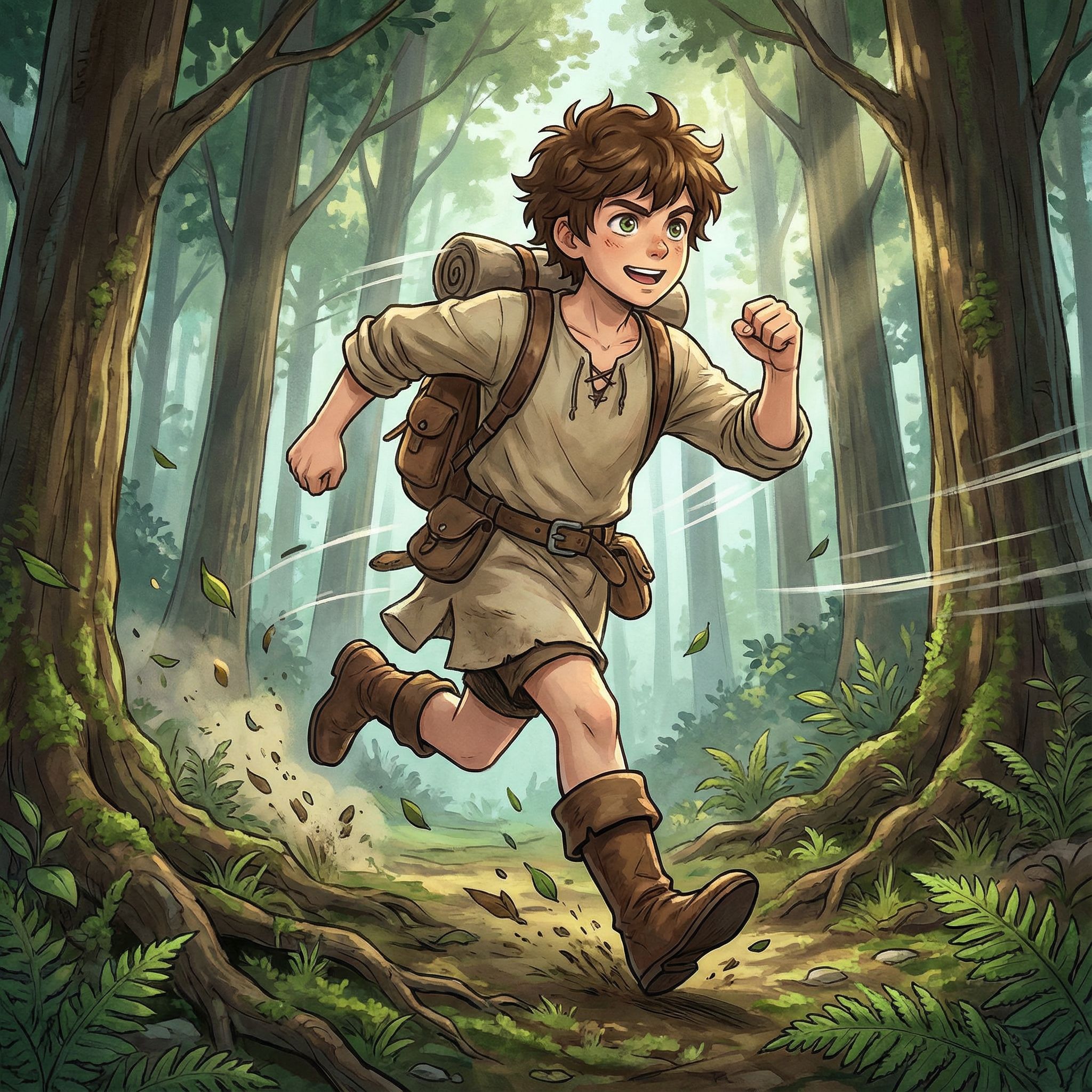
Action Scene
Uses reference as input
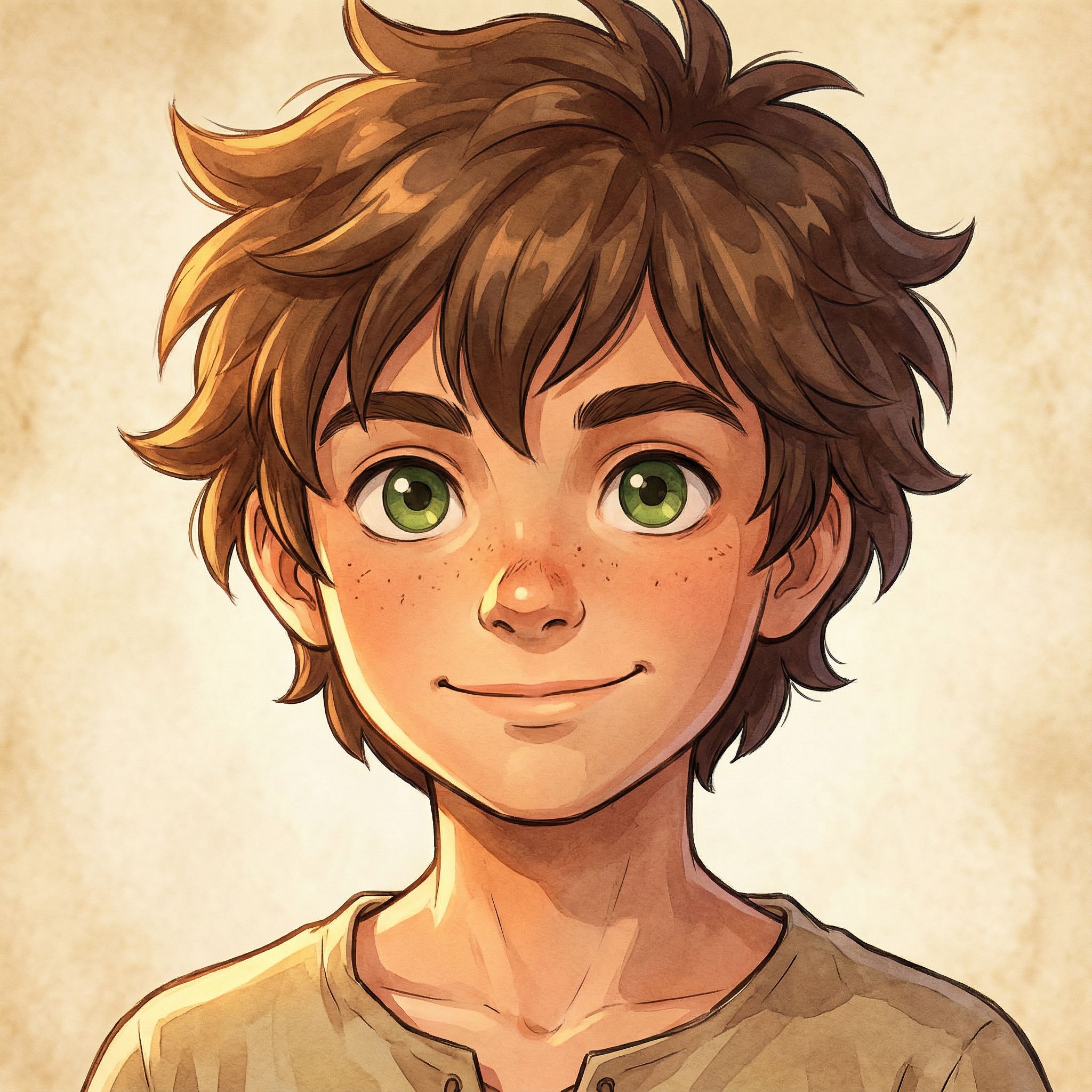
Close-Up Portrait
Uses reference as input
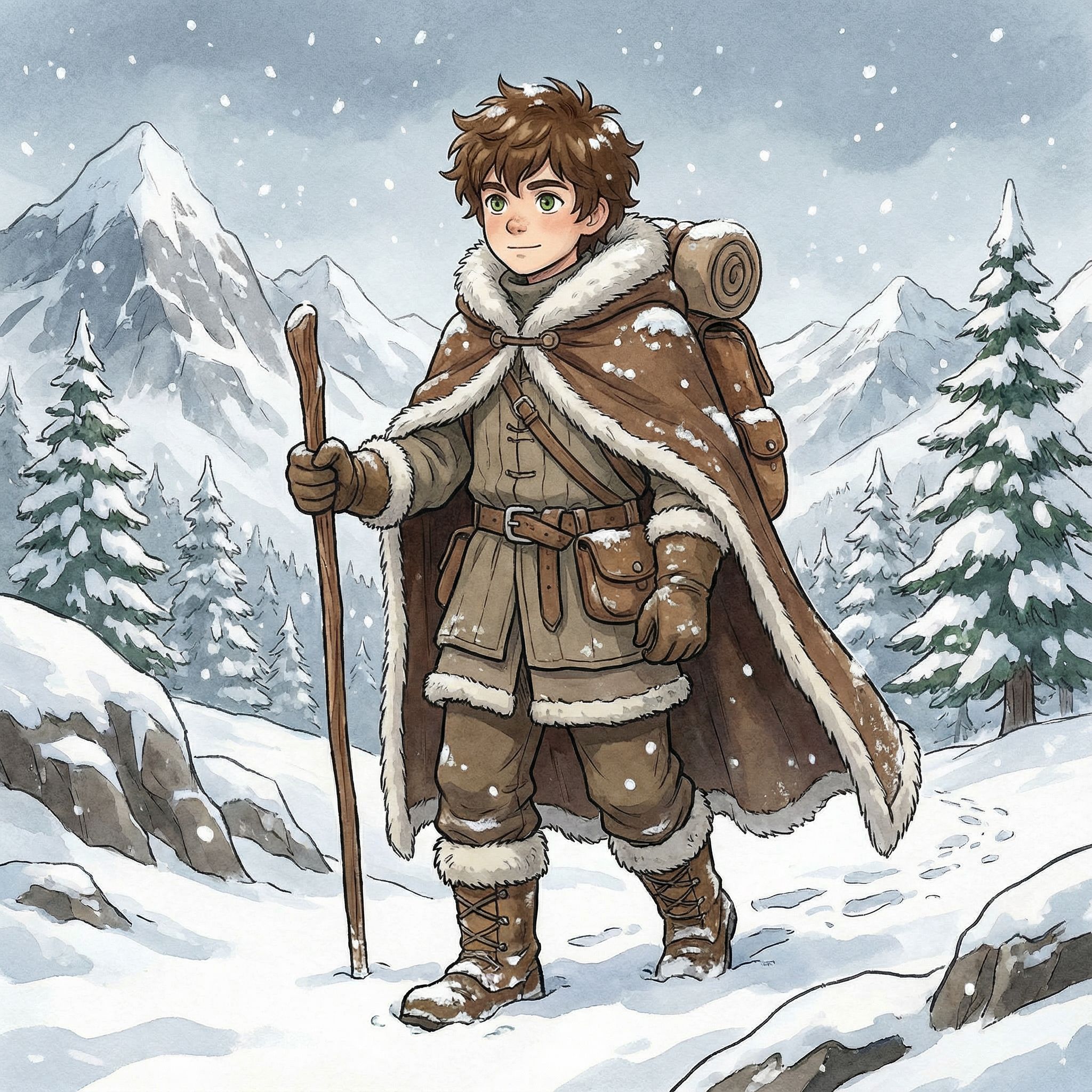
Winter Outfit
Uses reference as input
This workflow produces quality images suitable for game development, visual novels, and storytelling projects. For fashion-focused character variations, see our AI fashion design guide.
Character Design Prompting Tips
Effective text prompts are key to generating high-quality character images matching your vision. Whether using free AI character generators or premium design tools like Midjourney, Adobe Photoshop plugins, or specialized AI platforms, output quality depends on how you describe detailed character concepts. The creative process starts with clear communication of your vision.
These tips help you fine-tune prompts for better results. Each element adds specificity that helps the best AI character generator understand exactly what you want. Practice with different combinations to develop your prompting style for character creation. Iterate and experiment with different styles to discover what works for your unique characters.
Define the art style first
Start with "anime character," "photorealistic portrait," "3D character design," or "concept art" to set the visual direction. This single choice affects everything else.
Specify physical attributes
Include hair color and style, eye color, body types, age range, and distinctive facial features. Be specific: "long silver hair with side braid" beats "long hair."
Describe clothing and accessories
Detail outfits, armor, weapons, or props. Use genre keywords like "cyberpunk," "medieval fantasy," or "sci-fi" to establish aesthetic context.
Add pose and expression
Specify "dynamic action pose," "close-up portrait," "full body standing," or "character turnaround." Include emotional state like "confident smile" or "intense gaze."
Include quality modifiers
End with "high-quality," "detailed," "professional concept art," or "digital art" to upscale output quality. These modifiers consistently improve results.
For more general image generation techniques, check our AI for graphic design guide which covers prompting across various visual design contexts.
Best AI Character Design Tools
Several AI tools specialize in character creation. General-purpose generators like Midjourney handle any style, while specialized AI character generator tools focus on anime or fantasy RPG aesthetics. The best AI character generator depends on your project requirements and art styles. Some design tools offer sliders for fine-tuning attributes like age, facial expressions, and pose.
Below are specialized AI tools for different character design needs. Each offers unique features for generating AI-generated characters across styles and use cases. Many offer free tiers for beginners before paid plans. Consider your use case: game development requires different features than social media content or animation production.
For high-quality outputs suitable for print, look for upscale functionality. Most AI platforms generate standard resolutions, but upscaling produces professional character art for commercial projects. Adobe Photoshop and similar digital art tools can further refine AI-generated characters for production pipelines in game development or animation studios.
AI Character Image Generator
Generate unique characters from text prompts. Create anime, photorealistic, and stylized character images with detailed control over appearance.
Full Body Character Creator (Anime)
Specialized generator tool for full body anime character designs. Perfect for manga, visual novels, and game development projects.
Chibi Character Generator
Create adorable chibi-style characters for games, stickers, avatars, and social media. Simple prompts produce quality images instantly.
DnD Portrait Generator
Generate fantasy character portraits for tabletop RPGs. Create detailed character art for Dungeons & Dragons and other fantasy games.
For product-focused character mascots, explore our AI product design guide. If you need professional headshots rather than illustrated characters, see our AI headshot generator comparison.
FAQs: How to Use AI for Character Design
Can AI generate consistent characters for games or animation?
Yes. Use the reference images workflow shown above. Generate a character sheet first, then use that as input for all variations. Include specific trait descriptions to maintain character consistency across scenes. This works for visual novels, indie game development, graphic novels, comic book projects, and animation.
What's the best AI character generator for anime style?
Several AI tools excel at anime character design. Look for generators trained on anime and manga art styles. Include terms like "anime," "manga style," or specific aesthetics in your prompts. Specialized anime character creators produce more consistent characters than general-purpose tools. The best AI tools focus on full body character creation.
Can I use AI-generated characters for commercial projects?
Commercial usage depends on each AI platform's terms. Most generators allow commercial use of AI-generated characters, but verify license terms. Some platforms require attribution. Keep records of prompts for licensing documentation. Using AI for character design in commercial projects is increasingly common in game development and digital art.
How do I create character turnarounds with AI?
Generate multiple views by requesting angles: "front view," "side profile," "three-quarter view." Use the same detailed character description for each, adjusting only viewing angle. Some AI character generator tools offer turnaround modes. This produces original characters sheets for animation or game development pipelines with consistent characters.
What AI tools work best for beginners learning character design?
Beginners should start with user-friendly AI art tools that offer simple interfaces. Midjourney produces high-quality results with minimal prompting knowledge. Specialized AI character generators often include templates and presets. Iterate through different styles to develop your workflow and creative process for unique characters.
Start Using AI for Character Design
Generate unique characters for game development, animation, and creative projects. From anime warriors to realistic portraits, bring your character concepts to life with AI art tools.
Try AI Character Generator