
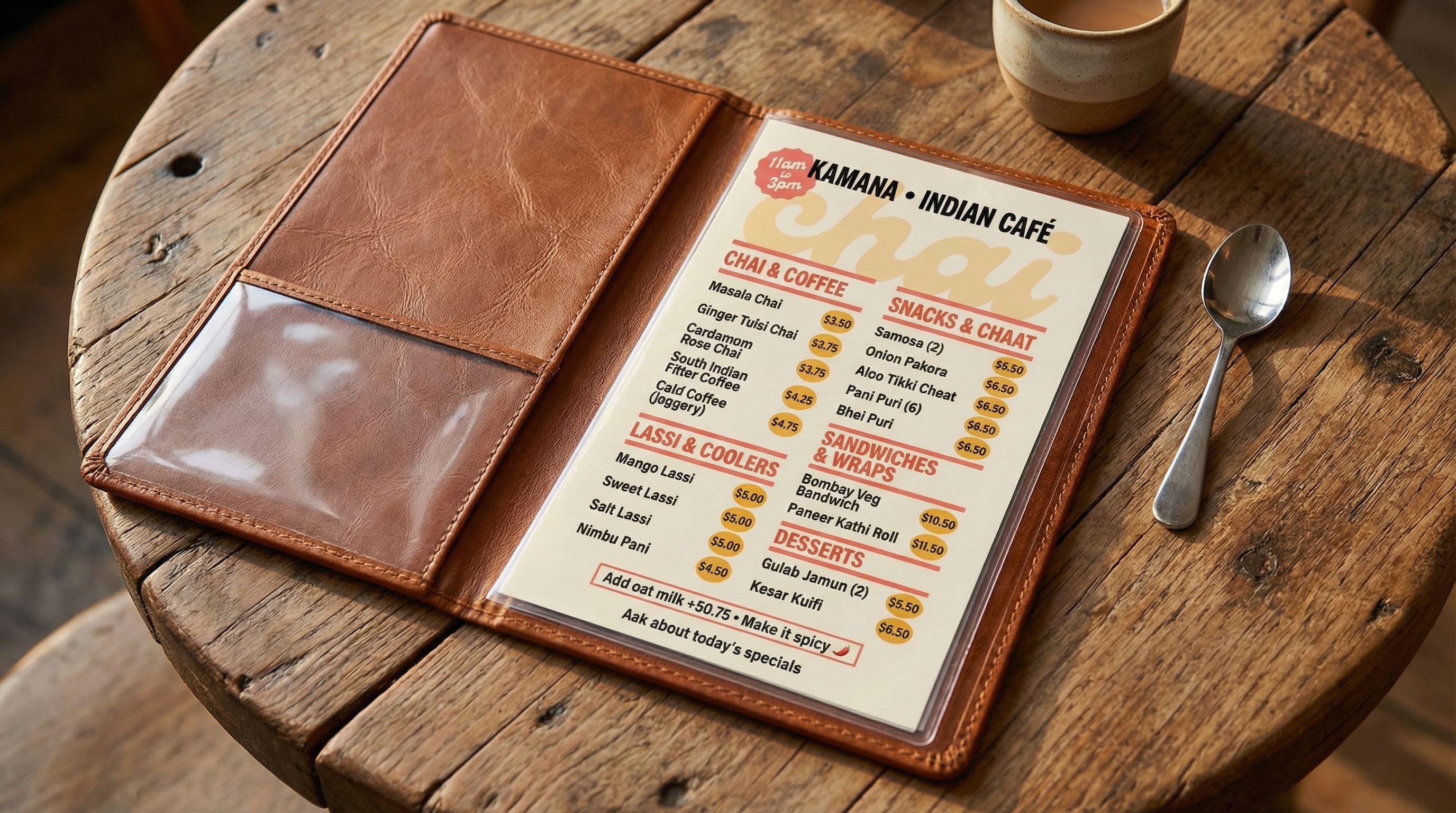
A well-designed restaurant menu does more than list your appetizers and entrees. It shapes the dining experience, guides customer decisions, and directly impacts profitability. Studies show that menu layout and formatting can increase sales of high-margin items by 20% or more.
Traditional menu design requires hiring a graphic designer or wrestling with menu templates in Canva. Most menu maker tools offer drag-and-drop interfaces, but the results often look generic. AI changes everything. Instead of starting from designed templates, you describe your restaurant's vibe and get a high-quality, professional menu in seconds.
What You'll Learn
- Generating multiple menu concepts with different visual styles
- Creating style variations from minimalist to retro pop
- Refining colors, fonts, and design elements
- Adapting your menu for digital displays and printed menus
Step 1: Gather Your Assets
Before creating your food menu, gather the elements that define your restaurant's identity. Unlike generic menu templates, AI works best when you provide clear creative direction along with your actual menu items.
Visual Elements
- • Restaurant name and own logos
- • Brand colors or preferred color scheme
- • Style references (modern, rustic, elegant)
- • Preferred fonts or typography style
Menu Content
- • Menu items with descriptions
- • Prices for each item
- • Section categories (appetizers, entrees, drinks)
- • Any special callouts or featured dishes
Our Example: Kamana Indian Café
For this tutorial, we created a menu for "Kamana," a fictional Indian café. We included sections for Chai & Coffee, Small Plates, and Mains, with authentic dishes and realistic pricing. The goal was a professional menu that balances tradition with modern design elements.
Step 2: Generate Multiple Concepts
The power of AI image generators for menu design is rapid exploration. Generate 3-4 different concepts to find what resonates with your restaurant's personality. Each concept can take the same menu items in completely different visual directions.
Create a single-page menu design for [restaurant name], a [cuisine type] restaurant. Style: [aesthetic]. Color palette: [colors]. Include clear headings, readable prices, and [specific design elements]. Menu sections: [list your categories].Here are four concepts we generated for Kamana Indian Café:
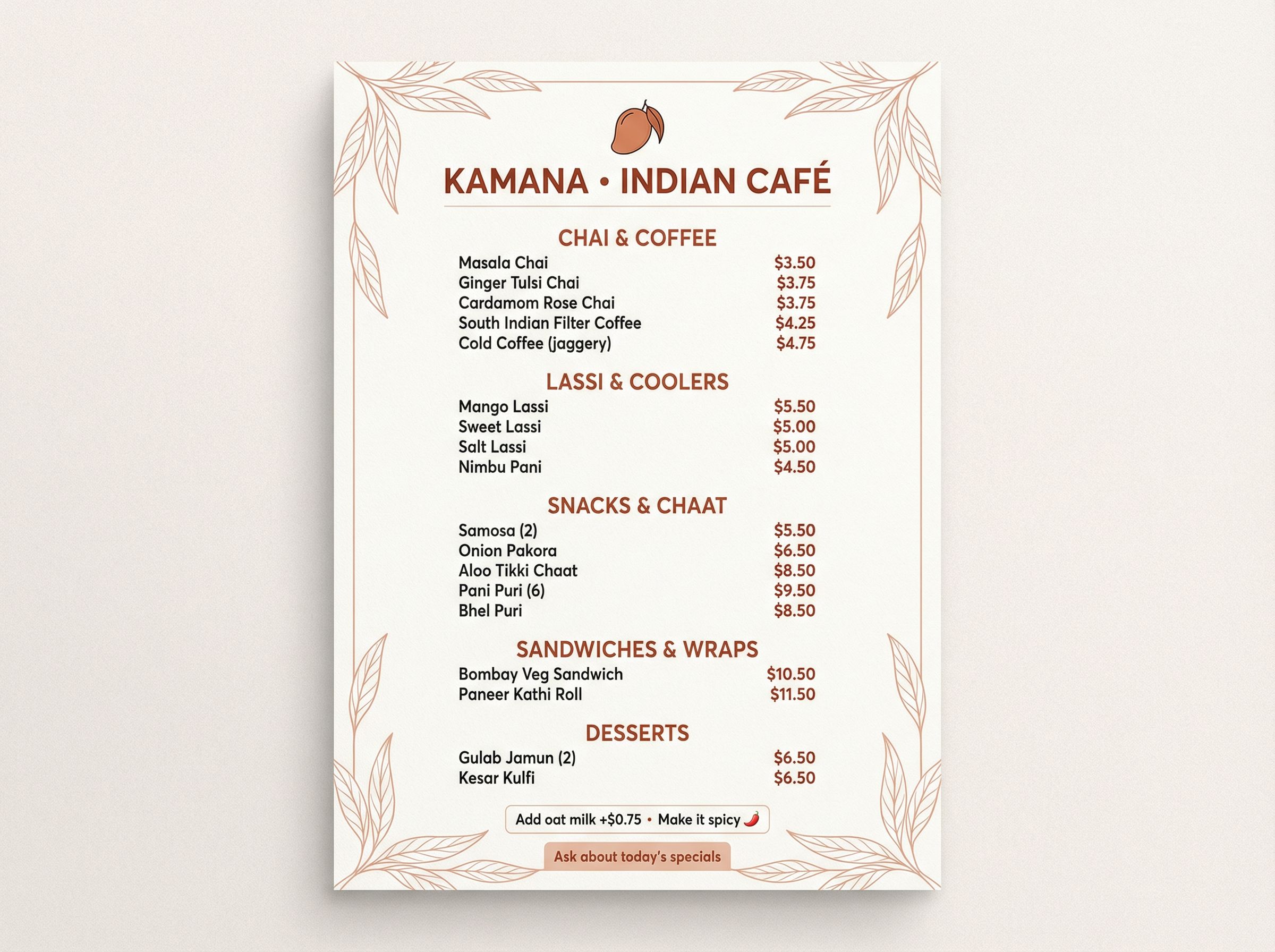
Modern Minimalist
Warm terracotta + cream, clean typography
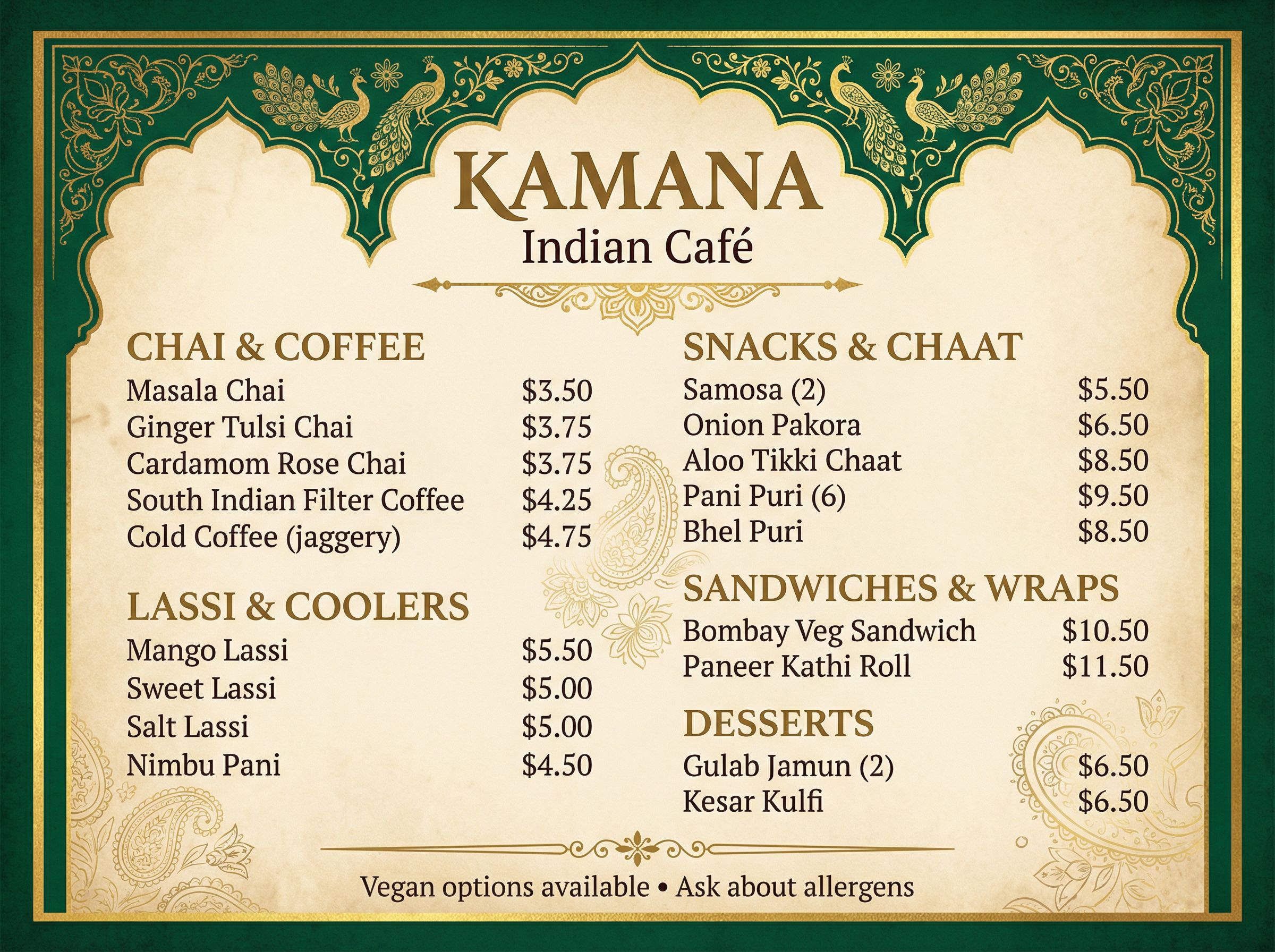
Classic Heritage
Deep emerald + gold, ornamental arches
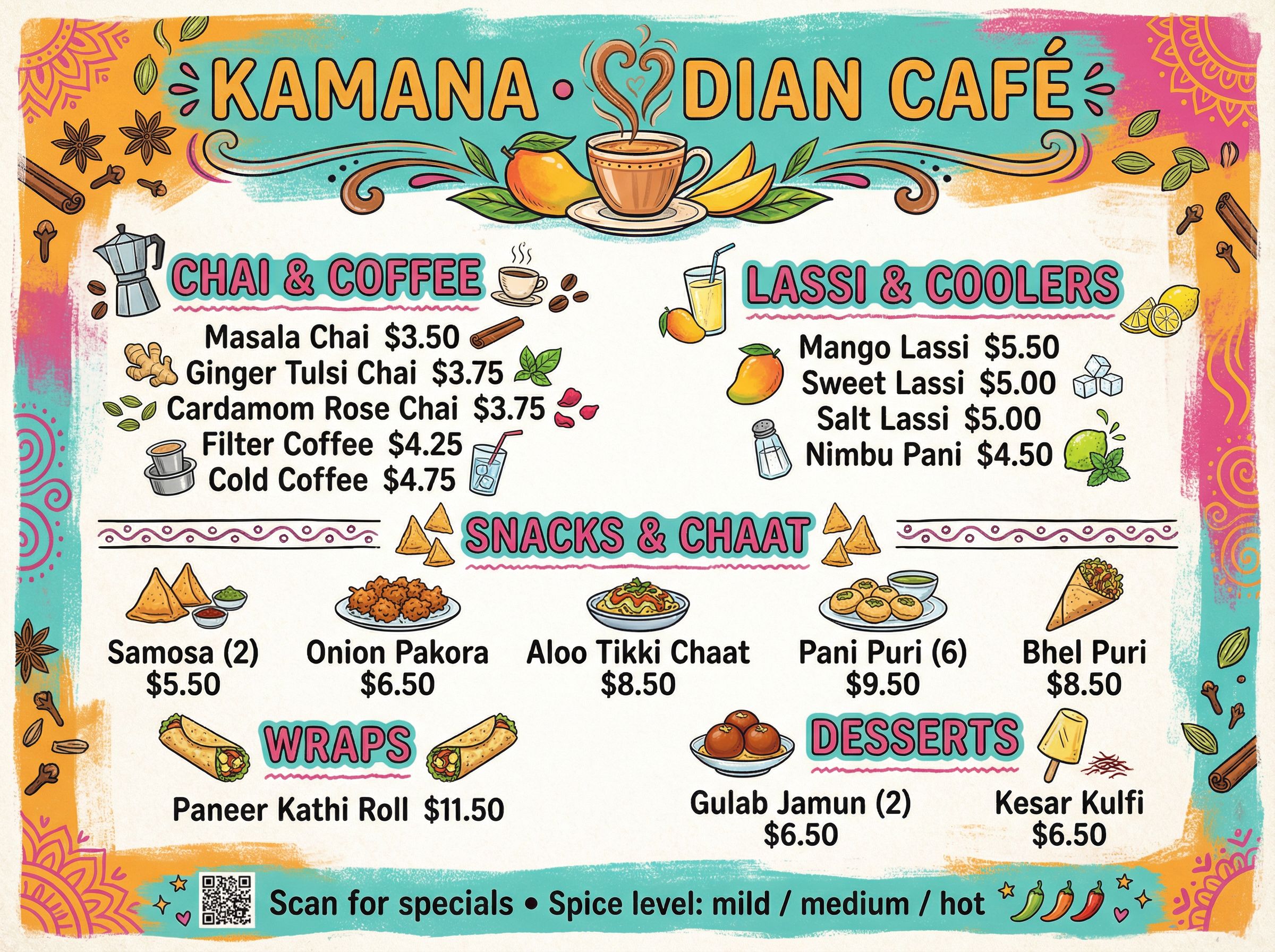
Playful Street-Food
Bright colors, hand-drawn doodles
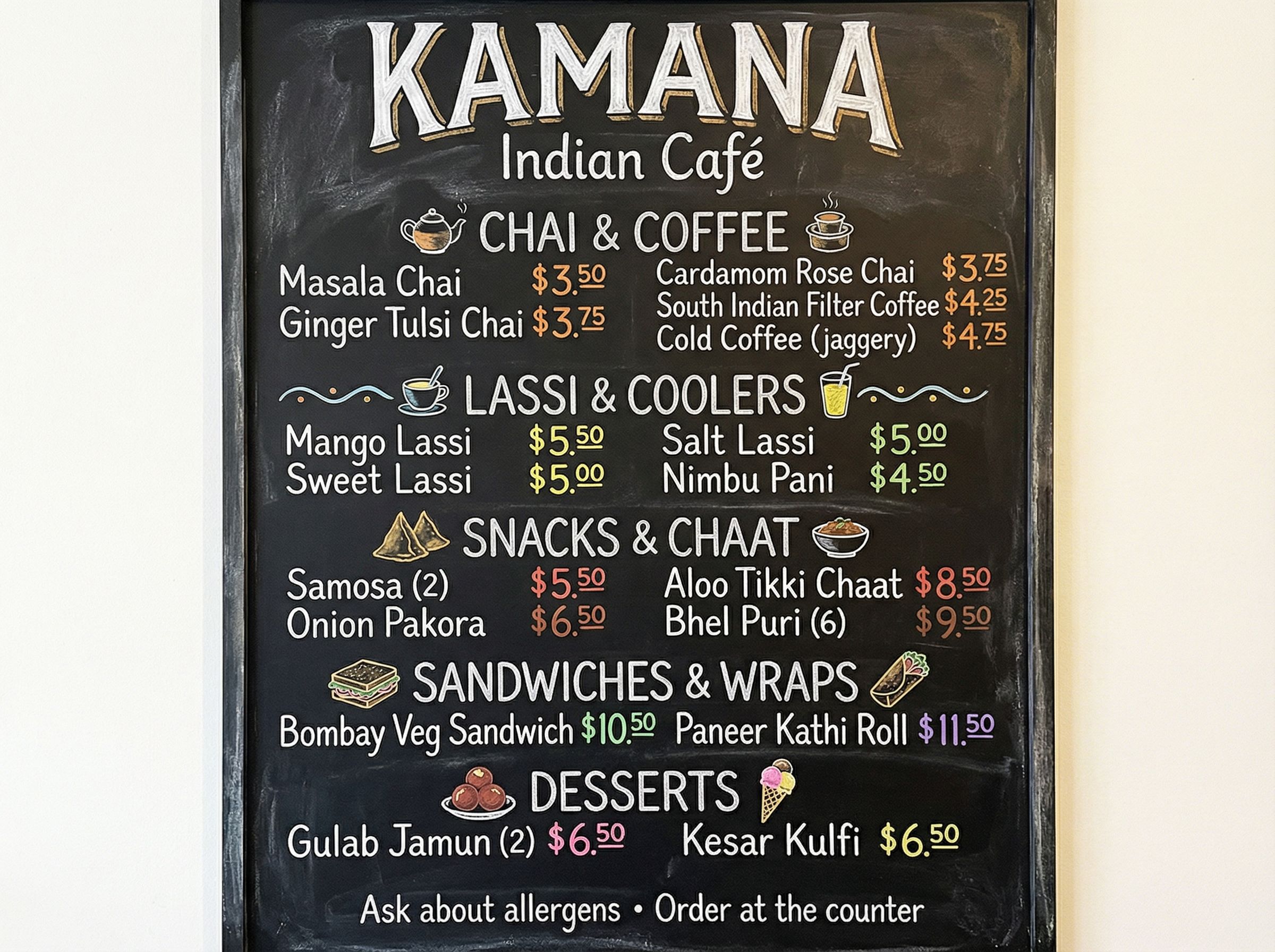
Chalkboard Style
Blackboard texture, chalk lettering
Tips for the Perfect Menu
- • Specify your color scheme explicitly in the prompt
- • Include "readable prices" and "clear section dividers" for usability
- • Reference specific aesthetics: "chalkboard," "minimalist," "retro pop"
- • For small business owners, emphasize brand colors to stay on-brand
Step 3: Create Style Variations
With a general direction chosen, we explored retro pop print styles to give Kamana a distinctive personality. This is where AI for graphic design excels. You can transform your menu layout while keeping the same content and formatting.
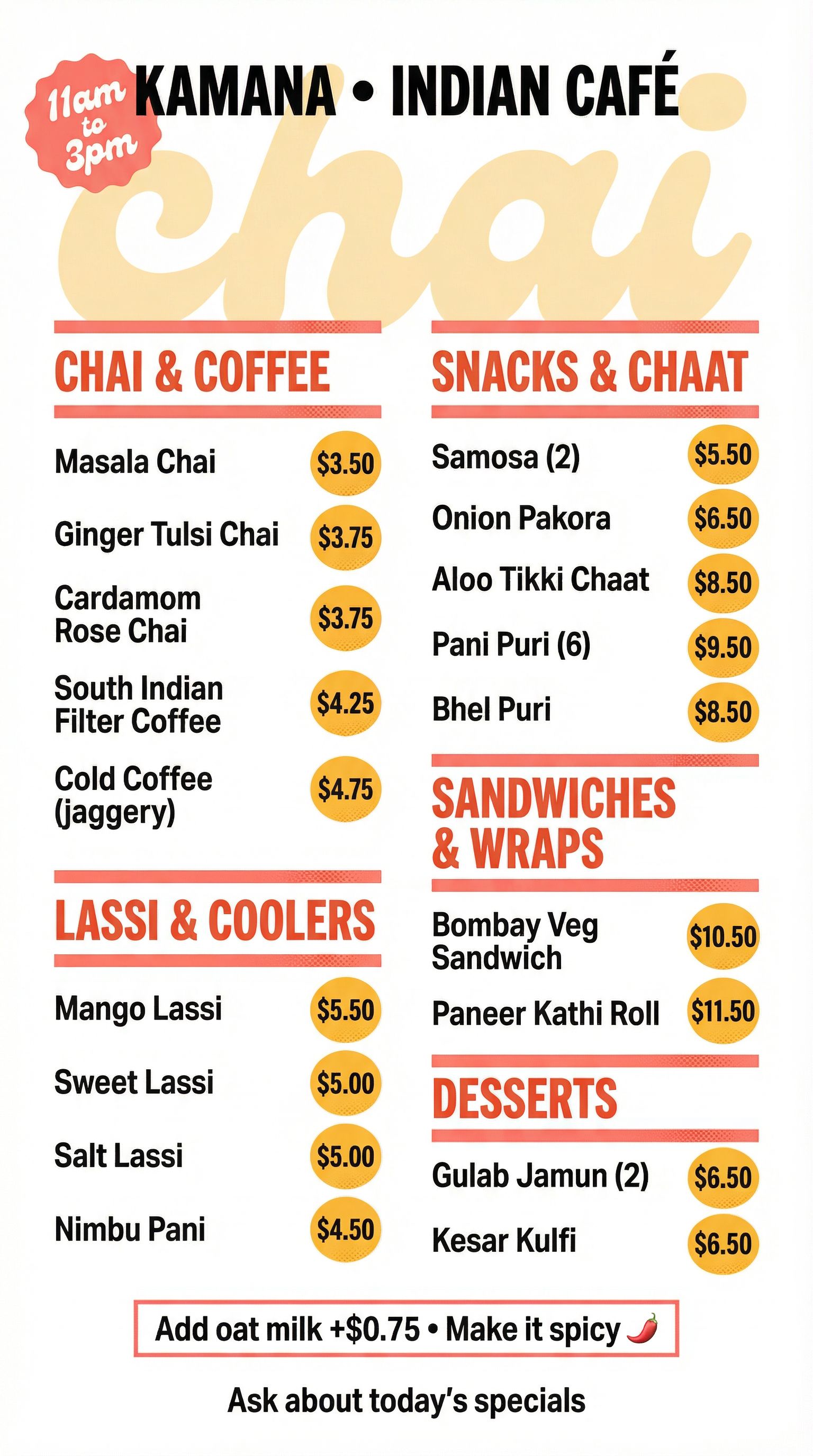
Retro Pop Print
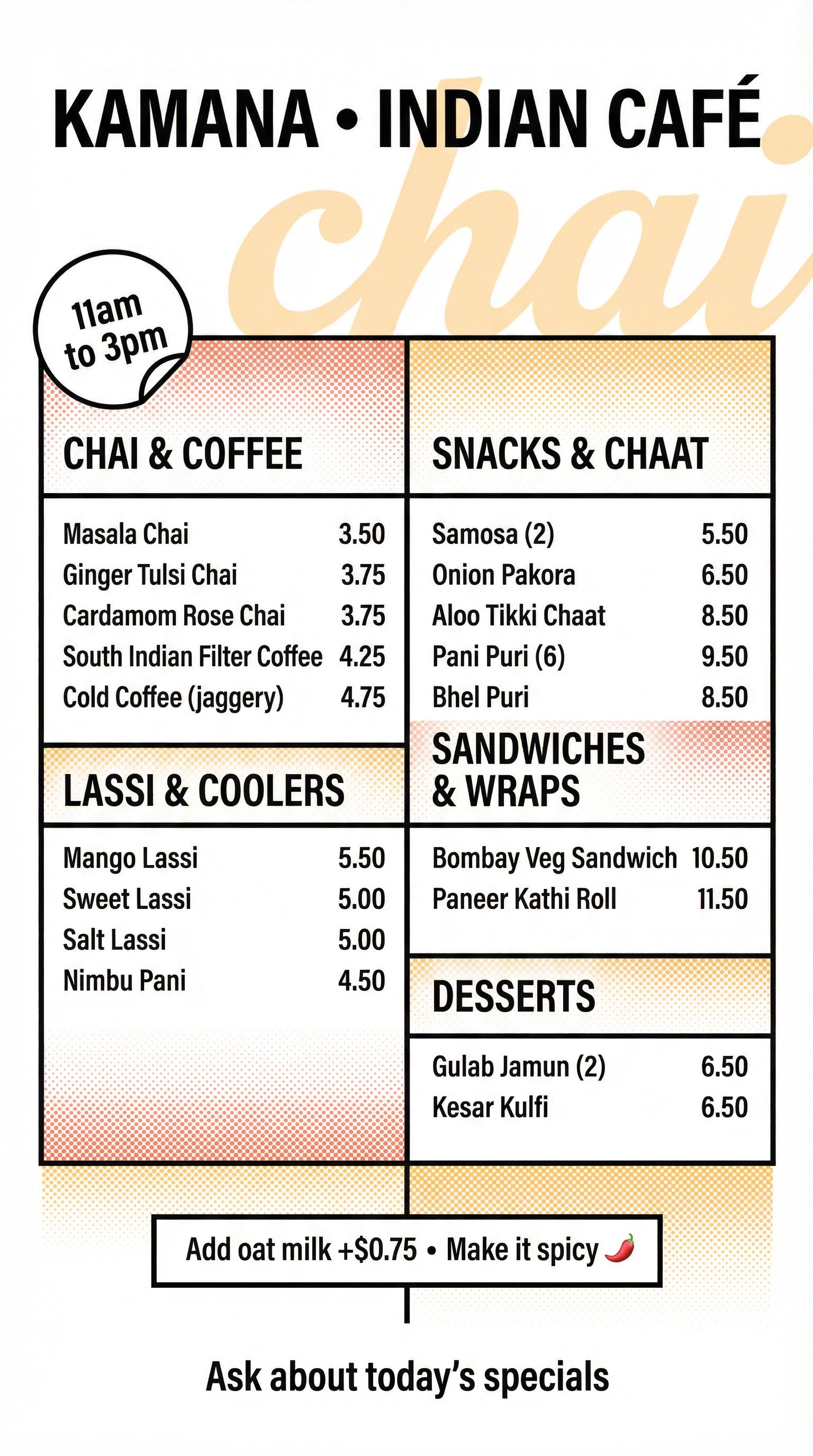
Swiss-Meets-Retro
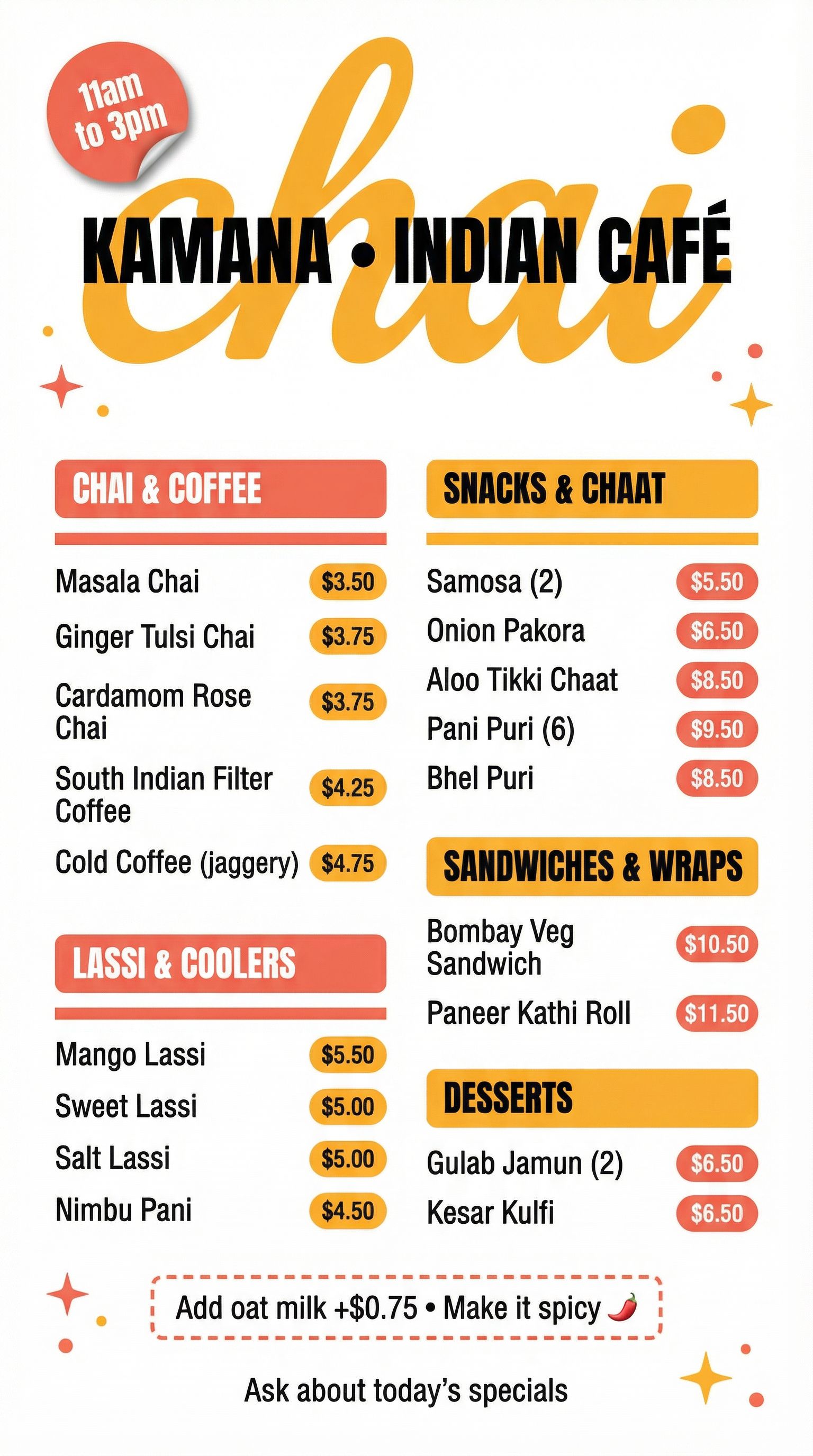
70s Diner-Inspired
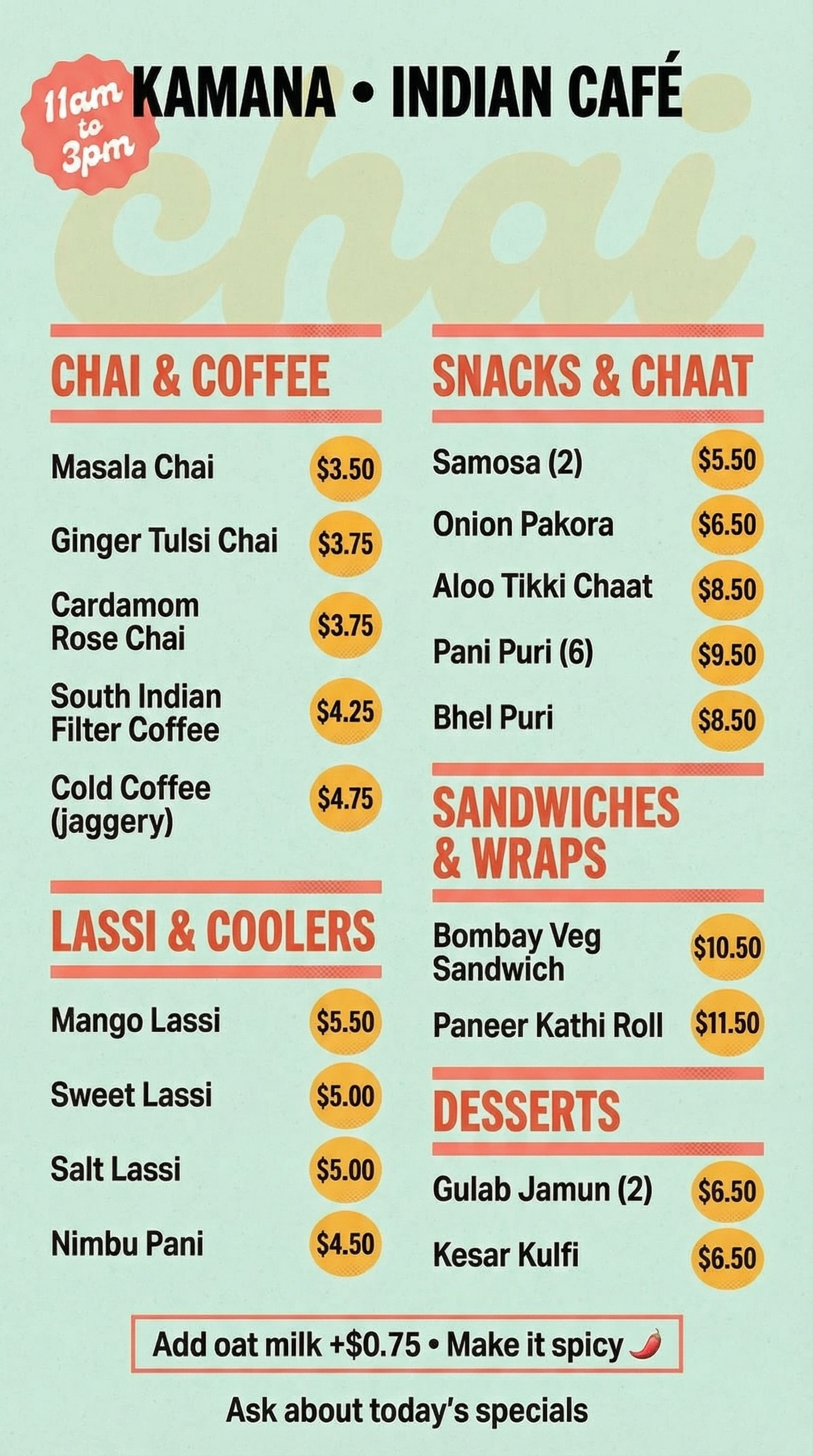
Mint Paper
We selected the Retro Pop Print style for its coral + saffron + black palette, bold condensed headers, and modular blocks. It strikes a balance between playful and professional that works well for a casual café.
Step 4: Refine and Edit
The selected design was close to perfect, but the pure white background felt a bit stark. Using AI editing tools, we added a subtle warm background wash to make the menu feel more inviting for the dining experience.
Edit Example: Background Color Adjustment
We added a very subtle warm off-white background wash (cream with a hint of coral) to soften the stark white while keeping all text, blocks, and rules crisp and fully legible.
Before
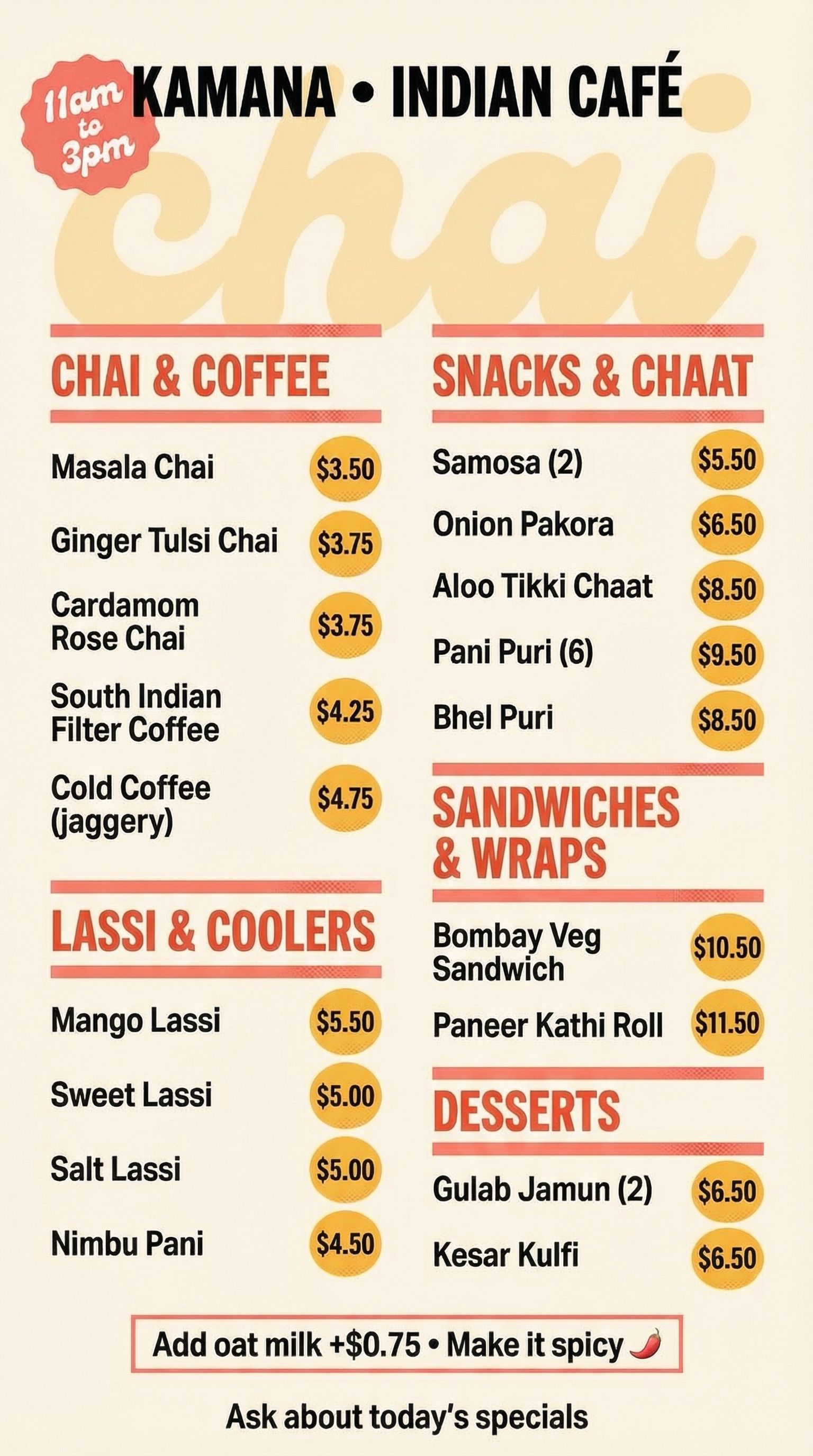
After
Click for before/after
Step 5: Format Adaptations
Your restaurant menu needs to work in multiple contexts. Printed menus for dine-in, digital menu boards behind the counter, online menu for your website, and social media posts. AI can adapt your design for each format without losing the visual identity.
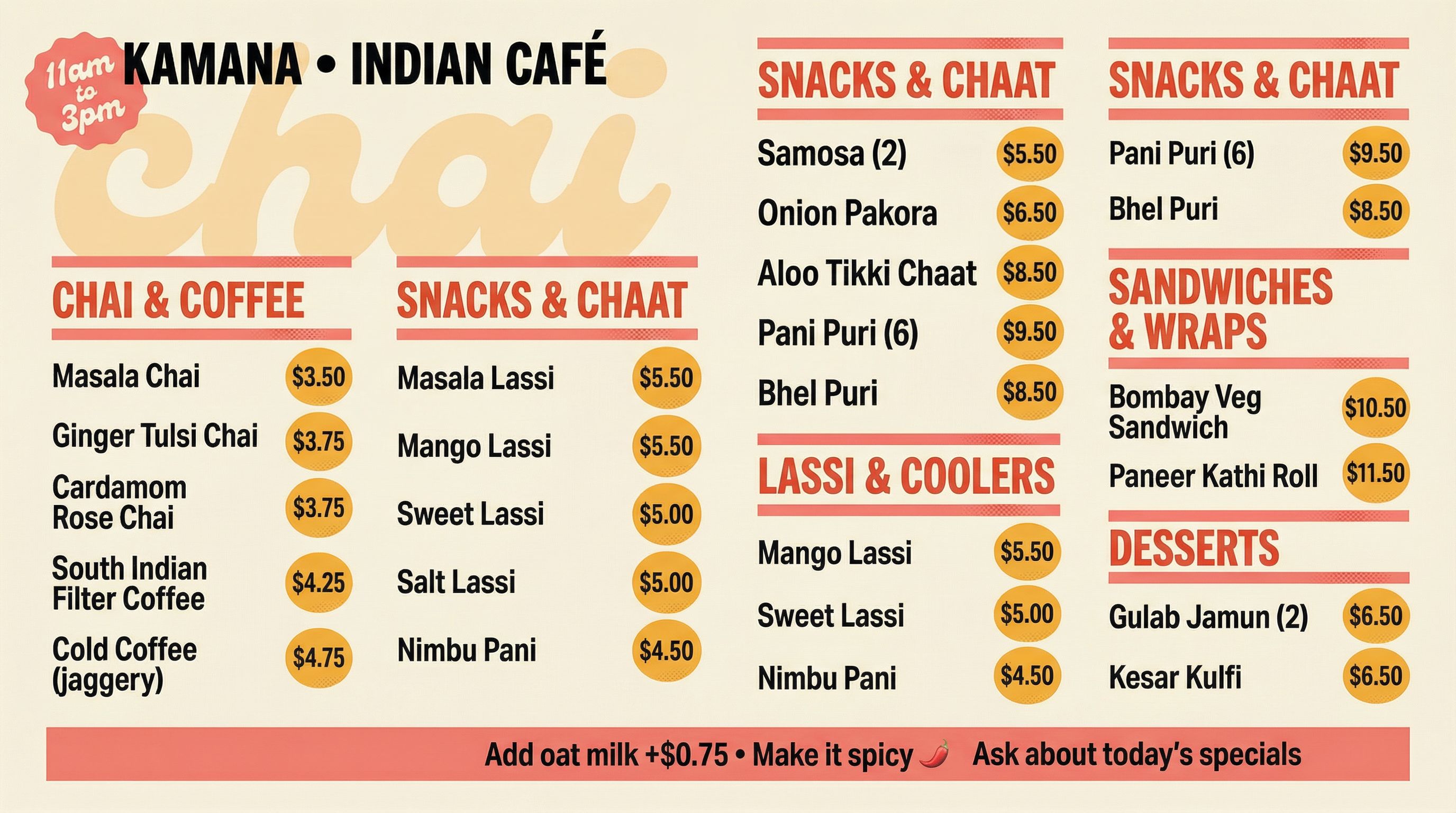
Digital Display Format (16:9)
Adapted for TV screens and digital menu boards
Menu Format Ideas
- • Printed menus: Portrait 8.5x11 or custom sizes for takeout
- • Digital menu: 16:9 landscape for TV displays
- • Online menu: Mobile-friendly 9:16 for QR code scanning
- • Social media: Square 1:1 for Instagram posts
FAQ
How does AI compare to Canva for menu design?
Canva offers menu templates with drag-and-drop editing tools. They work well for beginners who need something quick. But Canva templates look similar because thousands of other restaurants use them. AI generates completely original menu design based on your specific vision and brand colors. For restaurants wanting a distinctive look, AI delivers high-quality results that rival what a graphic designer creates.
What fonts work best for restaurant menus?
Menu fonts depend on your restaurant's personality. Fine dining tends toward elegant serifs. Fast food uses bold, readable sans-serifs. Cafés often mix script headers with clean body text. When prompting AI, describe your desired typography style rather than specific fonts. Say "elegant serif headings with clean sans body text" and let the AI create appropriate lettering.
Can I create a QR code menu with AI?
Yes! Generate your digital menu in 9:16 portrait format optimized for phone screens. Host the image on your website or upload to a service like Linktree. Then generate a QR code that links to that page. Customers scan and see your stunning menu on their phones. This works great for outdoor seating, takeout ordering, and reducing printed menus.
How do I make my menu increase profitability?
Strategic menu layout drives profitability. Place high-margin items in the "golden triangle" (top right, top left, center). Use design elements like boxes or icons to highlight featured dishes. Avoid dollar signs next to prices. Group items strategically so customers compare within sections. AI can help you create these professional layouts without needing a menu creator certification.

Create Your Perfect Menu
All the AI design tools used in this tutorial are available on Vondy. Generate concepts, refine your design, and adapt for any format.
Start creating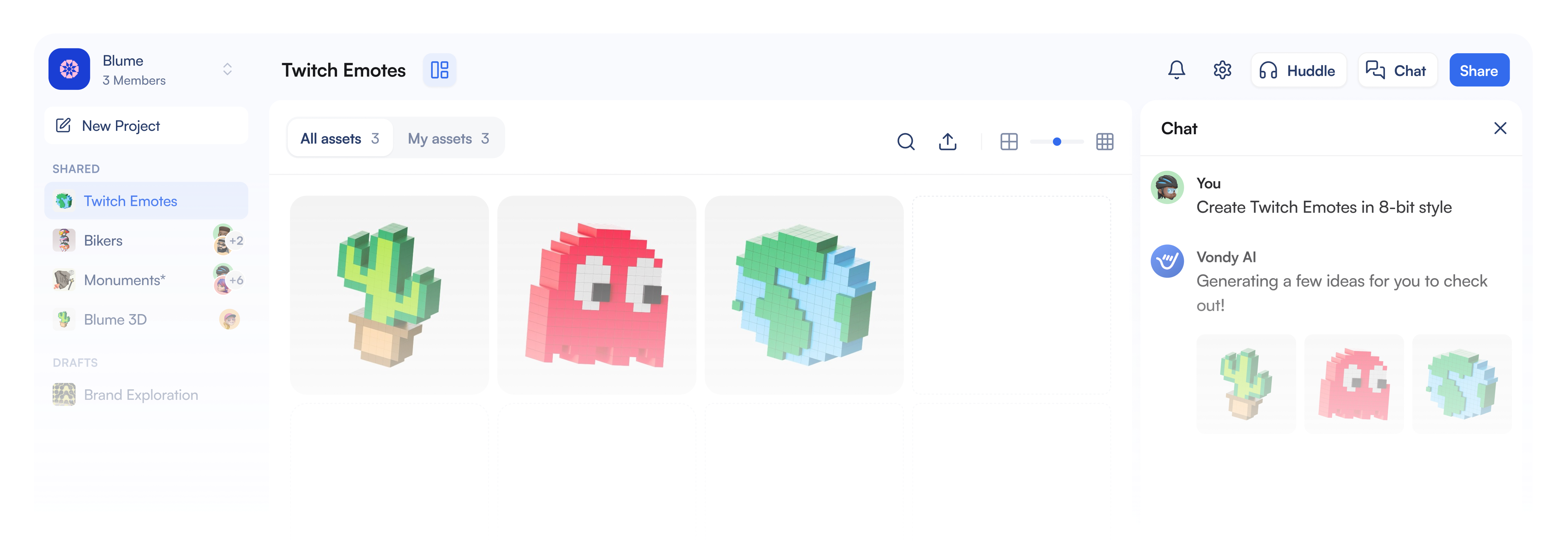
Continue Learning