
YouTube thumbnails are the single most important factor in whether someone clicks your video. The best thumbnails grab attention in a crowded feed, communicate your video's value in under a second, and create a consistent thumbnail style that viewers recognize across your YouTube channel.
For years, youtubers relied on Canva or Pixlr to make thumbnails from YouTube thumbnail templates. The problem? Everyone uses the same template library, so thumbnails end up looking identical. Small youtubers especially struggle to stand out when their thumbnails look like everyone else's.
AI changes the game. Instead of starting from a template, you describe what you want and generate a completely custom thumbnail in seconds. In this tutorial, we'll walk through redesigning an actual thumbnail for one of our YouTube videos using AI tools. Whether you're a beginner or experienced creator, you'll learn a repeatable process for creating high quality thumbnails that get clicks.
What You'll Learn
- Generating multiple thumbnail concepts from a single video idea
- Creating style variations (cyberpunk, minimal, cinematic)
- Optimizing text placement and font choices for mobile
- Adapting thumbnails for blog posts and social media
The Video We're Redesigning
We created this video to demonstrate workflows from our AI interior design guide. The video shows how to turn any room photo into a professional floor plan and 3D diagram using AI. Watch it to see what the thumbnail needs to communicate:
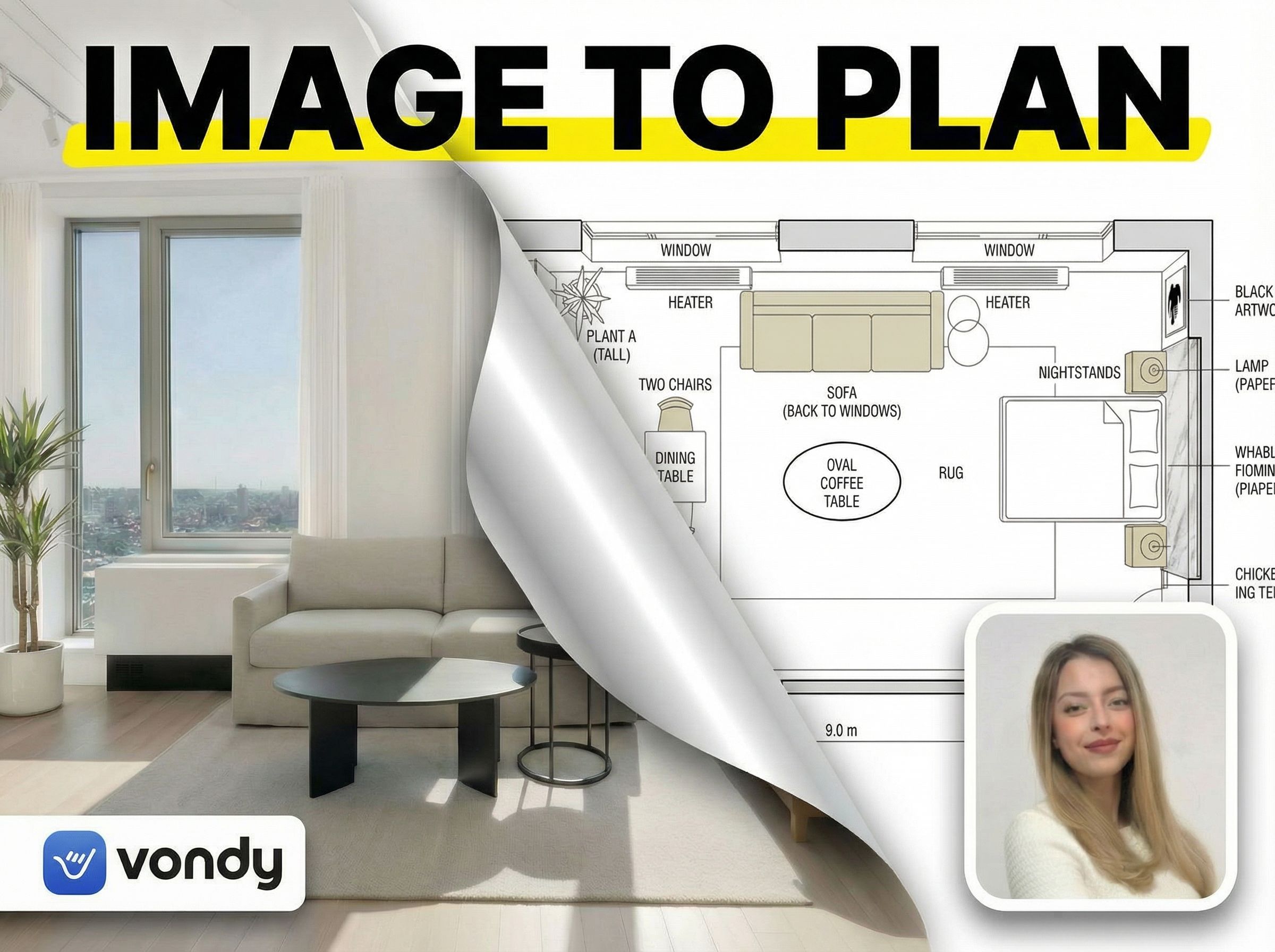
The thumbnail needs to instantly communicate the transformation: room photo → floor plan. It should feel professional, tech-forward, and clearly show this is a tutorial about AI tools. Let's build it.
Step 1: Gather Your Assets
Before you can make thumbnails, gather the visual elements that will appear in your design. Unlike drag and drop template editors, AI thumbnail generators work best when you provide specific images and clear direction.
Required Elements
- • Key images from your video (room photo, floor plan)
- • Your channel logo or brand mark
- • Headshot if featuring yourself
- • Main headline text (2-4 words max)
Style References
- • Color schemes you want to try
- • Thumbnail style from channels you admire
- • Your existing thumbnails (for consistency)
- • Mood or aesthetic direction
Our Assets
For this thumbnail, we gathered: the room photo from the video, the AI-generated floor plan output, the Vondy logo, and a presenter headshot. The headline would be "IMAGE TO PLAN" to communicate the transformation concept instantly.
Step 2: Generate Multiple Concepts
The power of using AI image generators as a thumbnail generator is rapid exploration. Generate 3-4 different visual concepts to see what communicates best. Each concept takes the same assets in a completely different direction.
YouTube thumbnail (16:9). [Visual concept]. LEFT: [first image]. RIGHT: [second image]. Add [transition effect]. Top headline: "[TEXT]" large, bold. Include [brand elements].Here are four concepts we generated for our floor plan tutorial:
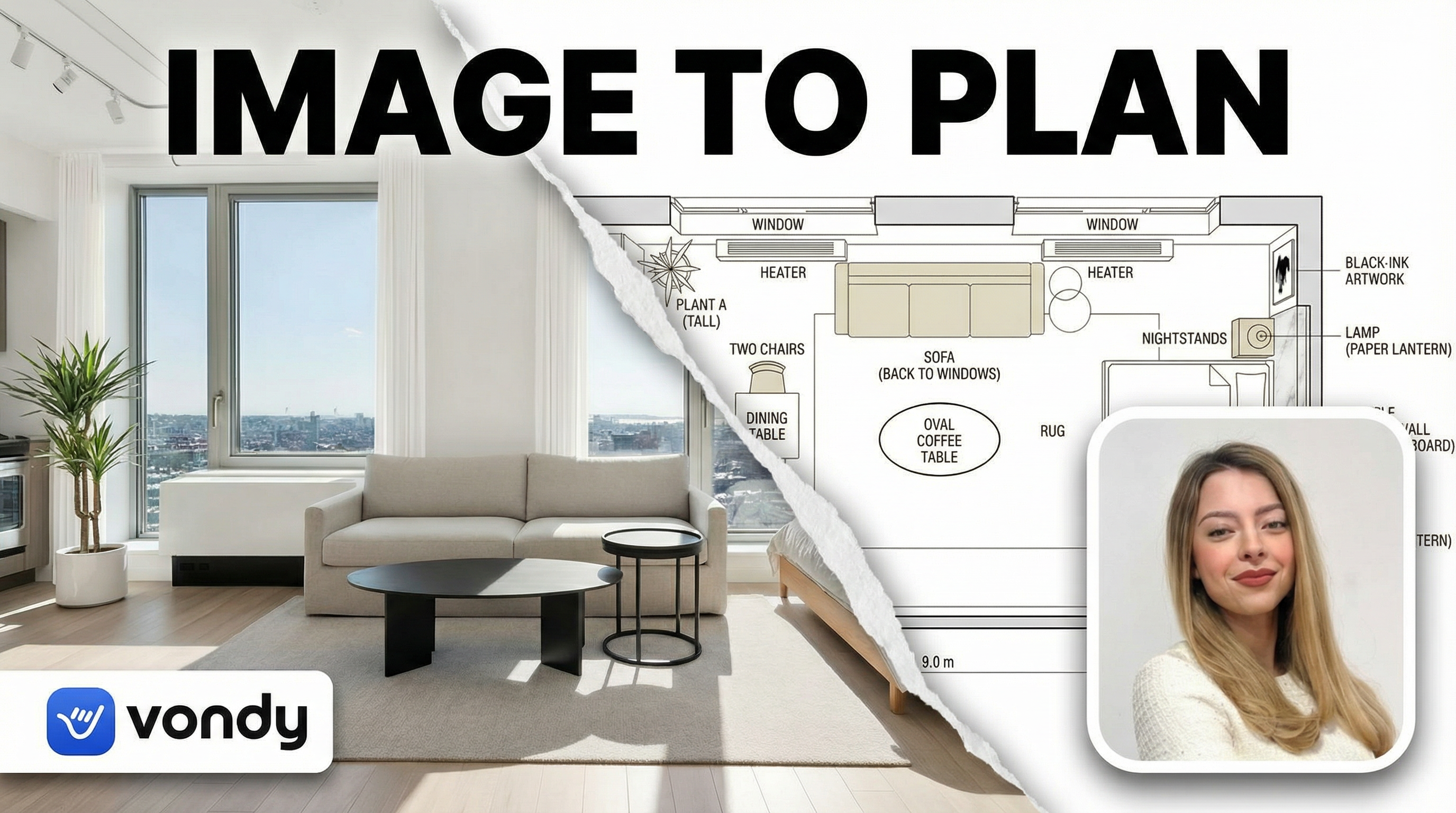
Ripped Paper Reveal
Paper peel-away effect
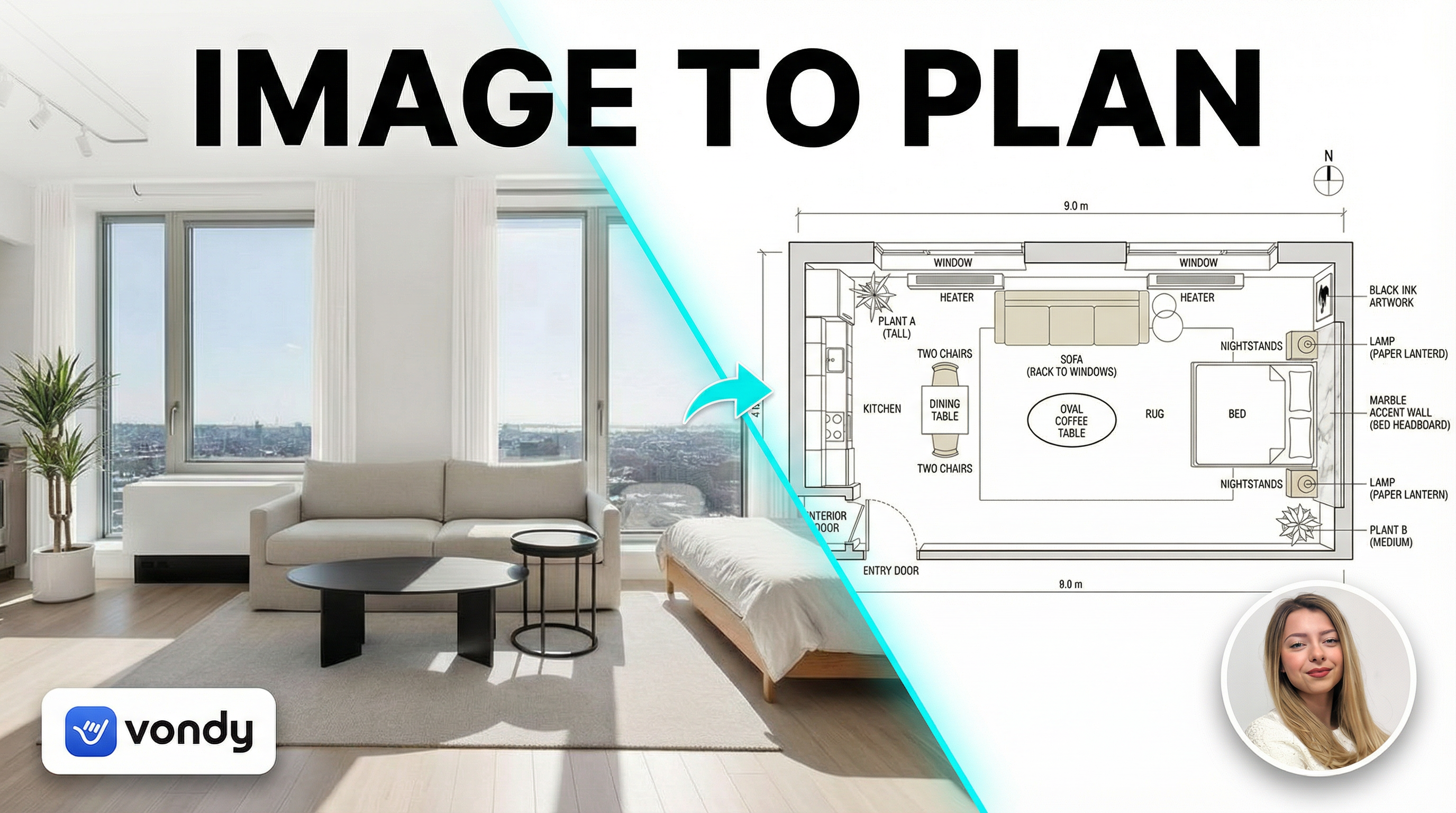
Clean Tech Diagonal
Modern tech, cyan glow seam
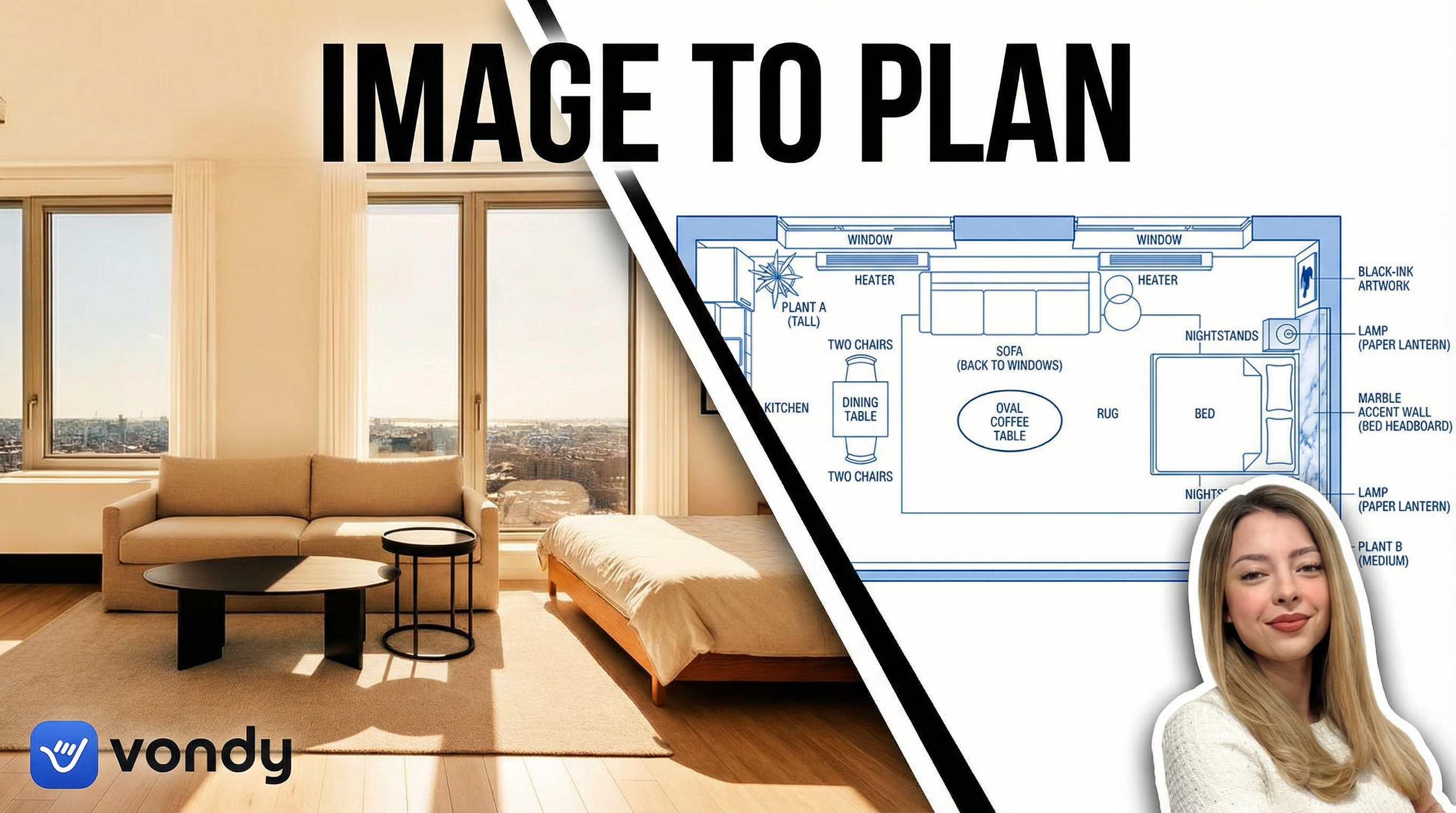
Before/After Blueprint
Blueprint transformation
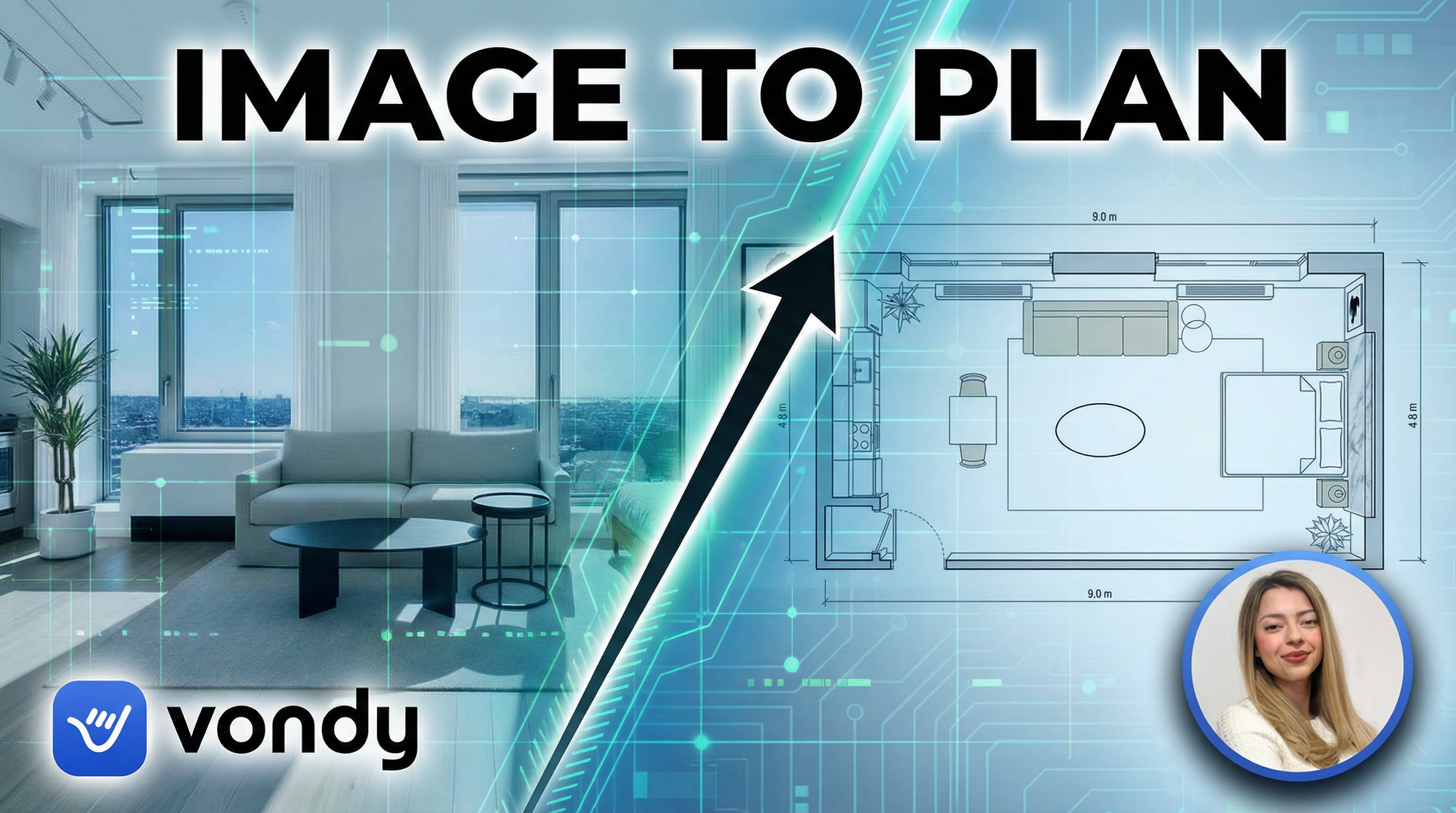
Futuristic HUD
Sci-fi HUD overlay
We selected the Ripped Paper Reveal concept. The peel-away effect creates visual drama and clearly communicates "transformation" at a glance. The paper texture along the diagonal edge adds depth without being distracting.
Step 3: Create Style Variations
With a layout chosen, explore different color schemes and aesthetic treatments. This is where AI for graphic design shines. You can transform the entire mood of your thumbnail design while keeping the same composition.
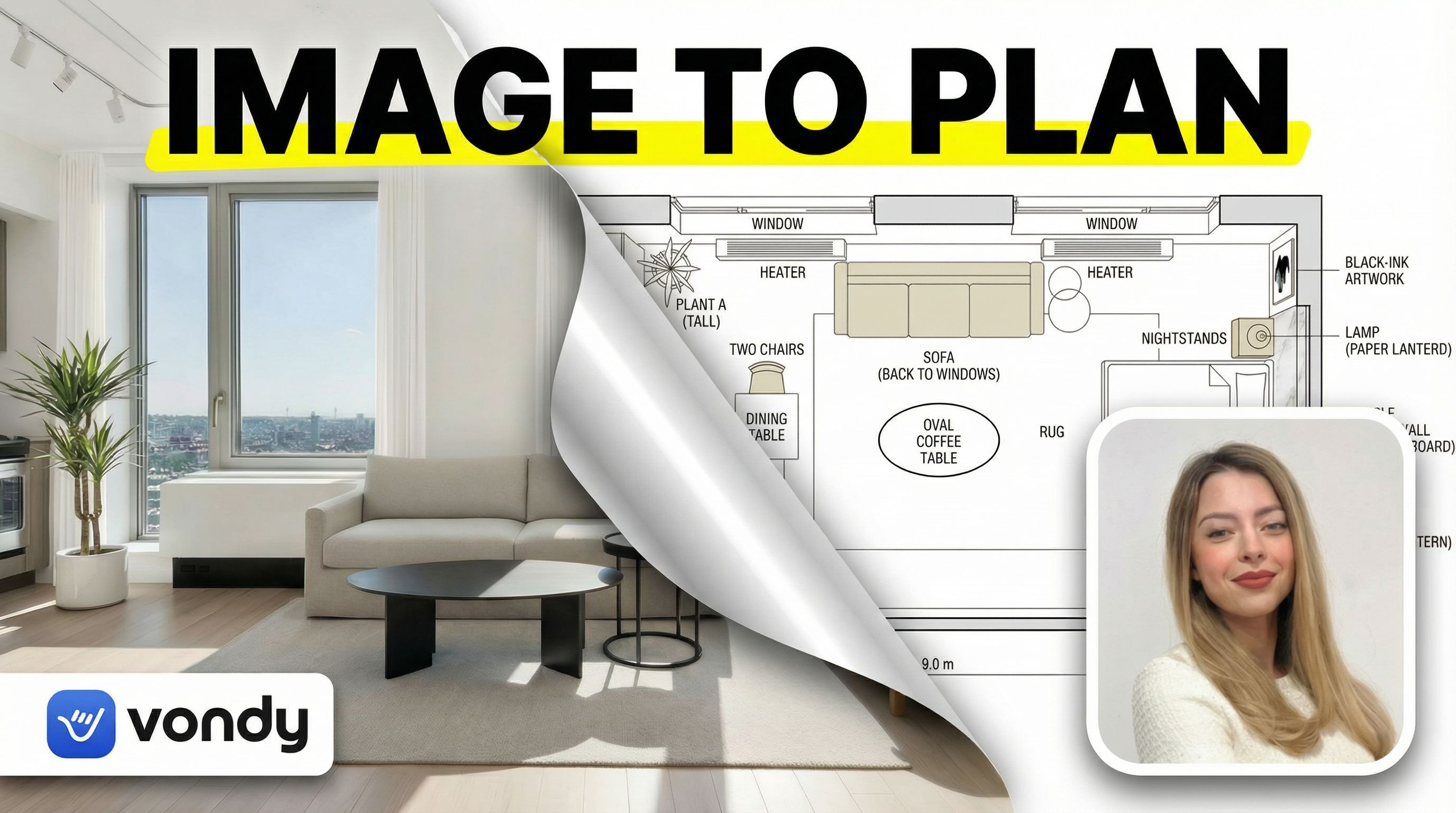
3D Sticker Peel
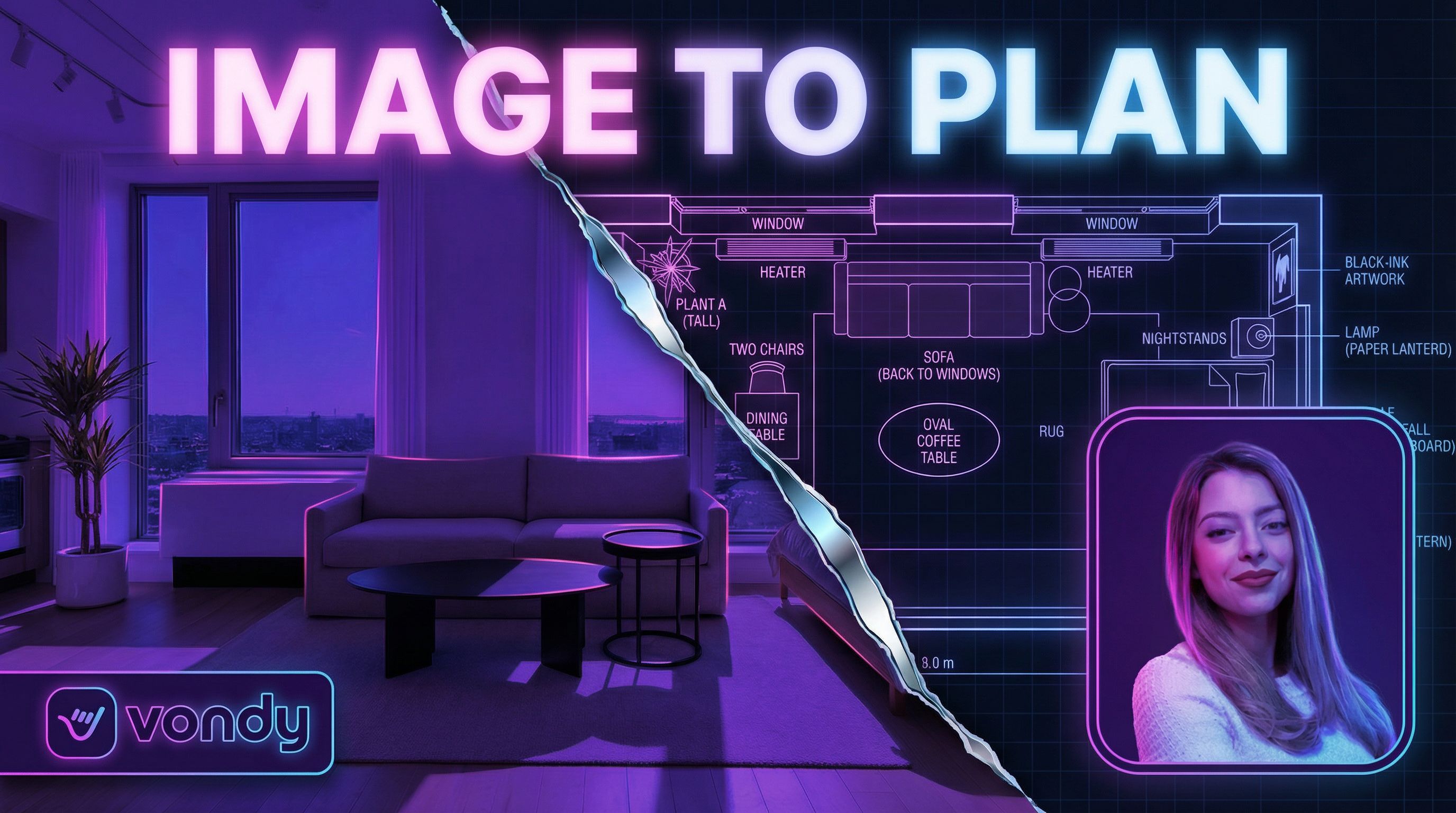
Neon Cyberpunk
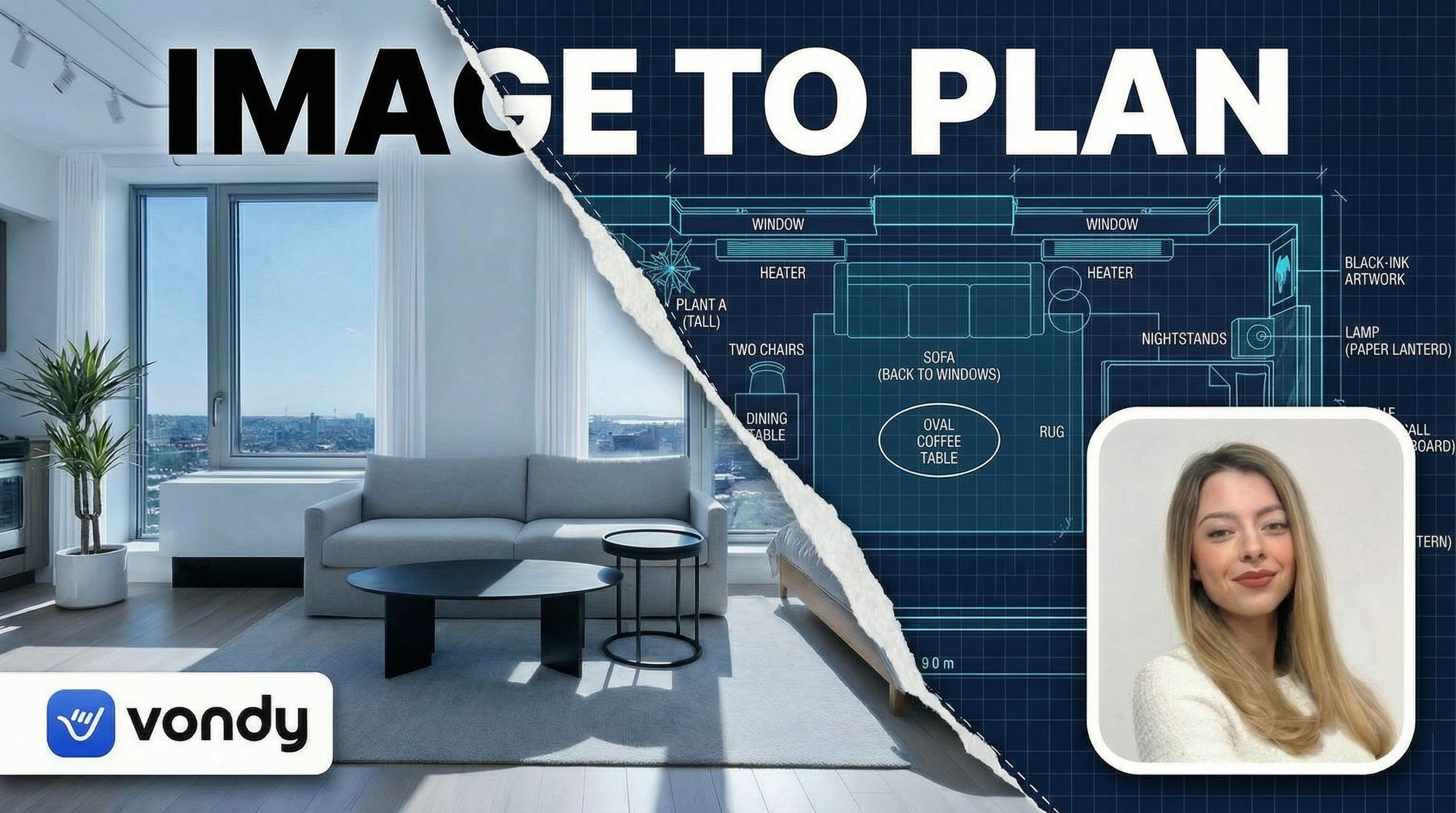
Blueprint Reveal
We chose the 3D Sticker Peel style. The glossy sticker effect with the curled corner creates depth and visual interest. The bright yellow accent under the headline draws the eye to the text, and the high-contrast look ensures the thumbnail image pops even at small sizes.
Good Thumbnail Tips
- • Test thumbnails at 150x84 pixels (actual YouTube display size)
- • High contrast between text and background is essential
- • Faces with emotion consistently outperform faceless thumbnails
- • Keep text to 3-4 words maximum for mobile readability
Step 4: Refine and Edit
With the style selected, the headshot felt too prominent and competed with the main visual. Using AI editing tools, we shrunk the headshot to half size to give the transformation visual more breathing room.
Edit: Headshot Size Adjustment
Before
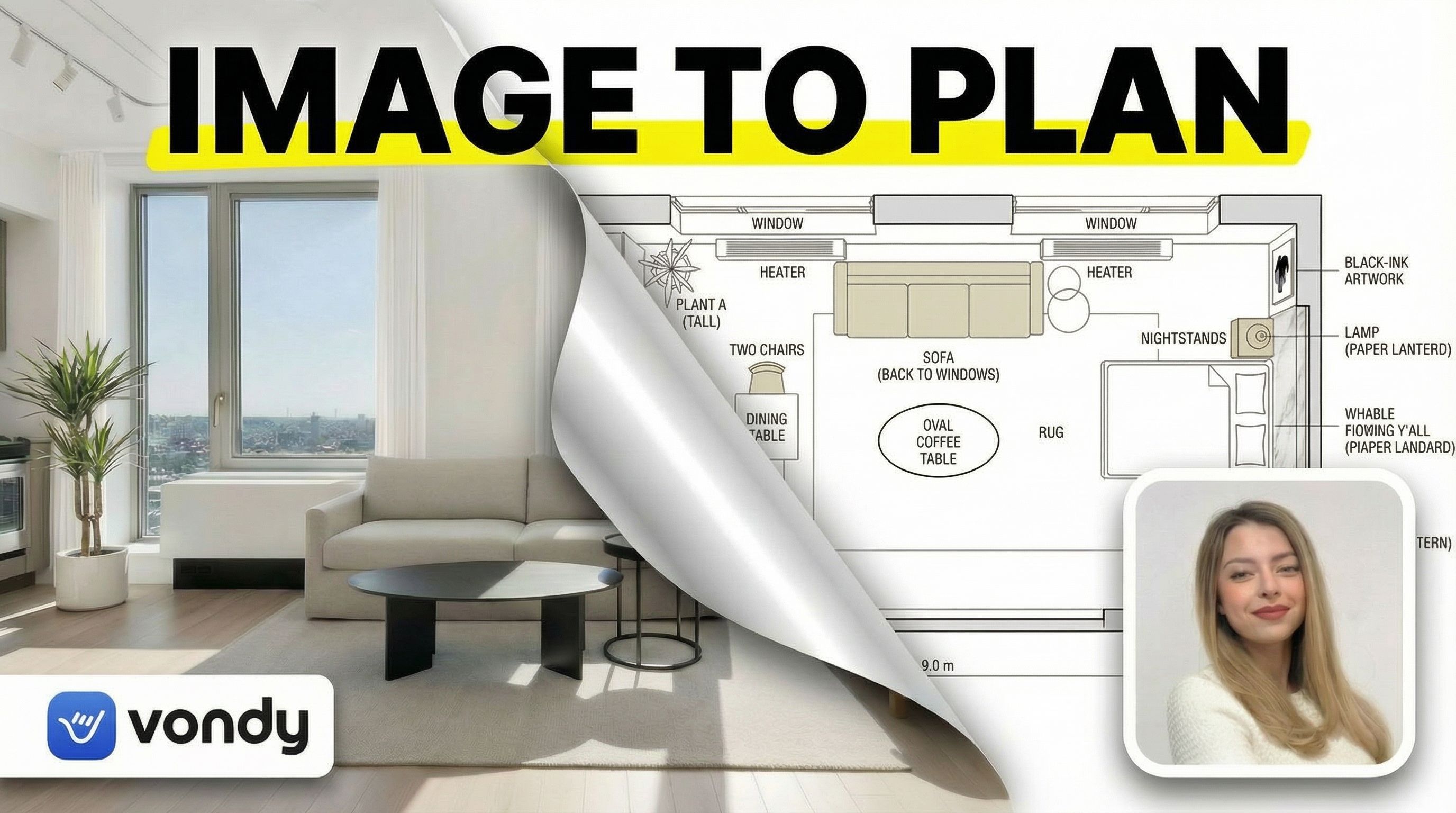
After
Click for before/after
From the refined version, we explored four different text headline treatments:
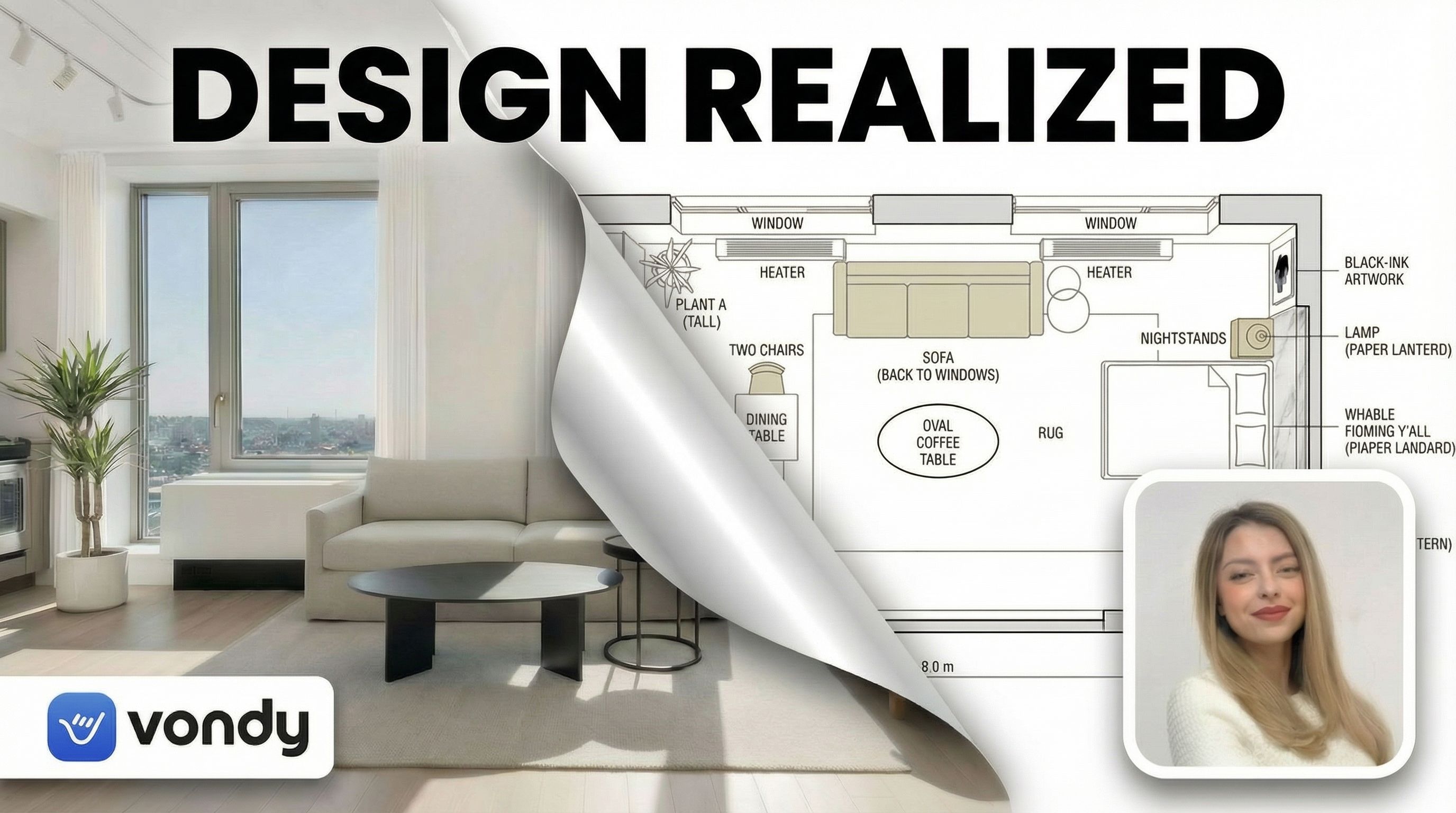
Short Punchy Title
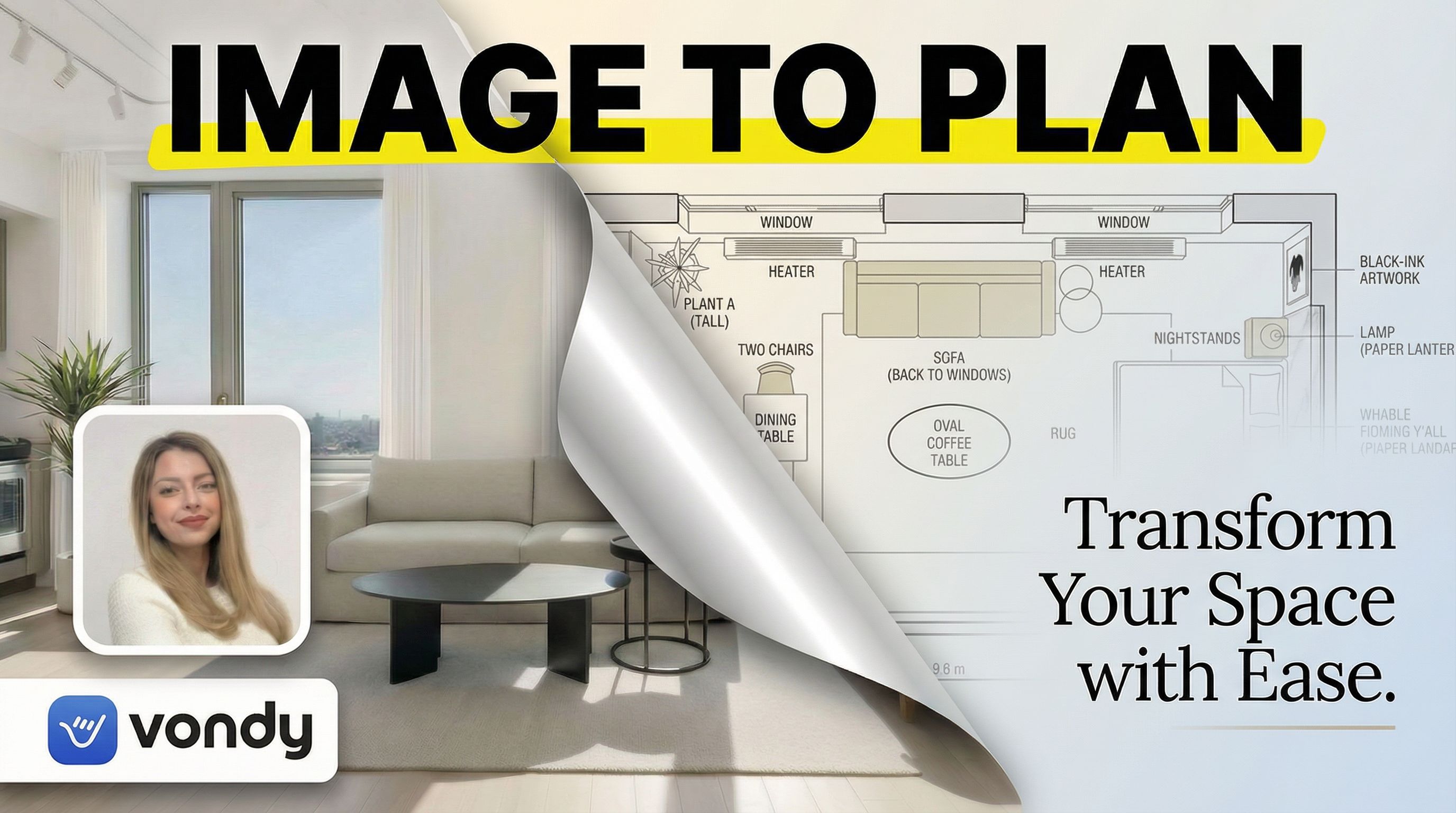
Benefit-Focused
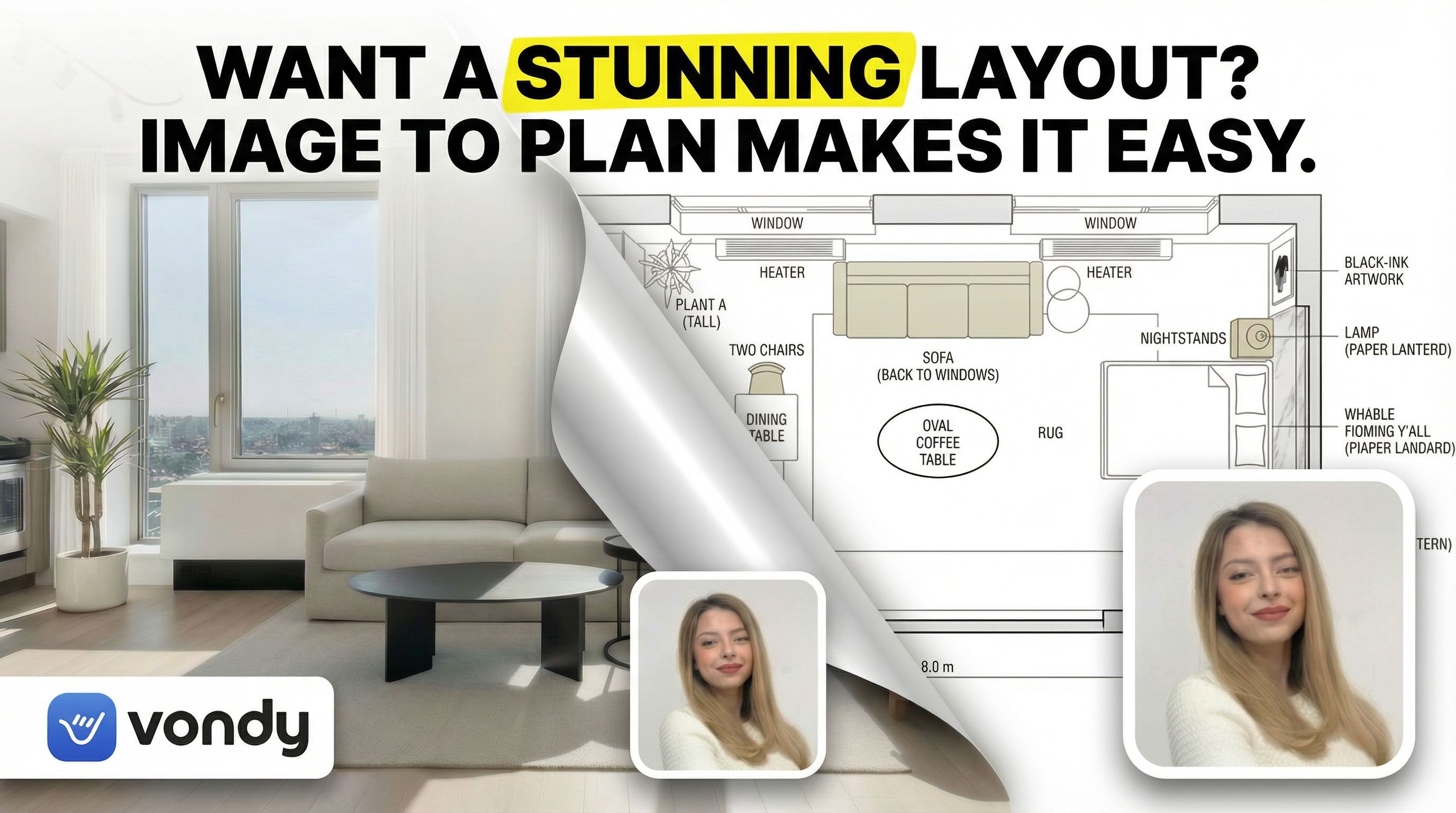
Question Headline
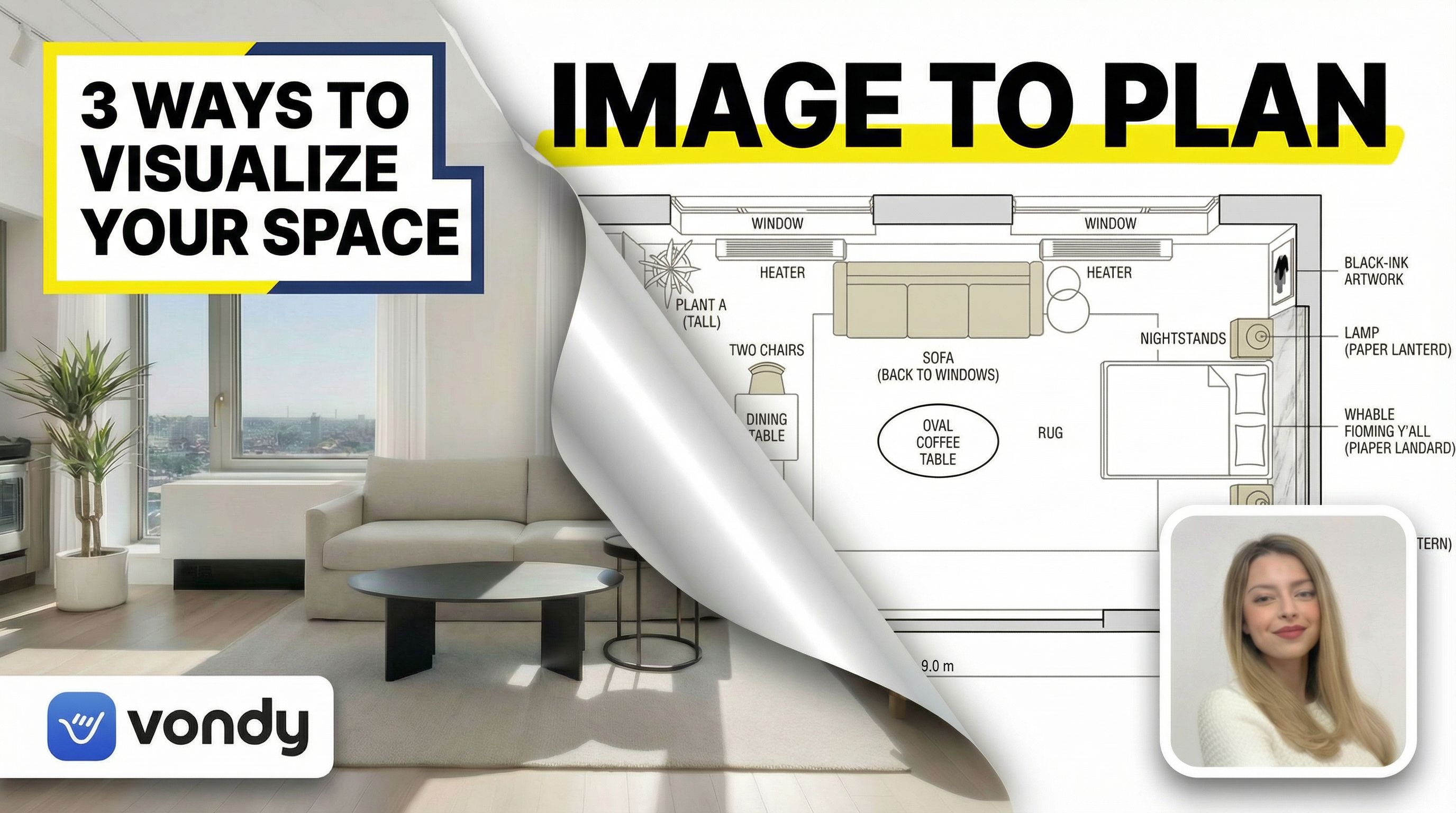
Numbered List Hook
Text Headline Strategies
- • Short punchy: 2-3 words that create curiosity ("IMAGE TO PLAN")
- • Benefit-focused: What the viewer will gain ("Design Any Room")
- • Question hook: Creates engagement ("Can AI Do This?")
- • Numbered list: Promises specific value ("3 AI Tools")
Step 5: Format Adaptations
Your thumbnail needs to work beyond YouTube. Blog posts, social media, email newsletters, and playlist covers all require different aspect ratios. AI can adapt your thumbnail design for each format.
Blog Thumbnail (4:3)
Aspect ratio: 4:3
Platform Specifications
Different platforms have different requirements for video thumbnail dimensions. Here are the specs you need to know:
| Platform | Dimensions (pixels) | Aspect Ratio | File Types |
|---|---|---|---|
| YouTube Video | 1280×720 (min) to 1920×1080 | 16:9 | JPG, PNG, GIF |
| YouTube Shorts | 1080×1920 | 9:16 | JPG, PNG |
| Instagram Reels | 1080×1920 | 9:16 | JPG, PNG |
| TikTok | 1080×1920 | 9:16 | JPG, PNG |
| Blog/Website | 1200×630 or 1200×900 | 1.91:1 or 4:3 | JPG, PNG |
Pro Tip: Create Your Own Thumbnail System
Once you find a thumbnail style that works, create a repeatable system. Generate a few variations as a template library you can adapt for future videos. This builds brand recognition and saves time. Many successful youtubers use the same basic layout with different colors and images for each video.
FAQ
How does AI compare to Canva as a YouTube thumbnail maker?
Canva offers excellent YouTube thumbnail templates with drag and drop editing. It works well for beginner creators who need something quick. But Canva templates are used by millions of people, so thumbnails can look generic. AI generates completely original designs based on your specific vision. For creators wanting to stand out, AI delivers unique results that template-based tools cannot match.
What makes the best thumbnails on YouTube?
The best thumbnails share common traits: faces with strong emotion, high contrast text that's readable at small sizes, bright saturated colors, and a clear visual hook. They communicate the video's value in under a second. Study thumbnails from successful channels in your niche. Notice their color schemes, font choices, and layouts. Then use AI to create your own thumbnail style that incorporates what works.
Should I use a custom thumbnail or let YouTube auto-generate?
Always use a custom thumbnail. Auto-generated thumbnails are random frames from your video that rarely look good. A well-designed custom thumbnail can increase click-through rate by 30% or more. Even small youtubers should invest time in thumbnail design. It's the highest-impact change you can make to grow your YouTube channel.
What's the best way to test thumbnails?
Generate 2-3 variations for each video. YouTube allows you to change thumbnails after publishing, so you can A/B test different versions. Watch your click-through rate in YouTube Analytics. If it's below 4-5%, try a different thumbnail. Open a new tab with your video and see how it looks in a crowded feed. The thumbnail should pop even when small.

Create Eye-Catching Thumbnails
All the AI tools used in this tutorial are available on Vondy. Generate concepts, explore styles, and export in any format.
Start creating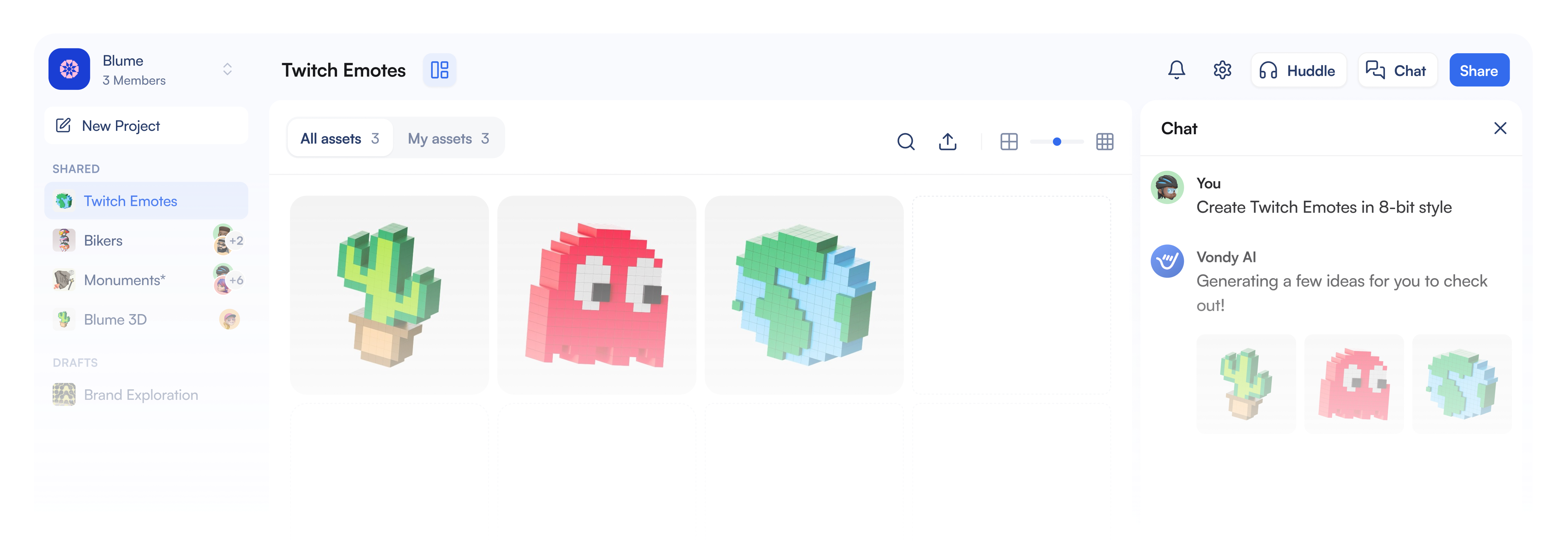
Continue Learning