How to Automate Tasks with AI: Complete Guide for 2026
Learn how to use AI automation to streamline repetitive tasks, boost productivity, and transform your business processes. This comprehensive guide covers everything from content creation automation to building AI-powered workflows.
 by Rohit DasJan 15, 202618 min read
Why AI Automation Matters in 2026
AI automation is transforming how businesses operate. From automating repetitive tasks like data entry and customer support to streamlining complex business processes, artificial intelligence is helping teams work smarter, not harder. The best AI automation tools combine machine learning with intuitive interfaces that let anyone implement AI solutions without writing code.
Whether you're a small business owner looking to optimize operations, a marketing team wanting to streamline content creation, or an entrepreneur exploring AI capabilities, this guide will show you how to use AI to automate tasks that previously consumed hours of manual work. We'll focus especially on visual task automation, where AI agents can generate graphics, mockups, and marketing materials in seconds.
The key to successful task automation lies in identifying bottlenecks in your workflow and matching them with the right AI tools. Modern automation platforms like Zapier, Microsoft Copilot, and specialized AI for business solutions make it possible to create automated workflows that handle everything from project management to customer follow-ups. These platforms connect your favorite apps and enable real-time decision-making that previously required human intervention.
The shift toward AI-driven automation represents a fundamental change in how work gets done. For startups and established enterprises alike, the question is no longer whether to adopt AI automation, but how quickly they can implement it to stay competitive. This guide walks you through practical strategies for building automated workflows, with real examples of visual content generation and step-by-step instructions for connecting AI tools into seamless pipelines.
Understanding AI Automation
AI automation goes beyond traditional robotic process automation (RPA) by adding intelligence to automated workflows. While RPA handles rule-based, repetitive tasks through predefined scripts, AI-powered automation can understand context, make decisions, and adapt to new situations using natural language processing and machine learning.
Traditional RPA
- Rule-based automation
- Structured data processing
- Predefined workflows
- Repetitive task execution
AI-Powered Automation
- Context-aware decision-making
- Unstructured data handling
- Adaptive AI workflows
- Complex tasks with AI agents
Key AI Automation Use Cases
Content & Creative
- • Social media graphics generation
- • Marketing material creation
- • Product mockup automation
- • Video thumbnail generation
Business Operations
- • Meeting notes and summaries
- • Customer support with AI chatbots
- • Data analysis and reporting
- • Email and notification automation
The most effective AI automation strategies combine multiple AI models and tools into end-to-end workflows. For example, you might use ChatGPT to draft email content, an AI image generator to create visuals, and Zapier to automatically post to your social media channels. This kind of AI-driven approach transforms time-consuming routine tasks into streamlined processes that run with minimal human intervention.
Understanding the distinction between rule-based automation and AI-powered automation is crucial for choosing the right approach. Rule-based systems excel at high-volume, predictable tasks like data entry from structured forms or scheduled report generation. AI automation shines when tasks require understanding context, processing unstructured data like customer emails, or making decisions based on patterns. Many successful implementations combine both approaches, using RPA for straightforward data processing while deploying AI agents for tasks requiring judgment and creativity.
The democratization of AI tools means that implementing automation no longer requires a team of data scientists. No-code platforms have made it possible for marketing teams, operations managers, and individual entrepreneurs to build sophisticated AI workflows. Whether you're automating customer support responses, generating personalized marketing materials, or streamlining your CRM data entry, the tools are now accessible to anyone willing to learn the basics. From spreadsheets and data analysis to complex tasks like customer onboarding, AI automation handles it all within your existing workspace.
Content Creation Automation
One of the most impactful ways to use AI automation is for content creation. Marketing teams and content creators can generate high-quality visuals, graphics, and templates in seconds instead of hours. This is especially powerful for social media management where you need consistent, on-brand content across multiple platforms.
Instagram Quote Post
Automate the creation of Instagram posts with consistent branding and professional typography.
Prompt
Inspirational quote Instagram post, deep navy blue gradient background with gold accents, elegant serif typography with quote DESIGN IS NOT JUST WHAT IT LOOKS LIKE. DESIGN IS HOW IT WORKS. - STEVE JOBS, subtle star pattern overlay, gold brush stroke corners, luxury brand aesthetic
Generation time: ~45s
AI Output

YouTube Thumbnails
Generate eye-catching thumbnails that boost click-through rates for your video content.
Prompt
YouTube video thumbnail, bold 3D text TOP 10 AMAZING FACTS YOU DIDNT KNOW, bright yellow and black color scheme, dynamic arrows pointing at text, attention-grabbing clickbait style with play button icon, high contrast
Generation time: ~45s
AI Output

Event Poster
Create vertical format promotional content for events, festivals, and announcements.
Prompt
Music festival poster design, bold chrome typography SUMMER FEST 2026, synthwave retrowave aesthetic, palm trees silhouettes, sunset gradient purple pink orange, city skyline, neon grid perspective floor
Generation time: ~45s
AI Output

These visual outputs demonstrate how AI automation tools can handle the creative heavy lifting. Instead of spending hours in design apps, you can generate professional-quality graphics using simple text prompts. For teams managing multiple brands or high-volume content needs, this represents a massive productivity gain. The key to effective AI for content creation is developing templates and prompt libraries that maintain brand consistency across all your marketing channels.
Content automation extends beyond image generation. Modern AI systems can produce content calendars, draft social media captions, generate hashtag suggestions, and analyze engagement metrics to optimize future posts. Marketing teams report saving 10-15 hours per week by automating their workflows, freeing them to focus on strategy rather than repetitive production. For video content, check our guide on the best AI video generators.
Marketing Automation with AI
Marketing teams are among the biggest beneficiaries of AI automation. From generating promotional materials to automating email campaigns, AI-powered tools help streamline the entire marketing workflow. The combination of AI image generation with automation platforms like Zapier creates powerful end-to-end solutions for modern marketing teams.
Email Newsletter Header
Create professional email newsletter graphics that drive engagement and conversions.
Prompt
Email newsletter header design for lifestyle brand, hero banner with SPRING COLLECTION text overlay, call to action SHOP NOW button, modern sans-serif typography, warm peachy coral color palette, fashion ecommerce aesthetic
Generation time: ~45s
AI Output

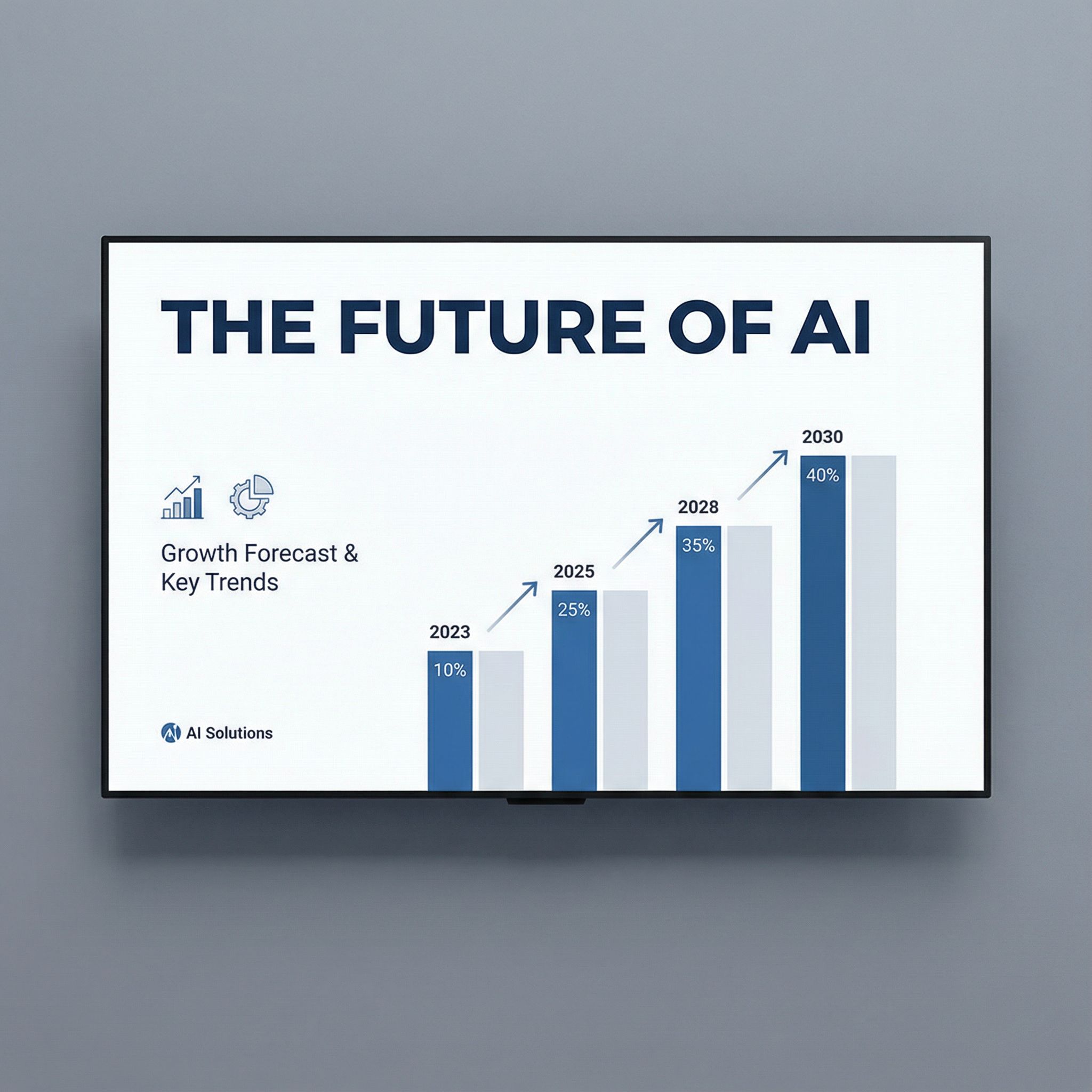
Presentation Slide
Generate professional slide designs that elevate your business presentations.
Prompt
Professional keynote presentation slide design, clean white background, bold headline typography THE FUTURE OF AI, data visualization bar chart, corporate blue accent colors, modern business aesthetic, minimalist layout
Generation time: ~45s
AI Output
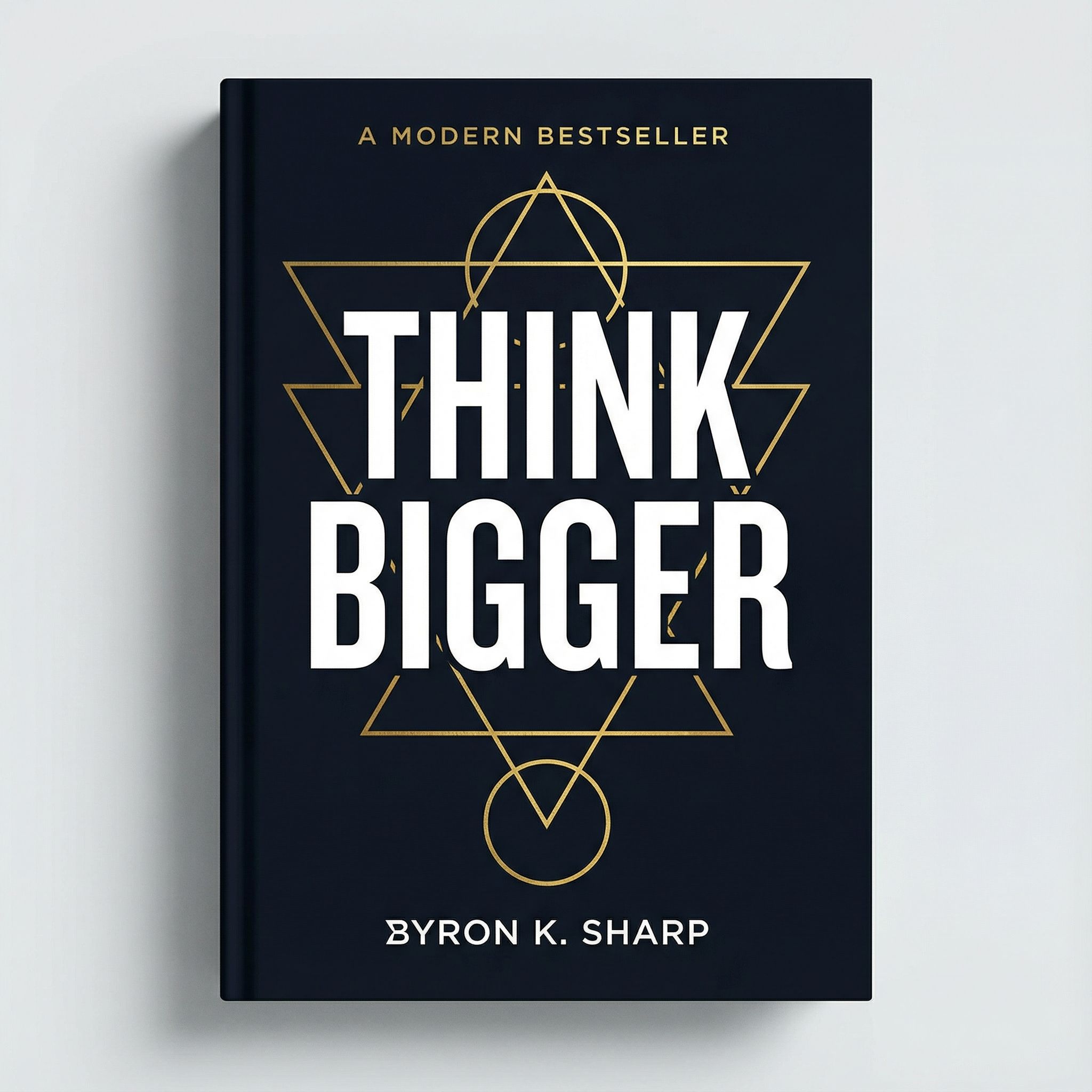
Book Cover Design
Automate book cover and report cover generation for publishing and corporate materials.
Prompt
Bestseller book cover design for business self-help book titled THINK BIGGER, bold white title typography on dark navy background, abstract geometric gold accents, modern minimalist style, professional author name at bottom
Generation time: ~45s
AI Output
For AI marketing automation, the real power comes from combining visual generation with workflow automation. Imagine a system where a new product launch automatically triggers the creation of promotional flyers, email headers, and social media posts. This kind of AI workflow reduces response times and ensures consistent messaging across all channels without manual coordination.
E-commerce businesses particularly benefit from product mockup automation. Instead of expensive photo shoots, generate professional product images and lifestyle shots using AI. Check out our guide on AI for e-commerce for more strategies. Email marketing automation represents another high-impact use case, where AI can personalize content based on customer segments, generate subject line variations for A/B testing, and create visually compelling headers integrated with Gmail or dedicated email marketing tools.
For retail businesses, AI automation extends to in-store and omnichannel experiences. Generate consistent signage, create localized promotional materials, and produce seasonal campaign assets that align with your brand guidelines.
Business Operations Automation
Beyond creative tasks, AI automation transforms core business operations. From generating dashboards and reports to automating customer support with AI chatbots, these AI solutions help teams prioritize work, track metrics, and make better decisions. The goal is to reduce manual work on routine tasks so team members can focus on strategic initiatives.
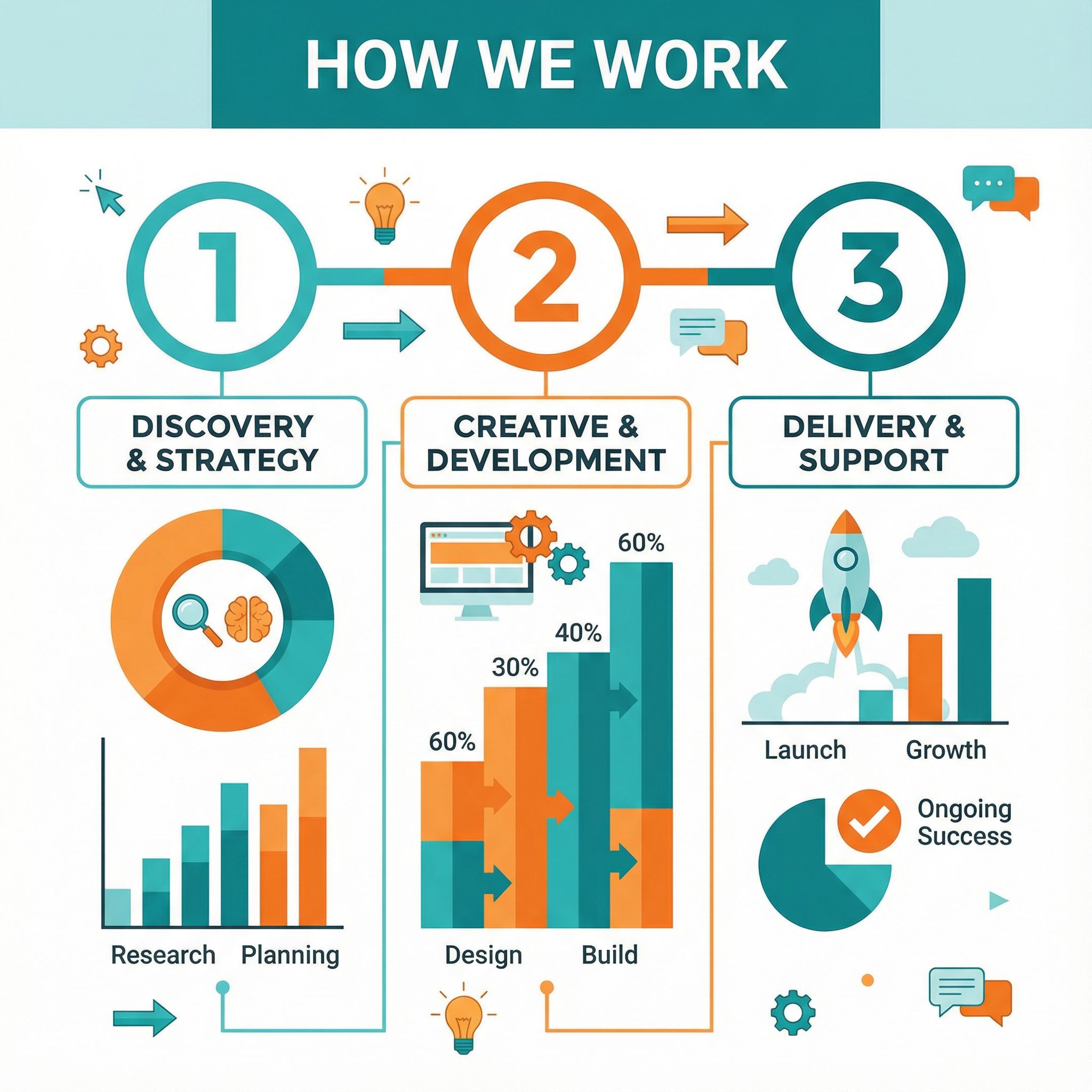
Infographic Design
Create professional data visualizations and infographics for reports and presentations.
Prompt
Data infographic design showing statistics HOW WE WORK, colorful pie charts and bar graphs, flat icon illustrations, numbered steps 1 2 3 layout, teal orange and white color scheme, clean modern design
Generation time: ~45s
AI Output
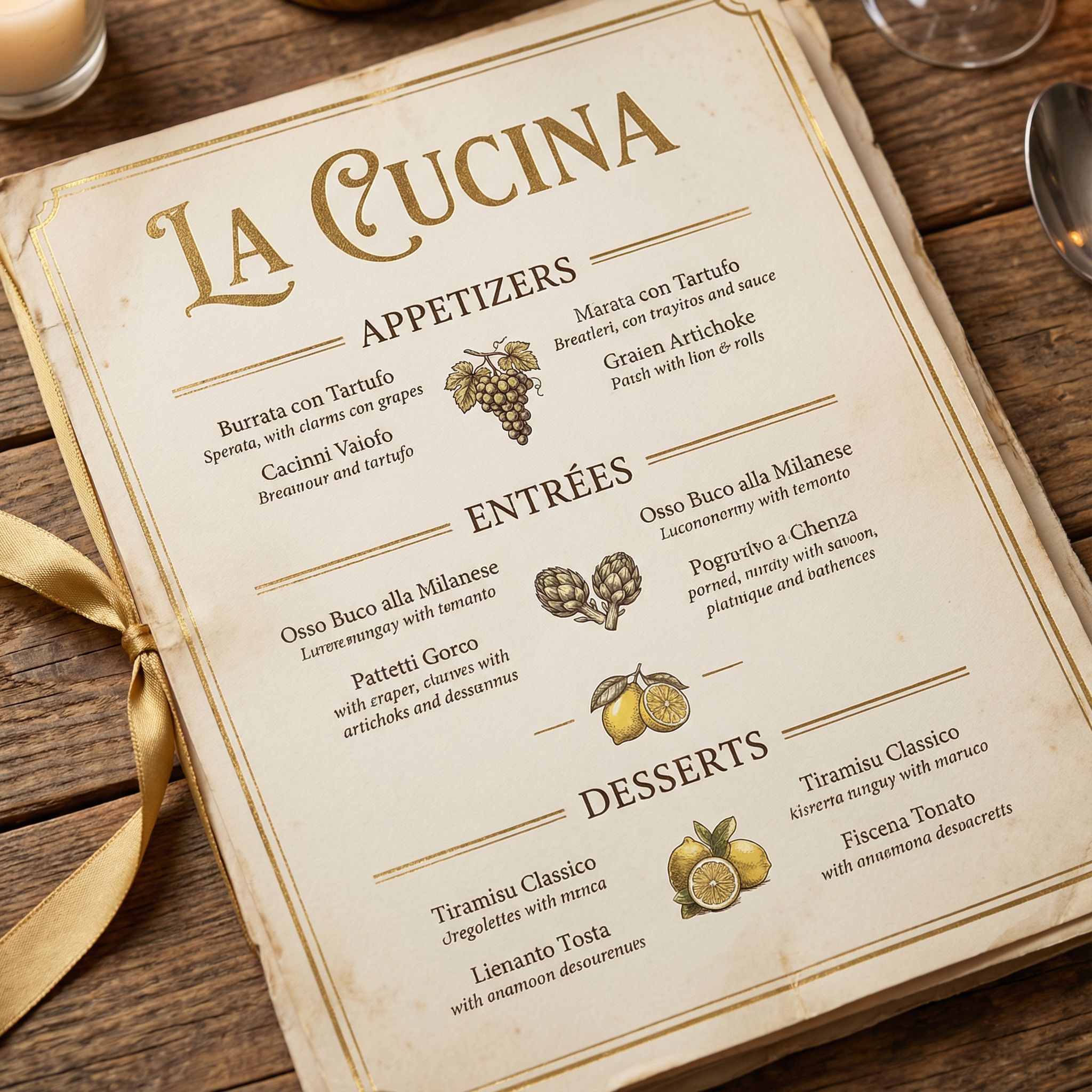
Restaurant Menu
Generate professional menu designs and business collateral.
Prompt
Elegant restaurant menu design, cream paper texture background, serif typography, gold accents, Italian cuisine layout with appetizers entrees and desserts sections, LA CUCINA header, vintage bistro aesthetic
Generation time: ~45s
AI Output
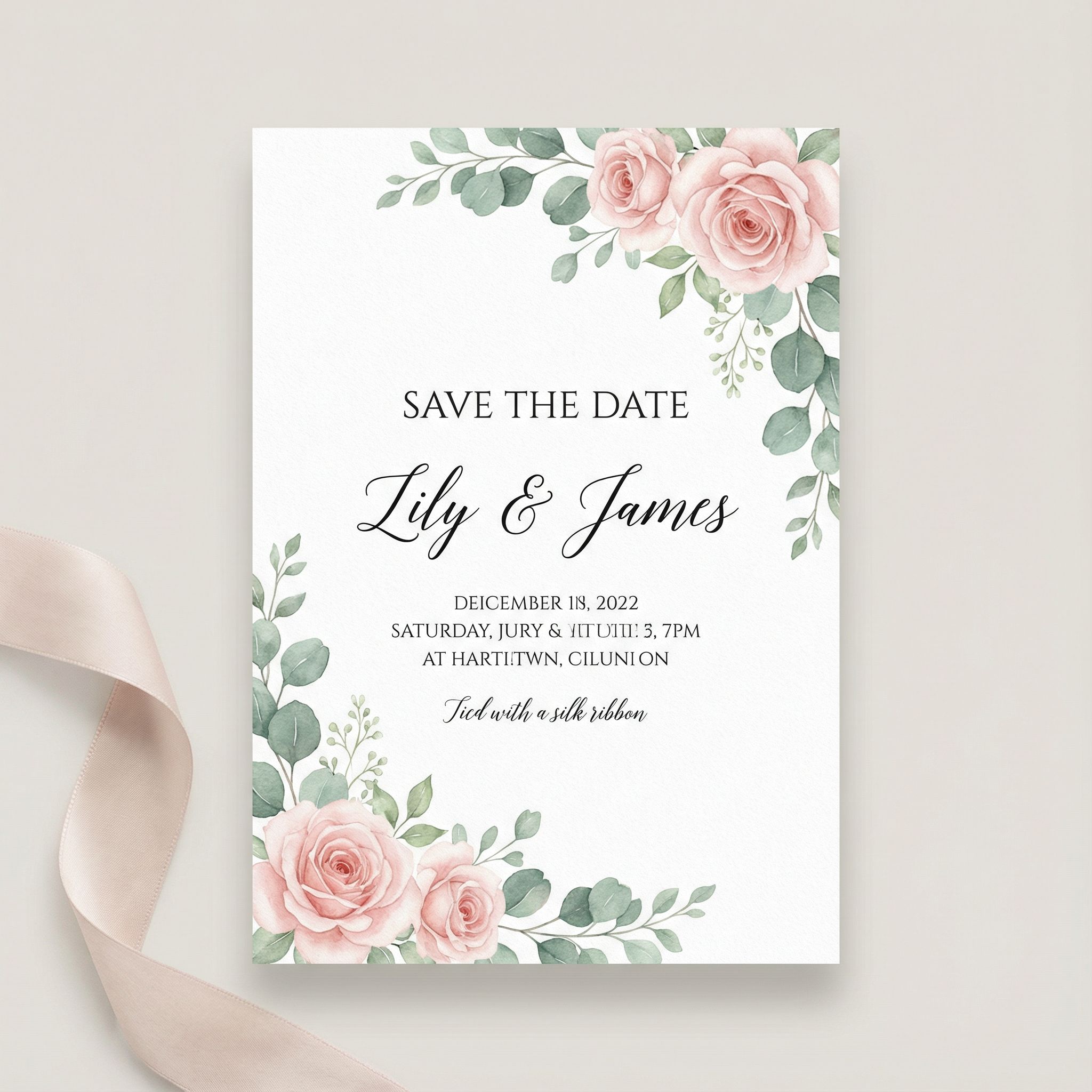
Wedding Invitation
Automate the creation of professional invitations and event collateral.
Prompt
Romantic wedding invitation card design, watercolor floral border in blush pink and sage green, elegant calligraphy font, SAVE THE DATE text, minimalist white background, botanical illustration corners
Generation time: ~45s
AI Output
For small businesses, these AI automation tools level the playing field. The data entry and spreadsheet functions that used to consume hours can now be automated with AI assistants. Tools like Microsoft Copilot integrate directly into your workspace for data analysis in real-time. Combined with project management apps like Asana and Salesforce, you can create comprehensive AI workflows. Microsoft Copilot excels at task automation, while Asana's AI features help with decision-making and team collaboration across complex tasks.
Customer support represents one of the highest-impact areas for business automation. AI chatbots can handle initial inquiries, route complex issues to appropriate team members, and generate response templates for support tickets. Meeting automation extracts action items, generates summaries, and schedules follow-ups automatically. When connected to your project management workspace like Asana, meeting outcomes flow directly into task assignments. The best AI automation tools integrate with Slack and Gmail for seamless notifications and dashboards.
Financial operations benefit from AI automation as well. AI systems can handle data-intensive tasks like processing invoices, categorizing expenses, and generating financial reports with greater accuracy than manual processes. For businesses using Salesforce or similar CRM platforms, AI automation keeps customer records updated and triggers follow-ups based on engagement patterns. AI agents can also automate employee onboarding workflows, from document collection to training schedule coordination, saving HR teams significant time on repetitive tasks.
Building Visual AI Workflows
The most powerful AI automation comes from combining multiple AI capabilities into seamless workflows. Image-to-image transformations and video generation demonstrate how AI can take existing assets and transform them into new formats, saving hours of manual work.
Selfie → Professional LinkedIn Headshot
Transform a casual phone selfie into a polished corporate headshot for professional use.
Input Image

Casual Selfie
AI Output

LinkedIn Headshot • ~35s
Product Shot → Lifestyle Contexts
Transform a single product photo into multiple lifestyle contexts for marketing.
Input

Studio Shot
Street Style

~52s
Beach Scene

~45s
Food Photo → TikTok/Reels Video
Transform a static food photo into an engaging vertical video for social media.
Input Photo

Food Photo
AI Video Output
Vertical Food Reel (9:16) • ~60s
Prompt: Camera slowly pushes in on the pasta dish, steam rises gently from the creamy sauce, basil leaves flutter slightly, warm ambient restaurant lighting, appetizing food video for TikTok Reels
Text-to-Video Automation
Generate professional video content directly from text prompts
Cinematic Drone Shot (Veo 3.1)
Cinematic drone shot over a modern coastal city at golden hour, waves crashing against the shore, skyscrapers reflecting the sunset, smooth camera movement forward
Duration: 8s
Product Commercial (Sora 2)
Sleek wireless earbuds rotating on a dark reflective surface, soft product lighting, dramatic highlights on the glossy surface, premium tech product commercial style
Duration: 4s
Brand Asset Generation
Generate consistent brand assets across multiple formats
Logo
~8s
Business Card
~8s
App Icon
~8s
These workflows demonstrate how AI automation can transform single inputs into multiple professional outputs. From selfie-to-headshot transformations to product lifestyle imagery and video content, these capabilities save countless hours of manual design and production work while maintaining consistent quality. The ability to batch process similar assets means you can generate an entire campaign's worth of visuals in minutes rather than days.
Pro Tips for Visual Automation
- • Create prompt templates: Save successful prompts as templates for consistent results
- • Batch similar tasks: Generate all social media sizes at once to maintain visual consistency
- • Use style references: Include reference images to guide AI models toward your brand aesthetic
- • Iterate quickly: Generate multiple variations and pick the best, rather than perfecting one prompt
- • Combine with no-code tools: Connect AI generation to Slack notifications or Gmail for seamless delivery
For more advanced visual workflows, explore our guides on how to make AI pictures and how to make AI videos. These tutorials dive deeper into prompting techniques and show how to create high-quality visual content for any use case. The best AI models continue to improve, making task automation more accessible for complex tasks that once required specialized skills.
Connecting AI Tools with Automation Platforms
The true power of AI automation emerges when you connect multiple tools into cohesive workflows. Modern automation platforms like Zapier make it possible to trigger AI generation, process results, and distribute content across channels without manual intervention. Here's how to implement AI automation across popular apps and boost productivity with connected AI agents.
Zapier
Connect apps and automate workflows without code
Best for: Cross-app automation
Microsoft Copilot
AI assistant integrated into Microsoft 365
Best for: Office productivity
Vondy
AI-powered creative automation platform
Best for: Visual content creation
Asana
Project management with AI task automation
Best for: Team collaboration
Example Automated Workflows
Social Media Content Pipeline
New blog post → AI generates social graphics → Posts scheduled to LinkedIn, Twitter, Instagram
Customer Support Automation
Support tickets → AI generates responses → Team reviews via Slack → Customer receives follow-ups
E-commerce Product Launch
New product in Salesforce/CRM → AI generates mockups → Email campaign created → Notifications sent
Meeting Action Items
Meeting notes uploaded → AI extracts action items and summaries → Tasks created in Asana → Team notified
When building automated workflows, start simple and add complexity gradually. Begin with a single trigger and action, test thoroughly, then expand. Use AI to automate tasks that drain your team's time, then scale to more complex tasks as you gain confidence. API access enables custom integrations beyond what no-code apps provide. ChatGPT and other AI chatbots can be integrated via API for natural language processing functions within your workflows.
Slack integration deserves special attention for team-based workflows. Configure AI automation to send notifications when tasks complete, request approvals for generated content, or alert team members when specific conditions are met. Many teams create dedicated Slack channels for automation updates, making it easy to track automated processes. For organizations with existing tech stacks, look for AI automation tools that connect with your current apps through native integrations or platforms like Zapier. A new lead in your CRM might trigger a personalized welcome email with AI-generated content, followed by automated follow-ups based on engagement metrics.
Security and compliance become important as you scale automation. Ensure your chosen platforms meet data protection requirements, support role-based access controls, and provide audit trails for automated actions. Zapier and similar automation platforms offer features for team collaboration, making it easy to share workflows and maintain consistency across your organization.
Getting Started with AI Automation
Ready to implement AI automation in your workflow? Here's a practical onboarding path that takes you from beginner to building sophisticated AI-driven processes.
Step 1: Identify Bottlenecks
List repetitive, time-consuming tasks. Good candidates include social media posting, email responses, report generation, and customer support.
Step 2: Choose the Right AI Tools
For visual content, explore Vondy's AI image generators. For text, consider ChatGPT. For workflow automation, use Zapier or Microsoft Power Automate.
Step 3: Build Your First Workflow
Start simple. A common first workflow: automatically generate social media graphics when you publish a blog post.
Step 4: Create Templates
Document successful prompts and workflows. Create templates that team members can reuse for consistency.
Step 5: Measure and Optimize
Track metrics like time saved and output quality. Use dashboards to monitor performance and iterate on workflows.
Start Automating Today
Explore Vondy's AI tools and begin building automated workflows for your team.
FAQs About AI Automation
What tasks can AI automate?
Content creation, data entry, customer support, email responses, social media management, report generation, and more. The best candidates are repetitive tasks that follow patterns.
Do I need coding skills?
No. Most AI automation tools are no-code platforms with visual interfaces. API access is available for deeper customization but not required.
How much time can AI automation save?
Teams typically save 5-15 hours per week on content creation. Customer support automation handles thousands of routine inquiries without human intervention.